 Skava
Skava
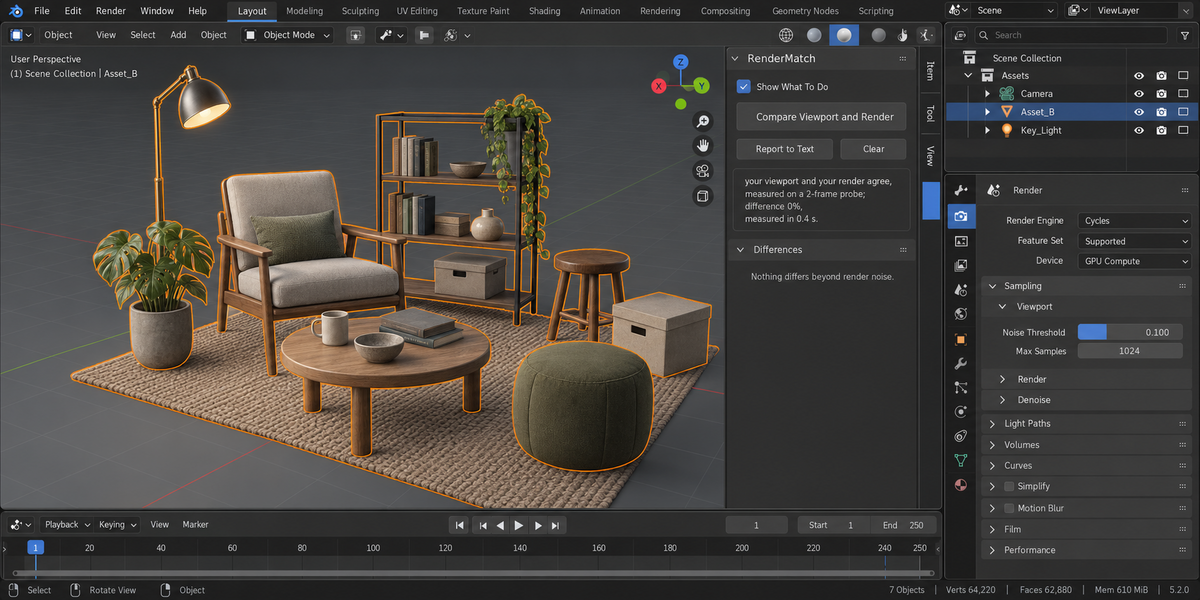

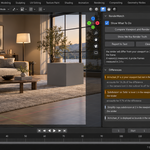
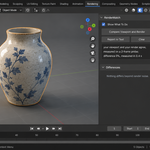
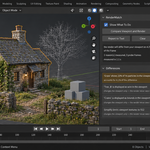
You are judging a picture you will never render
The viewport is not the render. Objects are hidden on screen but enabled for the camera. A modifier is switched on for the viewport and off for the render. Subdivision is 1 while you model and 4 when it counts. An object is hidden from camera rays so it lights the scene without being drawn. A collection is set to Holdout. A render border is still on from yesterday. Every one of these is a normal way to work, and every one of them means the frame you are looking at is not the frame that will come out.
RenderMatch measures the gap. Not "check these settings" — a number, and a reason for every part of it.
What it does
It renders two small probe frames. The first is your scene exactly as it will render. The second is the same scene with every difference switched to what your viewport is showing you. The difference between those two frames is how much of the final image you are not seeing.
Then it takes the causes apart. One at a time, it fixes a single cause and renders the probe again: how much of the frame that one fix changes is that cause's number. That is the question you are actually asking — what do I get if I correct this one thing.
What that looks like
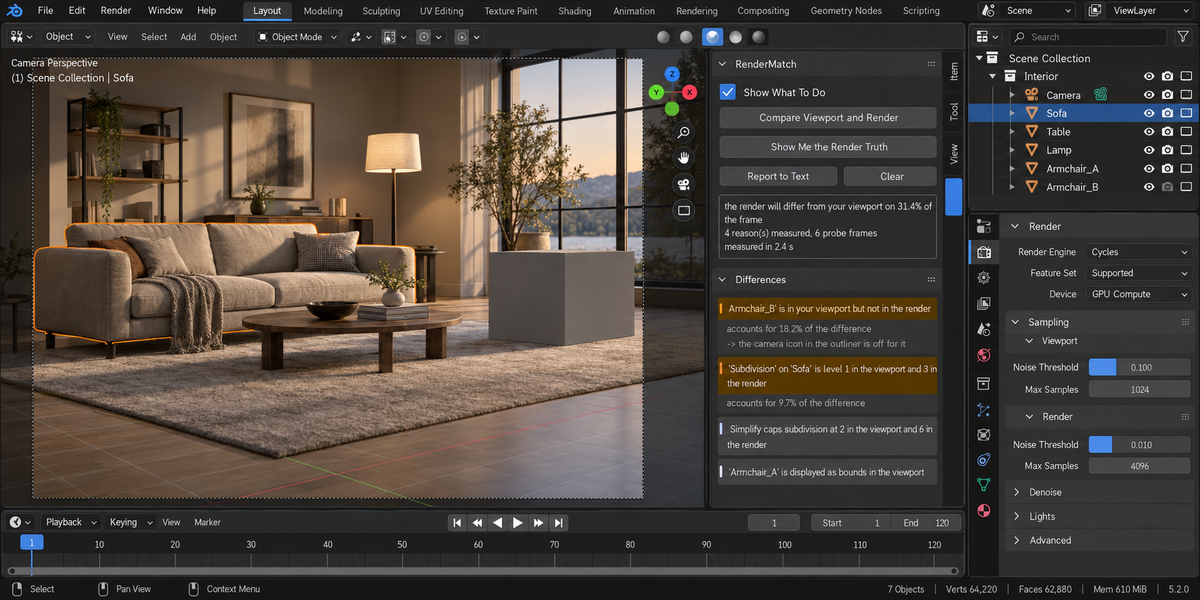
On a test scene with one object hidden from the camera, the report reads: the render will differ from your viewport on 25.7 percent of the frame, and that object accounts for all of it, measured on three probe frames in half a second. Add a second cause — subdivision at 0 on screen against 3 in the render — and it reads 25.7 percent and 5.0 percent against a total gap of 30.7 percent. A render border covering the middle half of the frame is measured at 76.9 percent. An object switched off for camera rays: 20.5 percent. Hair set to render as None while the viewport is full of it: 22.5 percent. Every one of those numbers came out identical in three separate runs.
Where two causes cover the same part of the frame, fixing either one alone changes that area — so their numbers can add up to more than the total. The report says that in plain words instead of quietly dividing the difference between them and giving both a zero.
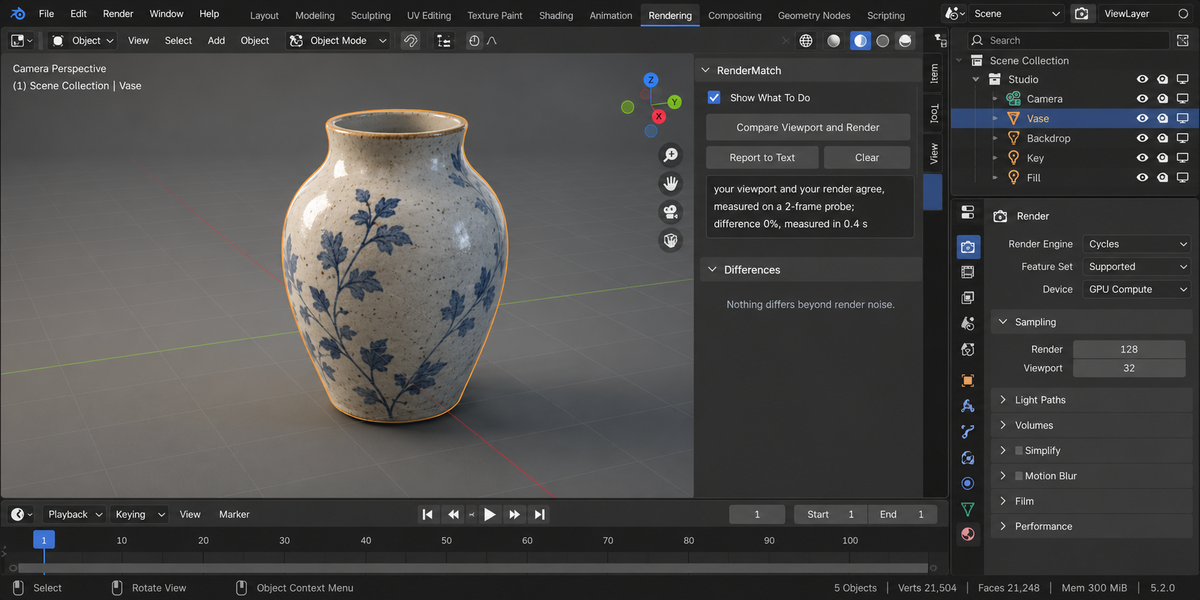
On a scene where nothing differs, it reports zero causes and a difference of zero, on a single probe frame. A tool that always finds something is as useless as one that never does.
What it finds
- objects visible on screen but switched off for the render, and the other way round
- objects hidden from camera rays, which still light and reflect but are never drawn
- collections hidden in the viewport that still render, and the other way round
- collections set to Holdout or Indirect Only
- a render border, with the part of the frame it leaves empty
- a transparent film — and whether your output format even has an alpha channel to put it in
- modifiers with the screen switch and the camera switch set differently
- subdivision and multiresolution levels that differ between viewport and render
- Simplify capping subdivision or child particles for the viewport only
- particle systems showing a fraction of themselves on screen, or set to render as None while you can see them
- an instancer shown in the viewport and hidden in the render, or the reverse
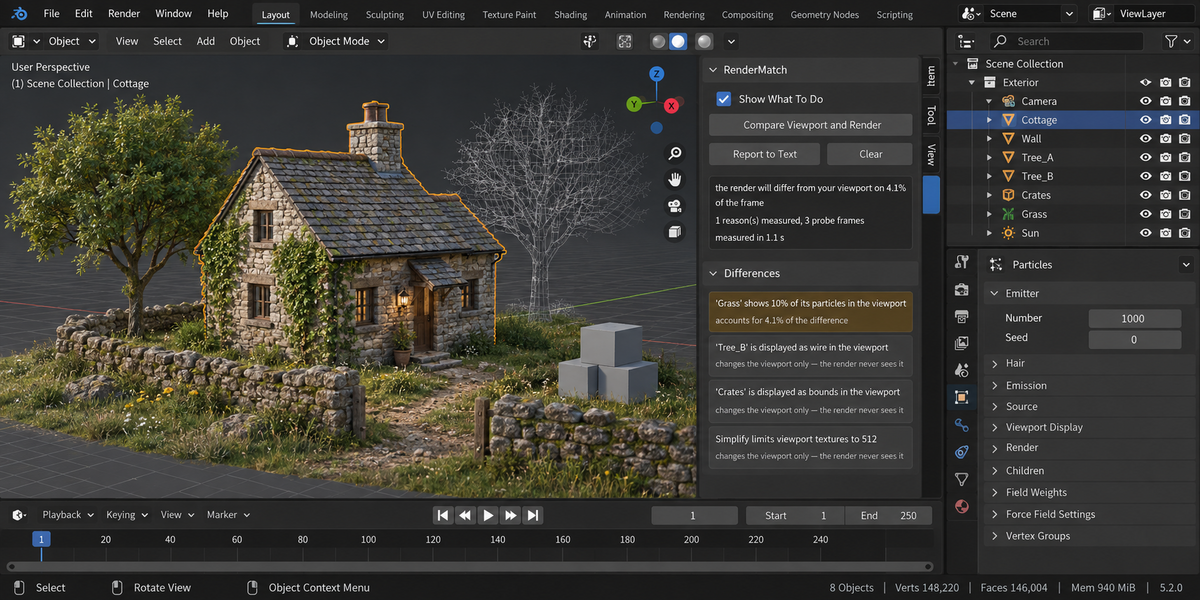
And, listed separately and without a percentage, the things a probe honestly cannot put a number on: settings that change only the viewport — display type set to Bounds or Wire, the viewport texture limit, images with unsaved edits — and the ones that sit on top of the scene, like the video sequencer, the compositor, or a geometry node group that uses Is Viewport to make the two deliberately different. Inventing a share for those would be dishonest. What they do to your frame is spelled out instead.
It measures your frame, not a stand-in
The probe keeps the shape of your camera frame, including a non-square pixel. On a vertical format a fixed 16:9 probe would look at the wrong part of the scene — reporting a difference that is not in your frame, and missing one that is. It also switches the sequencer and the compositor off for the length of the probe, because with a strip in the file Blender renders the strip and not your scene at all: two identical pictures, a difference of zero, and a comparison that measured nothing. That is reported to you as its own line.
It does not touch your scene
Everything it switches, it switches back. And it does not merely promise that: it takes a fingerprint of every visibility flag, modifier switch, subdivision level, particle count and render setting before and after the run, compares them, and tells you in plain words if they differ. That would be a bug in the add-on, and it says so. The fingerprint includes the output colour depth, because switching an image format is exactly the kind of thing that can quietly turn a 32-bit EXR into a 16-bit one.
Fast, even on a heavy scene
The probes are about twenty thousand pixels, samples are capped and the noise seed is fixed. A Cycles scene set to 4096 samples measures in under half a second, not in minutes, and the sample count you set is put back afterwards. The fixed seed matters for a second reason: two probes of an identical scene come out identical, so nothing in the report is sampling noise pretending to be a difference.
One button, then one more if you want it
Compare gives you the report. Show Me the Render Truth pulls the viewport side of every measured difference up to its render value, so what you are looking at is what will be rendered. One undo puts it back.
Tested
One hundred and eighty-nine checks on Blender 5.2 and again on 5.1, both green, plus an adversarial review that went looking for cases where the add-on could report agreement while the frame really differs — eight of them were found. Seven are now measured, and the add-on's number matches an independent measurement to the tenth of a percent. The eighth — a geometry node group that makes the viewport differ on purpose — is named in words rather than given a number, because no probe can measure it honestly. Agreeing scenes stay silent, planted differences are named with a measured share, the scene fingerprint is identical before and after, a scene with more differences than it will probe says the real gap is larger rather than quietly reporting a few, and a frame with nothing in it is called out before anything else — decided by what is actually inside the camera, not by how flat the picture looks.