 Skava
Skava
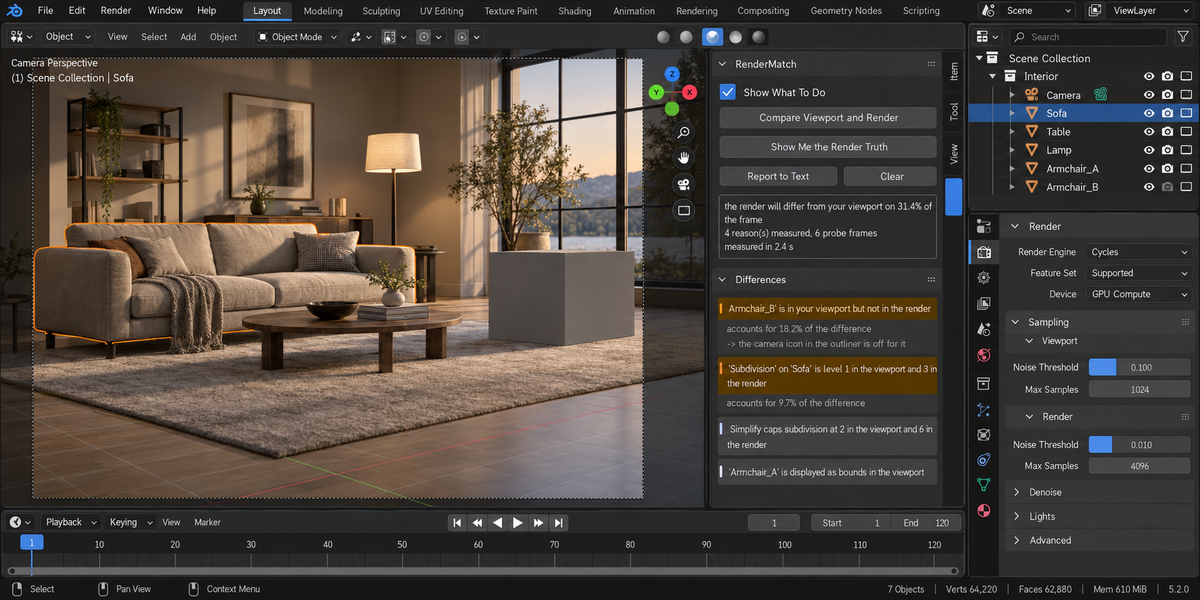
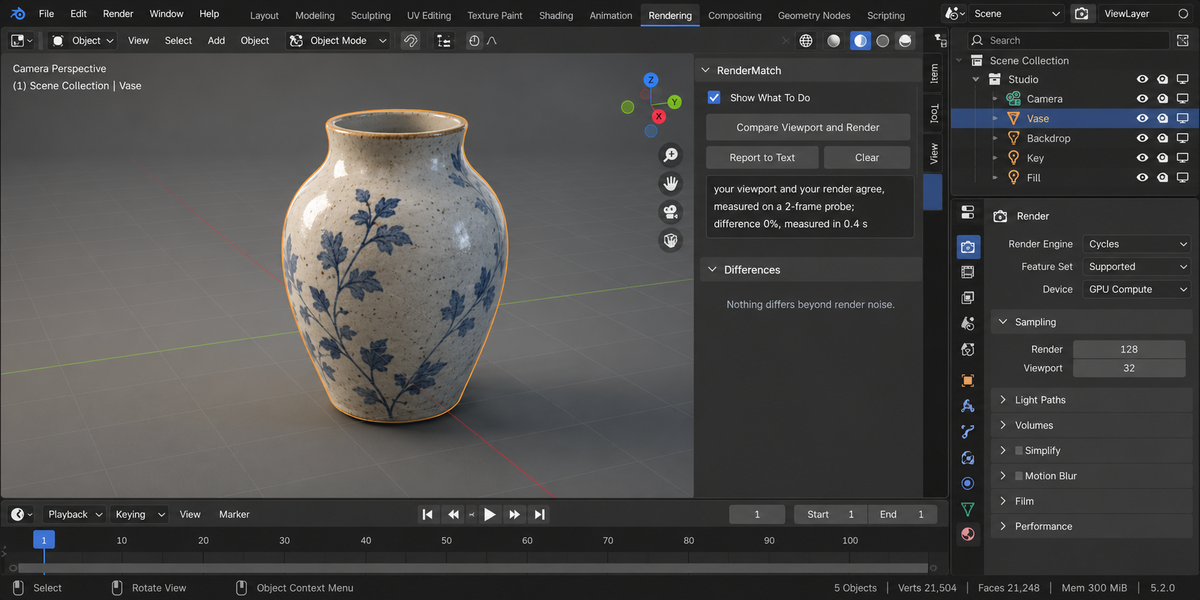
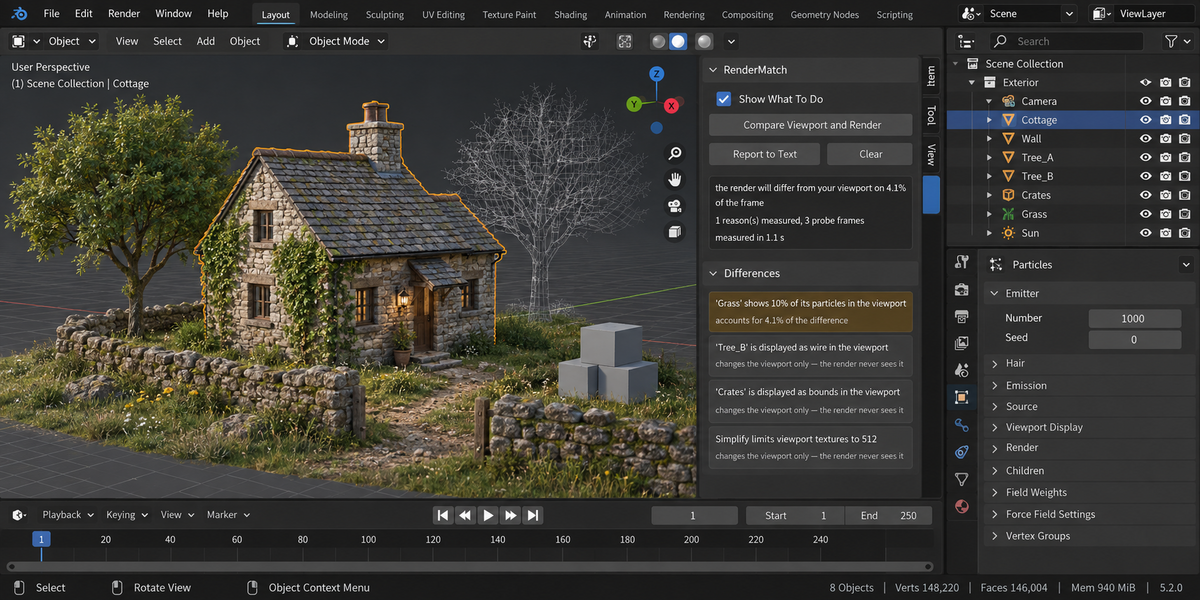
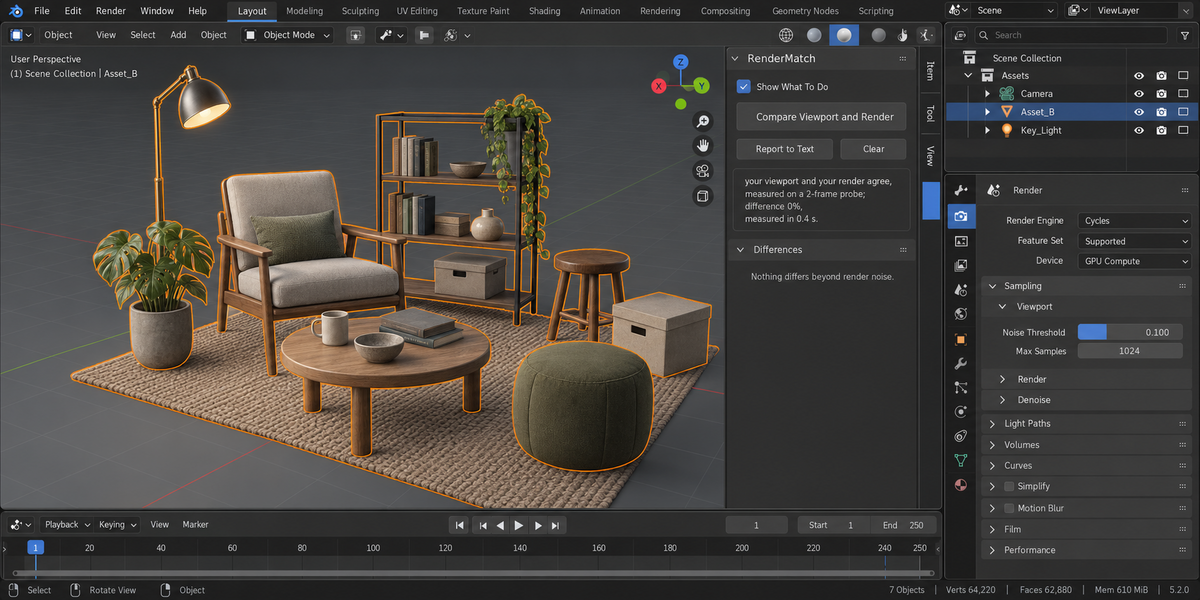

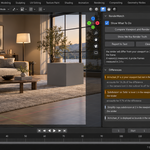
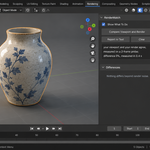
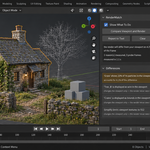
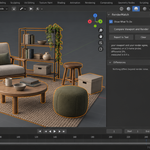
No. It reads the scene, renders two or more small probe frames, and puts every switch it touched back where it was — visibility flags, modifier switches, subdivision levels, particle counts, sample counts, the noise seed, the render border, the sequencer and compositor toggles, and the output colour depth.
It does not merely promise that. Before the run it takes a fingerprint of every setting it can reach, takes it again afterwards, and compares them. If anything differs, that is a bug in the add-on and the report says so in plain words instead of staying silent. The colour depth is in the fingerprint on purpose: switching an image format is exactly the kind of thing that can quietly turn a 32-bit EXR into a 16-bit one.
The one button that does change something is Show Me the Render Truth, and only when you press it: it pulls the viewport side of every measured difference up to its render value, so what you are looking at is what will be rendered. One undo puts it back.
Measured: 189 checks on Blender 5.1 and again on 5.2, all green, and the fingerprint comes out identical before and after every one of them.
Have questions about this product?
Login to message
| Published | 1 day ago |
| Blender Version | 4.2 - 5.2 |
| Extension Type | N/A |
| Render Engine Used | Cycles |
| License | GPL |
Discover more products like this
viewport visibility diagnostics subdivision pipeline simplify debug modifiers particles report preview Render