 AmuroSakura


Overview
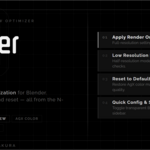
RenderOne is a powerful yet simple Blender add-on that speeds up Eevee rendering with just one click.
It instantly applies optimized, lightweight rendering settings — saving you time while maintaining visual quality.
Perfect for artists who value efficiency and smooth workflow performance.
Key Features
-
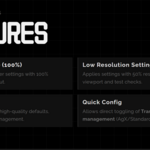
⚡ One-click Optimization: Apply all Eevee performance settings instantly.
-
Preserves Visual Quality: Keeps your lighting and materials beautiful while improving speed.
-
Easy to Install: No complex setup or configuration required.
-
Workflow Friendly: Designed to fit seamlessly into your everyday rendering process.
Installation
-
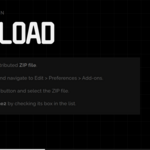
Download the ZIP file of this add-on.
-
Open Blender and go to Edit > Preferences from the top menu.
-
In the Preferences window, click the Add-ons tab.
-
Click Install..., then select the downloaded ZIP file.
-
After installation, find RenderOne in the add-ons list and enable it by checking the box.
Notice
If you are updating to a new version of RenderOne, please delete the old version and restart Blender before using the latest one.
How to Use
-
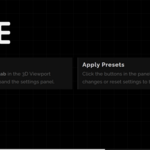
In the 3D Viewport, press N to open the sidebar.
-
Select the RenderOne tab.
-
Click the “Apply RenderOne” button.
-
Your Eevee render settings will now be optimized for faster performance.
Prohibited Actions
-
Redistribution: Unauthorized redistribution of this add-on (ZIP file) is prohibited.
-
Modification: Editing or altering the source code is not allowed.
Rights Information
All rights to this add-on belong to its creator, AmuroP.
Behind the Development
When rendering with Eevee, I often found it frustrating to manually adjust optimization settings for each project.
I thought — “It would be so much easier if I could apply all these settings with just one button.”
That idea became RenderOne.
As someone who values a clean, efficient workflow, I designed RenderOne around a “one-click” philosophy.
Once installed, all you need to do is press one button in the RenderOne tab of the 3D Viewport — and your scene will instantly switch to a faster, optimized rendering setup.
RenderOne was made to let artists focus on creating, not configuring.