RenderPilot
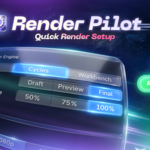
Essential render settings from one clean sidebar.
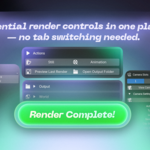
Control the render settings you use most, build a studio scene, switch cameras, compare results, and preview output without jumping between Blender tabs.
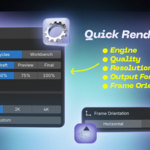
Render & Output Controls
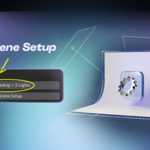
1-Click Studio Setup
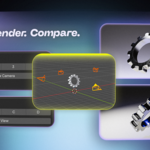
Camera & Render Management
|
|
Why RenderPilot
Your render setup, without the tab hopping.
RenderPilot brings essential render, camera, output, lighting, and preview controls into the 3D Viewport N-panel. It is built for quick look development, product tests, lighting checks, still renders, and animation previews.
|
|
|
02
Build & Test
Create a studio backdrop with three lights, switch camera angles, and iterate quickly.
|
03
Render & Compare
Use render slots A-D, preview stills or animations, and compare variations faster.
|
|
Core Features
Everything needed for faster render iteration.
|
✓ Cycles and Eevee controls |
✓ Resolution, FPS, quality, and scale presets |
|
✓ Studio backdrop and three-light rig |
✓ Camera slots and render slots A-D |
|
✓ Image, Multi-Layer EXR, and video output |
✓ Smart still and animation preview |
|
|
Made for Blender 3.6 - 5.2
Extension package for Blender 4.2 - 5.2 and a dedicated legacy package for Blender 3.6.
|
|
 pl_workshop


 Included