 Darksteady. Studio
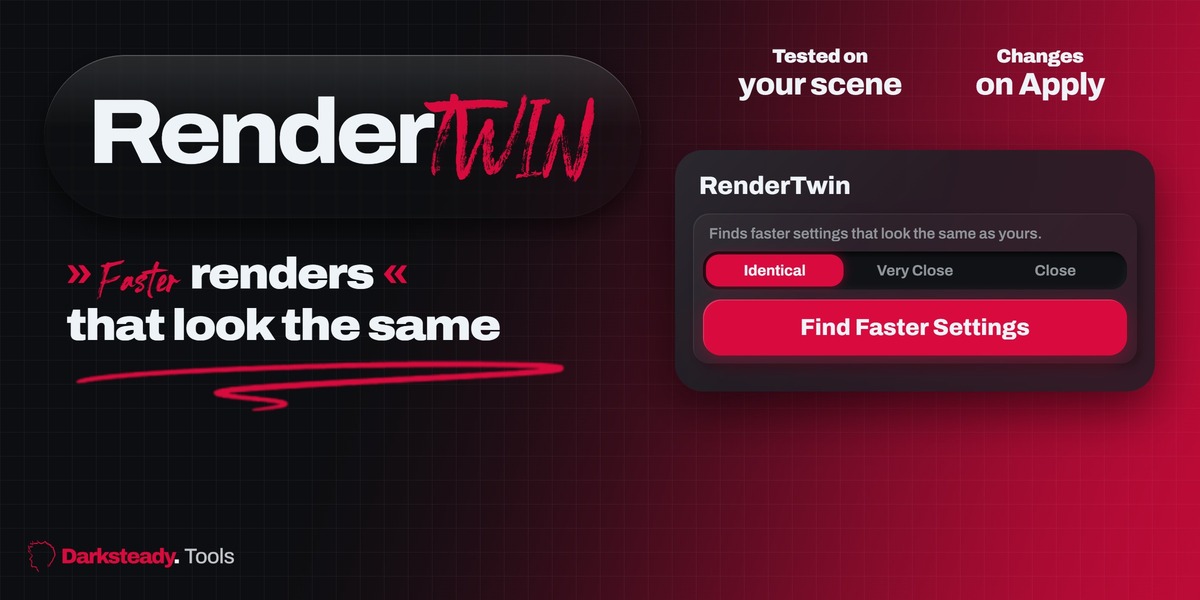
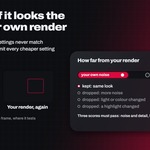

Cycles renders take minutes per frame, and nobody knows which setting can go lower without the image getting worse. RenderTwin tests it on your own scene.
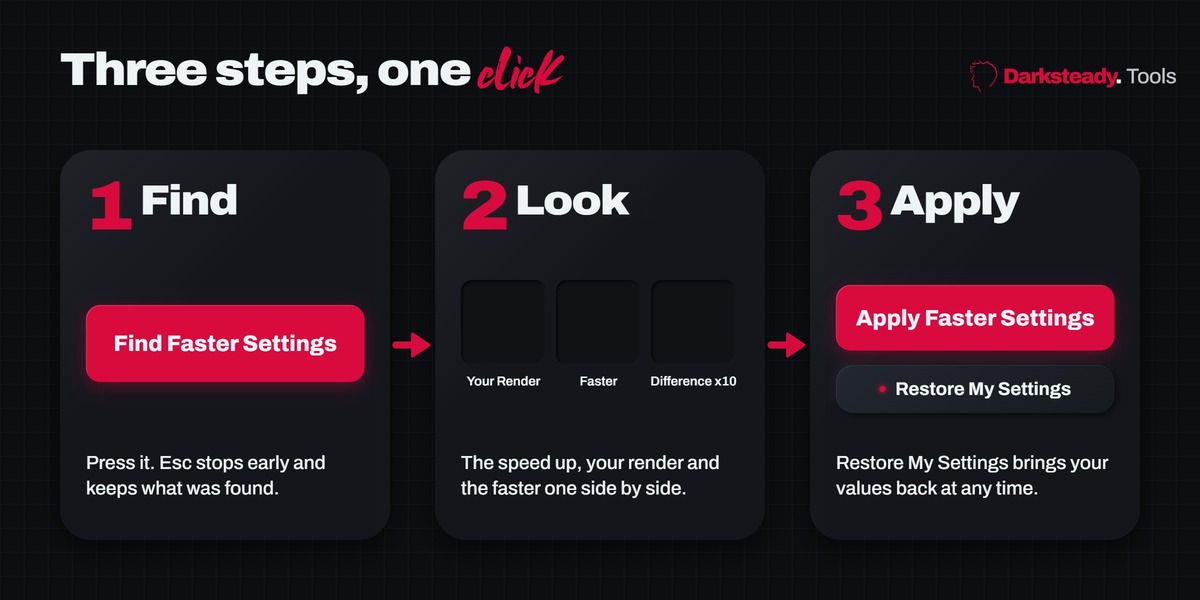
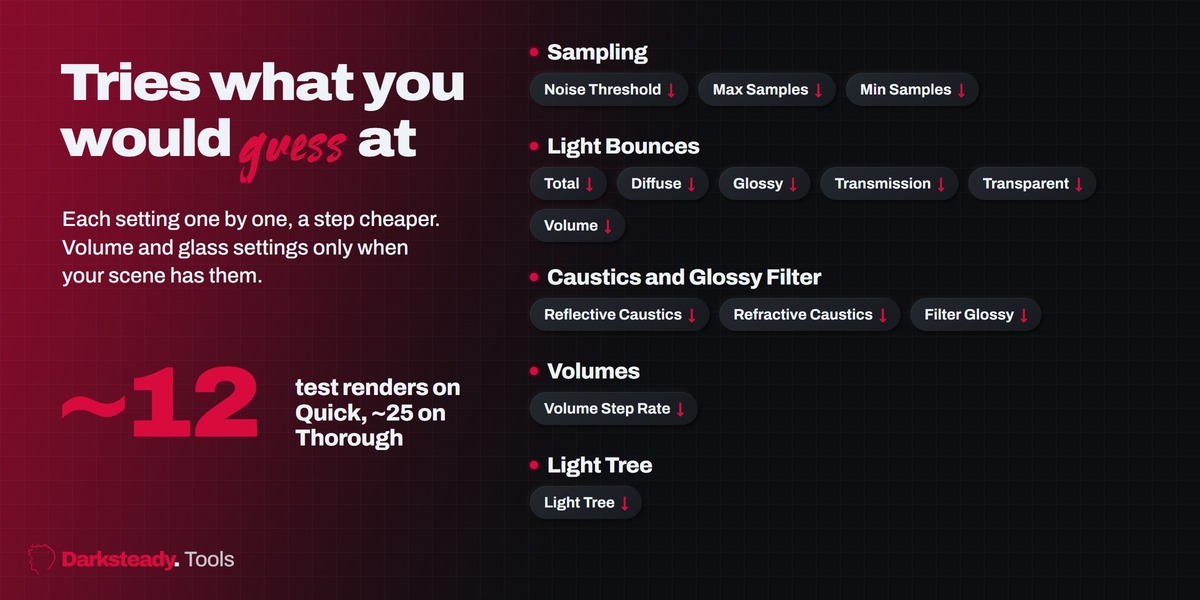
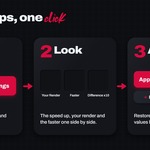
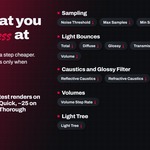
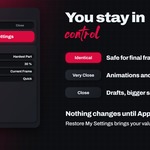
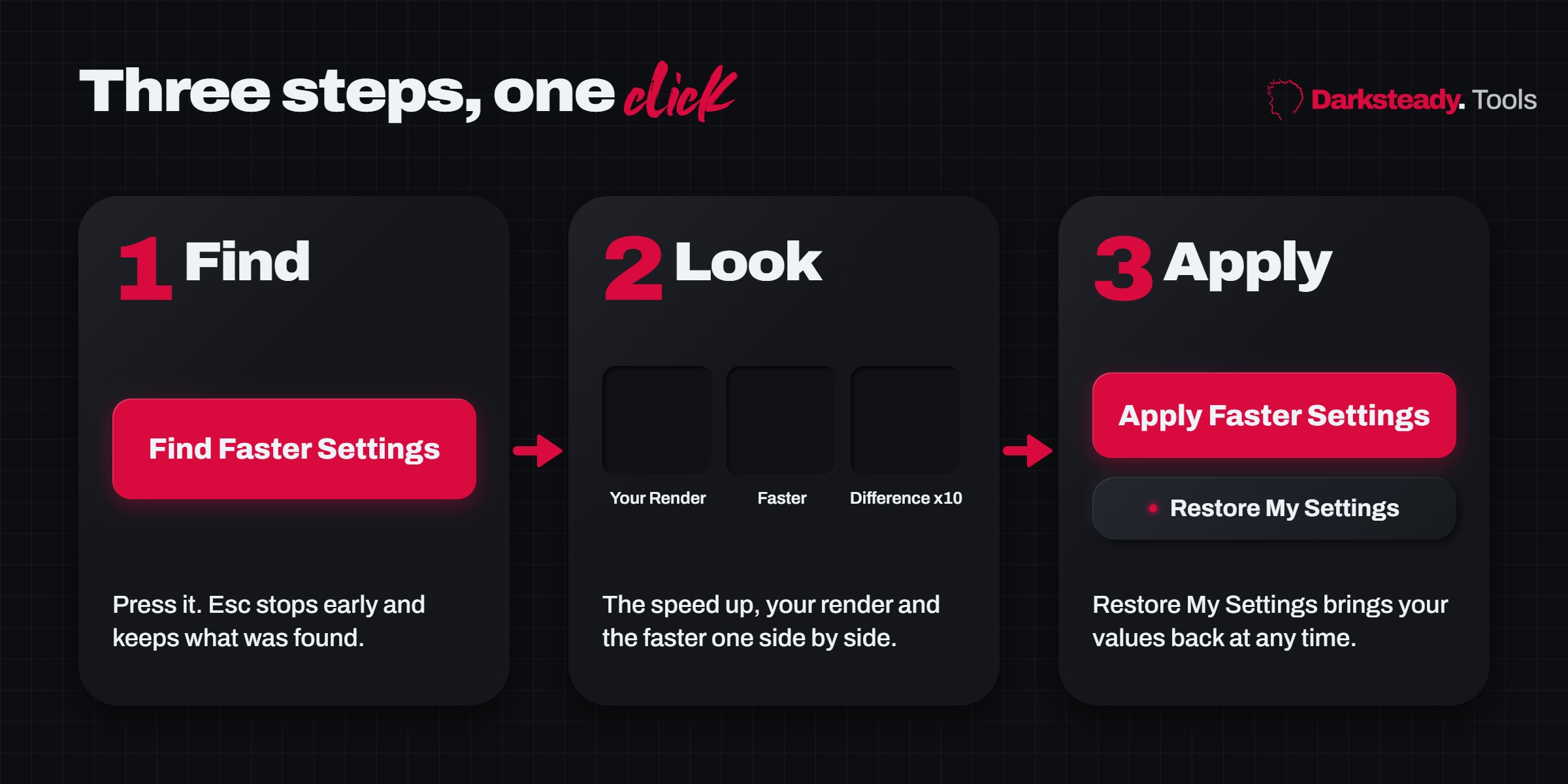
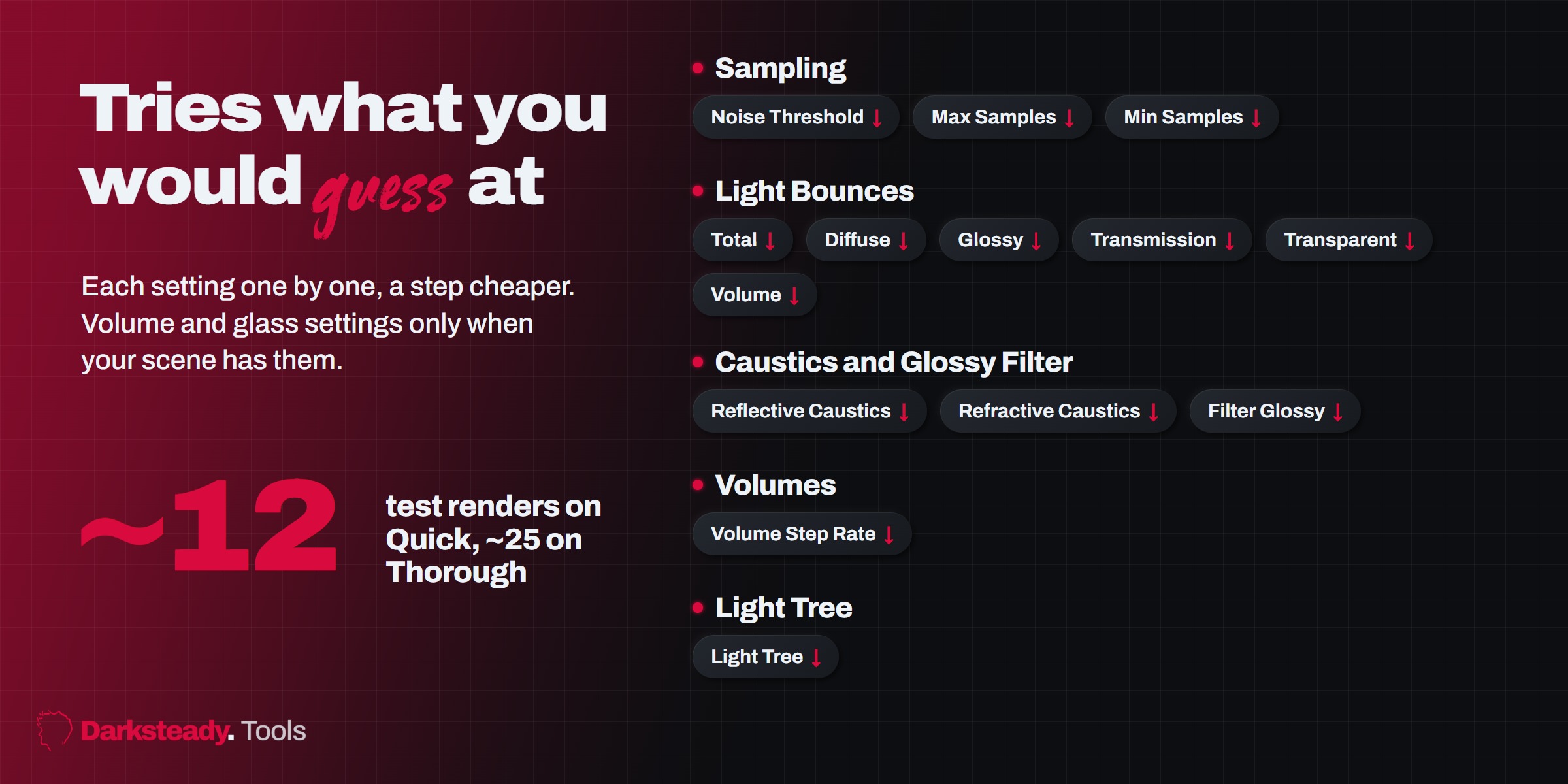
Press Find Faster Settings. It tries cheaper settings one by one and keeps only those that look the same as your render. You get the speed up, your render and the faster one side by side with a difference map, and the list of changes. Nothing changes until you press Apply.
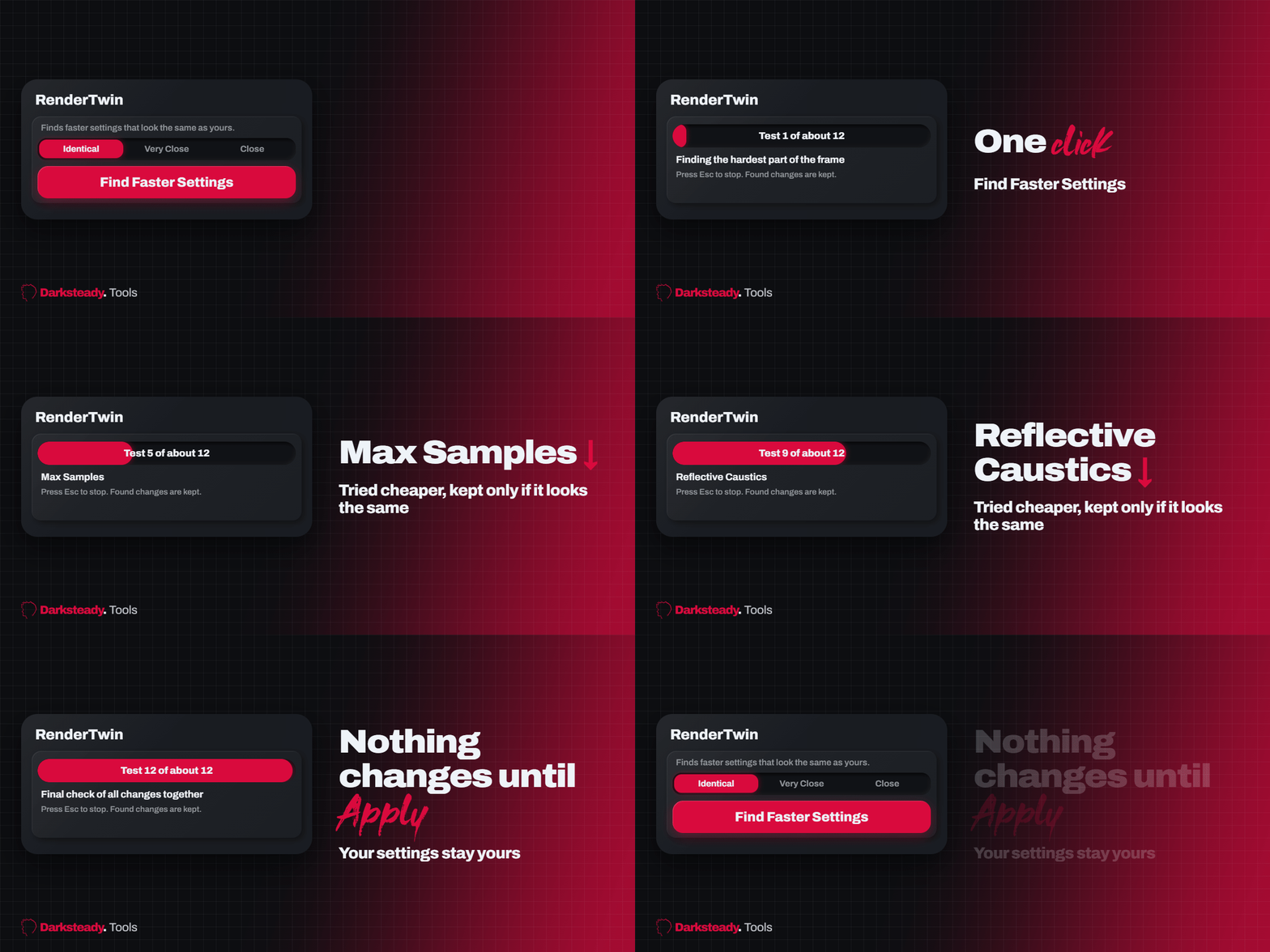

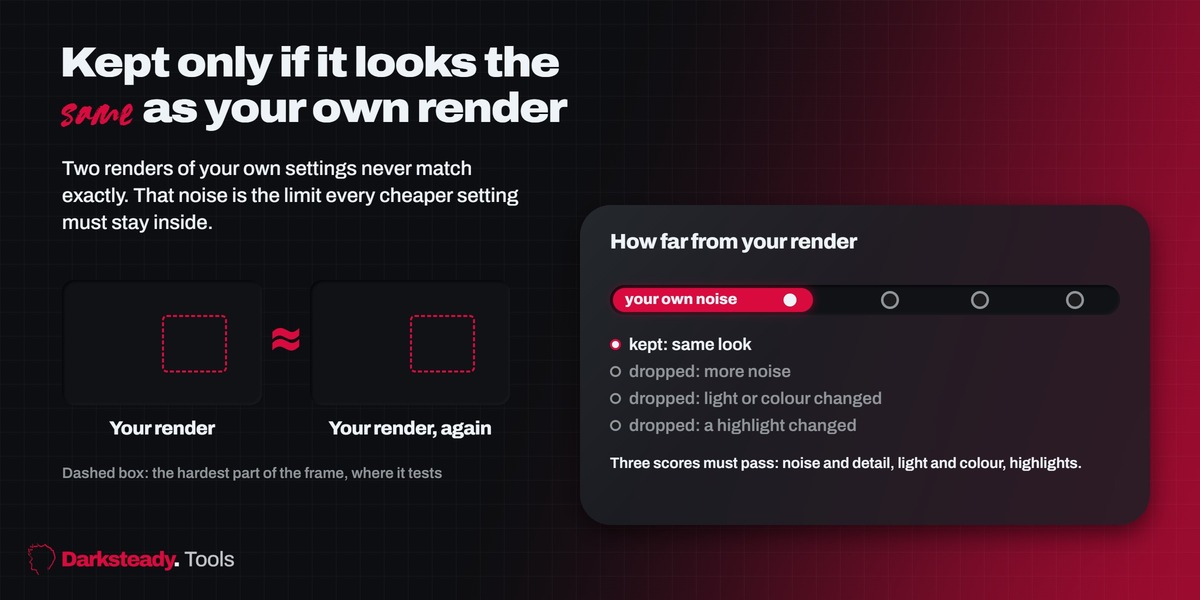
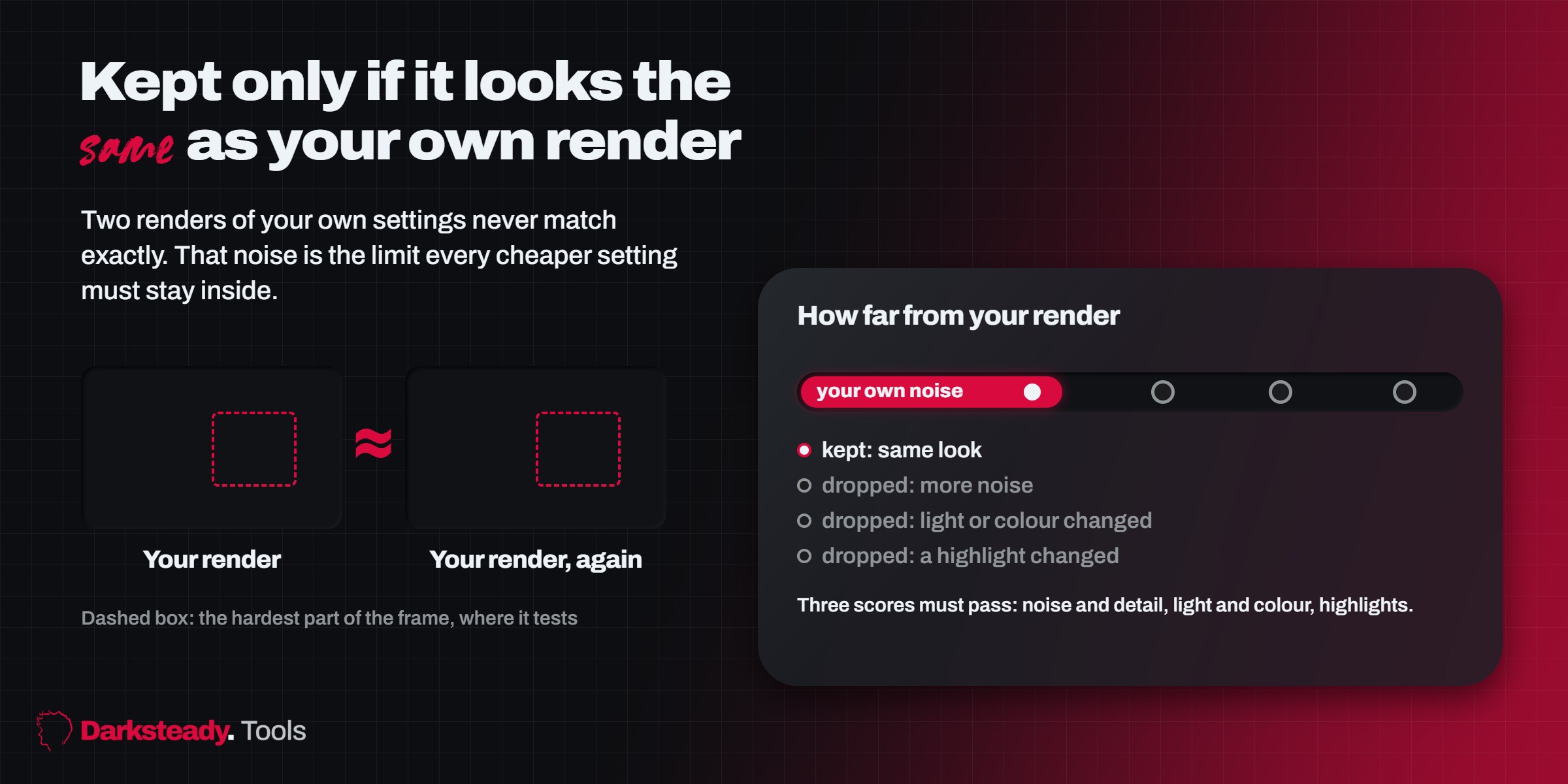
It renders the hardest part of your frame twice with your own settings. Two renders never match exactly: that difference is your own noise. A cheaper setting is kept only when its result is no further from your render than your render is from itself. Three scores must pass: noise and detail, light and colour, highlights. The comparison is on your final, denoised image.

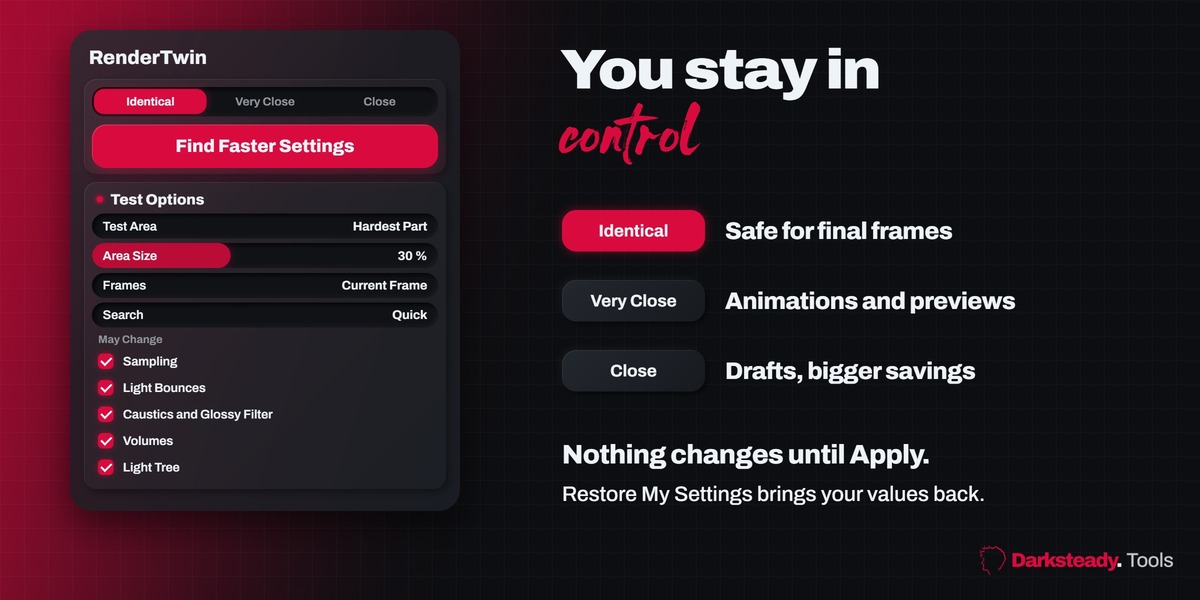
Identical is safe for final frames. Very Close suits animations and previews. Close allows small visible differences for drafts. Restore My Settings brings your values back at any time.
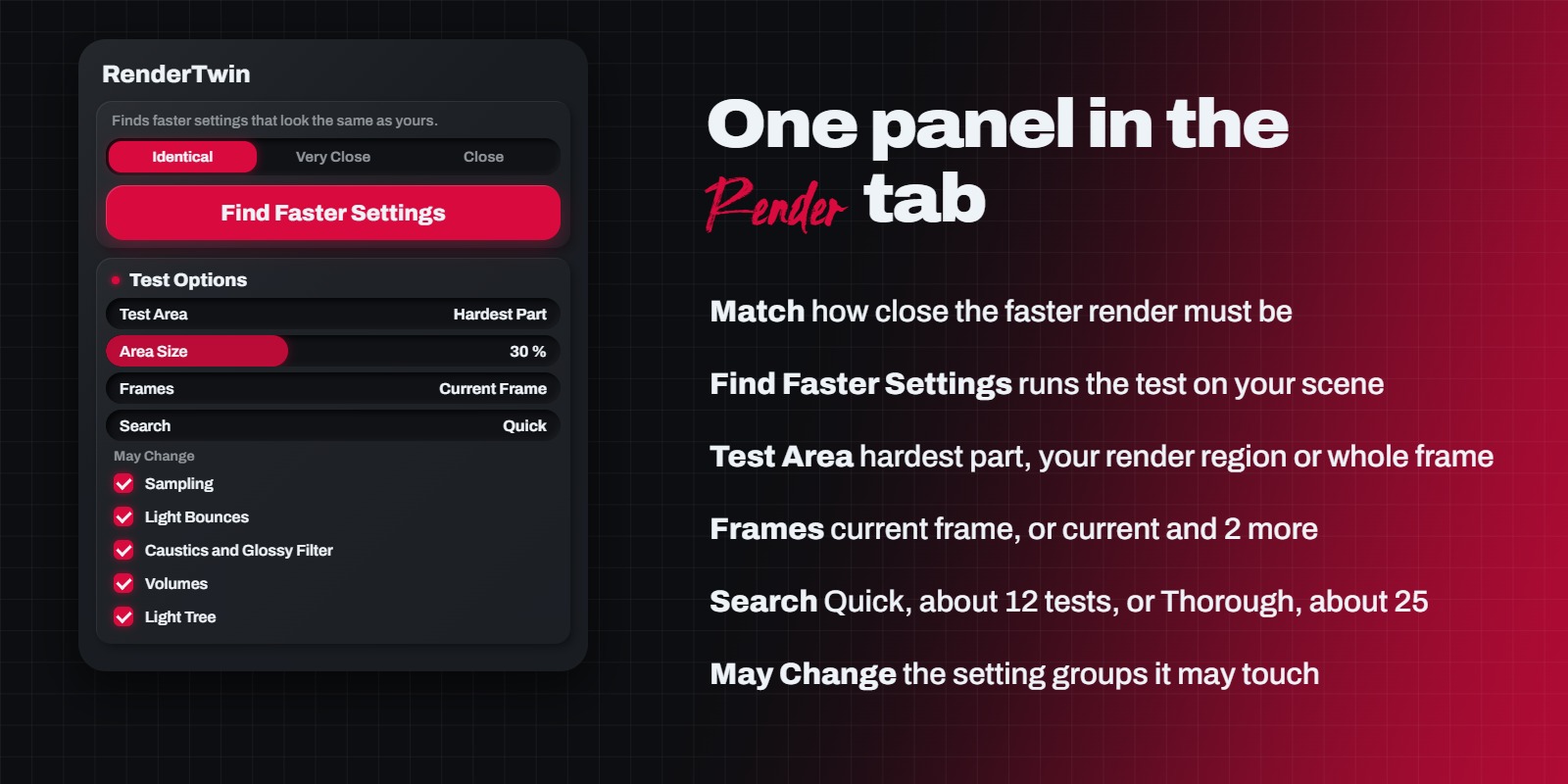
Cycles only. Blender 4.2 LTS and newer, tested on 4.2, 4.5, 5.1 and 5.2. Properties editor, Render tab, RenderTwin (also Render menu, Find Faster Settings).