RenderTwin: Faster Cycles Render Settings, Tested on Your Own Scene
 Darksteady. Studio
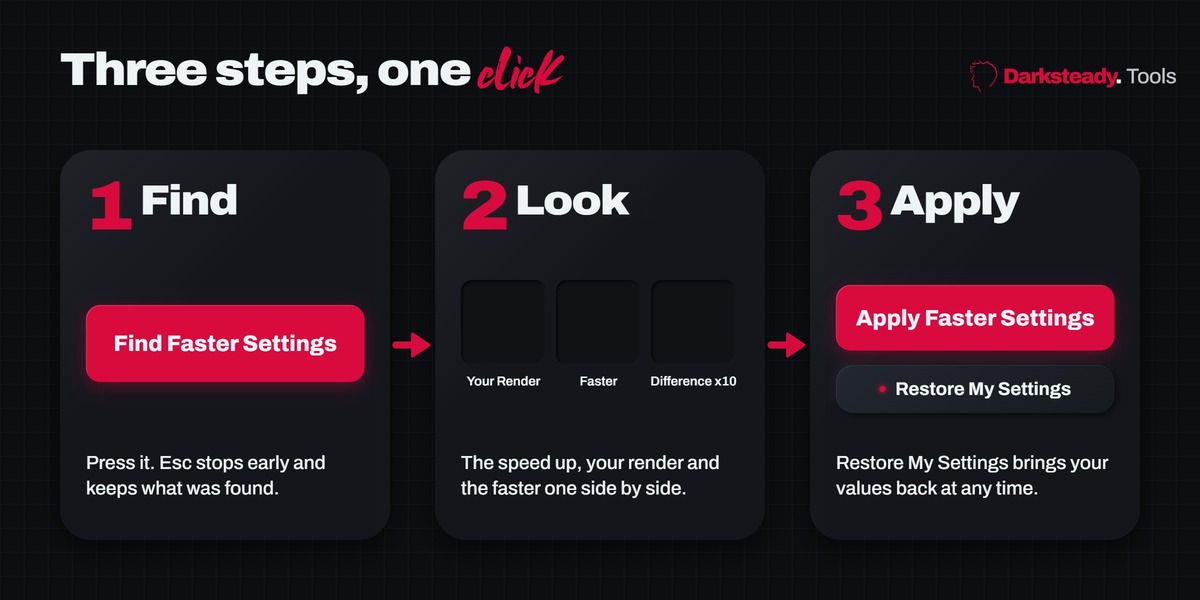
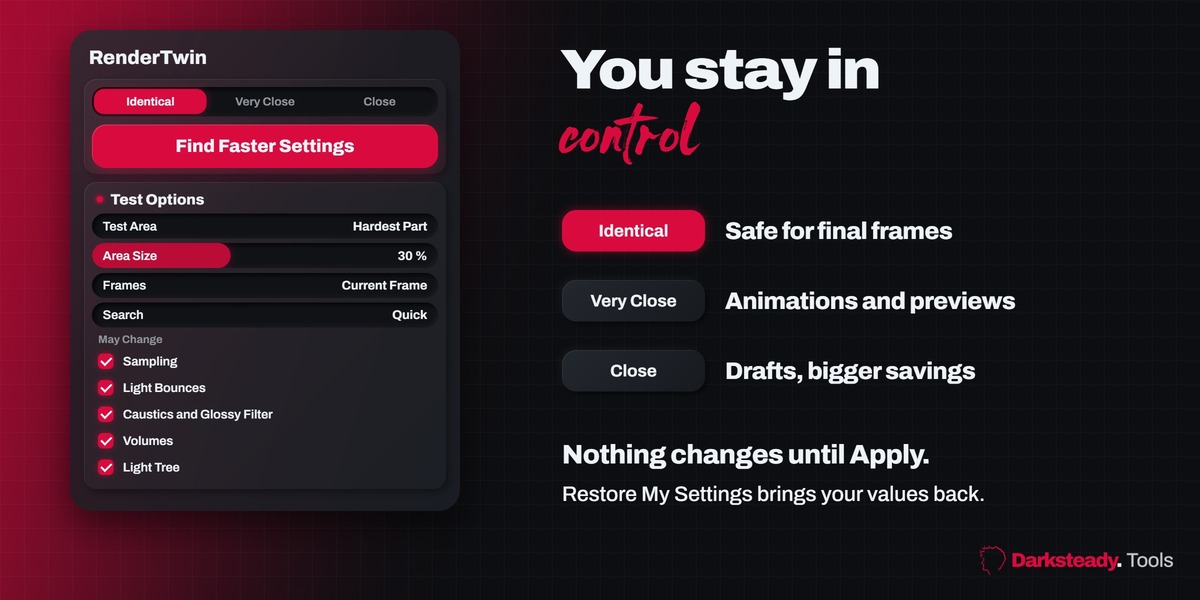
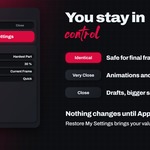
Not until you press Apply Faster Settings. The test renders use temporary settings and every value is put back when the test ends, also after Esc or an error. After Apply, Restore My Settings writes your old values back exactly.
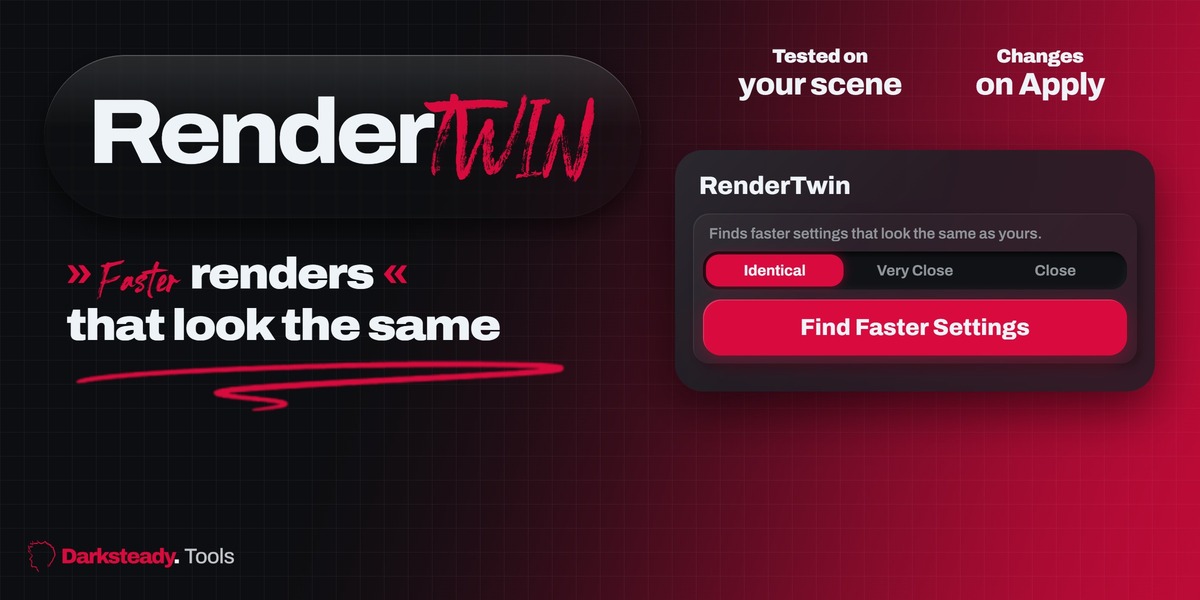
It depends on how far your settings go past what the scene needs. Over-sampled scenes (high samples, a very low noise threshold, many bounces) gain the most. In our tests a glass and chrome scene with Blender's default Cycles settings got 1.7x faster at Identical (whole frame 32.8 s to 23.7 s), a product shot and a jewellery scene 1.2x; a scene an expert already tuned gets 1.0x to 1.3x. RenderTwin shows the number it measured on your scene, and when nothing looks the same it says your settings are already lean.
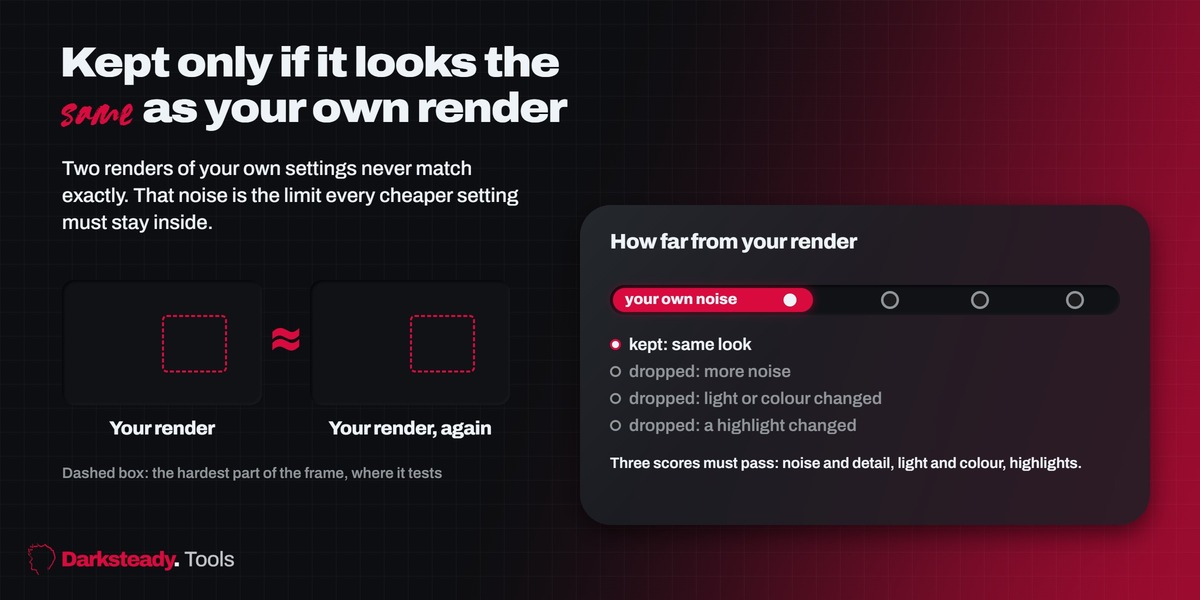
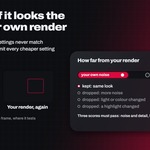
It renders your own settings twice. The difference between those two renders is the noise your scene always has. A cheaper setting is kept only when its result is no further from your render than your render is from itself, on three scores: average pixel difference, difference after a soft blur (brightness and colour), and the strongest small spots (highlights and caustics).
Quick runs about 12 test renders, Thorough about 25, on part of the frame. In our tests a run took from about one minute to three and a half minutes. Esc stops early and keeps what was found.
Yes. RenderTwin never switches the denoiser on or off. It compares your final, denoised image, so it judges what you will actually deliver.
Yes. Use Frames: Current and 2 More, which also tests frames at one third and two thirds of the frame range, and Match: Identical or Very Close. Flicker between frames after denoising is not measured, so check a short preview of the animation.
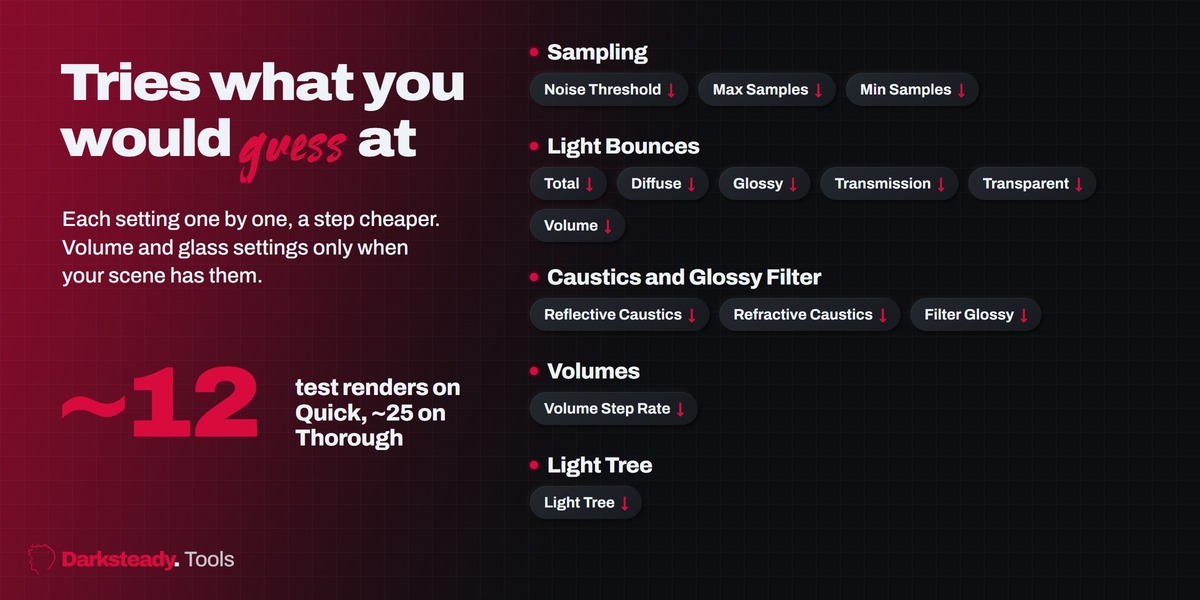
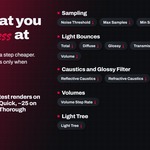
Noise threshold, max and min samples, light bounces (total, diffuse, glossy, transmission, volume, transparent), caustics and glossy filter, volume step rate and the light tree. Under May Change you choose which groups it may touch.
Then your settings are already lean for that Match level, and the panel says so. It also tells you how many more changes Very Close would allow, and What Was Tried lists every test with the reason it was dropped.
Close, but not always the same: the panel shows the time of the test area, for example 3.6 s to 1.3 s. Pick Test Area: Whole Frame to measure the full frame.
No. RenderTwin tests Cycles only; EEVEE settings work differently.
Yes. It renders on the device your scene is set to, CPU or GPU, so the speed-up is measured on your own machine.
Blender 4.2 LTS, 4.5 LTS, 5.1 and 5.2 LTS. The add-on passed 64 automated tests on each of them.
Renders are noisy, so a change sitting right at the Match limit can pass once and fail the next time. Clear savings are found every time. For a steadier answer use a bigger Area Size or Whole Frame.
Have questions about this product?
Login to message
| Blender Extension Compatible | Yes |
| Published | about 3 hours ago |
| Blender Version | 4.2 - 5.2 |
| Extension Type | Add-on |
| Render Engine Used | Cycles |
| License | GPL |
Discover more products like this
render time noise threshold faster render denoise Cycles samples render settings light bounces Workflow optimization Render animation