 AV
AV

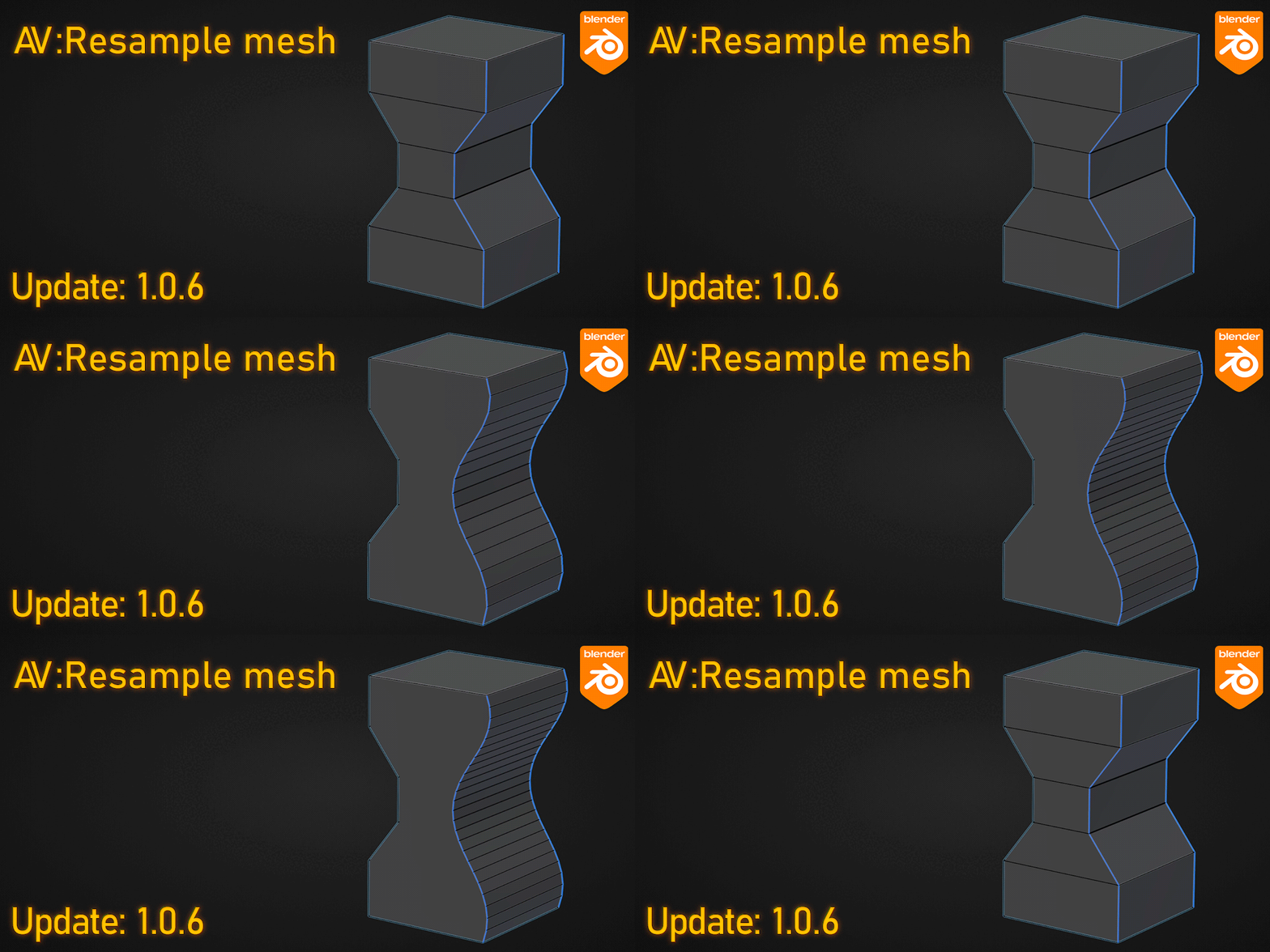
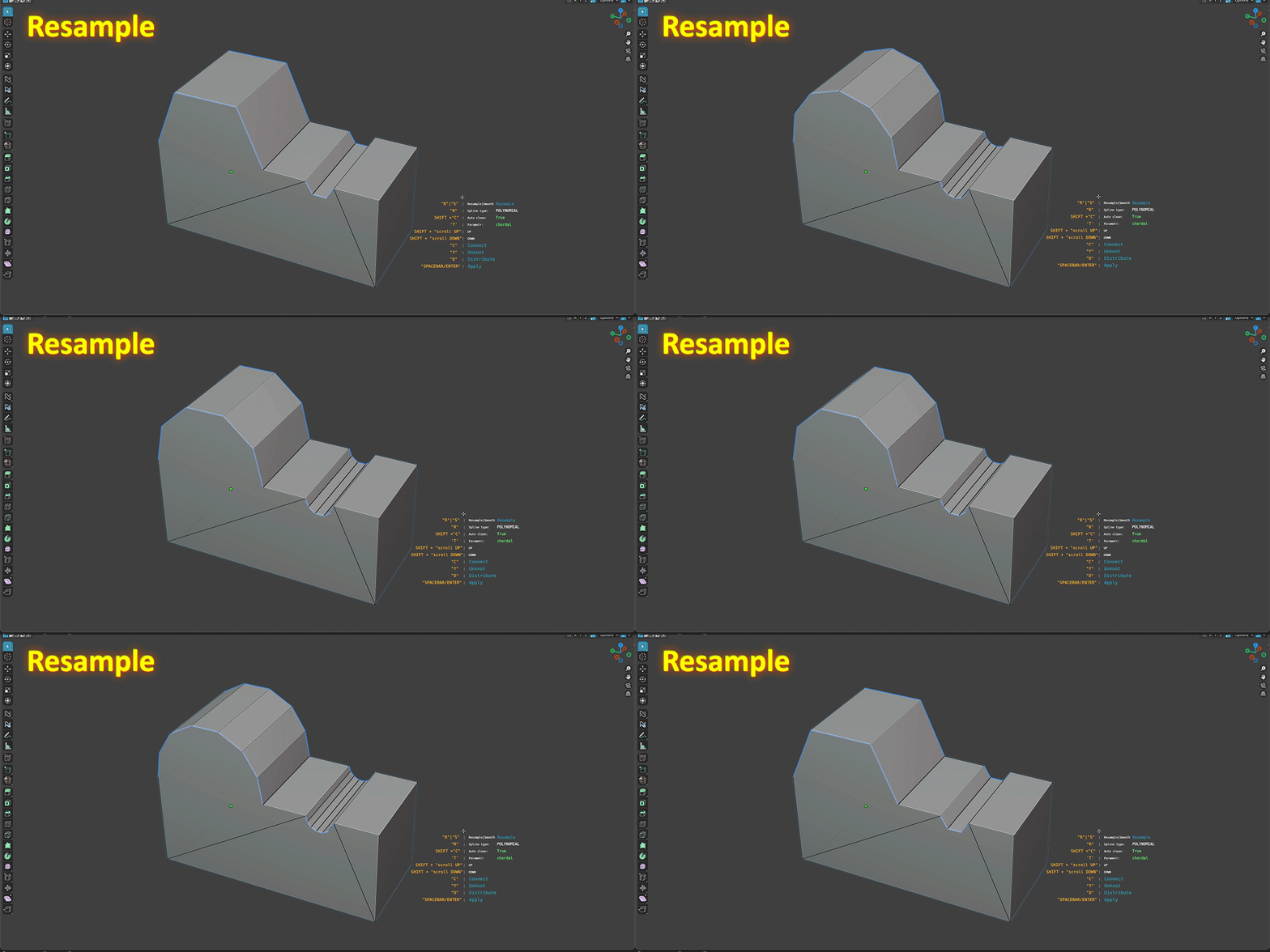
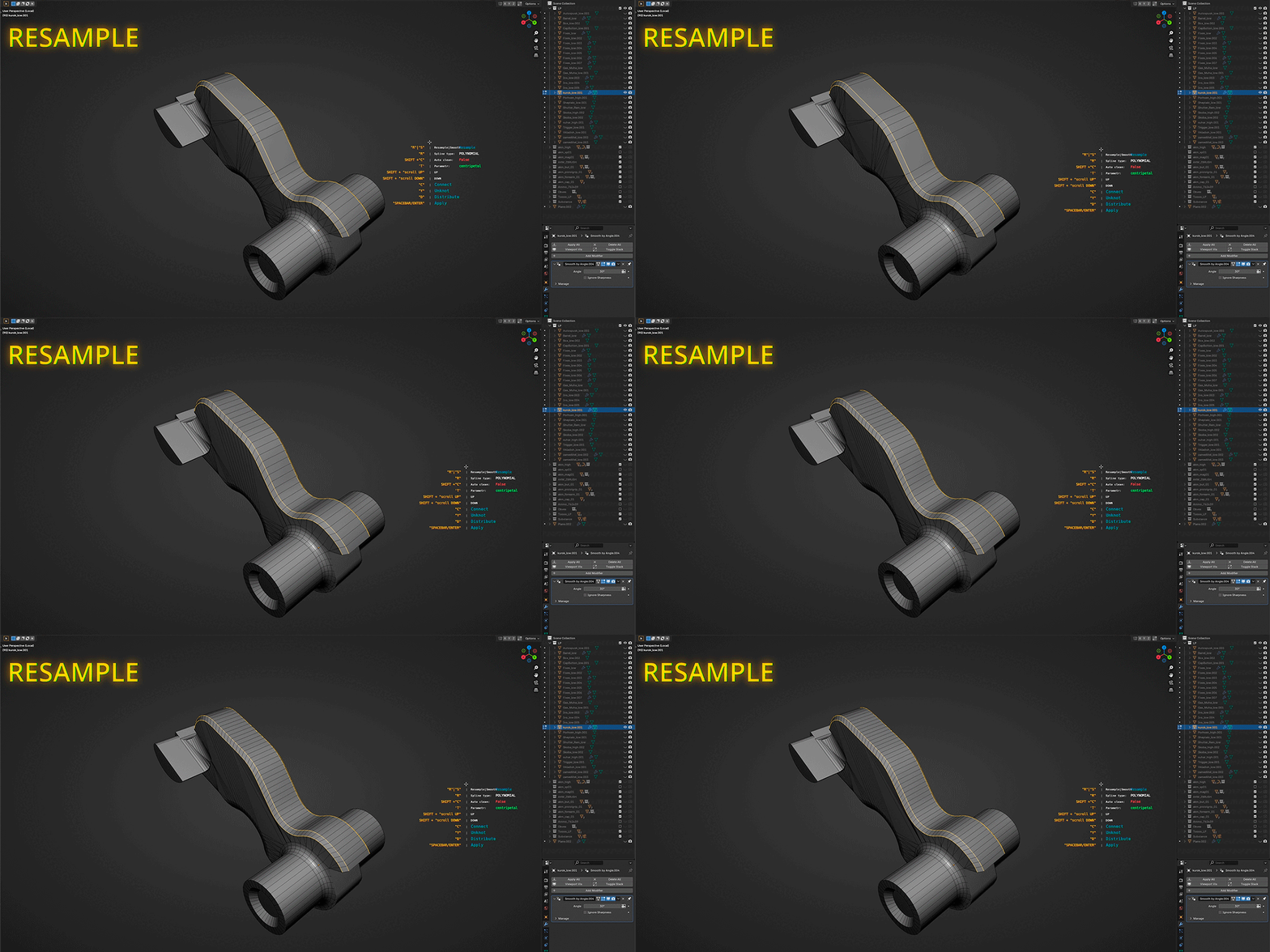
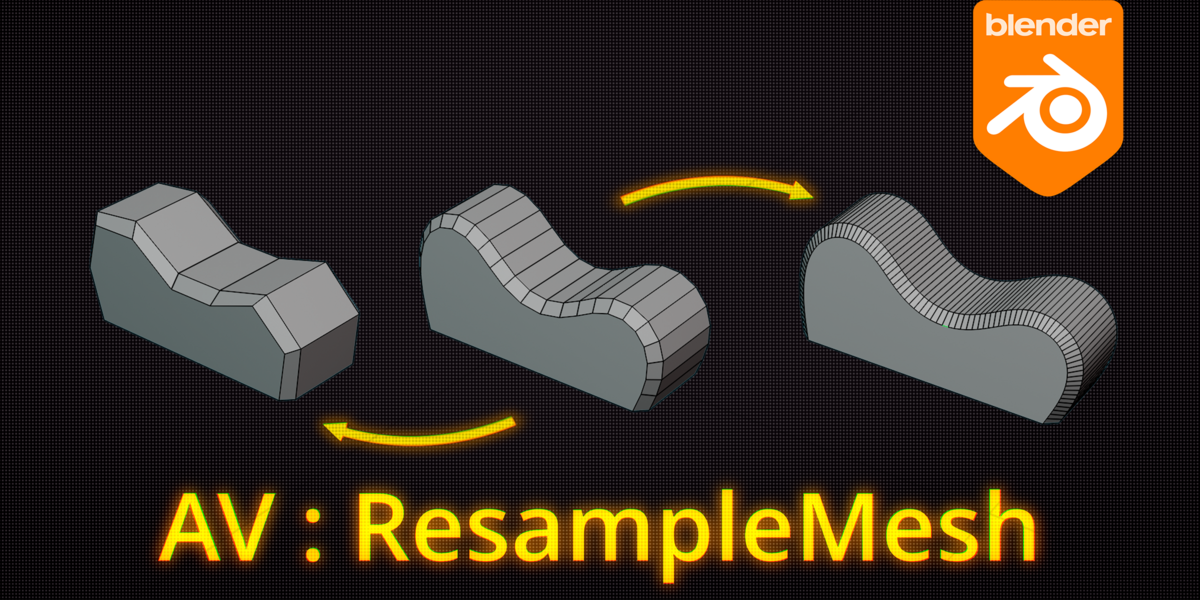
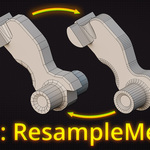

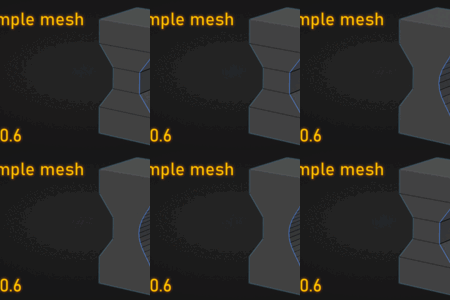
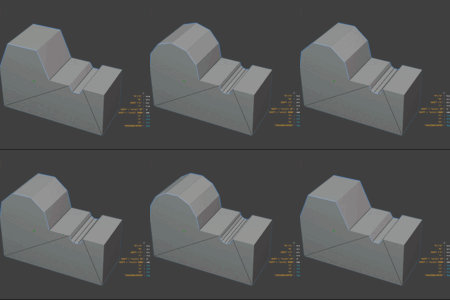
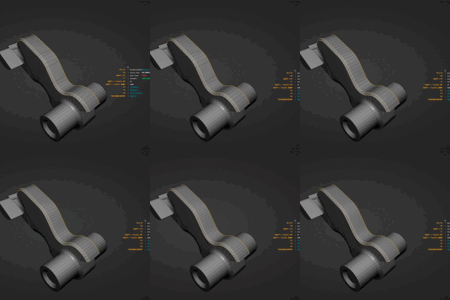
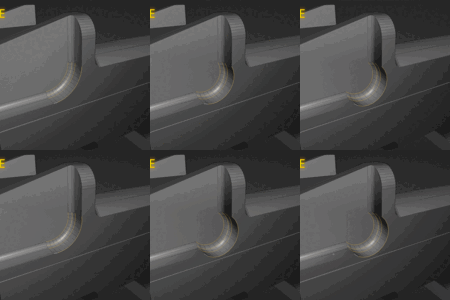
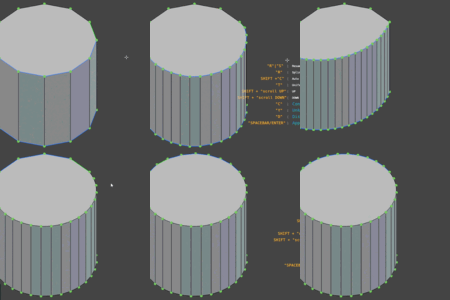
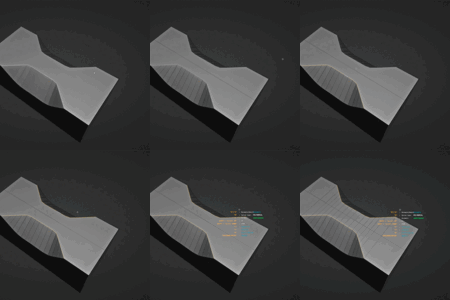
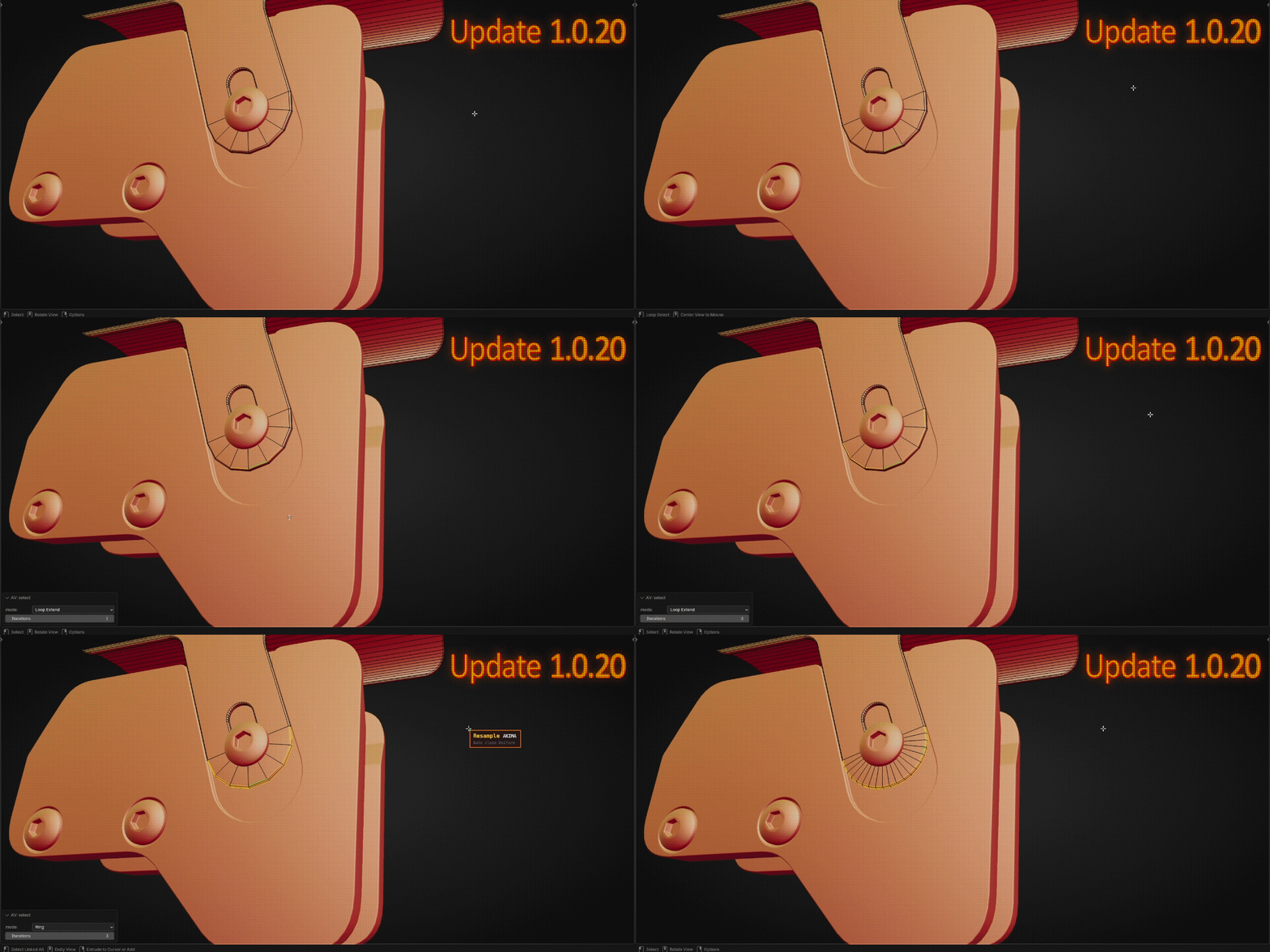
"Resample Mesh" is a standout Blender add-on that offers unique geometry reshaping through intelligent interpolation (for smoothing transitions or reducing polygon count) alongside tools for mesh optimization, edge loop connection, and smoothing. Its innovative workflow combines precision and efficiency, setting it apart from traditional tools.
Current version: 1.1.19
What is new:
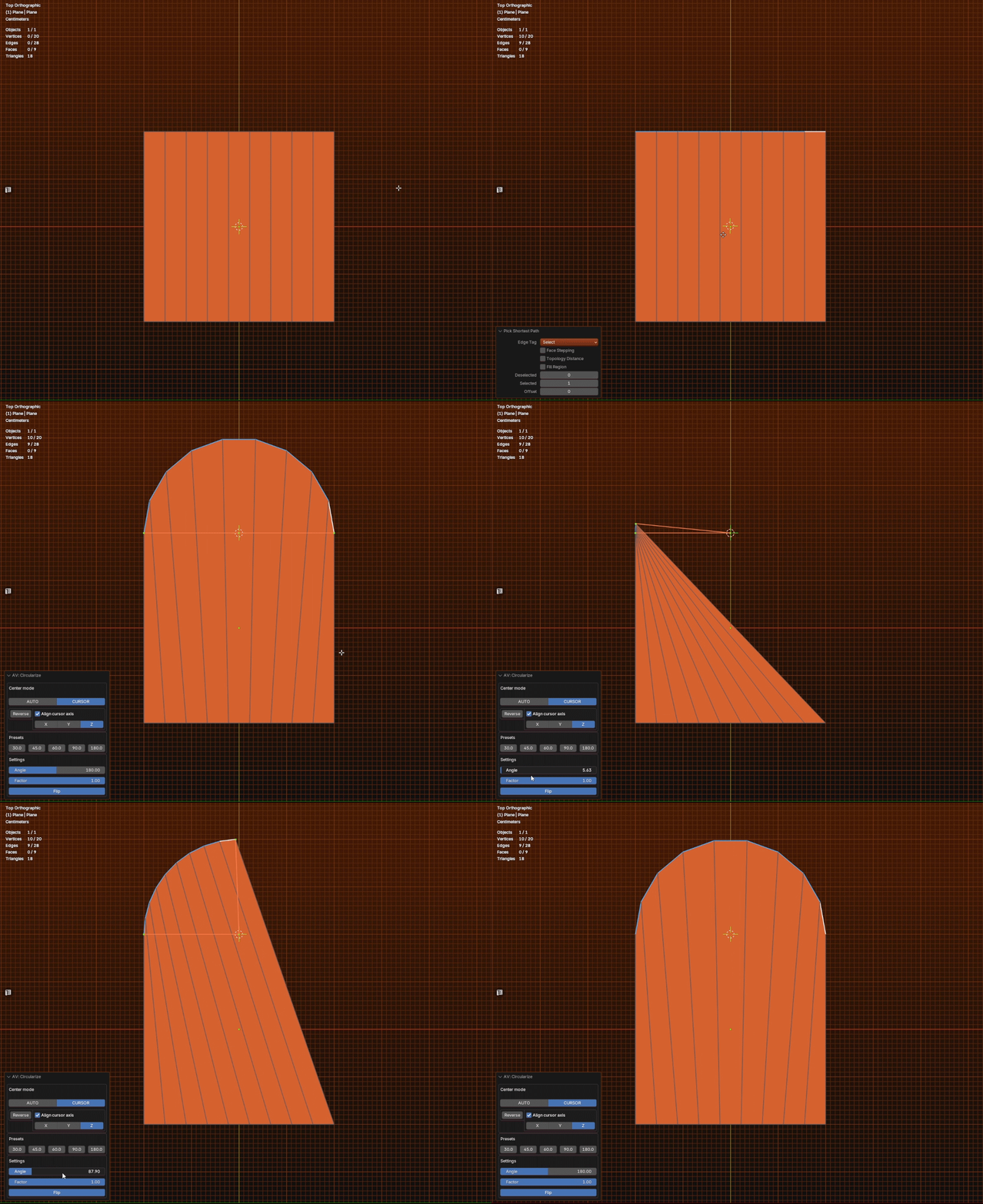
- Circularize has been improved (The 3D cursor can now be selected as the center of the circle)
- Some HUD bugs have been fixed


Tools:
- Resample
- Smooth
- Unknote
- Optimize mesh
- Distribute
- Connect
 Resample
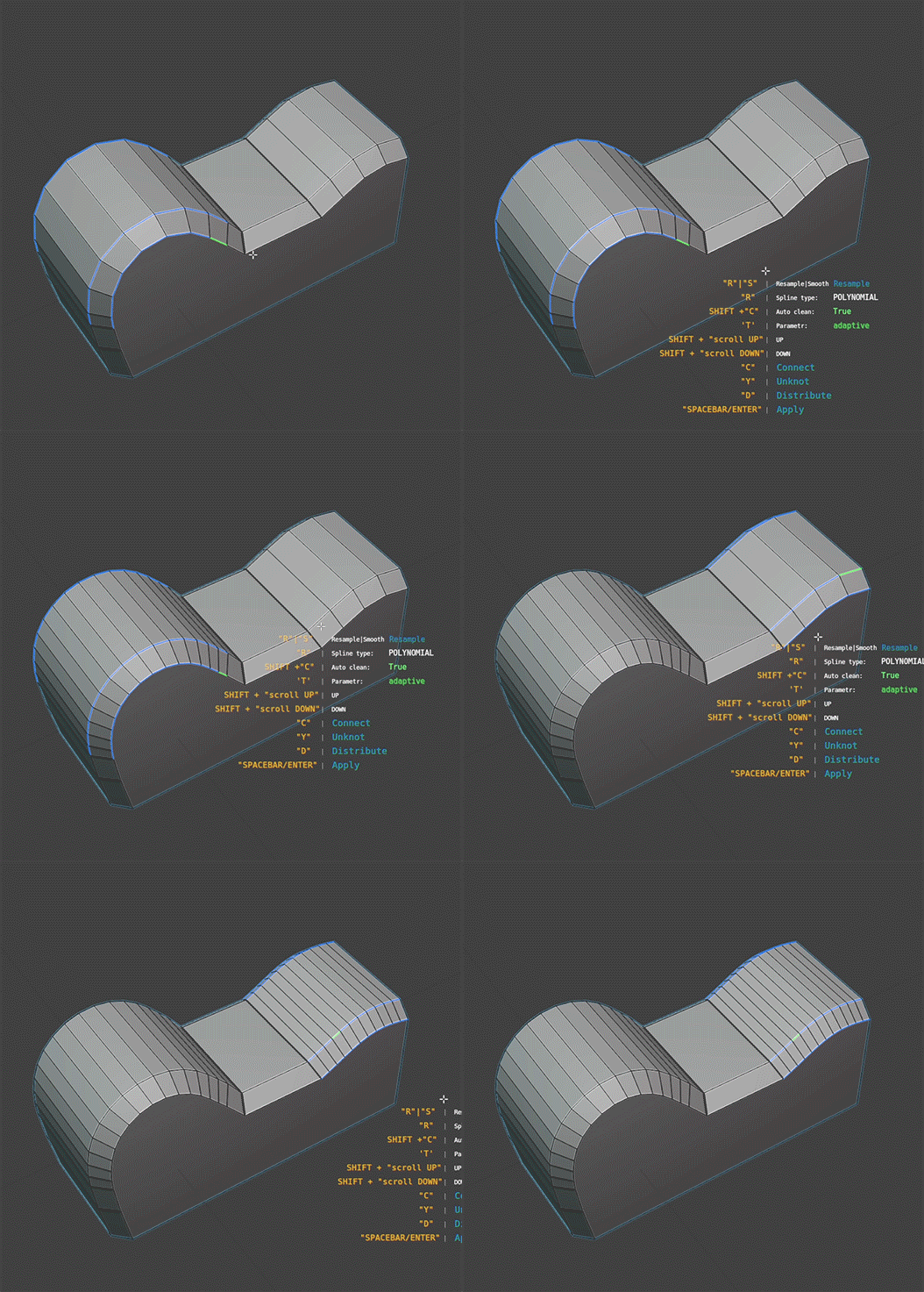
 Allows you to modify the geometry by interpolation (to create smoother transitions or reduce the number of polygons).
There are 3 types of interpolation:
- Akima
- CatmullRom
- Polynomial
Unknote
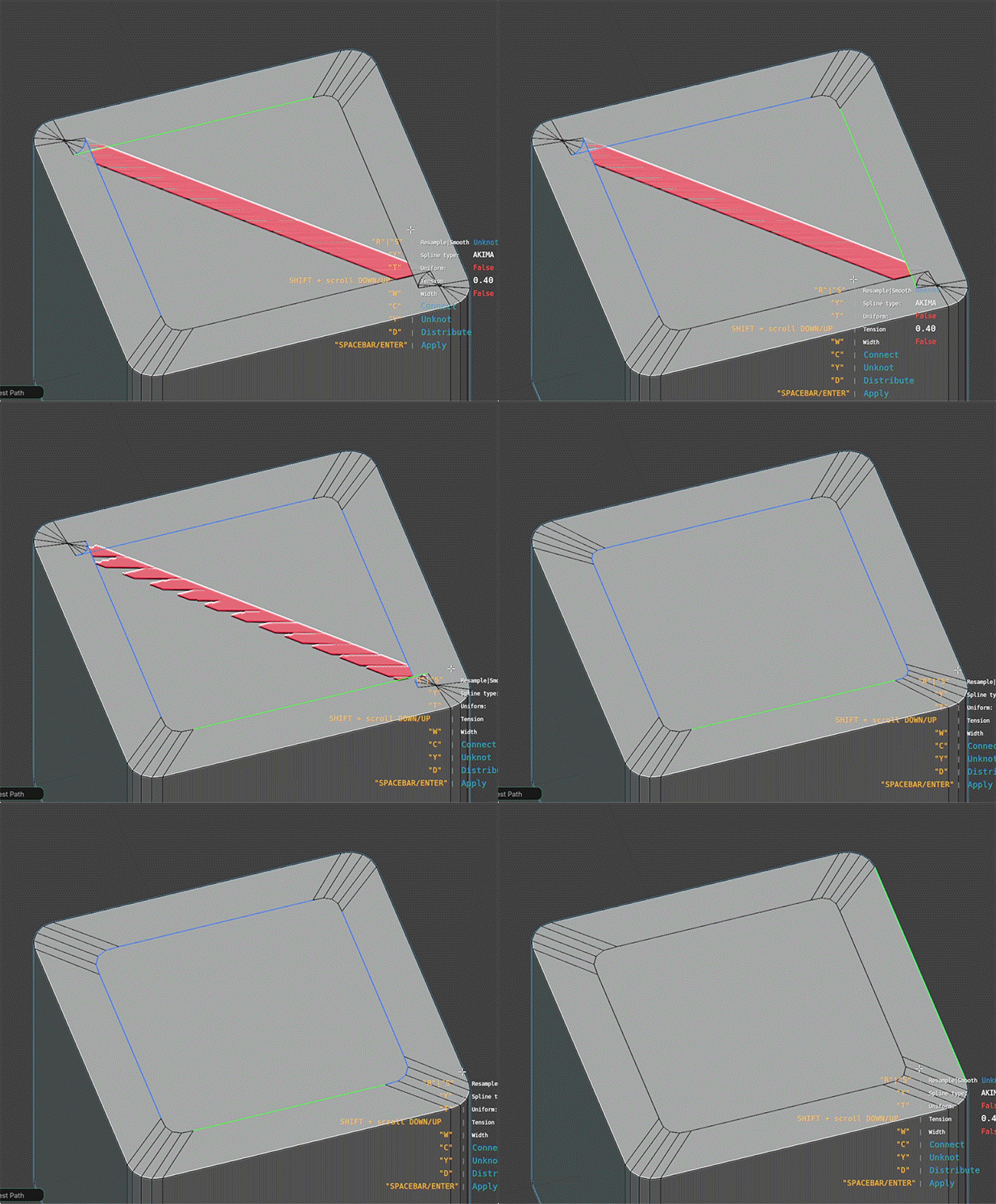
The “Unknot” operator allows you to redistribute geometry over the selected spline.
There are 3 types of interpolation:
- Akima
- CatmullRom
- Polynomial
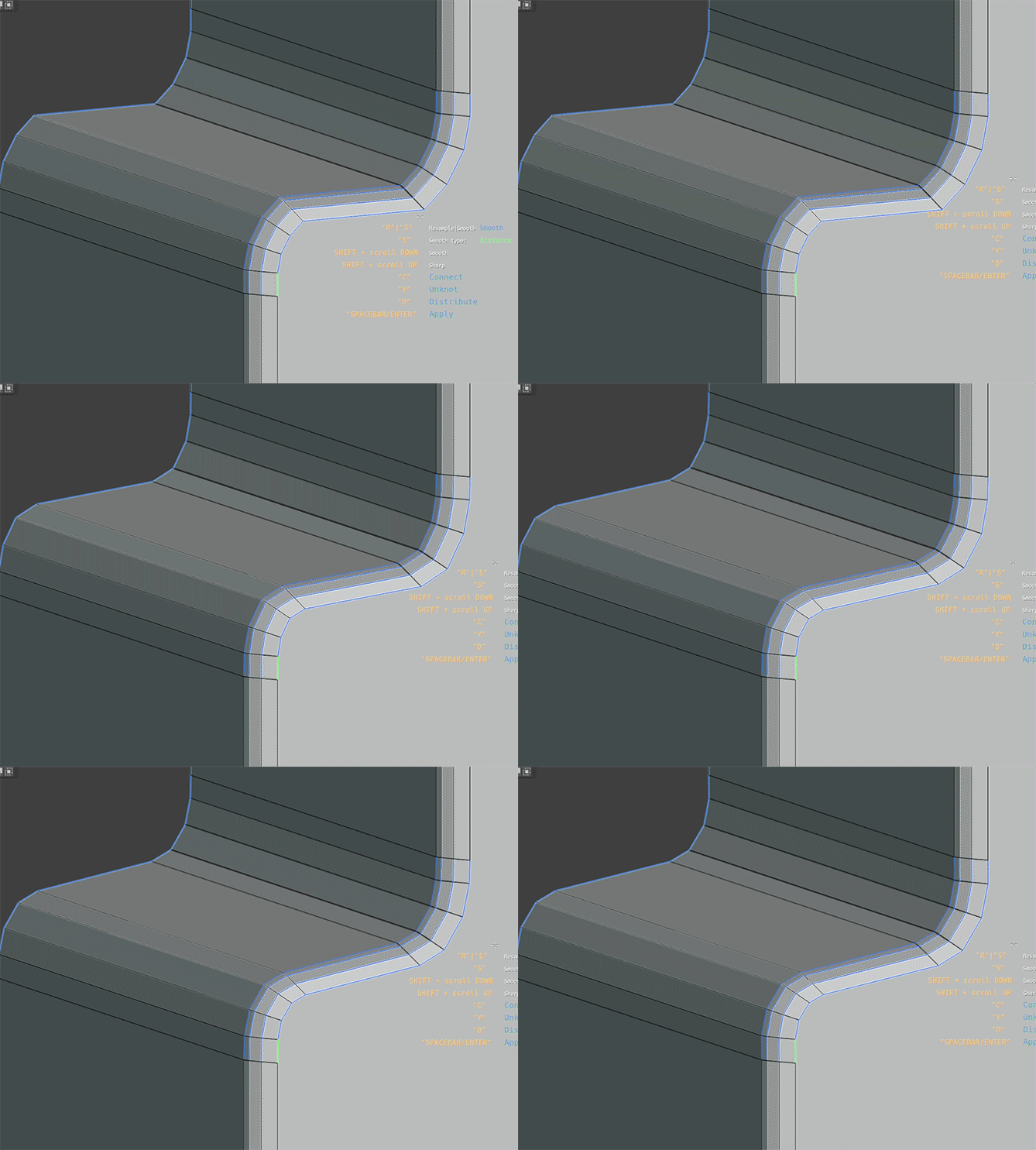
Smooth
The “Smooth” operator is used to smooth the selected mesh.
It has 2 modes of operation:
- Uniform
- Distance
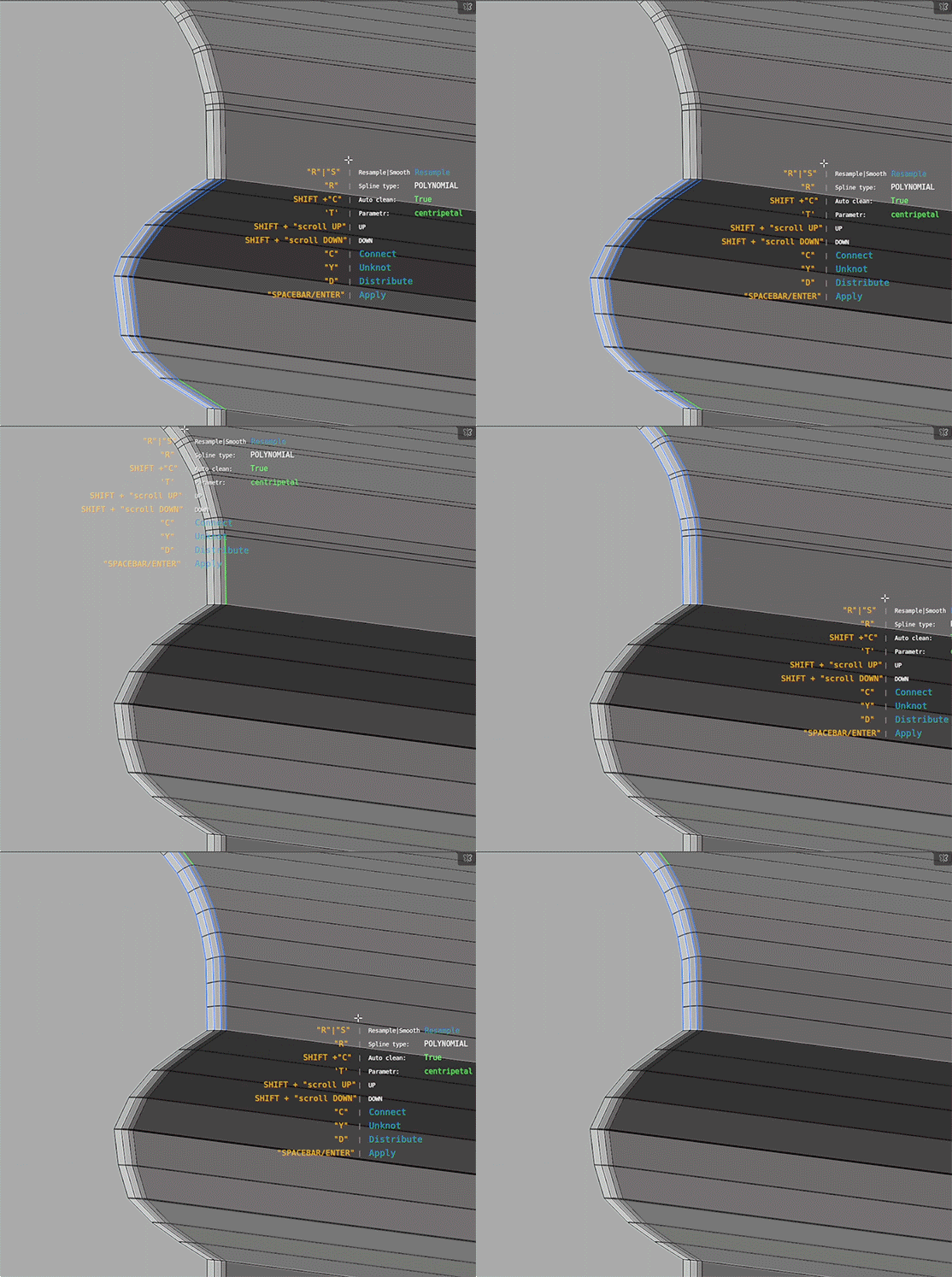
Distribute
The "Distribute" operator evenly spaces vertices along a curve, aligning them based on the curve’s shape and length
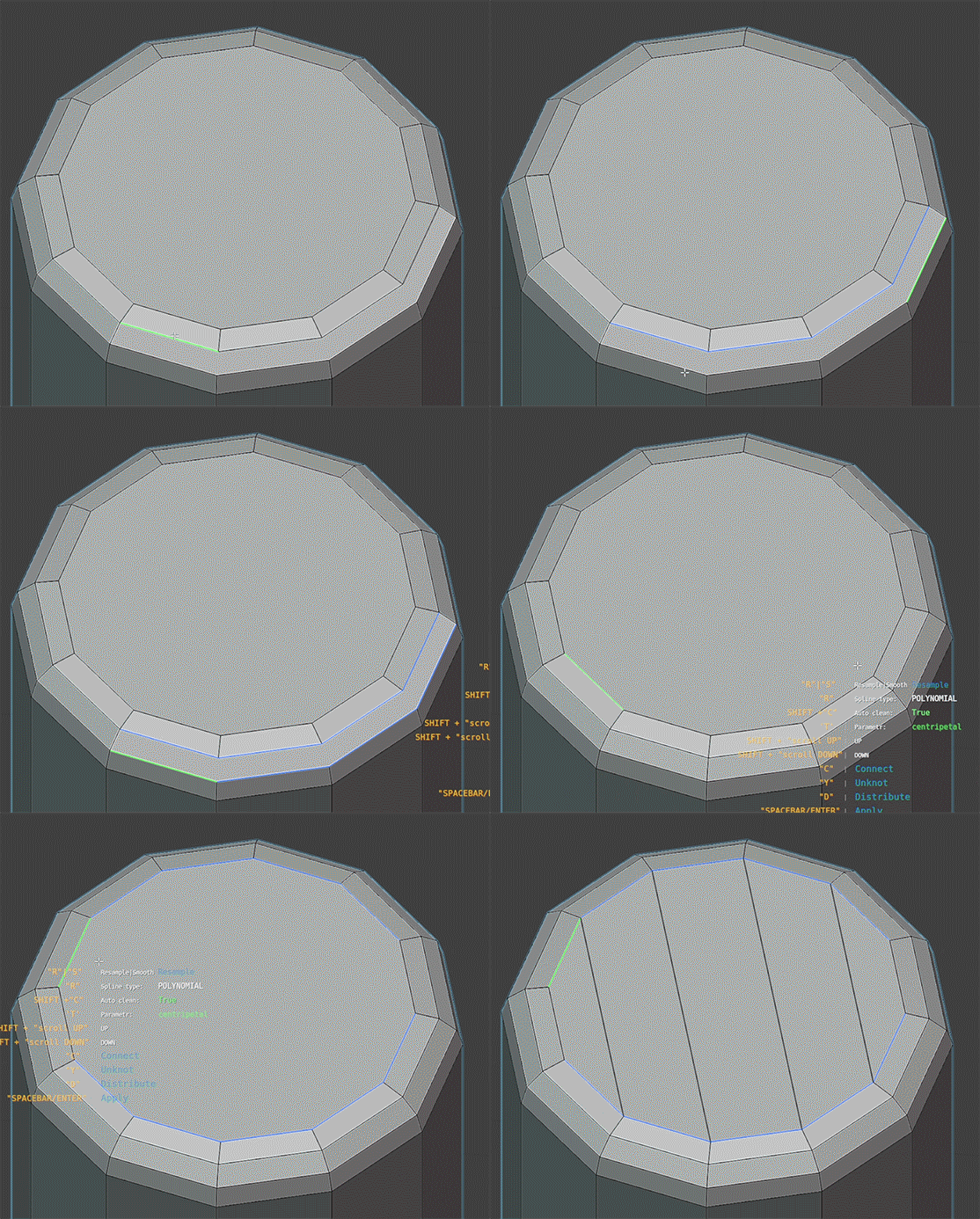
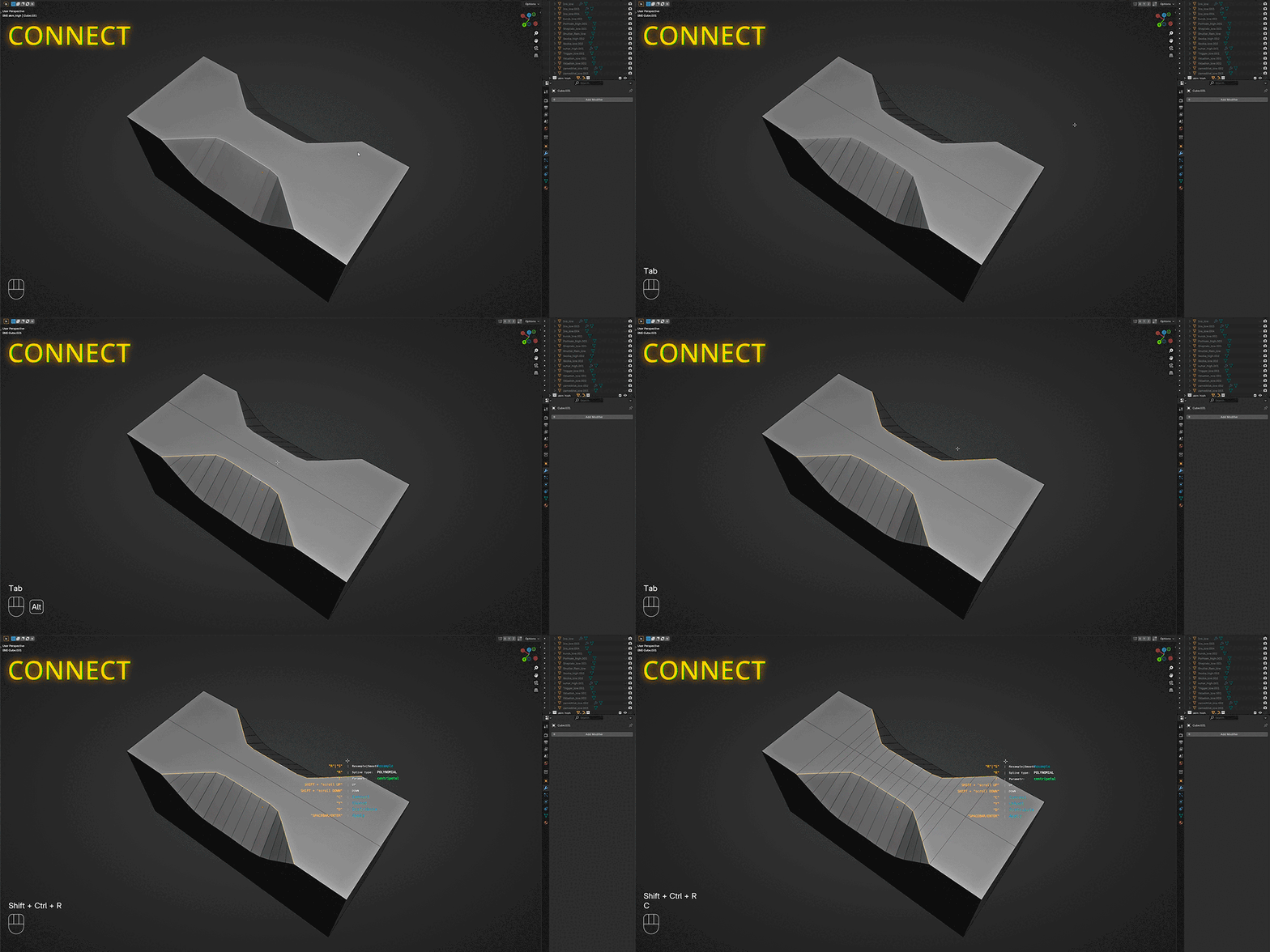
Connect
The "Connect" operator creates edges between corresponding vertices in the selected loop sequences.
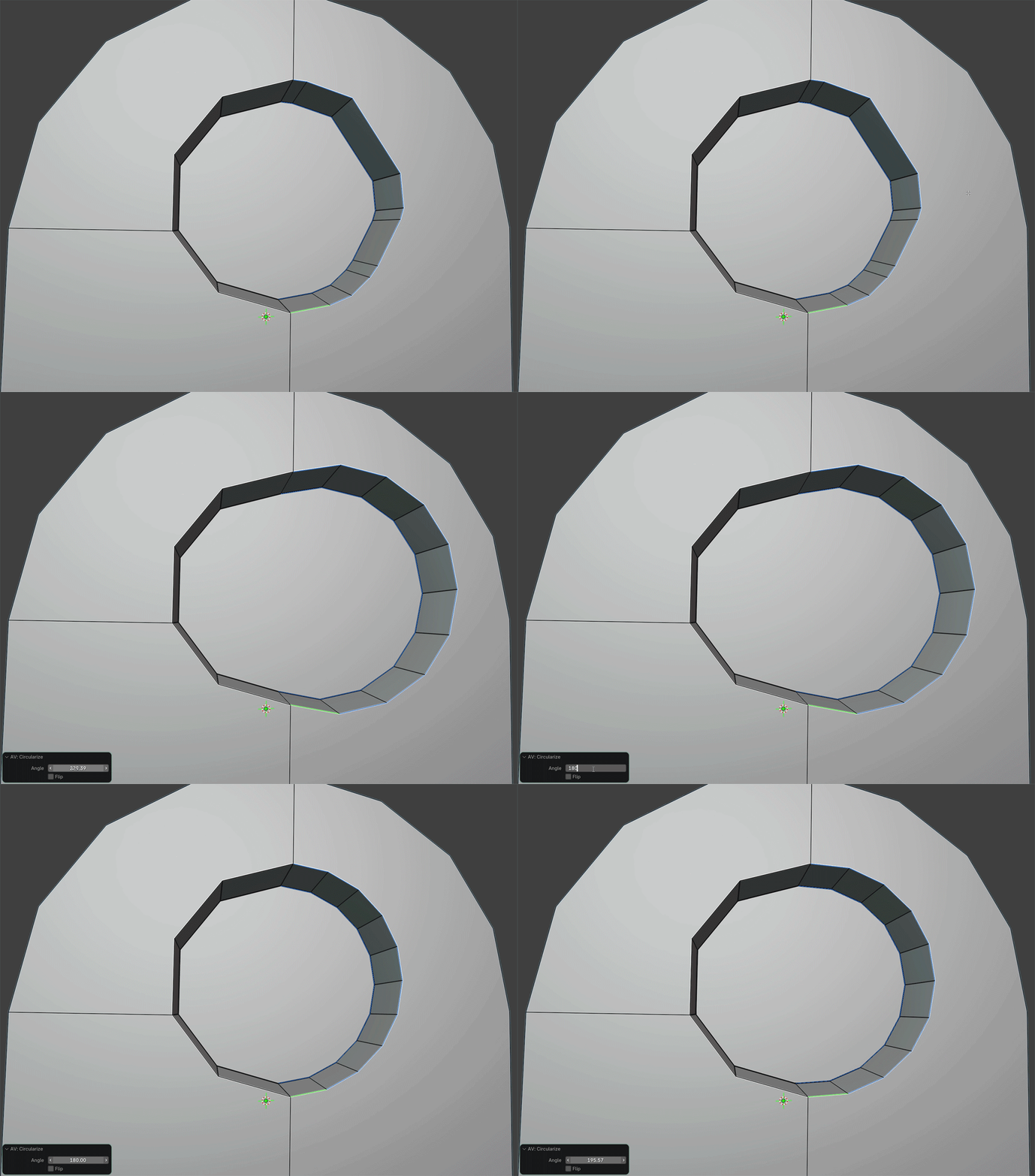
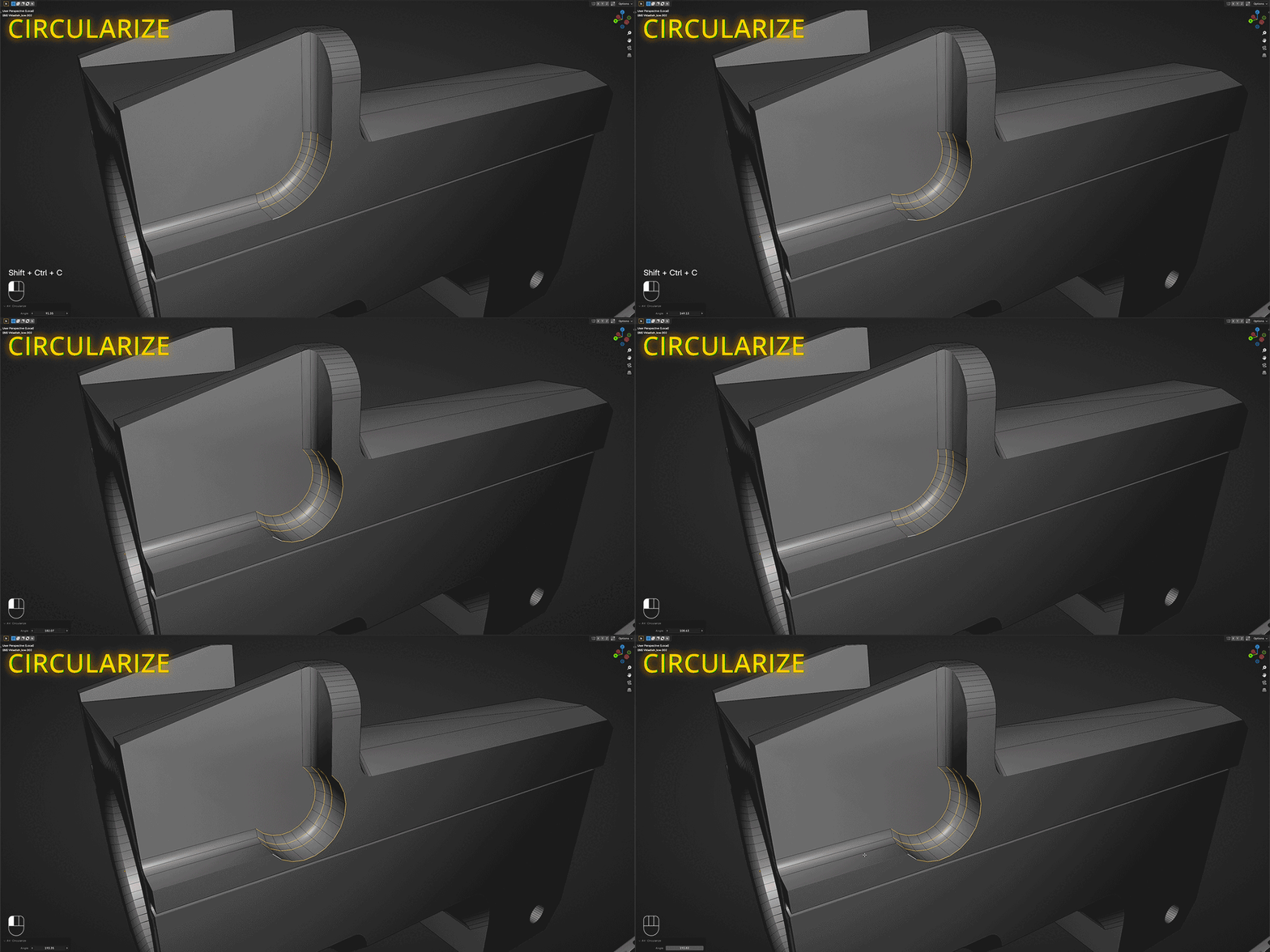
Circularize
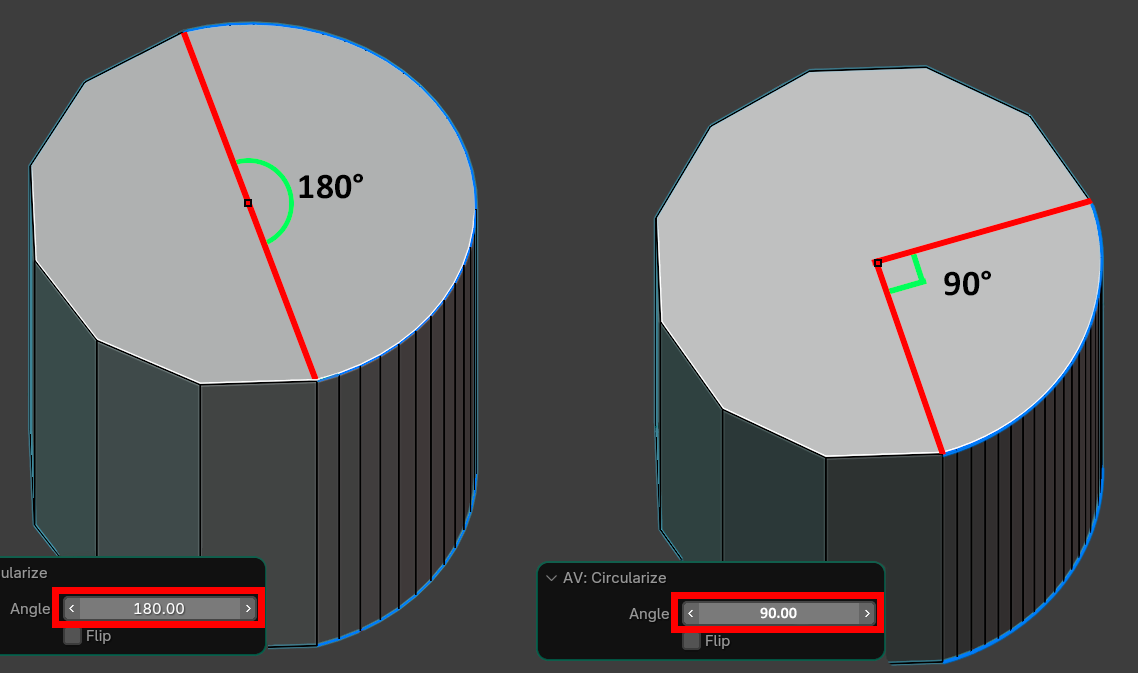
"Circularize" arranges vertices into a circular arc, using the first and last points as the chord.
Example: Convert a crooked line of vertices into a smooth semicircle while keeping the endpoints fixed.
Optimize mesh
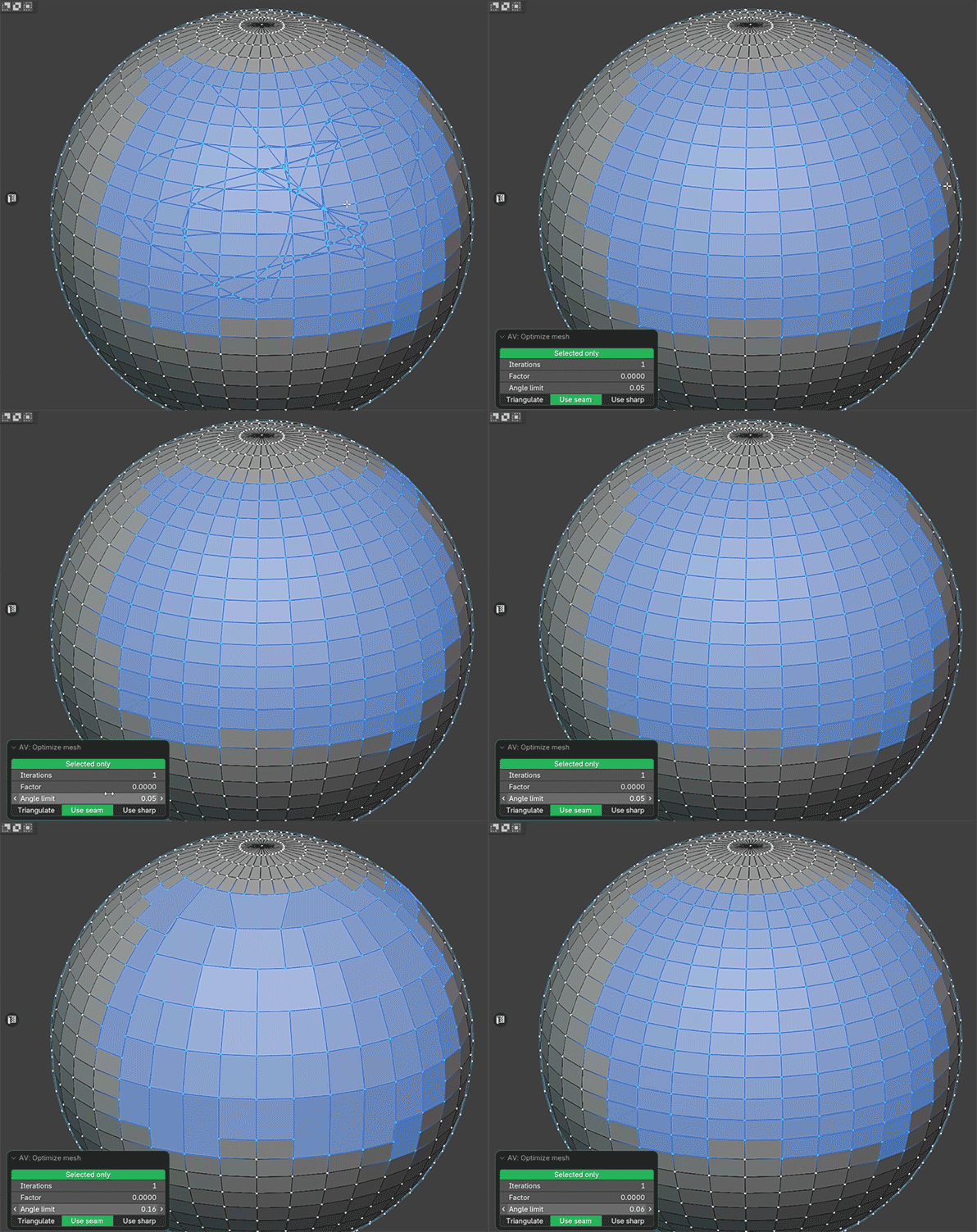
The "Optimize Mesh" operator streamlines your geometry by dissolving:
- Edges that do not affect the silhouette,
- Zero-length edges,
- Zero-area faces,
- Vertices with no connected faces.
This operator is highly customizable: adjusting its settings produces different optimization results, making it ideal for destructive workflows (e.g., retopology or final mesh cleanup). To restrict its effect to selected
FAQ:
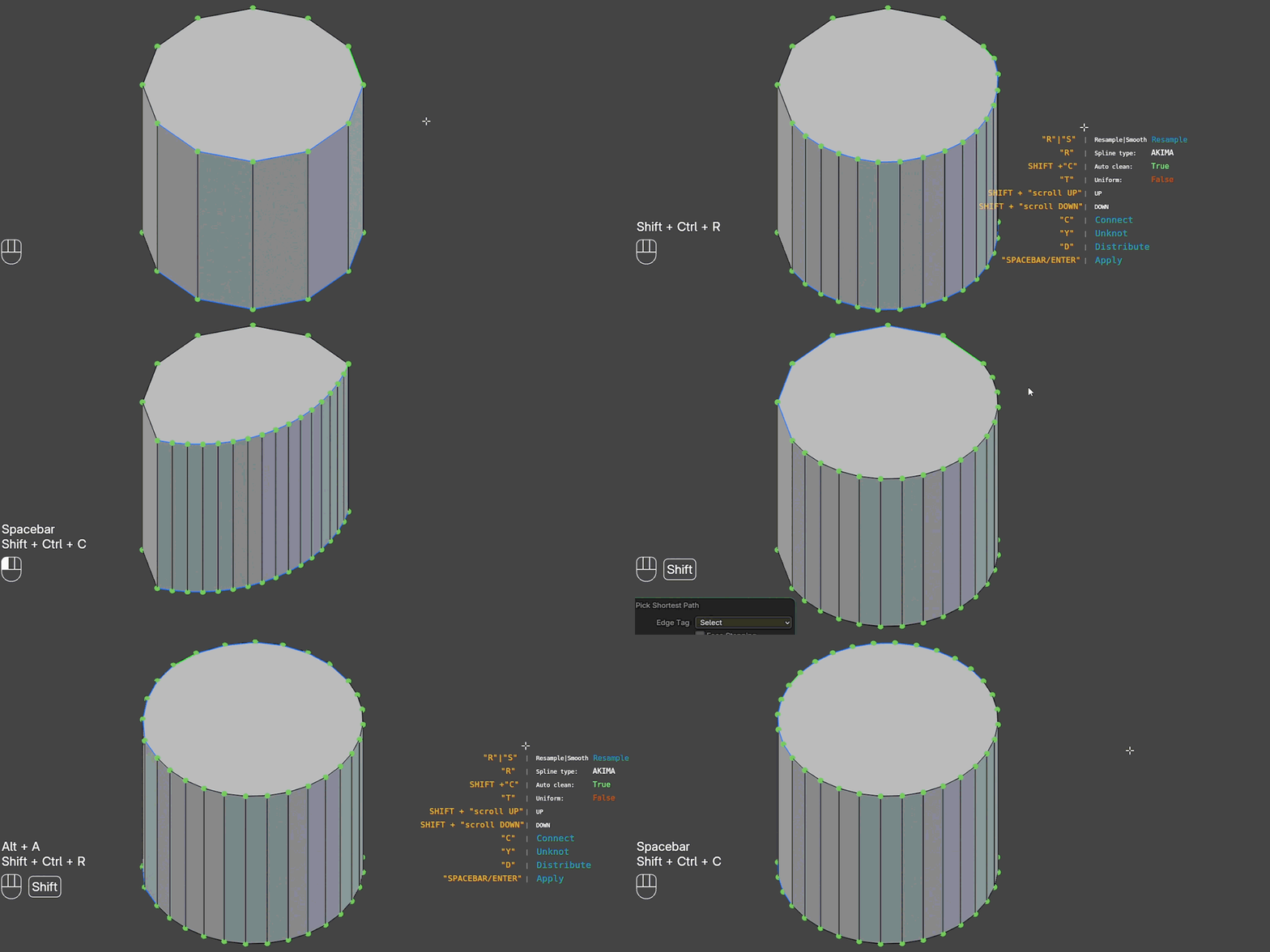
Is it possible to resample a cylindrical mesh with this add-on?
Currently, Resample Mesh does not support closed edge loops.
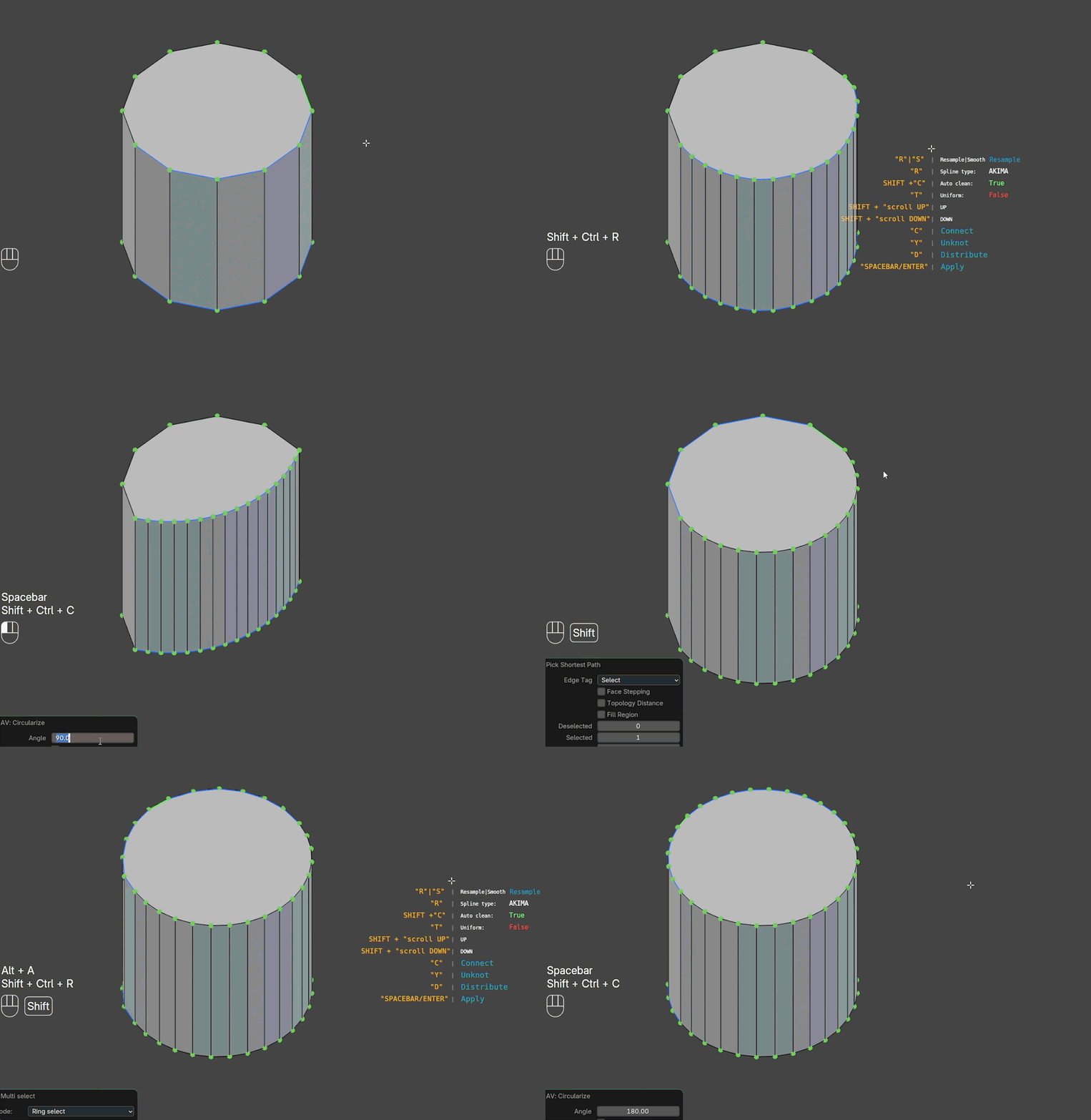
However, you can resample a cylinder using this method:
- Resample + Circularize :
This method provides the most accurate results but requires specifying the angle for the arc sector (e.g., 90° for a quarter-circle).
Exemple:
Updates:
Make sure to uninstall the current addon before installing the new one and restart blender.
v1.0.24
- Fix auto lock custom split normal
v1.0.20
- Added select pie
- Fixed minor bugs
v1.0.15
- Added alternative control
- Fix HUD
v1.0.10
- Added support "Vulkan"
v1.0.9
- HUD has been changed
- Optimyze algorithm improved
- The interpolation accuracy is improved to the maximum. (New vertices pass exactly through the old ones)
v1.0.6
- Added compatibility with Blender 4.1 version
- Fixed bmesh cleanup bug on Blender 4.4
- POLYNOMIAL spline reworked:
parameterization (chordal, centripetal, adaptive) replaced by tension parameter
For Adaptive it was 0.15
Centripetal 0.25
Chordal 0.5
v1.0.4
- Fixed of minor bugs
v1.0.3
- Added "TRACKPAD" supported
v1.0.2
- Added error handling to display warnings for incorrect tool usage instead of crashes.
- Fixed HUD rendering bug in 3D VIEW screens; it now only displays in the correct context.