 Sonneblom Digitaal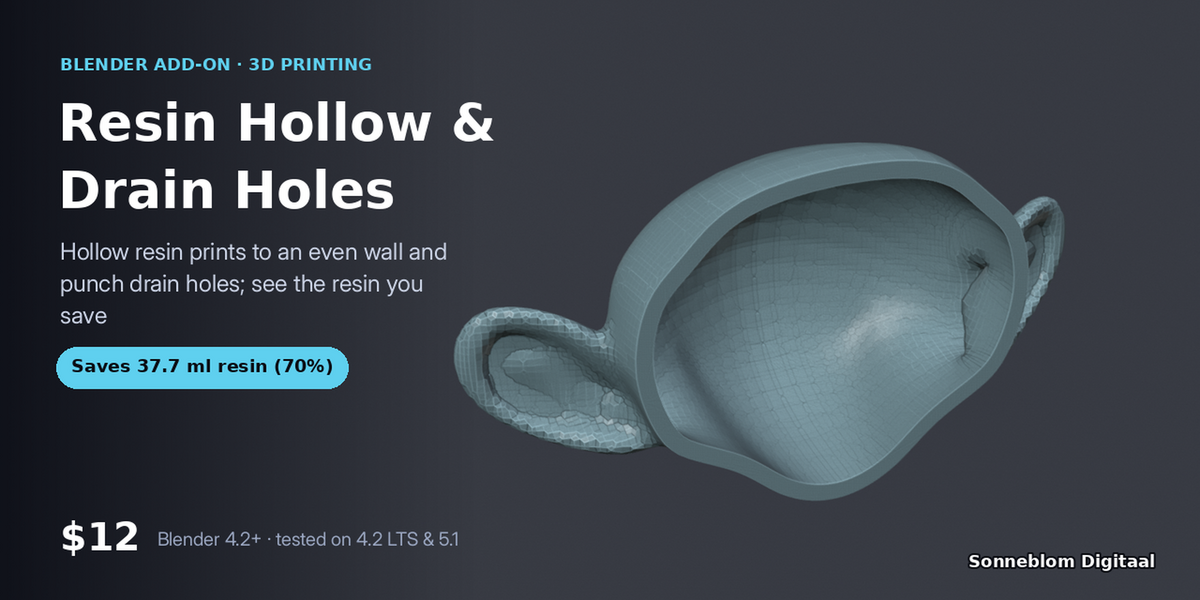
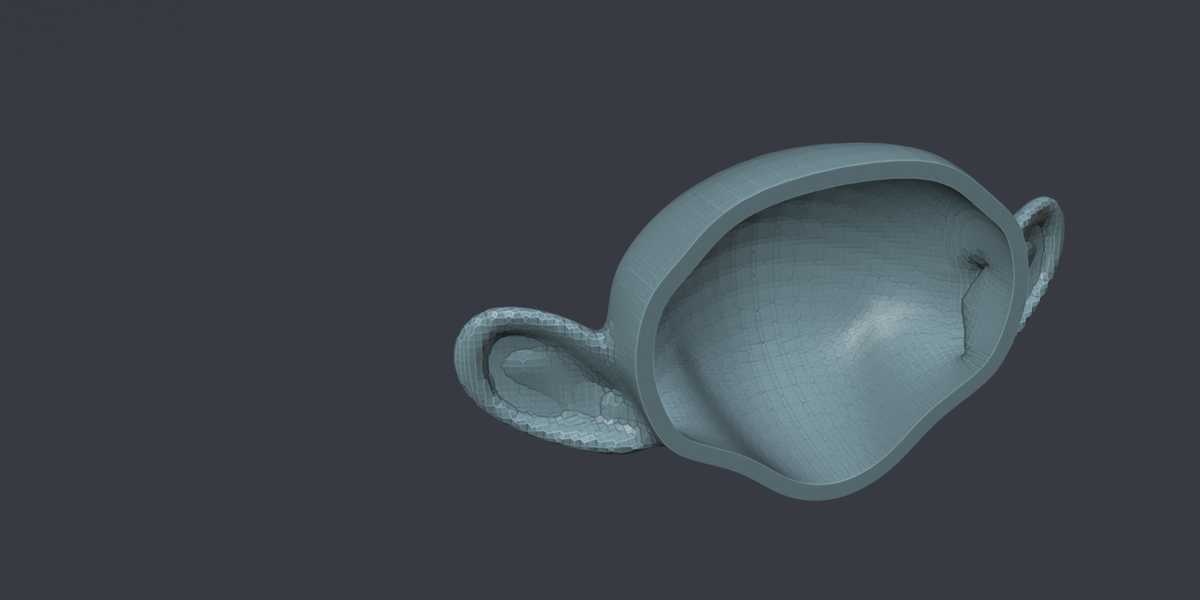
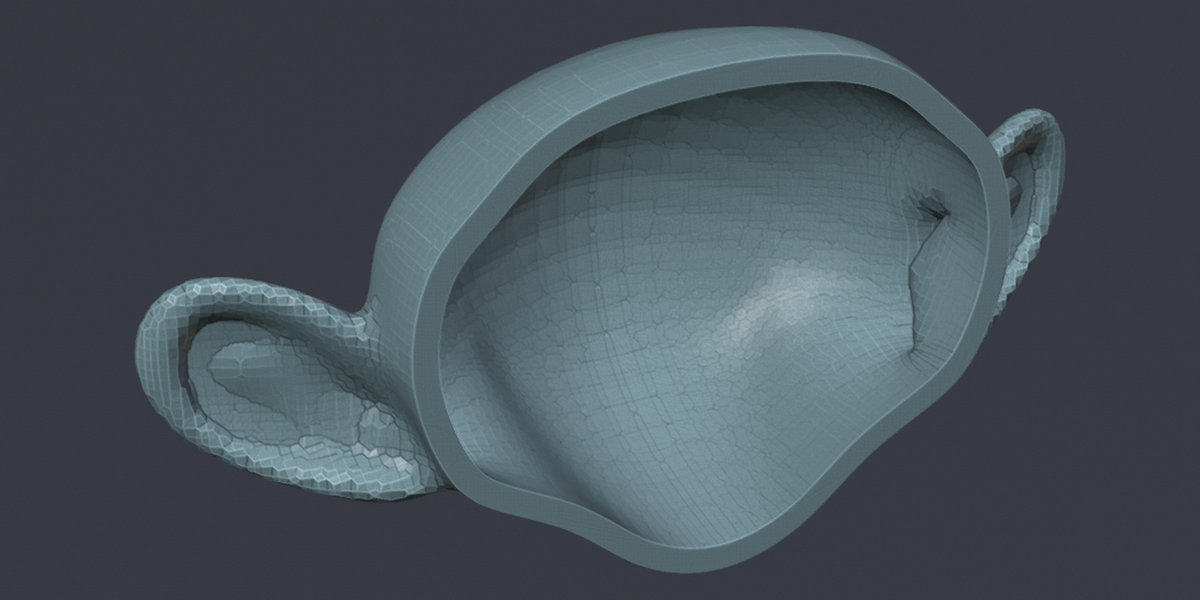

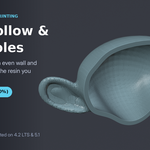
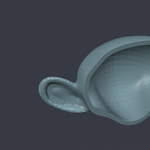
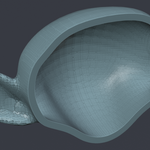

Solid resin prints waste resin and crack. Set a wall thickness and the number of drain holes: you get a hollow copy (your original stays) with holes cut at the lowest points, plus how many millilitres of resin you just saved.
Who it's for: Resin (SLA/MSLA/DLP) printers who want lighter prints, less resin and fewer cracked or suction-failed parts.
Key features
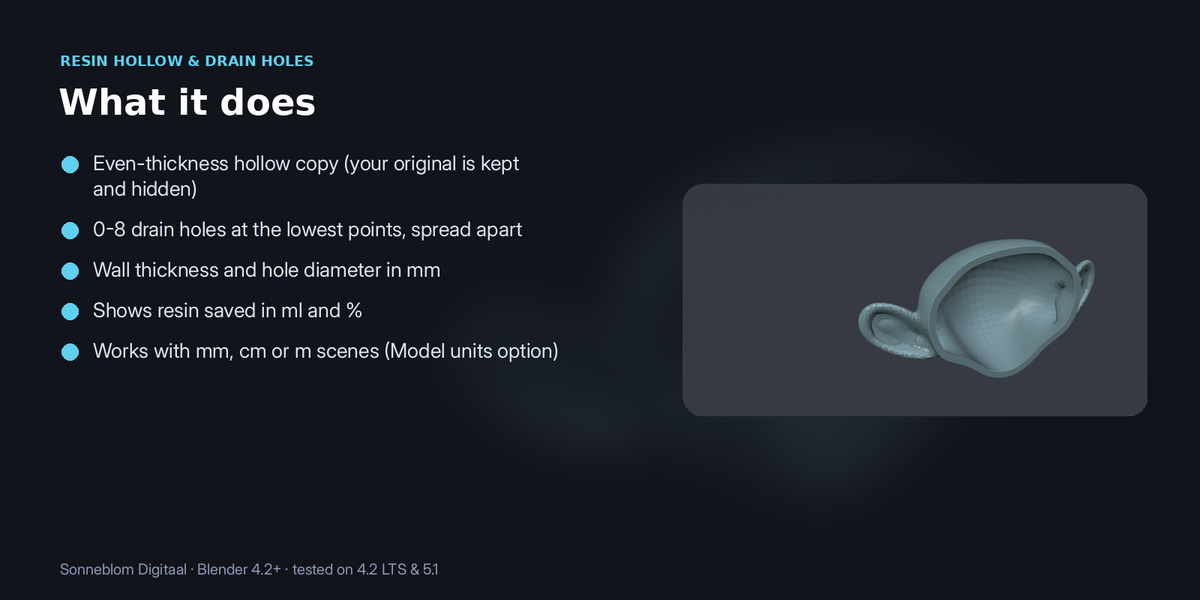
- Even-thickness hollow copy (your original is kept and hidden)
- 0-8 drain holes at the lowest points, spread apart
- Wall thickness and hole diameter in mm
- Shows resin saved in ml and %
- Works with mm, cm or m scenes (Model units option)
How to use
- Select the mesh to hollow, oriented the way you will print it.
- Press N in the 3D Viewport and open the Resin Hollow tab.
- Set the wall thickness (2 mm is a safe default), the number of drain holes and the hole diameter. For imported STLs set Model units to 1 unit = 1 mm.
- Click Hollow + drain holes. A new object name (hollow) is made with modifiers baked in, the original is hidden, and the panel shows the resin saved in ml and %.
Compatibility: Blender 4.2 or newer. Tested on Blender 4.2 LTS and 5.1. Pure Python, nothing extra to install.
Good to know: Needs a closed (watertight) mesh. Drain holes go straight down near the bottom of the model; no inner supports or lattice.
Support: Questions or a model that doesn't work? Message us through Superhive (Contact the creator) with what happened, and the model if you can, and we'll help. Free updates for version 1.x.