Resin Hollow & Drain Holes
 Sonneblom Digitaal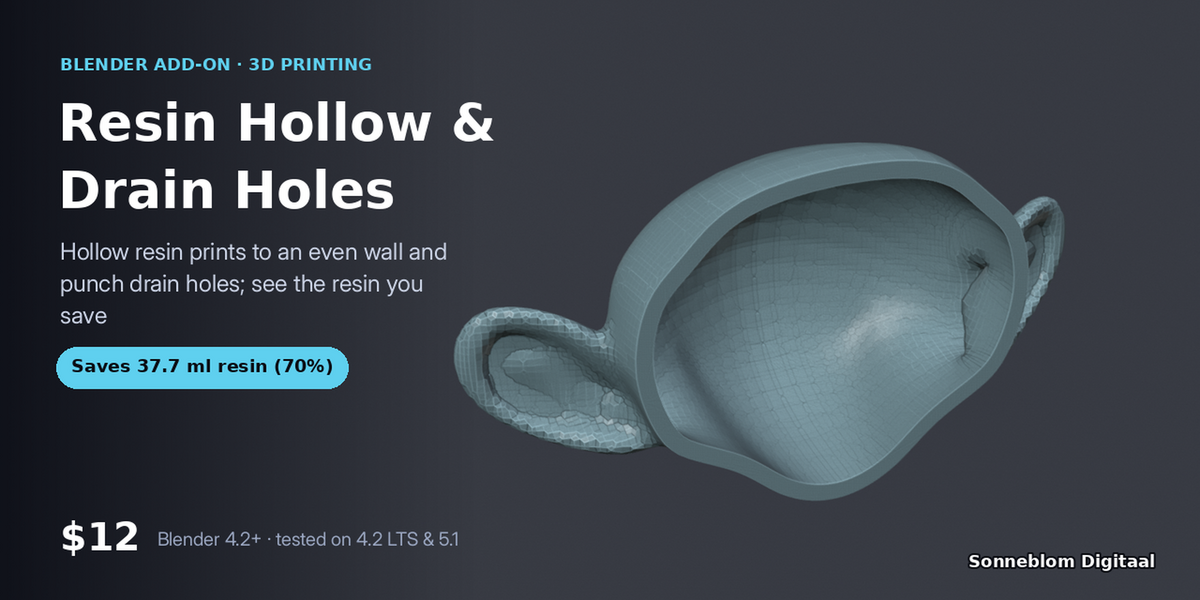


Version 1.0.1 · Blender 4.2 or newer · tested on 4.2 LTS and 5.1
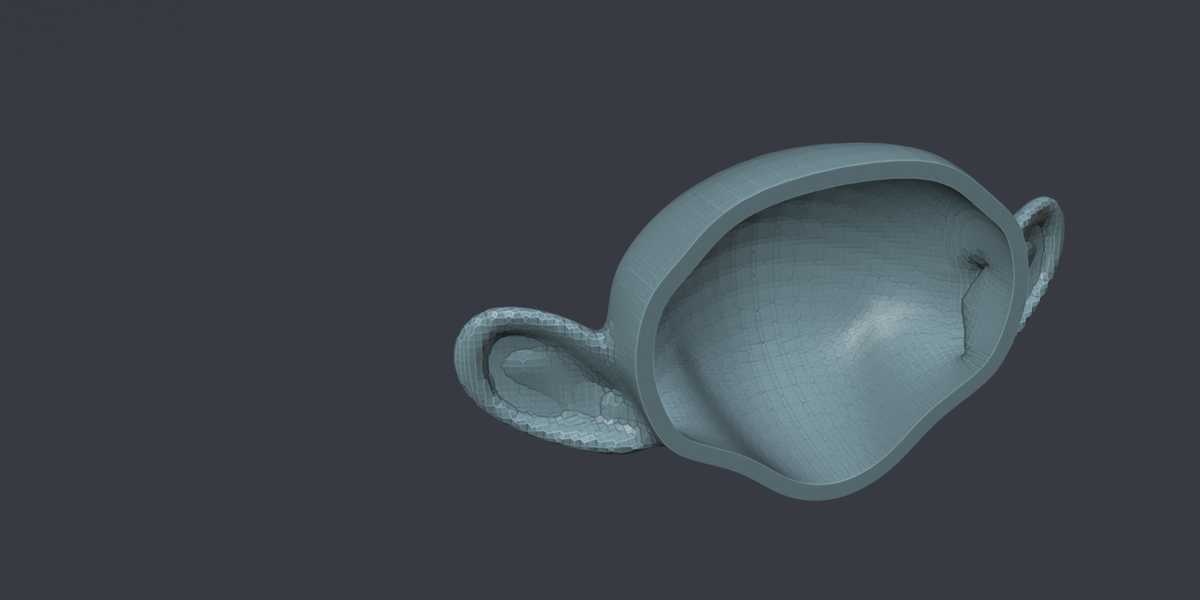
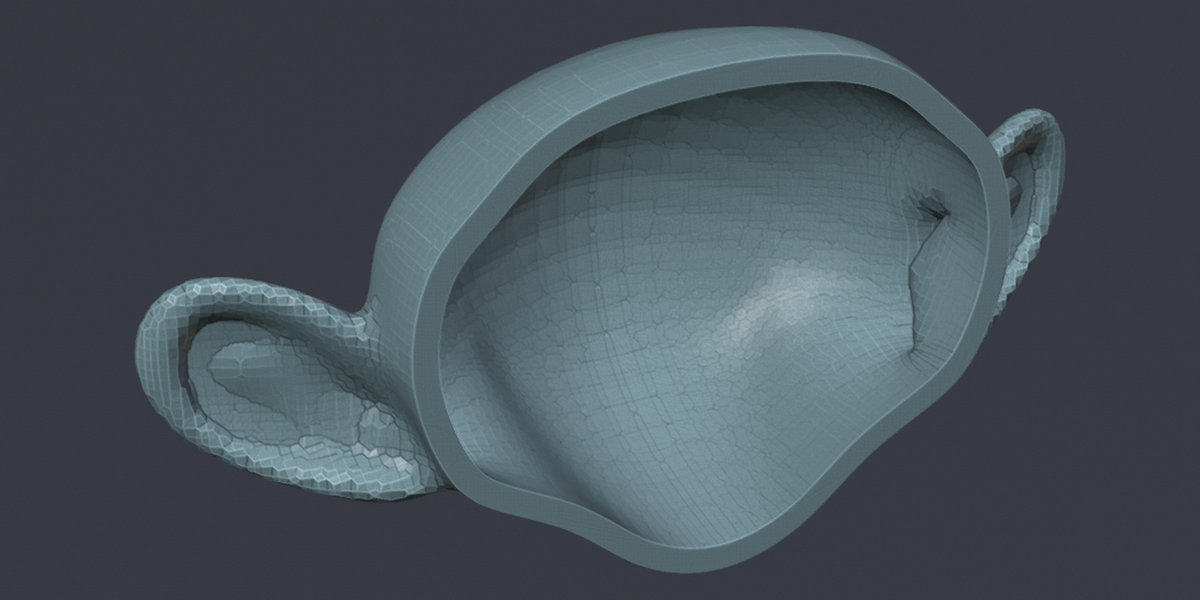
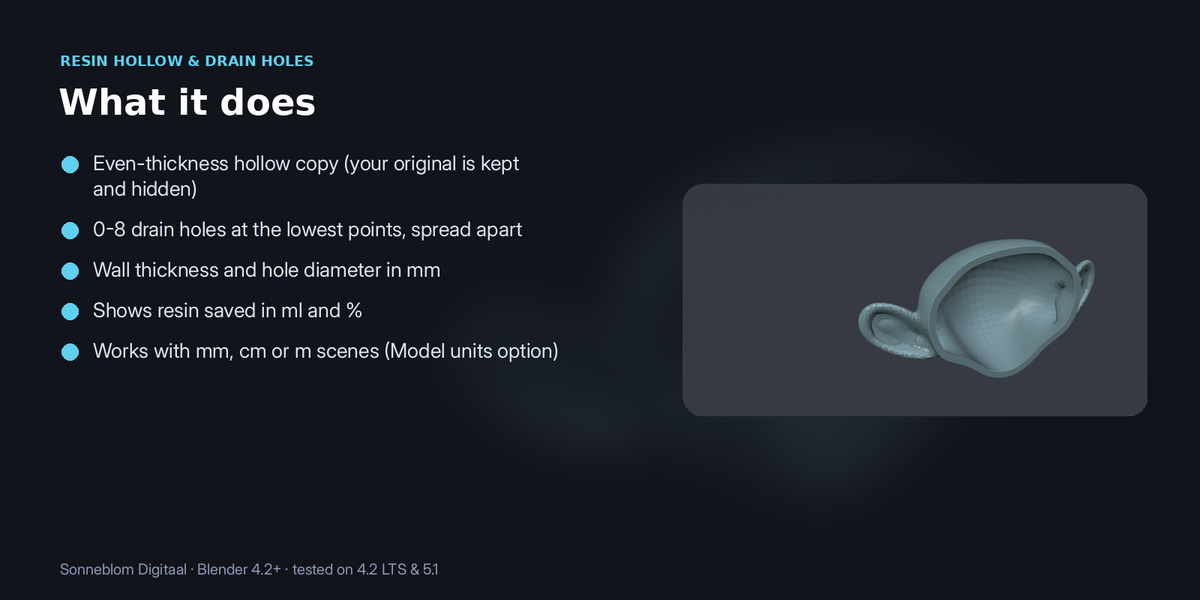
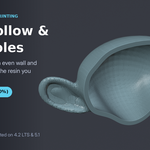
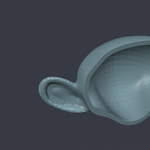
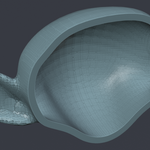
Solid resin prints waste resin and crack. Set a wall thickness and the number of drain holes: you get a hollow copy (your original stays) with holes cut at the lowest points, plus how many millilitres of resin you just saved.
1. Install
The download contains two files. Use the one that matches how you install add-ons:
- resin_hollow-1.0.1.zip (Blender extension, recommended): drag it into Blender, or go to Edit > Preferences > Get Extensions, open the drop-down arrow at the top right, choose Install from Disk… and pick the zip. Do not unzip it.
- resin_hollow-1.0.1-legacy.zip (classic add-on folder): Edit > Preferences > Add-ons, drop-down arrow, Install from Disk…. Use this one if you manage add-ons as folders.
Make sure it is enabled, then in the 3D Viewport press N and open the Resin Hollow tab. It has no extra dependencies.
2. How to use it
- Select the mesh to hollow, oriented the way you will print it.
- Press N in the 3D Viewport and open the Resin Hollow tab.
- Set the wall thickness (2 mm is a safe default), the number of drain holes and the hole diameter. For imported STLs set Model units to 1 unit = 1 mm.
- Click Hollow + drain holes. A new object name (hollow) is made with modifiers baked in, the original is hidden, and the panel shows the resin saved in ml and %.
3. Settings
| Setting | Default | What it does |
|---|---|---|
| Model units | Scene | How big one Blender unit is. |
| Wall thickness mm | 2.0 | 0.5 to 20. |
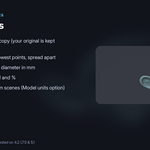
| Drain holes | 2 | 0 to 8, at the lowest points, spread apart. |
| Hole Ø mm | 3.0 | 0.8 to 20. |
| Hide original | On |
Model units: STL files have no units and are almost always in millimetres, while Blender's default scene counts 1 unit as 1 metre. Set Model units to 1 unit = 1 mm for imported STLs, or leave it on Scene to follow Scene > Units.
4. Limits
Needs a closed (watertight) mesh. Drain holes go straight down near the bottom of the model; no inner supports or lattice.
5. Support and licence
Questions or a model that doesn't work? Message us through Superhive (Contact the creator) with what happened, and the model if you can, and we'll help. Free updates for version 1.x.
Resin Hollow & Drain Holes is made by Sonneblom Digitaal and released under the GNU General Public License v3 or later (GPL-3.0-or-later), like other Blender add-ons. You may use it commercially.
Have questions about this product?
Login to message
| Blender Extension Compatible | Yes |
| Published | about 7 hours ago |
| Blender Version | 4.2 - 5.1 |
| Extension Type | Add-on |
| License | GPL |