 AngelSpeakDraw
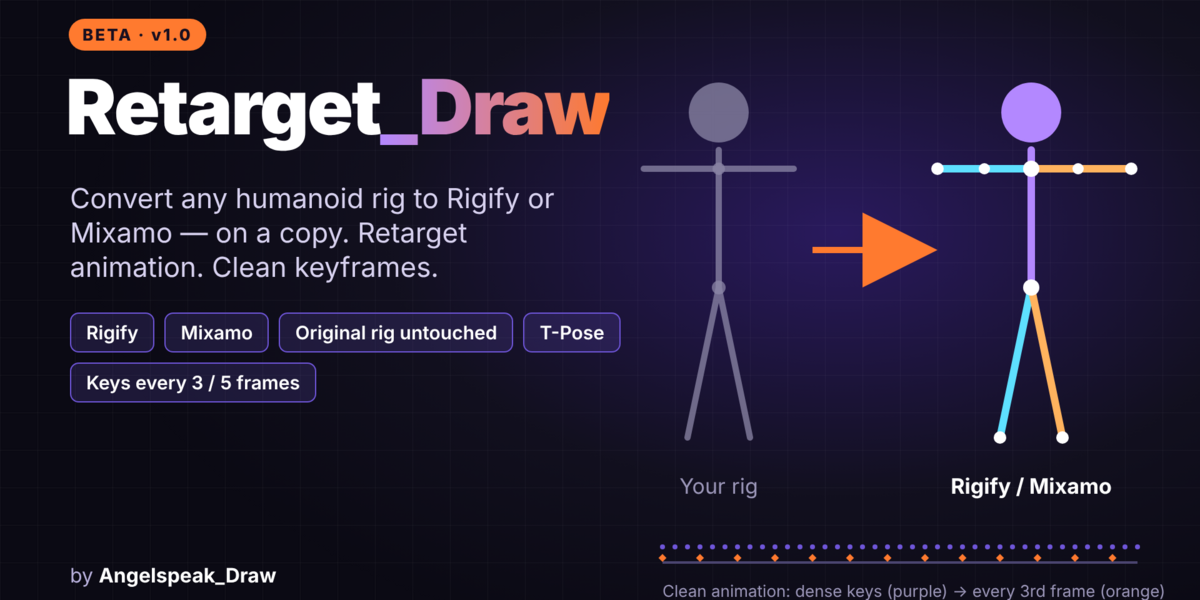
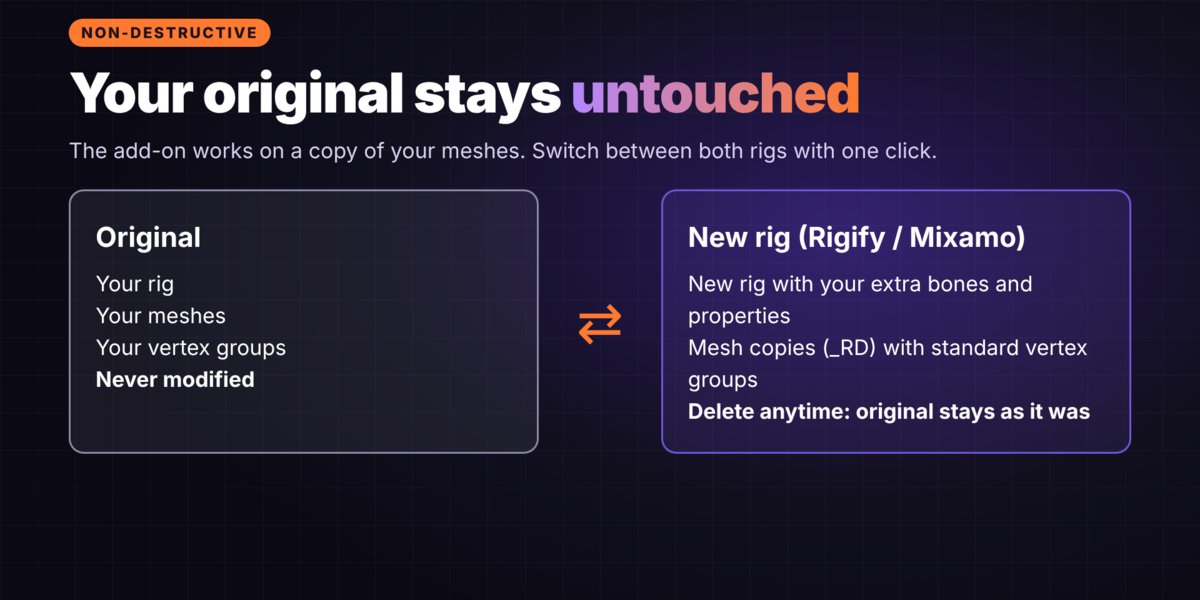
Retarget_Draw (v1.0 beta) turns your character rig into a Rigify or Mixamo rig on a COPY, so your original rig and meshes stay untouched. Then it retargets animation onto the new rig, or back onto your original one.
WHAT IT DOES
- Auto-detects humanoid bones, with manual selection when detection can't decide
- Builds a Rigify or Mixamo rig and transfers your custom bones, properties and shapes
- Works on a duplicate of your meshes: the original rig and its vertex groups are never modified
- Switch between the original rig and the new rig with one click
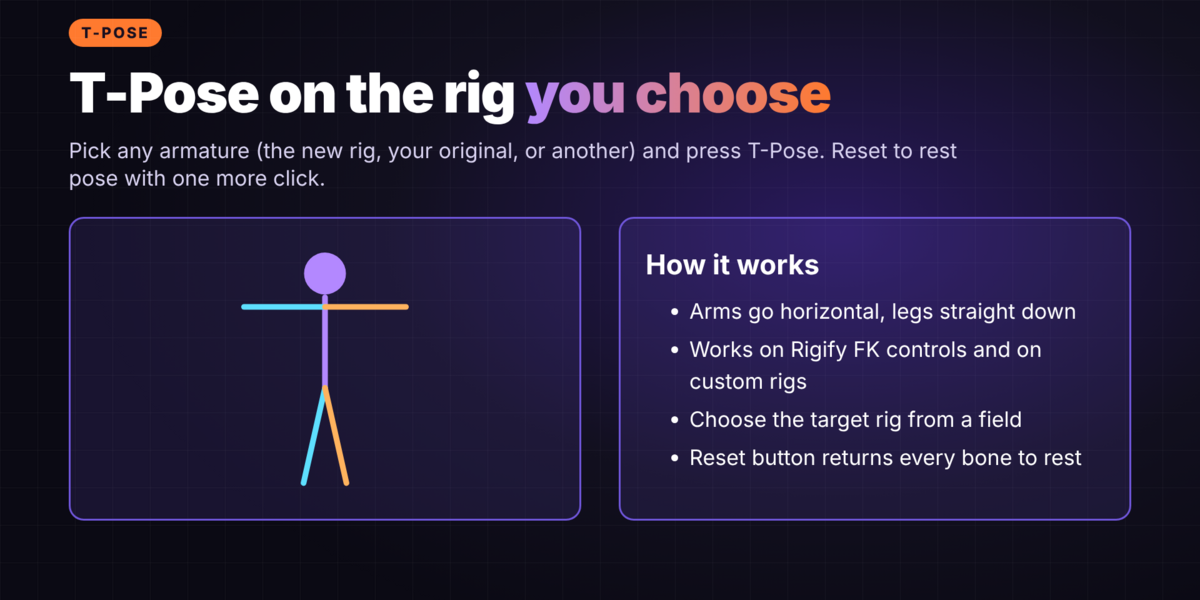
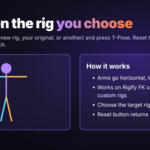
- T-pose button: choose which rig to pose, and reset to rest pose
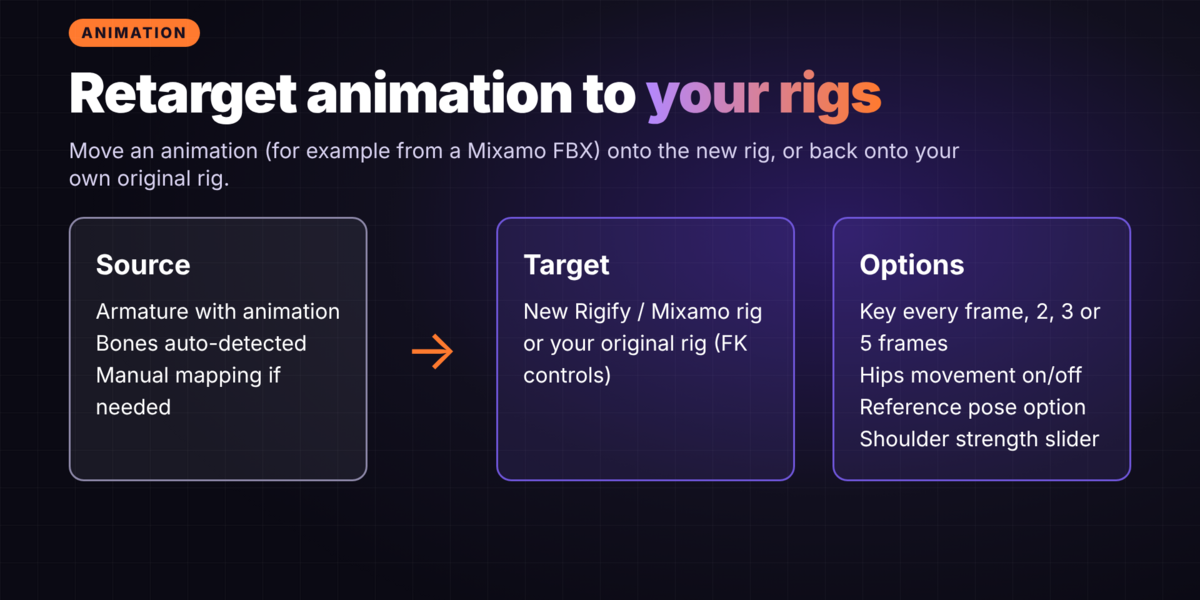
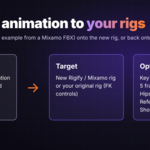
- Animation retargeting: move a Mixamo/FBX animation onto the Rigify rig, or onto your own rig's FK controls
- Keyframe options: key every frame, every 2, 3 or 5 frames
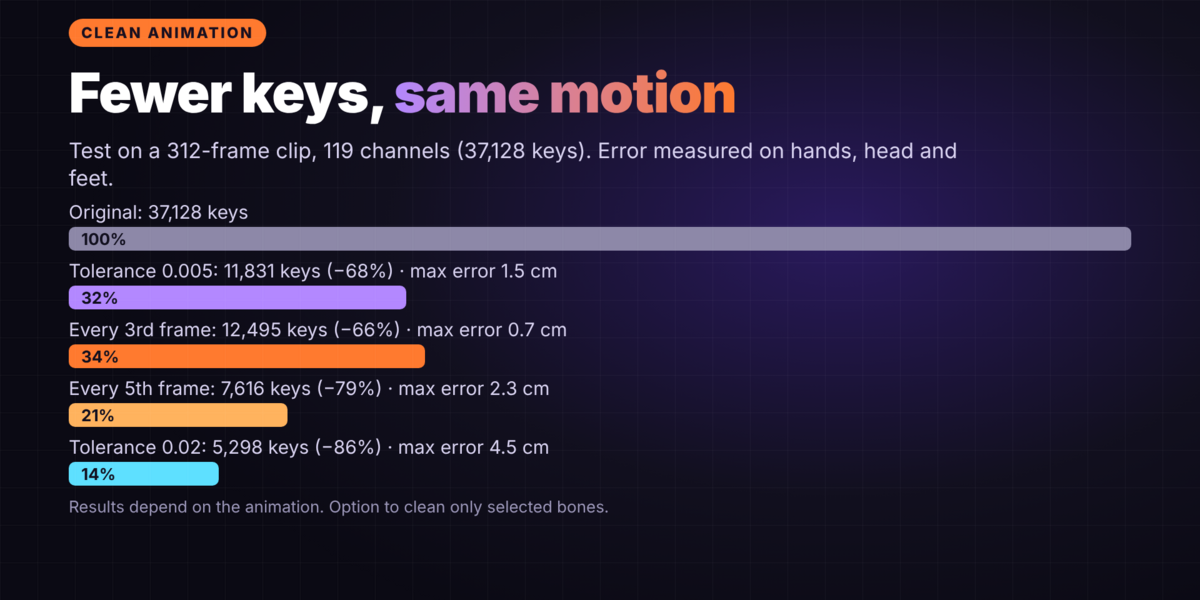
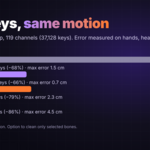
- Clean Animation: remove redundant keys by tolerance, or keep one key every 3 or 5 frames, optionally only for selected bones
HOW IT WORKS
1. Pick your rig and press Detect Bones; fix any slot by hand
2. Press Create New Rig
3. Choose an animation source, detect its bones, and run Retarget
4. Use Clean Animation to reduce keyframes
BETA NOTES
- Built and tested on Blender 5.2 LTS with a custom character rig; other rigs may need manual bone mapping
- The spine on Rigify rigs is distributed by Rigify, so spine motion is approximated
- No foot-slide correction yet
- Some clips need a neutral reference frame; the add-on offers a reference-frame option
- Retargeting a 300-frame clip takes 1-2 minutes
Please report issues with your rig type so they can be improved in the next updates.