Retarget_Draw
 AngelSpeakDraw
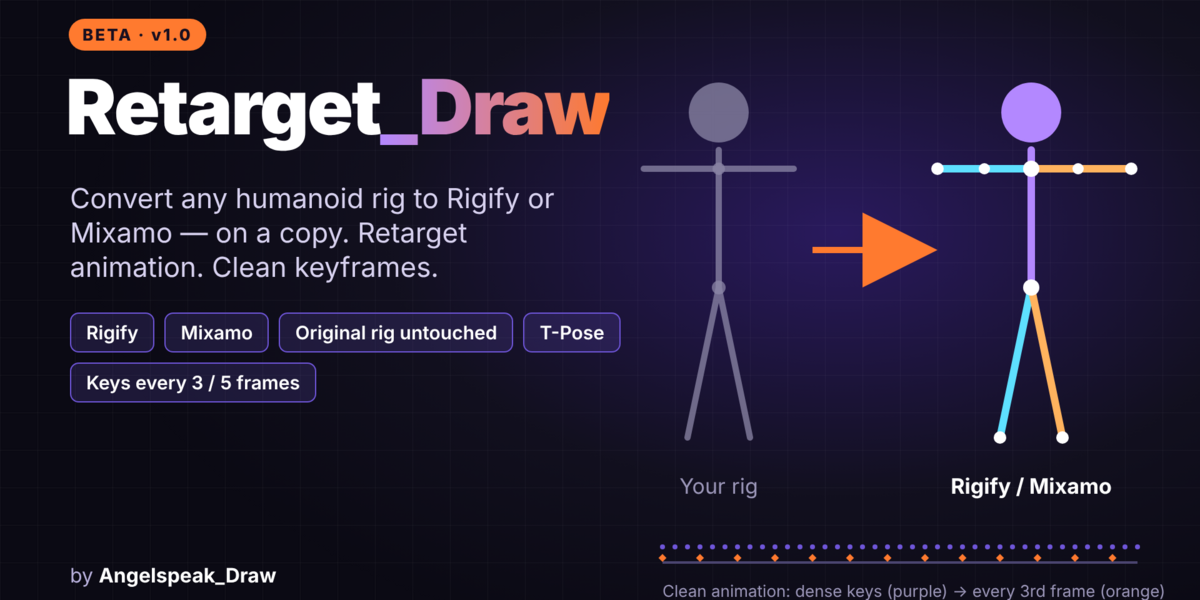
Is it a beta? What is missing?
Yes, v1.0 is a beta. Known limits: no foot-slide correction, the Rigify spine is approximated, and unusual rigs may need manual bone mapping. Please report issues with your rig type so they can be improved.
How can I reduce the number of keyframes?
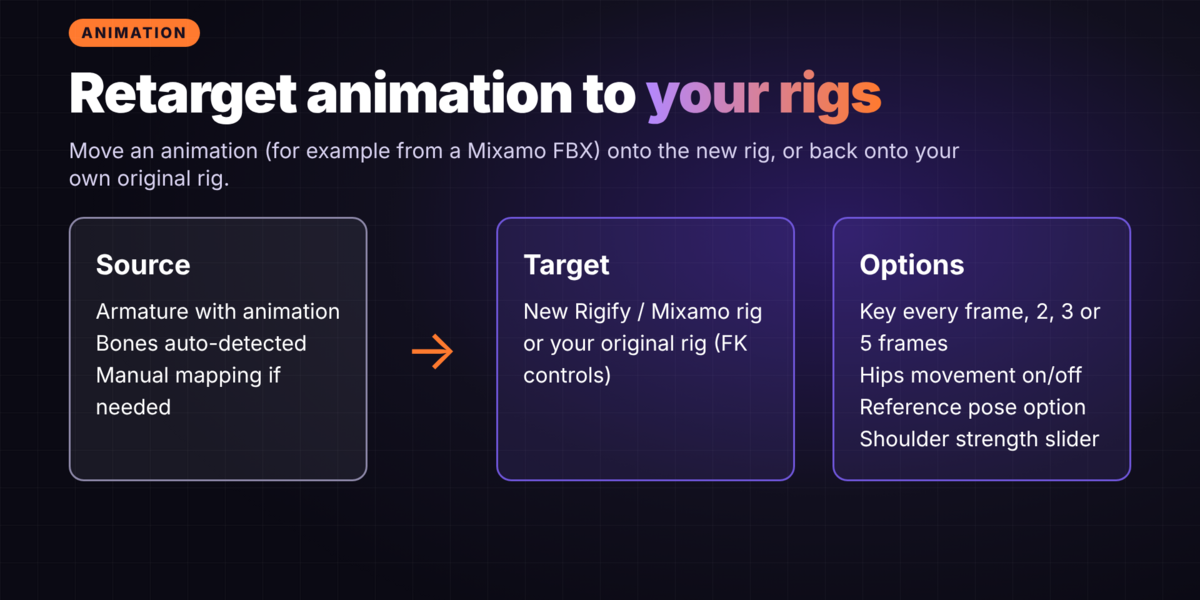
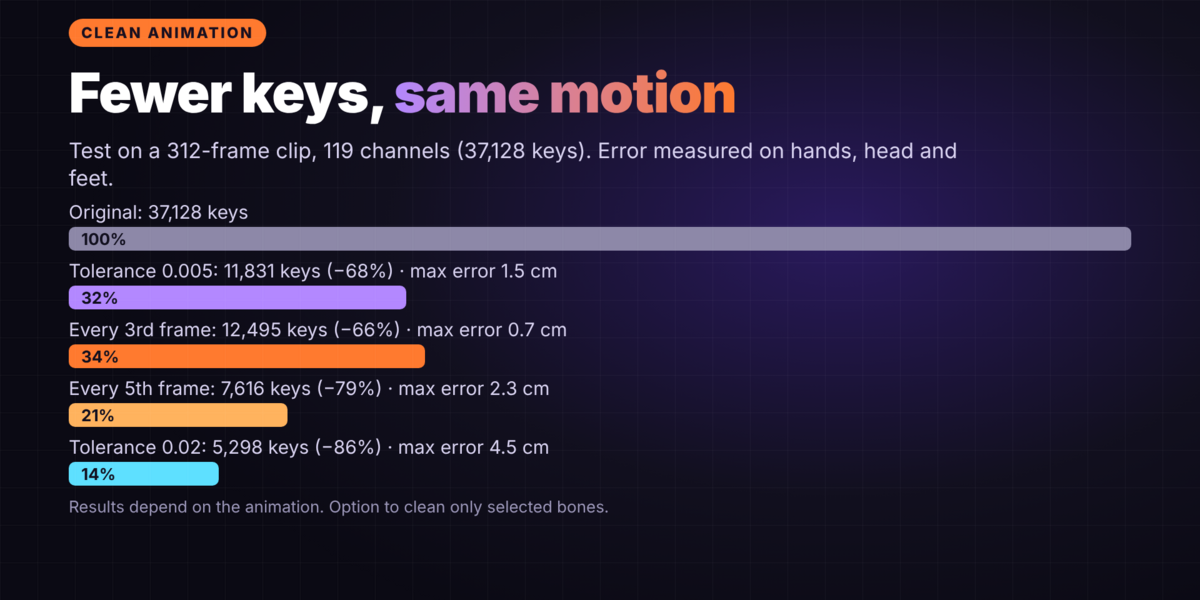
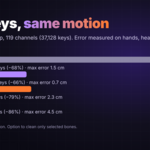
Use the key frequency option (every 2, 3 or 5 frames) when retargeting, or use “Limpiar animacion” afterwards with a tolerance or an “every N frames” setting.
Can I retarget Mixamo animations onto my own rig?
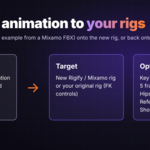
Yes. Choose the Mixamo armature as the source and your rig (or the new Rigify rig) as the target, detect the source bones, and run the retarget. Rigs that use FK controls named like CTRL-FK-* are supported; other naming may need manual mapping.
The detection did not find some bones. What do I do?
Open “Mapeo de huesos”, select the bone in the list for that slot (or use the eyedropper with the active bone) and press “Crear rig nuevo” again. Required slots are marked with *.
Does it change my original rig or meshes?
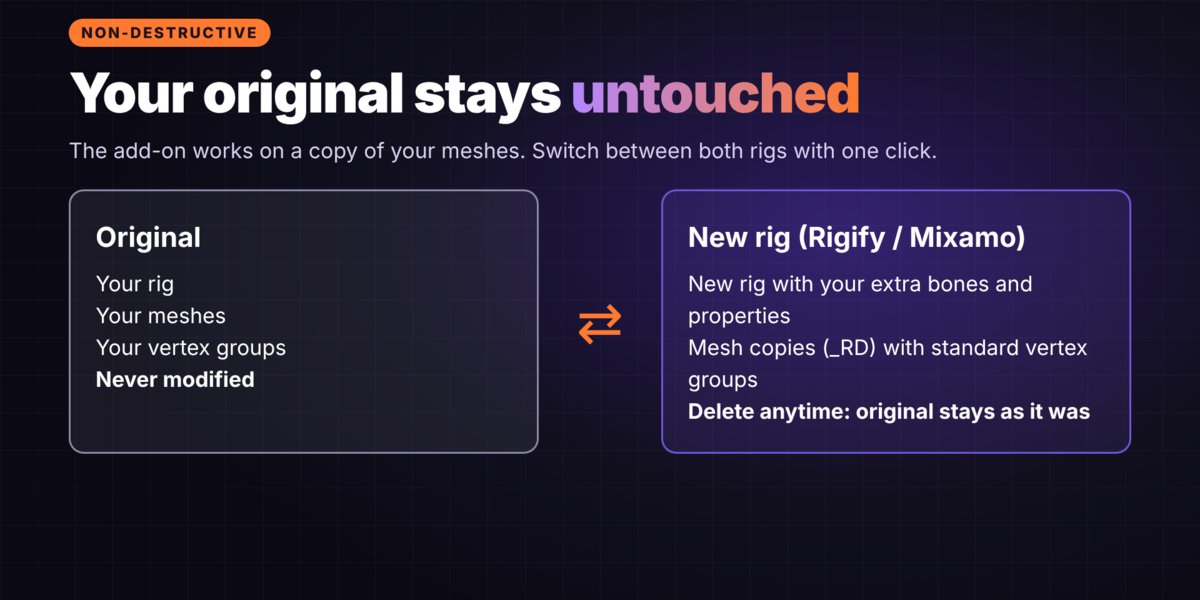
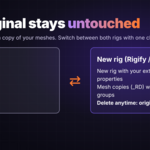
No. It builds the new rig and works on a copy of your meshes. Your original rig, meshes and vertex groups are not modified. You can delete the new rig and the copies at any time.
Which Blender versions does it support?
It has been tested on Blender 5.2 LTS. Other versions have not been tested yet.
Have questions about this product?
Login to message
| Blender Extension Compatible | Yes |
| Published | about 15 hours ago |
| Blender Version | 5.2 |
| Extension Type | Add-on |
| Render Engine Used | Cycles |
| License | GPL |
Discover more products like this
bonemapping rigify tpose rigconversion animation rigging keyframes humanoid cleanup retarget mixamo retargeting