 3DPRS
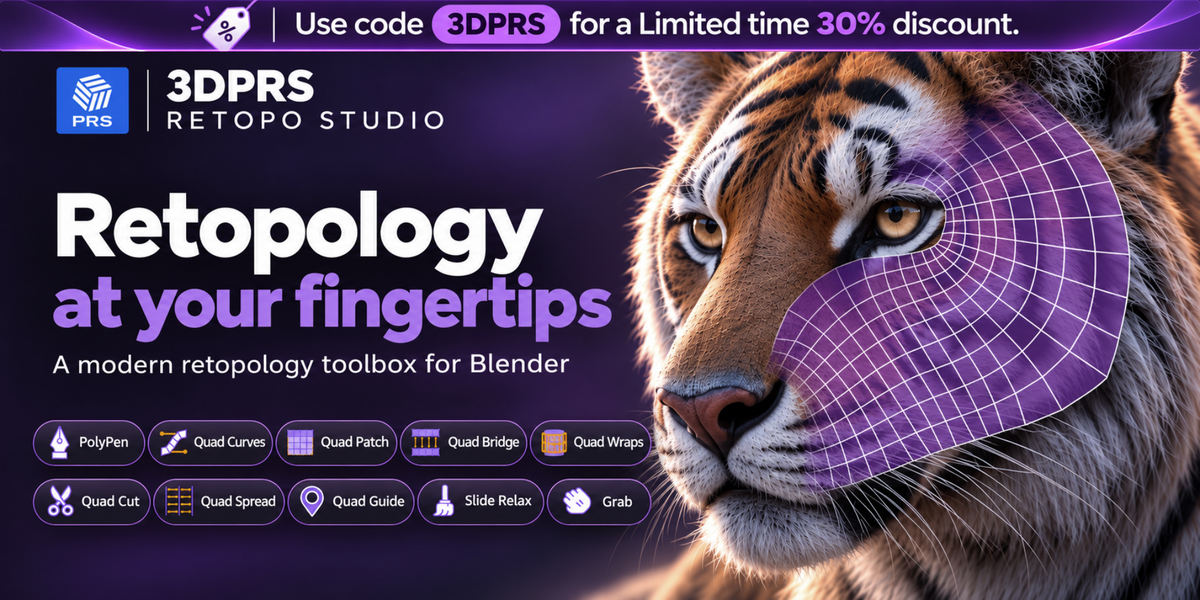
Retopology at your fingertips.
All your favorite retopology tools in one toolbox.
Ten retopology tools designed to work the way you want. Build, adjust, and refine your quads directly in Blender. No rigid workflow. No constraints.
Two modes. One seamless workflow.
Retopology Mode
Project newly created quads directly onto your source mesh.
Tool Mode
Project your quads onto a surface or from your camera view.
The tools you love. All in one place.
From drawing your first quad to perfecting the final edge flow. See what each tool can do in action.
PolyPen
Draw, extrude, connect, and merge quads directly on your mesh.
PolyPen is your core all-in-one drawing tool for fast topology creation. Use it to build clean surfaces directly on top of your sculpt with minimal friction and maximum control.

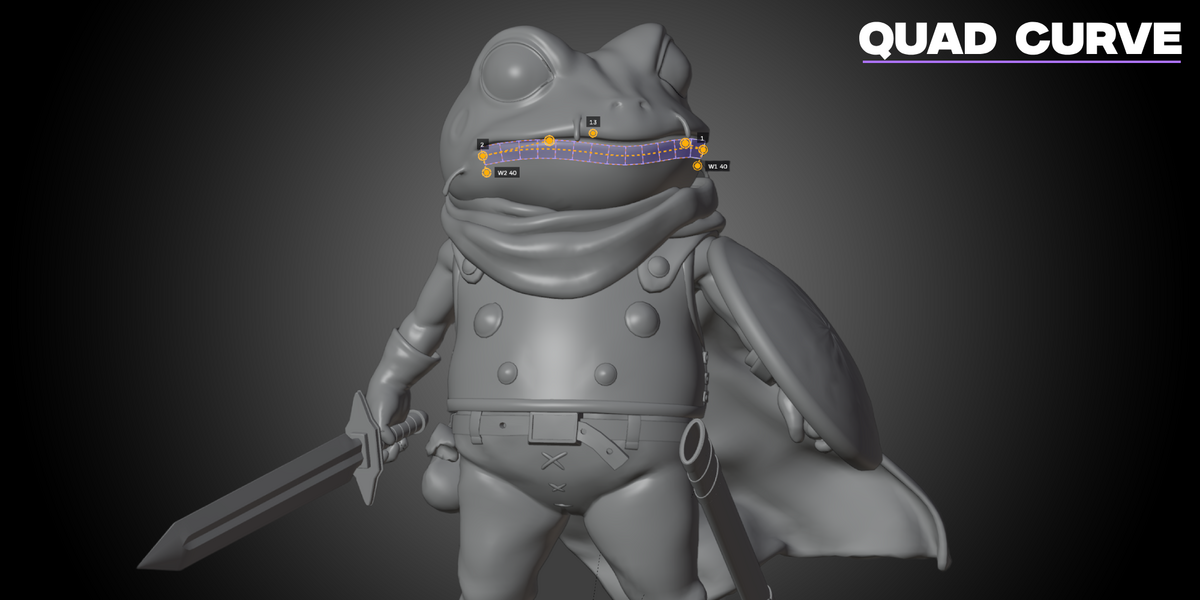
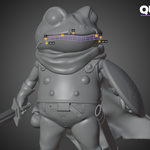
Quad Curves
Create Bézier curve strips with adjustable quad counts, width, and handles.
Block in edge flow quickly with controllable curve-based strips. Quad Curves makes it easy to lay down topology that follows organic forms and production-friendly loops.
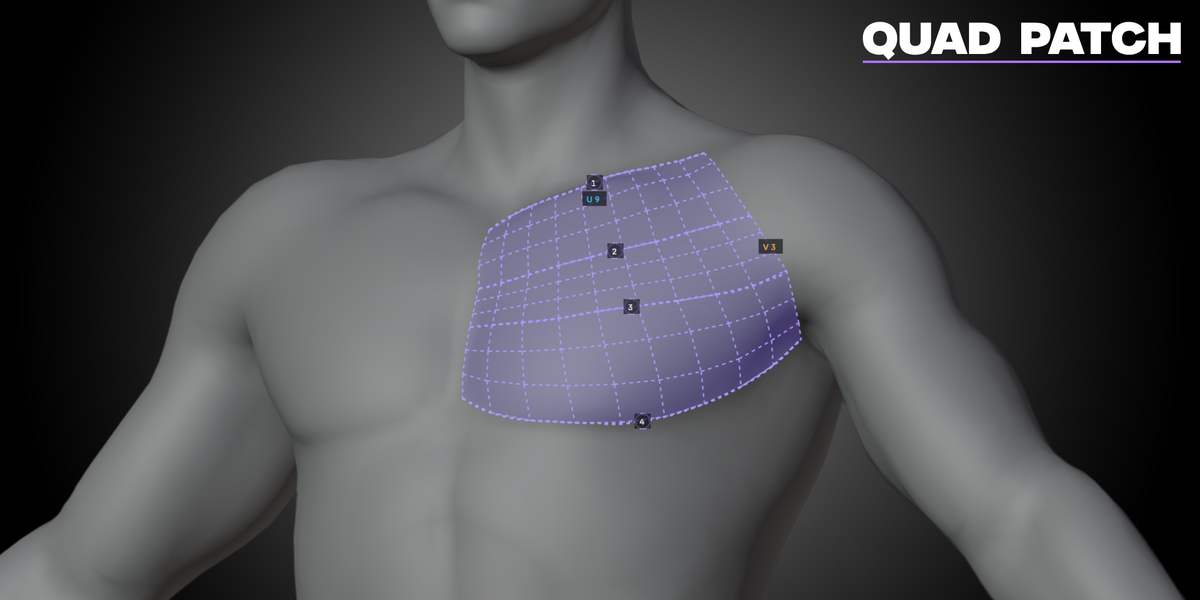
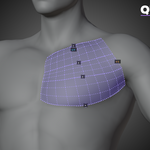
Quad Patch
Create different types of quad patches and remesh them to your heart’s content.
Patch difficult areas with flexible quad surfaces, then refine density and layout until the result fits your model perfectly. Great for broad forms and controlled fills.

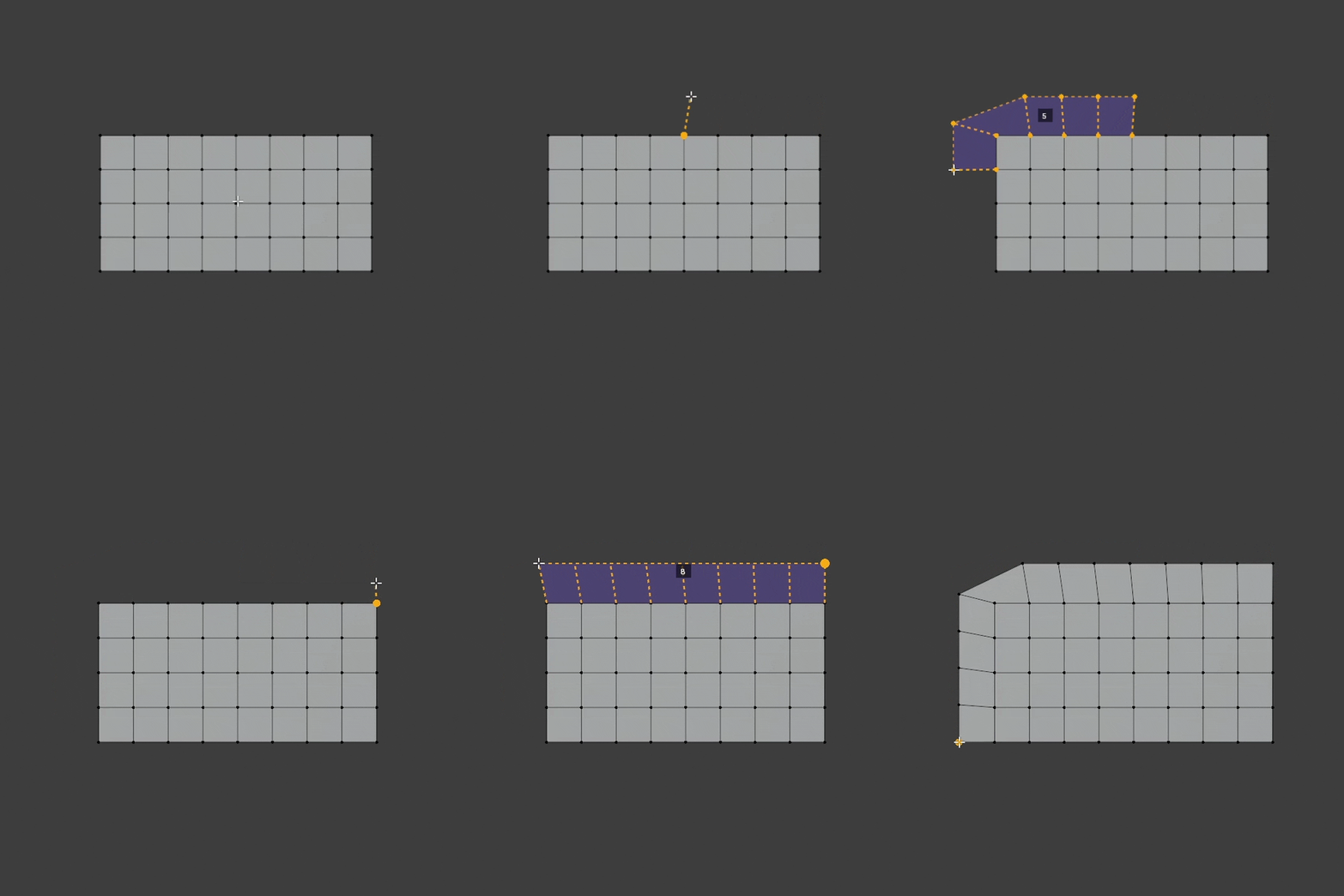
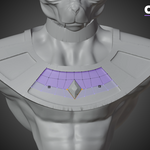
Quad Bridge
Bridge and extend your quad areas using Auto or Manual mode.
Connect separate edge regions cleanly and continue surfaces with precision. Use Quad Bridge to span gaps and maintain organized topology across complex transitions.
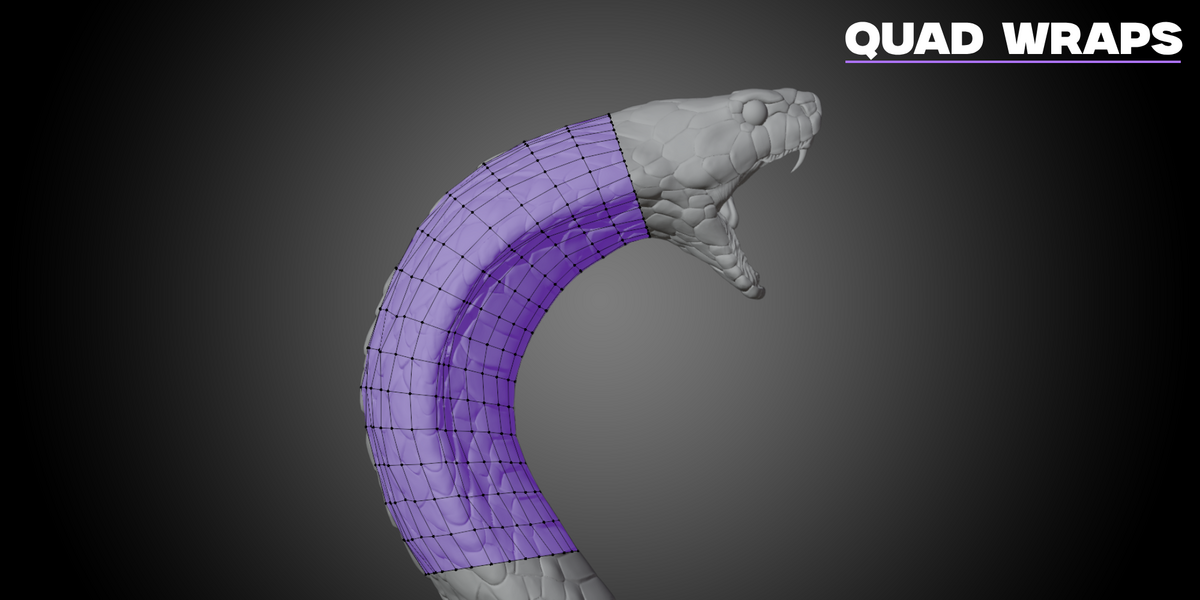
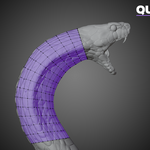
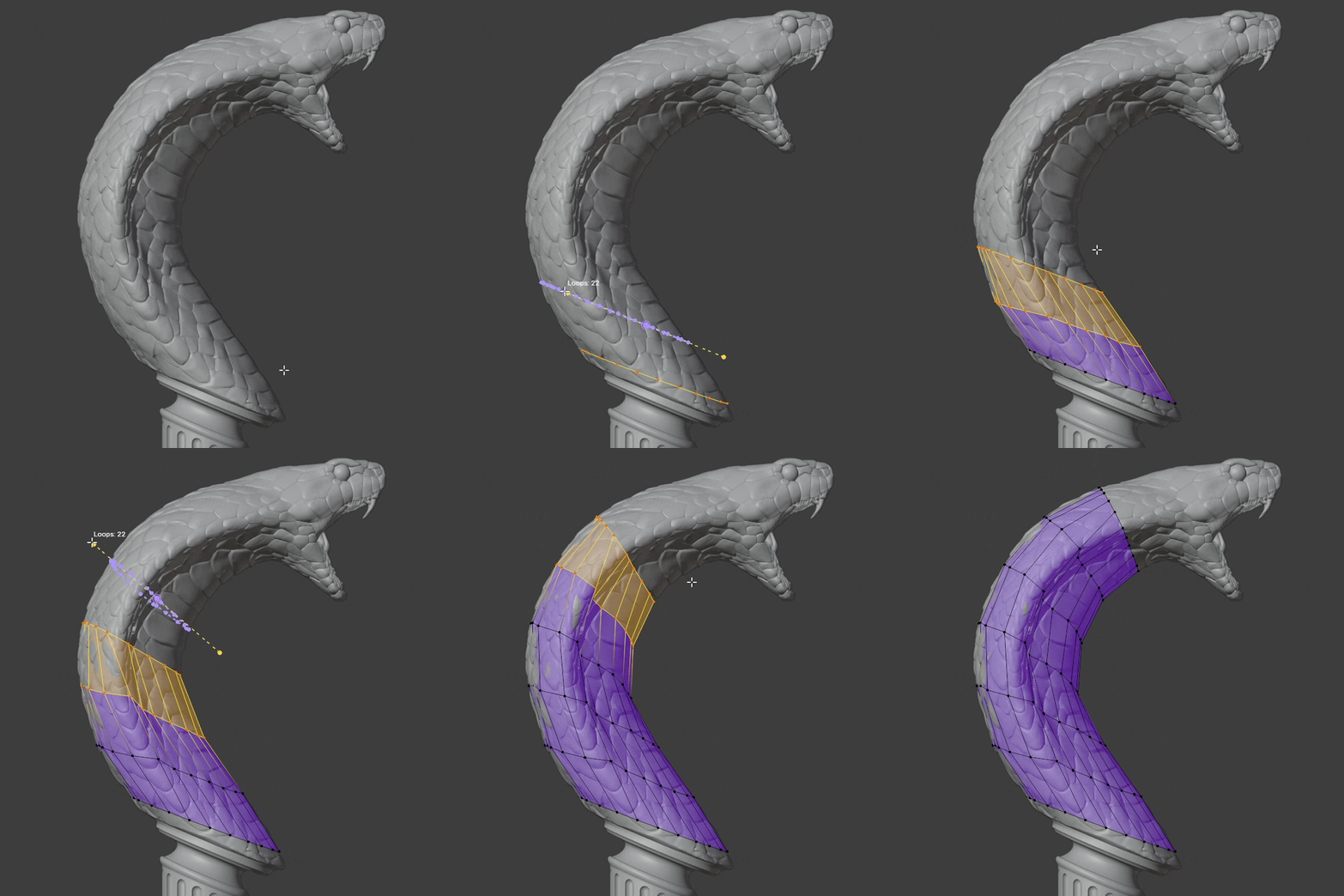
Quad Wraps
Wrap cylindrical topology around your mesh with precision.
Perfect for limbs, necks, tails, cables, and any tubular structures. Quad Wraps helps you establish clean cylindrical topology quickly and adjust it as needed.
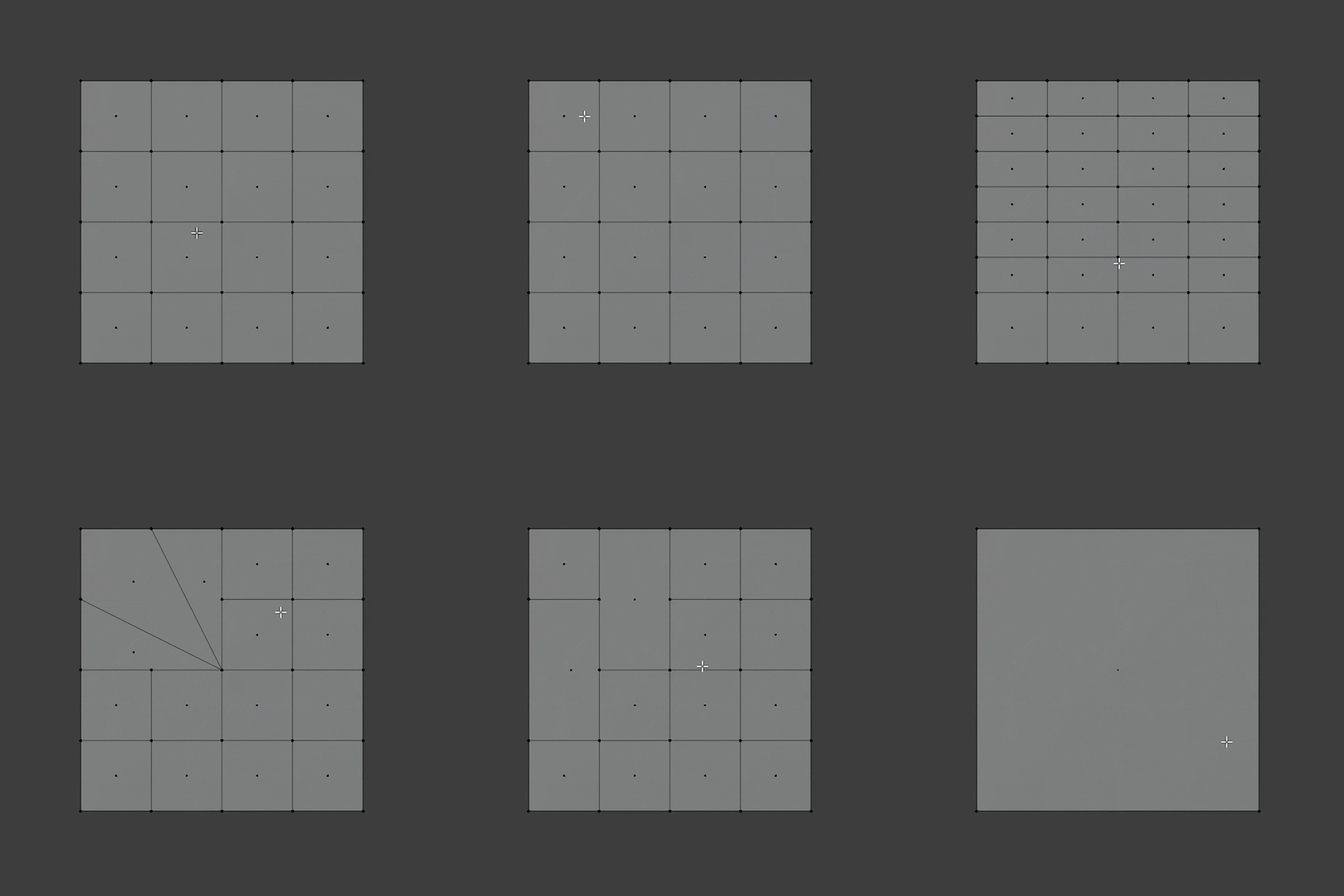
Quad Cut
Cut, dissolve, and restructure existing topology.
Add cleaner edge flow where you need it and reorganize topology without breaking your rhythm. Quad Cut is ideal for refining forms and improving mesh structure late in the process.
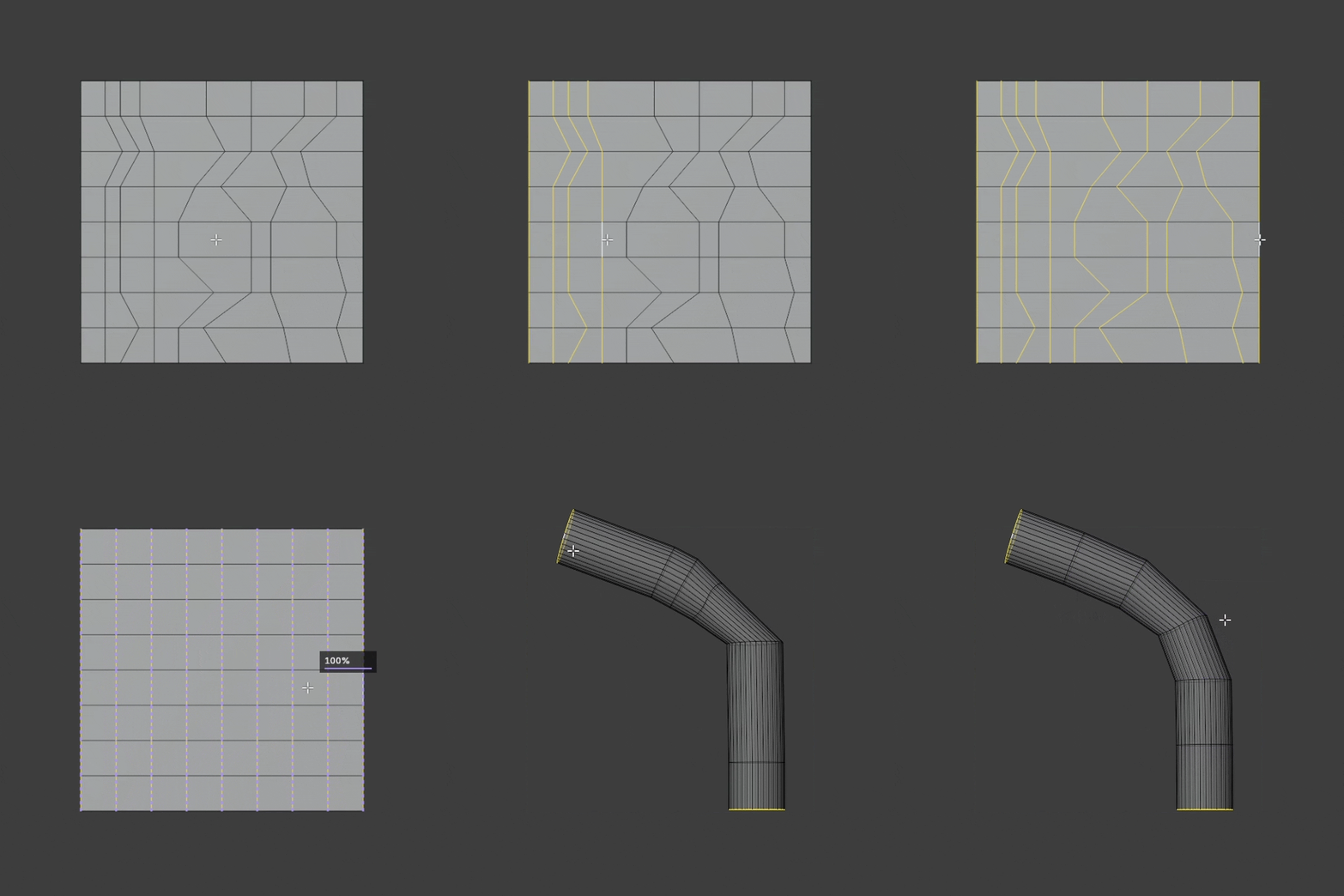
Quad Spread
Redistribute loops with shape-aware controls using Standard and Cable modes.
Even out spacing and improve the readability of your topology. Quad Spread helps smooth distributions across edge loops while preserving the character of the form.

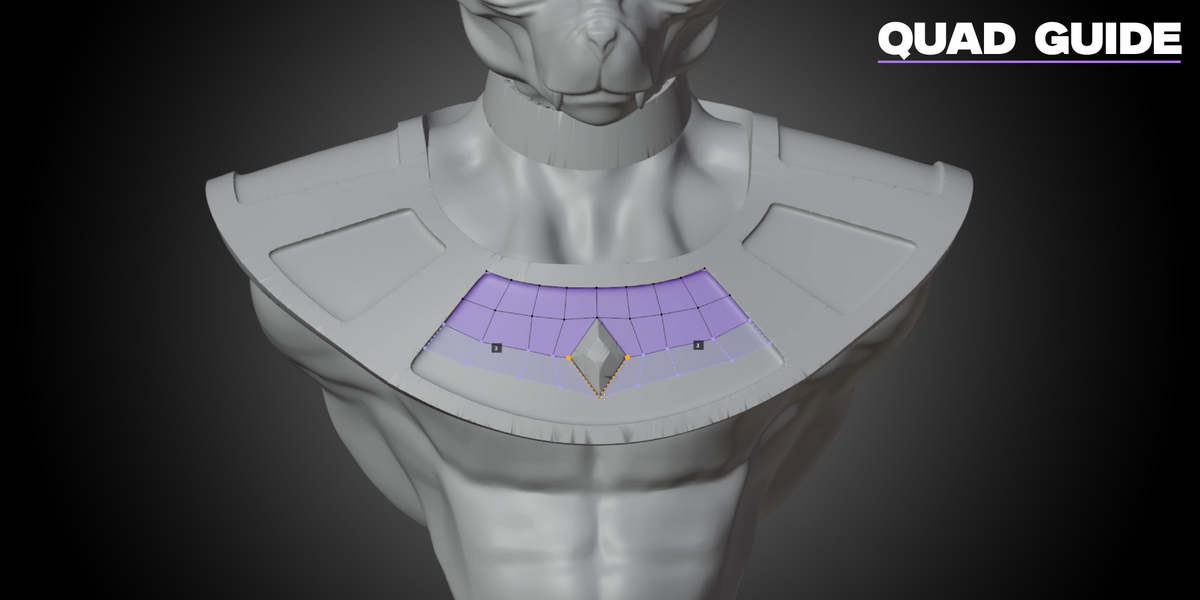
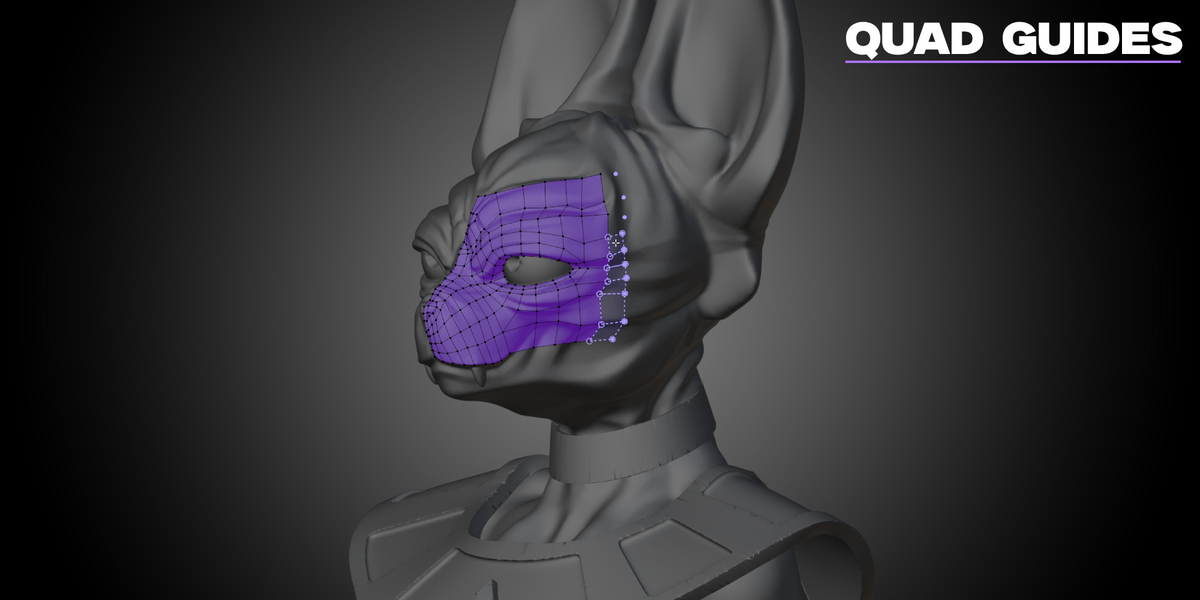
Quad Guide
Place guide points, connect paths, and fill in quads with precision.
Use guide points to define direction and plan topology intentionally. Quad Guide gives you more structure when building clean surfaces across tricky regions.
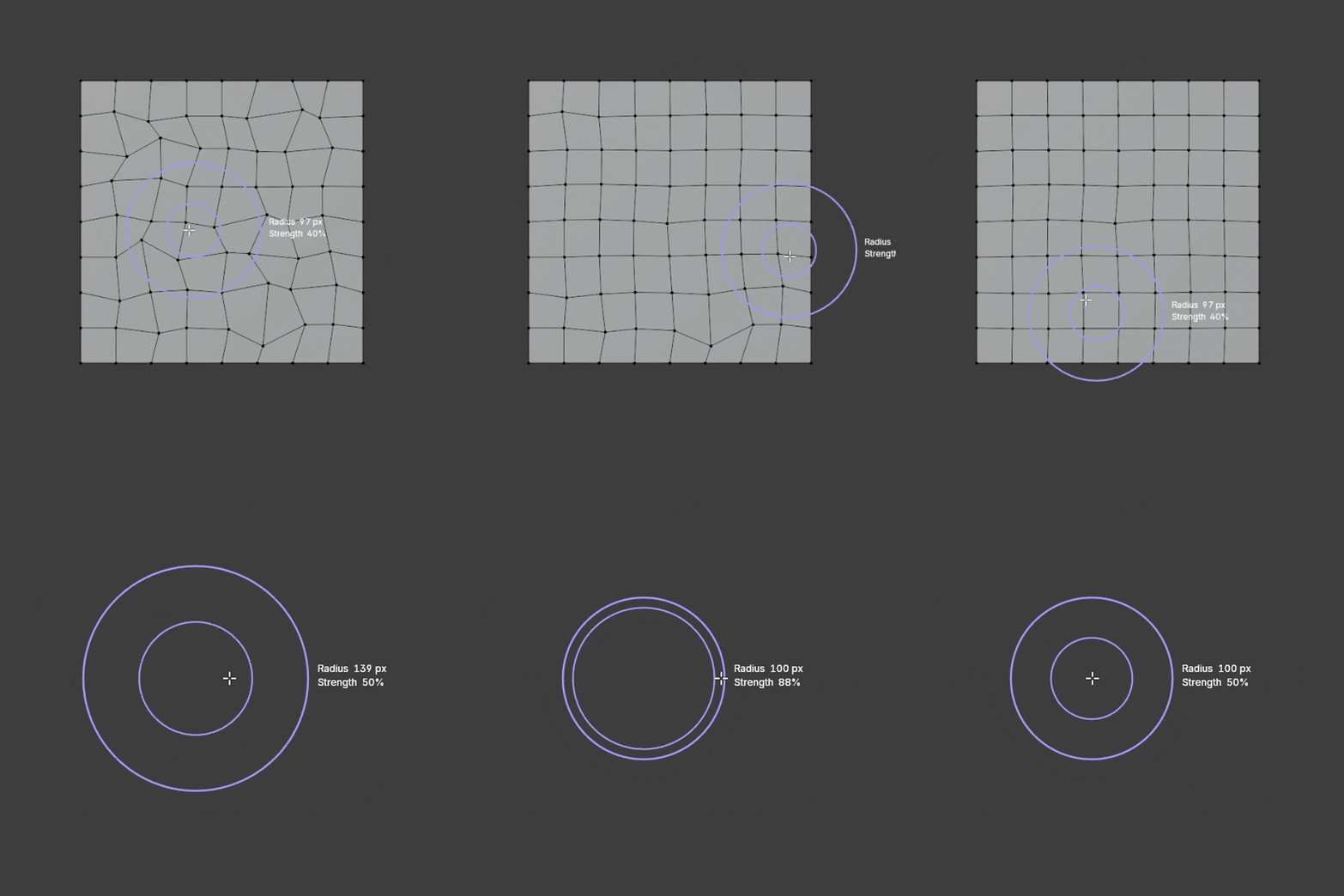
Slide Relax
Smooth uneven edge flow with fine brush strokes.
Refine and soften your topology without destroying the structure you already built. Slide Relax is perfect for polishing edge flow and removing tension from dense areas.
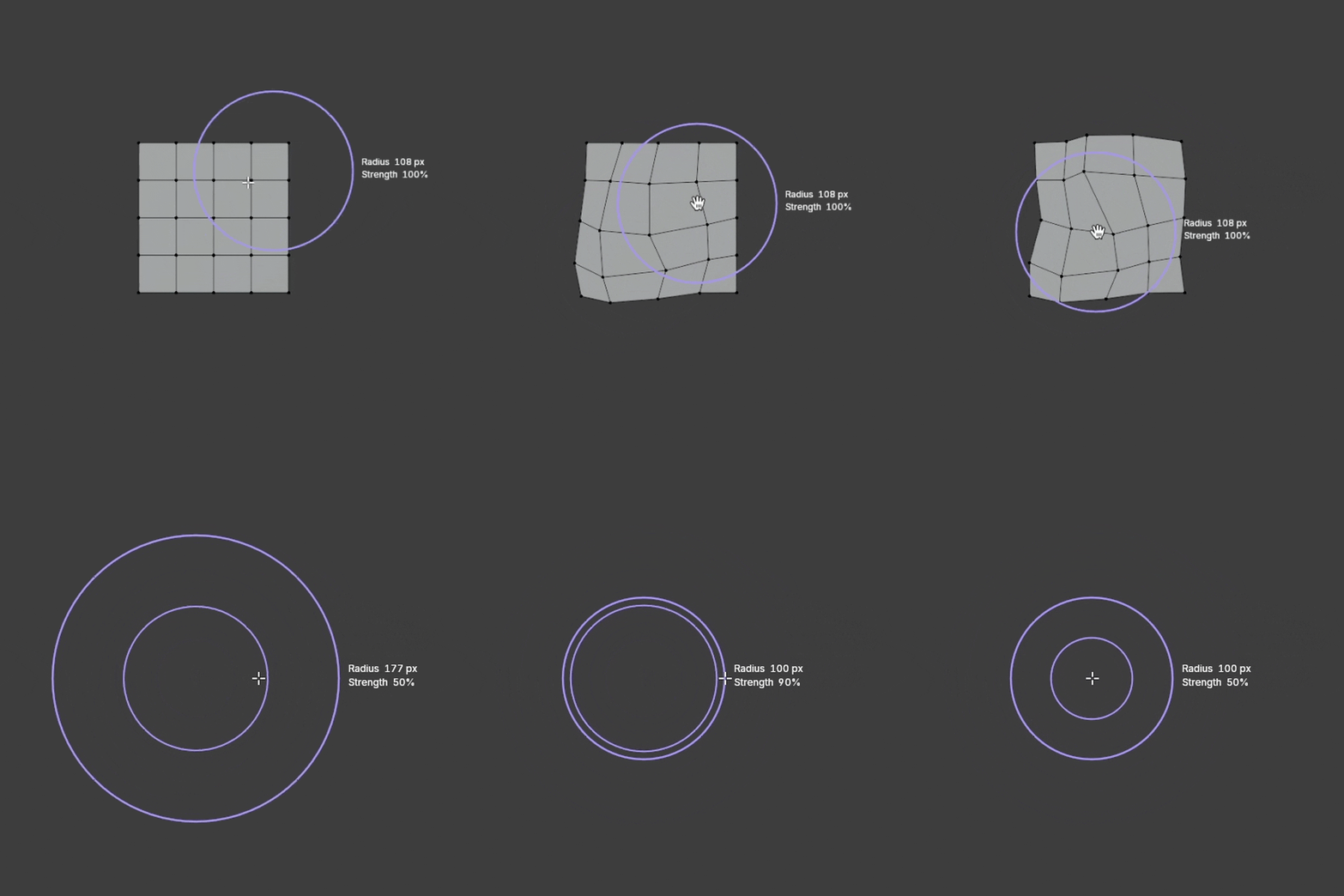
Quad Grab
Grab and move your topology with adjustable falloff and strength.
Make broader adjustments quickly while keeping the feel of a sculpting workflow. Quad Grab helps you nudge forms into place with intuitive movement and control.
Learn every tool with ease.
Explore a modern grid of video tutorials right inside the add-on, with dedicated guides showing you how each tool works.
Find what you need and get straight to creating.
Your tools.
Your workflow.
Your Retopo Studio.
3DPRS Retopo Studio for Blender
