 3DPRS
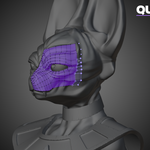
Does it support symmetry?
Yes. Retopo Mode includes mirror-editing controls for building symmetrical topology while keeping the workflow inside Blender.
Does QuadSpread preserve UVs?
QuadSpread includes a Preserve UVs option. Because other tools can create, remove, or reconnect geometry, reviewing your UVs after topology-changing operations is still recommended.
Does the addon modify my source object?
In Retopo Mode, the source object is used as the surface reference while topology is created on a separate retopology mesh. In Tool Mode, operations intentionally affect the active editable mesh.
Can I use it with existing topology?
Yes. Several tools can operate directly on an existing editable mesh. You can cut, spread, relax, reshape, extend, and reorganize topology without starting from an empty retopology object.
What is the difference between Tool Mode and Retopo Mode?
Tool Mode works directly on the active mesh and is useful for editing or improving existing topology.
Retopo Mode uses a separate retopology mesh over a source object, making it ideal for rebuilding clean topology over a sculpt, scan, or detailed model.
Is this an automatic retopology solution?
No. 3DPRS Retopo Studio is designed for artist-controlled retopology. You decide where important loops, patches, and boundaries belong while the addon accelerates repetitive construction and surface-placement tasks.
What is 3DPRS Retopo Studio?
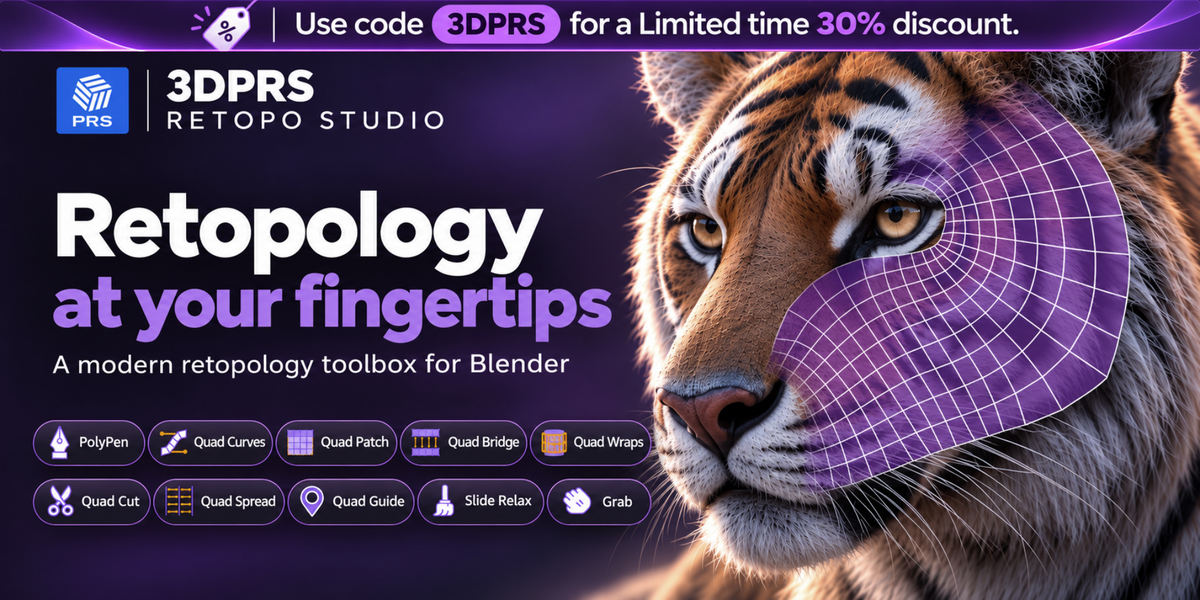
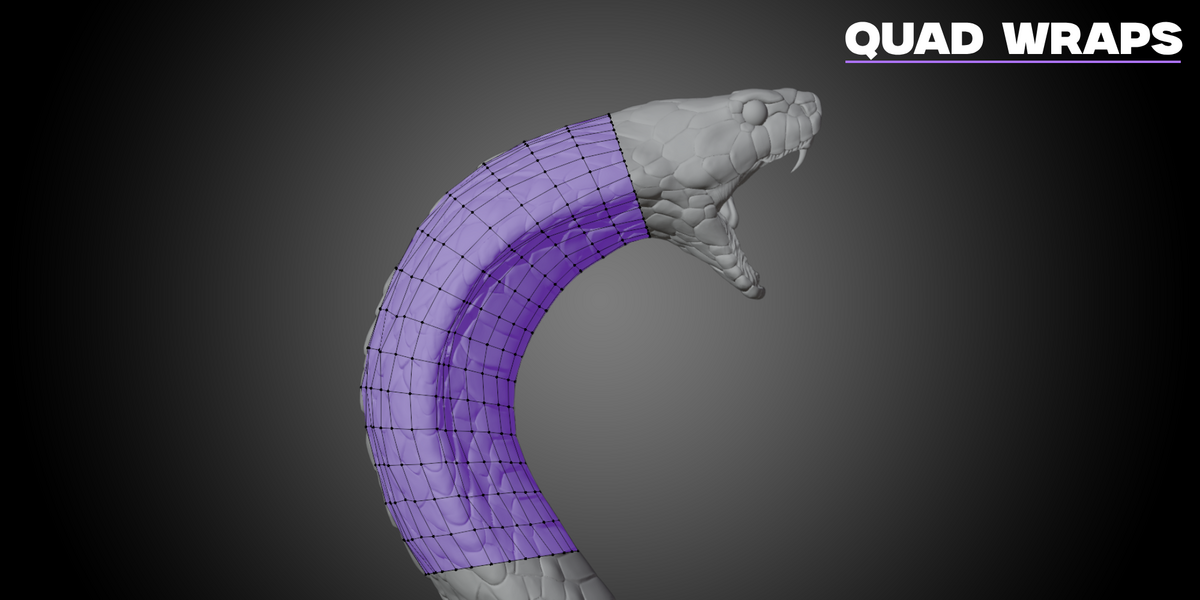
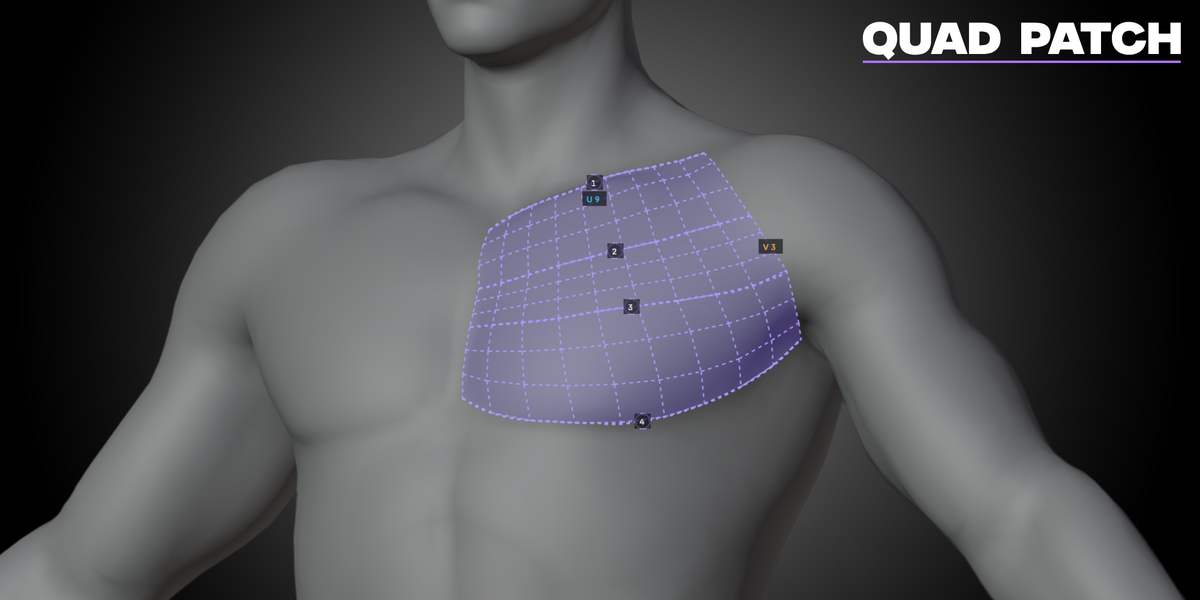
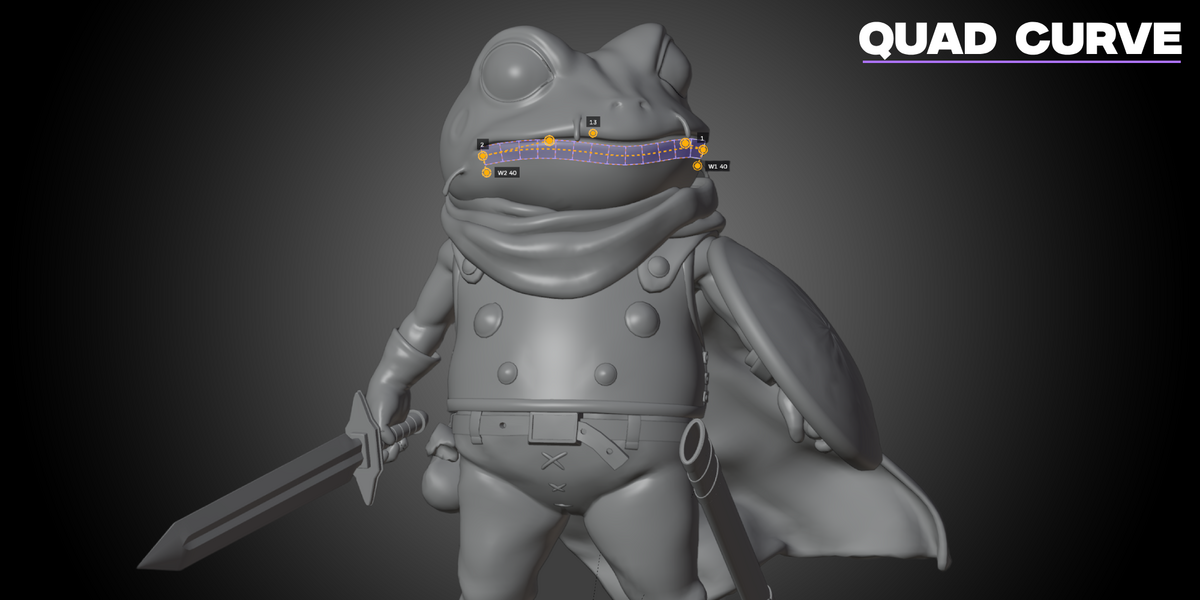
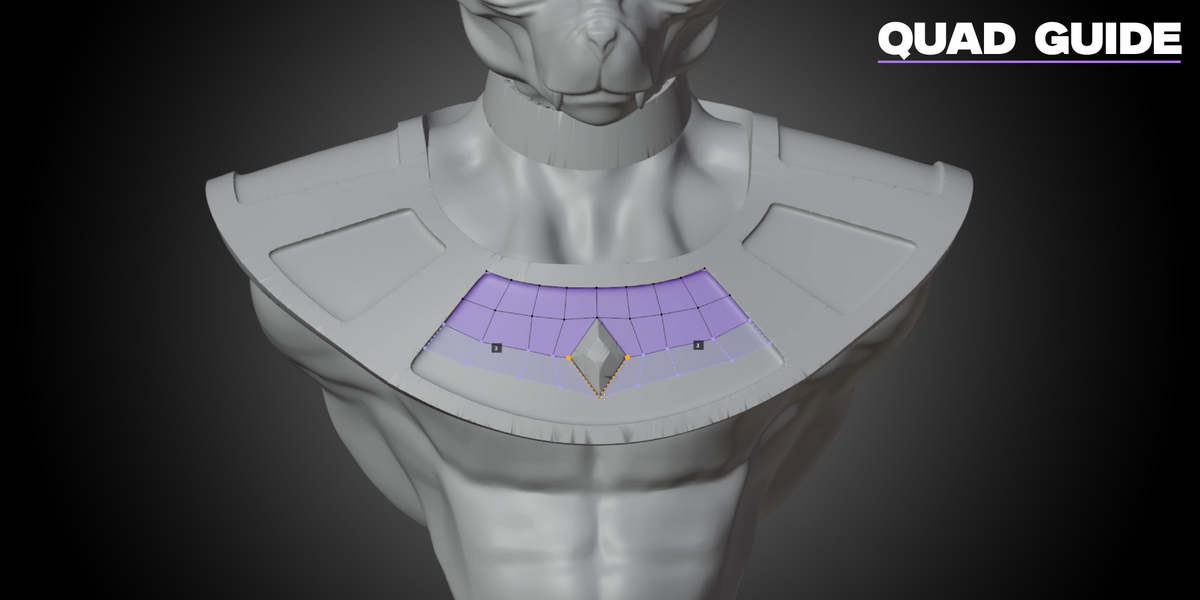
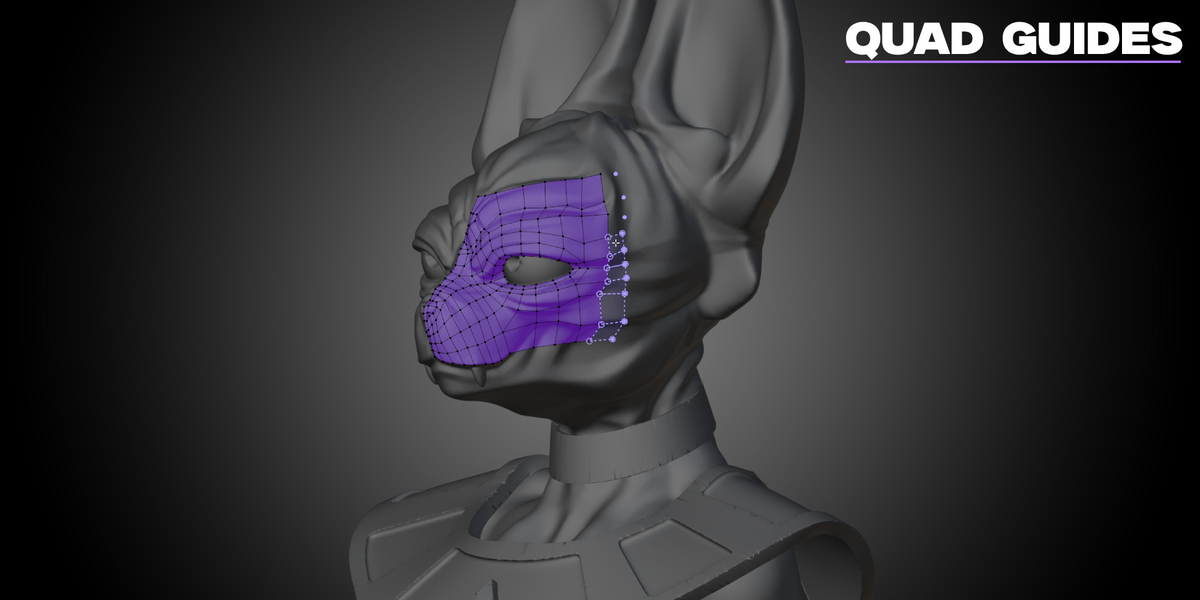
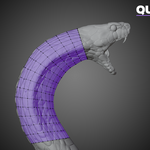
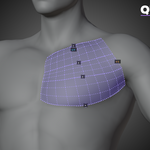
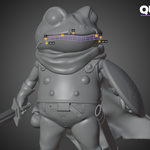
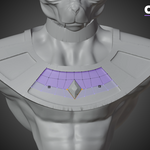
3DPRS Retopo Studio is an interactive retopology toolkit for Blender. It provides dedicated tools for drawing, cutting, wrapping, spreading, relaxing, and refining quad topology directly in the 3D Viewport.
 Included
Includes 12 months of
- Support from 3DPRS
- Product updates
Extend this product’s Support Period +12 months: 25% of product price
Have questions before purchasing?
Login to message
Discover more products like this
retopo quad-topology manual-retopology clean-topology quad modeling Blender Retopology quad strips edge flow character-retopology blender addon retopology mesh editing