 3DPRS
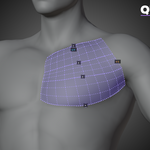
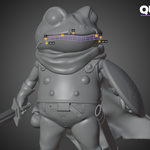
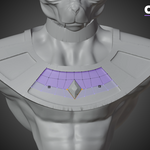
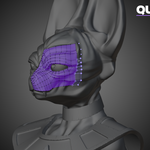
3DPRS Retopo Studio Documentation
Installation
- Open Blender Preferences → Add-ons.
- Select Install from Disk.
- Choose the downloaded ZIP file.
- Enable 3DPRS Retopo Studio.
- Open the 3DPRS tab in the 3D Viewport sidebar.
Quick Start
Retopo Mode
- Select the detailed mesh as Source.
- Assign an existing Retopo mesh or select New Mesh.
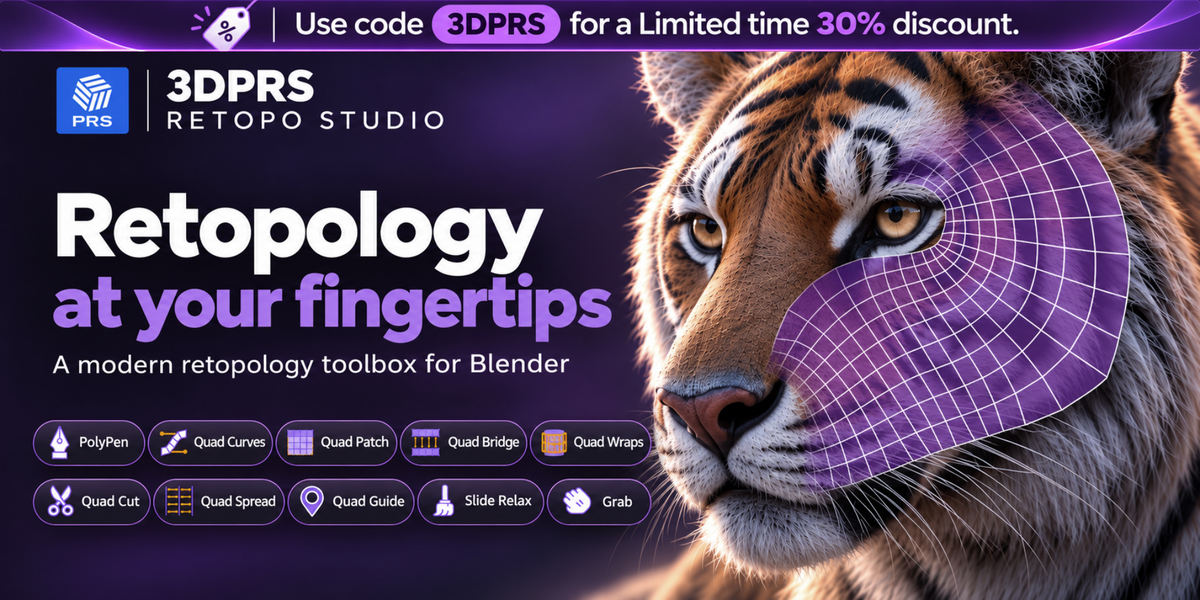
- Choose one of the nine retopology tools.
- The target enters Edit Mode and the viewport overlay opens automatically.
Tool Mode
- Select the mesh you want to edit.
- Choose Tool Mode.
- Click a tool to enter Edit Mode and work directly on that mesh.
Tool Reference
- PolyPen — Draw, extend, merge, and reshape topology.
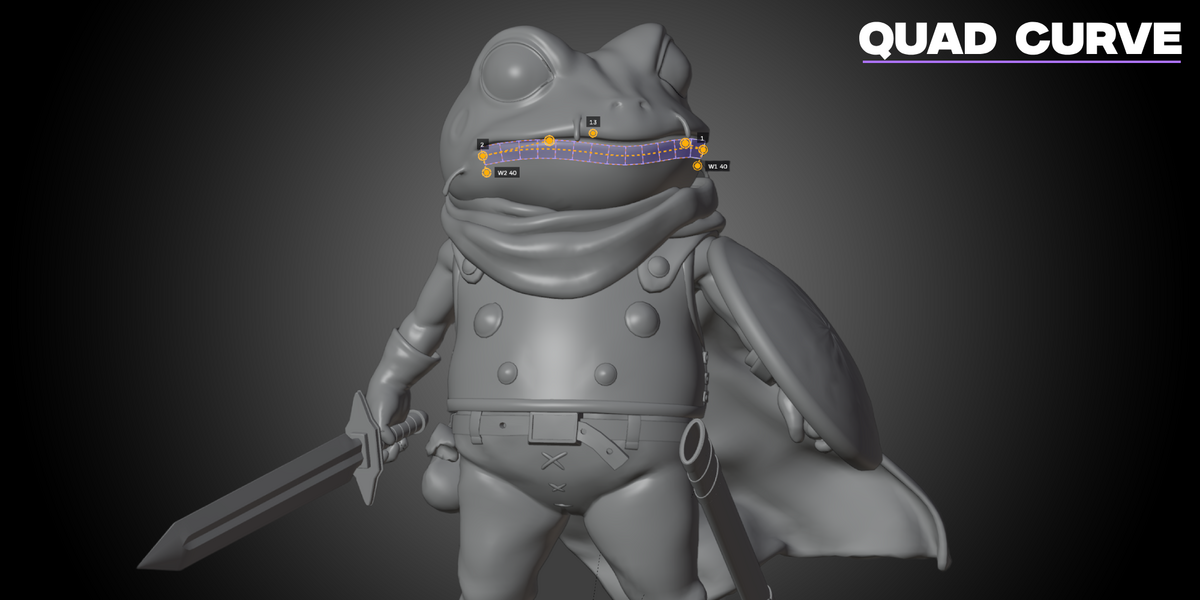
- Quad Strips — Draw adjustable quad strips.
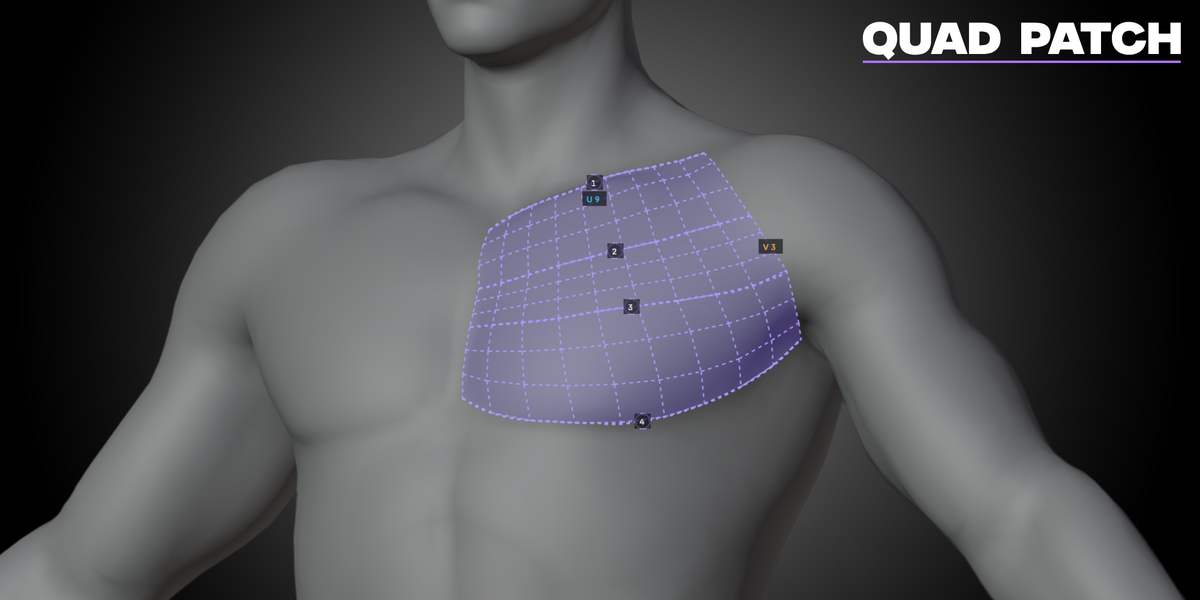
- Quad Patch — Build and connect structured quad patches.
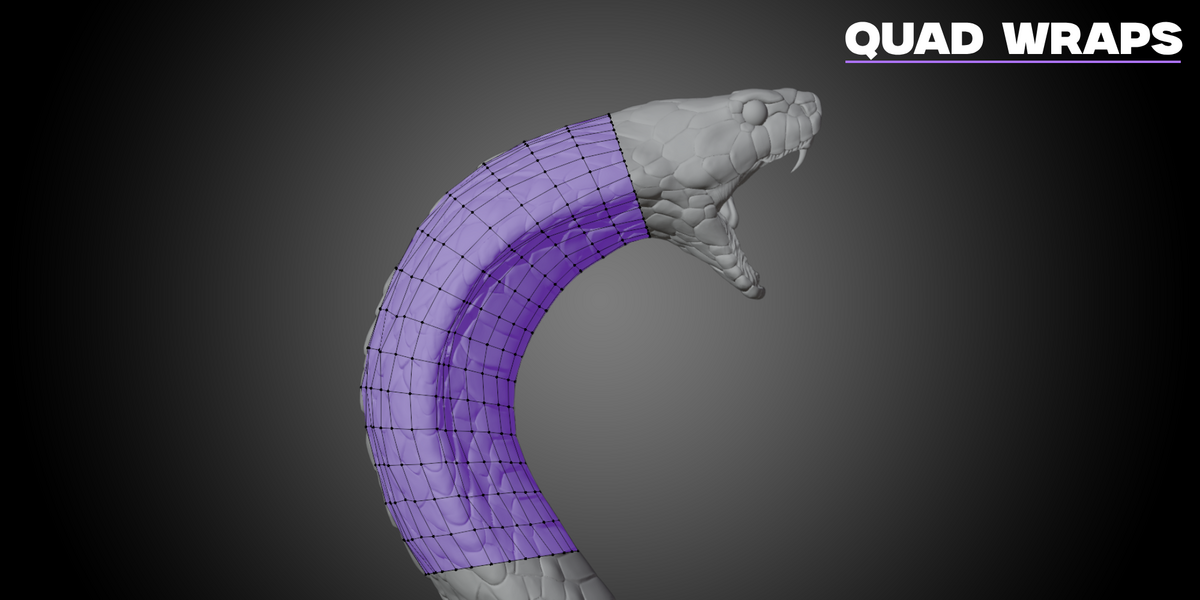
- Quad Wraps — Create and connect contours around forms.
- Slide Relax — Smooth topology while protecting boundaries.
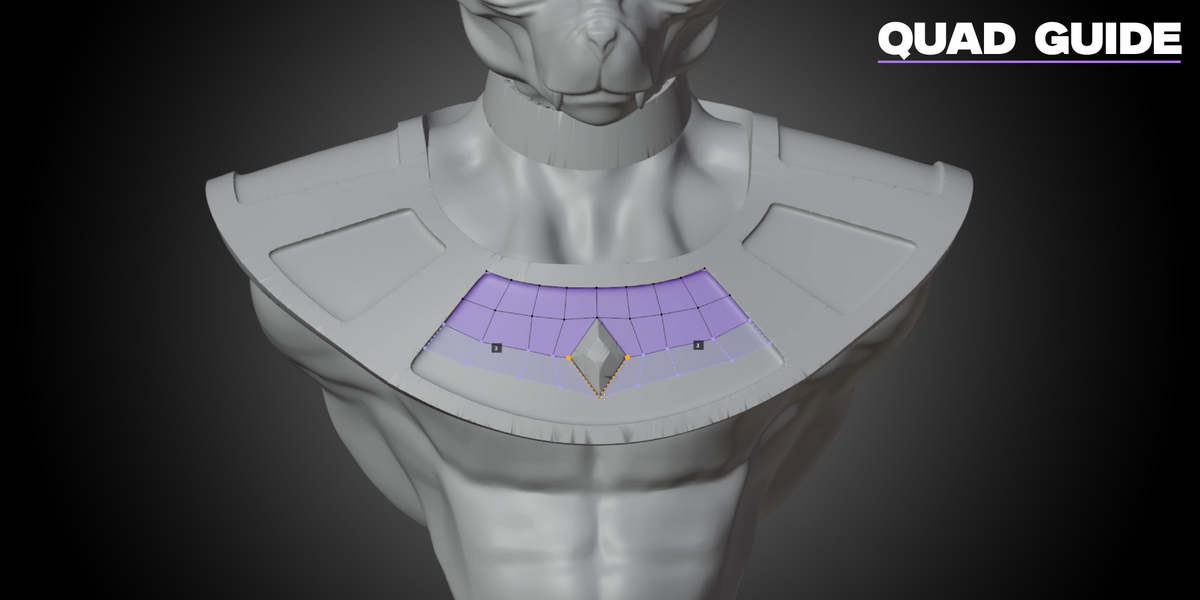
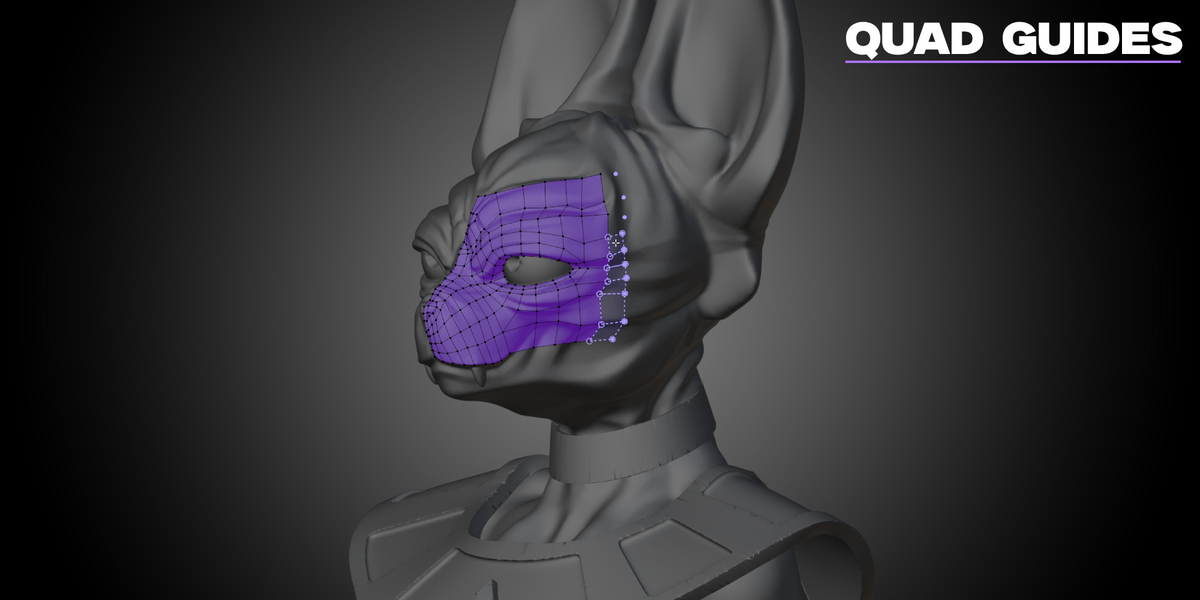
- Quad Guide — Plan topology using reusable guide points.
- QuadCut — Cut, dissolve, merge, collapse, extrude, and smooth.
- QuadSpread — Distribute edge loops with optional UV preservation.
- Grab — Reshape nearby vertices using adjustable falloff.
Viewport Controls
Tool-specific controls appear in the viewport overlay. Use the sidebar for additional settings.
- Select Finish to close the active tool.
- Use Blender’s standard Undo command to reverse completed operations.
- The ? button opens the video-help gallery when local tutorial videos are assigned.
Additional Notes
- Generated topology remains standard editable Blender mesh geometry.
- Retopo Mode keeps the source and retopology meshes separate.
- QuadSpread can work directly on existing topology without a source mesh.
- Preserve UVs applies specifically to QuadSpread operations.
- Mirror editing, surface offset, shrinkwrap, and retopology tint controls are available in Retopo Mode.
 Included
Includes 12 months of
- Support from 3DPRS
- Product updates
Extend this product’s Support Period +12 months: 25% of product price
Have questions before purchasing?
Login to message
Discover more products like this
manual-retopology retopology quad-topology edge flow blender addon mesh editing character-retopology clean-topology quad modeling Blender Retopology quad strips retopo