RetopoProof — Prove Your Retopology Still Is the Sculpt
 Skava
Skava
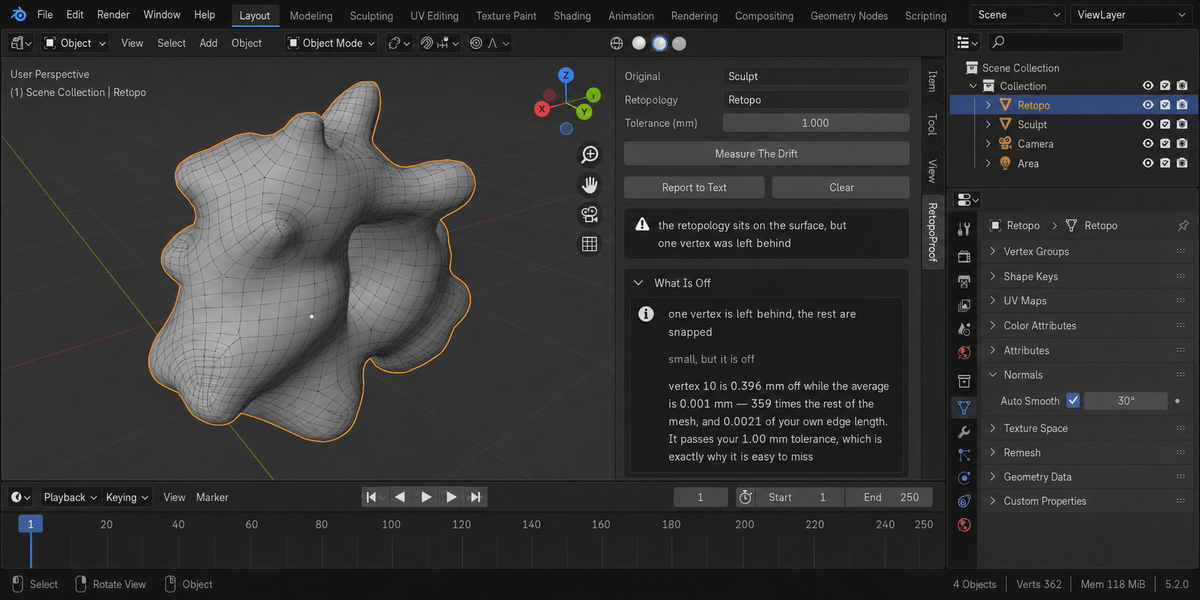
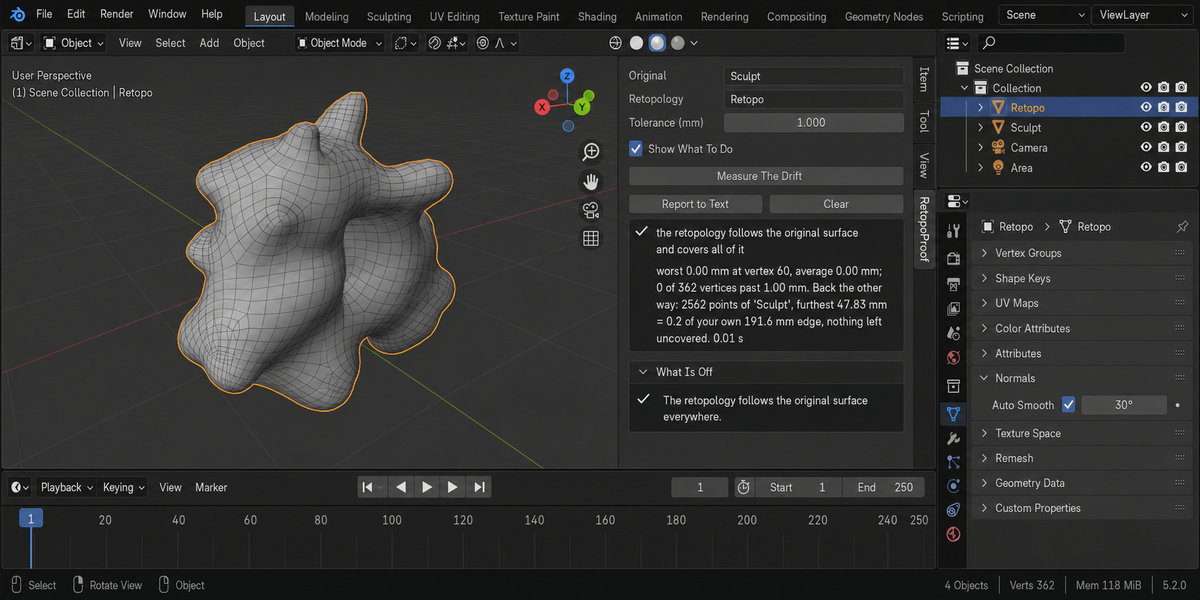
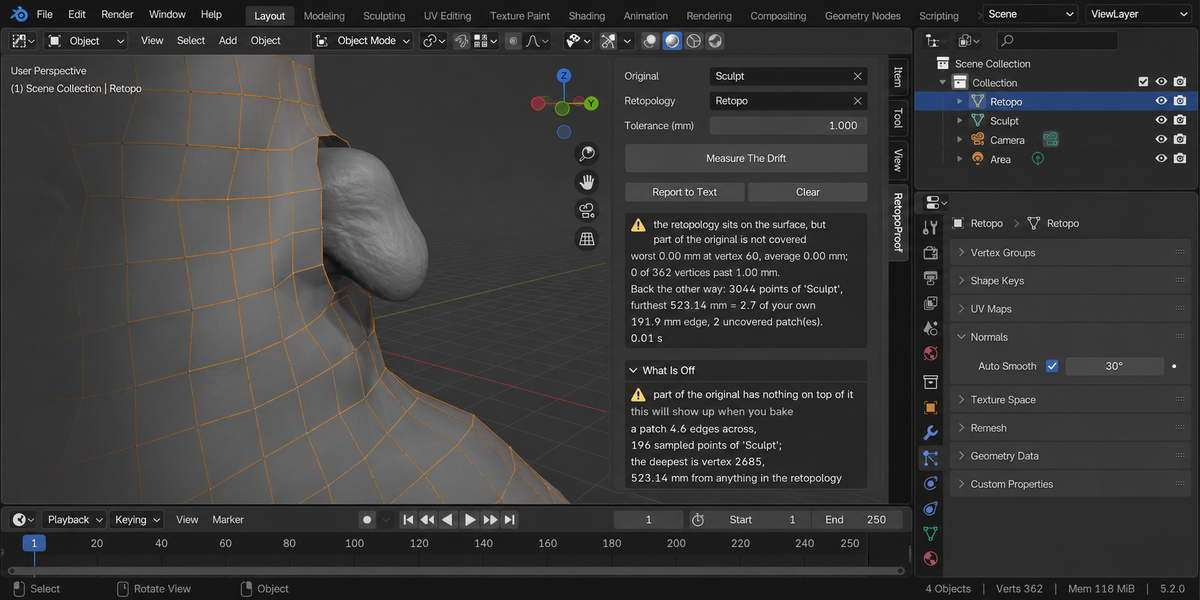
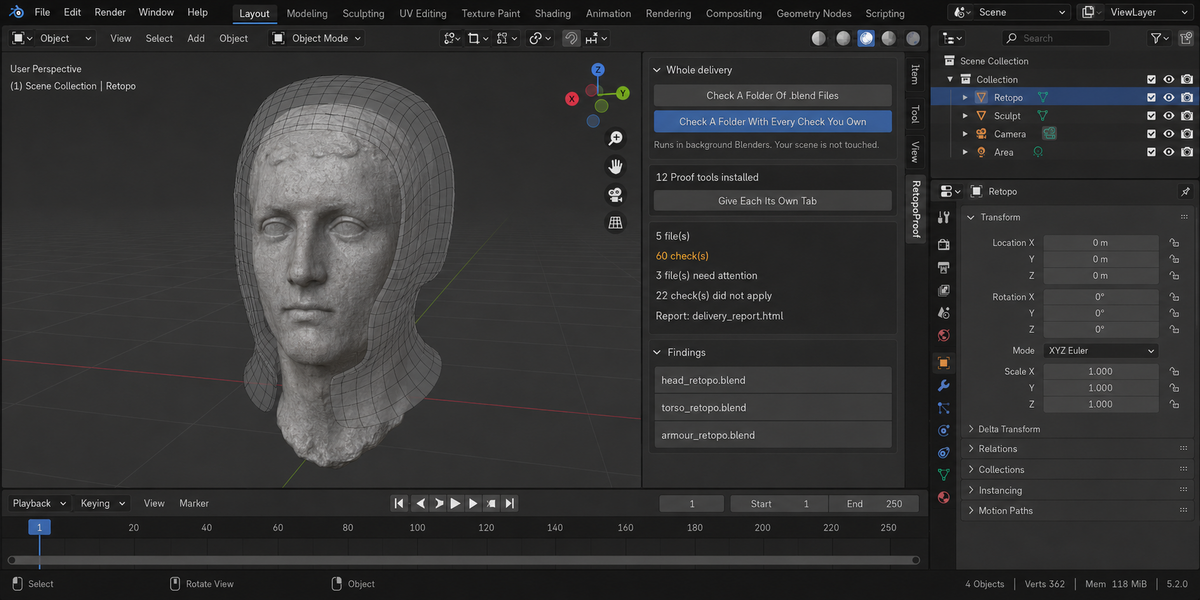
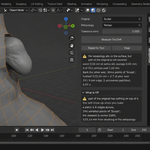
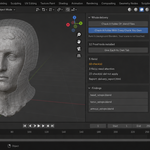
Download the zip and do not unpack it. In Blender open Edit > Preferences > Add-ons, click the drop-down arrow in the top-right corner and choose Install from Disk, then pick the zip. Tick the checkbox next to RetopoProof. Press N in the 3D Viewport and open the RetopoProof tab in the sidebar.
The full documentation is in the Documentation & FAQ tab on this product page, and a README.txt with install, first run and uninstall steps is inside the zip.
Blender 4.2 LTS and newer. Tested live on 4.2.9 and 5.2.0.
The add-on is pure Python: no compiled parts, and it downloads or installs no extra packages.
Set Original to the sculpt, scan or high-poly model and Retopology to the new mesh, then press Measure The Drift. You can leave both fields empty and select exactly two meshes: the active one is taken as the retopology.
It measures both directions, on the evaluated meshes. Forward: every vertex of the retopology against the original surface, in millimetres, with the worst vertex named. Backward: the original against the retopology, which finds detail the new mesh does not cover at all. The backward result is judged against your own mesh's median edge length, because a mesh cannot carry detail finer than its own faces. A very dense original is read through a fixed, repeatable sample of its vertices, and the number of points actually checked is printed.
Measure The Drift and Report to Text do not touch the meshes; the report goes into a text block called RetopoProof Report inside your .blend.
One button does write: Pull Them Back Onto The Surface moves the vertices that sit further than your tolerance onto the closest point of the original, then measures again and shows the before and after. Topology is not changed, vertices that are off by more than the mesh's own edge length are left alone, and it refuses on a mesh with shape keys, a linked mesh, or in Edit Mode. It can be undone with Ctrl+Z.
Yes. It measures the evaluated mesh, the one your renderer and your bake see. If a modifier other than Shrinkwrap shapes the retopology, the report says so, and when the stack changes the vertex count, it says the vertex numbers belong to the evaluated mesh.
Yes. Open the Whole Delivery panel in the same tab. Check A Folder Of .blend Files runs this check over every .blend in the folder you pick; Check A Folder With Every Check You Own runs every installed tool of this line over the same files in one pass. Each file is opened in its own background Blender, so your open scene is not touched. Press Escape to stop; a stopped run writes no report.
When it finishes, an HTML report named retopo_proof_report.html is written into the folder you picked. A report with that name from an earlier run is replaced.
No. The add-on contains no network code and sends no telemetry. Files on disk are written only by a folder check, which writes its report.
Yes. The add-on is licensed under GPL-3.0-or-later; the full text is in LICENSE.txt inside the zip. The license covers the add-on code; what you create with it is yours.
Have questions about this product?
Login to message
| Published | about 2 months ago |
| Blender Version | 4.2 - 5.2 |
| Extension Type | N/A |
| Render Engine Used | Cycles, Eevee |
| License | GPL |