 KacaDev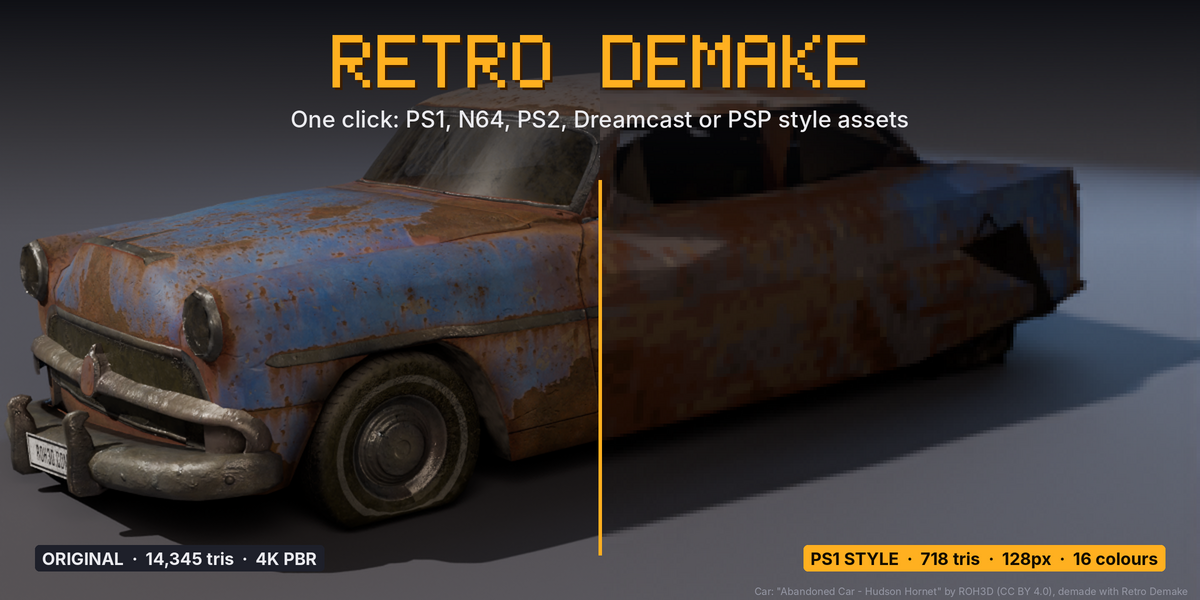
Quick reference
Where: 3D Viewport › Sidebar (N) › Retro Demake tab.
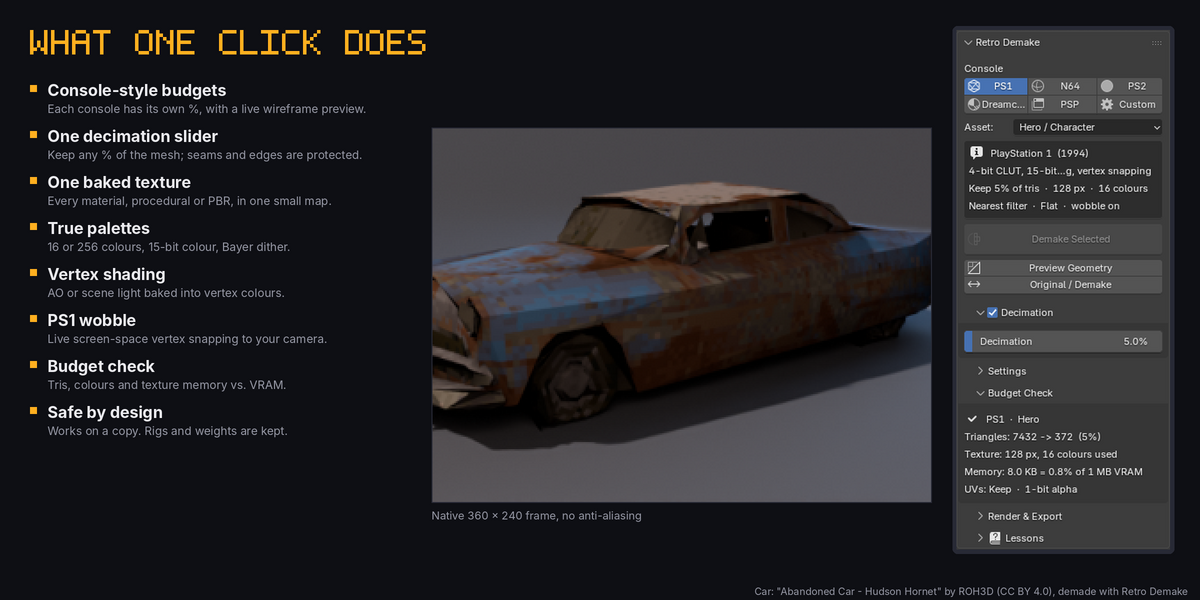
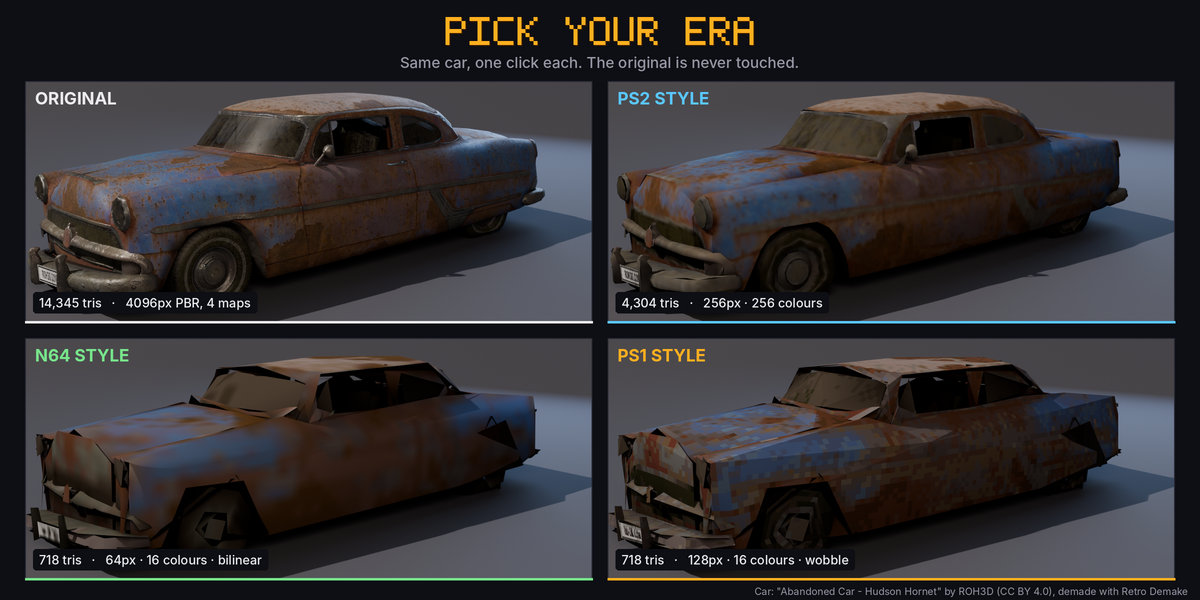
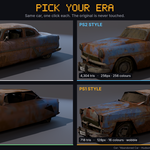
- Console row: PS1 / N64 / PS2 / Dreamcast / PSP / Custom. Picking one loads its preset.
- Asset: Hero / Prop (half the decimation percentage and texture size) / Environment (1.5x the percentage).
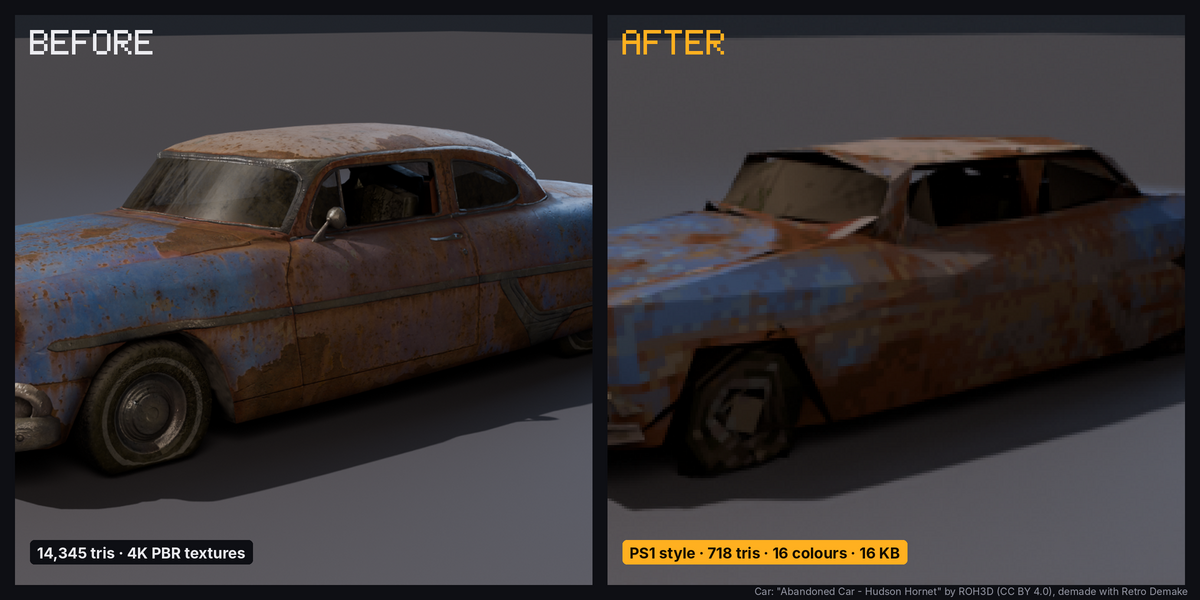
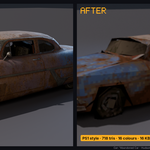
- Demake Selected: makes a retro copy of every selected mesh, curve or text object. The original is hidden, never edited. Re-running replaces that console's previous copy; other consoles' copies are kept.
- Original / Demake: swaps visibility between a demake and its source.
Decimation
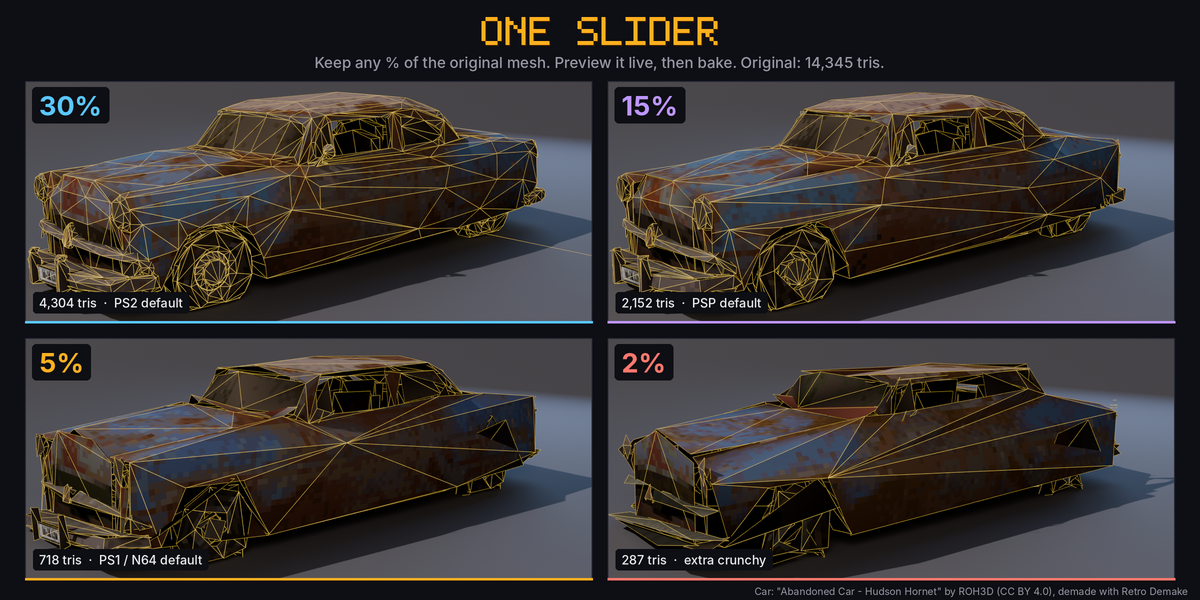
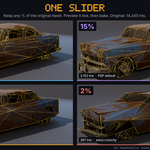
- Decimation: one slider, the percentage of the original mesh's triangles to keep. Each console starts at its own value (PS1 5%, N64 5%, PS2 30%, Dreamcast 25%, PSP 15%) and the Asset role scales it. UV seams, sharp edges, open borders and material borders are protected automatically, then the mesh is triangulated. Untick the panel header to keep the full geometry.
- Preview Geometry: shows a live solid + wireframe copy of the reduced mesh in place of the selection, with a triangle readout. It rebuilds as you drag the slider. Demake Selected demakes exactly what you previewed; End Preview restores the original.
Settings
- Mesh Shading: Flat, Smooth or Keep Original normals.
- Texture: Retexture on/off, Texture Size (16–512 px), Palette (4 / 16 / 64 / 256 colours or direct colour), Colour Depth (15-bit or 24-bit), Dither (0–1), Filtering (Nearest / Bilinear), UVs (Auto / Keep Original / New Atlas).
- Shading: Vertex Shading (None / Ambient Occlusion / Scene Lighting), Shade Strength, Shadeless.
- Wobble: Vertex Snap on/off, Snap Resolution (lower = more wobble). Needs a perspective scene camera.
- Hide Original after demaking.
Budget Check
For the active demake: triangles before and after, texture size, colours actually used, and texture memory as a share of the console's VRAM.
Render & Export
- Apply Era Render Look: console resolution, no anti-aliasing, Standard view. The arrow button restores your settings.
- Save Textures: writes the demade textures as PNG files to the chosen folder (exact pixels, no colour management).
- Export the mesh with File › Export (FBX or glTF). For the PS1 look, set nearest/point filtering on the texture in your engine.
Lessons
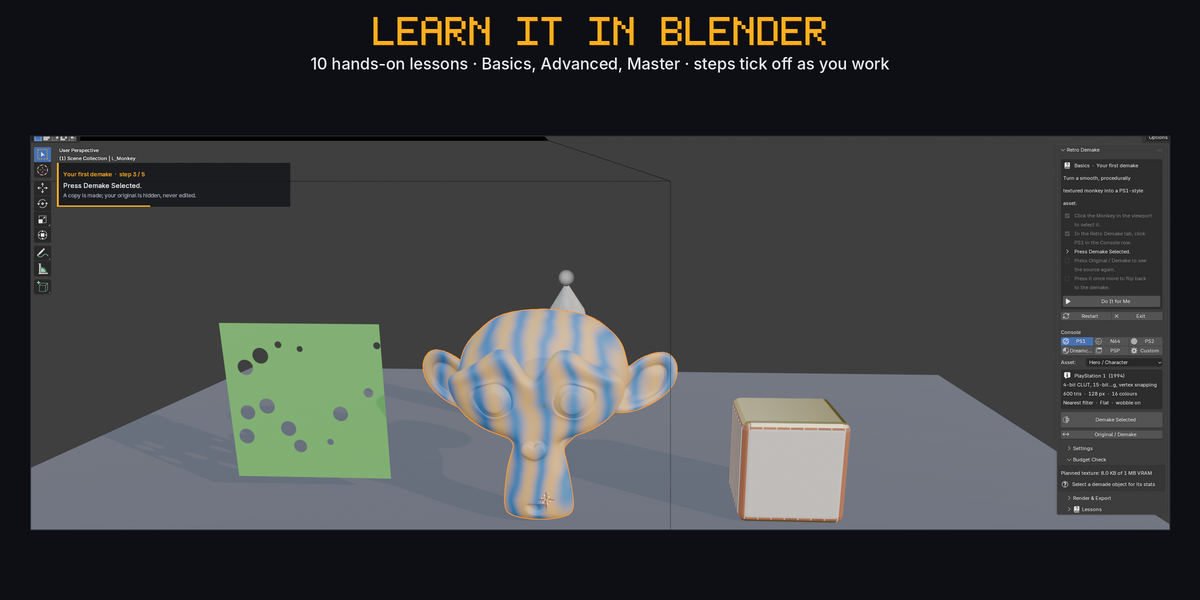
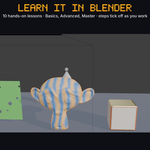
10 interactive lessons (Basics, Advanced, Master) in a throwaway practice scene. Steps tick off as you do them; Do It for Me performs a step; progress is saved. Exit deletes the practice scene and returns you to your scene.
Requirements
Blender 4.2 or newer (tested on 4.2, 5.1 and 5.2). Baking uses Cycles on the CPU internally; you can keep working in EEVEE.
Have questions about this product?
Login to message
| Blender Extension Compatible | Yes |
| Published | about 19 hours ago |
| Blender Version | 4.2 - 5.2 |
| Extension Type | Add-on |
| Render Engine Used | Cycles, Eevee |
| License | GPL |