 phamduyson






📌 Review Notes
The Blender addon that lets you pin feedback directly onto 3D models, shader nodes, and material slots. No more guessing what needs to be fixed.
Perfect for studios, production teams, and freelance collaborations.
✅ THE SOLUTION:
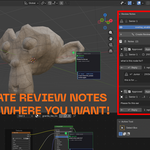
Review Notes keeps feedback inside your Blender file. Supervisors and art directors can leave comments pinned to the exact spot that needs attention — whether it's a mesh surface, a material node, or a specific modifier slot.
🔥 KEY FEATURES:
✔️ Pin notes to object surfaces — notes follow the mesh
✔️ Attach notes to shader nodes and individual sockets
✔️ Slot-aware: comment on materials, modifiers, bones, UV maps
✔️ Multi-editor support: 3D View, Node Editor, Shader Editor, Sequencer & more
✔️ Reply threads for artist-supervisor communication
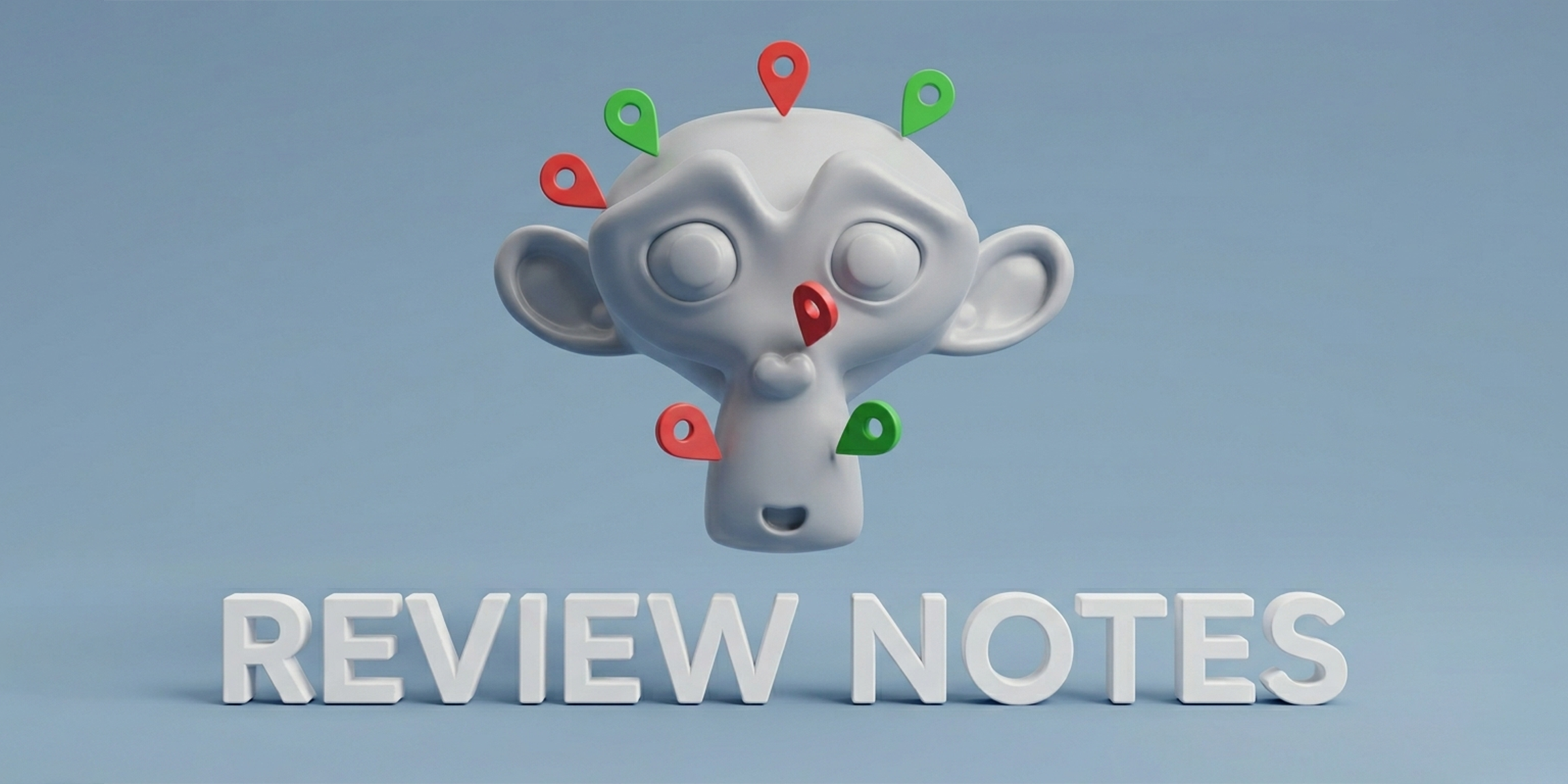
✔️ Approve / Resolve status with color-coded pins
✔️ One-click jump to any note location
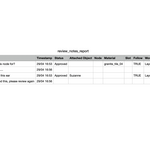
✔️ Export CSV report for tracking & documentation
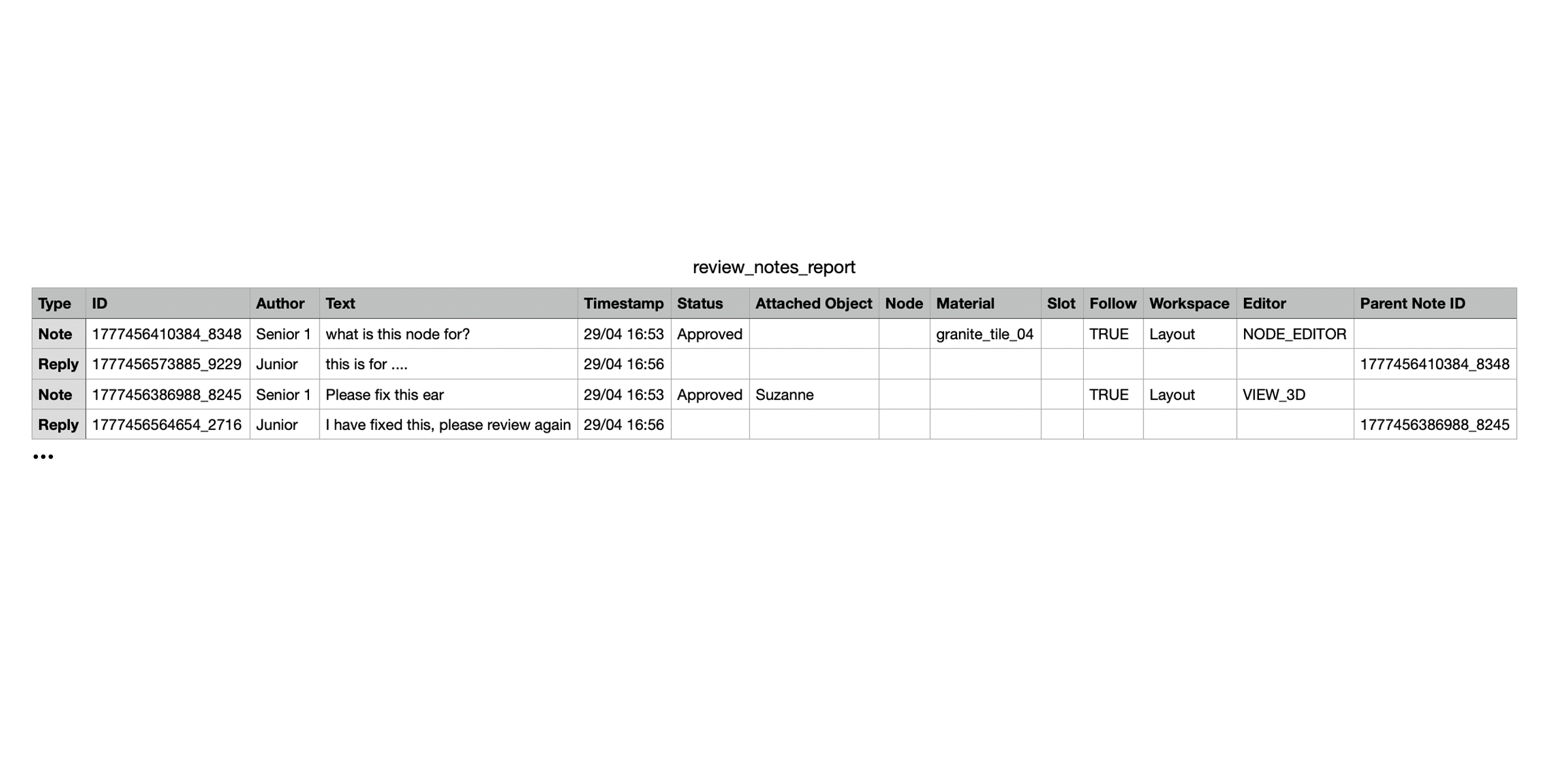
✔️ Overlay toggle to show/hide all pins
---
👥 WHO IS THIS FOR?
• Art Directors & Supervisors — leave clear, precise feedback
• 3D Artists — understand exactly what to fix and where
• Project Managers — track review progress with exported reports
---
🛠️ REQUIREMENTS:
• Tested on Blender 5.x
---
📥 INSTALLATION:
1. Download the Review Notes addon
2. In Blender: Edit → Preferences → Add-ons
3. Click "Install from Disk" and select the file
4. Enable "Review Notes"
5. Find the panel in the sidebar (N key) under "Review Notes"
---
💬 TEAM WORKFLOW SUMMARY:
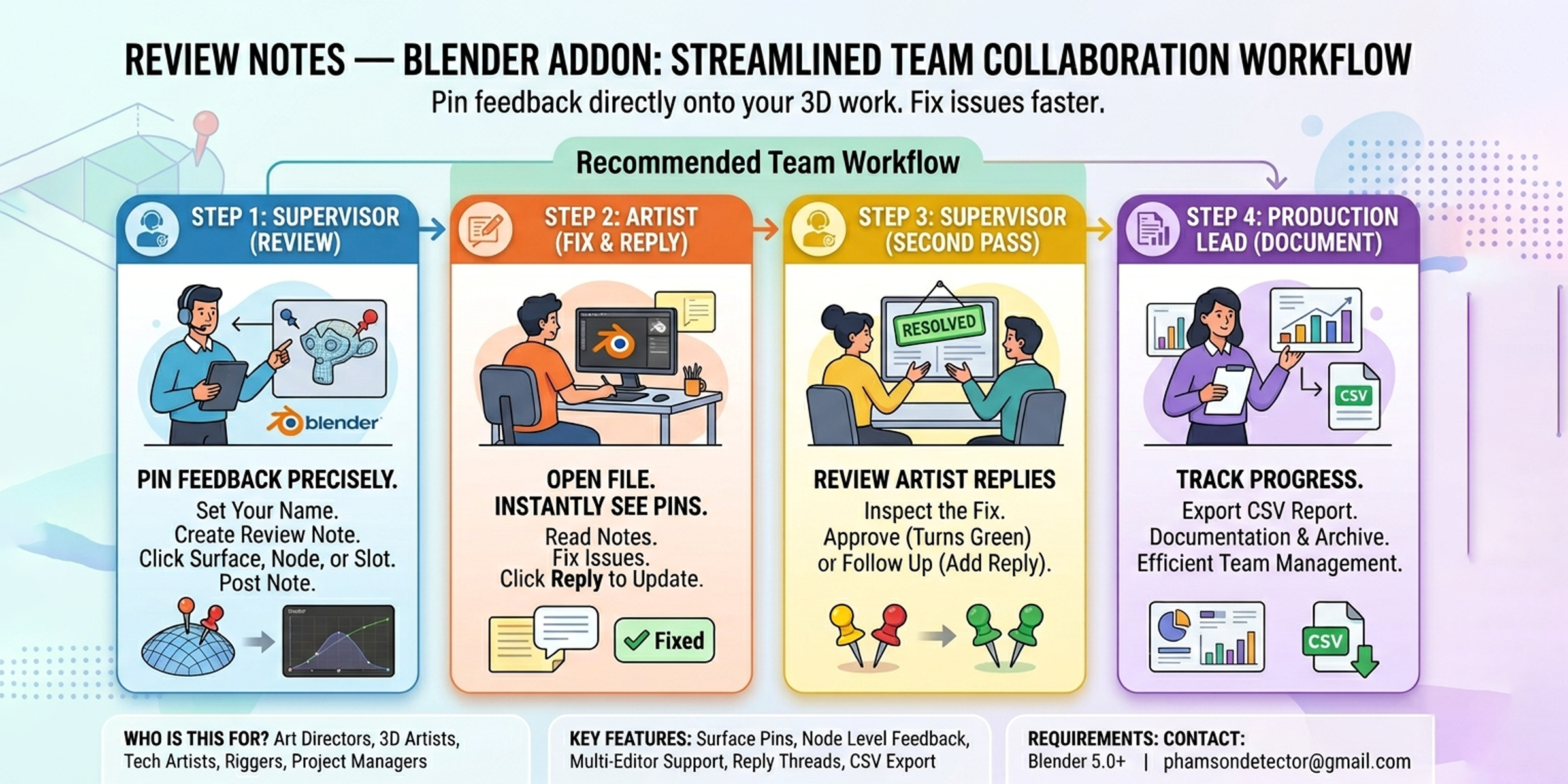
1. Supervisor opens the artist's file
2. Leaves pinned review notes on problem areas
3. Saves and sends the file back
4. Artist opens the file, sees all pins, fixes issues
5. Artist replies directly on each note
6. Supervisor re-opens, reviews fixes, and approves
7. Full review report exported for tracking & sign-off
---
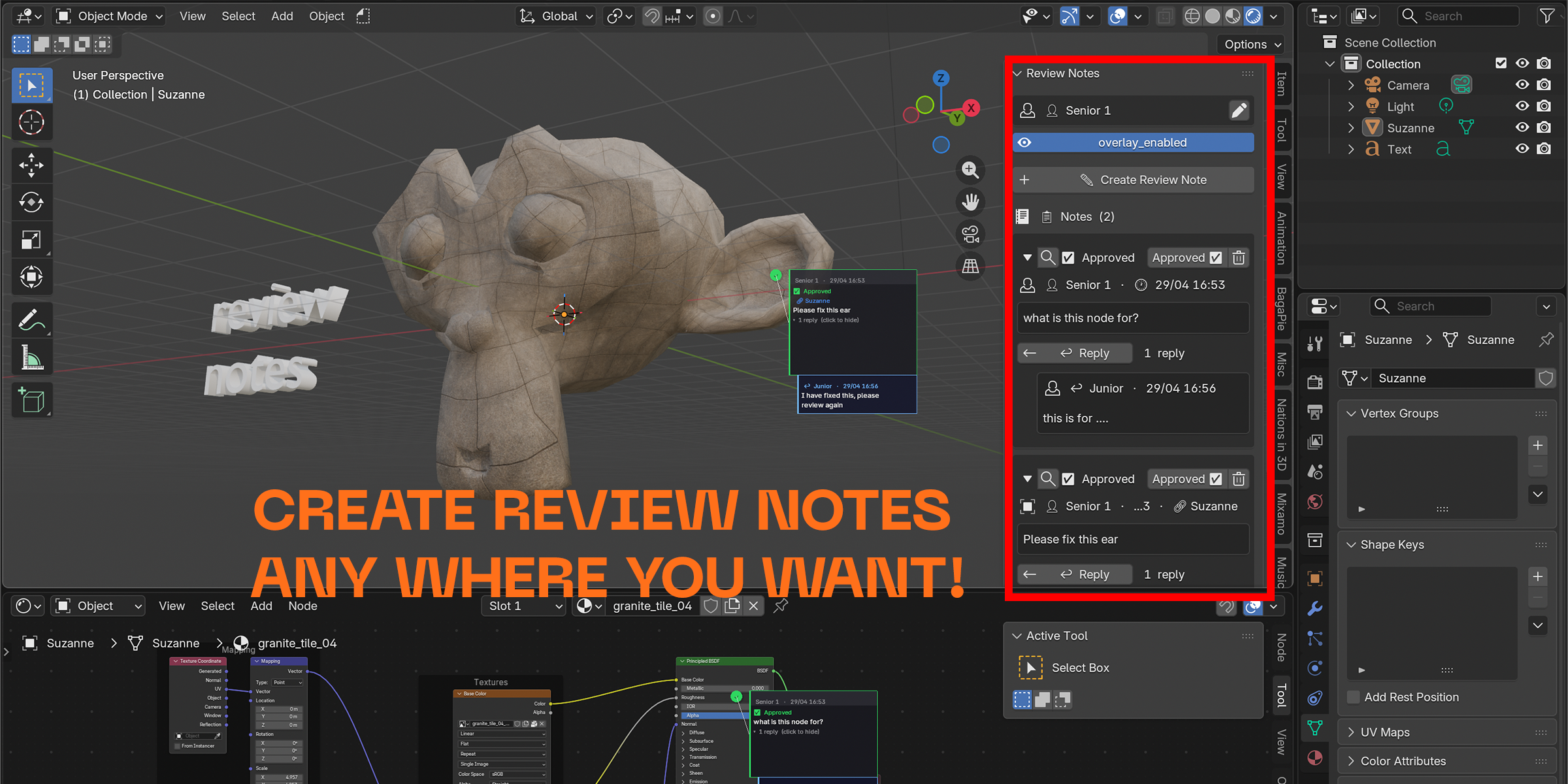
If you work in a 3D team, this addon will change how you communicate.