 Davide Di Bella


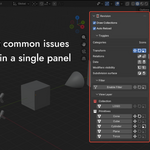
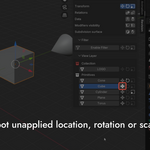
Spot transform issues, UV problems, and modifier states at a glance without clicking through every object.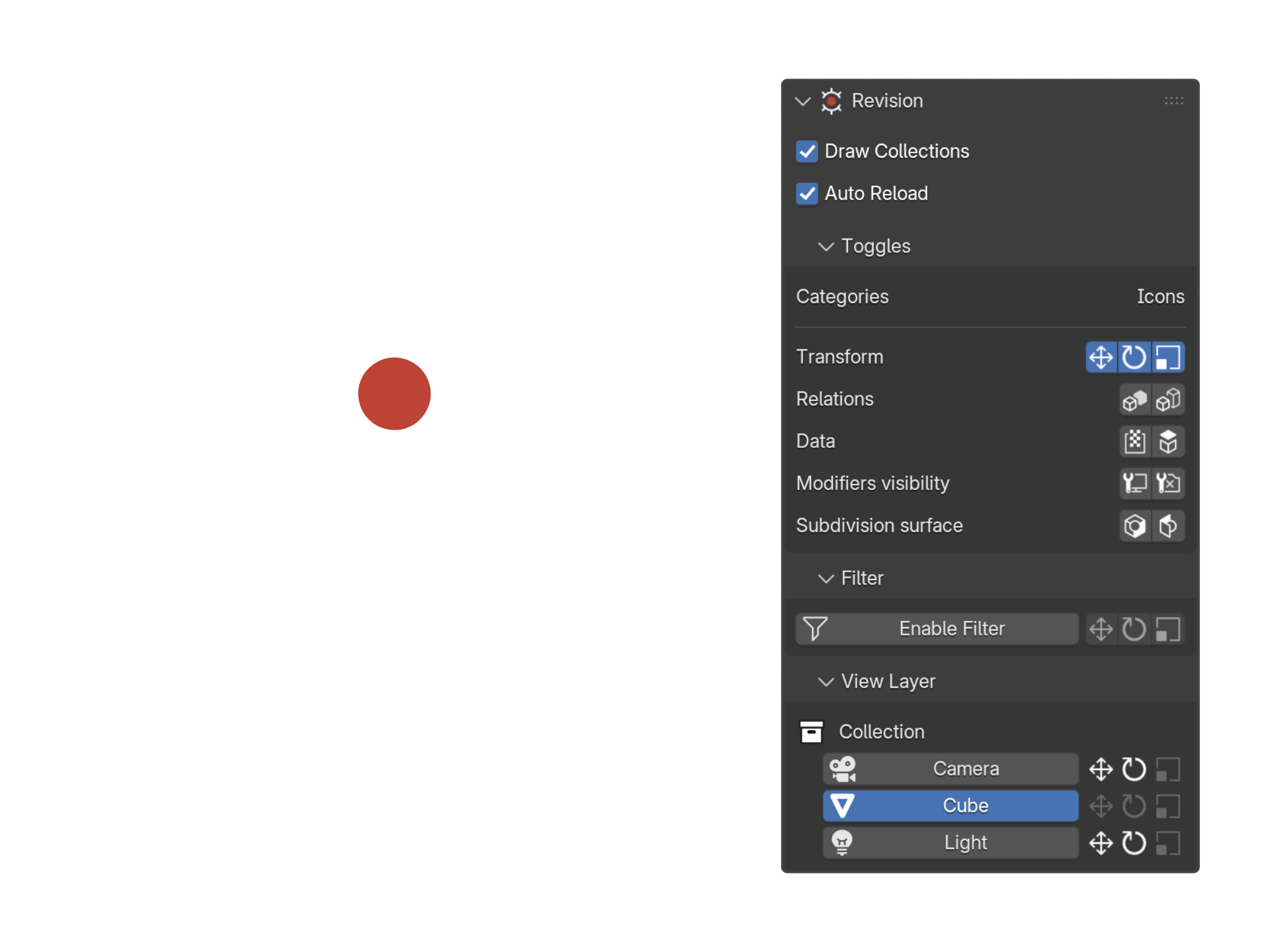
Revision adds a dedicated panel to the 3D Viewport that displays diagnostic icons next to every object in your scene. Each icon lights up when a specific condition is detected, letting you catch common production issues before they become real problems.
No more hunting for which object has unapplied transforms, out-of-tile UVs, or a hidden modifier. Everything is visible at a glance, directly in the sidebar.
Diagnostic Icons
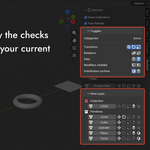
Each icon can be toggled ON or OFF independently. Enable only the checks relevant to your current workflow.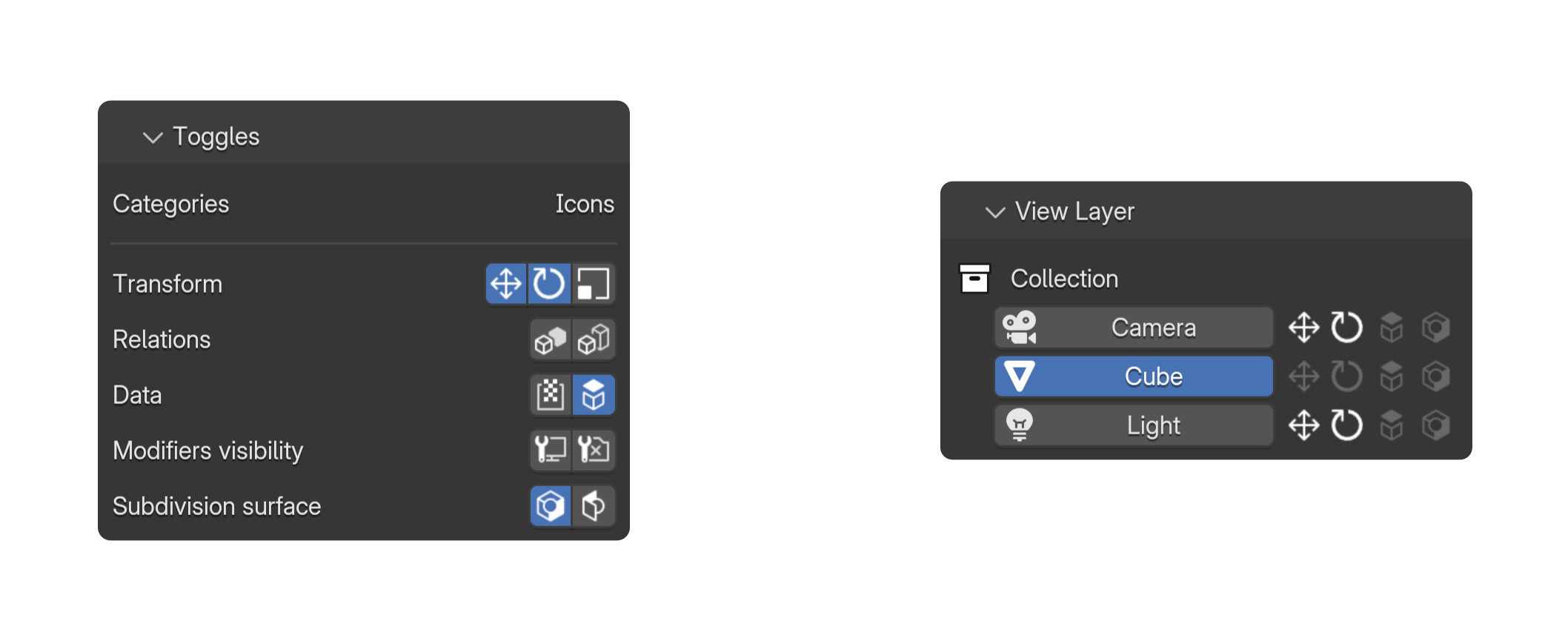
Video overview
Transform
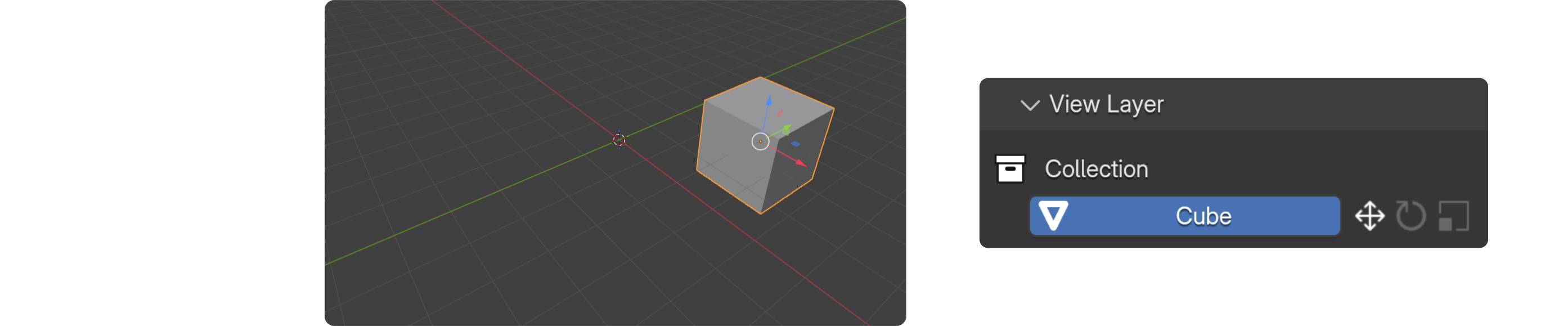
Highlights objects whose location has been moved away from the world origin (0, 0, 0). Essential when preparing assets for export or handing off to a pipeline where pivot points must be zeroed out.
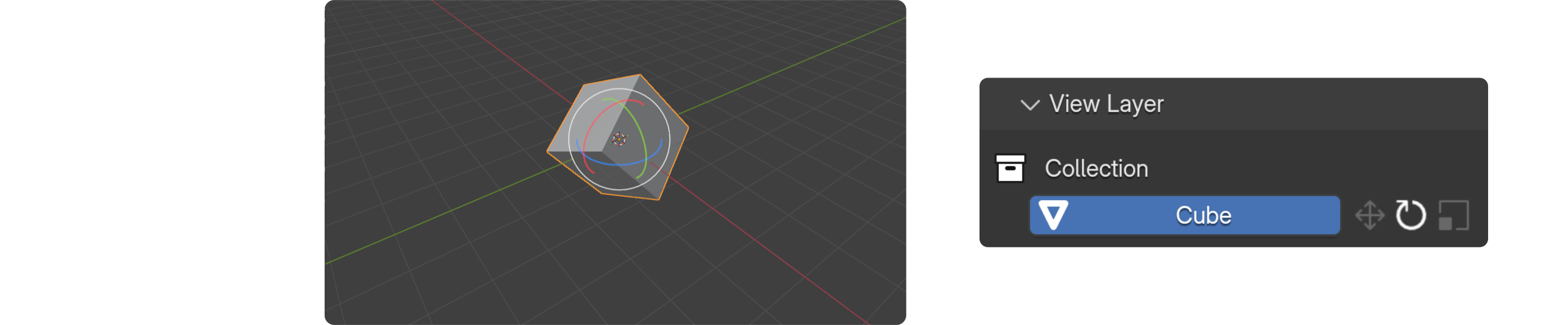
Flags objects with a non-zero rotation. Unapplied rotations are a common source of issues in rigging, physics simulations, and game engine exports.

Detects objects where scale has not been applied (scale ≠ 1, 1, 1). Unapplied scale is one of the most frequent causes of shading errors and modifier misbehavior.
Relations
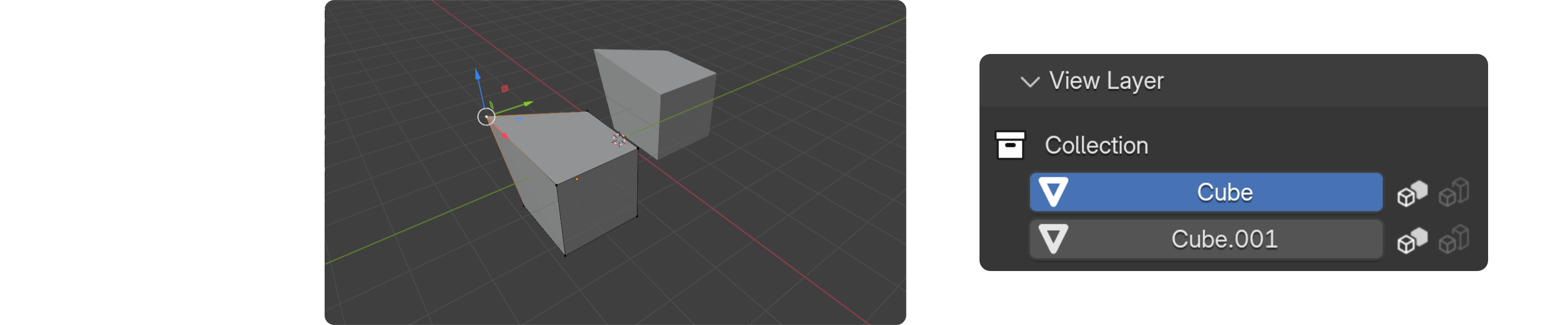
Marks objects that share the same mesh data (linked duplicates). Useful for auditing which objects are instanced before making destructive edits.
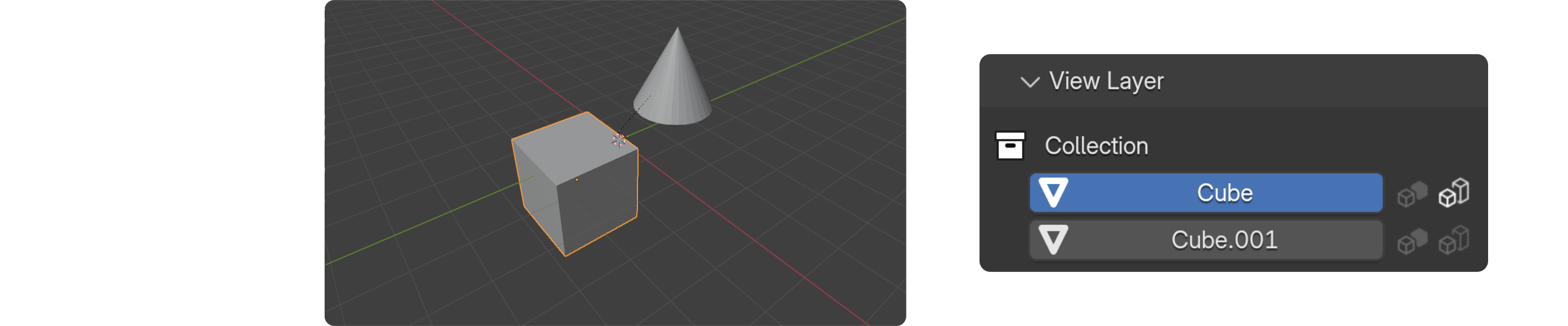
Indicates objects that have a parent. Helps you quickly identify the hierarchy structure without expanding the outliner.
Data
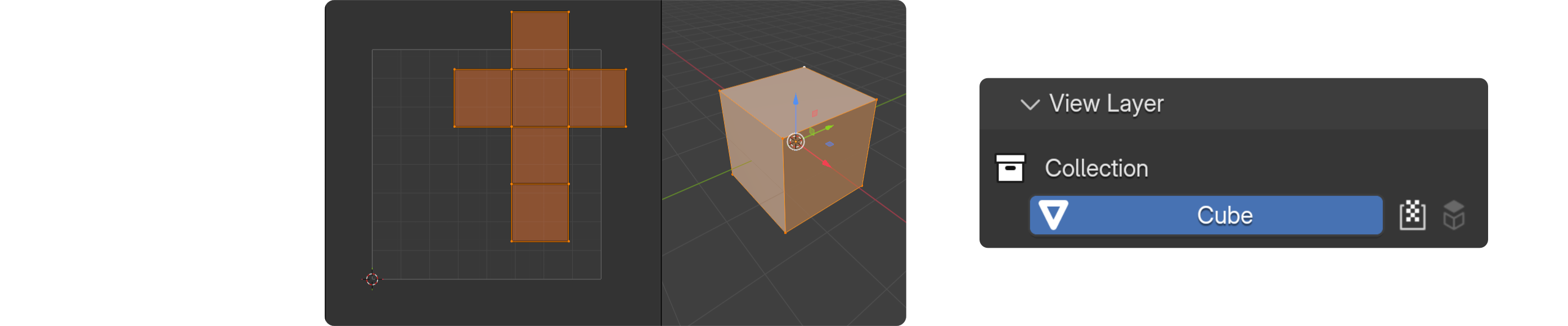
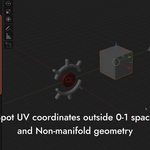
Warns when an object has UV coordinates outside the 0–1 space. Out-of-tile UVs can cause unexpected texture tiling or baking errors depending on the renderer and export target. Note: this check scans UV data on every update. In very complex scenes, enable it only when needed.
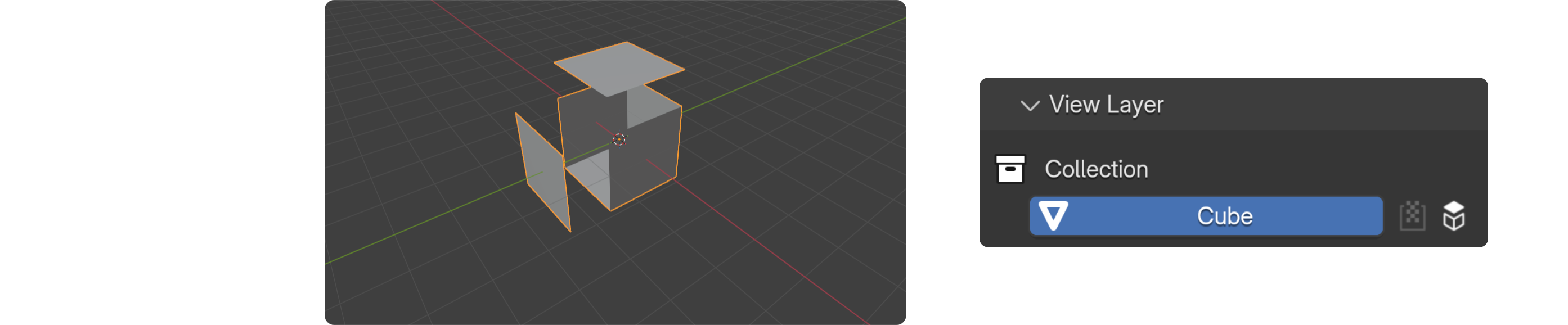
Flags meshes containing non-manifold edges — edges shared by more or fewer than two faces. Non-manifold geometry causes problems with boolean operations, 3D printing, and certain render engines.
Modifiers visibility

Detects when one or more modifiers are disabled in the viewport. A silent source of "why does it look different in render?" moments.

Flags objects where a modifier is visible in the viewport but turned off for rendering. Useful for catching preview-only modifiers accidentally left off.
Subdivision surface

Marks any object that has a Subdivision Surface modifier applied. A quick way to keep track of subdivided assets in a mixed scene.

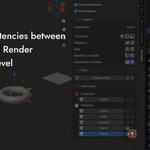
Warns when the viewport subdivision level differs from the render level. A common oversight that leads to unexpected render quality or performance, especially in animation.
More Features
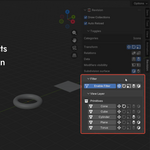
Enable the filter to show only objects that match one or more selected conditions. Combine multiple filters to isolate, for example, all meshes with unapplied scale AND non-manifold geometry simultaneously.
The panel mirrors Blender's collection structure. Toggle "Draw Collections" to display objects grouped by collection with indentation, or switch to a flat list.
When enabled, icons update automatically as you work. Disable it in heavy scenes and use the manual reload button for better performance.
Click any object name in the panel to select it and smoothly center the viewport on it.