Revision - Scene Diagnostic Icons for Blender
 Davide Di Bella


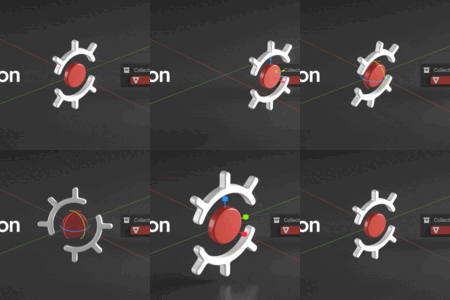
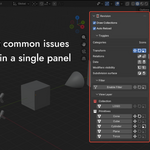
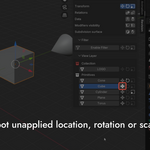
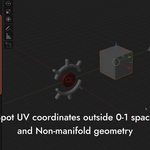
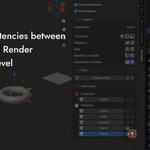
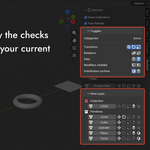
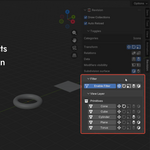
Revision is an addon compatible with Blender 5.0.
Requirements
Installation
1. Download the .zip file.
2. In Blender, open Edit → Preferences → Add-ons.
3. Click on the arrow icon in the top right → Install from Disk.
4. Select the downloaded .zip file and click Install from Disk.
5. Make sure Revision is enabled in the add-on list.
6. Open the N panel in the 3D Viewport and find the Revision tab.
License
Revision is distributed under the GNU General Public License v3.0 (GPL-3.0-or-later). The bundled icon artwork is proprietary and may not be redistributed or used outside of this add-on.
Have questions about this product?
Login to message
| Blender Extension Compatible | Yes |
| Published | 5 months ago |
| Blender Version | 5.0 |
| Extension Type | Add-on |
| Render Engine Used | Cycles, Eevee |
| License | GPL |
Discover more products like this
revision 3d modeling workflow 3dviewport issues apply Link uv parent modifier child