 revolutionart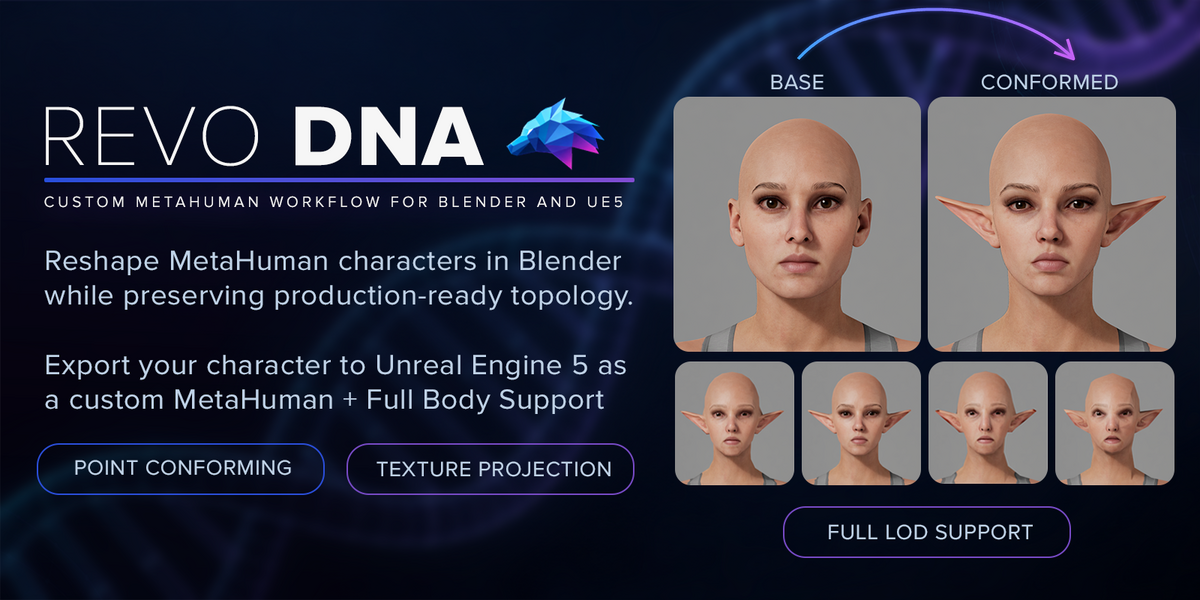
BLENDER ADDON / VERSION 1.0
REVO DNA
Your sculpt.
Your MetaHuman.
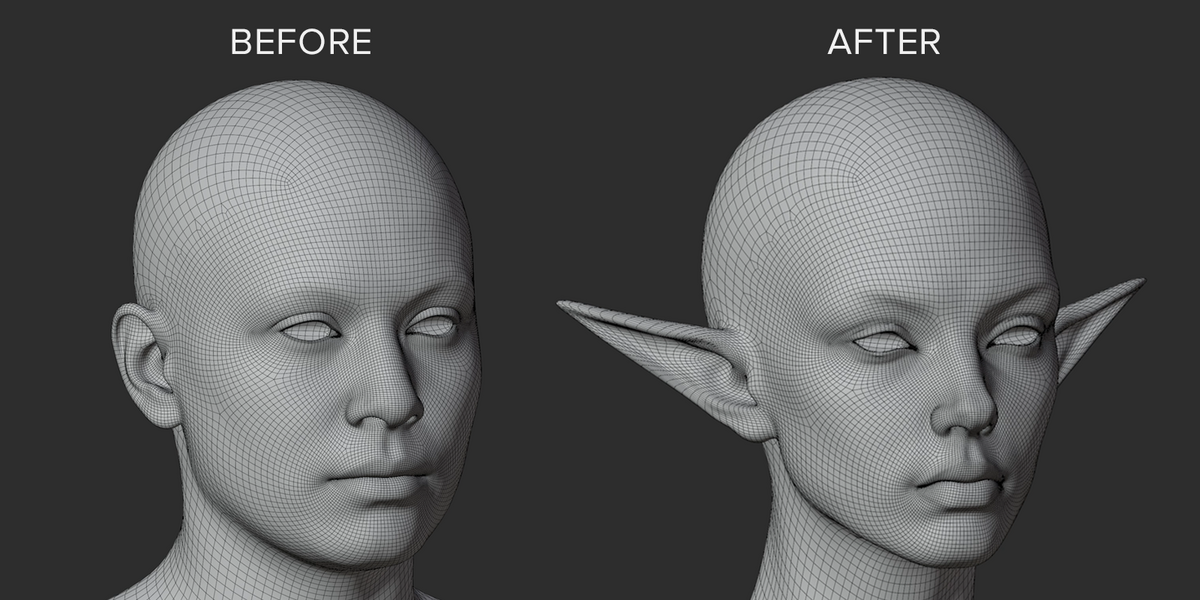
Shape custom MetaHuman heads and bodies in Blender. Conform your meshes, check facial movement and LODs, then export the edited DNA to Unreal Engine.
Blender 5.2.x / Windows x64 / MetaHuman Tools
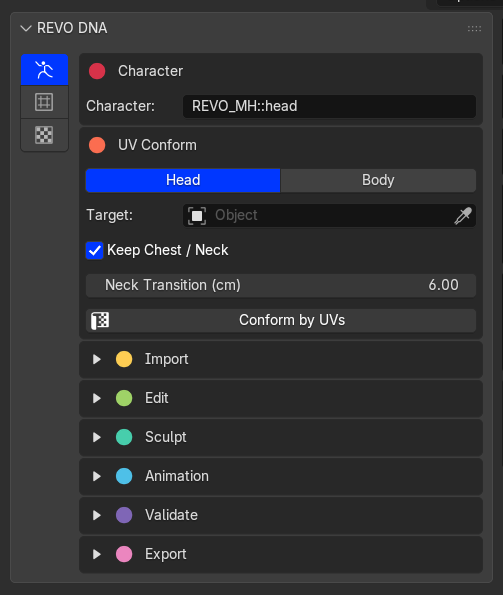
CONFORM BY UVS
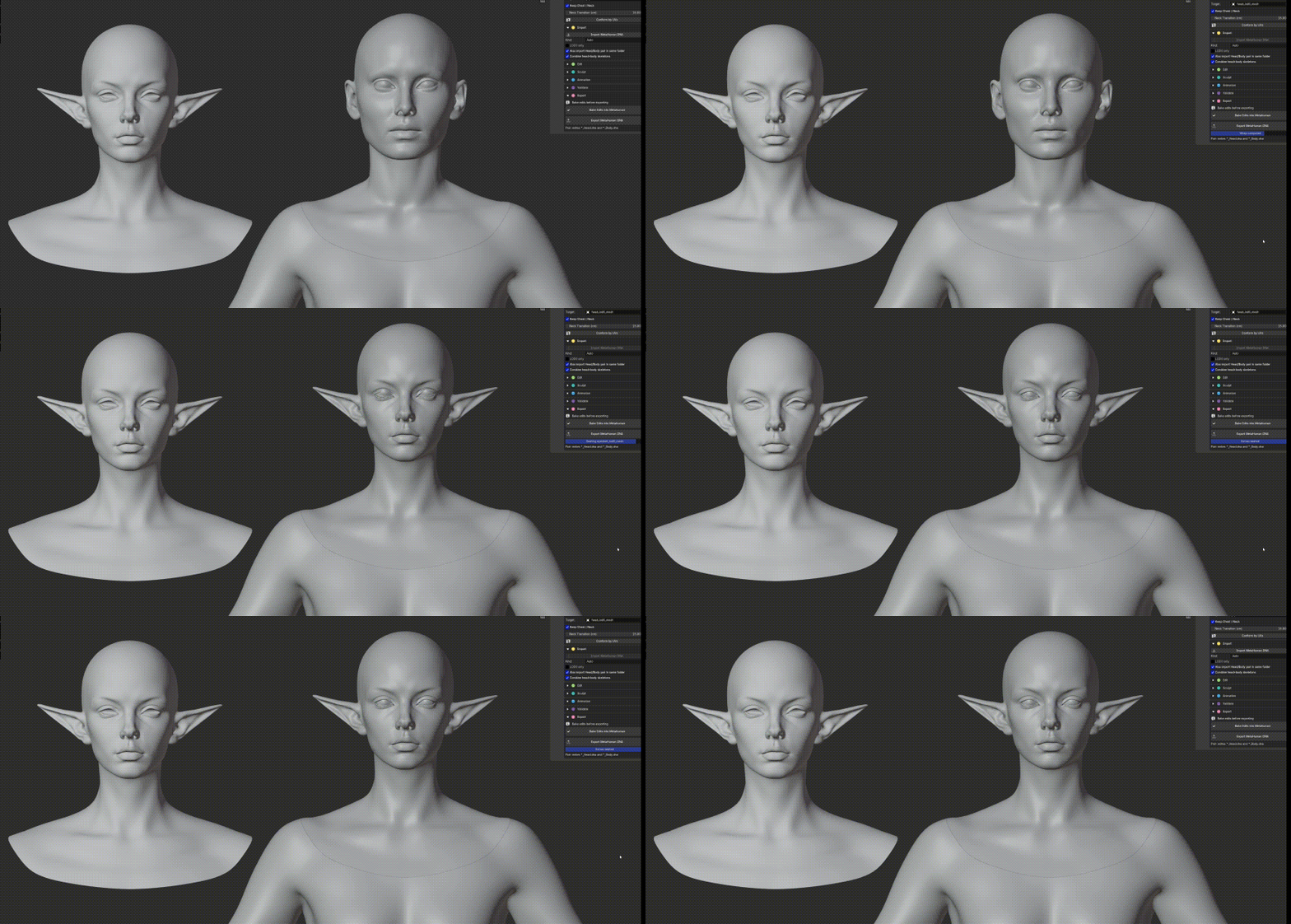
Bring your sculpt into your MetaHuman.
Already working with MetaHuman topology and compatible UVs? Transfer your sculpt directly to the imported DNA character. No marker placement needed.
METAHUMAN ANIMATION
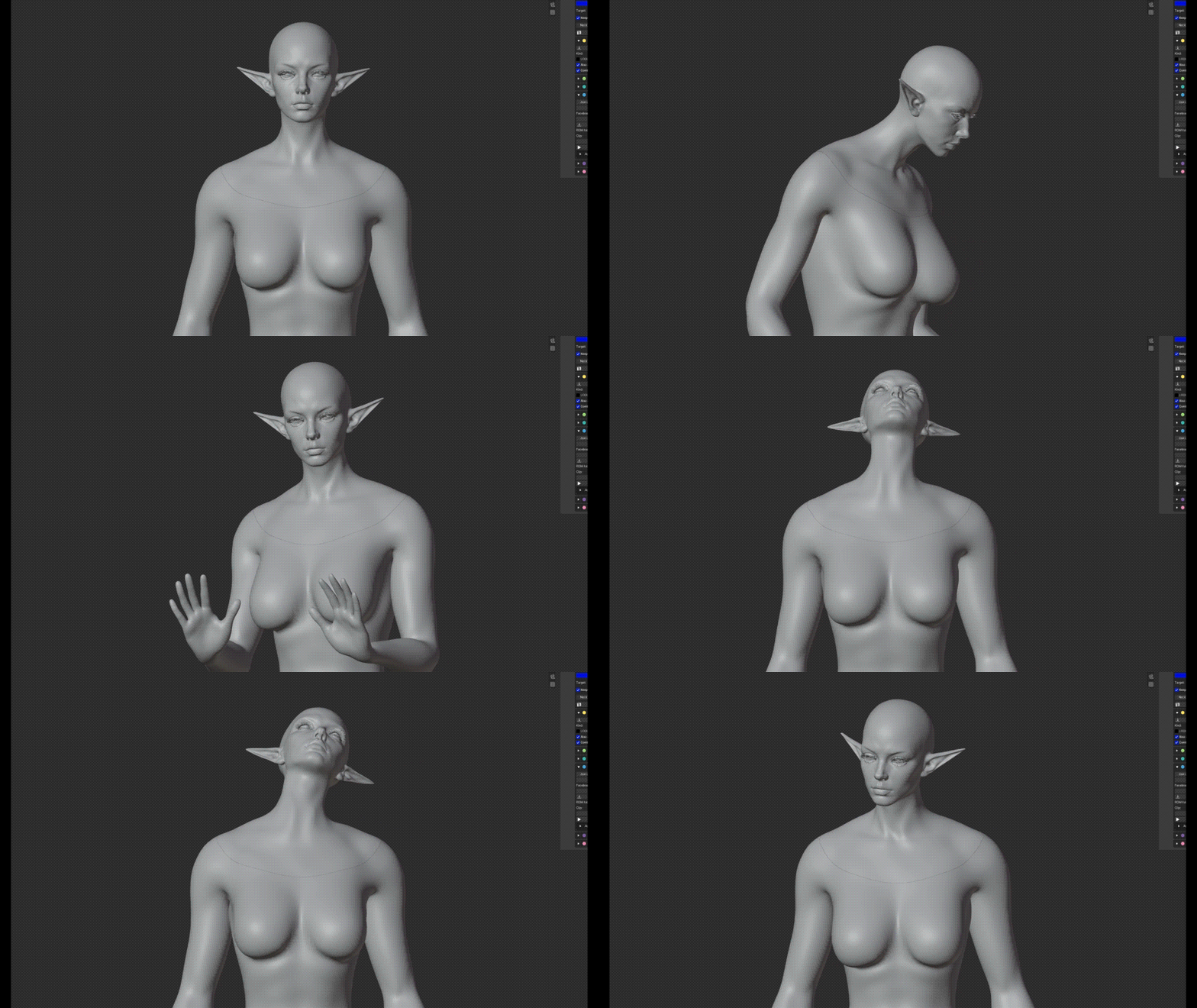
See your character move.
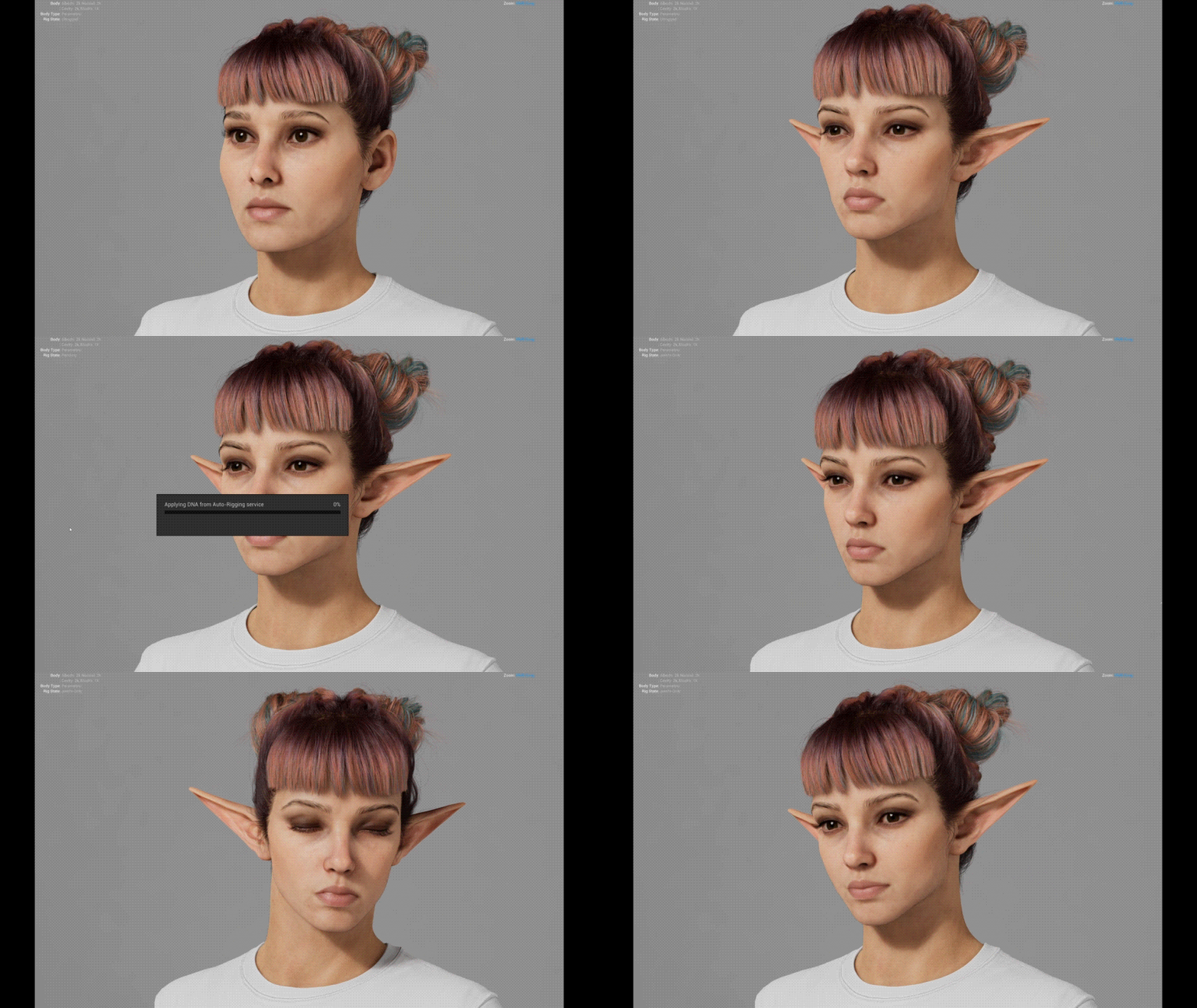
Check expressions on your edited character with the Faceboard or load a compatible animation clip. Inspect the eyes, mouth and jaw before exporting.
LEVELS OF DETAIL
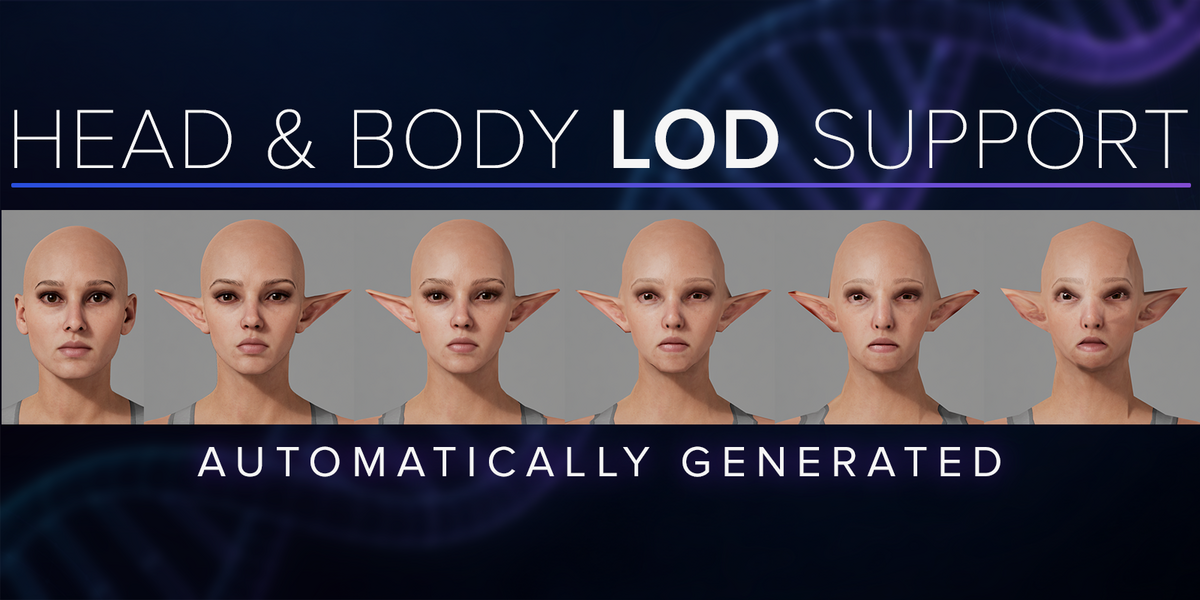
Check the shape at every LOD.
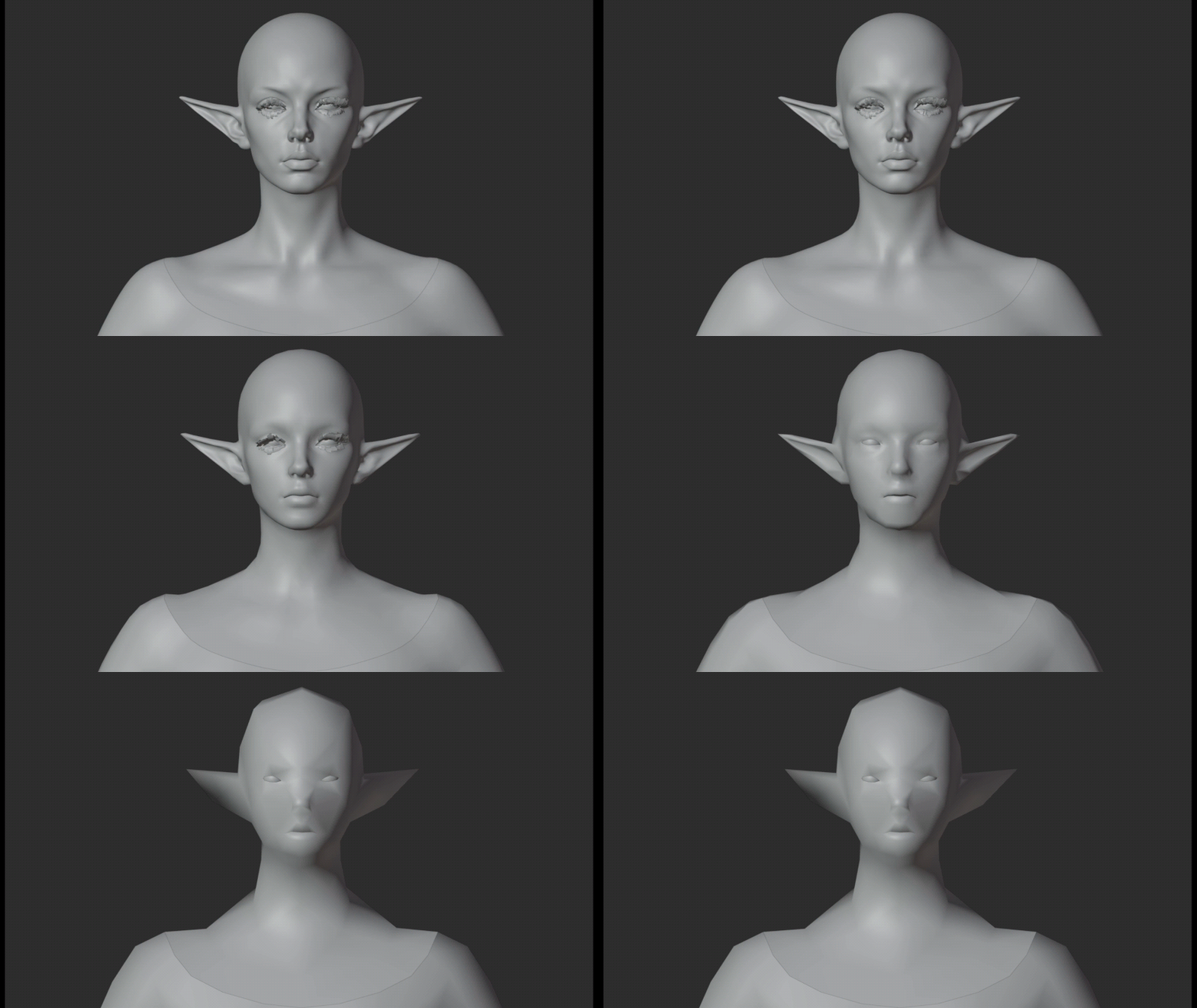
Update lower LODs from your edited LOD0 and switch between them in Blender. Preview all eight head LODs and four body LODs, with paired head and body levels following the standard LODSync mapping.
MARKER CONFORM
Different topology. Your target shape.
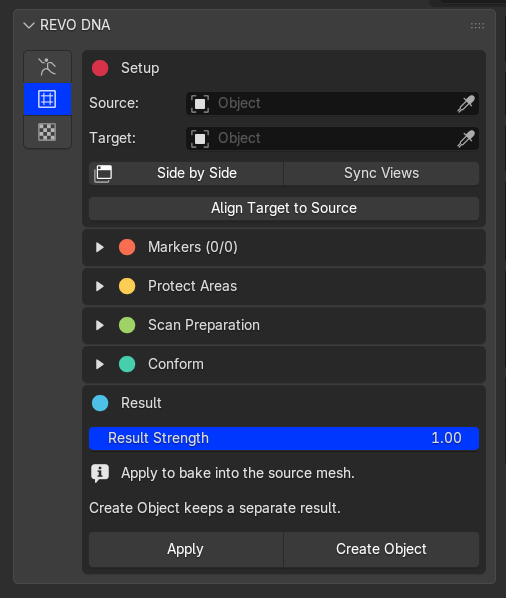
Working from a scan or a custom sculpt? Place matching markers on the Source and Target, then conform. Grab markers to adjust them, or use symmetry to place matching pairs.
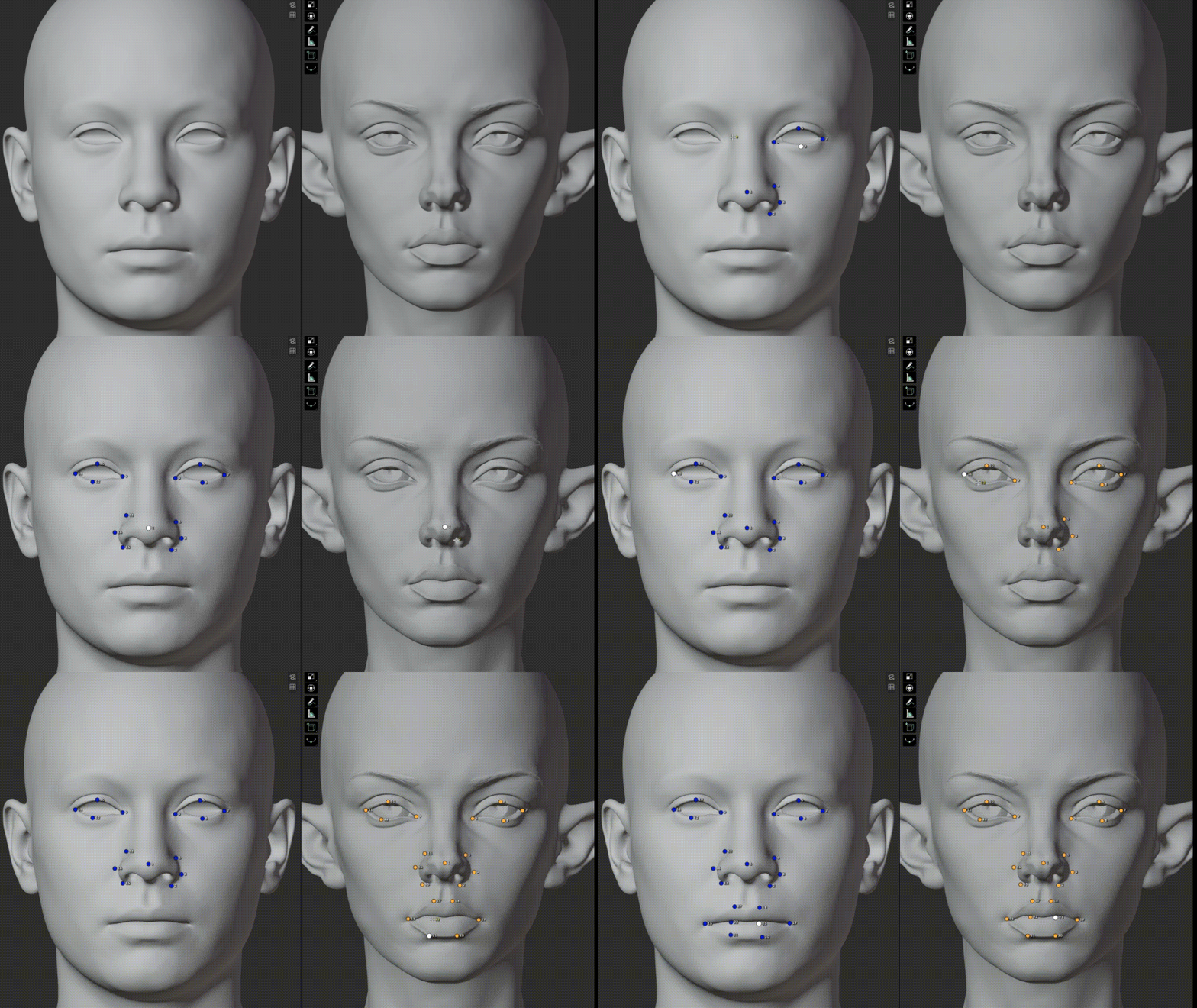
Quickly place and adjust matching markers, directly in Blender.
SYNC VIEWS
Keep both sides in view.
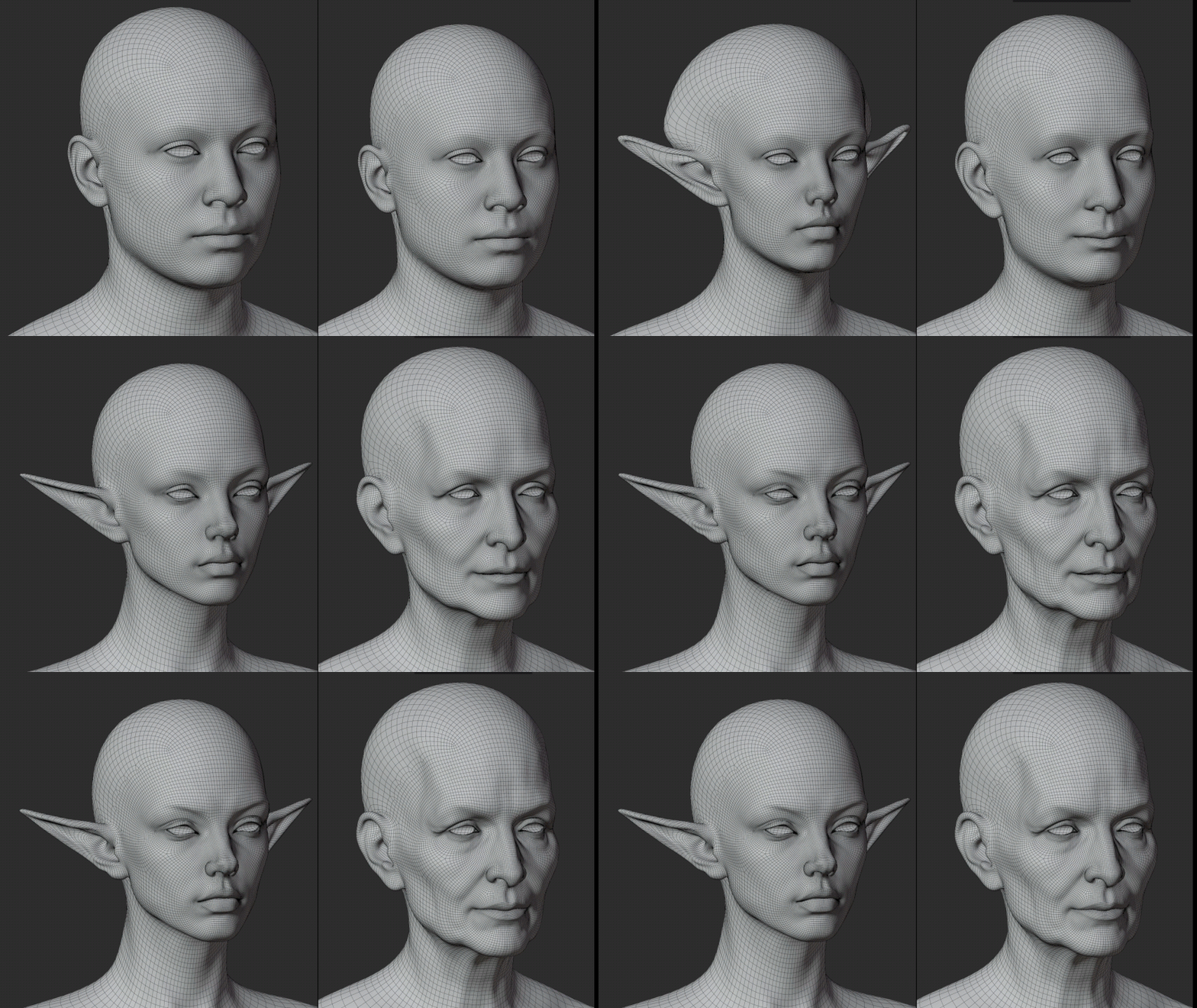
Rotate the Source and Target together while placing markers. Compare the same angle on both meshes as you work around the face and ears.
PROTECTION MASKING
Keep the areas you want to preserve.
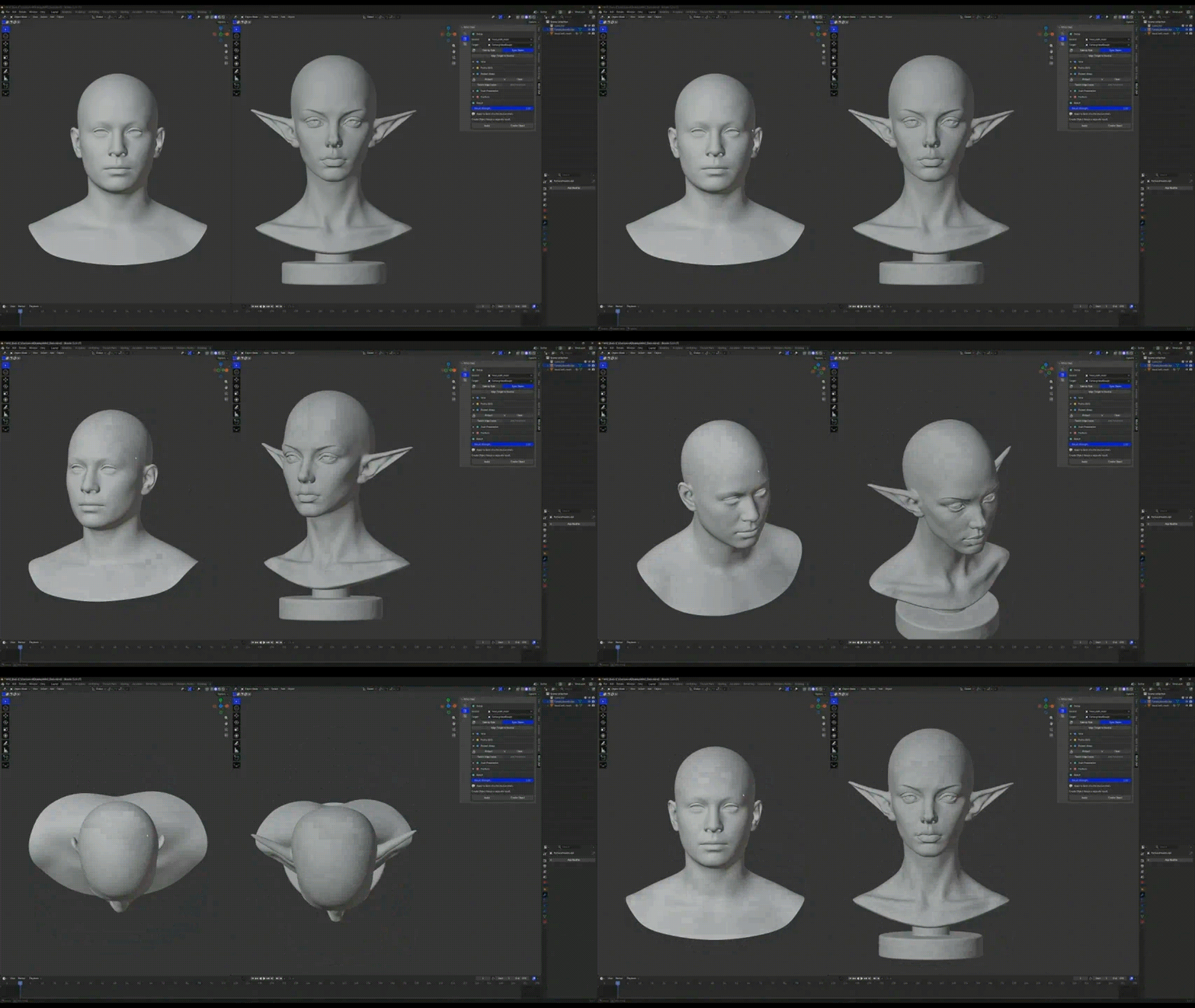
Paint protection where you need it, or build a mask from selected edge loops. Blend protected areas into the new shape.
Paint a mask
|
Start from edge loops
|
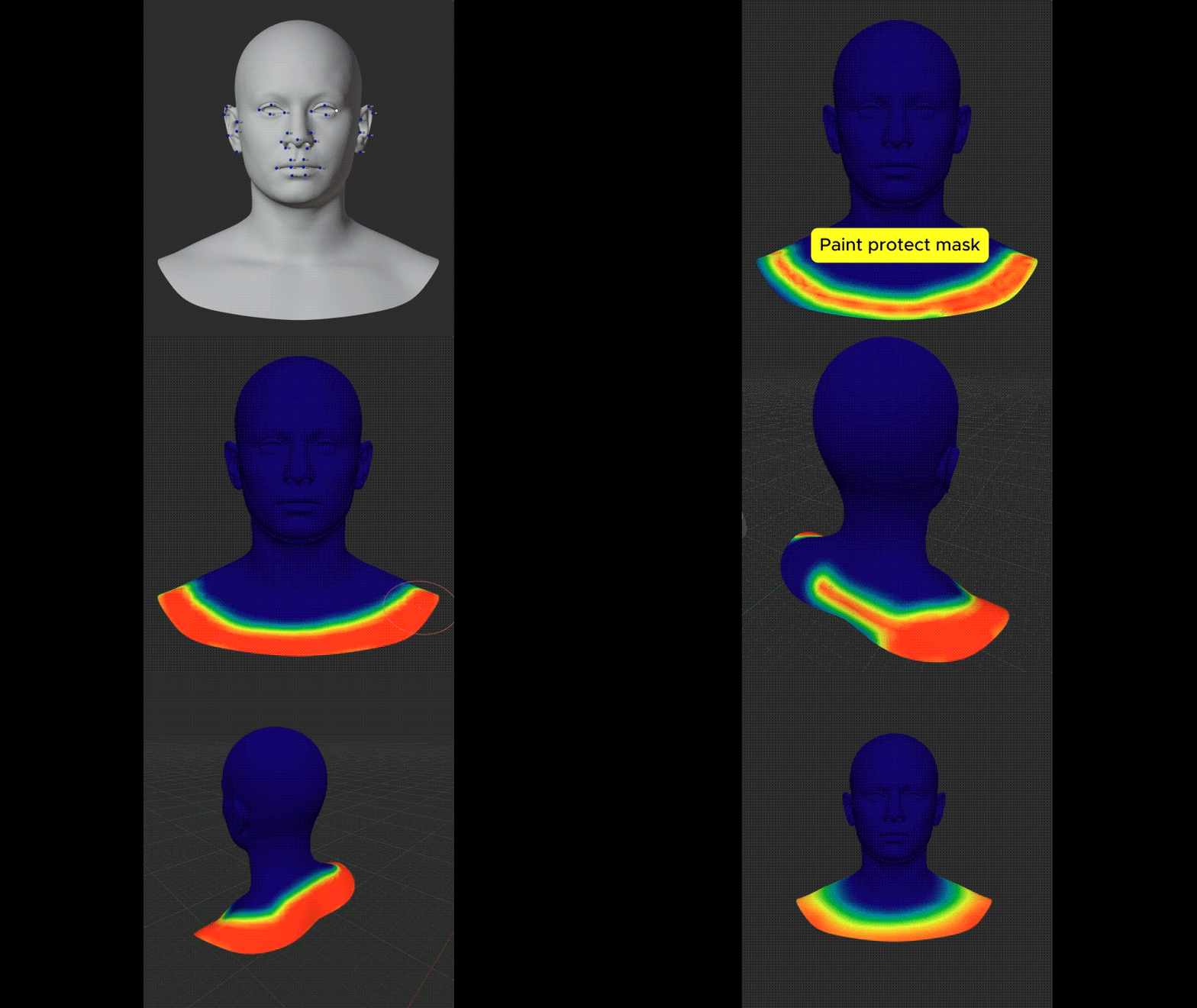
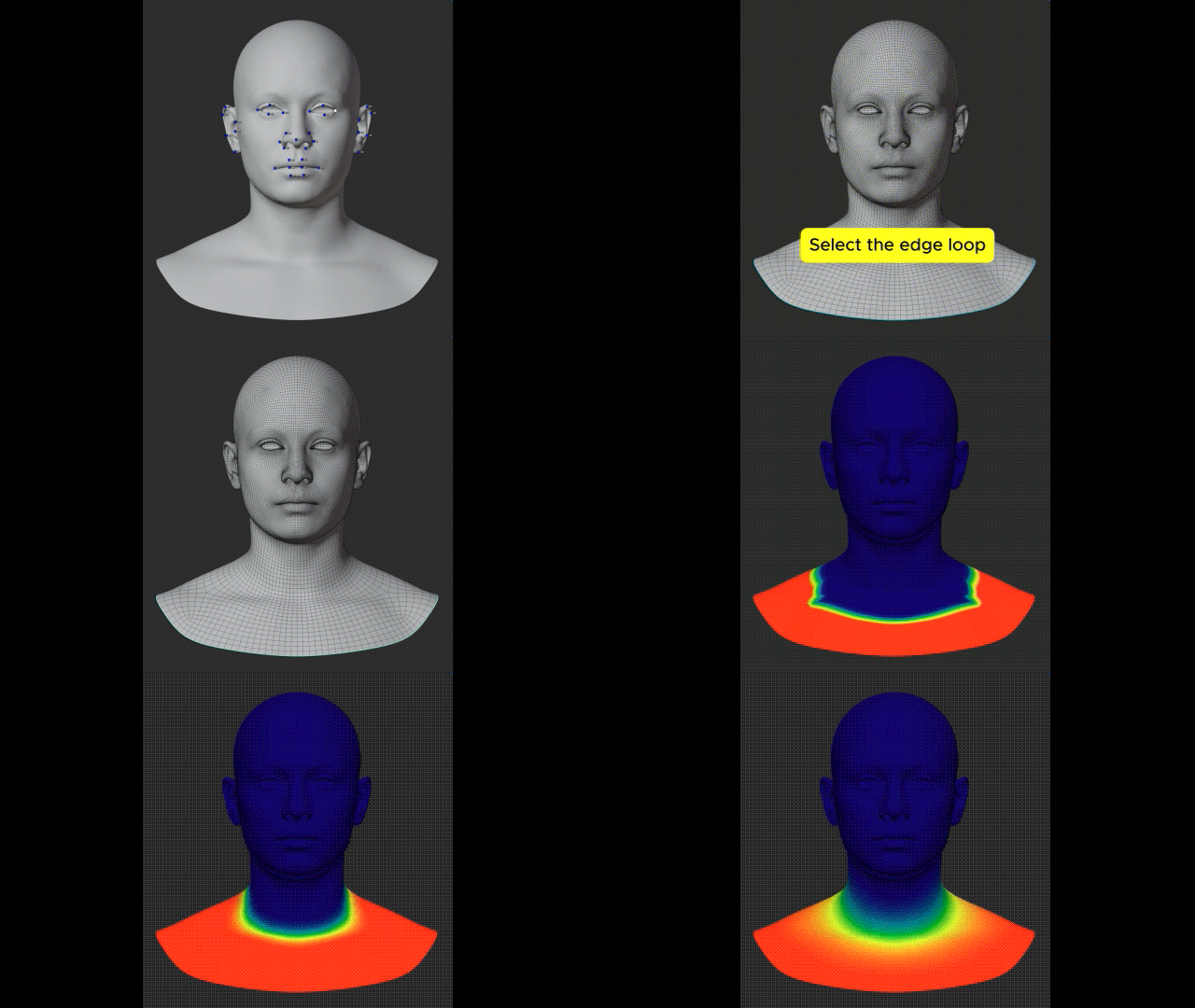
For the neck attachment, use Neck Transition to control the blend without painting.
THE RESULT
From a new shape to your final character.
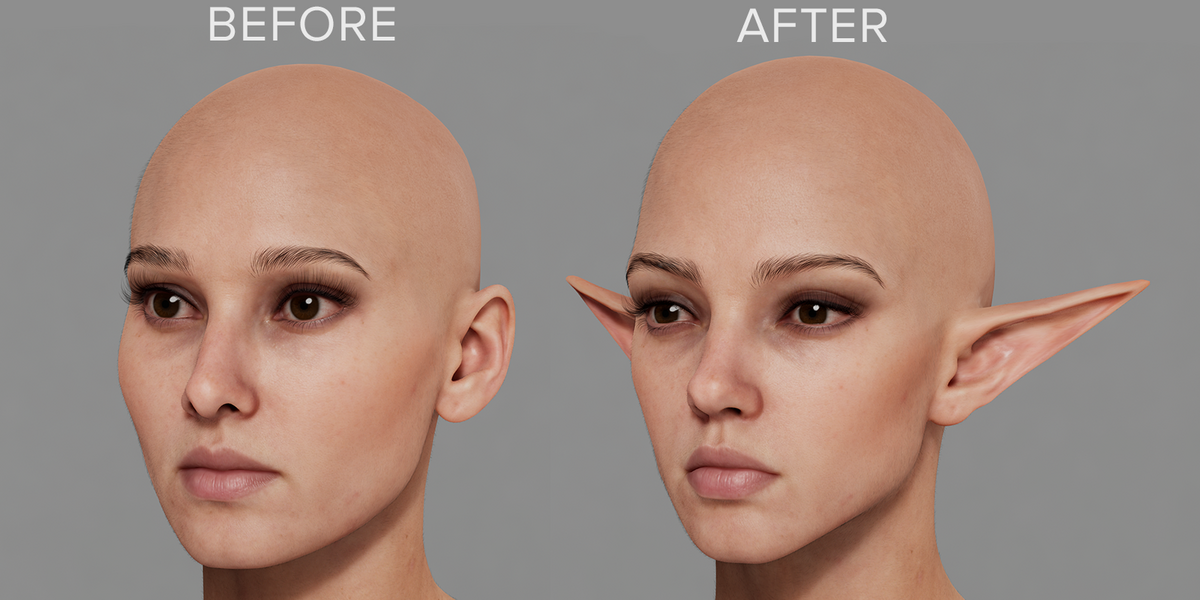
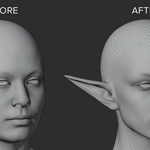
Inspect the fit, adjust its strength, then Apply to the Source or Create Object. Transfer a fitted template to your DNA character with UV Conform, bake your edits and export to Unreal Engine.
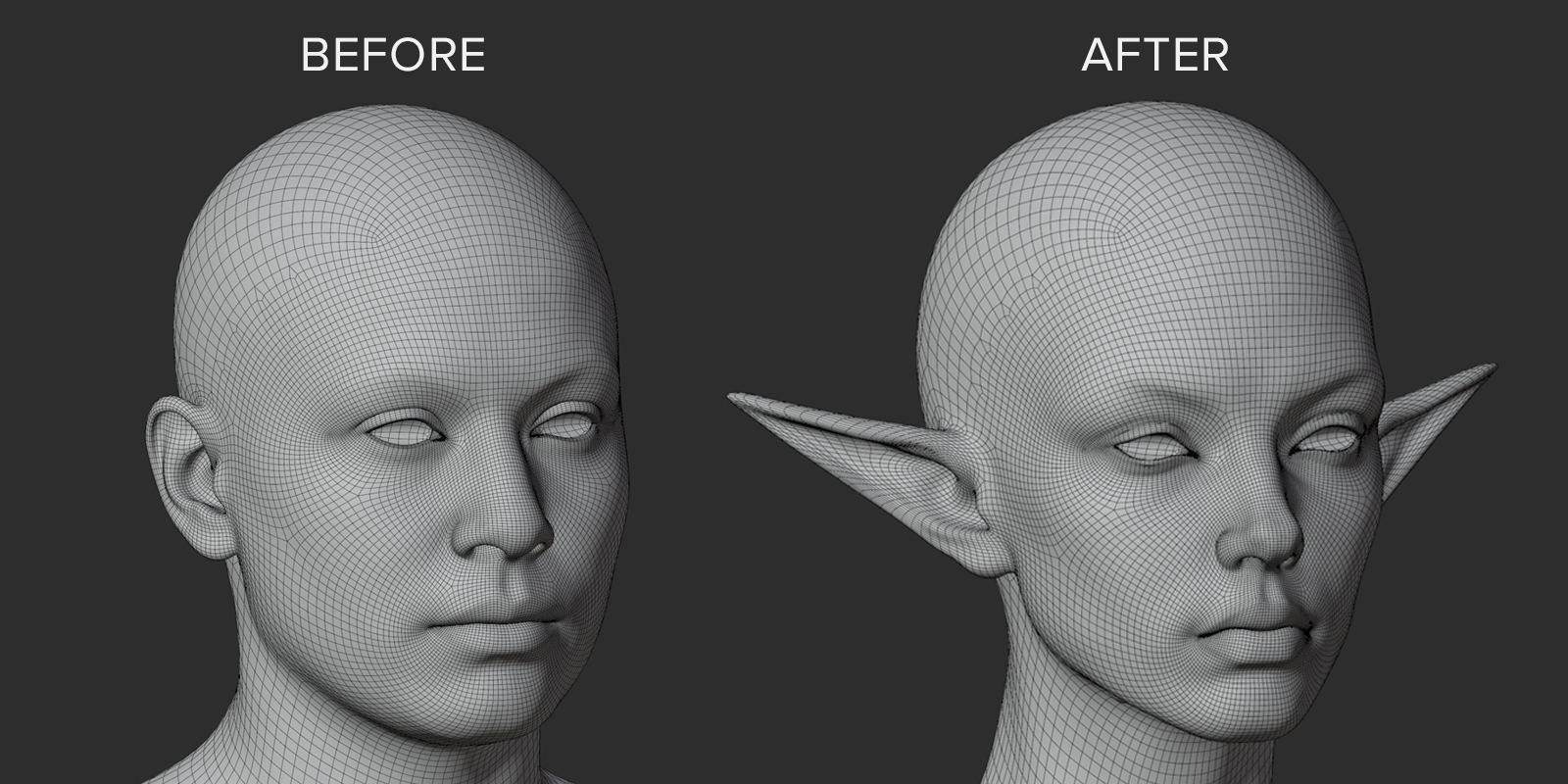
Result in Unreal Engine 5.8
COLOR-CODED UI
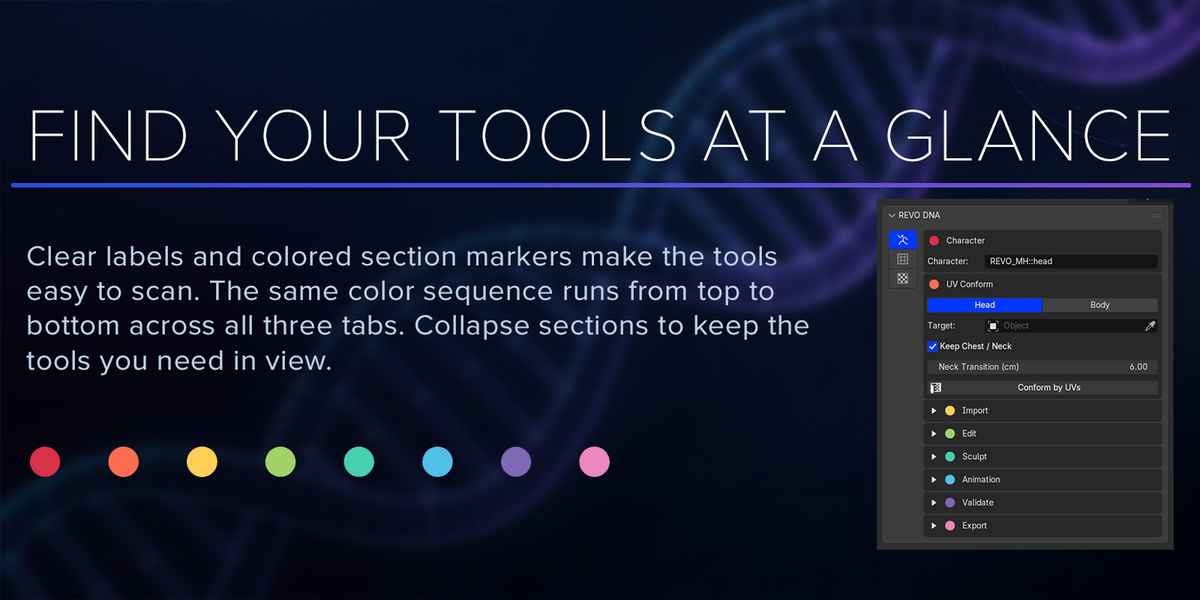
Find your tools at a glance.
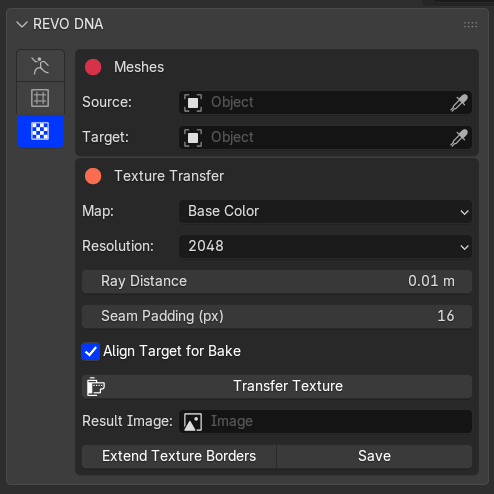
Clear labels and colored section markers make the tools easy to scan. The same color sequence runs from top to bottom across all three tabs. Collapse sections to keep the tools you need in view.
● ● ● ● ● ● ● ●
MetaHuman Tools
|
Conform Tools
|
Texture Transfer
|
ALSO INCLUDED
More of your character workflow, in Blender.
Sculpt across the neck
Weld the neck seam for sculpting, then unweld to return to separate head and body meshes.
Transfer textures
Transfer base color and normal maps to your Source UVs. Extend texture borders and save the images.
Bake, validate and export
Bake your edits into the MetaHuman, validate the character and export separate head and body DNA files.
GETTING STARTED
Bring your DNA and your sculpt.
Import your MetaHuman Creator DCC Export DNA and your custom head or body. For a sculpt with different topology, use Epic's MetaHuman Conform Topology as a fitting template.
| Blender | 5.2.x, tested on 5.2.1 |
| System | Windows x64, AVX-capable processor |
| Included | REVO DNA 1.0 addon and bundled DNA runtime |
| Optional animation | Faceboard layout from a local Epic MetaHuman for Maya installation; compatible FBX for imported clips |
Use your own MetaHuman character assets. Epic's Faceboard layout and ROM animations are available from Epic at no additional cost. The documentation explains how to download the layout and export the animations for REVO DNA. These files are not bundled with the addon. Supports Blender 5.2.x on Windows x64.
REVO DNA
MetaHuman Editing & Mesh Conforming
