Revo Dna
 revolutionart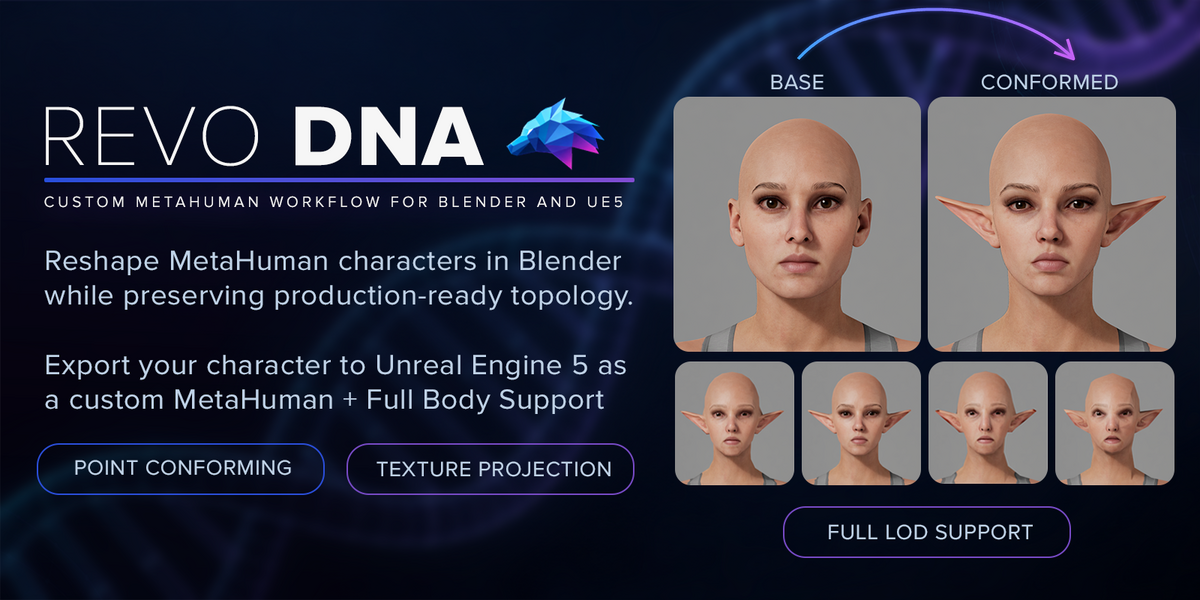
Does increasing Detail Iterations always improve the result?
No. More iterations can capture additional detail but may also introduce pinching or distortion. Start with the default and compare & refine results.
What should I do before exporting DNA?
Apply any pending conform result, use Bake Edits into MetaHuman, then validate and export. Keep the original DNA and REVO DNA’s files available with your project.
Can I preview facial expressions before exporting?
Yes. REVO DNA provides facial animation previews using compatible ROM clips and Faceboard controls. Follow the documentation to obtain and load the required files.
Which conforming workflow should I use?
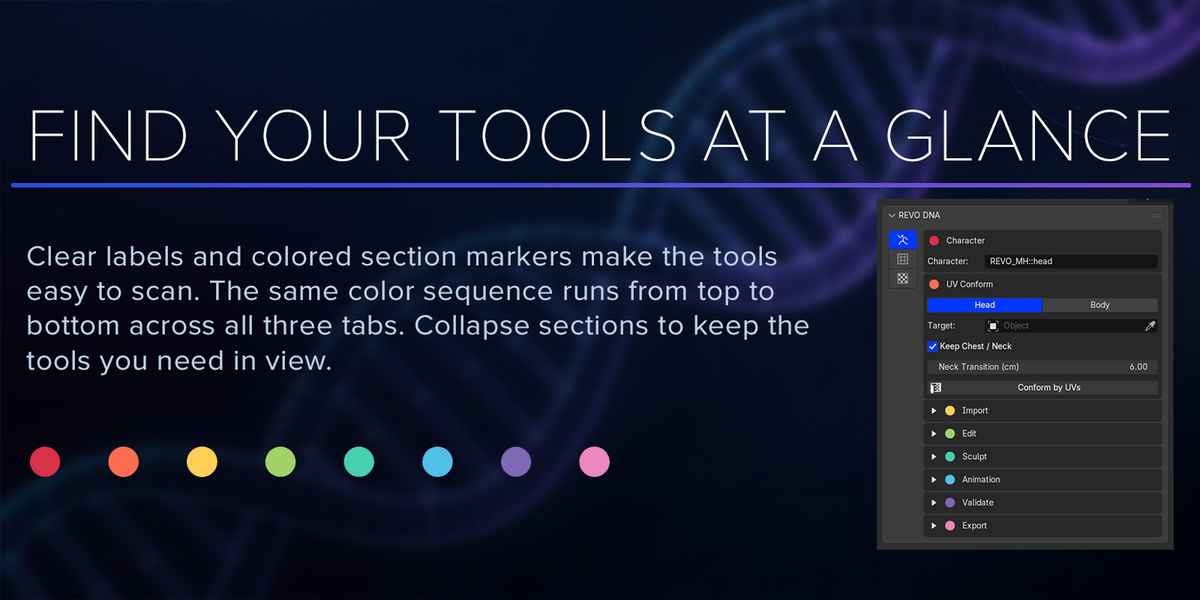
Use Conform by UVs in MetaHuman Tools when your target has compatible MetaHuman UVs, such as a sculpt made from MetaHuman topology. Use Conform Tools with markers for scans or custom meshes with different topology. Both workflows support heads and bodies.
Are MetaHuman characters, Faceboard layouts, and animation clips included?
No. Bring your own MetaHuman DNA and character assets. Epic’s Faceboard layout and ROM animation clips are available through Epic’s free tools/content; the documentation explains where to find them and how to set them up.
Which Blender versions and operating systems are supported?
REVO DNA supports Blender 4.2–5.2 on 64-bit Windows. Two ZIPs cover Blender 4.2–5.0 and 5.1–5.2.
Which Unreal Engine engine version is supported?
Only Unreal Engine 5.8
$39$19.50
Have questions about this product?
Login to message
| Blender Extension Compatible | Yes |
| Published | 4 days ago |
| Blender Version | 4.2 - 5.2 |
| Extension Type | Add-on |
| License | GPL |

Discover more products like this
Character Creation Character Customization dna topology transfer mesh wrapping Unreal Engine conform LOD Import-Export MetaHuman texture transfer Facial Animation