Revo DNA
 revolutionart
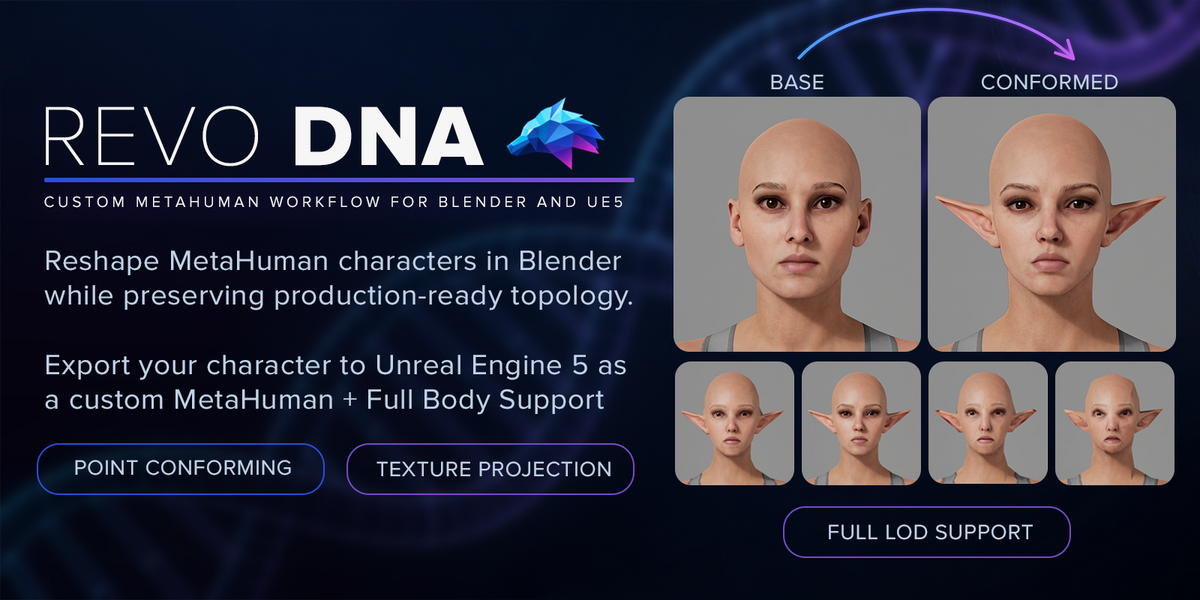
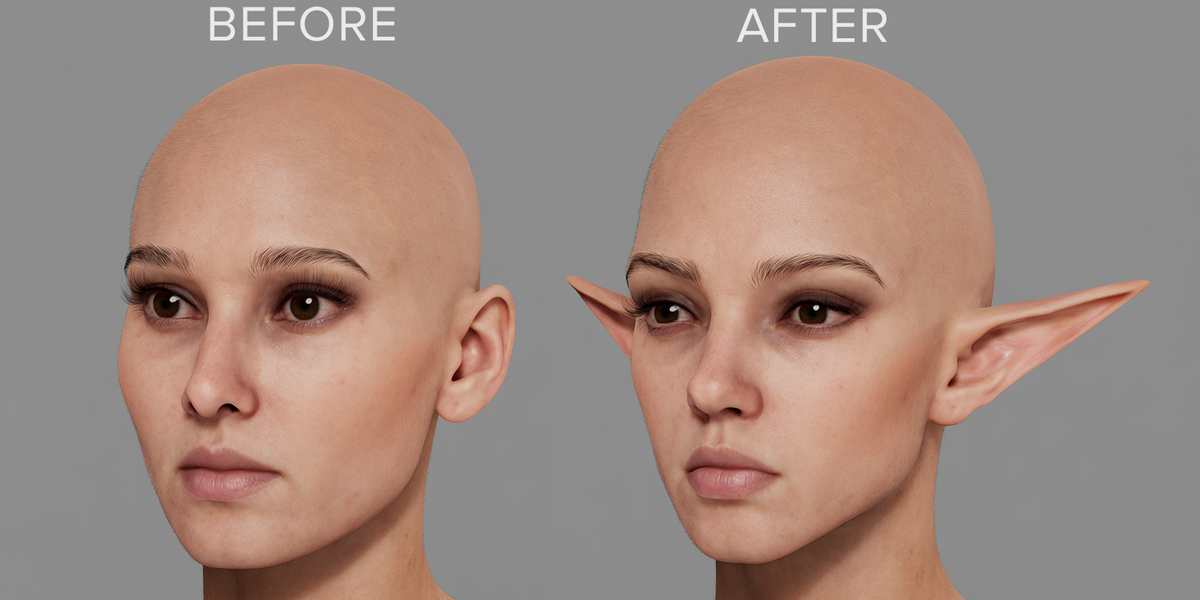
New (Dress your MetaHuman in Blender and send the clothing to Unreal)
-
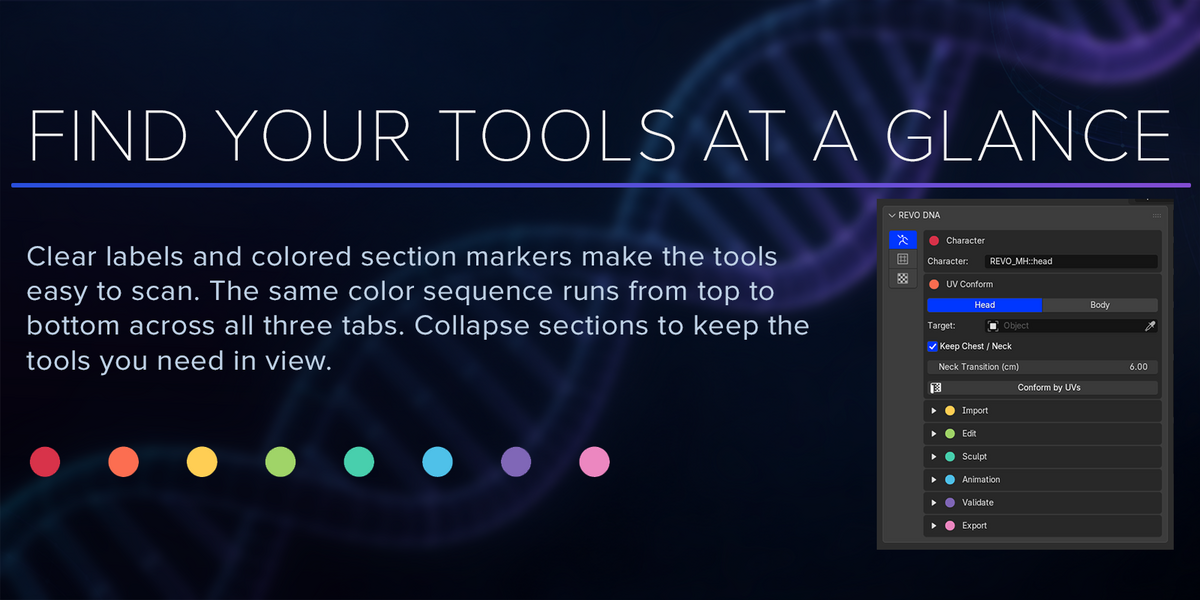
Clothing tab. A new tab between Conform and Textures rigs garments to your character and exports them for Unreal.
- Bind to Body skins the selected garments to the MetaHuman body skeleton, copying weights from the nearest skin. Loose areas such as skirt hems are filled in smoothly, and weights are blended where a garment bridges two body parts, so the cloth doesn't tear when posed. Unbind removes the skeleton again.
- Export groups are collections named. export_ Each group is exported as its own FBX, with the MetaHuman body skeleton and Unreal's joint orientation.
- Body masks are black-and-white images in the body's and head's UV layouts that hide the skin under each group's clothes in Unreal. Skin near openings stays visible as a safety margin, and the padding is adjustable for mipmaps. Preview on Body shows the masked character in the viewport, and Create Mask makes the images without exporting.
- Check the bind by loading a body ROM clip in the Animation panel.
- Protected Areas Follow. Protected areas keep their shape but move with the fitted body, so a protected head rides on the new neck and shoulders instead of the neck stretching. Off by default.
-
Match Seam Normals. The head and body now shade as one surface where they meet, without being welded. It runs by itself after Unweld, Align Head to Body, Match Chest Loop and Conform.
Better exports to Unreal
- Export used to keep the original MetaHuman's normals, so Unreal lit an edited character as if it still had its old shape and showed a line along the chest-cut. Export now writes normals for the new shape, matched along the neck seam at every LOD.
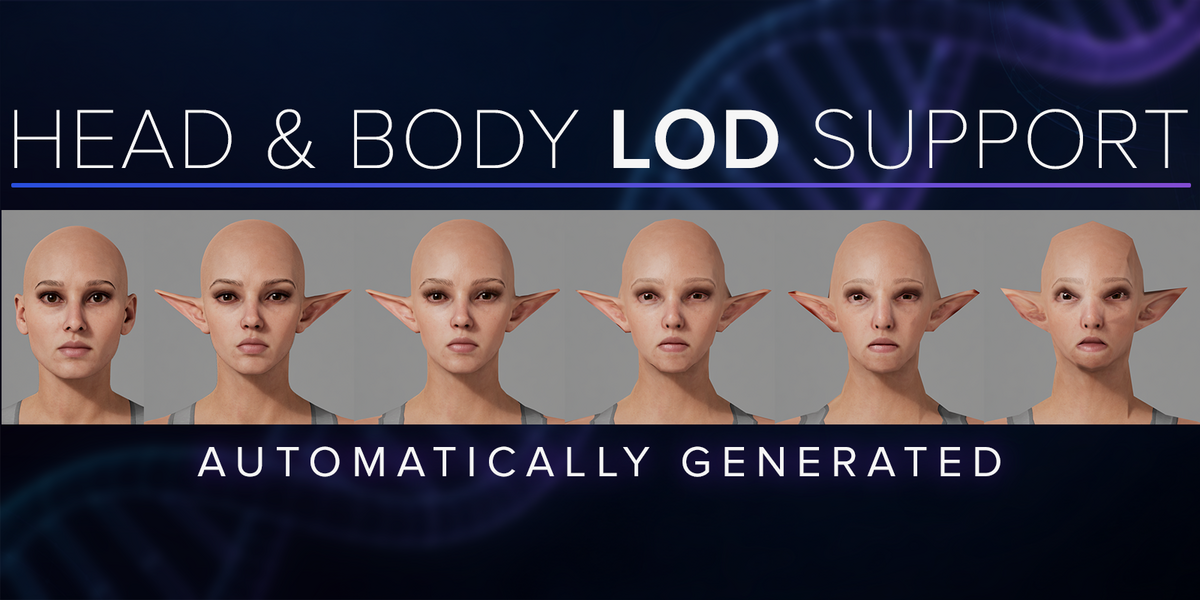
- The neck seam stays closed at every LOD. Lower LODs of the head and body could drift apart along their shared edge, by up to 12 mm on a heavily reshaped body. Always double check the LODs and use Update LOD 1-7 button to fix inconsistencies. (For example after sculpting)
Fixes
- Conform keeps the body where it is. It no longer tilts or shifts the result when arms and hands are posed differently. Texture Transfer is fixed the same way.
-
Conform by UVs:
- Picking the wrong part now stops within a second instead of hanging.
- Meshes split from a welded head and body, or back from ZBrush, now conform. Any vertices that had to be rebuilt are selected on the Target so you can check them.
- Match Chest Loop works after a Conform.
- Painted protection holds on Balanced and Best instead of tearing into flaps.
- Export works after restarting Blender, and older projects repair themselves when opened.
- Apply on a duplicated character moves only its own eyes, teeth and lashes.
After Updating
- Export your characters' DNA again to pick up the new normals and the closed neck seam. You don't need to bake again.
- In MetaHuman Creator, import your DNA with Replace, not Mesh Fit
-
MetaHuman Creator offers two ways to bring in your DNA. Use Replace.
- Replace uses your DNA as it is: the exact vertices and skeleton REVO DNA exported. What you see in Blender is what you get in Unreal.
- Mesh Fit treats your DNA only as a shape to aim for. MetaHuman Creator reshapes its own body to look like your mesh, as far as its body model allows.
1.0.1 – Compatibility fix
- REVO DNA no longer bundles its own NumPy. It now uses the NumPy that ships with Blender.
- Fixes other add-ons that use NumPy failing while REVO DNA is installed, such as Blender's built-in glTF importer ("DLL load failed … _multiarray_umath").
- Smaller download (about 1 MB instead of 13 MB).
- After updating, restart Blender.
- If you still see NumPy errors, see: https://revolutionart.github.io/REVO-DNA-Blender-Addon/help/numpy-fix/
Have questions about this product?
Login to message
| Blender Extension Compatible | Yes |
| Published | about 2 months ago |
| Blender Version | 4.2 - 5.2 |
| Extension Type | Add-on |
| License | GPL |

Discover more products like this
Import-Export MetaHuman Character Creation topology transfer texture transfer Facial Animation LOD Character Customization mesh wrapping conform Unreal Engine dna