 reyhane_3d
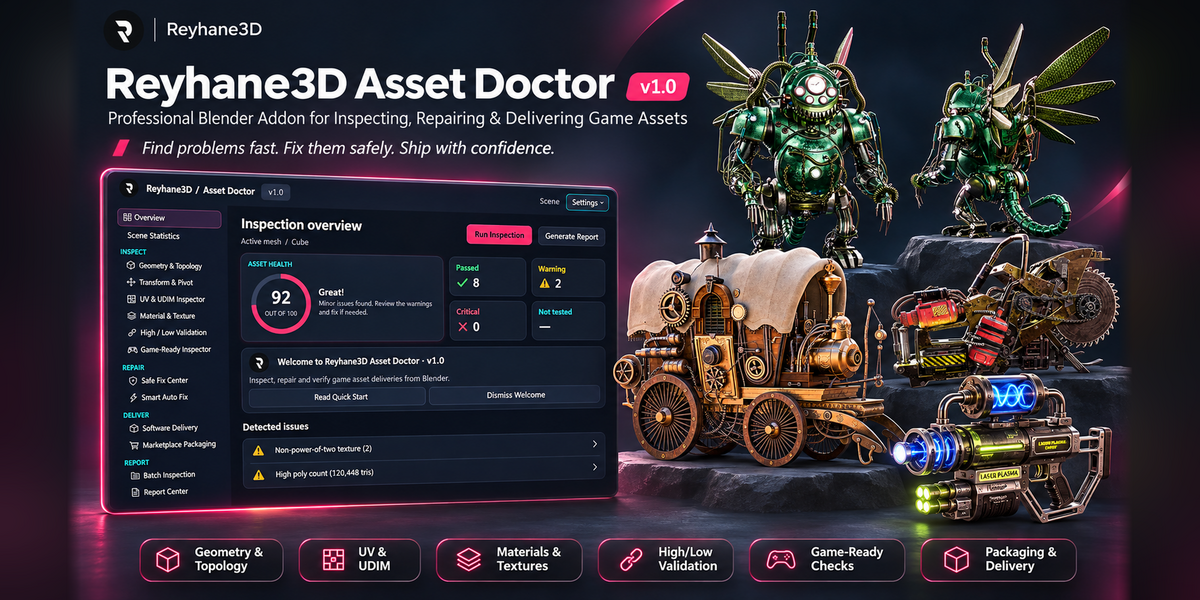
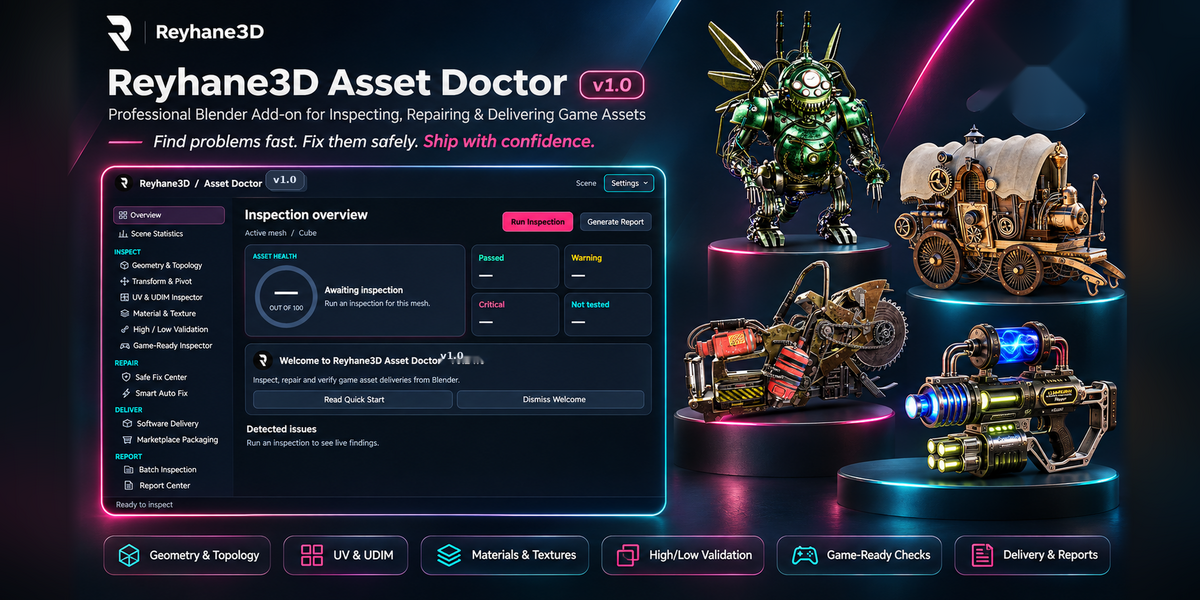
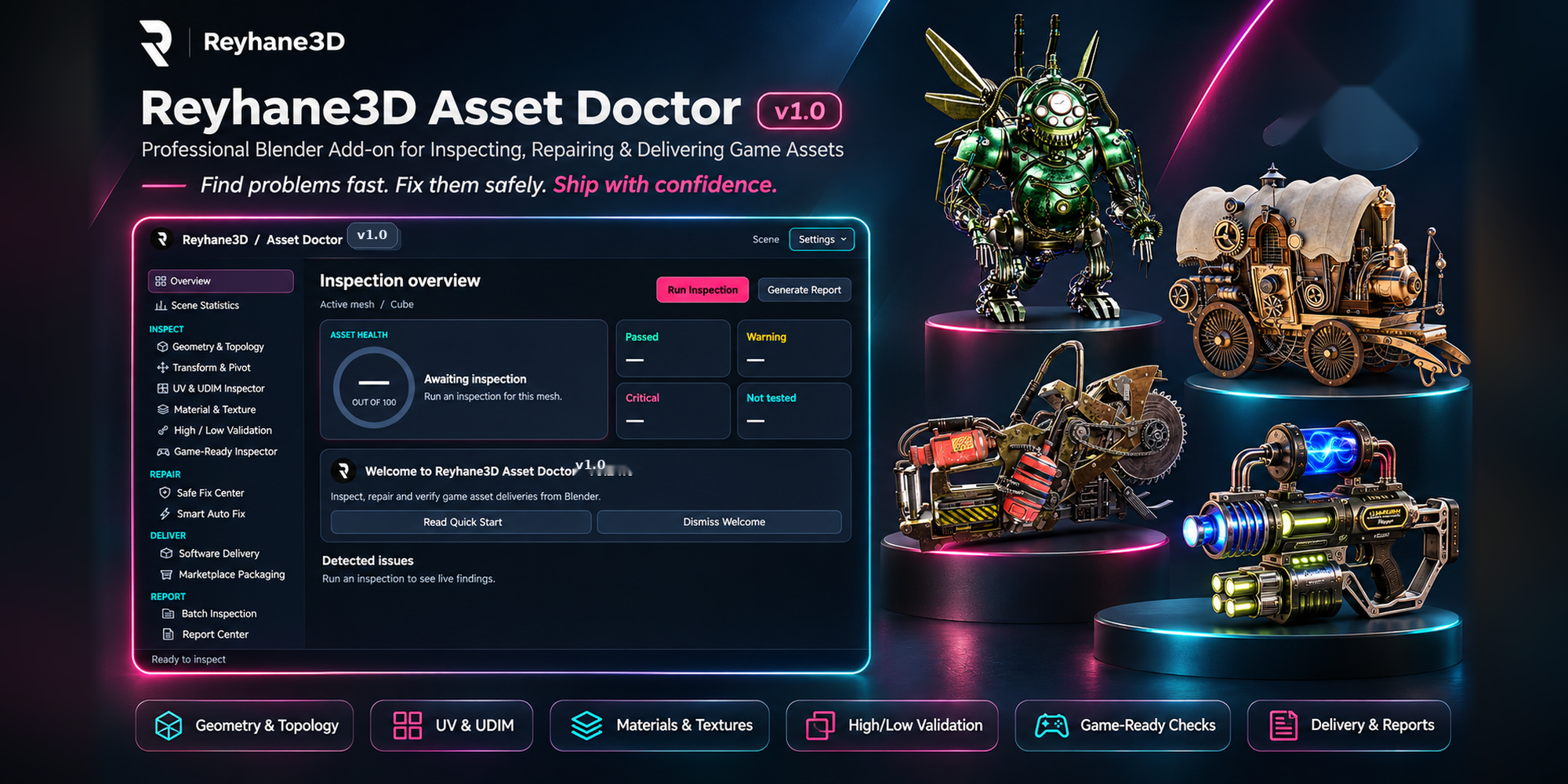
Reyhane3D Asset Doctor 1.0
PROFESSIONAL GAME ASSET INSPECTION, VALIDATION & DELIVERY TOOLKIT FOR BLENDER
Find problems faster. Review fixes safely. Deliver with confidence.
A beautiful 3D asset isn't necessarily a production-ready asset.
Hidden geometry problems, invalid UVs, missing textures, incorrect transforms, mismatched high-poly and low-poly meshes, and incomplete delivery packages can cause serious issues later in production.
Reyhane3D Asset Doctor brings technical inspection, repair previews, game-ready validation, reporting, and asset delivery workflows together in one dedicated Blender extension.
Designed for hard-surface artists, game prop creators, environment artists, freelancers, and professional 3D production pipelines.
ONE EXTENSION. ONE WORKFLOW. FROM INSPECTION TO DELIVERY.
THE OFFICIAL PRODUCT OVERVIEW
Introducing Reyhane3D Asset Doctor 1.0
Technical asset inspection doesn't have to mean switching between countless tools and manually searching for every issue.
Asset Doctor provides an organized dashboard with dedicated inspectors for geometry, transforms, UVs, textures, baking relationships, and game-ready preparation.
Explore individual assets, inspect larger scene scopes, review findings, preview supported fixes, generate reports, and prepare organized delivery packages without leaving your Blender production workflow.
Highlights
Dedicated multi-page inspection dashboard
Geometry and topology diagnostics
Transform and pivot validation
UV and UDIM analysis
Material and PBR texture checks
High-poly / low-poly pairing validation
Configurable game-ready inspection profiles
Safe Fix Center and Smart Auto Fix previews
Batch inspection and detailed reports
Software delivery and marketplace packaging
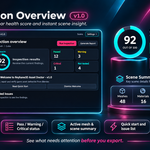
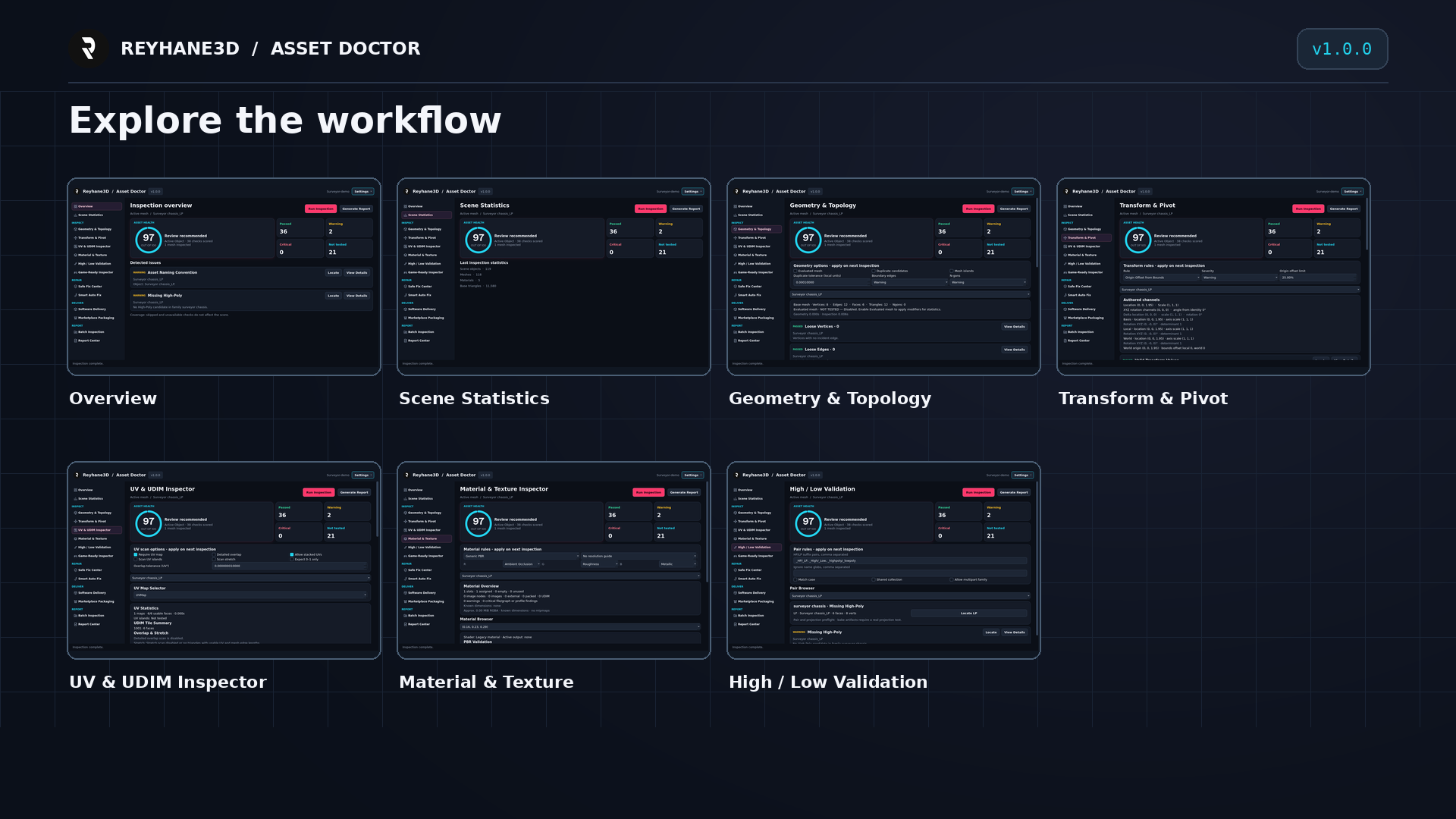
01 — Inspection Overview
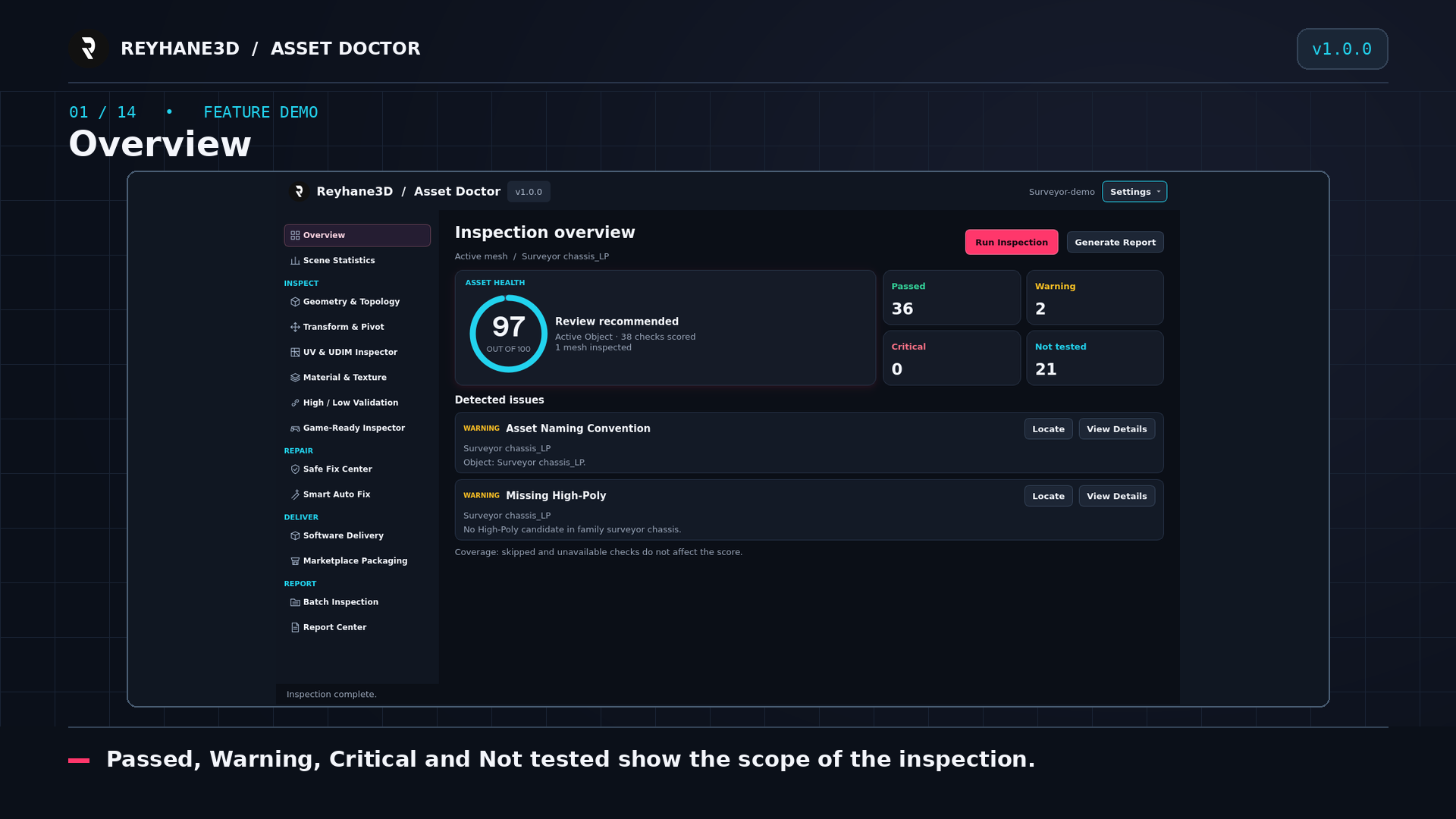
KNOW YOUR ASSET'S HEALTH BEFORE YOU EXPORT
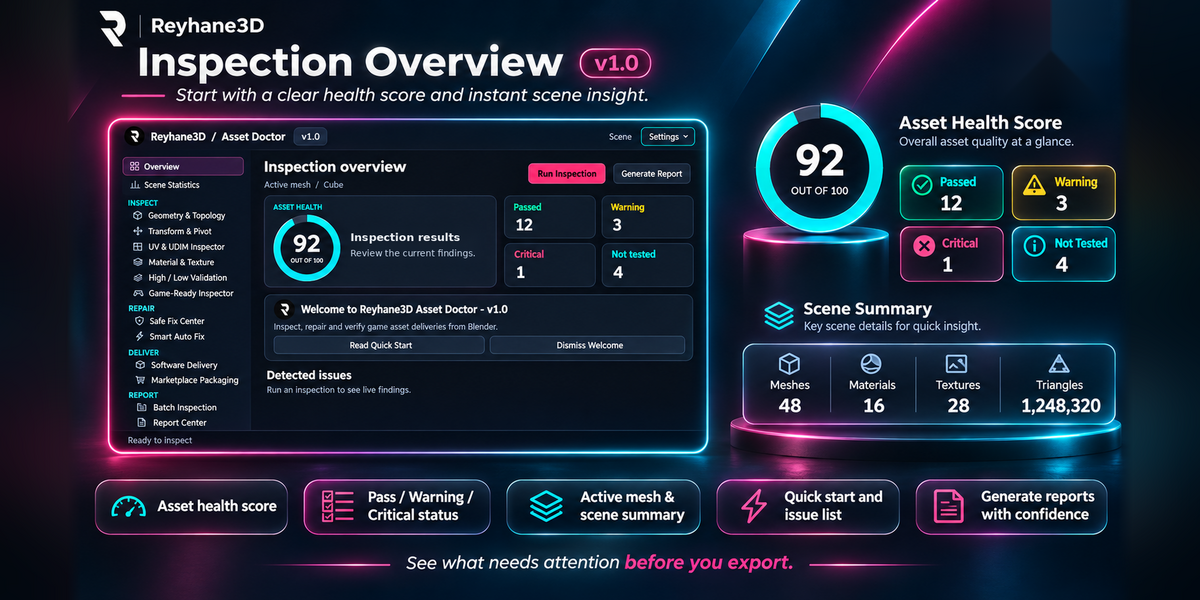
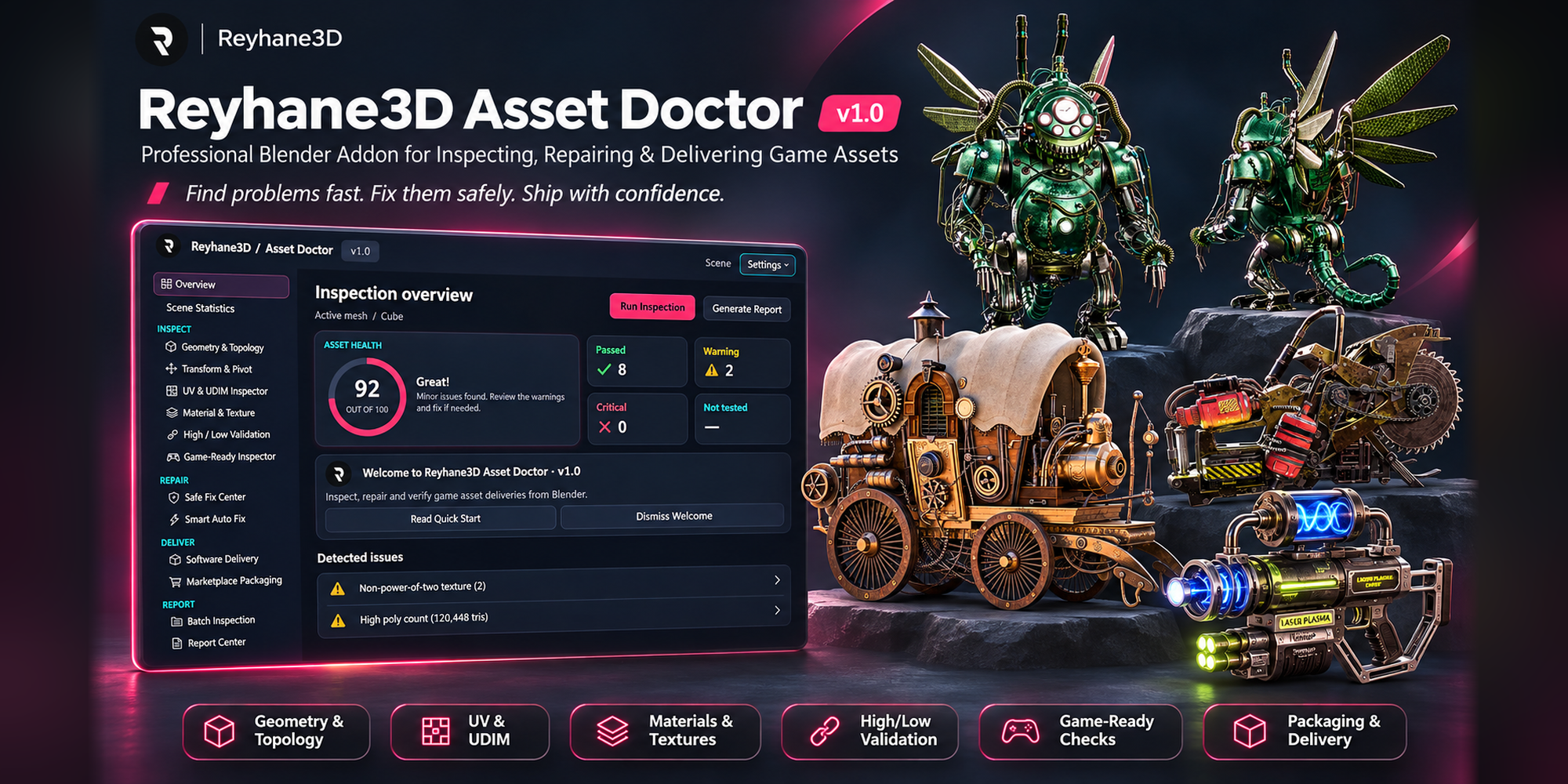
Get a clearer picture of your asset's technical condition through a centralized inspection dashboard.
Asset Doctor organizes inspection findings by severity and displays a weighted health score based on the checks performed.
Key capabilities:
Asset Health Score
Passed, Warning, Critical and Not Tested statuses
Inspection coverage and finding details
Active mesh inspection
Full-scene inspection access
Quick navigation to dedicated inspectors
Understand what needs attention and move directly to the relevant inspection tools.
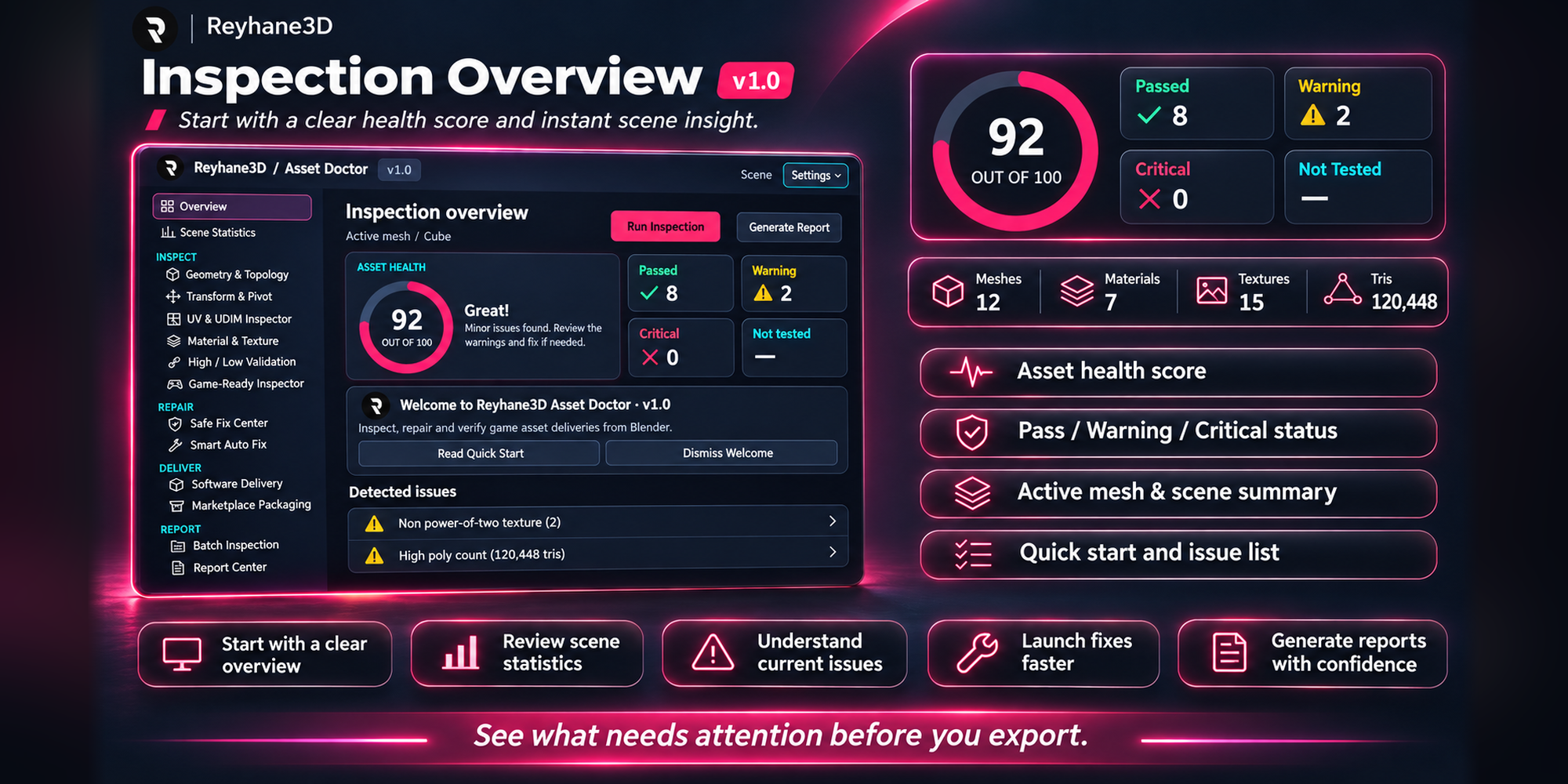
See Inspection Overview
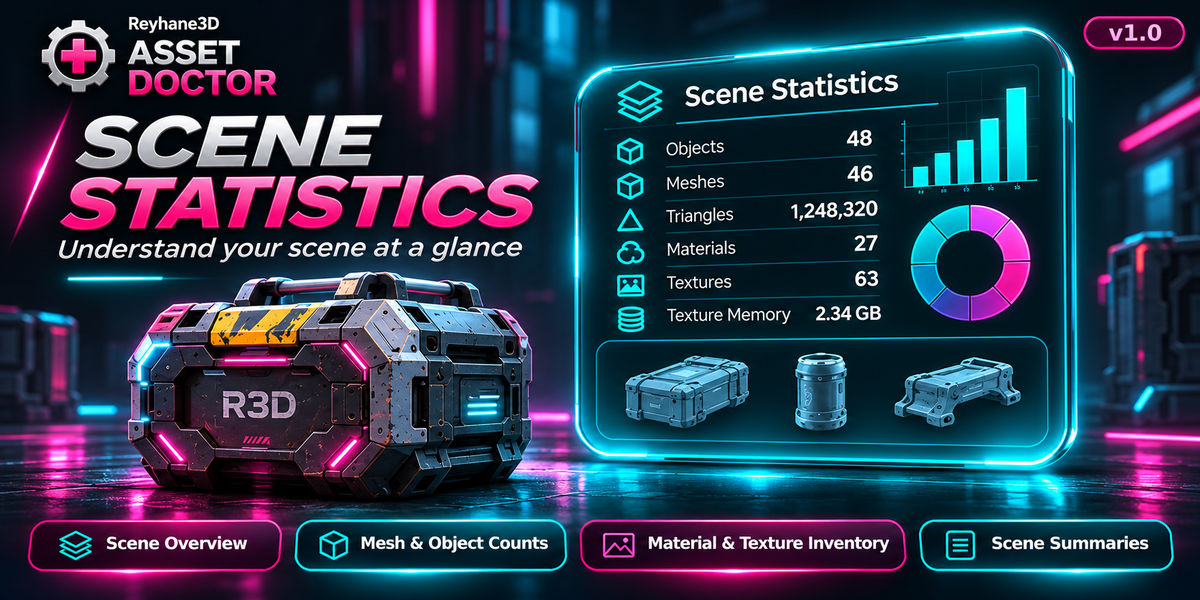
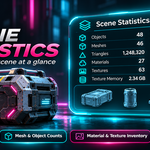
02 — Scene Statistics
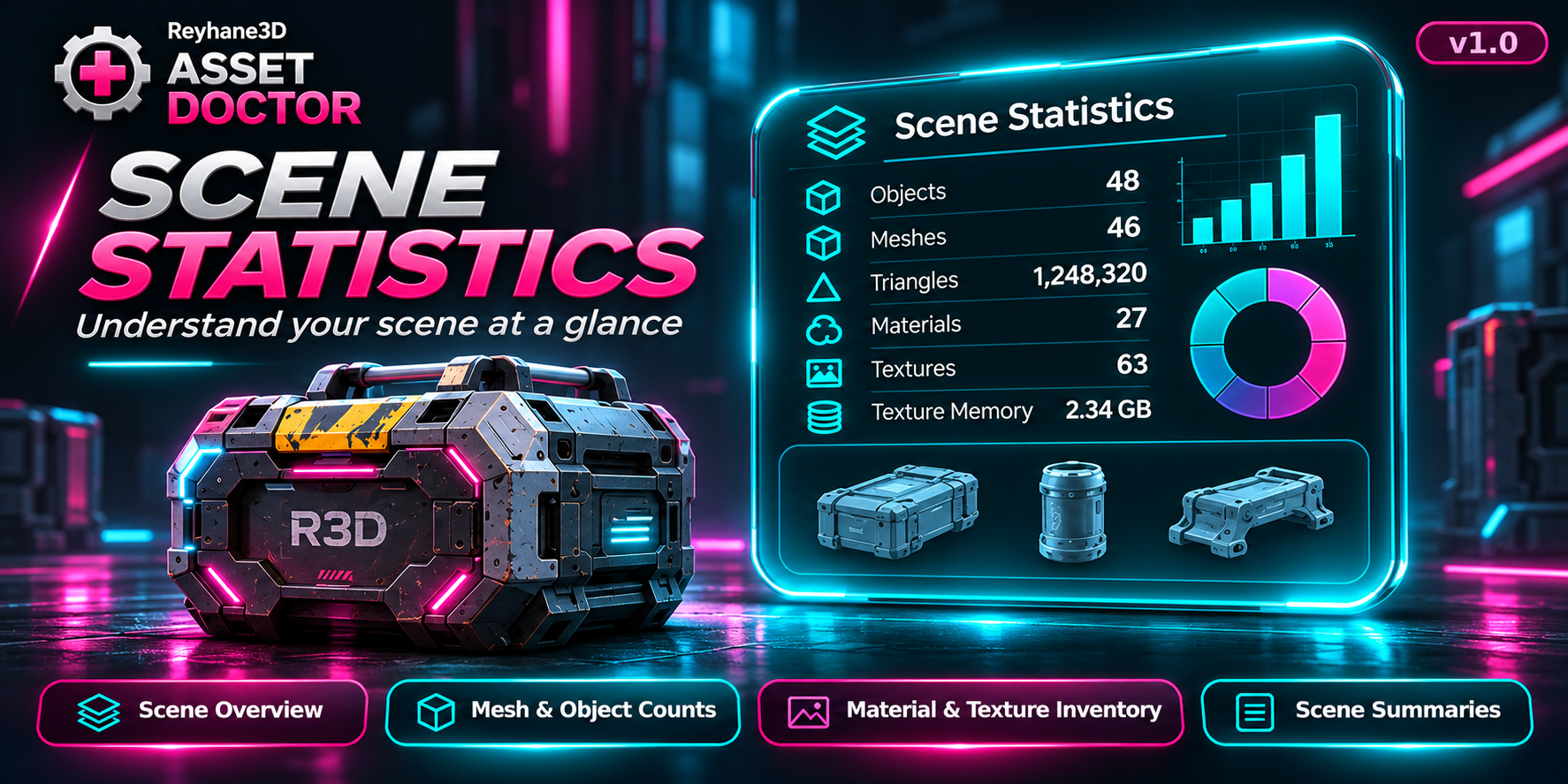
UNDERSTAND YOUR SCENE AT A GLANCE
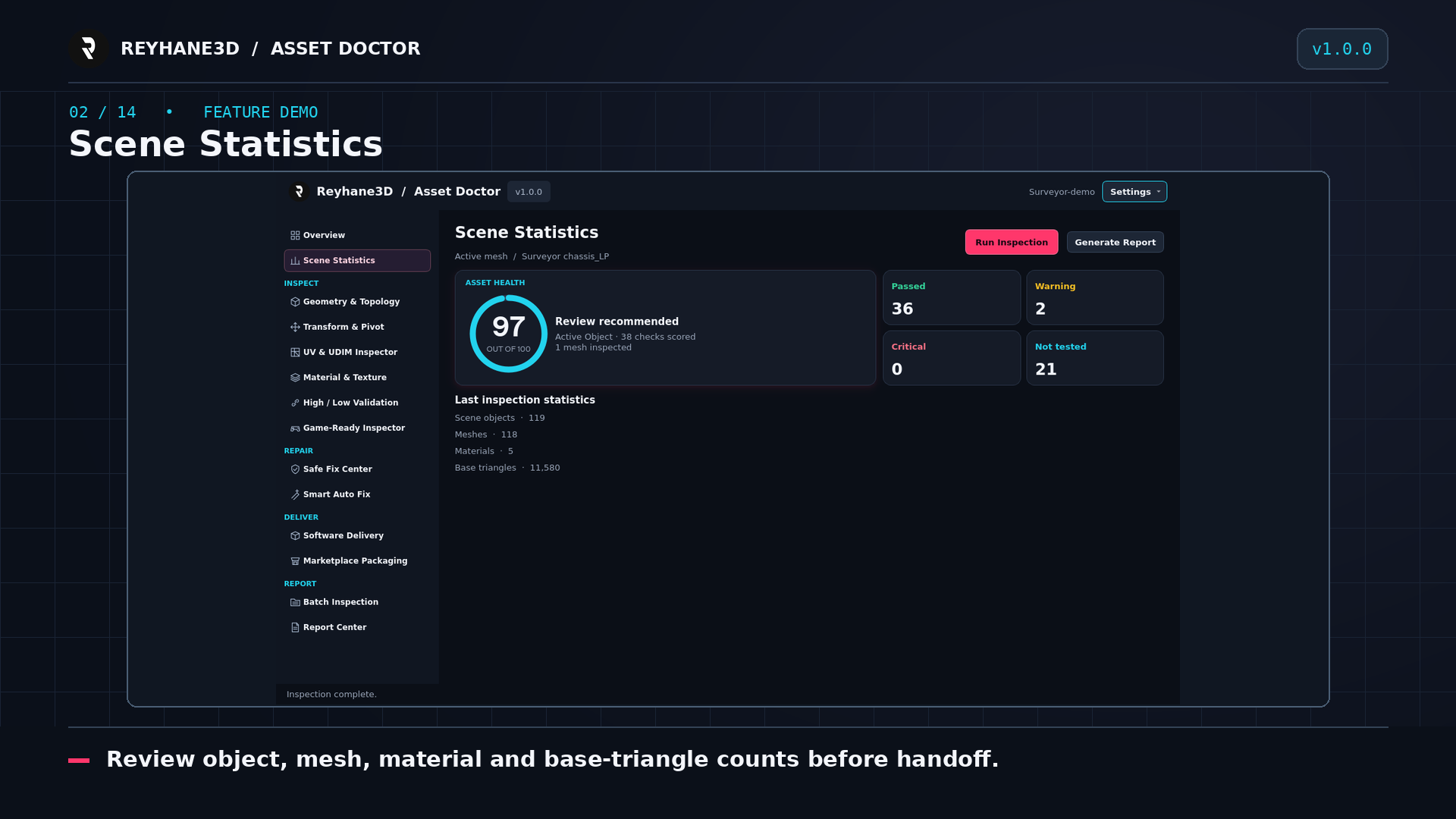
Keep track of essential scene information without manually checking individual objects.
Scene Statistics provides an overview of mesh content, materials, textures, and geometry counts.
Key capabilities:
Mesh and object statistics
Triangle counts
Material inventory
Texture information
Scene-level technical summaries
A convenient starting point for reviewing complex asset scenes and understanding their overall structure.
The Scene Statistics walkthrough
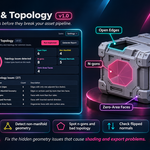
03 — Geometry & Topology Inspector
FIND HIDDEN MESH PROBLEMS BEFORE THEY BECOME PRODUCTION ISSUES
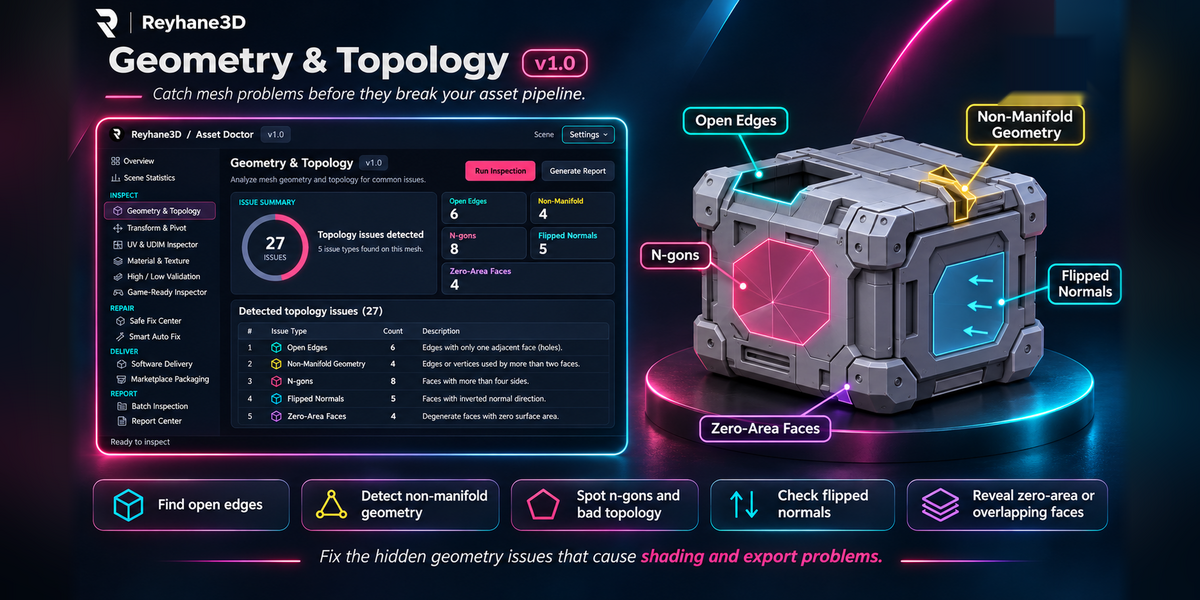
A model can appear correct in the viewport while containing geometry problems that affect further processing.
Geometry & Topology Inspector analyzes mesh data and organizes technical findings into understandable categories.
Inspection capabilities include:
Open boundary edges
Non-manifold geometry
N-gons
Loose vertices and edges
Degenerate and zero-area faces
Normal-related warnings
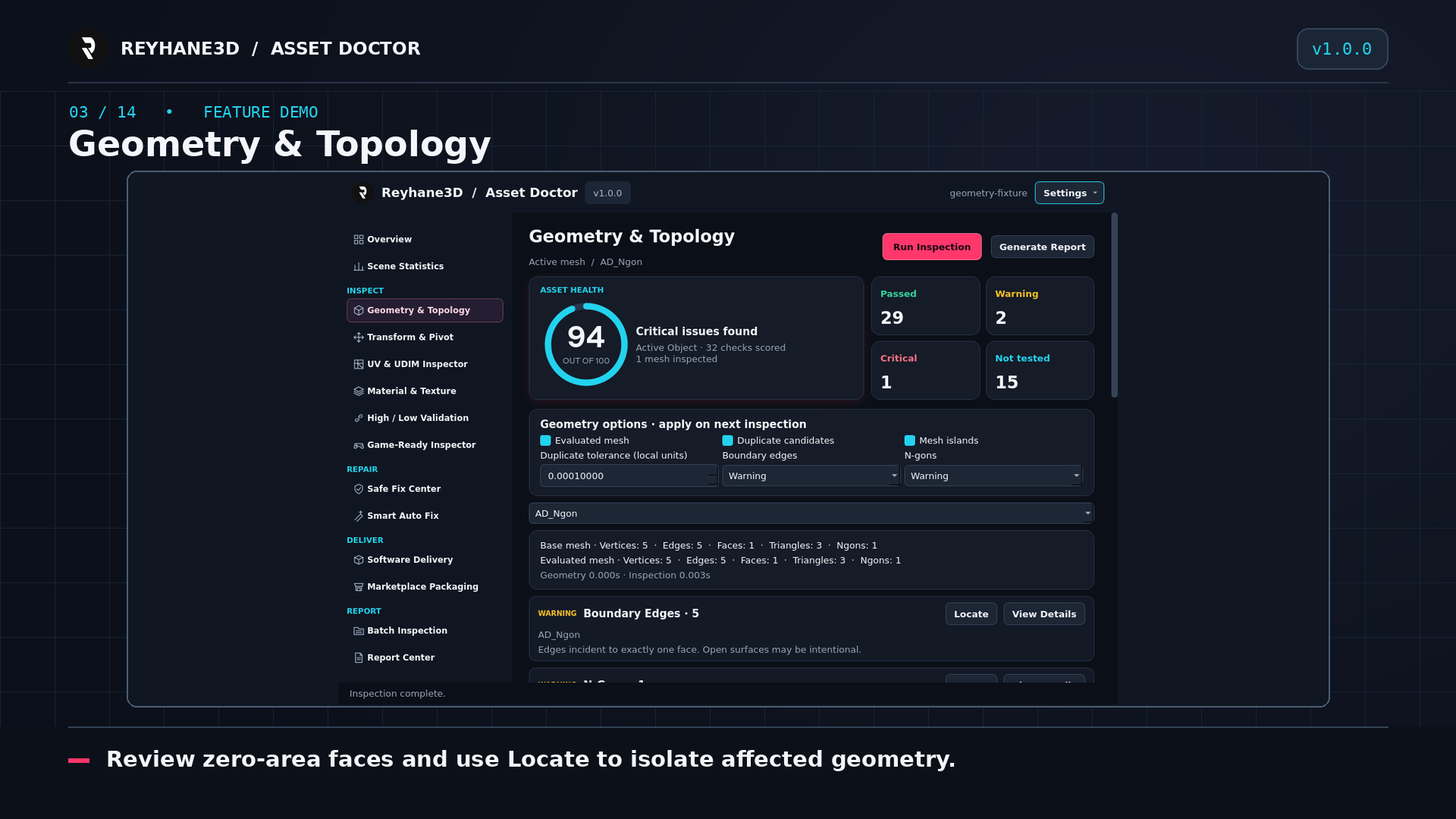
Optional duplicate vertex candidate analysis
Optional disconnected mesh island analysis
Base and evaluated geometry statistics
Use View Details to understand a finding and Locate to identify supported affected elements in Blender.
Find the problem, inspect its location, and decide how to resolve it.
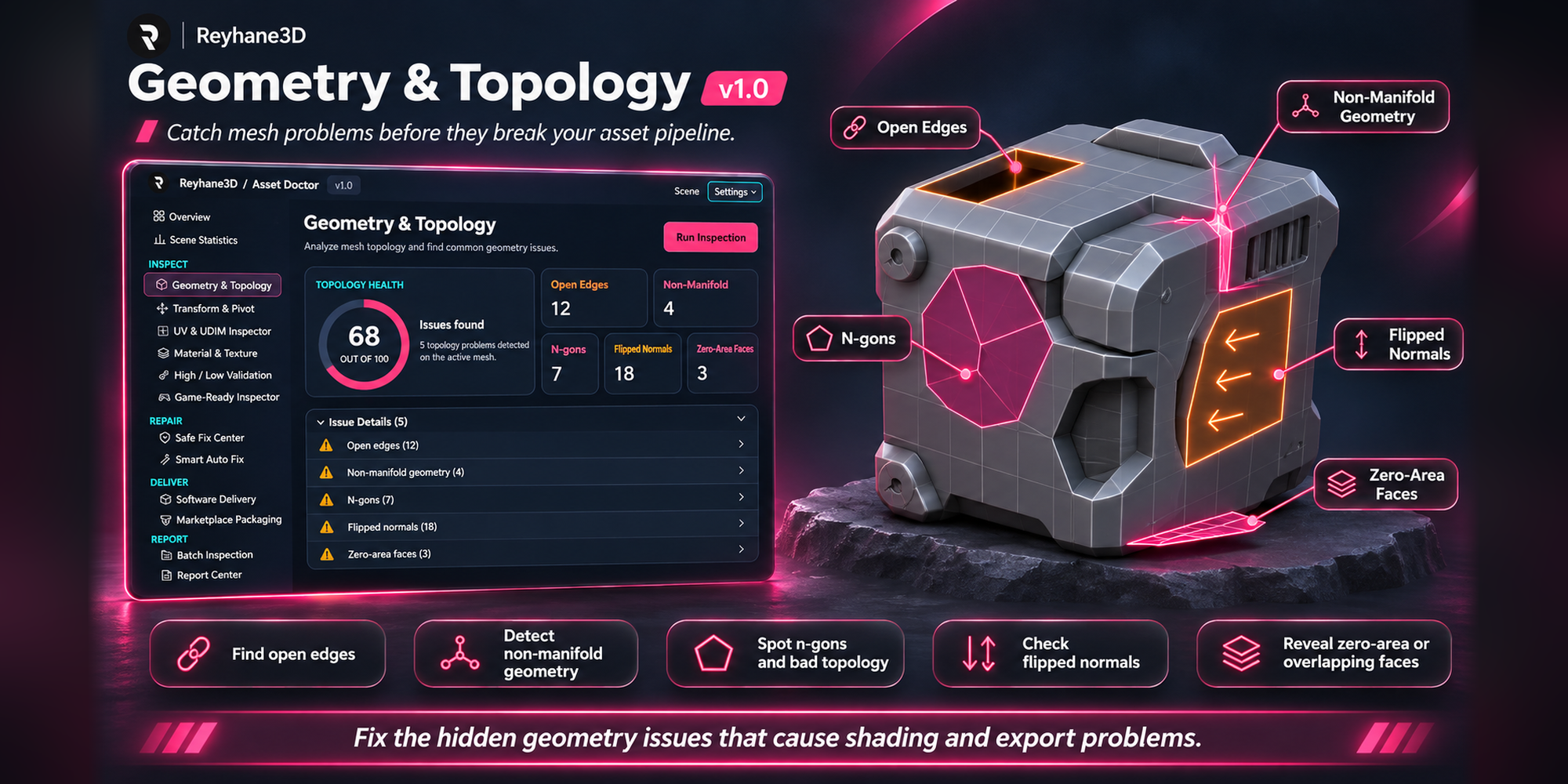
real geometry inspection and issue location
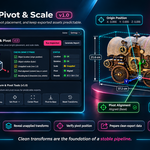
04 — Transform, Pivot & Scale
CLEAN TRANSFORMS FOR MORE PREDICTABLE EXPORTS
Incorrect transforms and pivot placement can create unexpected behavior during asset handoff.
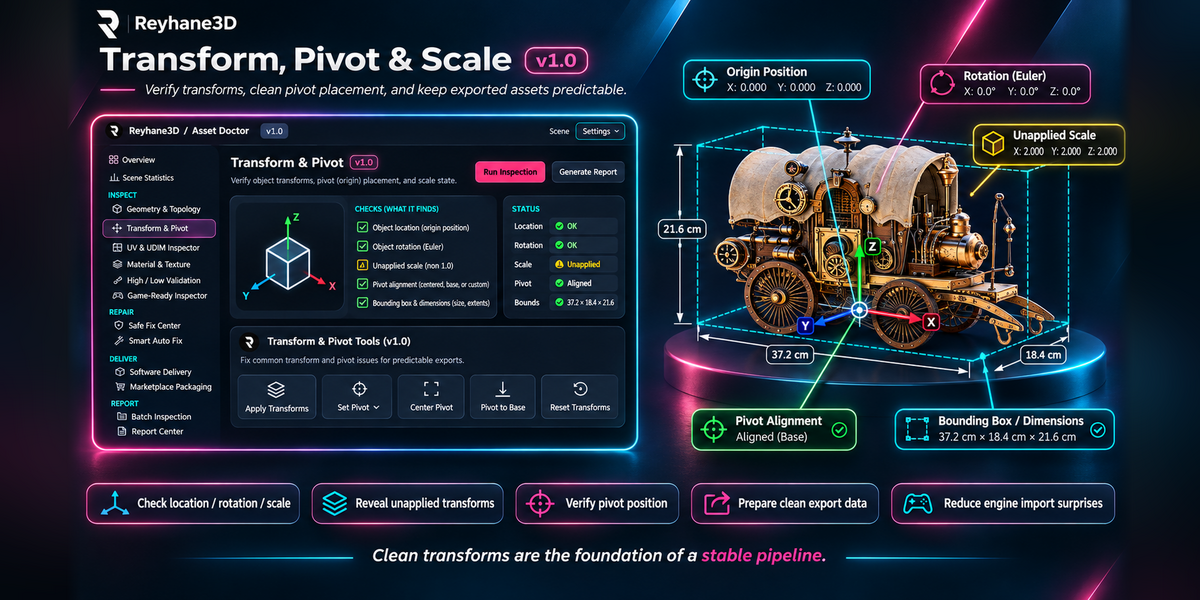
The Transform & Pivot inspector helps you examine object transformations and identify setup issues before delivery.
Key capabilities:
Location and rotation inspection
Scale validation
Unapplied transform warnings
Pivot and origin information
Bounding box and dimensions
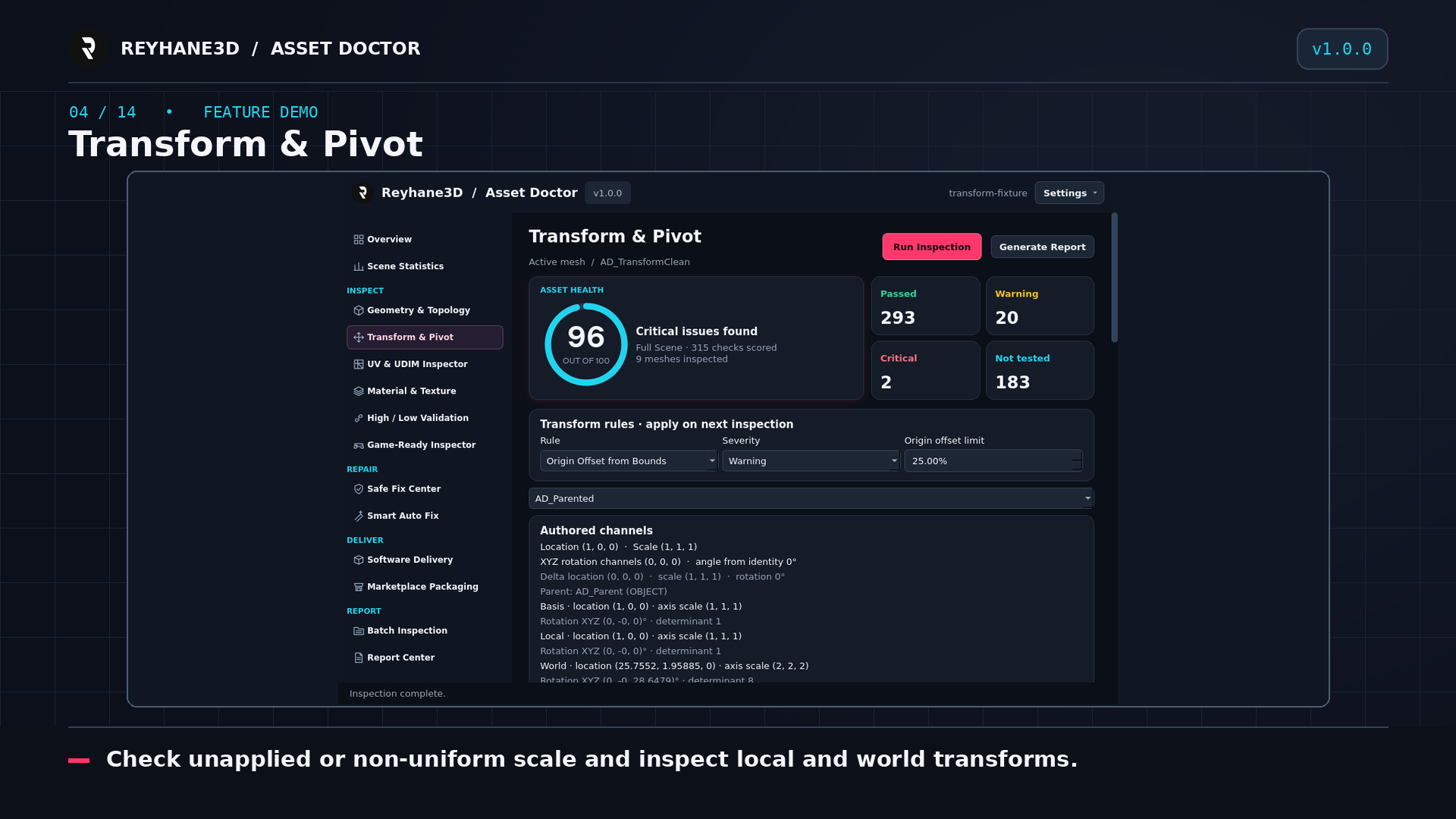
Local and world transformation data
Review object setup and keep your export preparation more consistent.
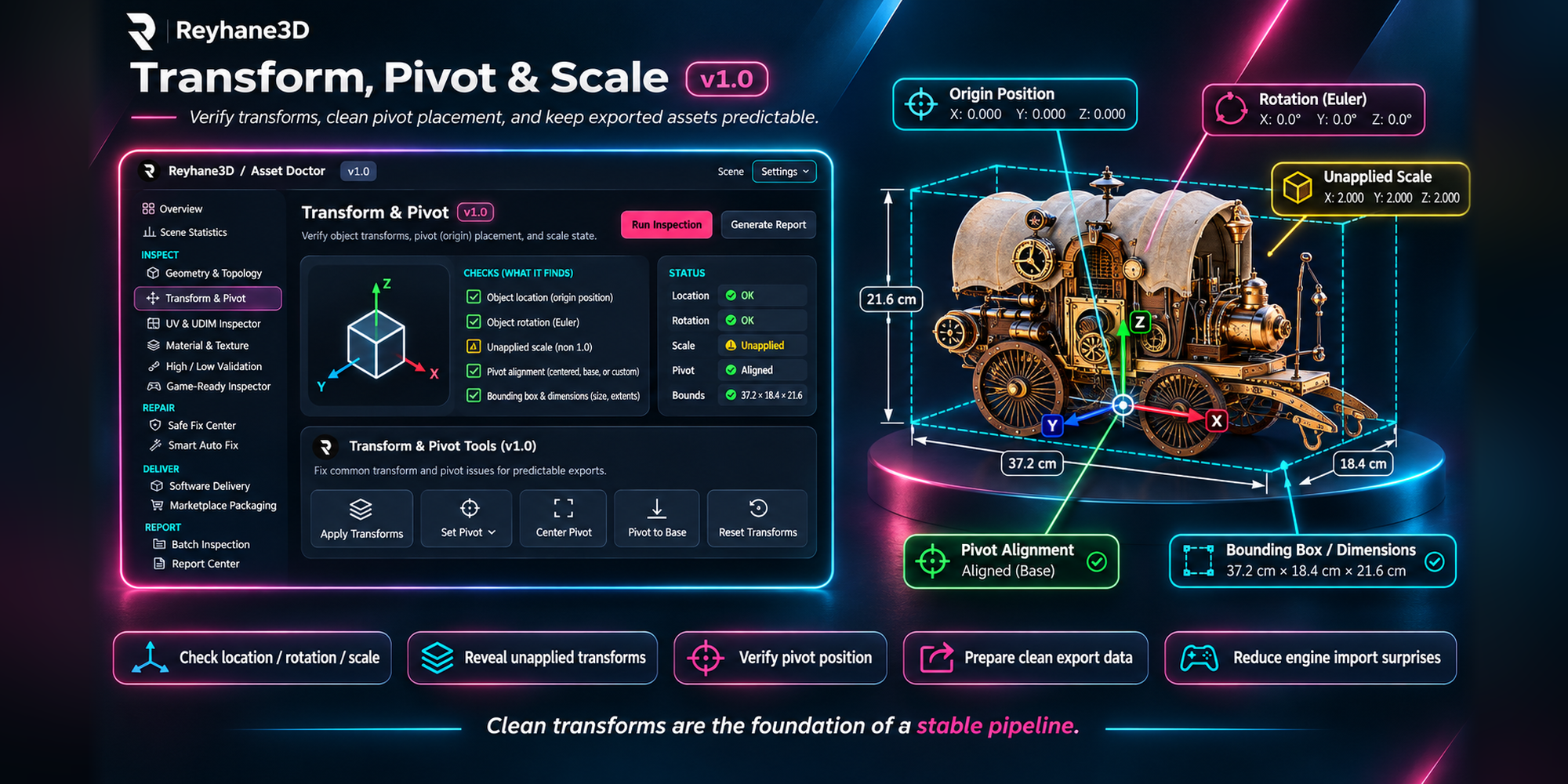
Transform & Pivot inspection
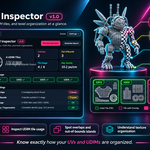
05 — UV & UDIM Inspector
TAKE CONTROL OF UV LAYOUTS AND MULTI-TILE ASSETS
UV problems can remain unnoticed until texturing, baking, or export.
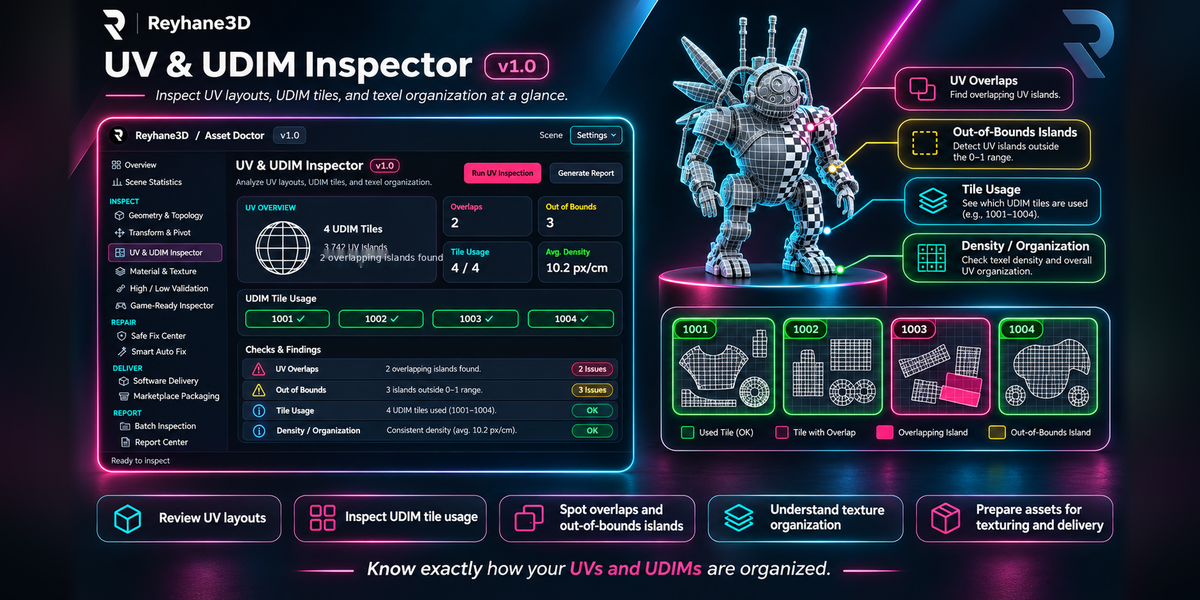
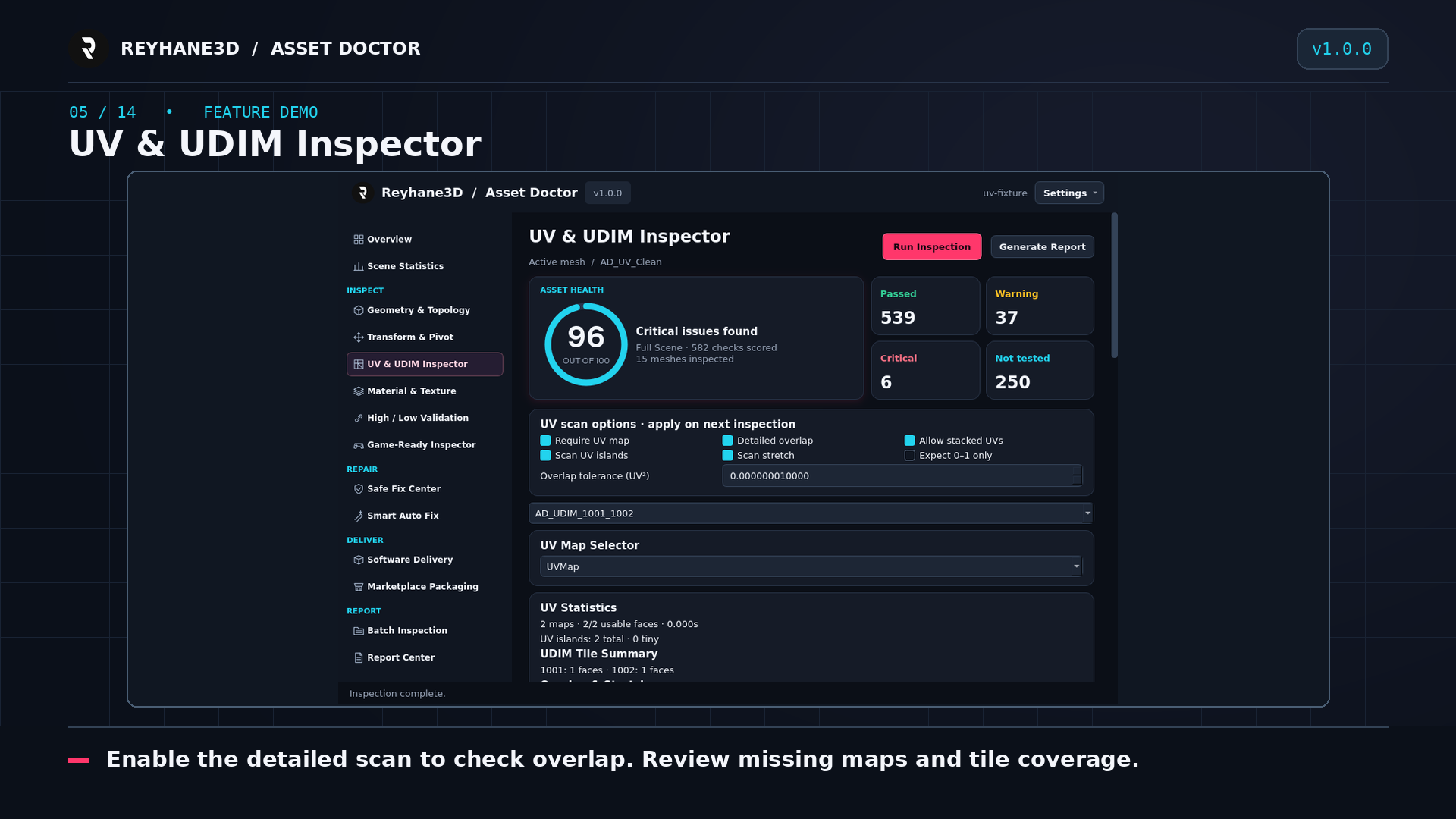
The UV & UDIM Inspector provides per-map analysis of UV layouts, tile coverage, and potential mapping issues.
Key capabilities:
Missing and empty UV maps
Invalid UV coordinates
Collapsed or zero-area UV faces
Optional UV overlap detection
Coincident and mirrored UV stack checks
UV island and stretch analysis
UDIM tile coverage
Out-of-range or unexpected tile usage
Missing required UDIM texture tiles
Locate affected UV faces
Review multi-tile assets more systematically and understand which parts of a UV layout require attention.
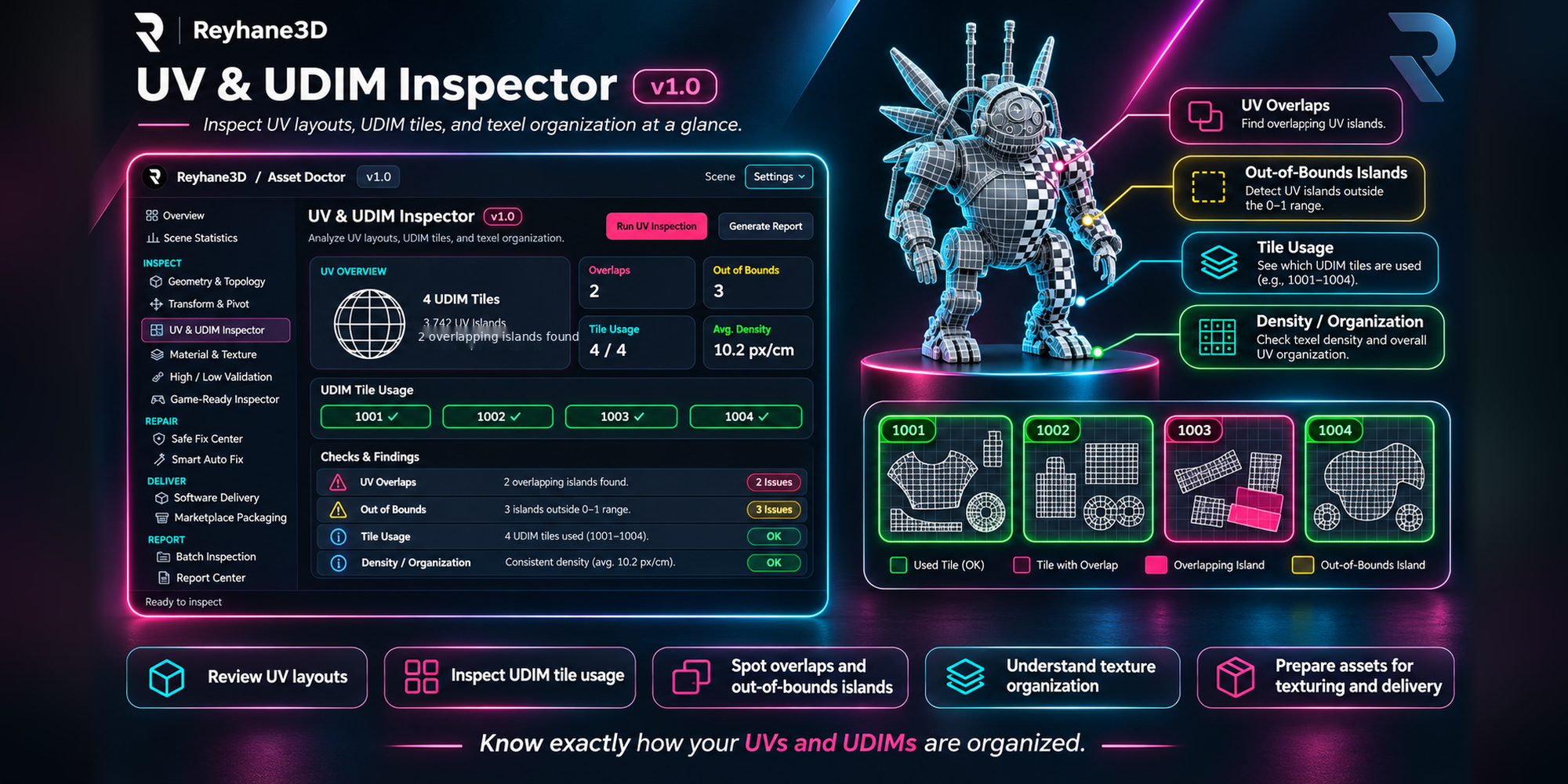
UV and UDIM inspection
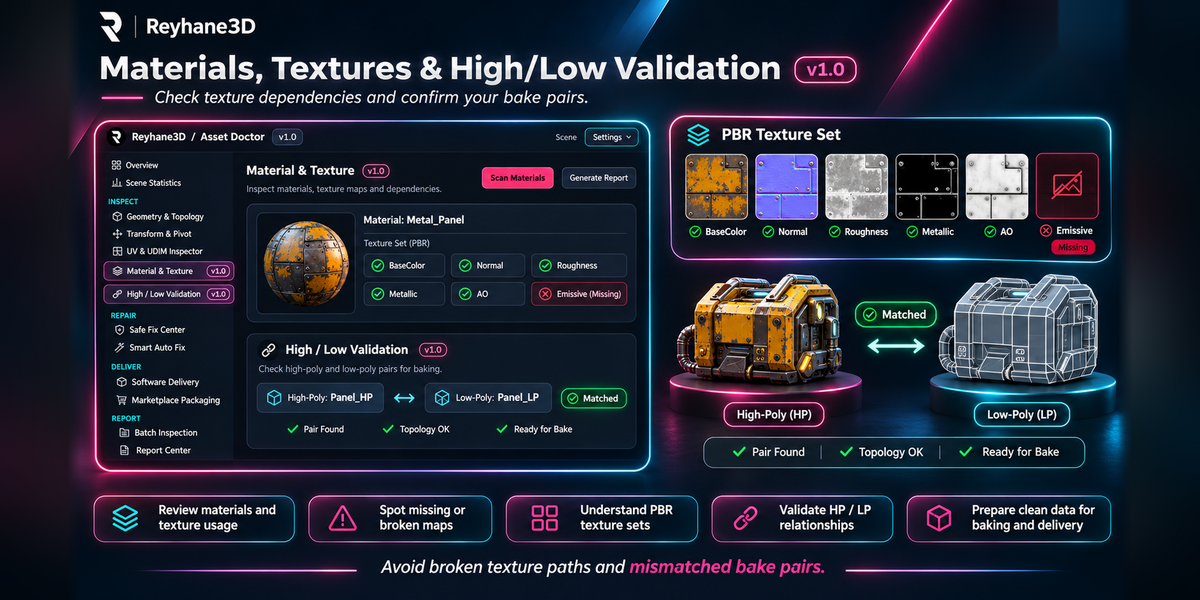
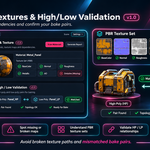
06 — Material & Texture Inspector
FIND MISSING TEXTURES AND REVIEW PBR DEPENDENCIES
Missing files, incorrect texture references, and inconsistent material setups can interrupt an otherwise clean production pipeline.
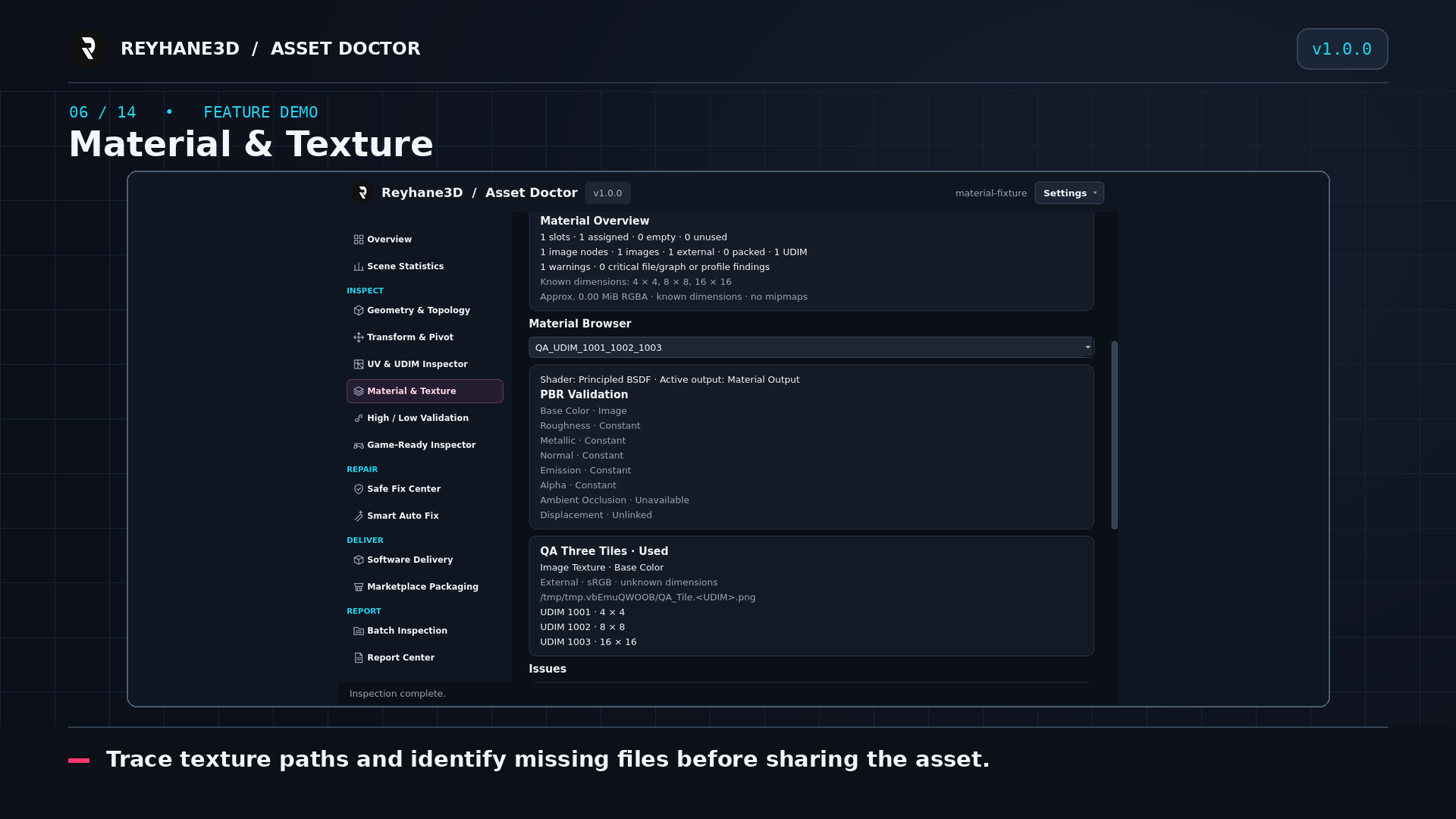
Asset Doctor examines material assignments and supported shader dependencies to help identify potential problems.
Key capabilities:
Material and image texture inventory
Missing or broken file references
Packed and external texture information
PBR channel analysis
Configurable material validation profiles
Color-space warnings
UDIM texture dependency checks
Texture resolution and memory estimates
ORM/ARM channel configuration checks
Identify material issues before they travel into the next application or delivery package.
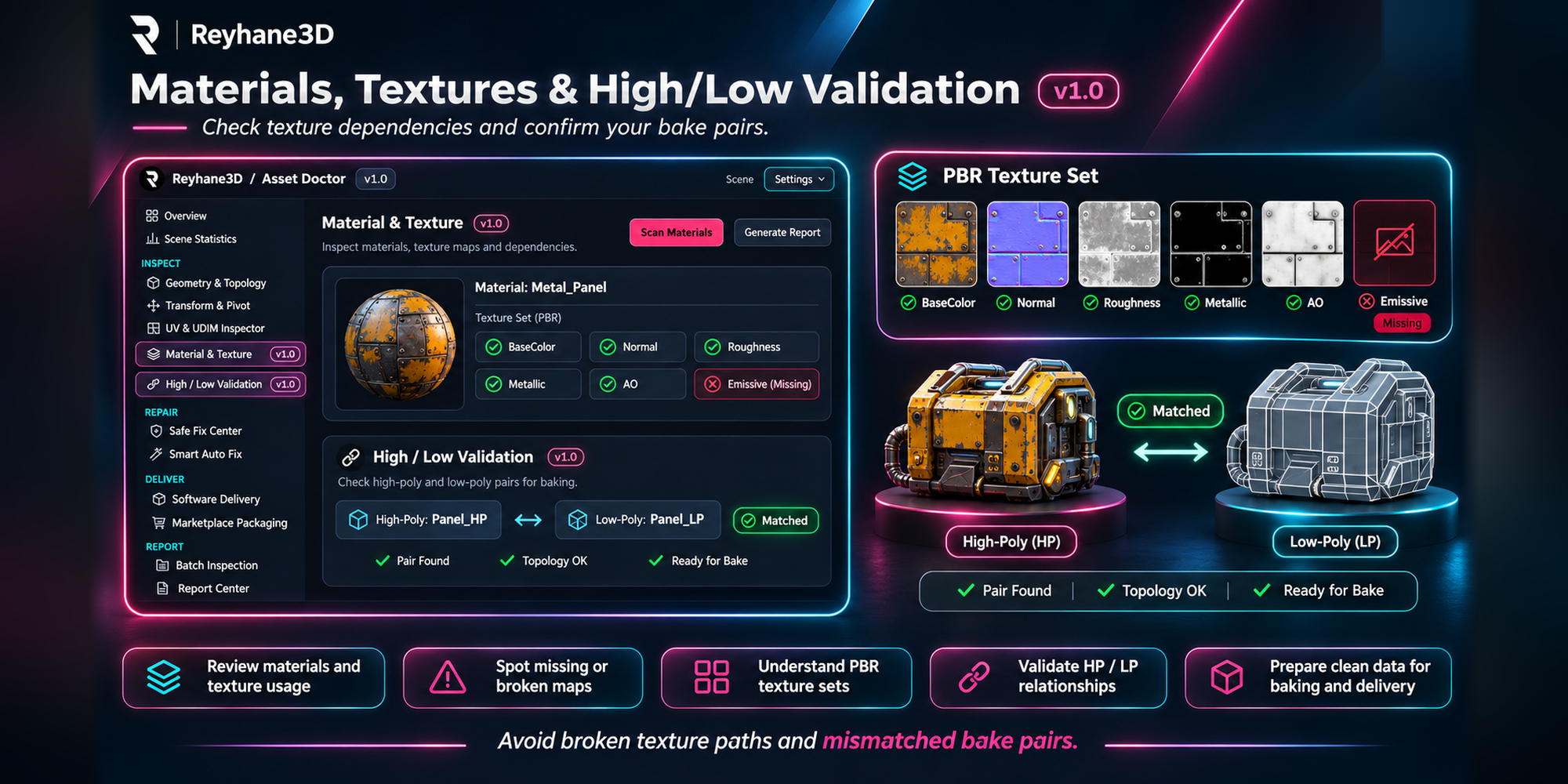
Material & Texture inspection
07 — High-Poly / Low-Poly Validation
CHECK YOUR BAKE PAIRS BEFORE STARTING THE BAKING PROCESS
A production-ready baking workflow begins with properly organized source meshes.
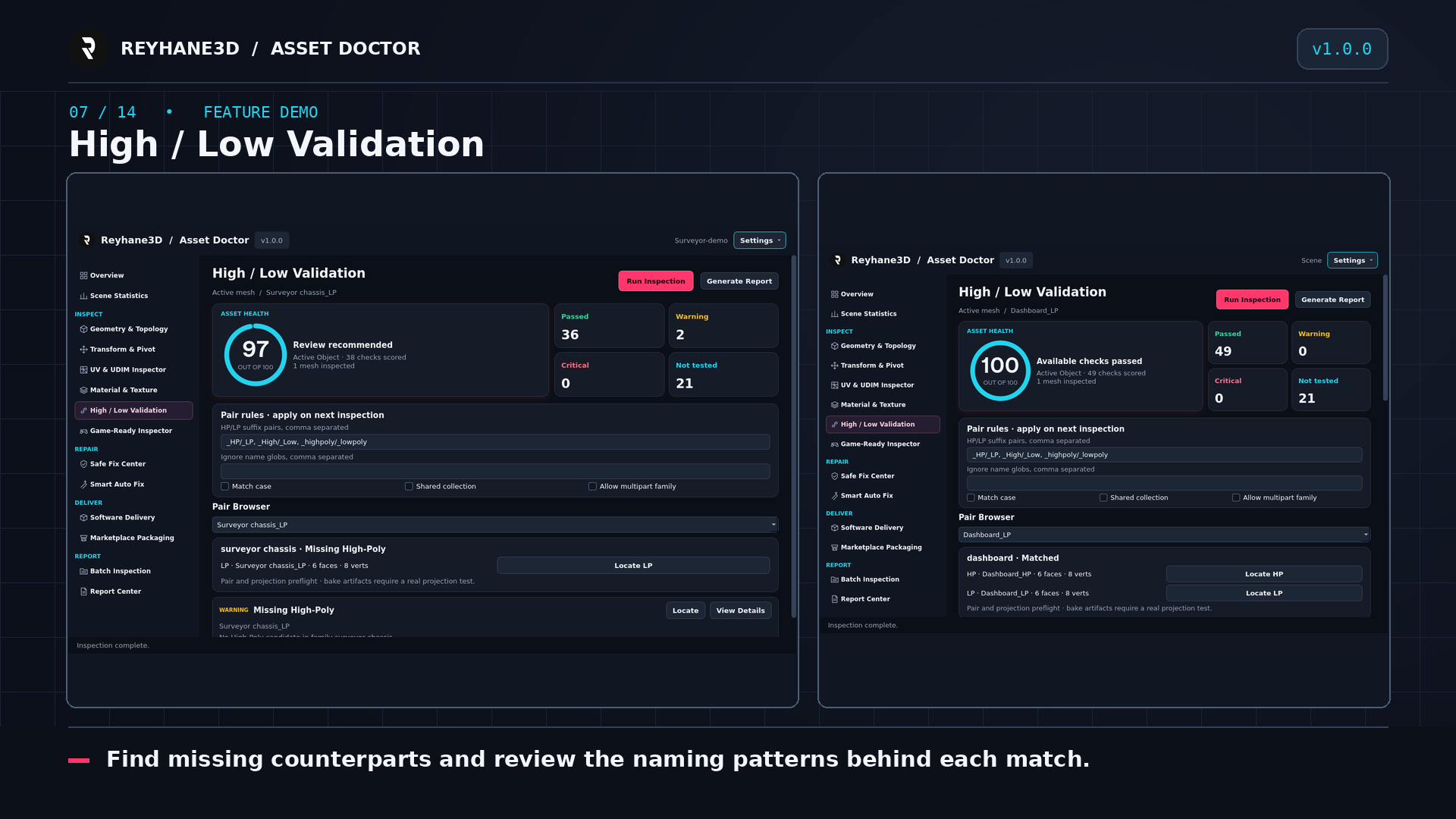
High / Low Validation helps artists inspect naming-based relationships and technical preparation between high-poly and low-poly assets.
Key capabilities:
High-poly and low-poly role identification
Naming-based mesh pairing
Missing and ambiguous pair detection
Transform and bounding-box comparisons
Low-poly UV prerequisite checks
Relevant geometry warnings
Pair inspection and object location
Review your bake setup before moving into Substance 3D Painter, Marmoset Toolbag, or another baking application.
This inspector validates preparation and relationships; it does not perform texture baking or guarantee artifact-free bake results.
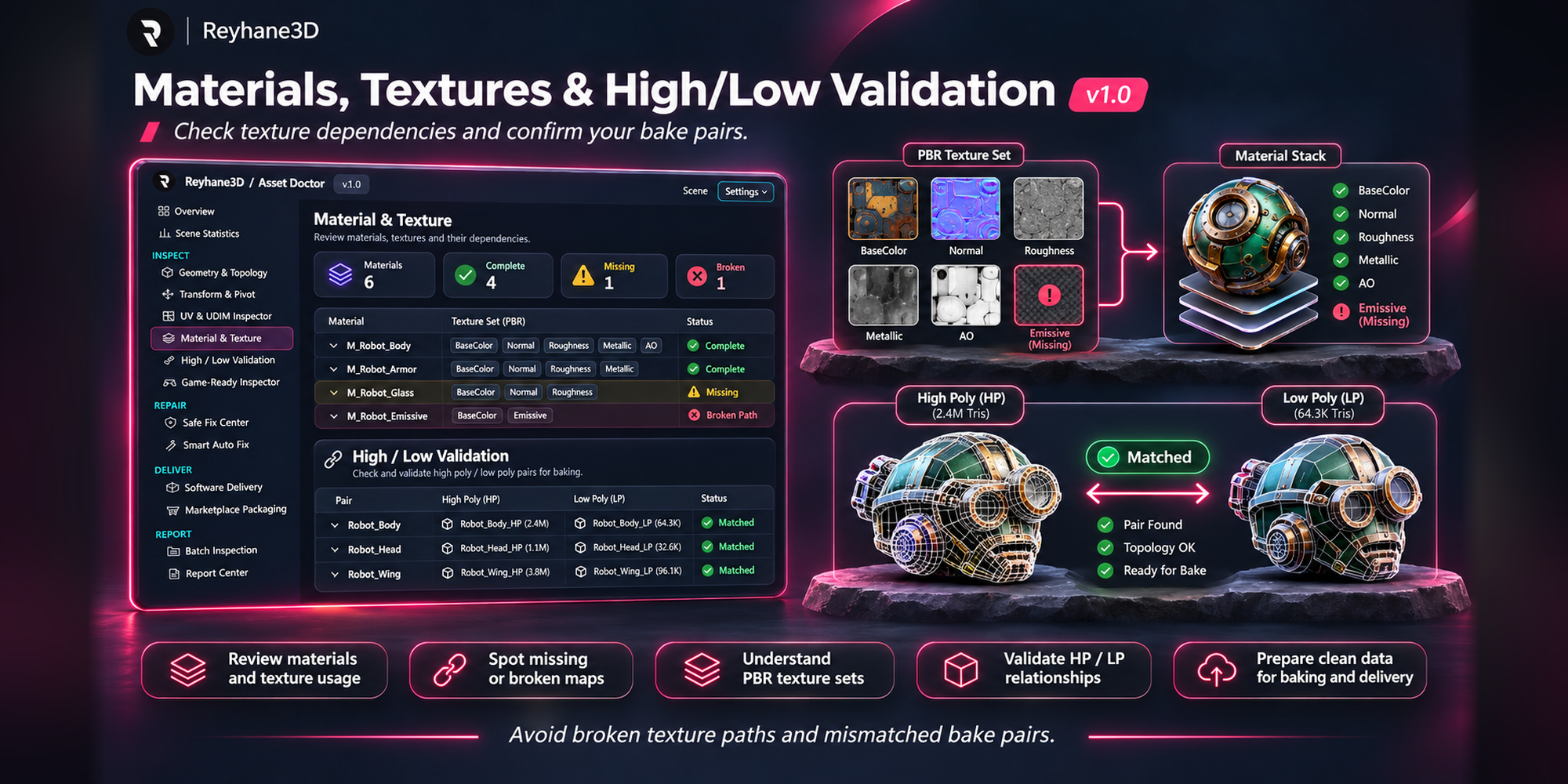
HP/LP pairing validation
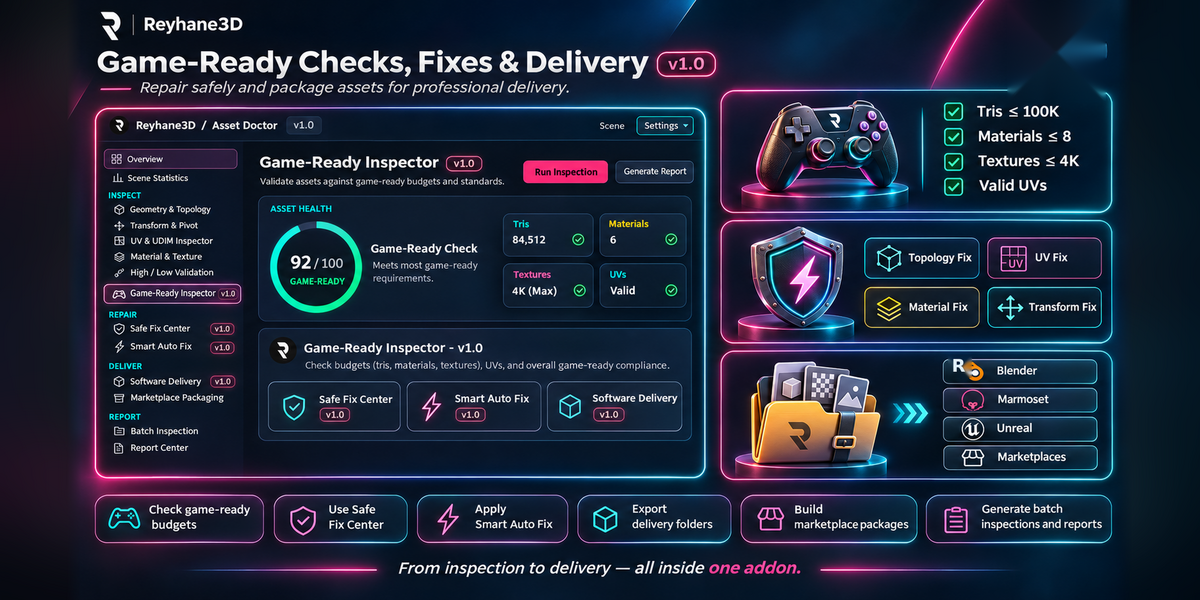
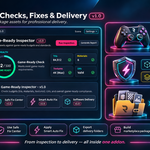
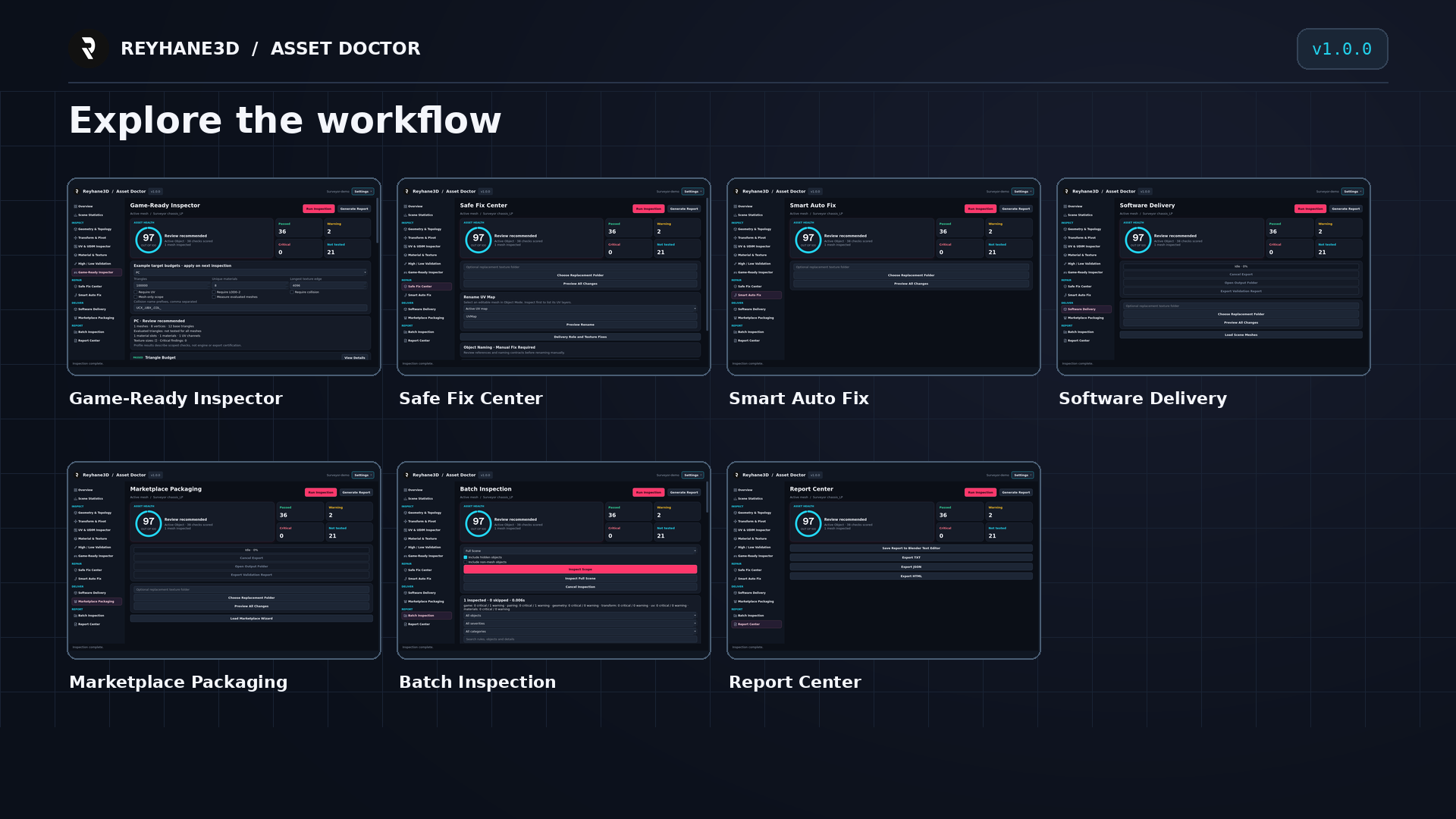
08 — Game-Ready Inspector
VALIDATE ASSETS AGAINST CONFIGURABLE PRODUCTION BUDGETS
Different projects require different geometry and asset organization limits.
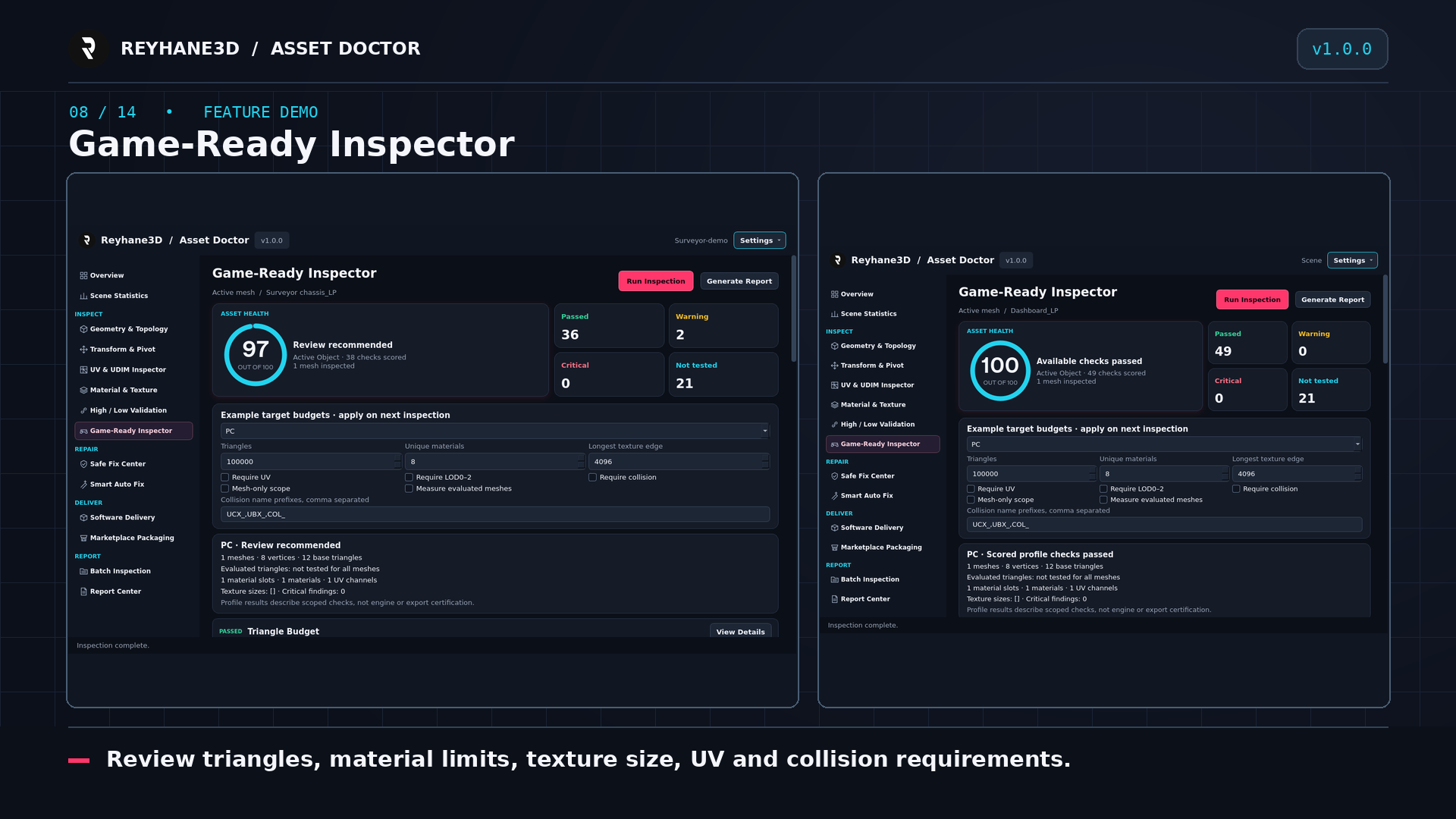
Game-Ready Inspector helps evaluate assets against configurable project profiles rather than relying on one universal definition of game-ready.
Inspection areas include:
Triangle budgets
Material and UV information
Texture resolution limits
Object organization
Optional LOD checks
Optional collision naming and relationship checks
Configurable project profiles
Available profile categories include Mobile, PC, Console, Cinematic, Unreal Engine, Unity, and Custom.
These are adjustable validation profiles, not official engine certification tests.
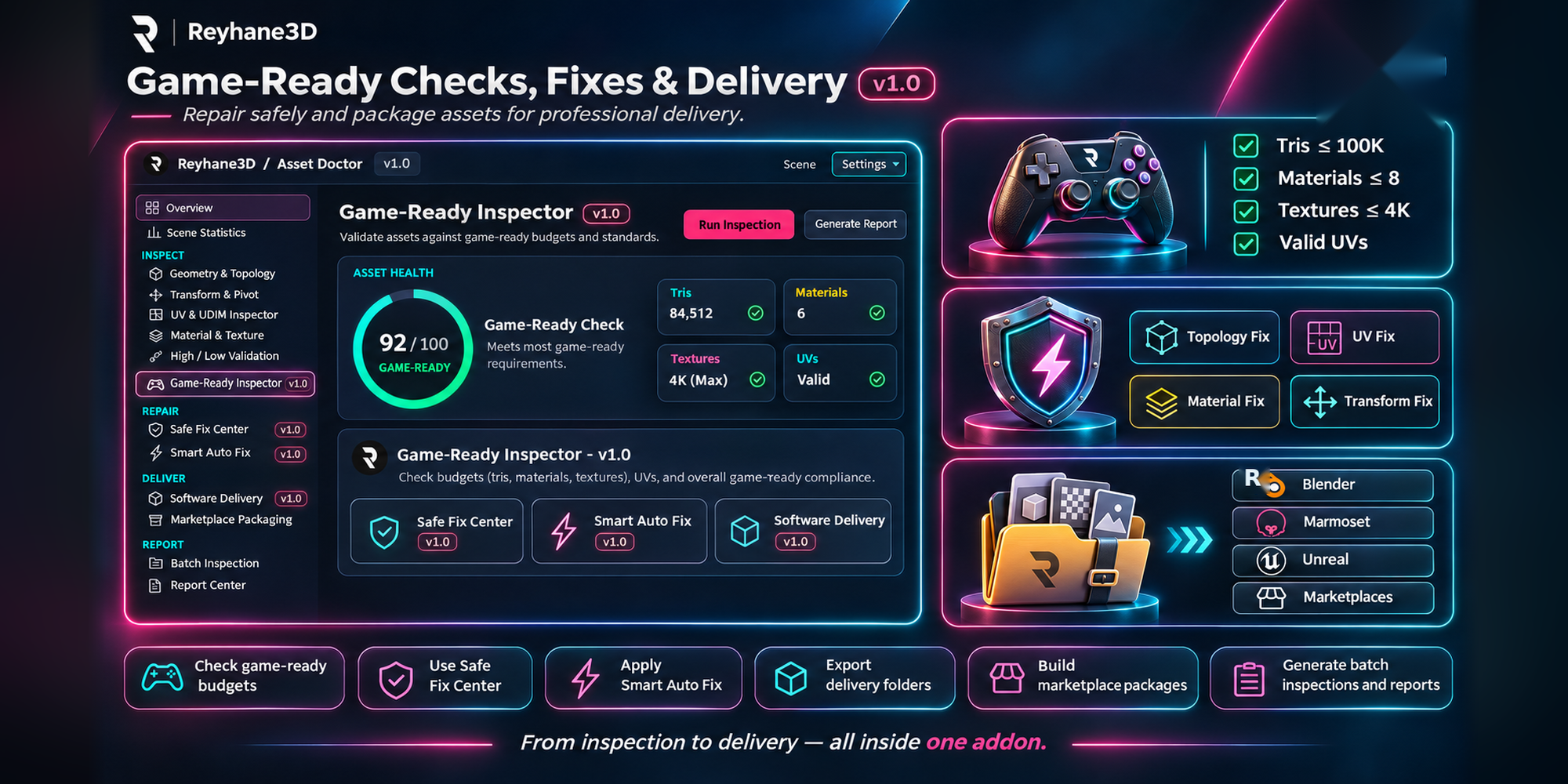
Game-Ready validation
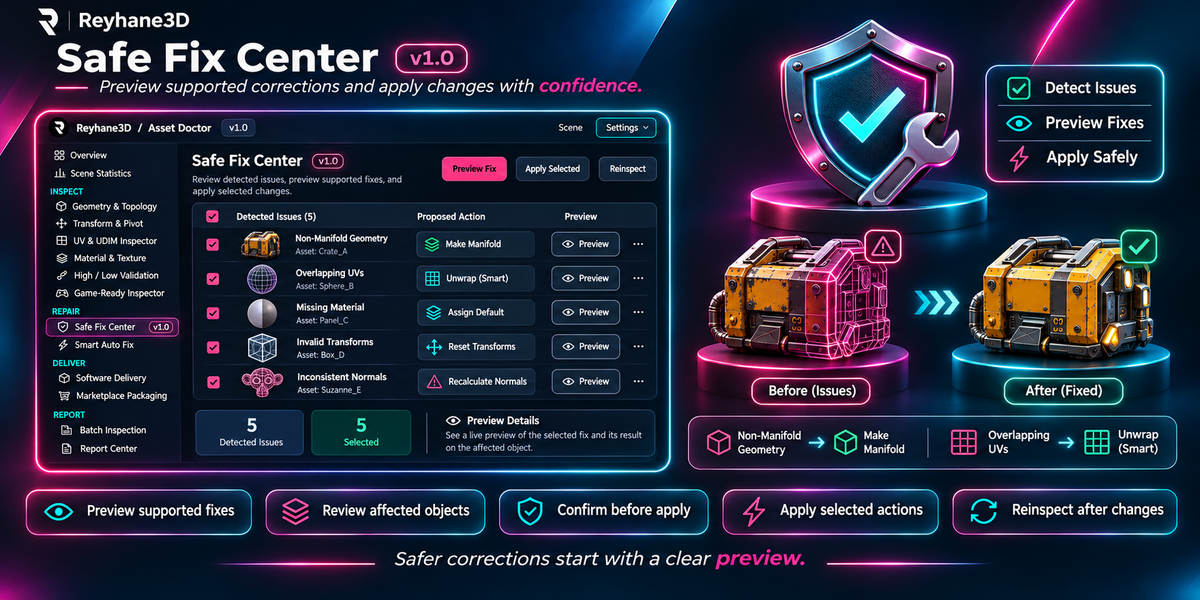
09 — Safe Fix Center
REVIEW SUPPORTED CORRECTIONS BEFORE APPLYING CHANGES
Not every technical warning should be fixed automatically.
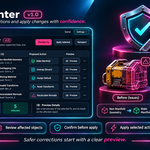
Safe Fix Center emphasizes reviewing the scope of an operation before modifying project data.
Key capabilities:
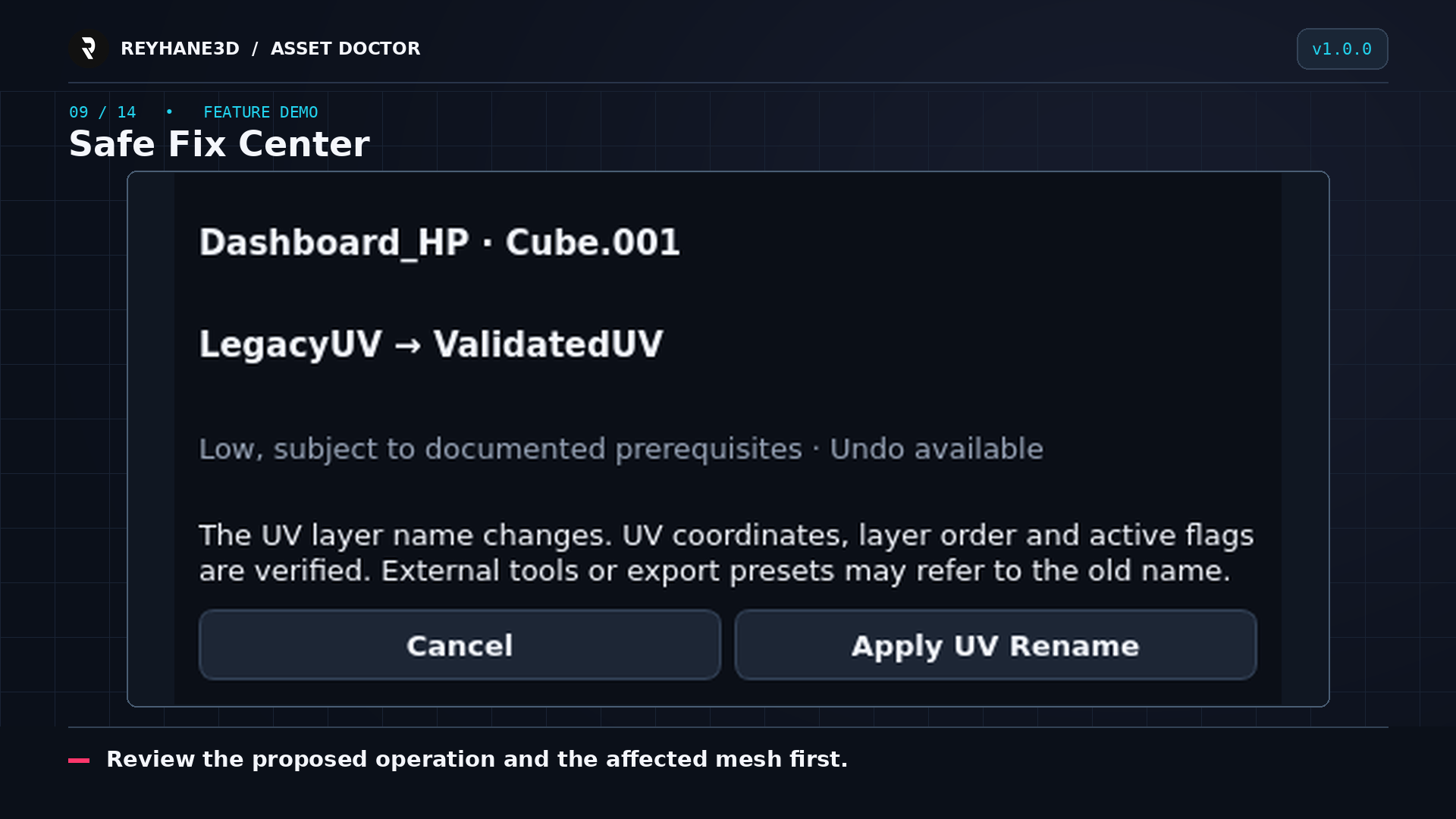
Preview supported UV map renaming
Review affected objects and relevant settings
Examine supported corrective operations
Apply eligible changes with confirmation
Reinspect the asset after a change
Designed to encourage controlled decisions rather than blind cleanup.
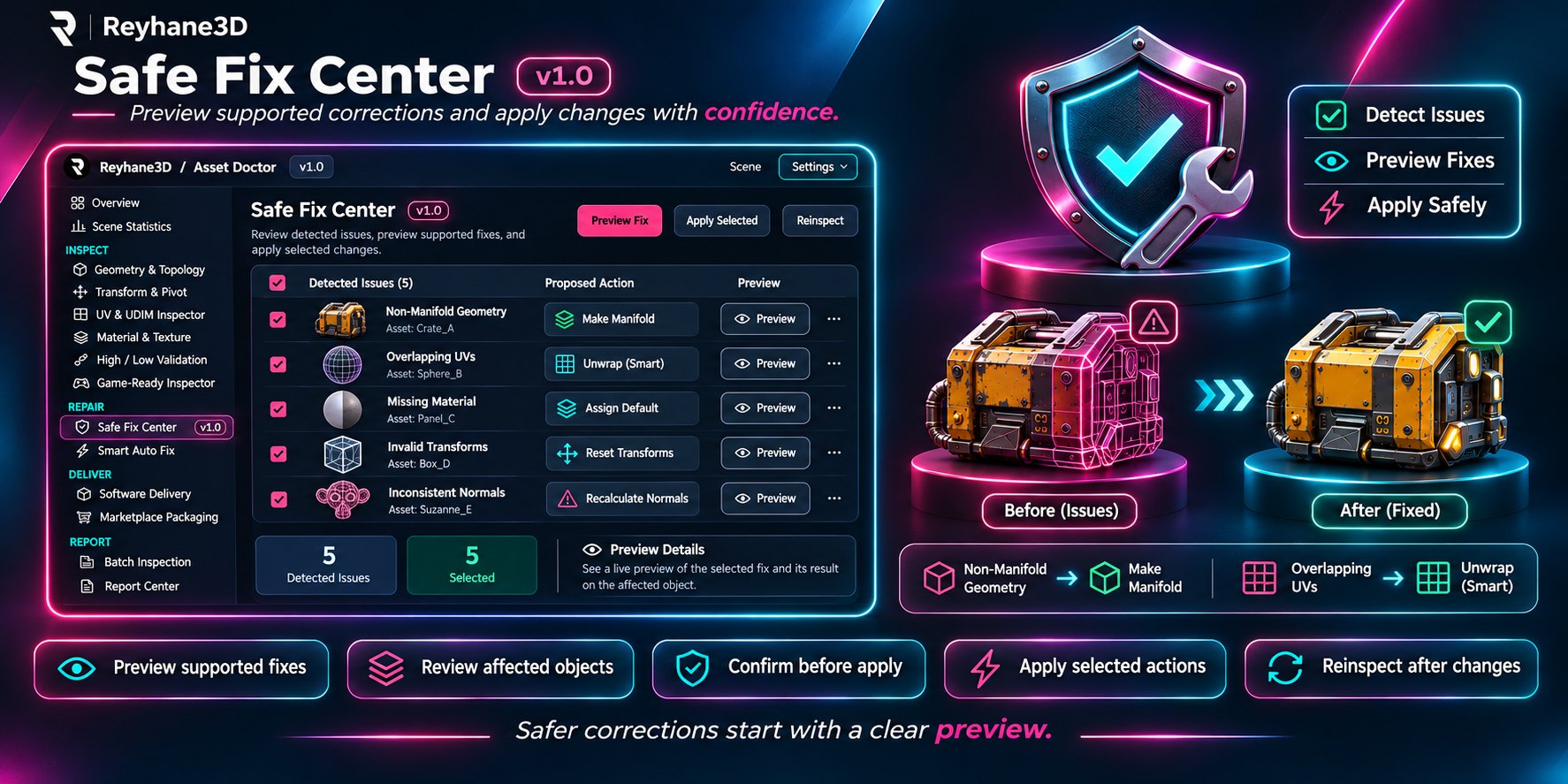
Safe Fix workflow
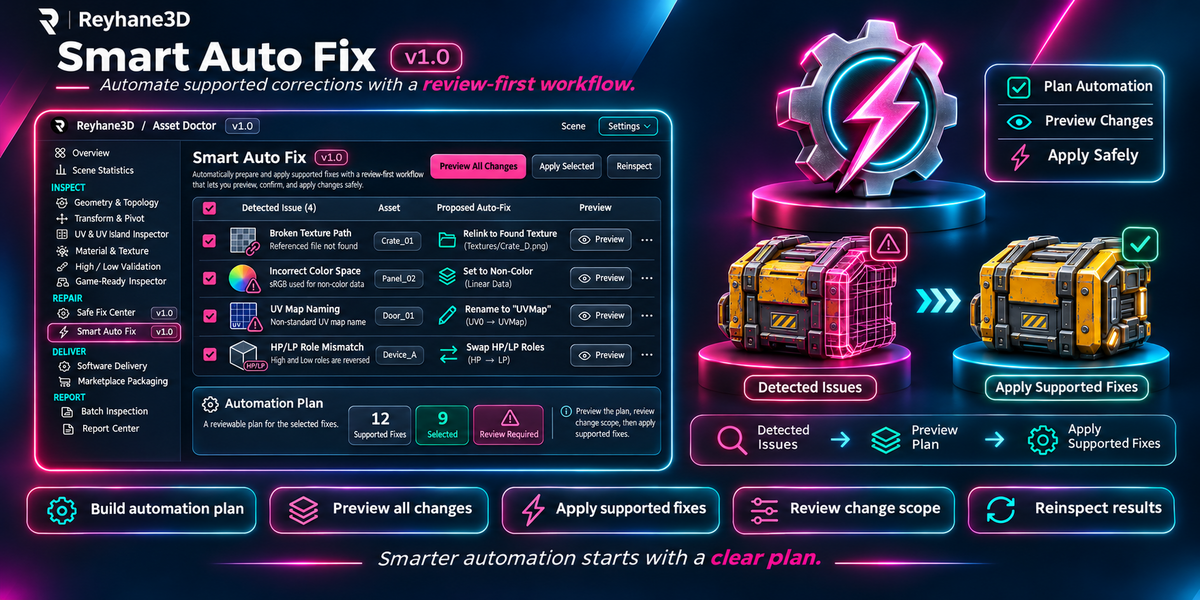
10 — Smart Auto Fix
AUTOMATE SUPPORTED CORRECTIONS WITH A REVIEW-FIRST WORKFLOW
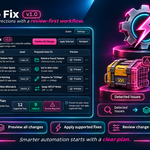
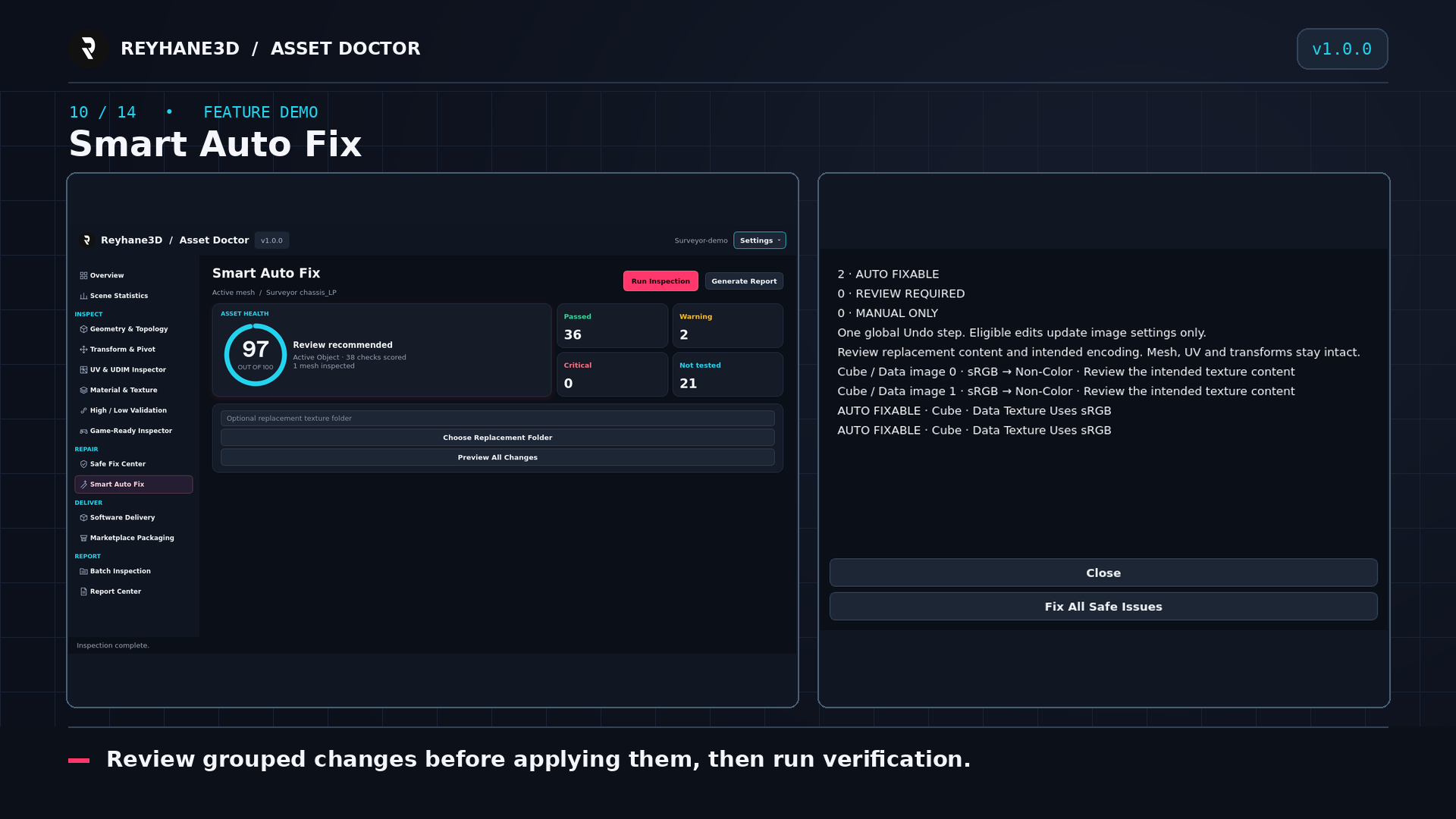
Smart Auto Fix helps organize supported corrective actions into a previewable plan.
Instead of applying every possible change without inspection, the extension allows artists to review the proposed operations and determine what should be applied.
Supported workflows include:
Preview All Changes
UV naming corrections where applicable
Supported texture file relinking
Supported color-space corrections
Review of supported high-poly and low-poly role changes
Validation before applying changes
Available fixes depend on the detected issue, file dependencies, and operation safety checks.
Smart Auto Fix is not a universal a utomatic retopology or geometry repair engine.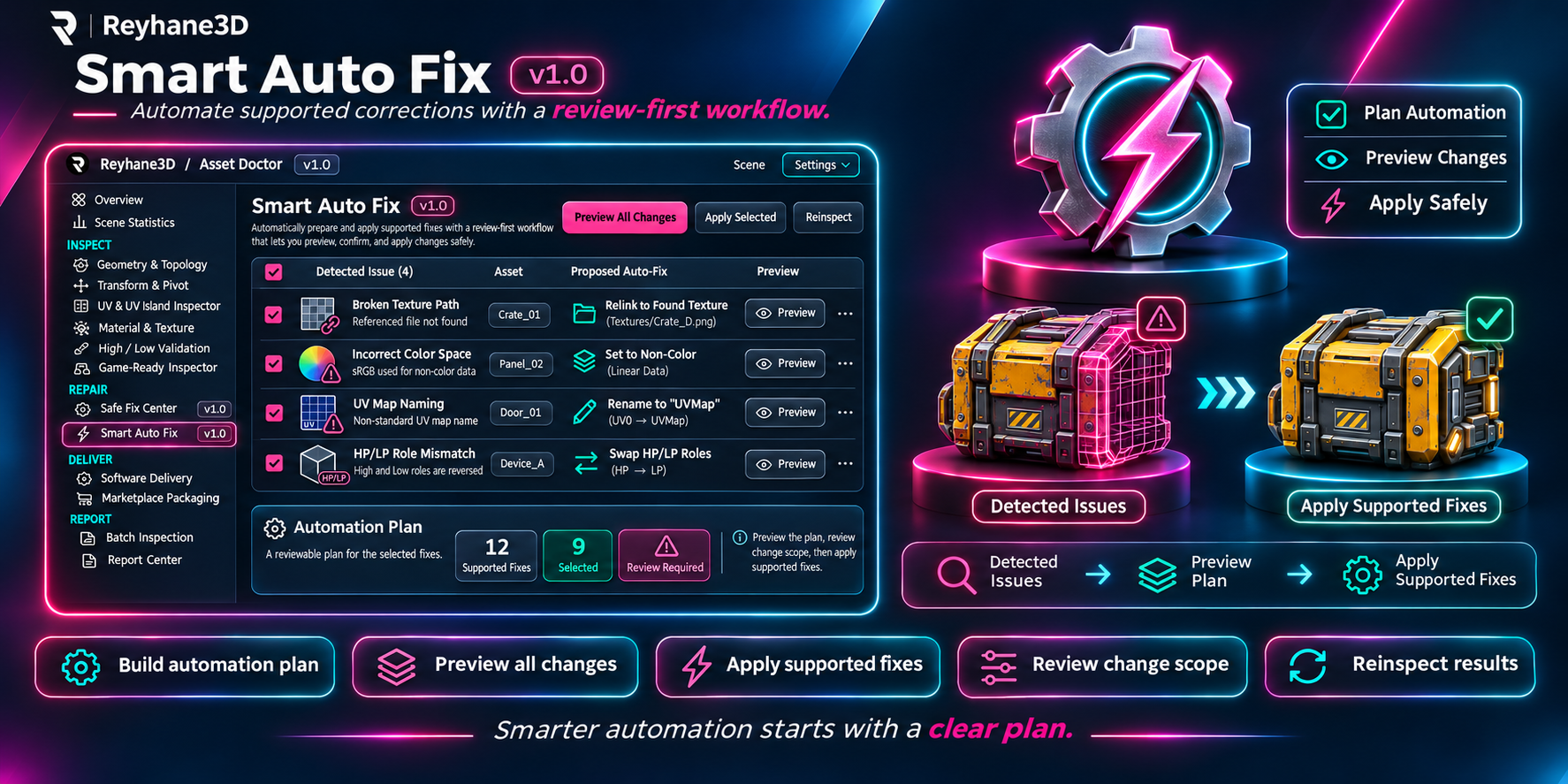
Smart Auto Fix
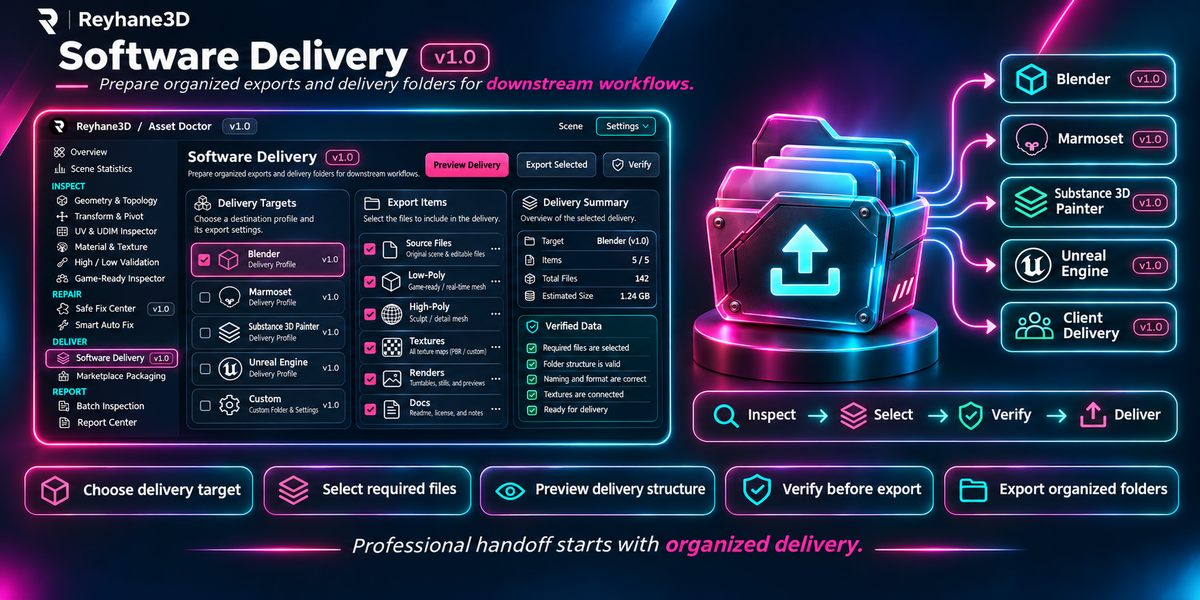
11 — Software Delivery
PREPARE ORGANIZED ASSETS FOR YOUR NEXT PRODUCTION APPLICATION
Your workflow doesn't end when the modeling is finished.
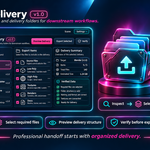
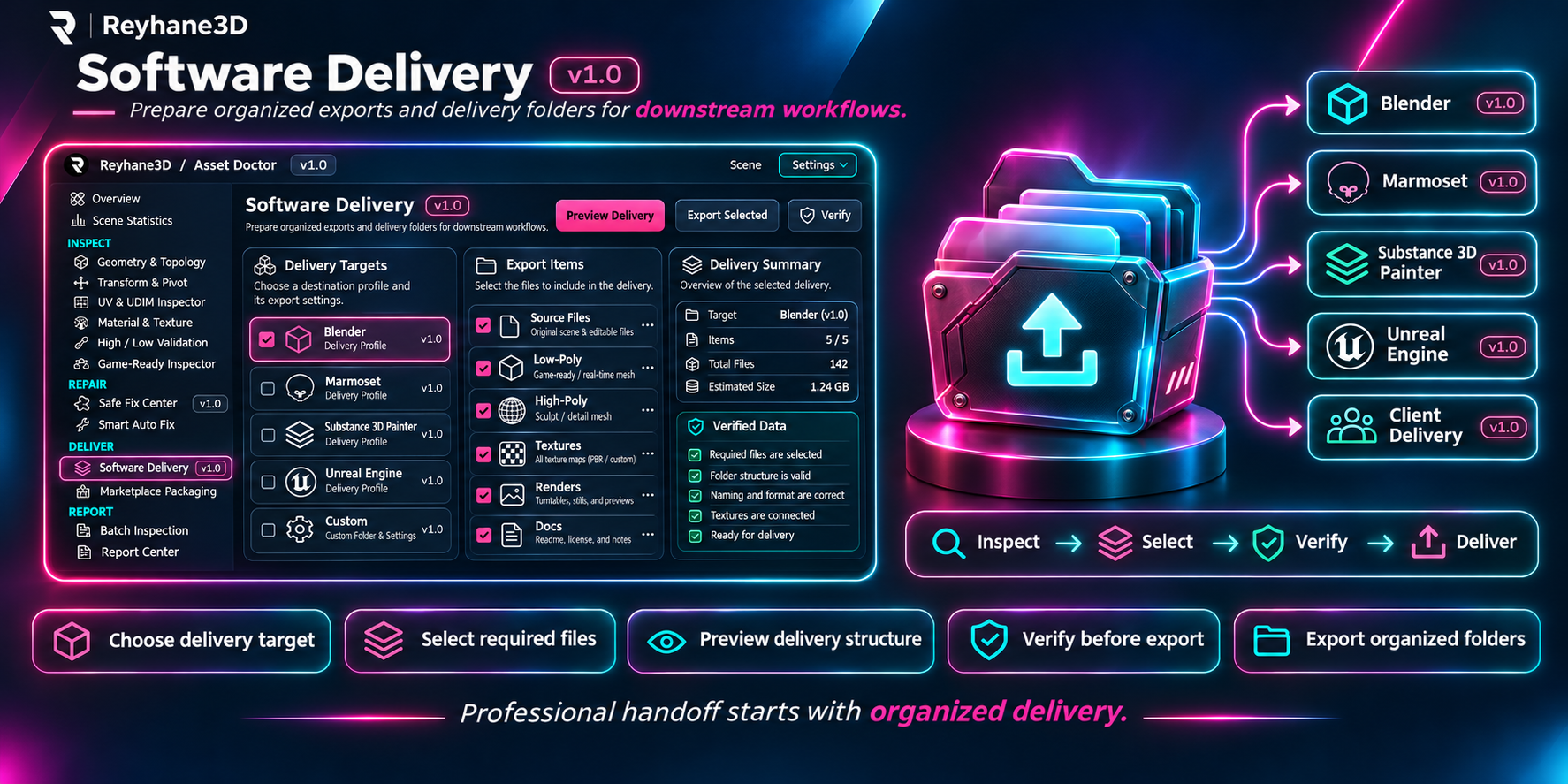
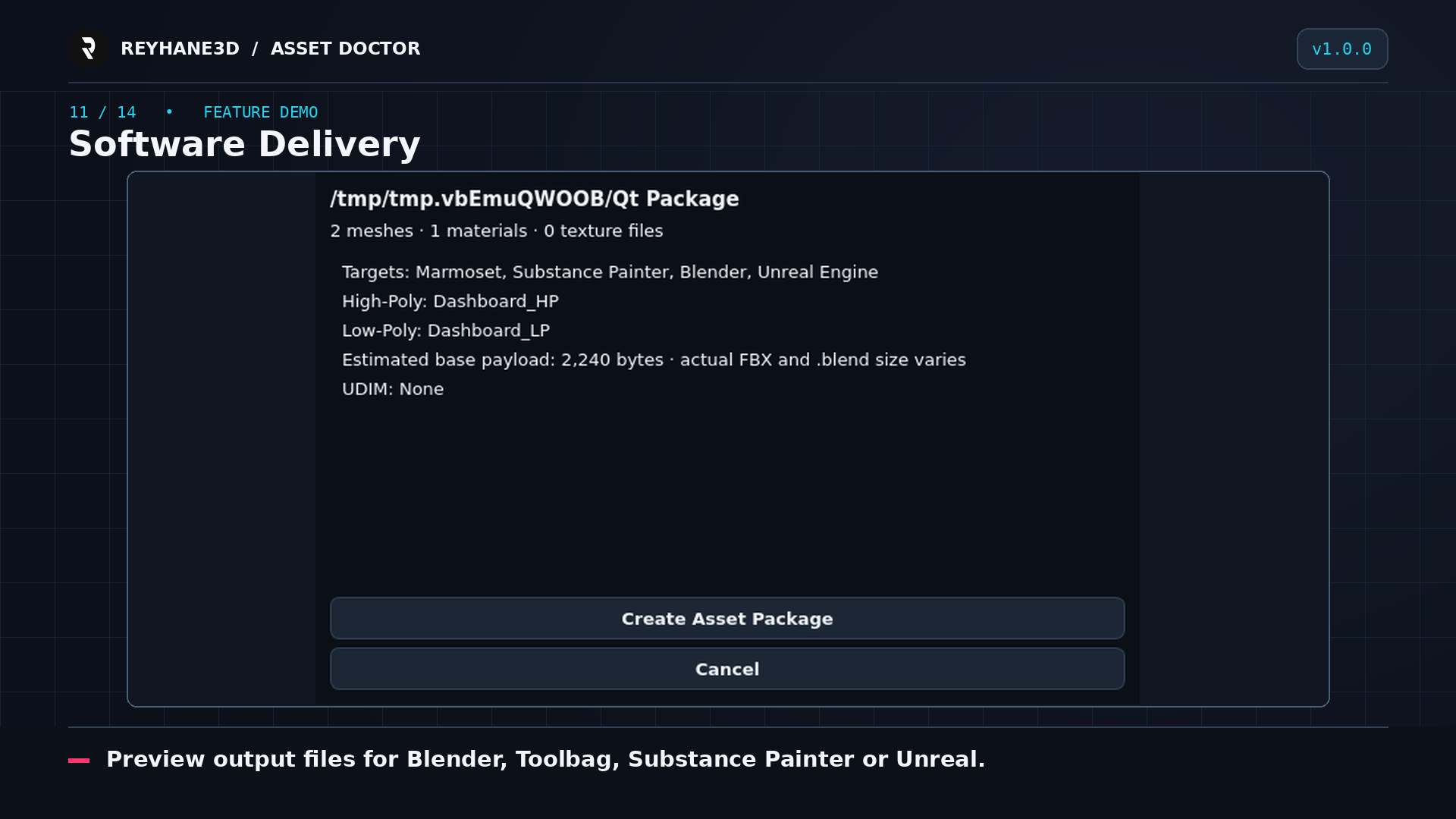
Software Delivery helps organize asset exports and associated information for supported production handoffs.
Delivery workflows cover:
Blender project delivery
Marmoset Toolbag handoff
Adobe Substance 3D Painter handoff
Unreal Engine import preparation
High-poly and low-poly asset selection
UV and UDIM inspection before delivery
Destination-specific settings
Delivery previews and verification reports
Export to multiple supported targets
The workflow includes checks designed to identify missing files, incomplete UV data, and other delivery blockers.
Destination-application import and rendering results should still be verified in the target software.
Software Delivery
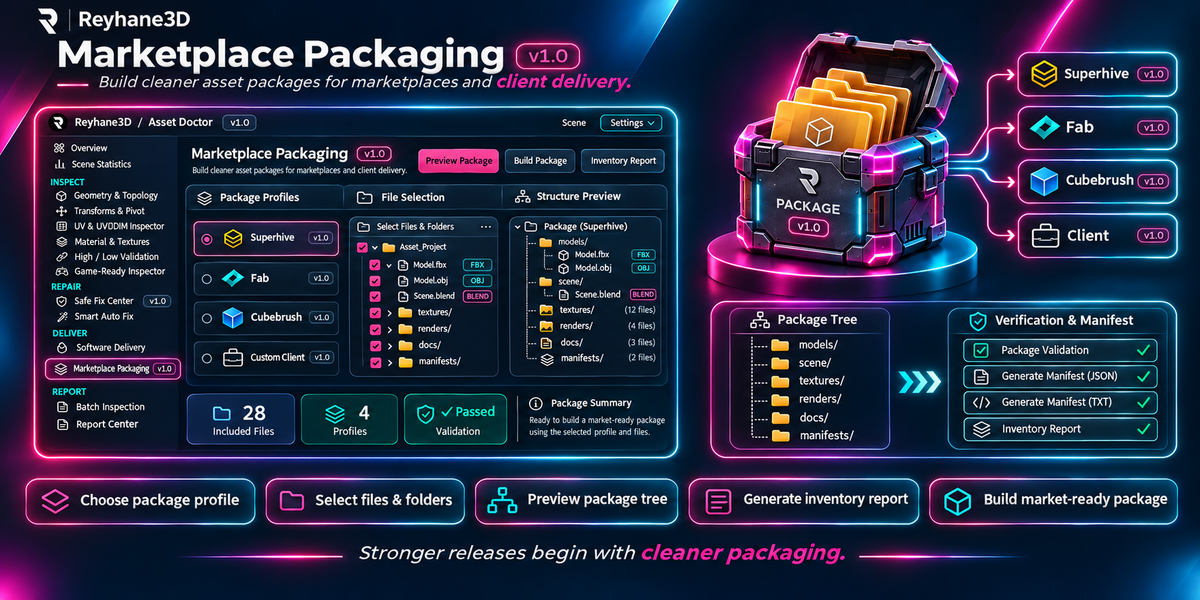
12 — Marketplace Packaging
BUILD CLEANER, MORE ORGANIZED DIGITAL ASSET PACKAGES
Selling or delivering a professional 3D asset involves more than exporting a single FBX file.
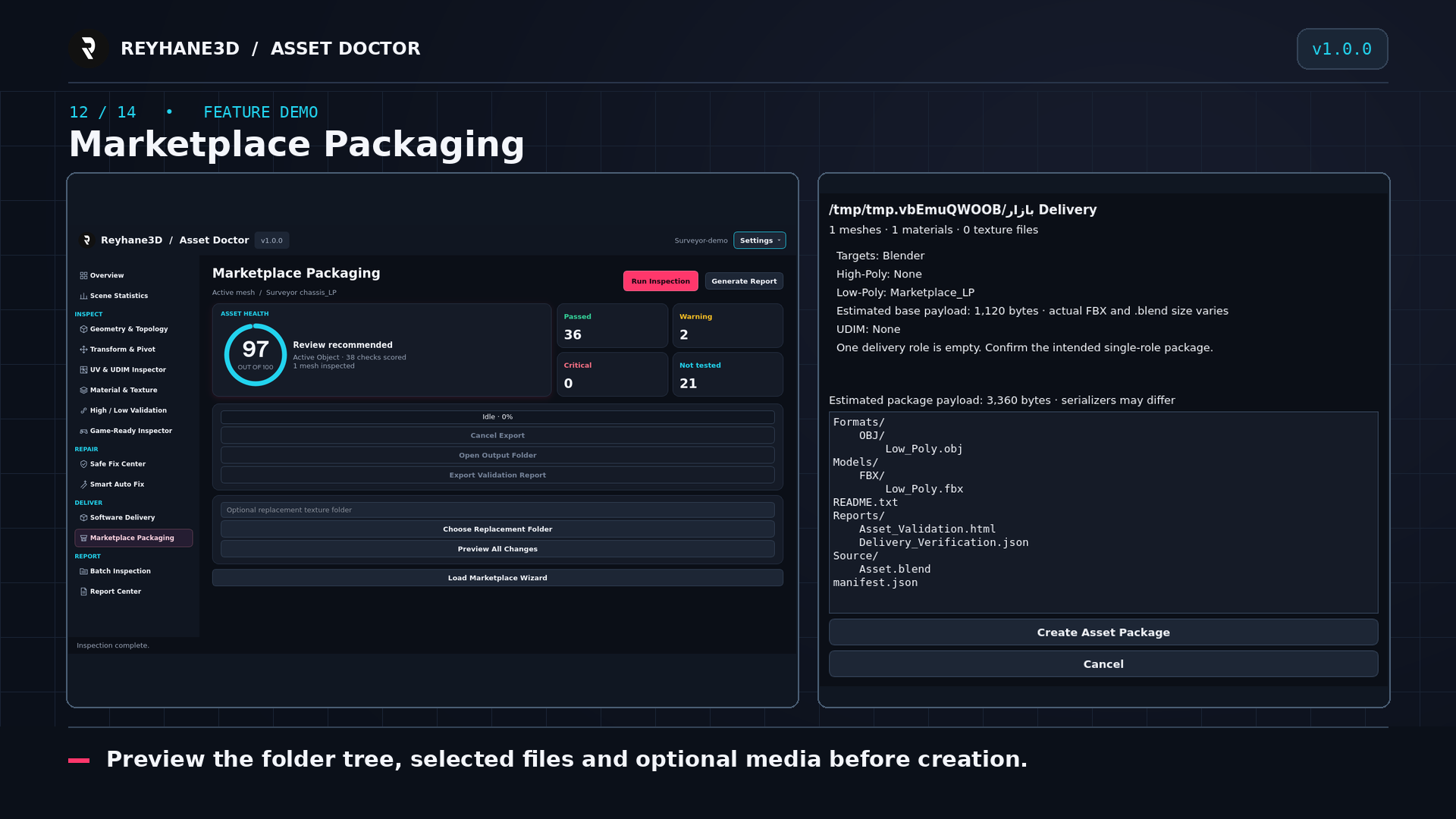
Marketplace Packaging provides an organized package-building workflow with editable folder profiles and file selection.
Key capabilities:
Marketplace package wizard
Superhive, Fab, Cubebrush and custom-client folder profiles
Editable package templates
FBX, OBJ and BLEND output selection
PBR textures and UDIM organization
Optional renders, video previews and documentation
Package file-tree preview
Inventory and validation reports
File manifest and SHA-256 verification
Select exactly what belongs in the package, review the expected contents, and build the delivery folder.
Marketplace profiles organize files; they do not guarantee approval by any third-party marketplace.
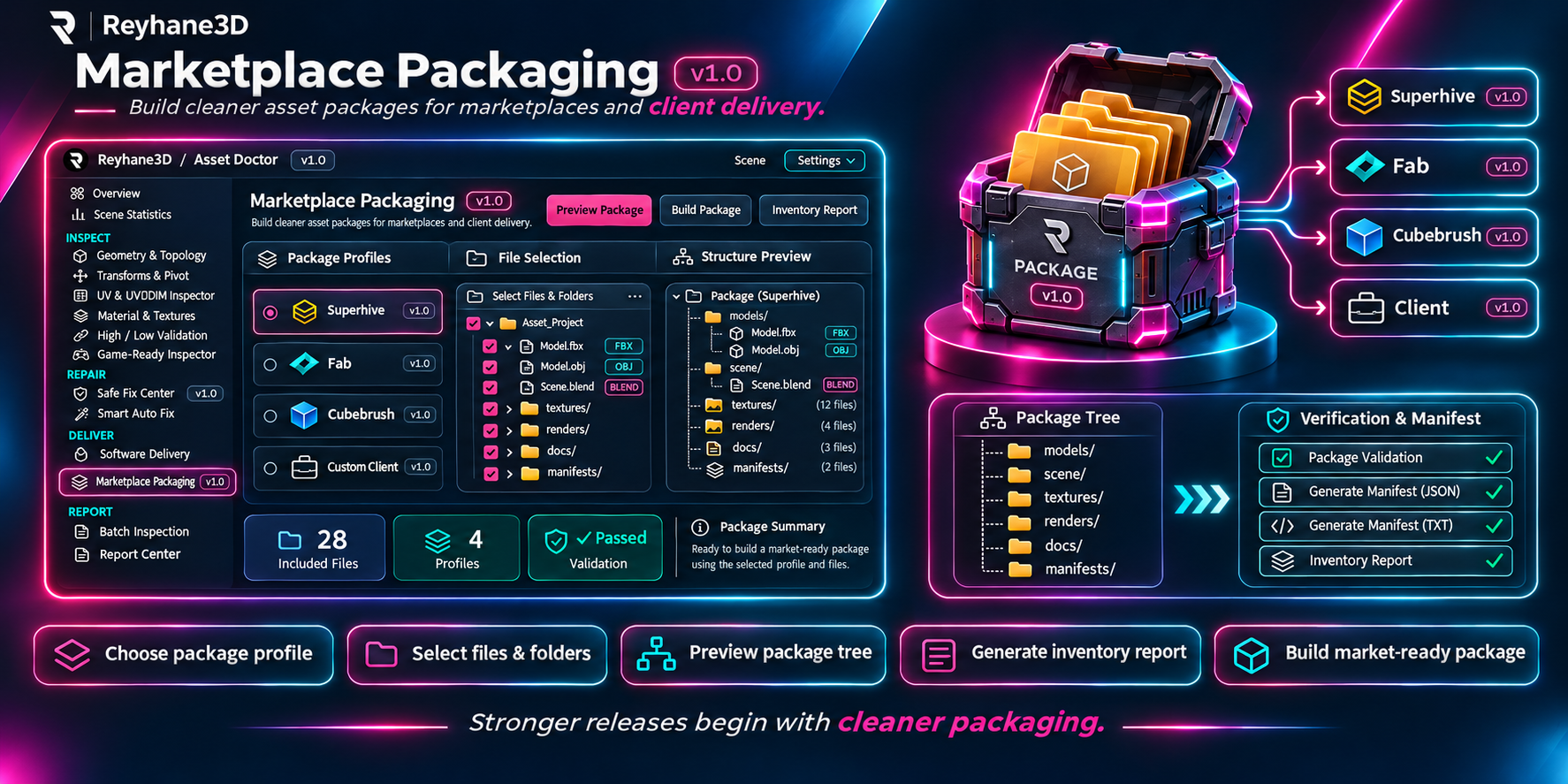
complete marketplace package build
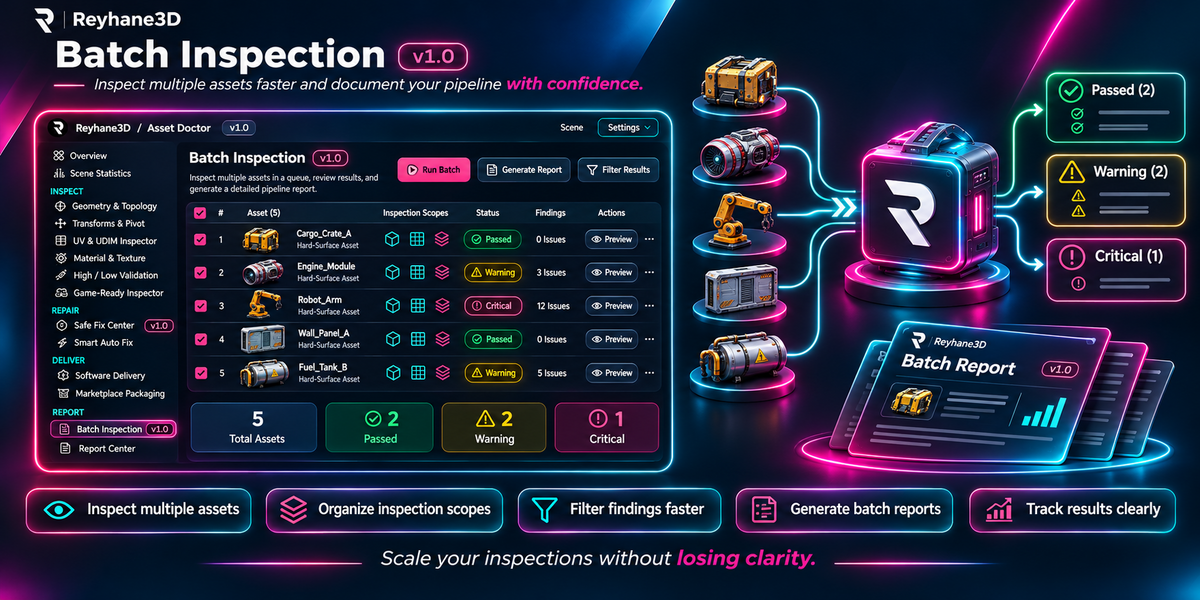
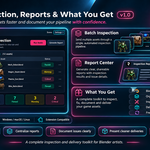
13 — Batch Inspection
INSPECT MULTIPLE ASSETS IN AN ORGANIZED WORKFLOW
Reviewing large scenes asset by asset can become repetitive.
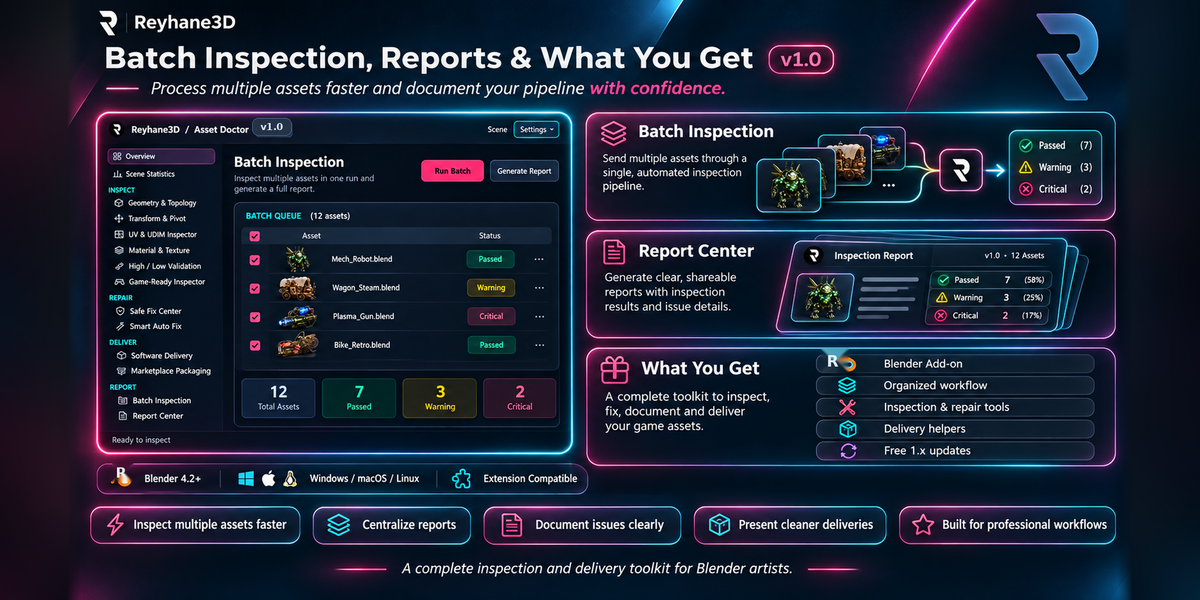
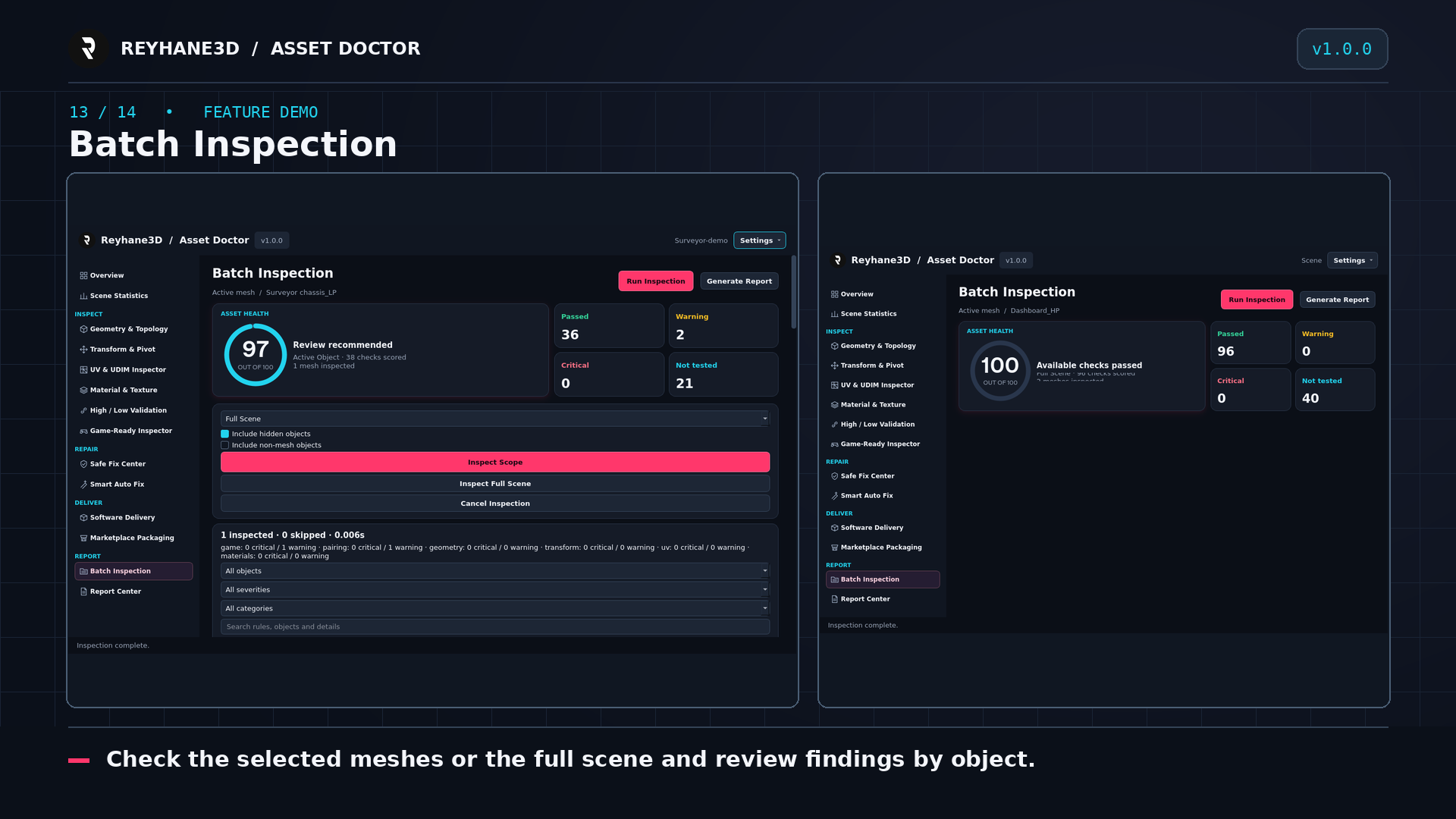
Batch Inspection lets you select an inspection scope and review results across multiple objects.
Available scopes include:
Active Object
Selected Objects
Active Collection
Collection Hierarchy
Full Scene
Review the status of individual assets, filter findings, and investigate technical issues using an organized inspection interface.
Batch Inspection also supports cancellation between processing stages and keeps track of inspection coverage.
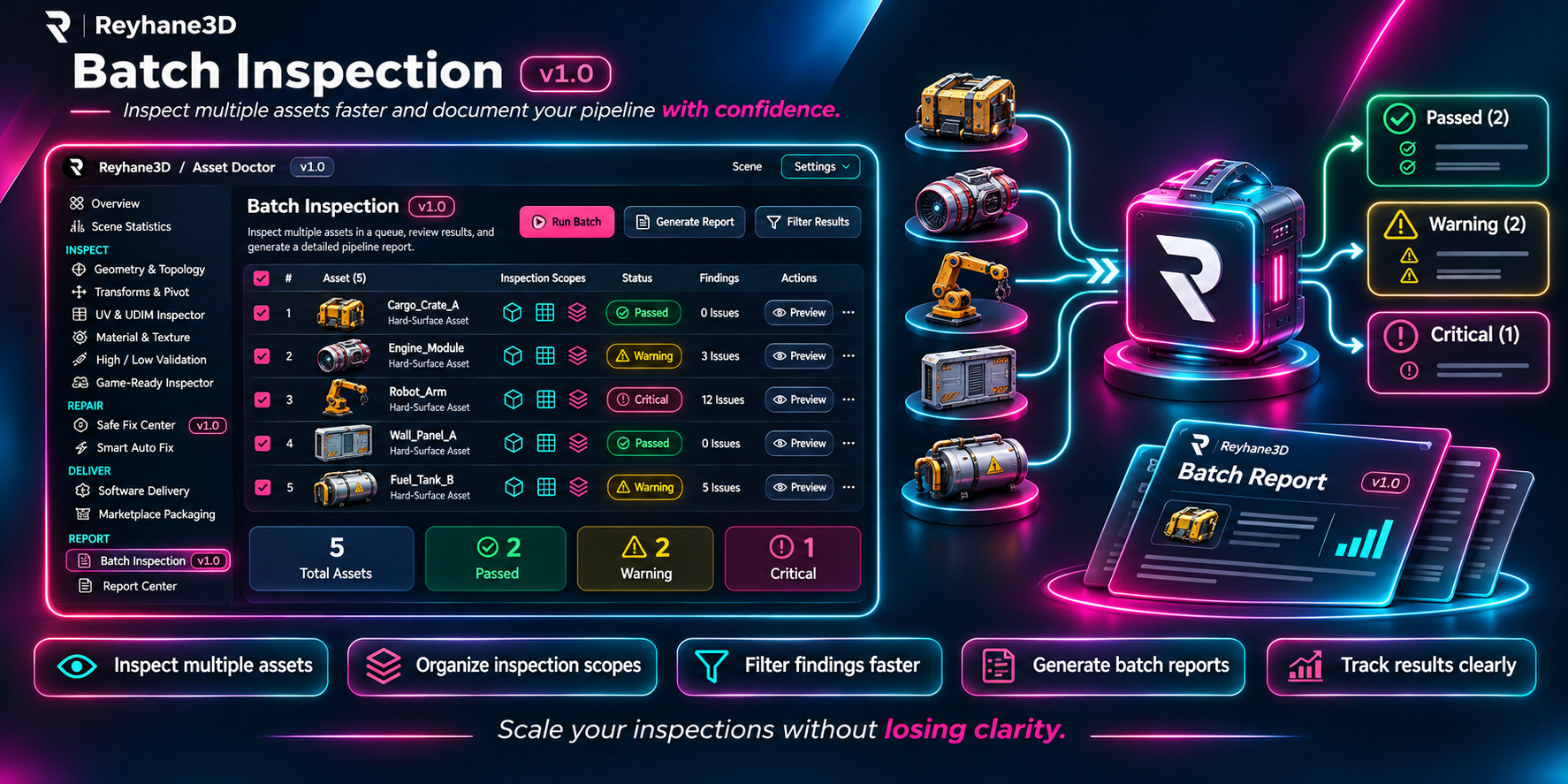
multiple assets being inspected
14 — Report Center
TURN TECHNICAL FINDINGS INTO CLEAR, SHAREABLE REPORTS
Technical inspection becomes more useful when findings can be documented.
Report Center provides structured results for reviewing asset quality, tracking problems, and communicating technical findings.
Available reporting features:
Inspection findings by severity
Asset and scene information
Inspection coverage
Detailed issue descriptions
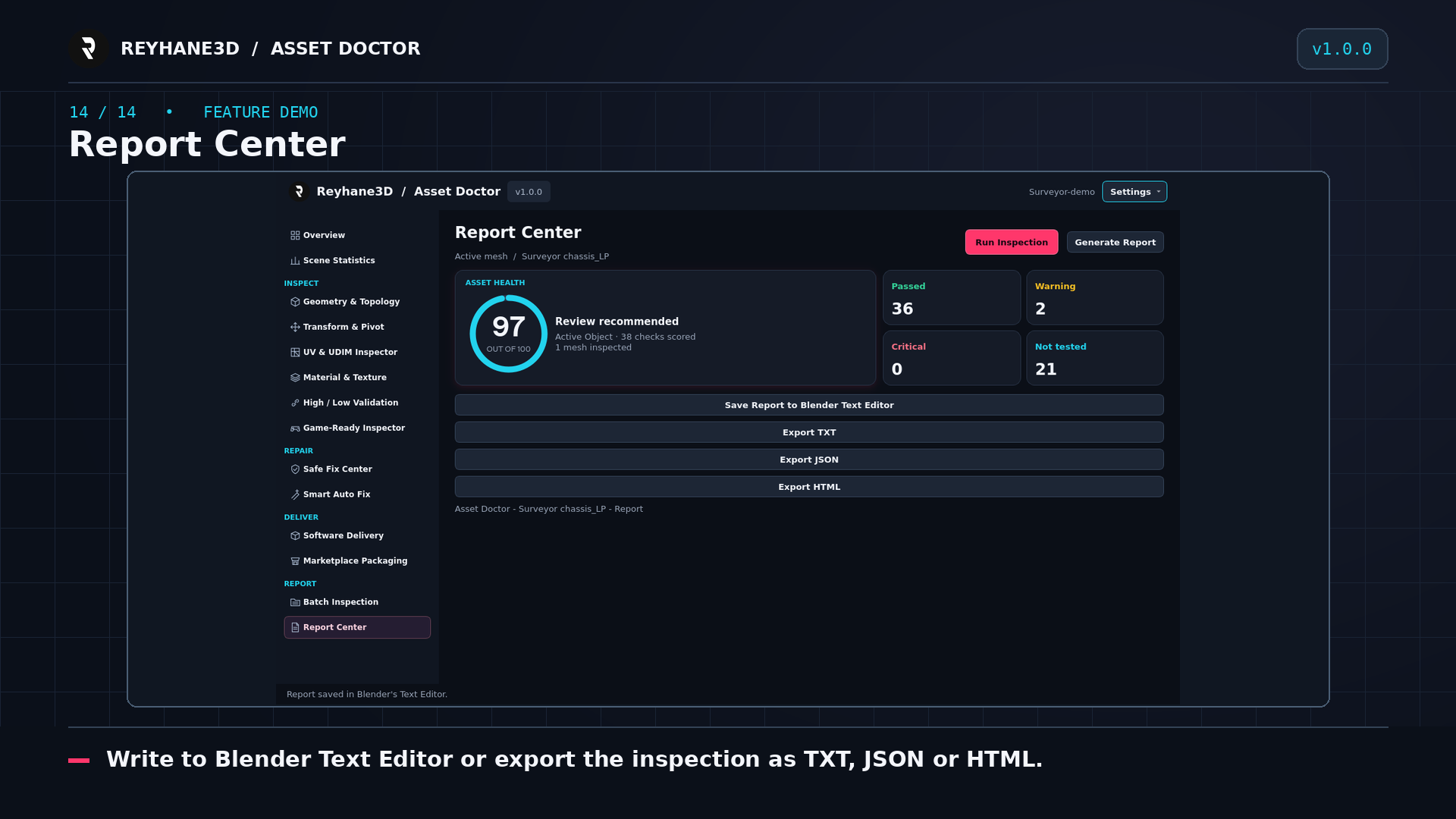
Blender Text Editor reports
TXT export
JSON export
Offline HTML reports
Create inspection records that can support internal reviews, production handoffs, or client communication.
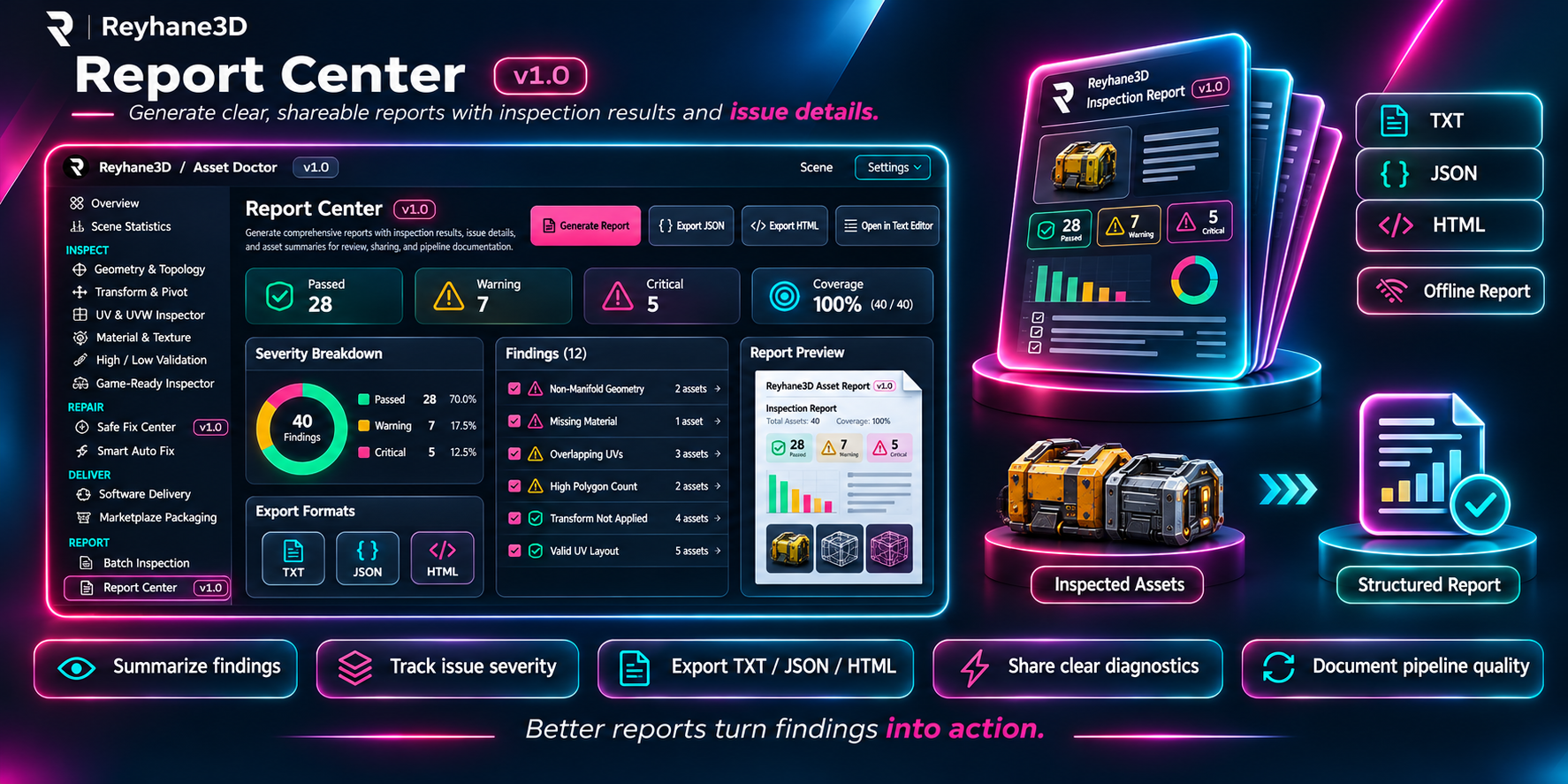
inspection report generation
From Inspection to Delivery — One Organized Workflow
BUILT FOR ARTISTS WHO CARE ABOUT TECHNICAL QUALITY
Reyhane3D Asset Doctor brings important technical stages into a connected workflow:
INSPECT → REVIEW → FIX SUPPORTED ISSUES → REINSPECT → PACKAGE → DELIVER
Whether you're creating a game-ready weapon, complex mechanical prop, environment asset, or product for a digital marketplace, the goal is the same:
Identify issues earlier, understand them clearly, and prepare more organized production files.
Who Is Asset Doctor For?
Hard-Surface Artists
Game Prop Artists
Environment Artists
Technical Artists
Freelance 3D Artists
Digital Asset Marketplace Sellers
Blender Artists Working With PBR Assets
Artists Preparing Multi-Application Deliveries
What You Get
Reyhane3D Asset Doctor v1.0.0
Platform-specific extension installation packages
Dedicated technical inspection dashboard
Inspection and validation modules
Supported correction and preview workflows
Batch inspection and reporting functionality
Software delivery and marketplace packaging tools
Installation and usage documentation
Source code and applicable license information
Installation
Download the ZIP matching your operating system and CPU architecture.
Open Blender → Edit → Preferences → Get Extensions.
Choose Install from Disk.
Select the downloaded extension ZIP.
Enable Reyhane3D Asset Doctor under Add-ons.
Open the 3D Viewport sidebar with N.
Navigate to R3D → Open Asset Doctor.
The platform packages include their required bundled Python dependencies for offline installation.
Compatibility & Testing
Reyhane3D Asset Doctor v1.0.0
Asset Doctor has been developed and tested for professional Blender workflows, including hard-surface modeling, game asset validation, UV/UDIM inspection, automated fixes, batch processing, and asset delivery.
Available Platforms
Windows x64
Linux x64
macOS Apple Silicon
macOS Intel
Windows x64
Linux x64
macOS Apple Silicon
macOS Intel
Verified Testing
Windows x64 — Blender 5.3: All features and main workflows manually tested, including inspection, validation, supported fixes, batch processing, reporting, and delivery tools.
Linux x64 — Blender 4.3.2: Runtime functionality verified.
macOS: Installation packages are available and have passed static packaging validation. Native runtime verification is not yet confirmed.
Quality Assurance
Functional testing across all 14 modules on Windows.
Real-world 3D asset inspection and validation workflows.
UV, UDIM, geometry, materials, and texture checks.
Safe Fix and Smart Auto Fix operations.
High-poly / low-poly validation.
Batch inspection and report generation.
Export, delivery, and marketplace packaging workflows.
Production Note: Asset Doctor is designed to help artists detect technical issues and prepare cleaner production assets. Inspection results depend on the selected configuration, and automated validation cannot guarantee an entirely error-free asset.
Developed by Reyhane3D — Tested with real production workflows.
Important Technical Notes
Results depend on enabled inspection rules and selected scope.
A health score does not guarantee an error-free asset.
Optional or unsupported checks may be marked Not Tested.
Automated fixes cover supported operations only.
UV layout and packing corrections may require manual work.
External application handoffs should be tested in their target applications.
Always keep backups of valuable production projects before applying changes.
License
GPL-3.0-or-later. See the included source archive and license documents for the applicable terms.
REYHANE3D ASSET DOCTOR 1.0
Inspect with clarity. Fix with control. Deliver with confidence.
Created by Reyhane3D.