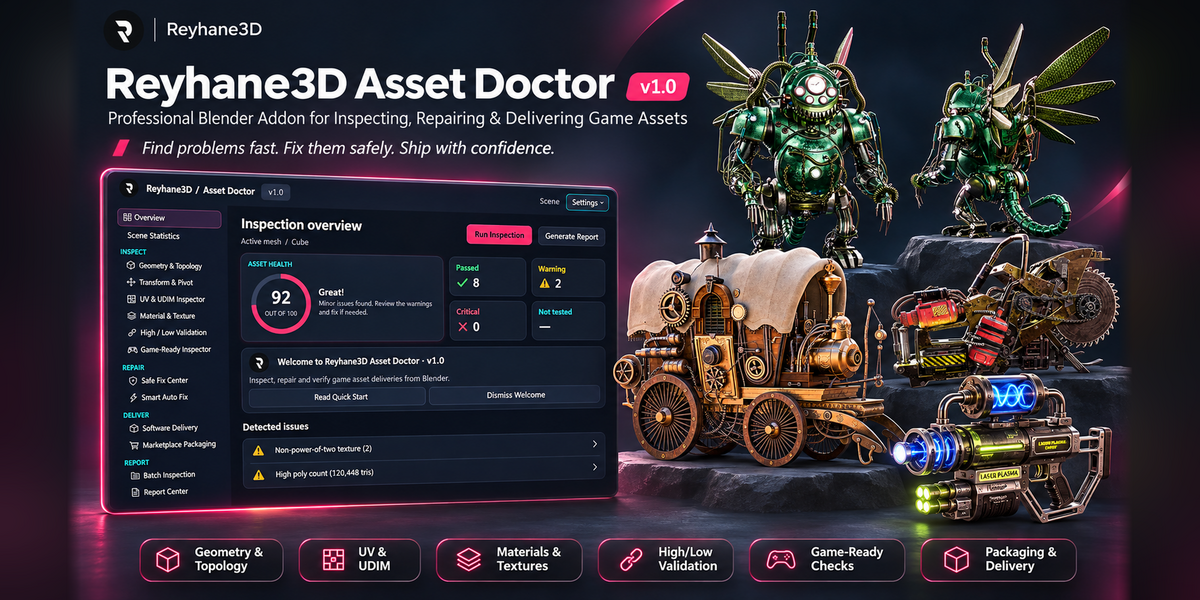
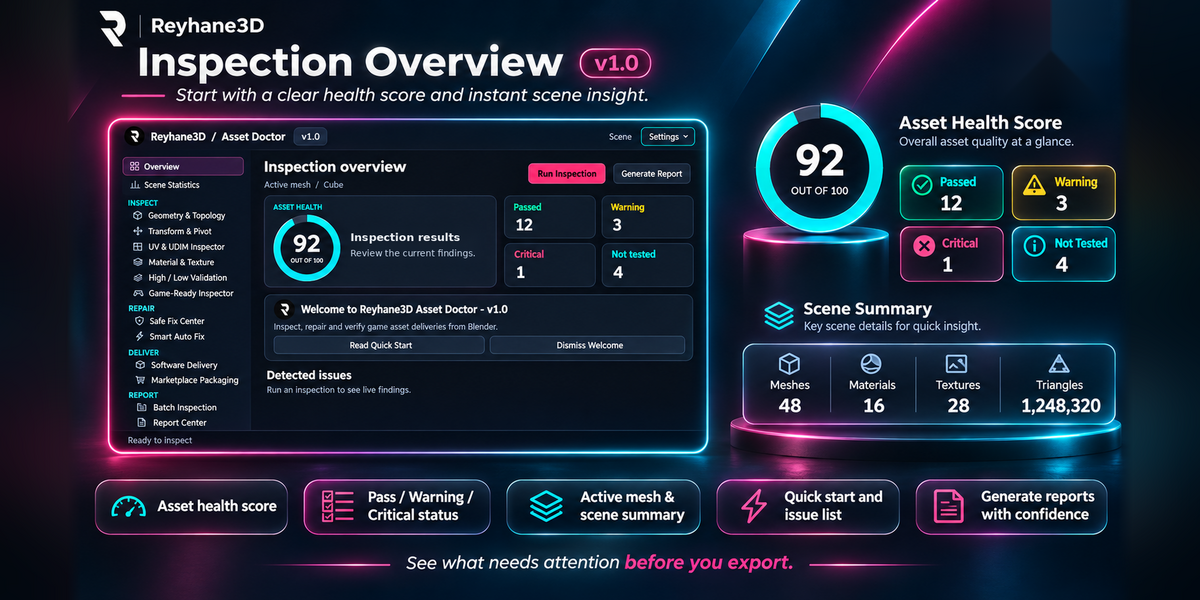
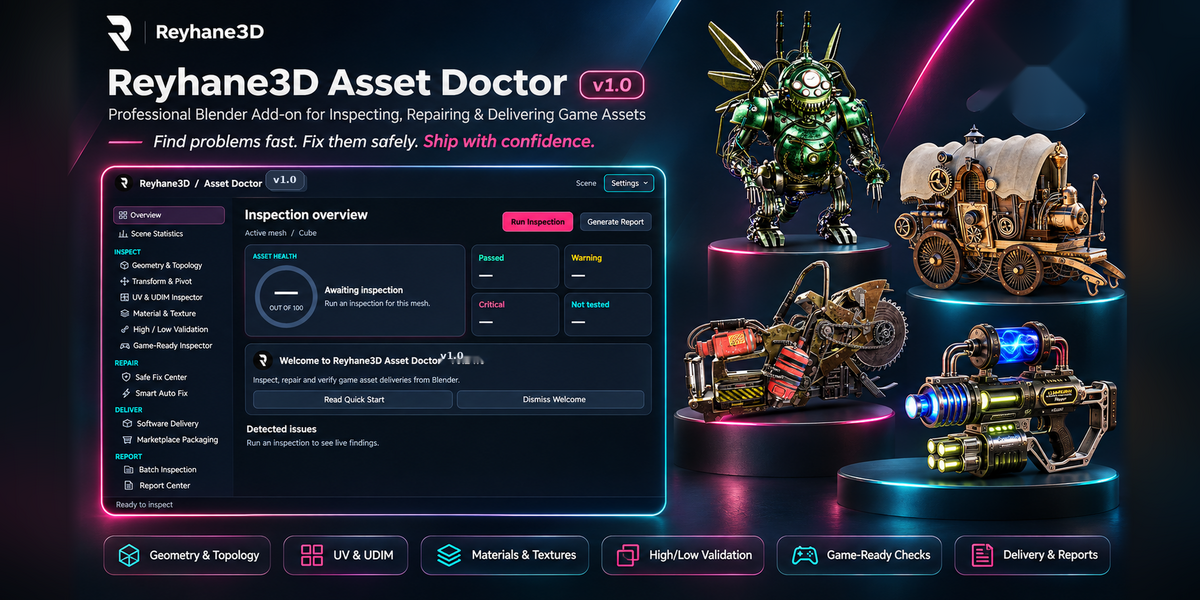
Reyhane3D Asset Doctor
 reyhane_3d
What should I do if the dashboard does not open or an export fails?
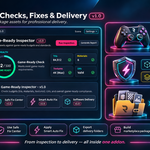
First, verify that you installed the correct platform-specific ZIP and restart Blender. Check Blender's console for diagnostic messages. For export issues, verify the destination folder, permissions, available disk space, required textures, and delivery report. Keep a backup of your original project before applying repairs.
Does the add-on require an internet connection?
The installation packages include the required PySide6 Essentials and Shiboken6 dependencies. The core inspection workflow runs locally in Blender and does not require an online service. Access to external files, applications, or downloads may depend on your particular workflow.
Can I inspect multiple 3D assets at once?
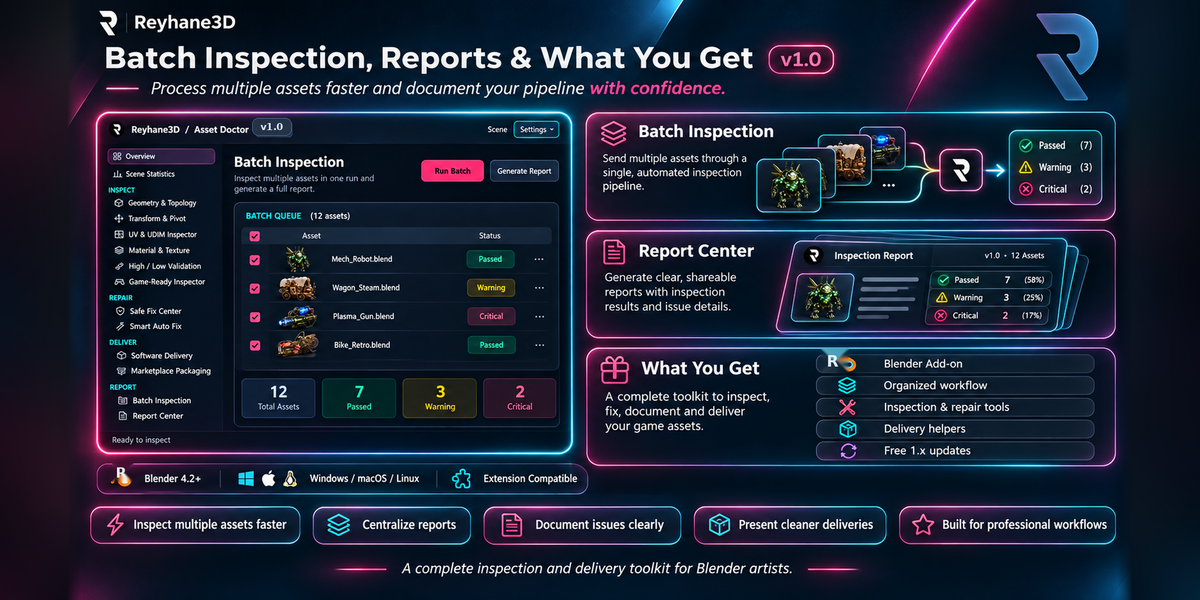
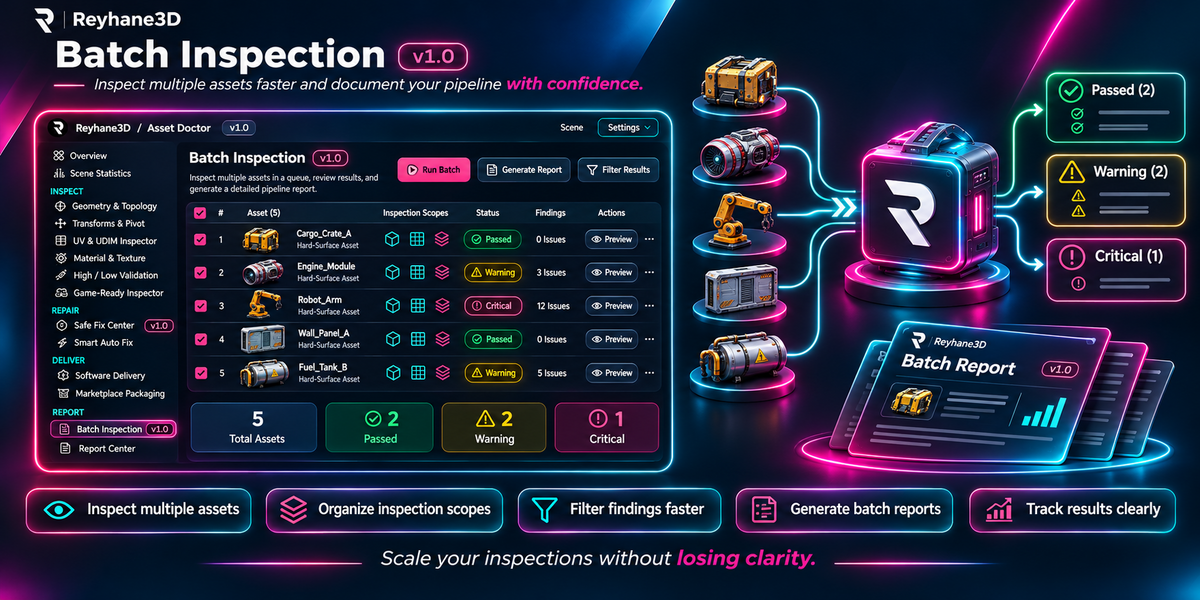
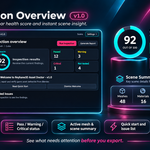
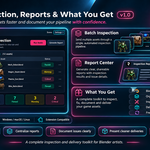
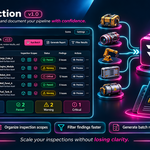
Yes. Batch Inspection supports inspecting multiple assets within a selected scope and reviewing their findings. The Report Center can generate TXT, JSON, HTML, and Blender Text Editor reports for supported inspection results.
Can I prepare assets for Unreal Engine, Marmoset Toolbag, and Substance 3D Painter?
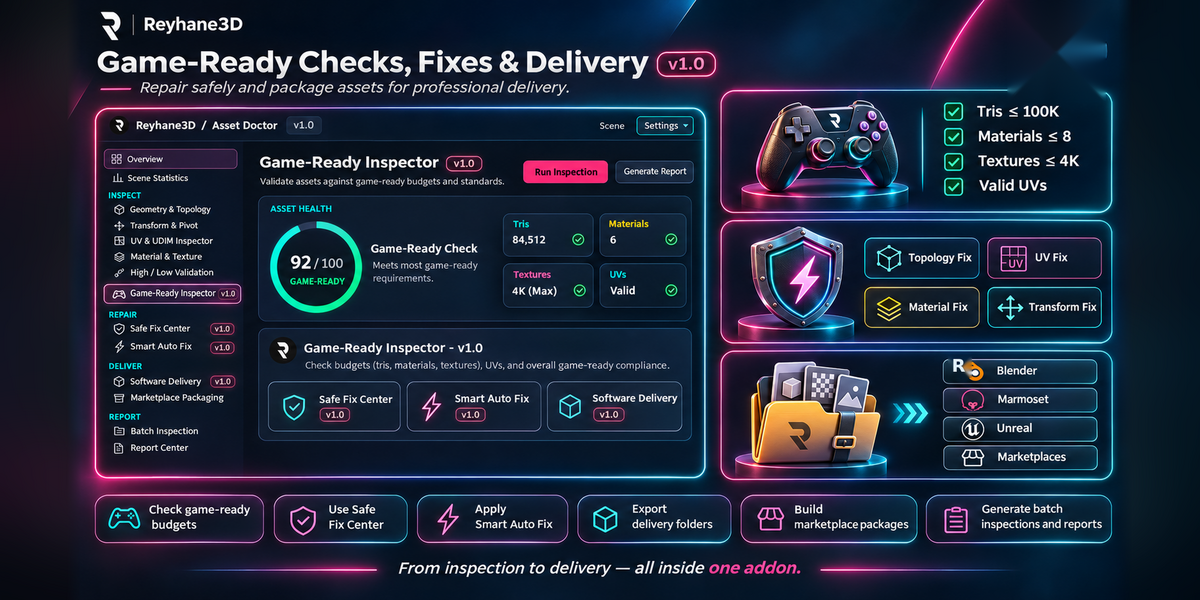
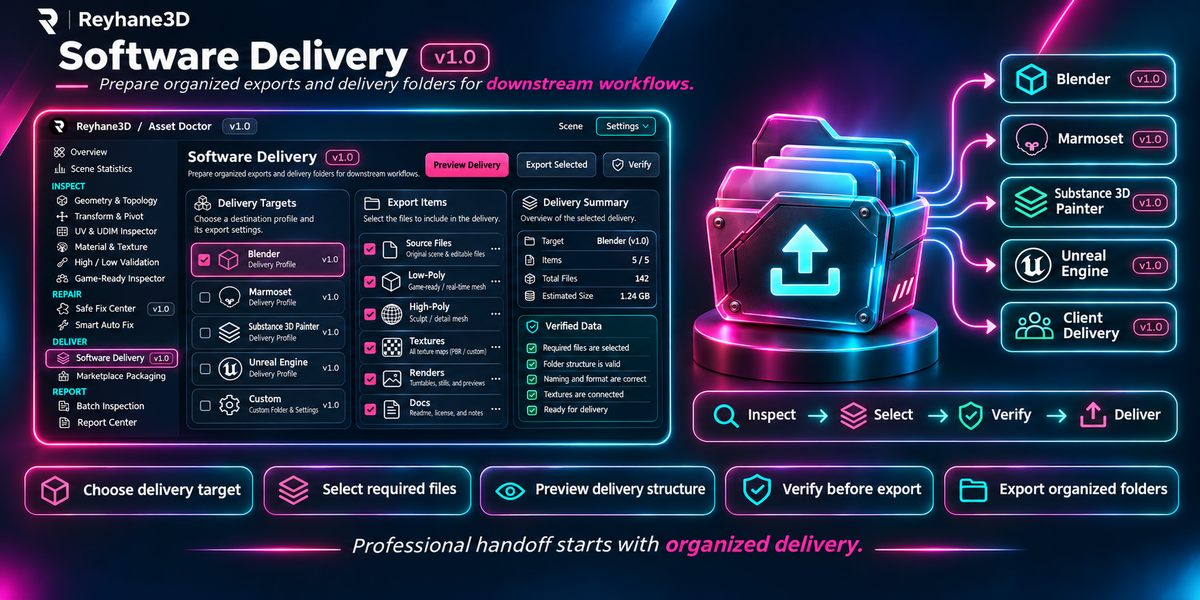
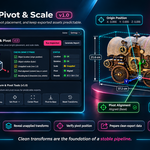
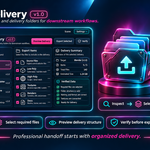
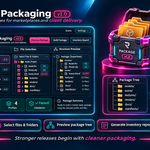
Asset Doctor provides software delivery workflows for Blender, Unreal Engine, Marmoset Toolbag, and Adobe Substance 3D Painter. These tools help organize and export relevant files and handoff information. Final import and compatibility should still be verified in the target application.
Does Asset Doctor support UVs, UDIMs, and PBR textures?
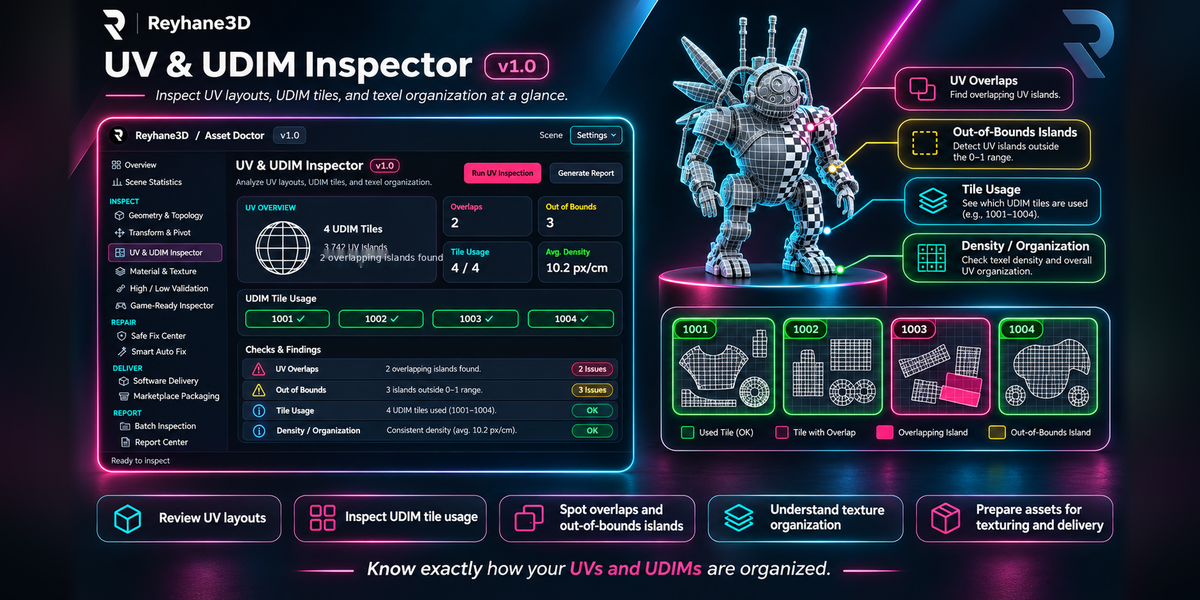
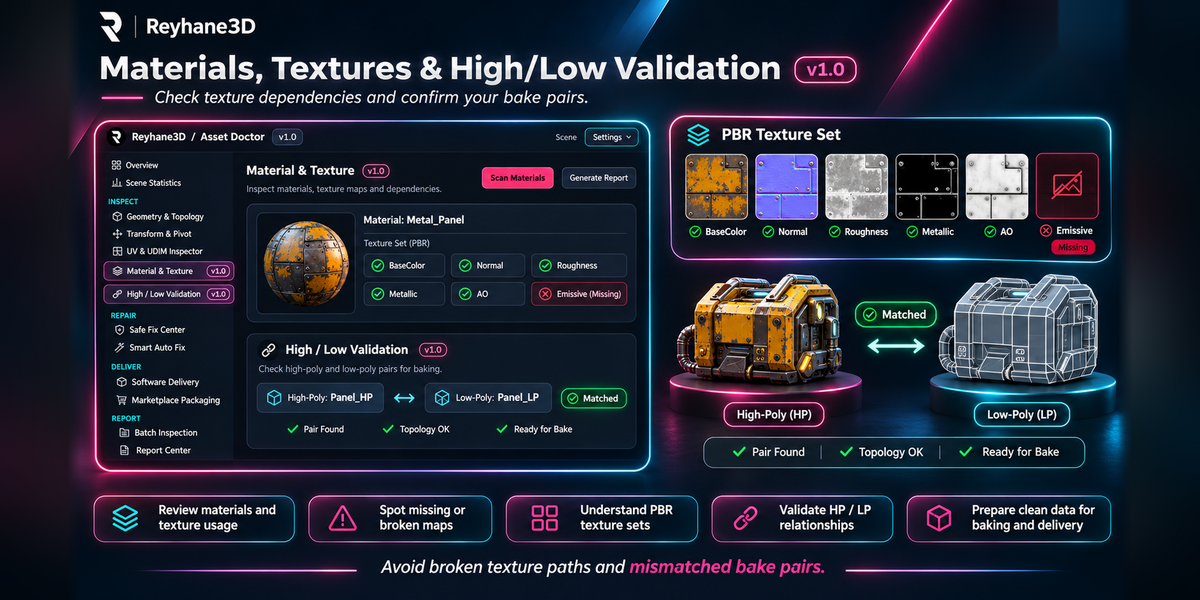
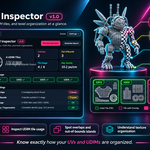
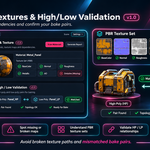
Yes. The extension includes UV and UDIM inspection, tile coverage checks, optional UV analysis, texture dependency inspection, and selected PBR material checks. It does not replace dedicated UV unwrapping, packing, or texture painting tools.
Can Asset Doctor automatically fix every detected problem?
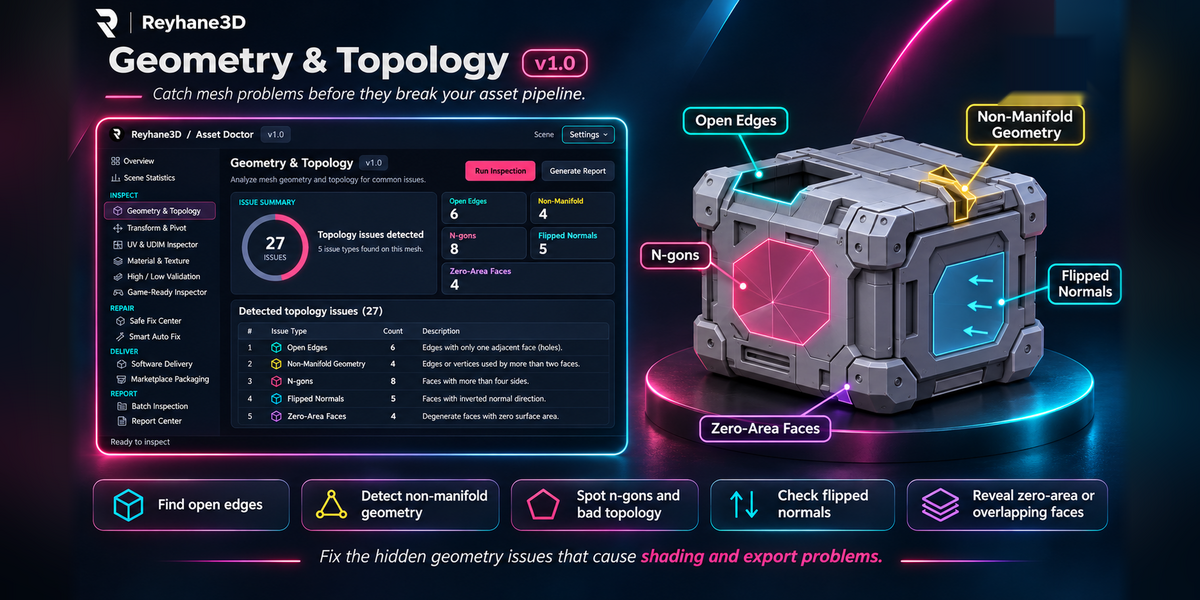
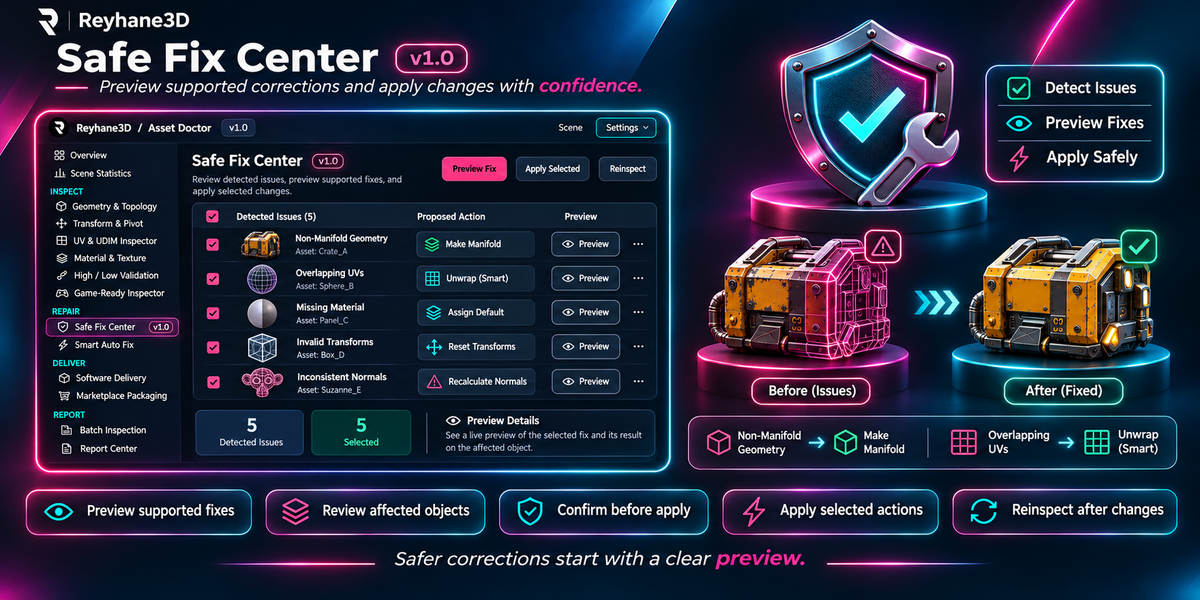
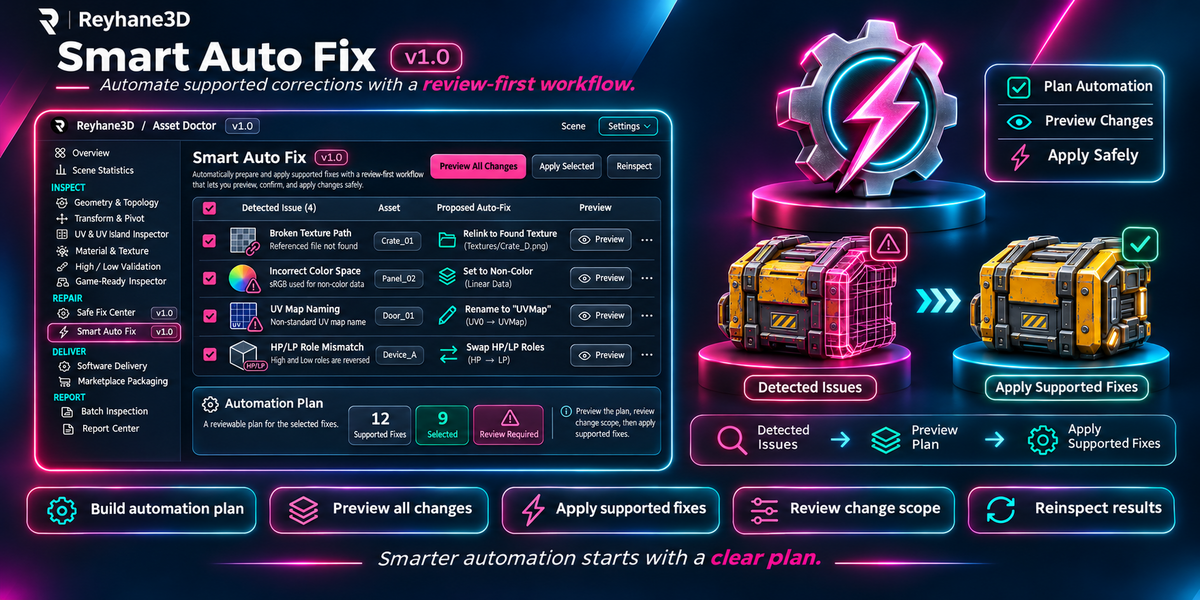
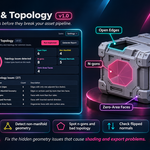
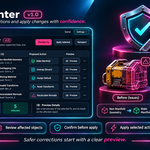
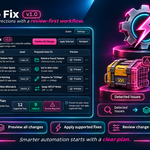
No. Asset Doctor detects and reports a range of technical issues, but automated corrections are limited to supported operations. Safe Fix Center and Smart Auto Fix allow you to preview applicable changes before confirming them. Some geometry, topology, and UV problems require manual correction.
Which Blender versions and operating systems are supported?
The extension declares Blender 4.2 as its minimum version. Project QA verified Blender 4.3.2 on Linux, and the creator has tested the extension using Blender 5.3 on Windows 10. Separate installation packages are supplied for Windows x64, Linux x64, macOS Intel, and macOS Apple Silicon. Native macOS runtime compatibility has not yet been fully verified.
How do I install and launch Reyhane3D Asset Doctor?
Download the installation ZIP for your operating system and CPU architecture. In Blender, go to Edit → Preferences → Get Extensions → Install from Disk, select the ZIP, and enable the add-on. Then open the 3D Viewport, press N, select the R3D tab, and click Open Asset Doctor. Restart Blender after upgrading.
Have questions about this product?
Login to message
| Blender Extension Compatible | Yes |
| Published | about 23 hours ago |
| Blender Version | 4.3 - 5.3 |
| Extension Type | Add-on |
| Render Engine Used | Cycles, Eevee |
| License | GPL |
Discover more products like this
uv-inspector asset management blender addon Geometry Validation mesh inspection Batch processing auto-fix game ready pbr-textures topology checker asset export udim