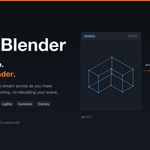
Rhino2Blender – Rhinoceros3D To Blender Live Sync Tool
How do I get my licence key after buying?
You don't wait for one. On first run the Rhino panel asks for your Superhive order code — enter it, press "Get my licence", and the panel unlocks straight away.
It says my order code wasn't found
You've probably used the order ID rather than the order code. Superhive shows both with your order under Orders in your Superhive account. If you have only just bought it, wait a minute and try again. Still stuck? Email with your order details and you'll get a key by hand.
I reinstalled — do I need a new key?
No. Enter the same order code and you get the same key back. The same applies to a second machine.
Do both applications have to be open at the same time?
Yes. This is a live link between two running programs, not a file converter. If you want a one-time transfer of a finished model, Blender's built-in .3dm import already does that for free.
Is it worth it if my model never changes?
Probably not. The value is in revisions. If you import once and never touch the Rhino file again, the free import routes are enough.
Does it work with Rhino 7?
No. The plugin targets RhinoCommon 8 and will not load in Rhino 7 or earlier. There is no workaround.
How is this different from exporting an FBX?
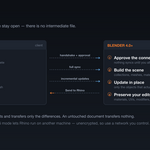
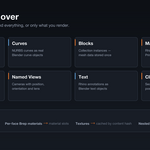
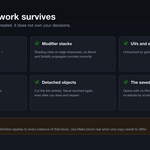
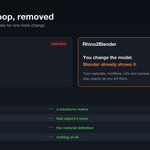
An FBX round trip loses your layer structure, duplicates block geometry, arrives with generic material names, and discards everything you had already done in Blender. You redo that work on every revision. Rhino2Blender sends only what changed and leaves your Blender work in place.
Which Blender versions does it work with?
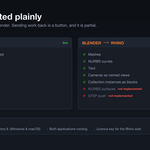
Blender 4.0 or newer, tested on 4.x and 5.x. Rhino 8 only, on Windows or macOS.
Discover more products like this
Rhino to Blender live sync architectural visualization rhino plugin Design Workflow Optimization rhino3d livesync blender bridge blender live sync Rhinoceros 3D