◆ VOYDE PROCEDURAL / ADD-ON / BLENDER 5.0+
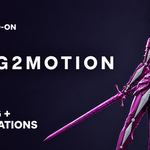
Rig2Motion
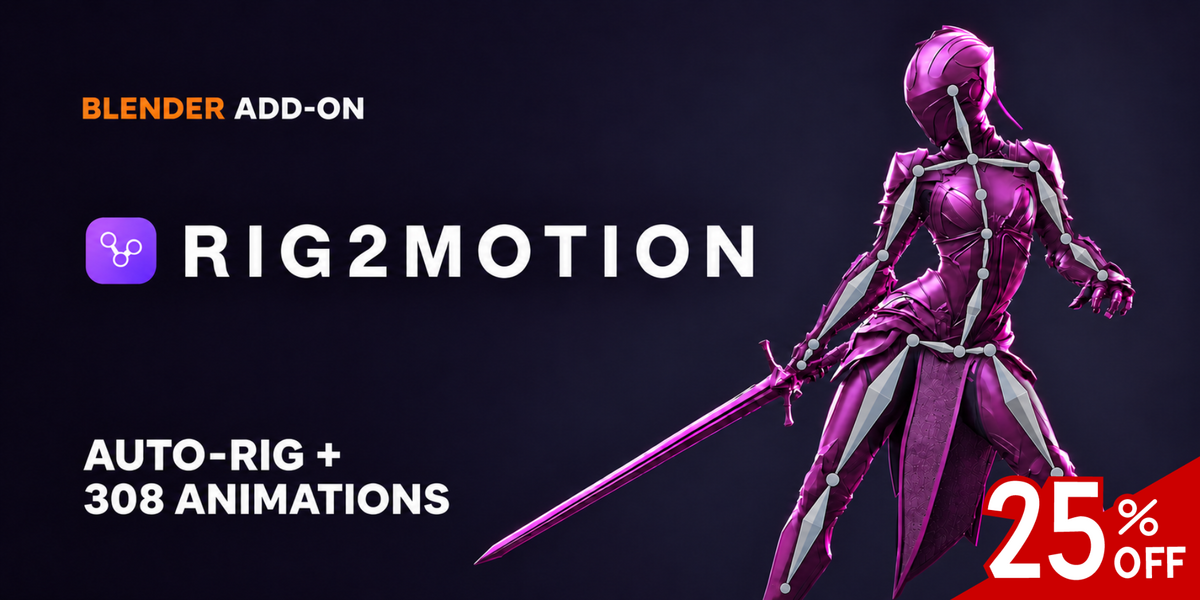
Auto-Rig & 308 Animations
Rig any character in seconds, then make it move with 308 ready-made animations.
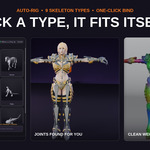
Rig2Motion turns a still character into an animated, game-ready one without leaving Blender. Pick a skeleton type and the joints find their places on your mesh: hips, knees, shoulders, elbows and every finger. One click binds clean weights, even on dressed characters made of many separate pieces.
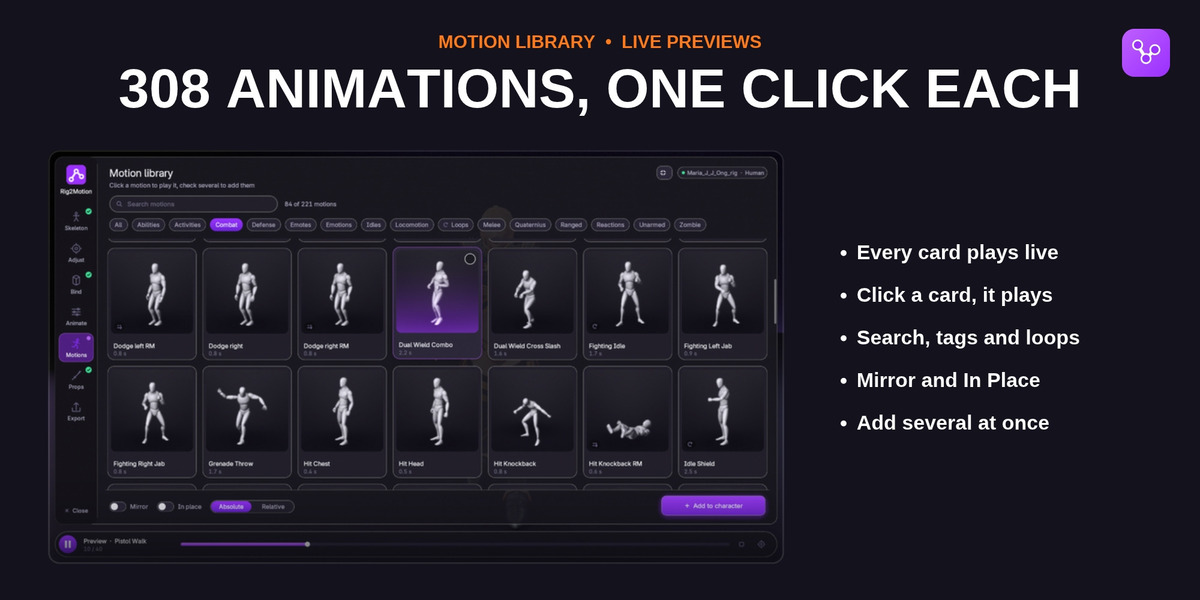
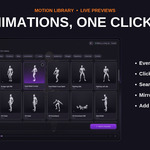
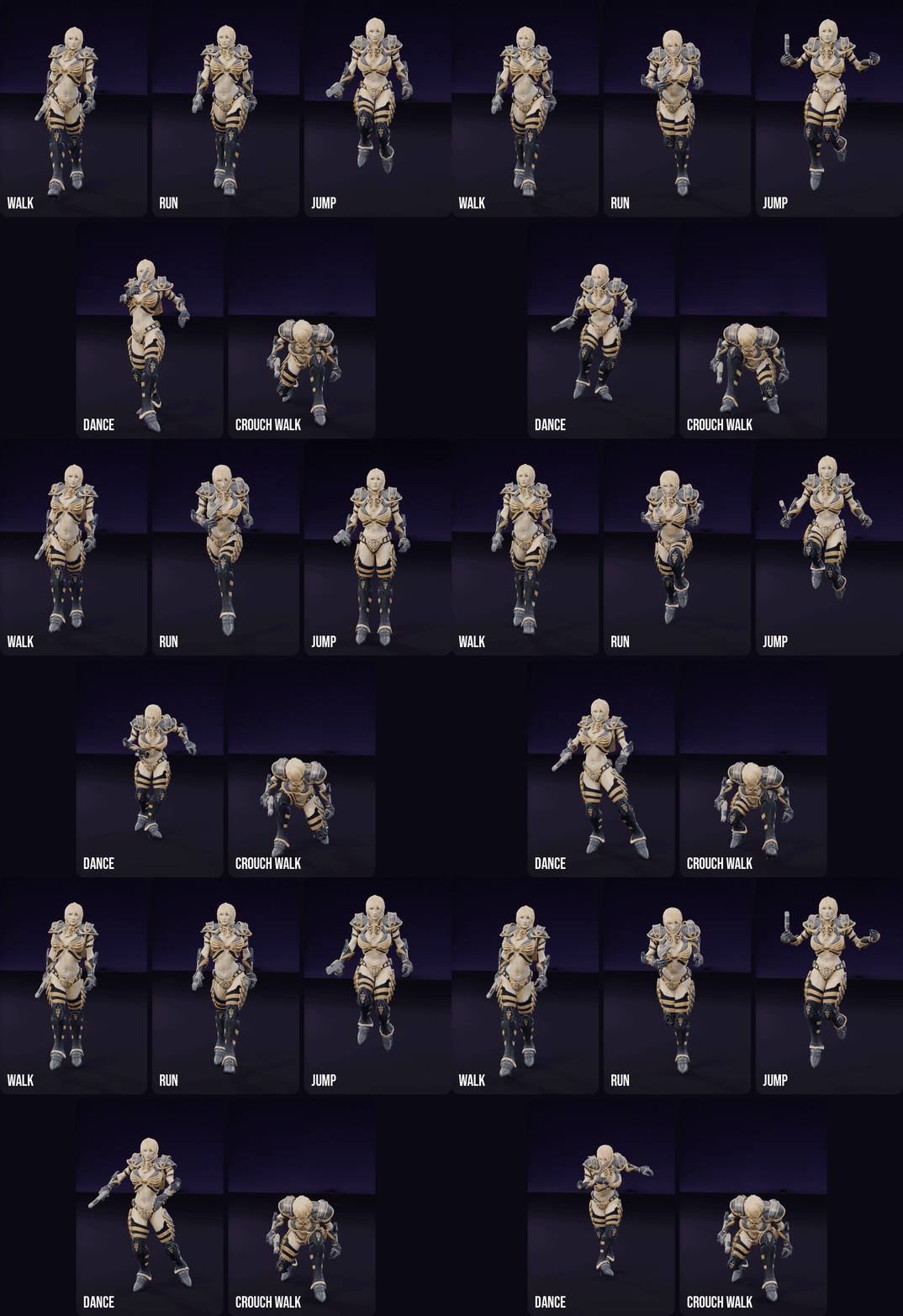
Then open the motion library, where every animation plays live on its own card. Click one to see it on your character, add the ones you need, put a sword, a shield or a gun in the hands, and export to Unreal, Unity or Godot.
The rig uses only Blender's own constraints and drivers, so your files play on any computer, with or without the add-on.
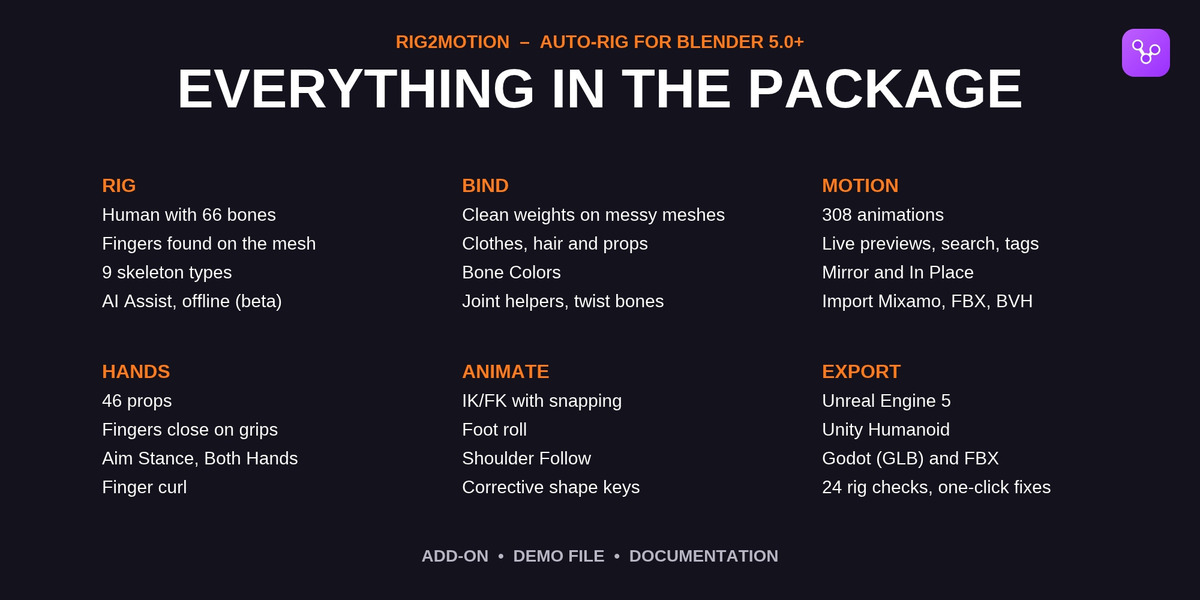
BLENDER 5.0 OR NEWER9 SKELETON TYPES308 ANIMATIONS46 HAND PROPSUNREAL · UNITY · GODOT
24
RIG CHECKS BEFORE EXPORT
01 — KEY FEATURES
From a still mesh to motion in one panel
◆Joints found for you
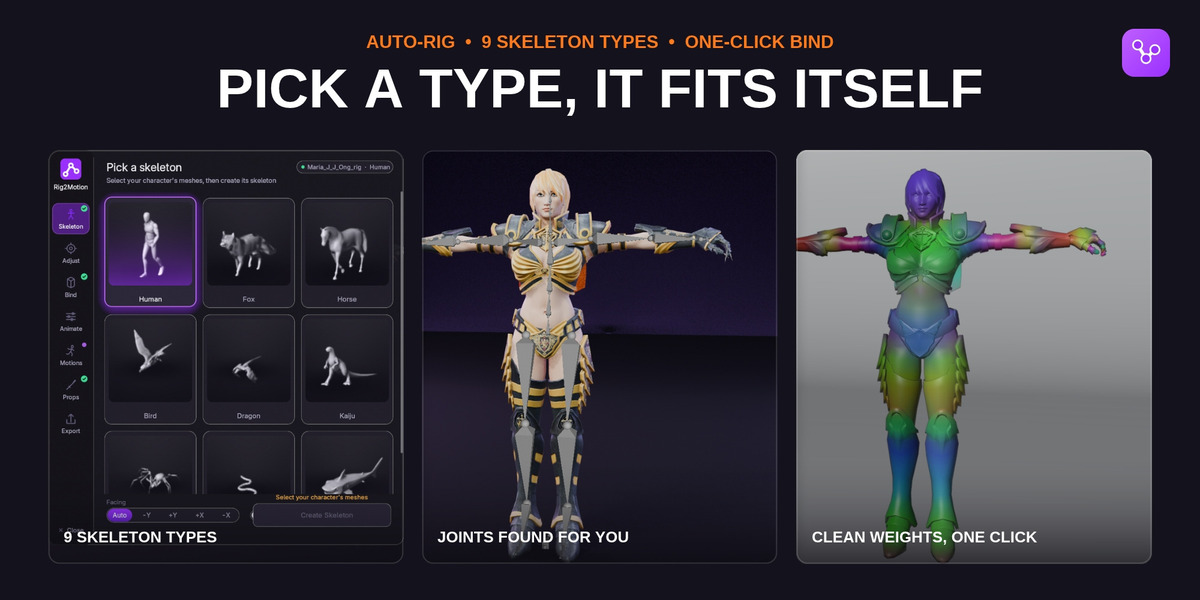
The Human skeleton finds the hips, knees, shoulders, elbows, wrists, spine, neck and head from the silhouette, in a T-pose or an A-pose, under coats, skirts and helmets.
◆Real fingers
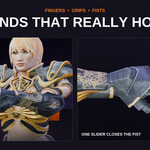
Fingertips and the webs between them are found on the hand itself, so every finger gets its own joints, also on mitten and mannequin hands.
◆Nine skeleton types
Human, Quadruped, Horse, Bird, Dragon, Kaiju, Spider, Snake and Shark. Legged creatures get their legs, head and tail lined up with your model.
◆Clean weights on messy models
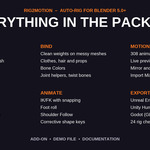
Binding works on a closed stand-in of the body, so holes, overlapping pieces and many separate parts cannot break it. Clothes copy the weights of the skin under them; helmets and eyes follow one bone.
◆Bone Colors
Every bone paints its own area, so you see at a glance which bone moves which part.
◆A live motion library
308 animations as moving cards, with search, tags, Mirror, In Place and several clips added at once.
◆Hands that hold
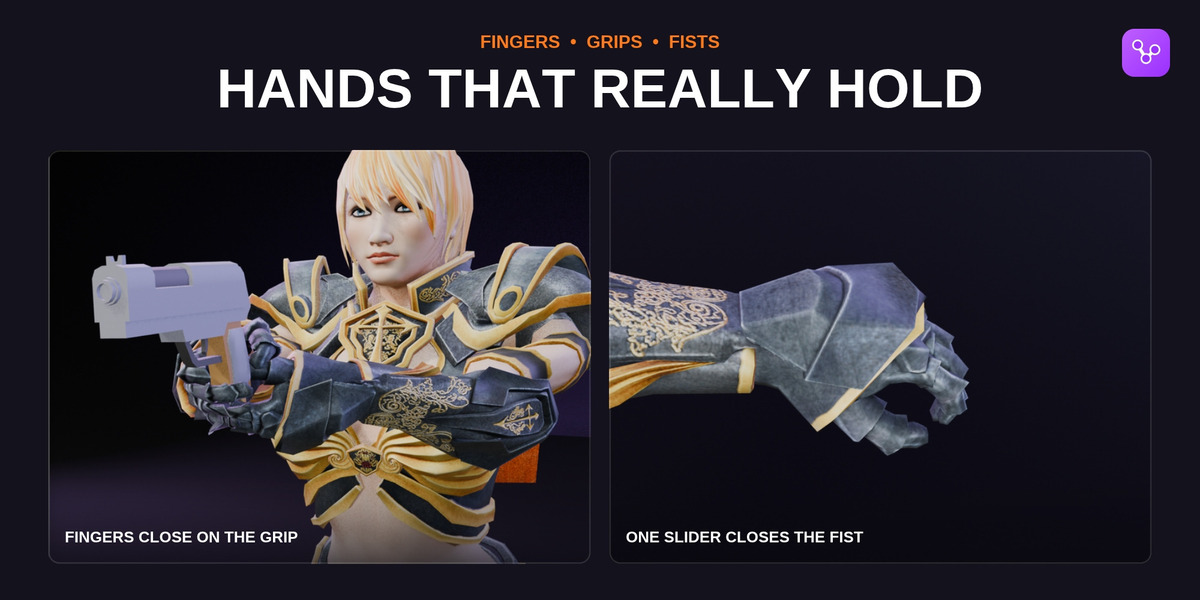
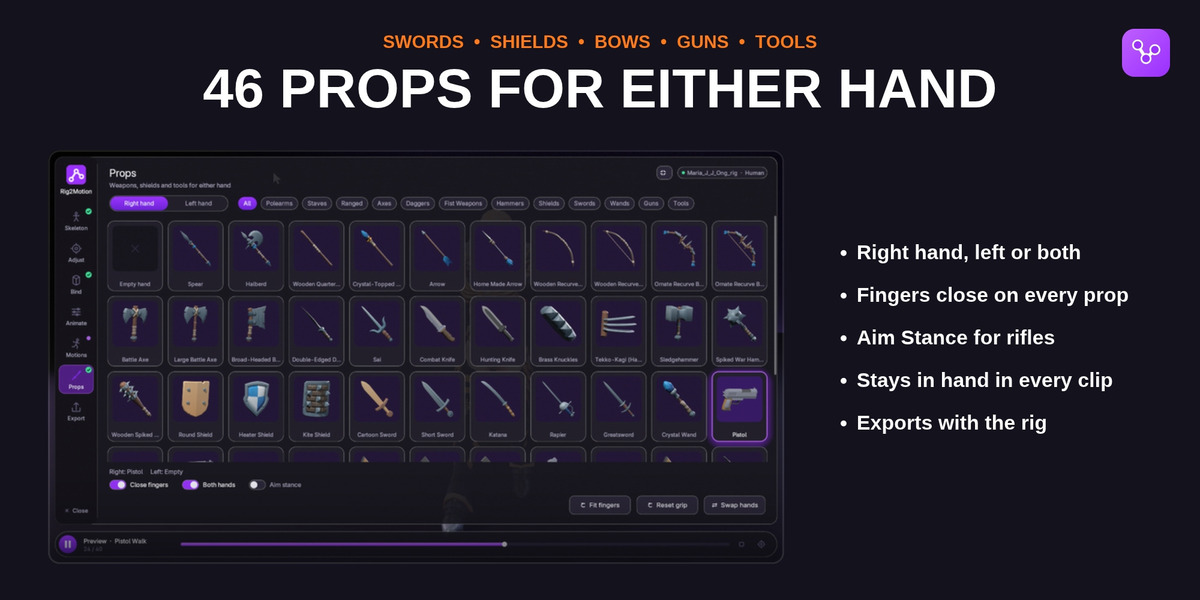
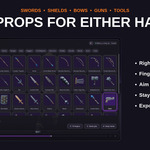
46 swords, axes, shields, bows, pistols, rifles and tools. The fingers close on the prop, measured on the character's own skin, in every clip.
◆Aim Stance and Both Hands
A rifle stays in the shoulder with its barrel level, and the free hand stays on the fore-end, whatever the clip does with the arms.
◆Animator controls
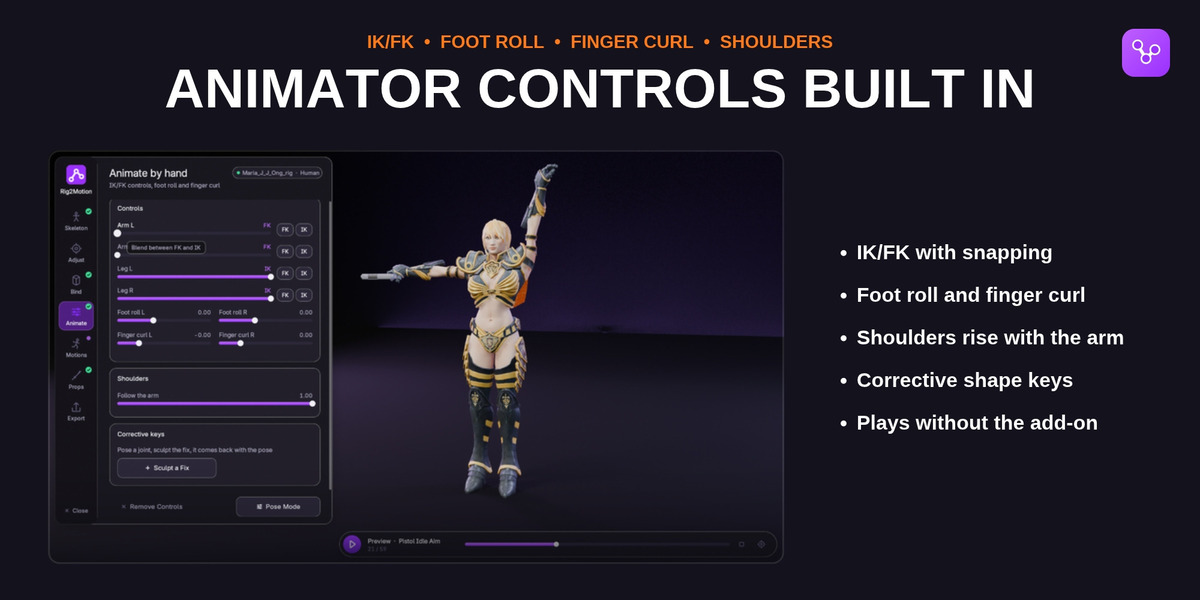
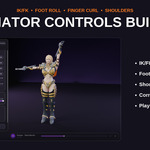
IK/FK with snapping, foot roll, finger curl, shoulders that rise with the arm, IK legs for animals and sliders for tails, wings, necks and jaws.
◆Joints that keep their shape
Helper bones keep elbows, knees, shoulders and hips round, and twist bones stop a turned wrist from wringing the forearm.
◆Import Animation
Bring Mixamo downloads, other FBX files, BVH motion capture or an animated armature onto your character.
◆Check and export
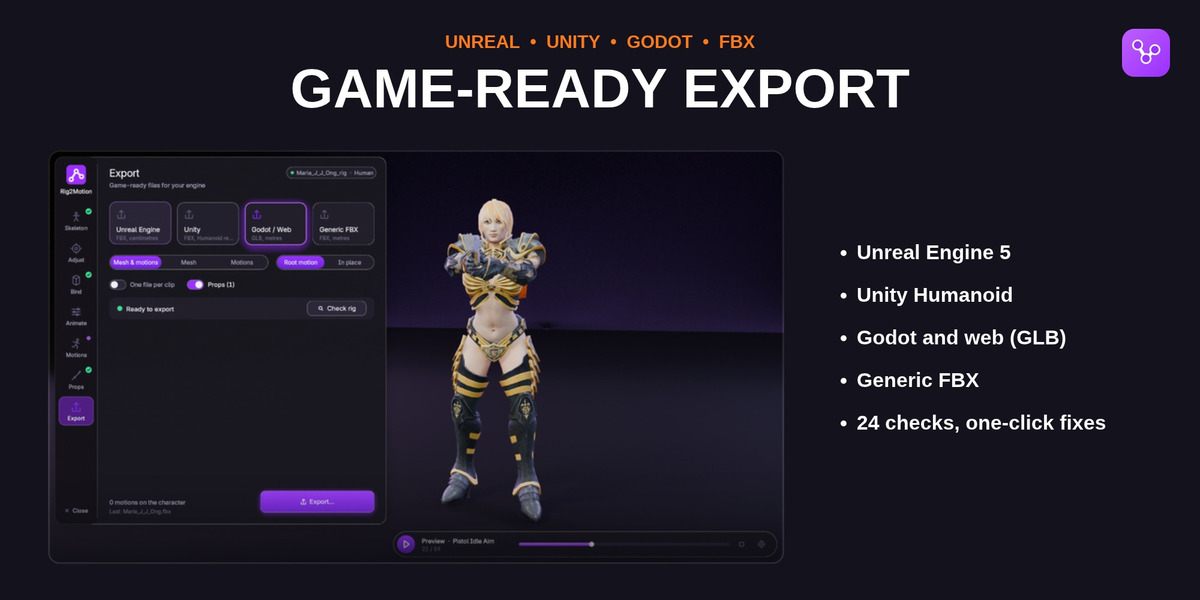
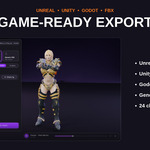
24 checks with one-click fixes, then presets for Unreal Engine 5, Unity (Humanoid), Godot (GLB) and generic FBX.
02 — IN ACTION
Rig, bind, hold, pose
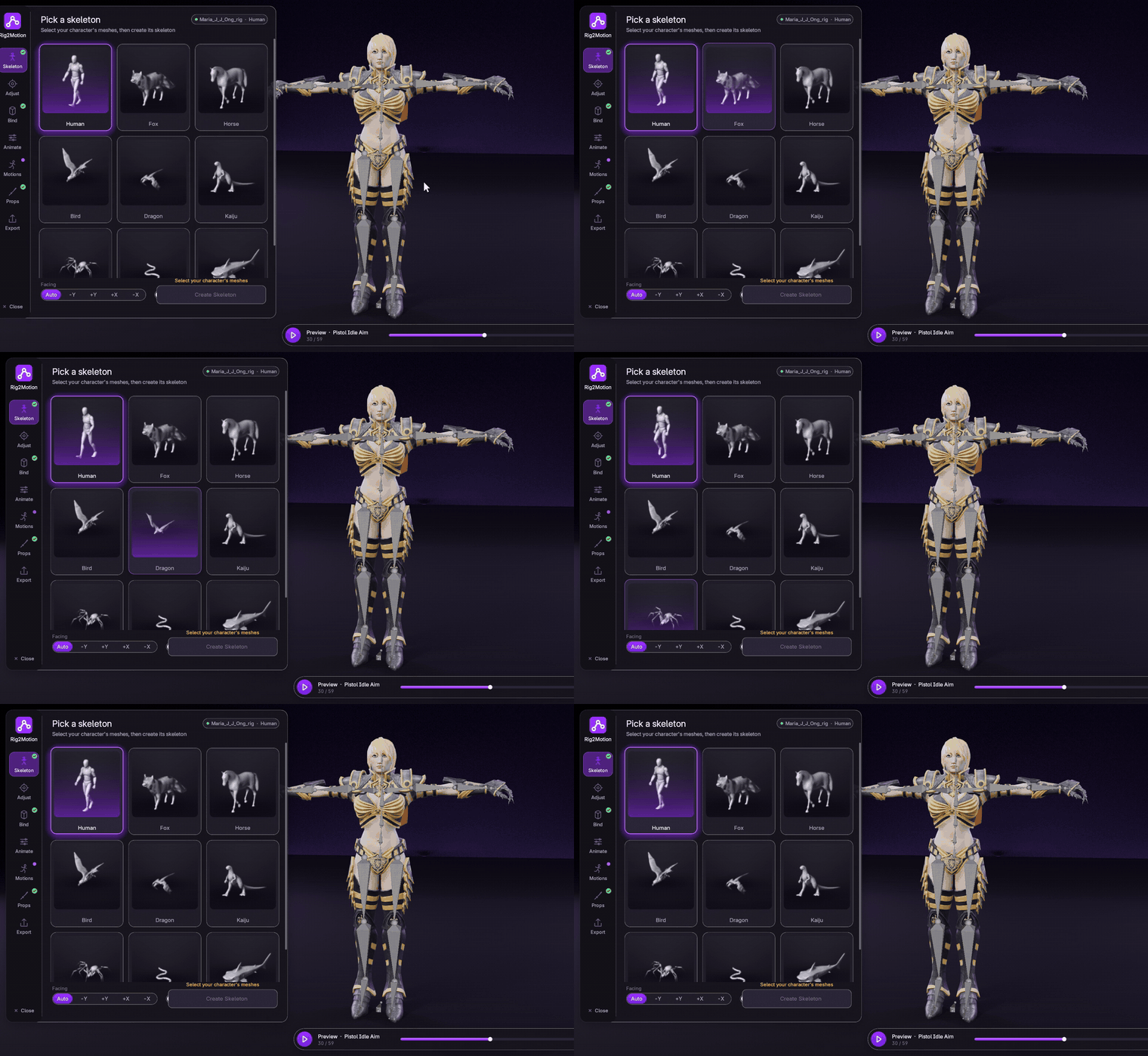
Pick a skeleton type; the joints find their places on your mesh.
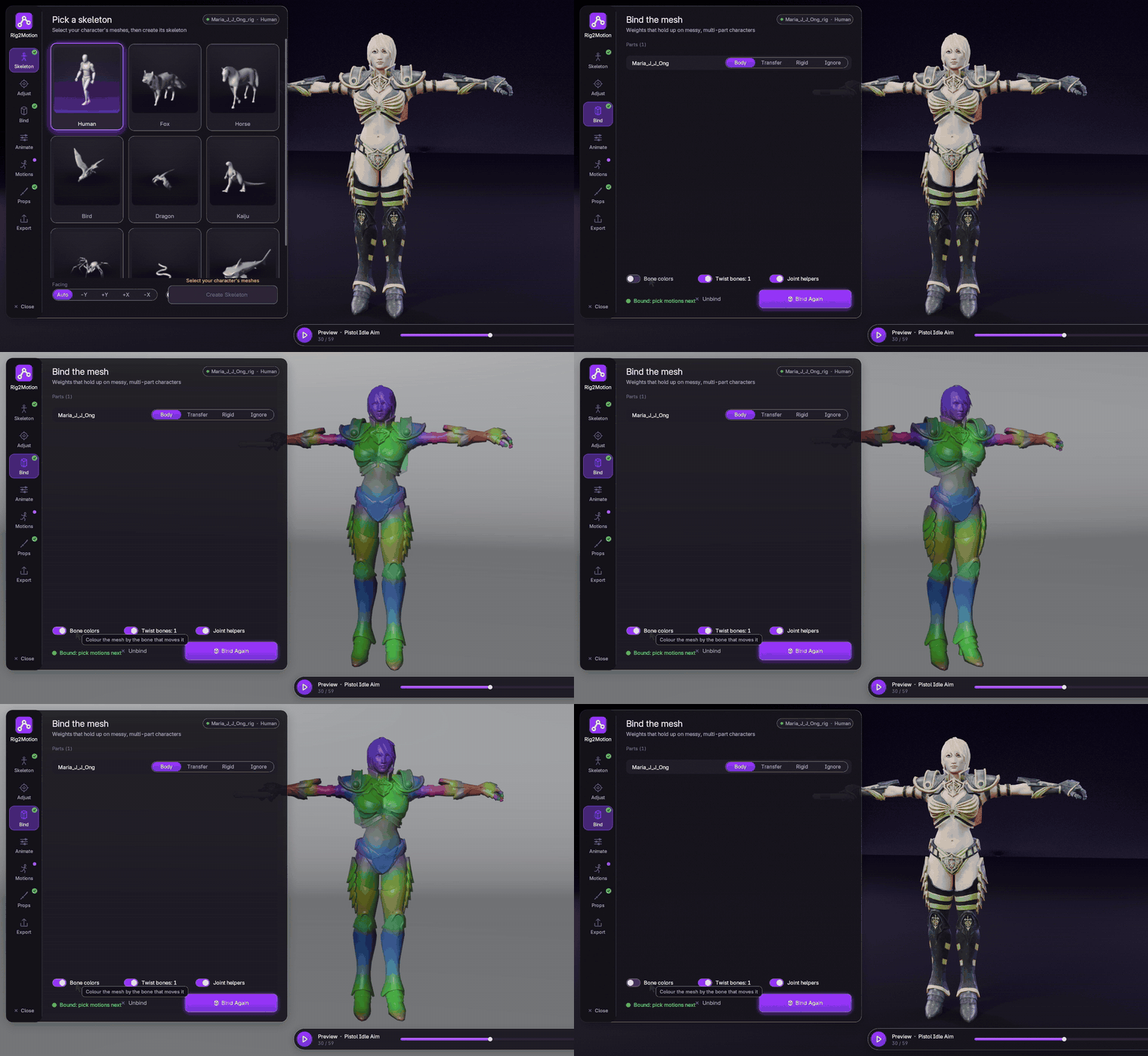
One click binds the weights. Bone Colors shows which bone moves which part.
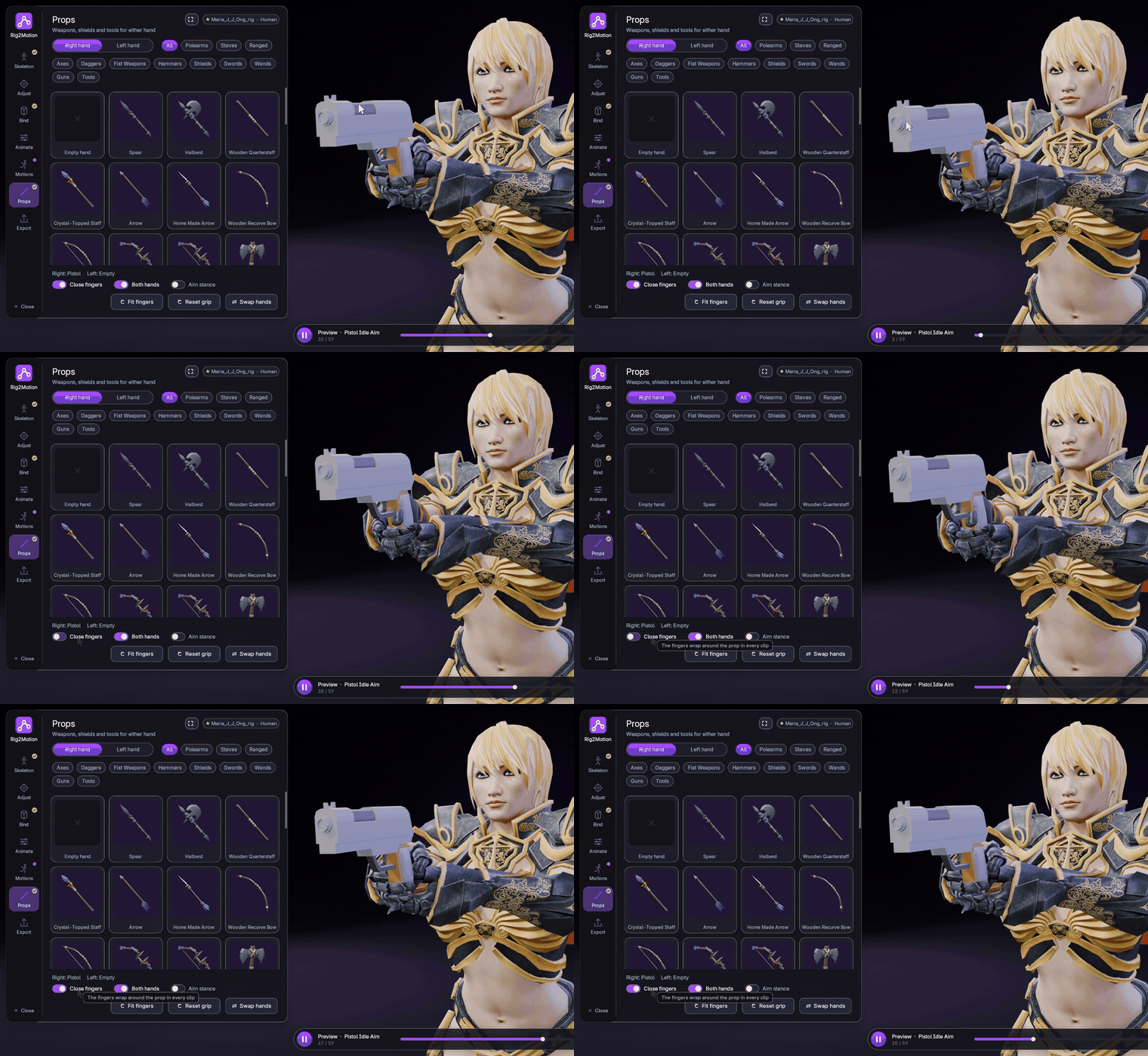
The fingers close on the prop, in every clip.
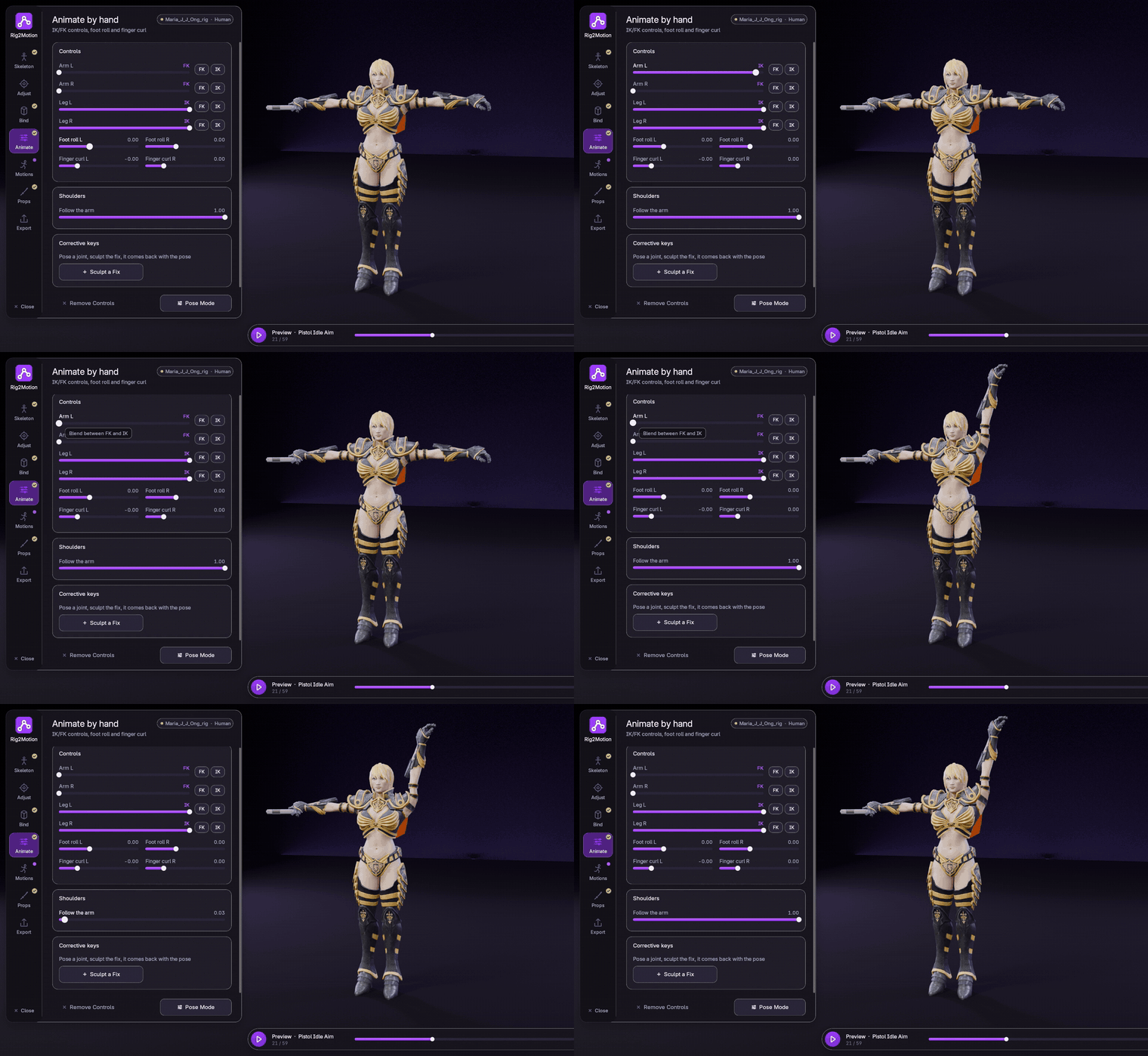
IK/FK, foot roll, finger curl and shoulders that follow the arm.
03 — THE MOTION LIBRARY
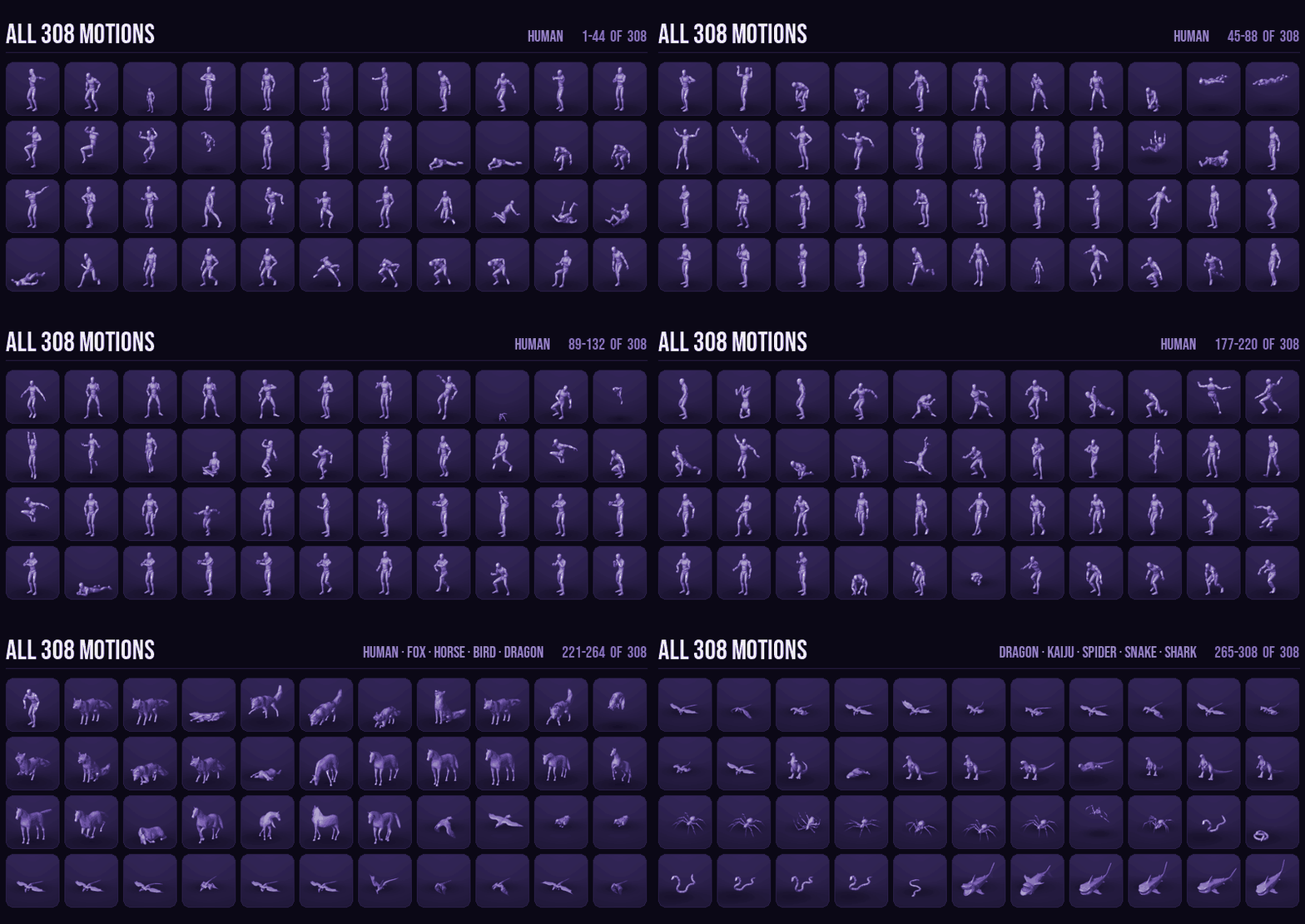
All 308 motions, every skeleton type
Humans, fox, horse, bird, dragon, kaiju, spider, snake and shark. Every motion has a live card in the Studio; click one and it plays on your character.
04 — RIG2MOTION STUDIO
Its own interface, inside the 3D View
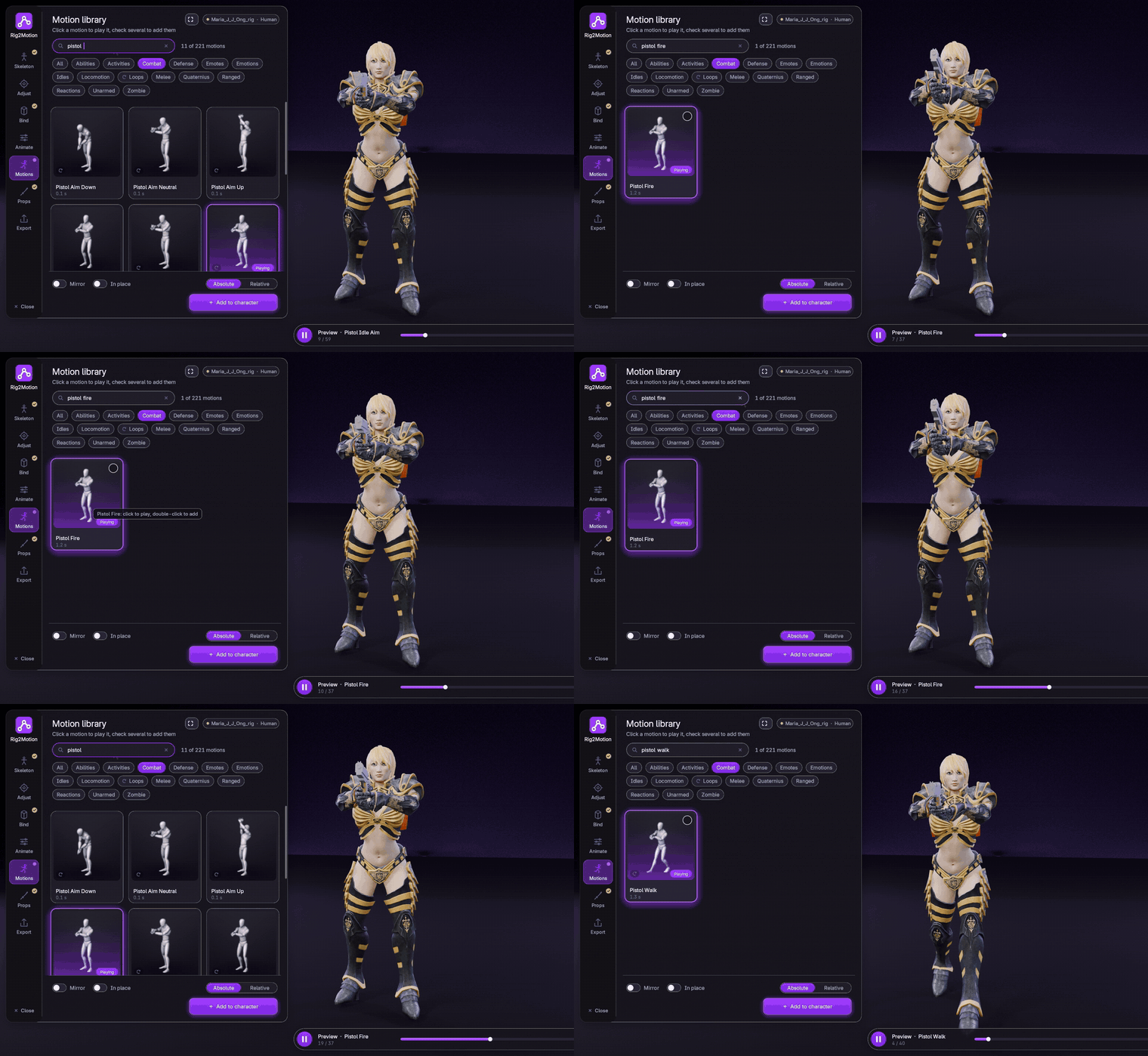
One floating panel next to your character, with every step on a rail on its left. The skeleton types and the game engines are cards, and the whole motion library plays at once, so you can pick a walk by looking at it.
Prefer Blender's sidebar? Everything in the Studio is also in the N panel, and the two share their settings.
05 — QUICK START
Rigged and moving in seven clicks
1Select every mesh of your character in Object Mode (body, clothes, hair, eyes).
2In the Rig2Motion tab (or Rig2Motion Studio), click your skeleton type, then Create Skeleton.
3Optional: Edit Skeleton, drag the coloured joint dots onto the joint centres, then Finish Editing.
4Click Bind. Show Bone Colors shows which bone moves which part.
5Click a motion card to play it on your character, then Add to keep it.
6Optional: put a sword, a gun or a shield in either hand under Props.
7Pick Unreal, Unity, Godot or FBX and click Export.
06 — INSTALLATION
Install in a minute
1Download rig2motion-0.8.0.zip from your Superhive library. Do not unzip it.
2Drag and drop the zip into the Blender window, or go to Edit → Preferences → Get Extensions, open the ⌄ menu at the top right and choose Install from Disk.
3The add-on is enabled at once. Open the sidebar (N) and the Rig2Motion tab, or click Rig2Motion Studio in the 3D View header.
07 — FAQ
Good to know
Does my character need to be in a T-pose?
A T-pose or an A-pose works for the Human skeleton. The character can face any of the four horizontal directions; Rig2Motion tells which way from the geometry.
My character is already rigged. Can I re-rig it?
Yes. Select its meshes and create the skeleton; Rig2Motion fits the rest shape, and Bind takes the old skeleton's modifier off and tells you.
Do my files need Rig2Motion to play?
No. The rig is Blender's own constraints and drivers without Python, so it plays and renders on any computer and on render farms.
Can I use the animations in a commercial game?
Yes. The animations and props that come with Rig2Motion can be used in personal and commercial projects, including games you sell.
How heavy can my mesh be?
A 170,000-vertex character binds in about 4 seconds and a 660,000-vertex one in about 8, on an RTX 4060 and Ryzen 7 3700X class computer.
Does it need an internet connection or an account?
No. Everything runs inside Blender, including AI Assist, the optional landmark models that refine shoulders, elbows and fingers.
08 — DETAILS
What you get
Included
◆The Rig2Motion add-on (Blender extension)
◆A demo .blend file
◆Documentation
Compatibility
◆Blender 5.0 or newer
◆Windows, macOS and Linux
◆No internet or account needed
License
◆The add-on code is licensed under GPL-3.0-or-later.
◆Animations and props can be used in commercial projects.
 Voyde Procedural
 VOYDE.PROCEDURAL
VOYDEPROCEDURAL.COM / ALL PRODUCTS / X / INSTAGRAM