Rigbridge
 Kajin
Kajin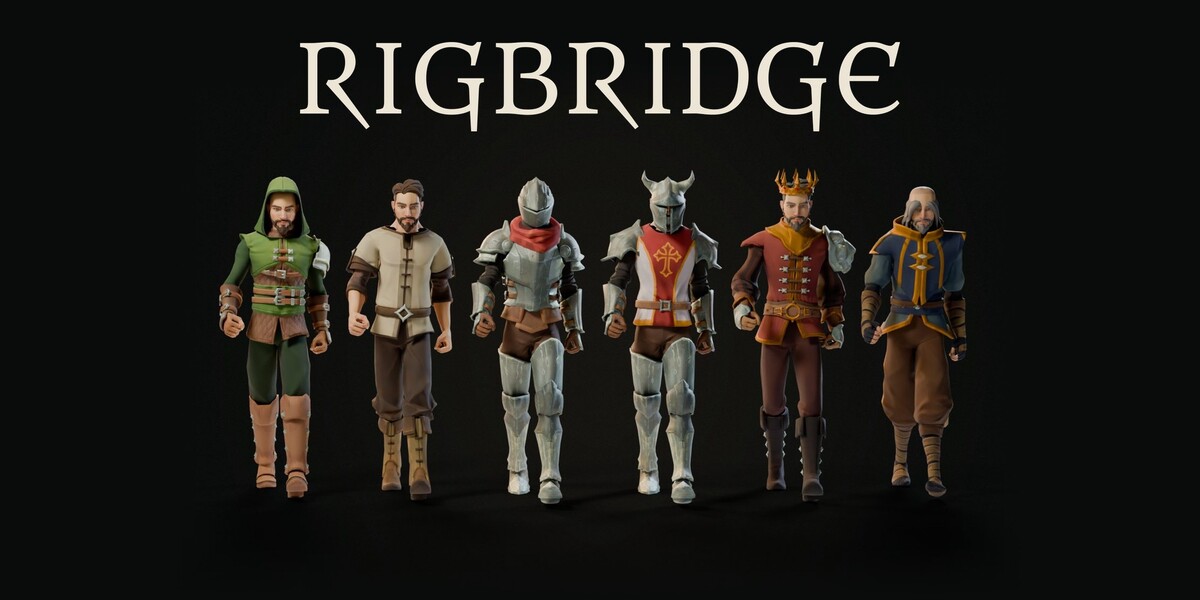
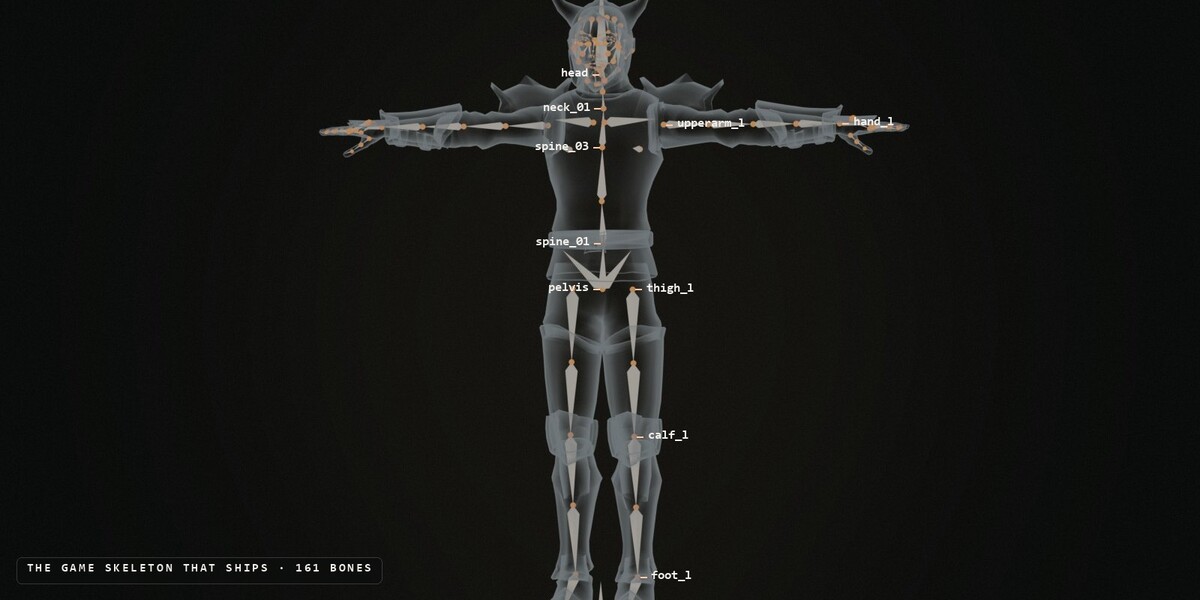
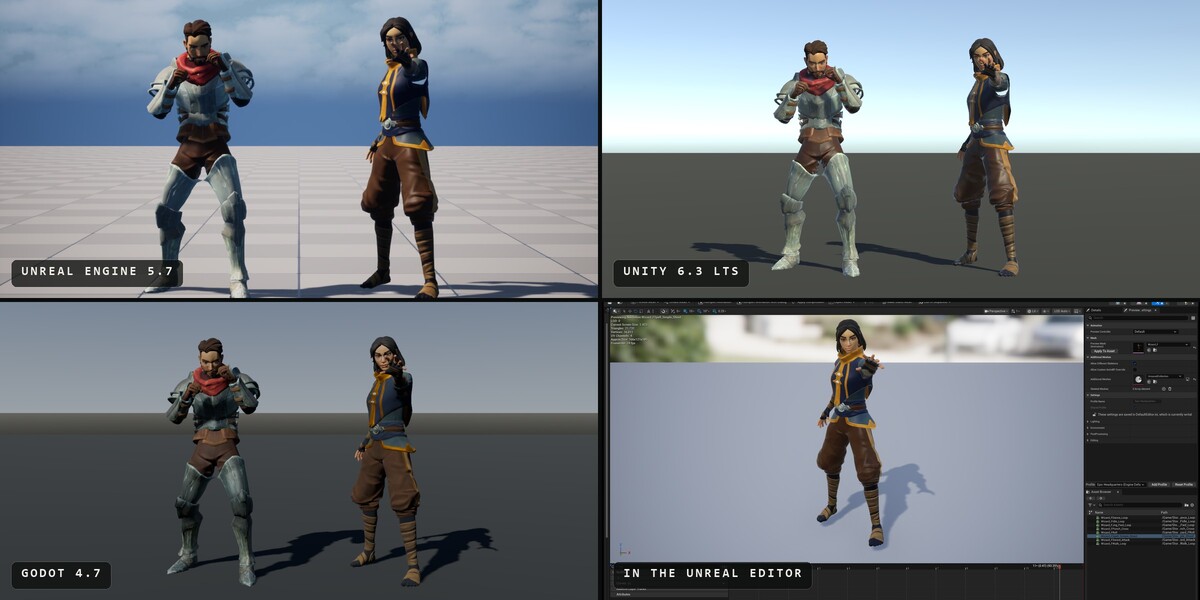
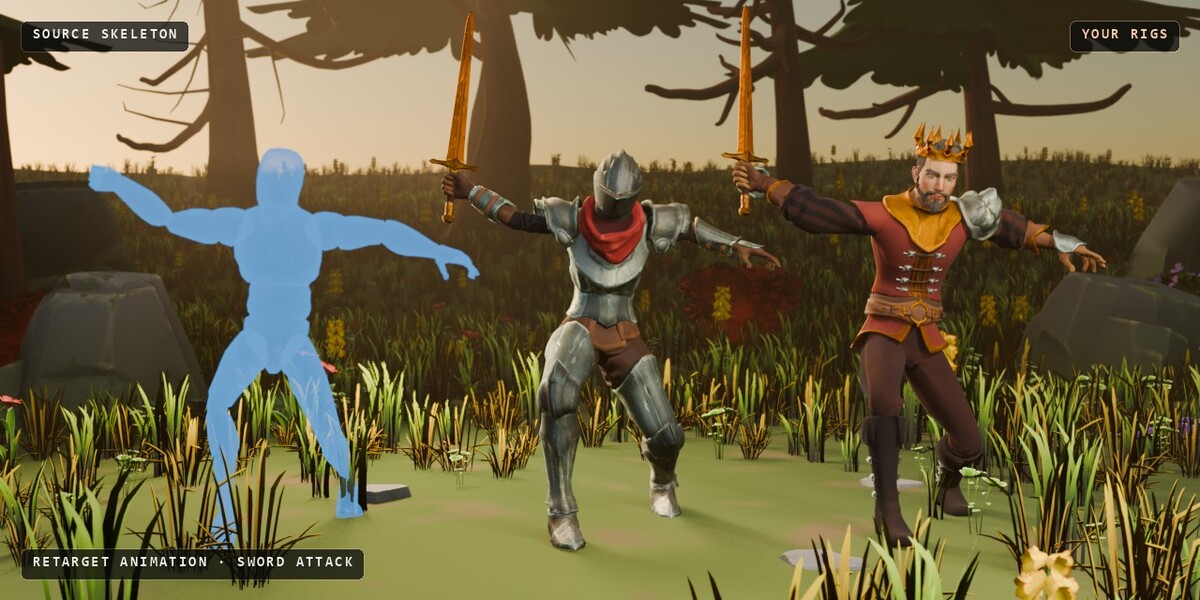
What can I retarget?
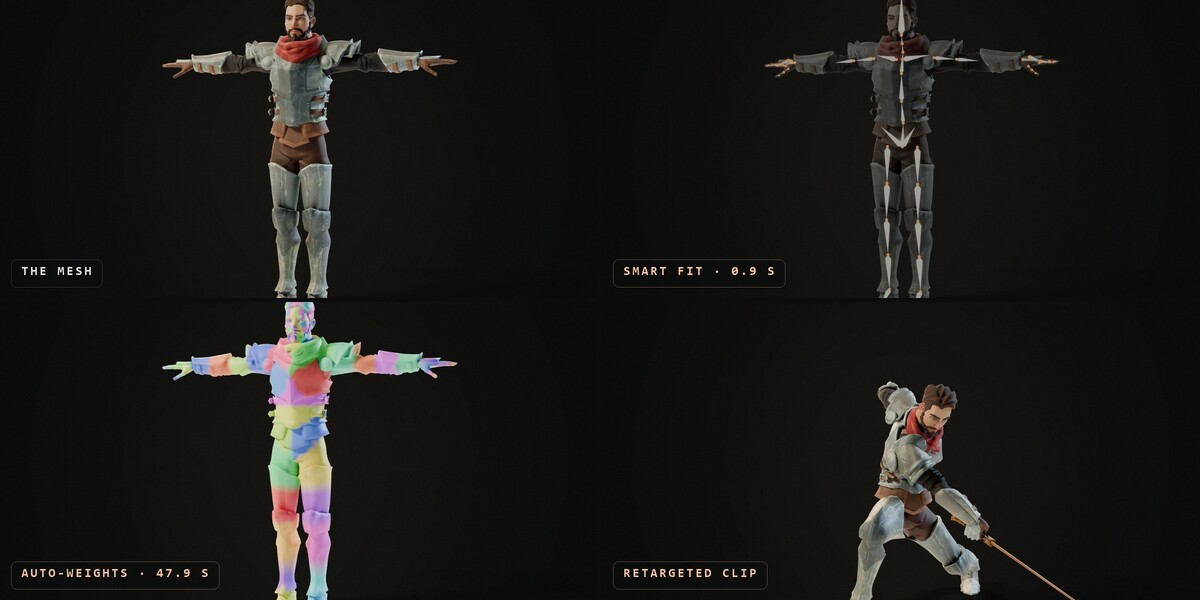
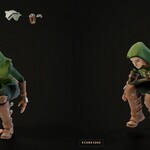
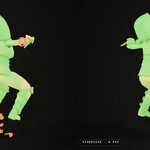
Animations from Mixamo, from Unreal (the Mannequin and similar skeletons) and from any humanoid skeleton: Character Creator, DAZ, VRoid, Rigify, Blender-named and most custom rigs. Pick one or many FBX files with Import + Retarget FBX Files, or use a skeleton that is already in your scene.
Do I need Rigify?
For Smart Fit and the creature metarigs, yes. Rigify comes with Blender: enable it once in Preferences > Add-ons. The export pipeline, retargeting and weight tools don't need it.
A joint landed in the wrong place. Can I fix it?
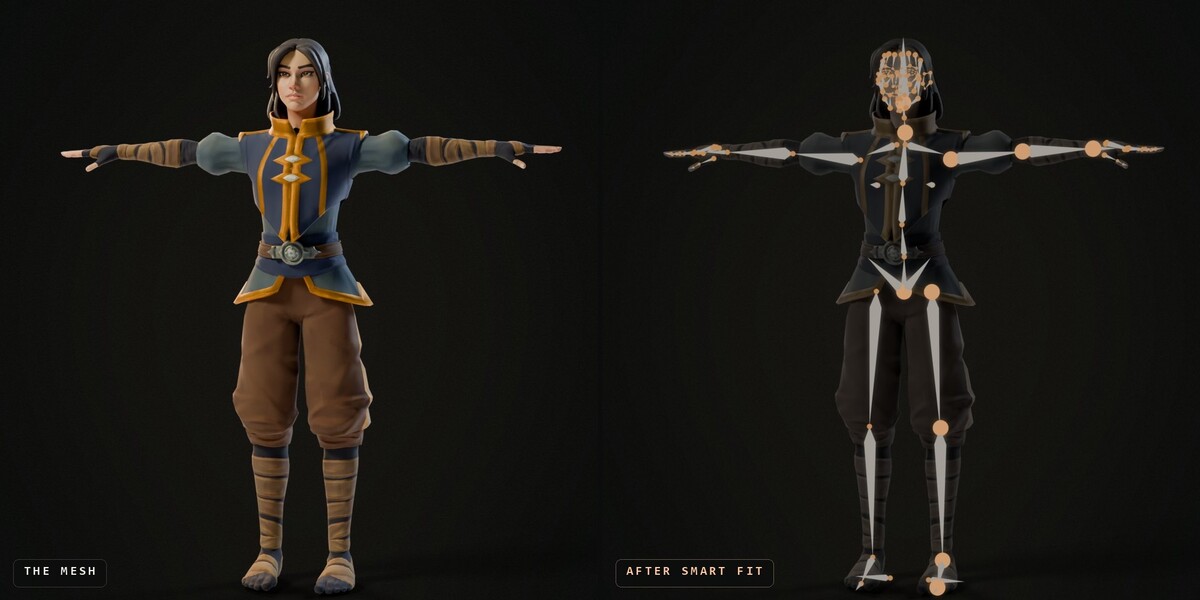
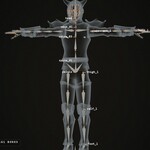
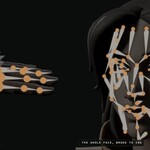
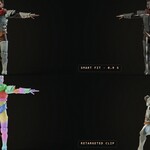
Yes. Smart Fit shows markers on the joints it measured (head, neck, hips, shoulder, elbow, wrist, hip, knee, ankle and ball of the foot). Move a marker and click Refit: everything that depends on it fits again around it. You can also move any bone of the metarig by hand before generating, like any Rigify metarig.
What kind of character does it work on?
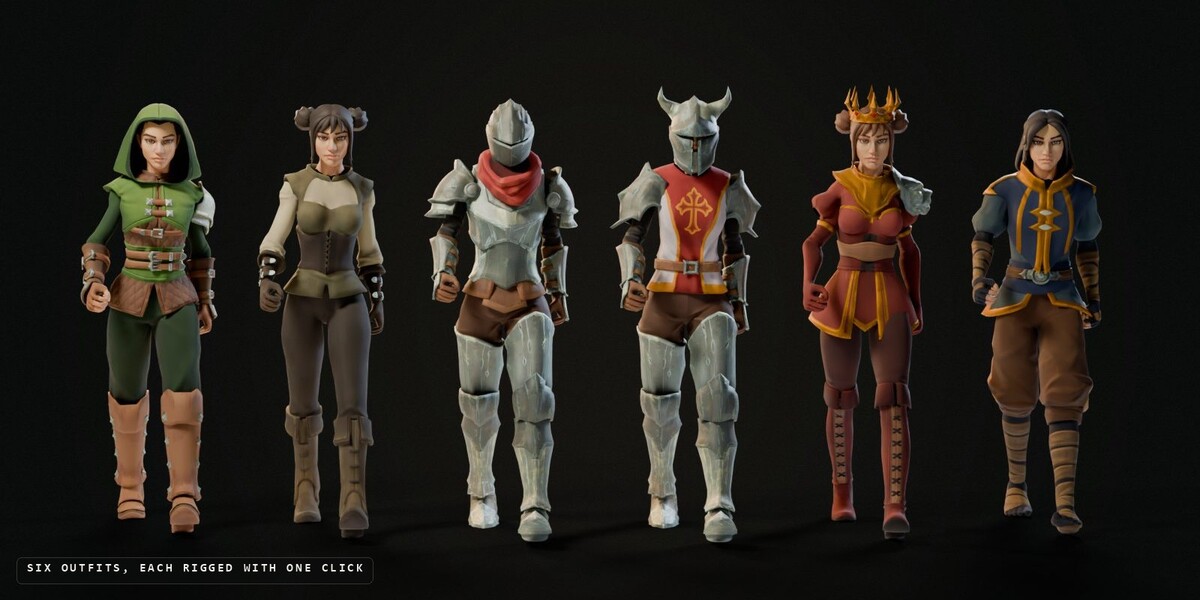
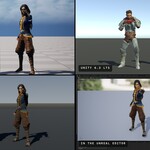
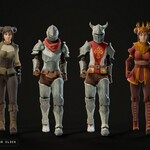
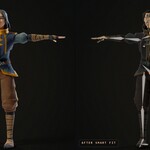
Two-legged characters standing on their feet, facing -Y, with the arms in a T-pose or an A-pose. Realistic, stylized and chibi proportions all work, dressed or not: hoods, helmets, armour, long hair and boots can stay on. Select the character's parts; anything else selected (the floor, props, buildings) is left out, and Smart Fit tells you what it left out.
What does Smart Fit do?
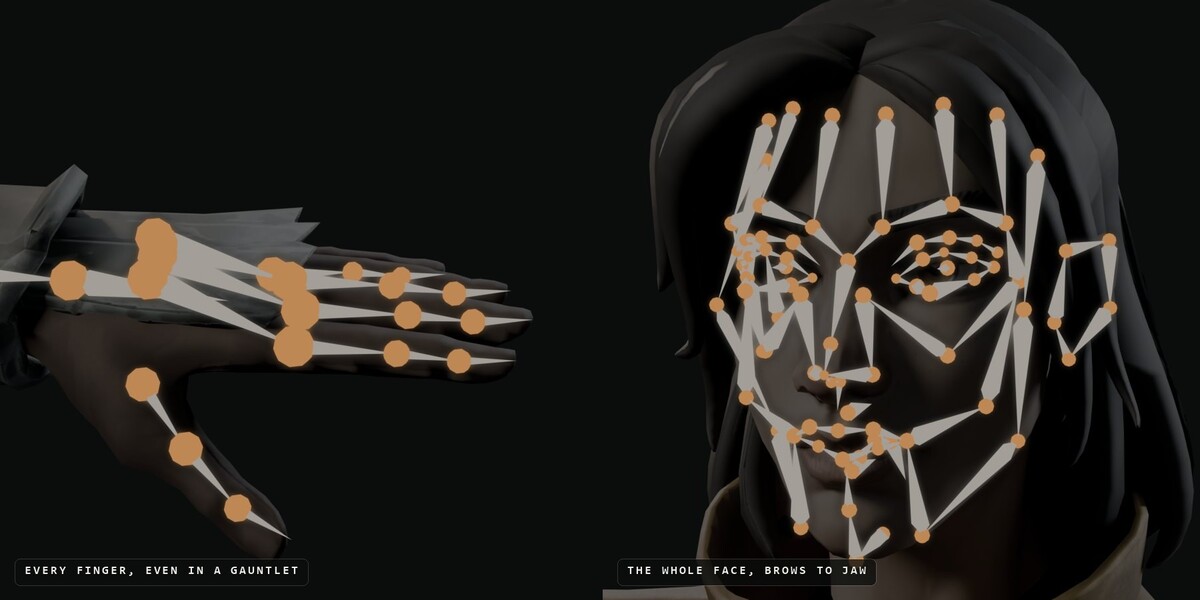
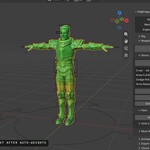
It rigs a two-legged character in one click. Select the character's body mesh and click Smart Fit: RigBridge measures the mesh and places every bone of a Rigify human metarig on it, from the spine and legs to every finger and the face. Then click Generate Rig and run the pipeline as usual.
Which Blender versions does it work with?
Blender 4.2 LTS through 5.2. Version 1.2.0 was tested on Blender 4.2 LTS, 4.3, 4.4, 4.5, 5.0, 5.1 and 5.2.
How do I update to 1.2.0?
Download rigbridge_v1.2.0.zip from your order page.
In Blender, go to Edit > Preferences > Add-ons, click the arrow at the top right and pick Install from Disk. Select the zip. It replaces the old version, so there's no need to uninstall first.
That's it. Your files, saved setups and settings carry over, and 1.2.0 writes the same skeleton as 1.1.0. One thing changes in your engine: clips now arrive named after themselves (Walk instead of Walk_EXPORT), so animations you export again come in as new assets under the clean names.
Do I get updates?
Yes. Updates on the 1.x line are free. Download the newest version from your order page on Superhive.
I found a bug. What do I do?
Contact me on X (@Kajjiin) or here on Superhive. I'll look into it and fix it.
I bought RigBridge before 1.2.0. Which one do I have?
The full one. Everyone who bought RigBridge before the editions existed keeps the full edition, with every feature and free updates on the 1.x line.
What's the difference between RigBridge and RigBridge Lite?
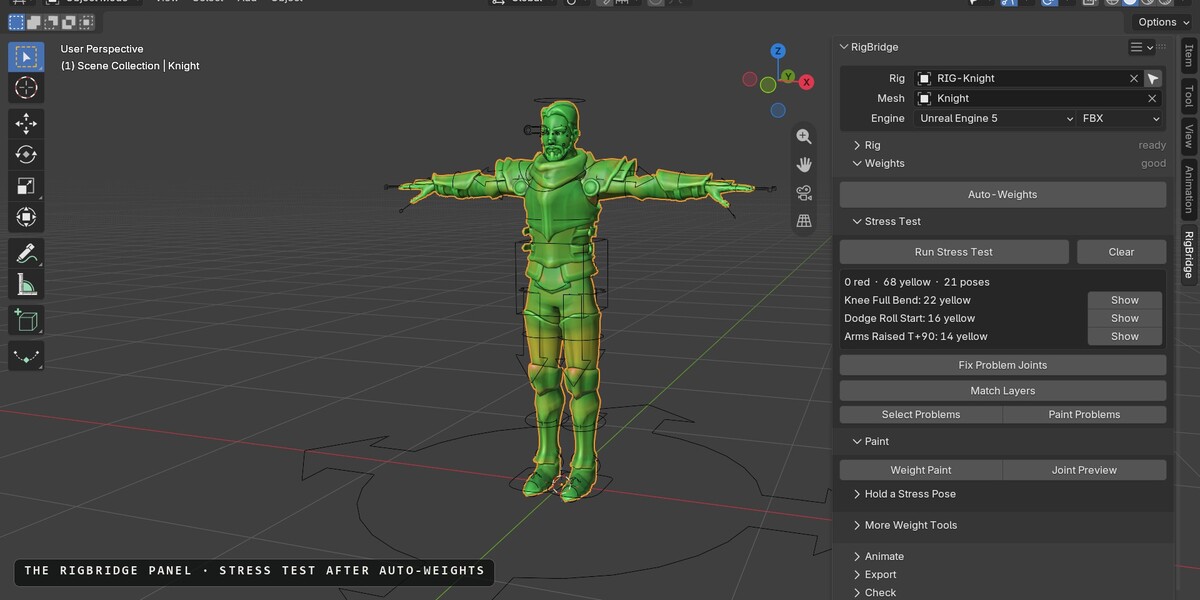
RigBridge Lite is the export pipeline, the custom FBX exporter, the weight tools and the diagnostics. RigBridge (this one) is everything in Lite plus Smart Fit, Retarget Animation, Root Motion from Hips and the Creature Pack.
-
$50
For a bare mesh: everything in Lite, plus Smart Fit, Retarget Animation, Root Motion from Hips and the Creature Pack.
-
$25
For a character that's already rigged and animated: the export pipeline, the weight tools and the checks.
 Included
Includes 12 months of
- Support from Kajin
- Product updates
Extend this product’s Support Period +12 months: 50% of product price
Have questions before purchasing?
Login to message
| Blender Extension Compatible | Yes |
| Published | 5 months ago |
| Blender Version | 4.2 - 5.2 |
| Extension Type | Add-on |
| License | GPL |

Discover more products like this
godot rigging 3Dgamecharacter UnrealEngine auto-rig FBX Export gamecharacter unity root motion retarget rigify weight painting