Rig Faster. Stay Organized.
Rigger Aids brings driver node creation, bone management, constraints, vertex groups, actions, and everyday rigging utilities into one practical Blender toolkit.
Rigger Aids Feature Showcases
Explore the complete Rigger Aids feature showcase playlist. These videos provide quick demonstrations of the add-on’s panels, tools, and workflows in action—not step-by-step tutorials.
Build Drivers Visually
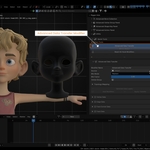
Create, inspect, preview, maintain, and apply Blender drivers through a dedicated node editor. Connect driver properties, driver types, variables, and driven properties in a graph that makes complex relationships easier to understand and maintain.
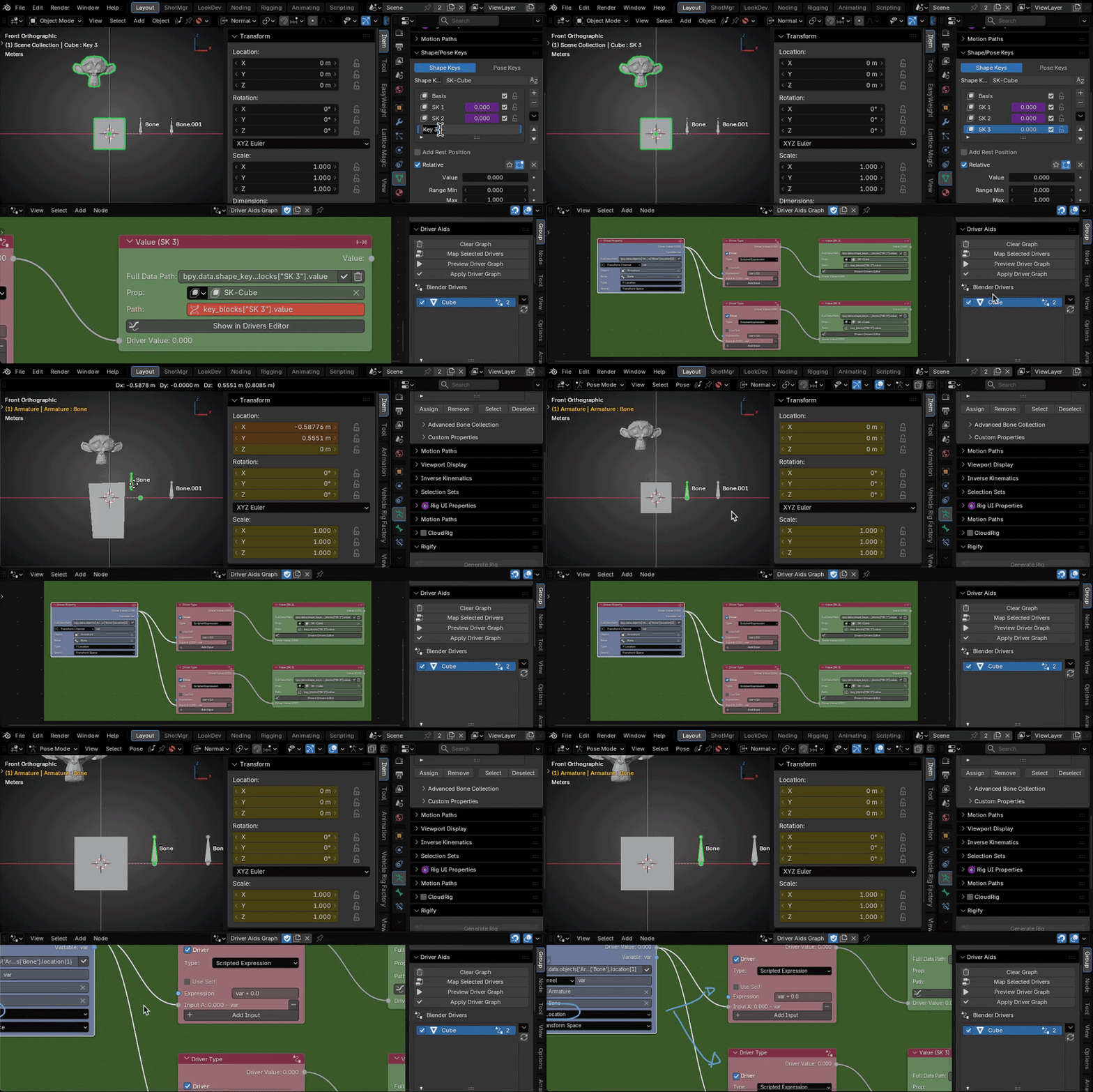
Driver Nodes makes drivers easier to create, understand, and maintain.
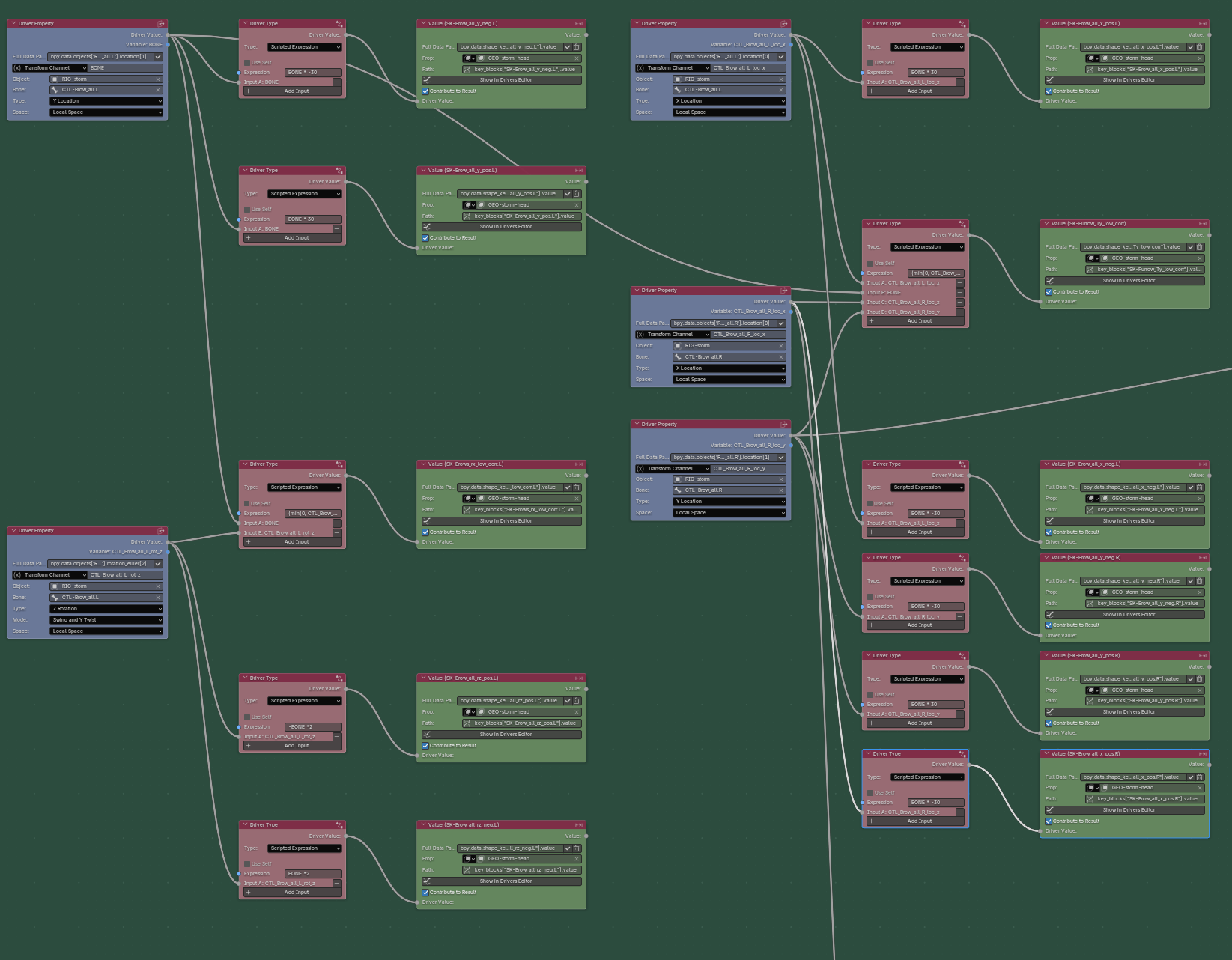
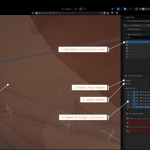
How a complex driver has been mapped to the graph using the “Map Selected Drivers” button.
Take Control of Complex Rigs
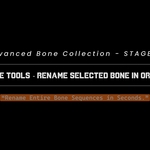
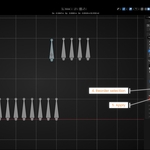
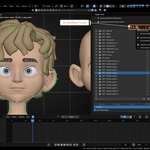
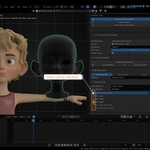
Browse armatures, organize bone collections, and create reusable bone sets from one focused workspace. Select, sort, color, key, isolate, protect, or change the display of many bones without repeatedly searching through the rig.
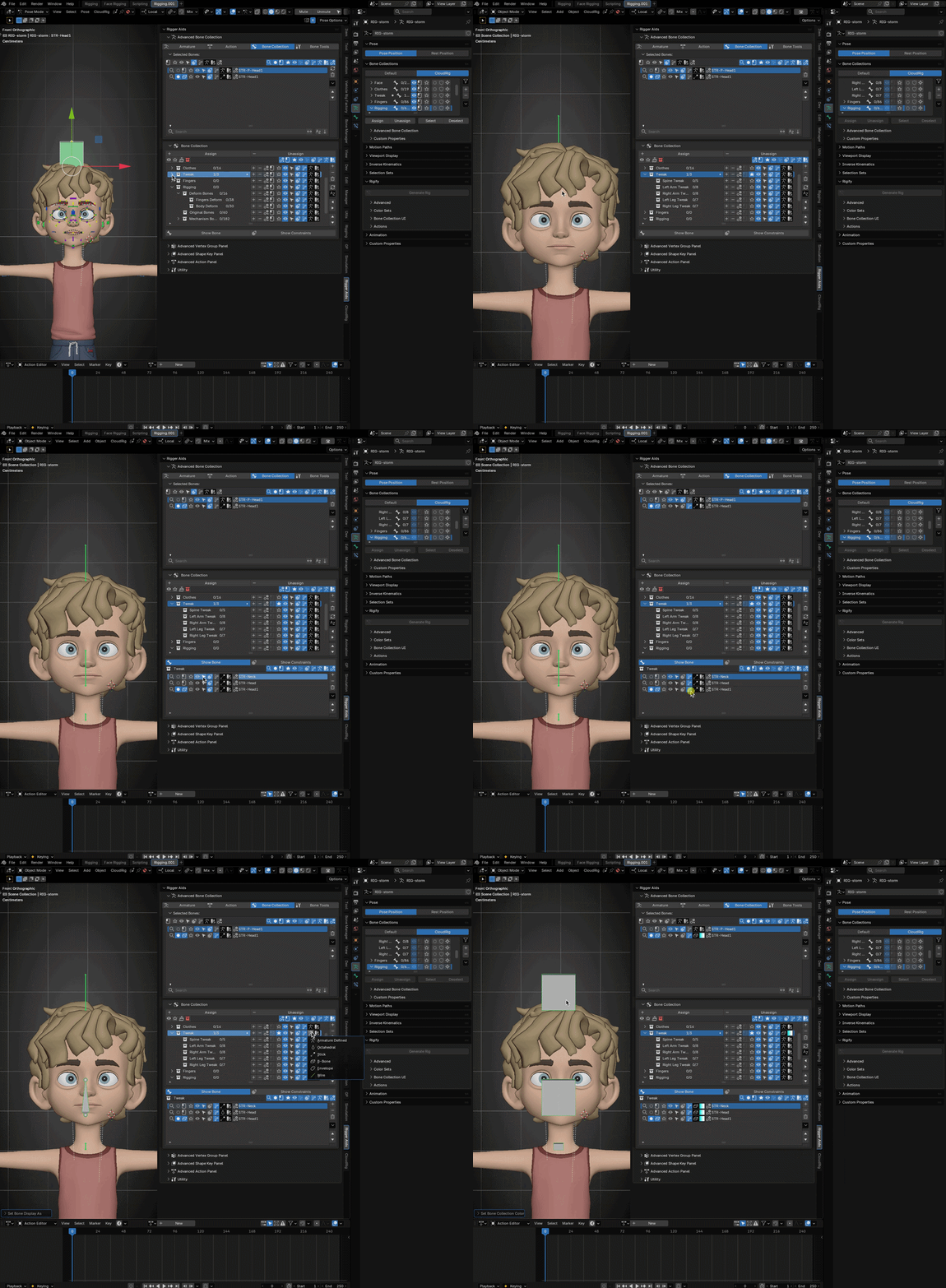
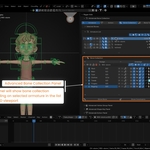
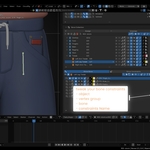
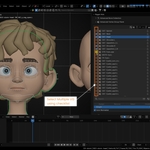
Access bones and bone collections anywhere, even while editing another object.
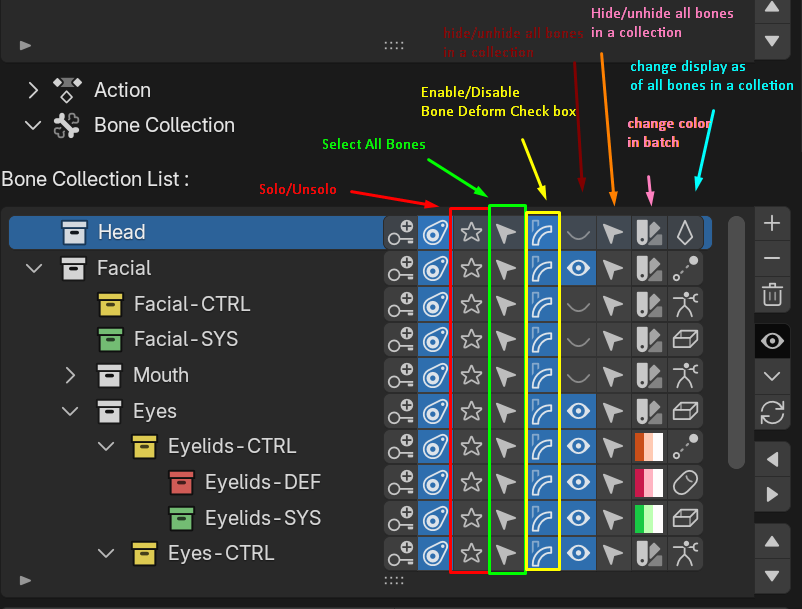
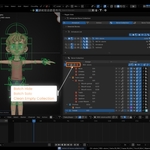
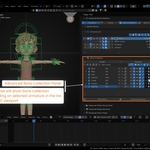
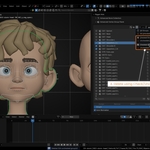
Manage every bone in a collection at once—select, solo, hide, toggle deformation, recolor, or change display type with a single click.
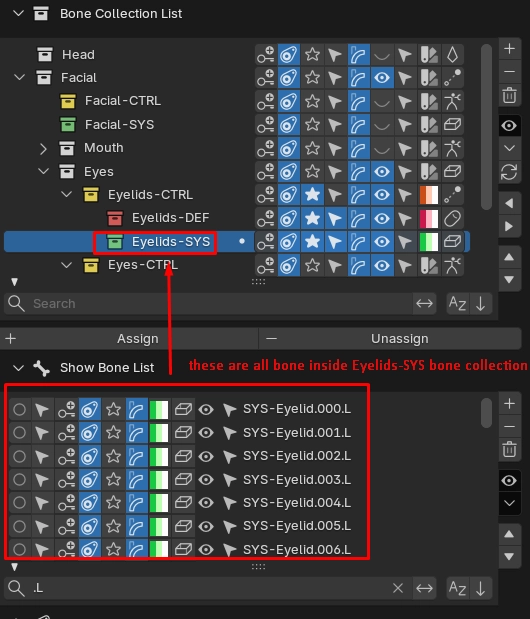
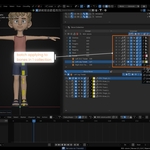
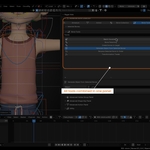
Select any bone collection to view, filter, and manage all of its bones from one focused list.
Turn Repetition into a Batch
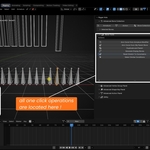
Apply and manage constraint setups across multiple bones or vertex groups. Use one-to-one or one-to-many mapping, choose exactly which constraints are included, edit Armature targets, normalize weights, and rename matching constraints in batches (Batch Constraints & Batch Parenting).
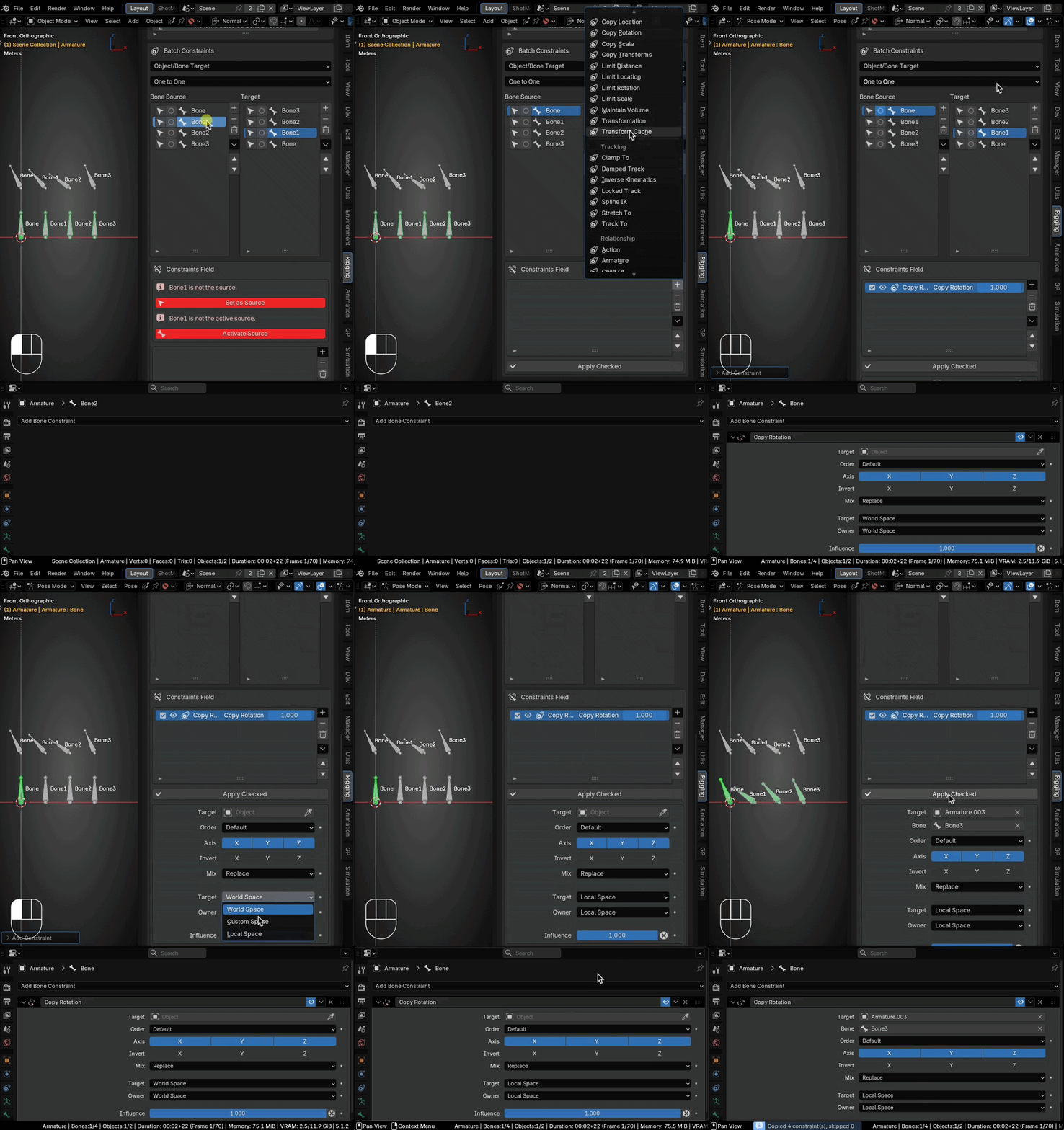
Batch Constraints showcase.
Clean Up Vertex Groups with Confidence
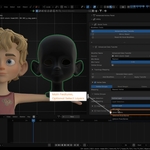
Check, filter, copy, lock, sort, mirror, rename, and remove vertex groups through a workflow designed for rigging and weight cleanup. Find deforming bones, create groups from selected bones, and remove empty or unused data with fewer manual steps.
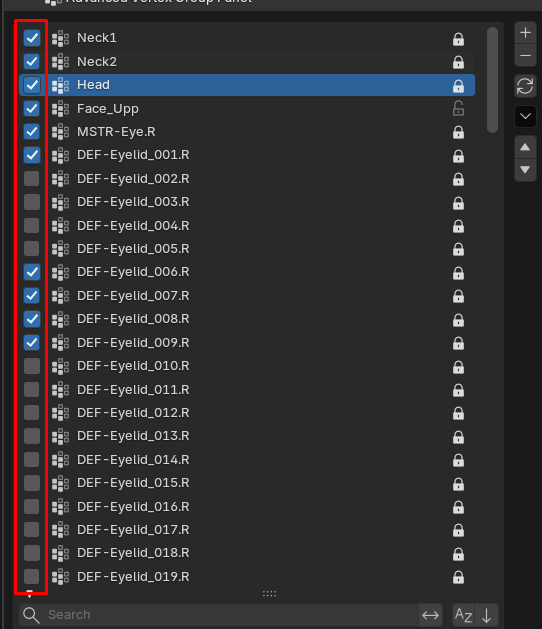
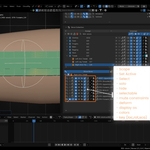
Checkbox features of the Advanced Vertex Group Panel.
Keep Actions and Slots Manageable
Organize Blender actions and Blender 5.1 action slots from a dedicated panel. Add, remove, filter, sort, and batch-rename action data so large animation files remain easier to navigate.
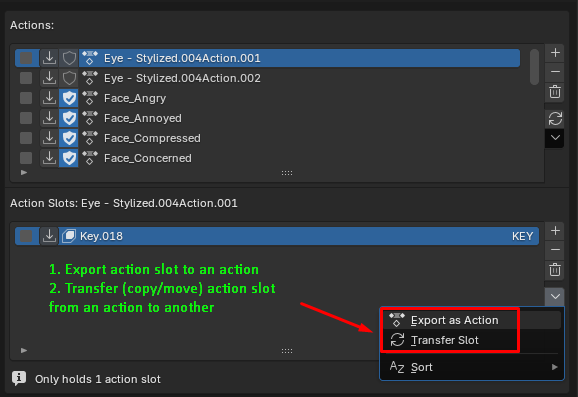
Export action slots as actions, import actions as action slots, and batch-rename actions and slots in one place.
Make the Toolkit Yours
Place frequently used commands into custom Quick Tool categories and register your own Python script folders in the Script Library. Keep personal, studio, and project-specific tools close to the rest of your rigging workflow.
Built for Everyday Rigging Work
Rigger Aids is a production-focused collection of tools for reducing repetitive setup, cleaning complex rig data, and keeping common operations within reach.
Current version: 5.1.1
Compatibility: Blender 5.1 and newer
Location: 3D Viewport → Sidebar → Rigger Aids
 Midclips