 Midclips




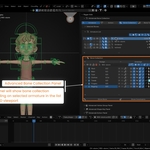
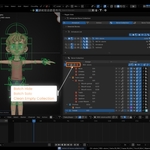

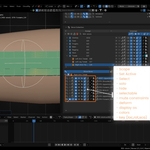
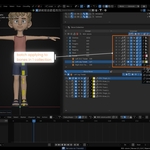
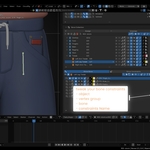

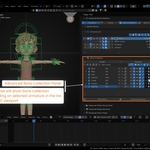

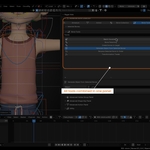
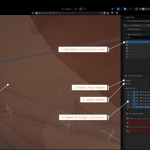
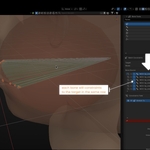

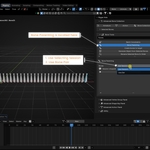

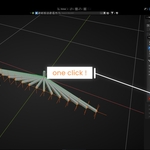

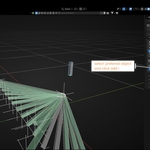

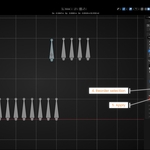

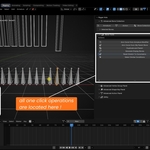

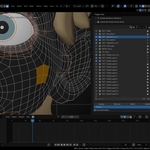
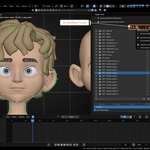
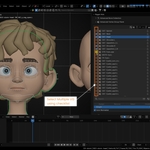
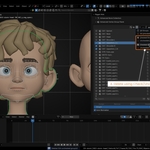
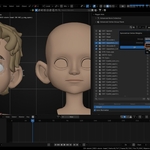
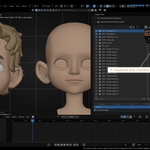
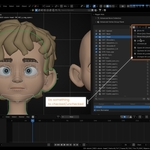
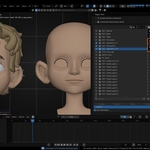

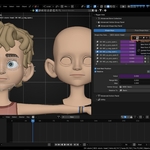
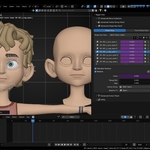
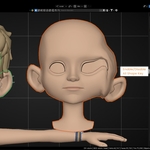
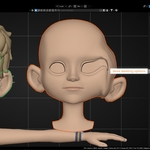
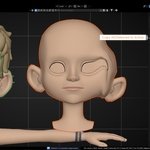


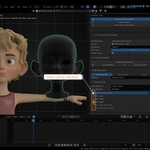
Rigger Aids Documentation
Find complete installation instructions, feature guides, and workflow examples in the official documentation.
Open Full DocumentationAbout Rigger Aids
Rigger Aids is a practical Blender toolkit for driver creation, bone organization, constraints, vertex groups, shape keys, actions, and everyday rig cleanup.
- Visual driver creation and editing
- Bone collections and reusable bone sets
- Batch constraints and bone parenting
- Vertex group and shape key management
- Actions and Blender 5.1 Action Slots
- Custom Quick Tools and script libraries
Installation
- Download the ZIP without extracting it.
- Open Edit → Preferences → Add-ons.
- Click Install from Disk and select the ZIP.
- Enable Rigger Aids.
- Press N in the 3D Viewport and open the Rigger Aids tab.
Compatibility and Support
Rigger Aids: 5.1.2
Requires: Blender 5.1 or newer
Location: 3D Viewport → Sidebar → Rigger Aids
When requesting support, include your Blender version, Rigger Aids version, reproduction steps, and any relevant error message or screenshot.
 Included
Includes 12 months of
- Support from Midclips
- Product updates
Extend this product’s Support Period +12 months: 25% of product price
Have questions before purchasing?
Login to message
| Blender Extension Compatible | Yes |
| Published | 3 months ago |
| Blender Version | 5.1 - 5.2 |
| Extension Type | Add-on |
| Render Engine Used | Cycles, Eevee, Octane |
| License | GPL |
Discover more products like this
Driver Nodes shapekey action script library bone collection technical drivers armature vertex group Workflow pipeline