 Leandro Marquez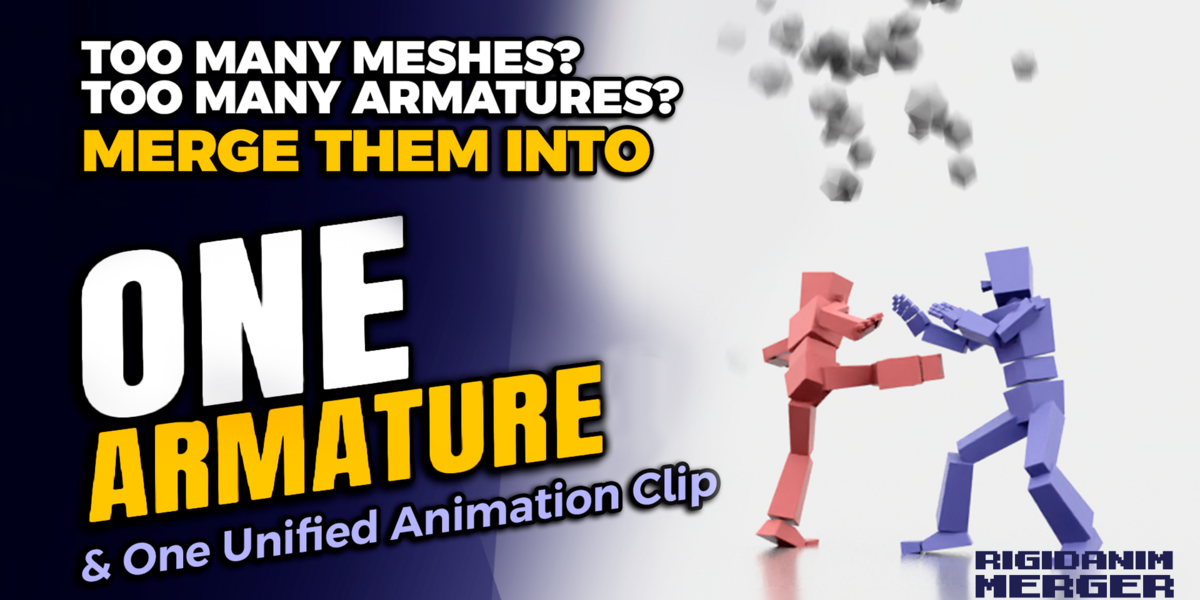



| RigidAnim Merger
Blender can't export multiple animated objects as one file.This addon fixes that. Get RigidAnim Merger$27 · Instant download · Lifetime updates |
↓
1x
Skinned Mesh
|
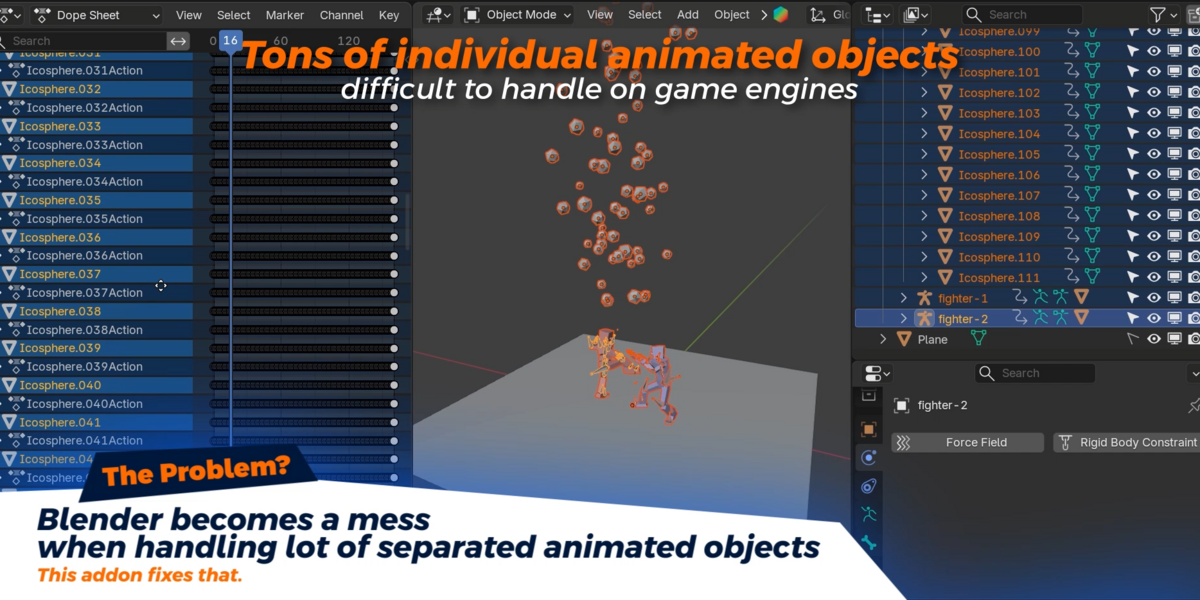
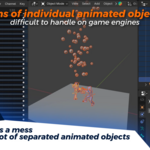
You have 20 cubes, gears, floating rocks. Each with their own keyframes. You export to FBX. What lands in your engine?
20 GameObjects · 20 Clips · 20 Draw Calls
A completely broken workflow.
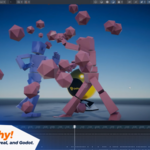
Blender has no built-in way to merge multiple animated objects into a single rig. This is the single biggest friction point for game devs exporting from Blender. Every artist eventually hits this wall.
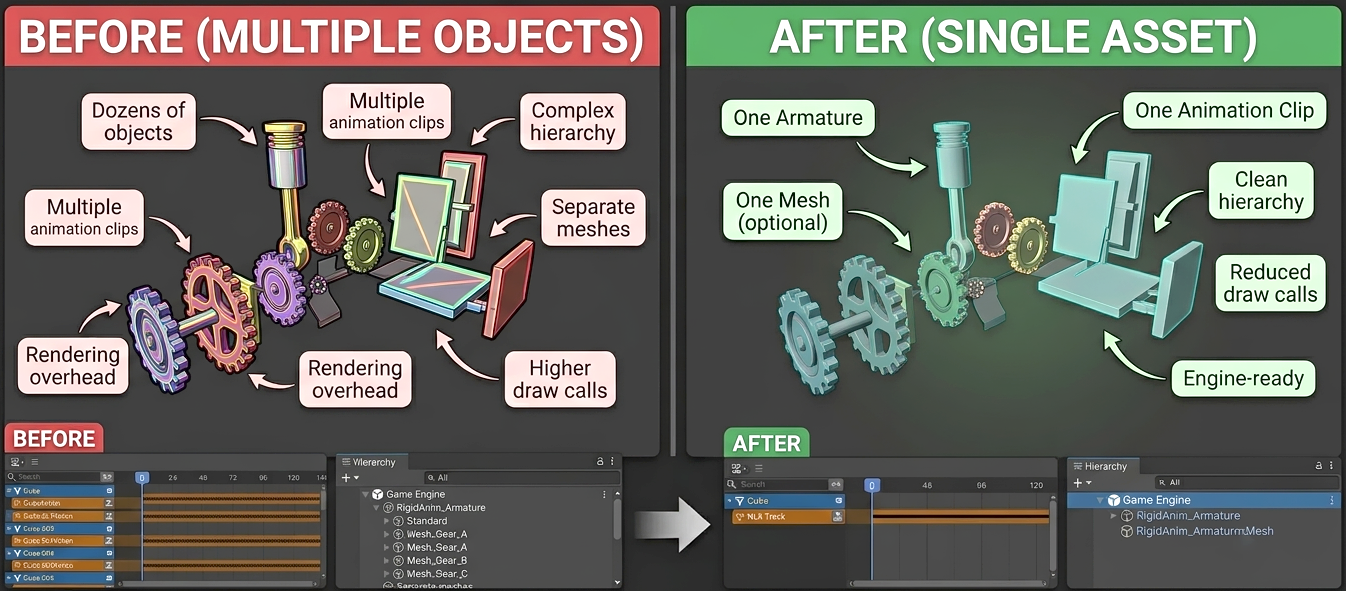
Left: chaotic hierarchy, dozens of clips → Right: 1 Armature, 1 clip, 1 draw call
RigidAnim Merger collapses everything in one click.
| 1
|
Each object becomes a bone |
| 2
|
Each animation becomes bone keyframes |
| 3
|
All meshes become one skinned mesh |
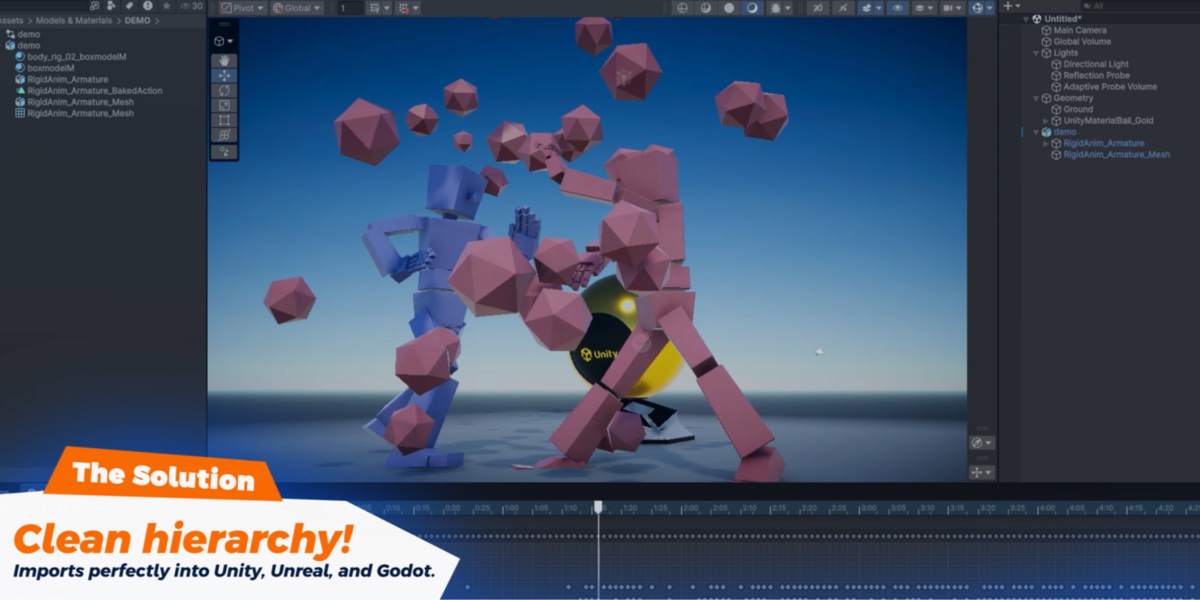
1 clean .fbx → 1 Armature → 1 Animation Clip
Imports perfectly into Unity, Unreal, and Godot.
Everything You Need
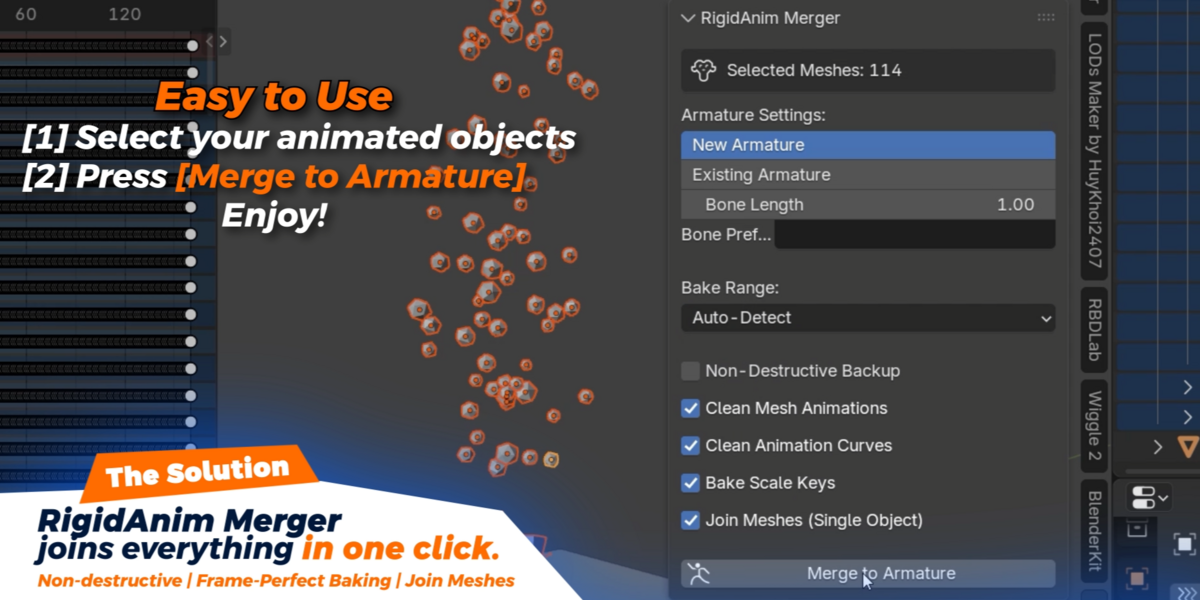
How It Works
| Select all animated meshes in your scene. | |
| Open the RigidAnim panel in the N-Panel sidebar. | |
| Click Merge to Armature — it's instant. | |
| Export as .fbx — one file, one rig, one clip. |
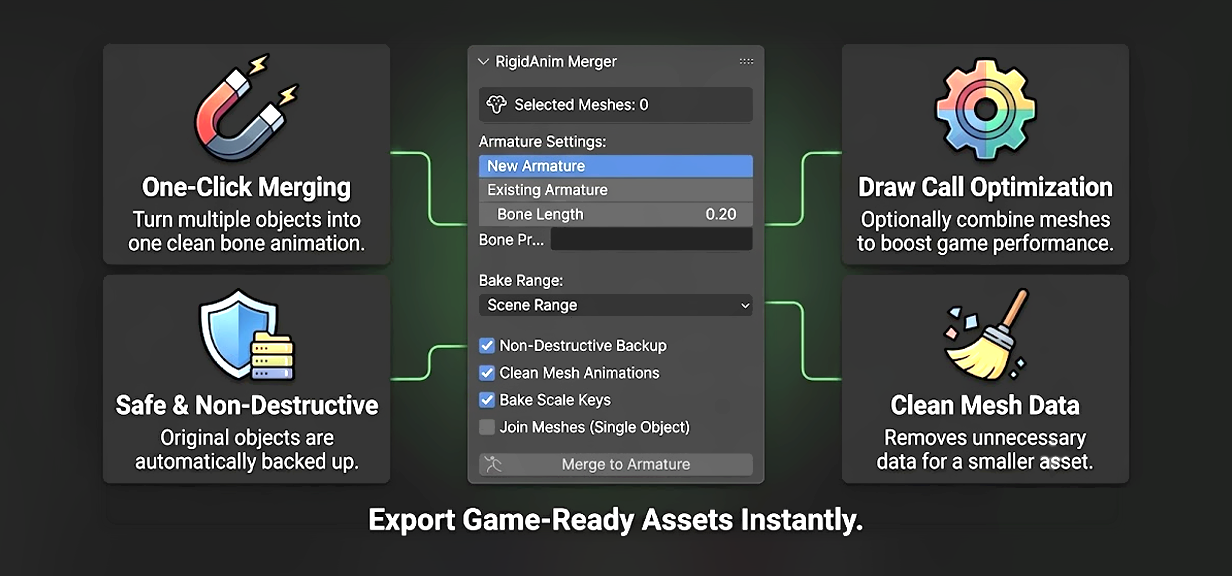
The N-Panel interface — every setting annotated. Full control, zero clutter.
Compatibility
Blender 3.0+ Blender 4.4+ Blender 5.0+Unity Unreal Engine Godot
Instant download
What's included:
✓ Full addon · Lifetime updates · Priority support
Created by Leandro Marquez
