Rigidanim Merger
 Leandro Marquez


Can I undo the merge?
Yes. Ctrl+Z undoes the entire merge. Plus, if Non-Destructive Backup was on, your originals are preserved in the RigidAnim_Backups collection. You can restore them even after saving and reloading the file.
Join Meshes ON vs OFF: what's the difference?
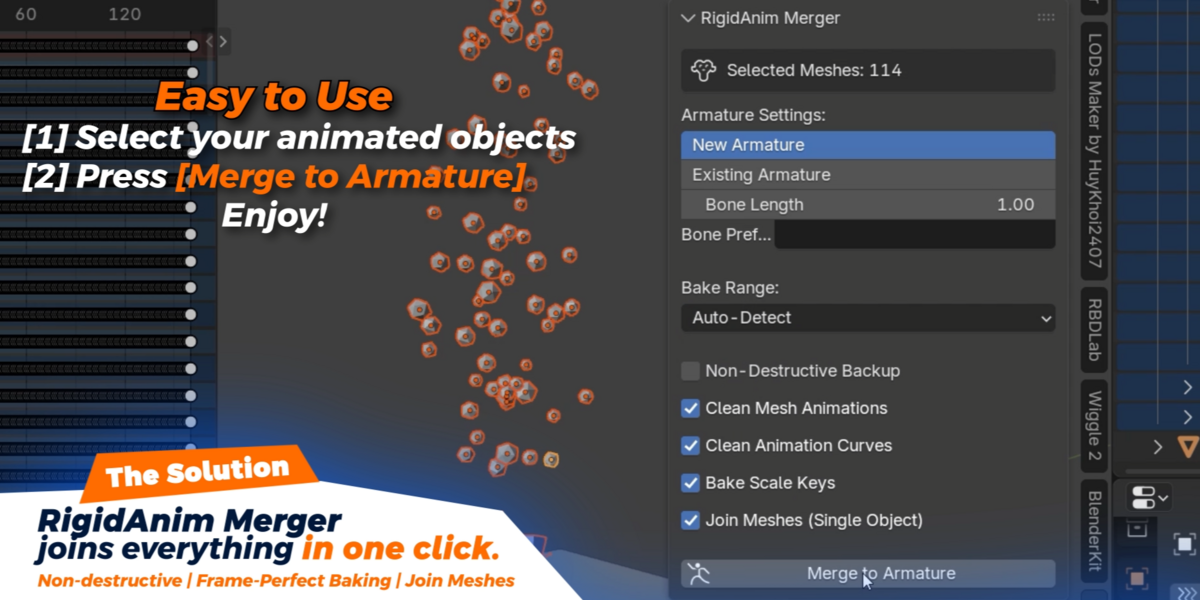
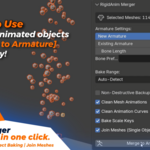
OFF (default): Each mesh stays separate and follows its own bone. You get one armature with multiple child meshes. In your game engine, each mesh becomes its own skinned mesh renderer.
ON: All meshes are combined into a single object with vertex weights and an Armature modifier. You get one mesh, one draw call, one skinned mesh renderer. Better performance, but all materials from the original meshes are kept in the merged result.
Can I use an existing armature?
Yes. In the panel, set Armature Target to Existing Armature and pick your target armature. New bones will be created inside it. If a bone with that name already exists, it's reused instead of creating a duplicate.
Will this work with constraints and drivers?
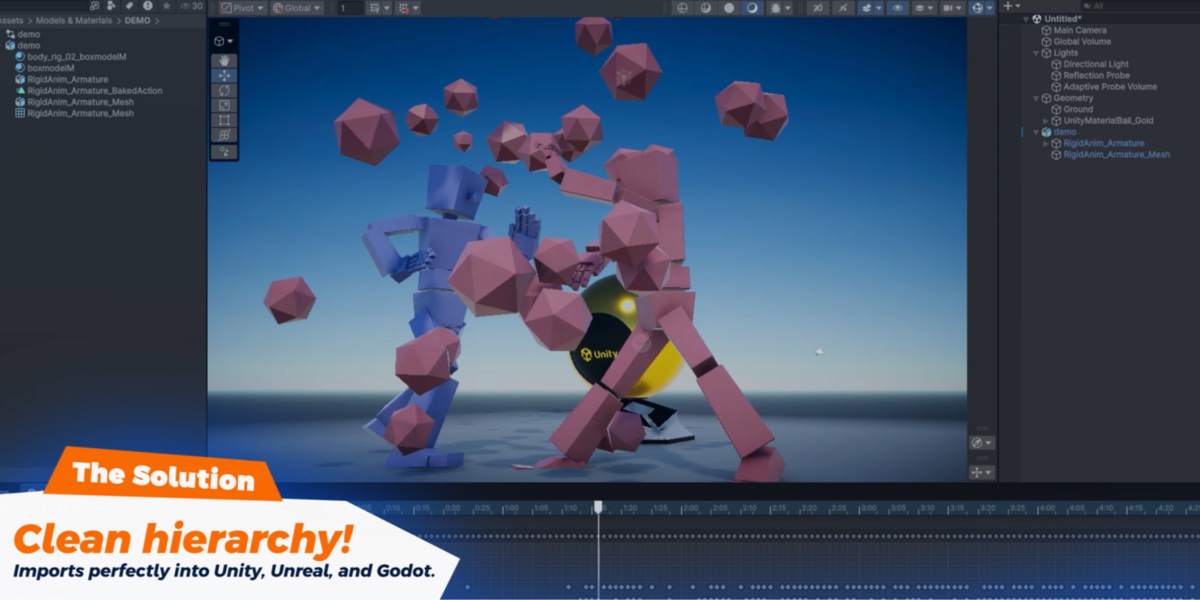
Yes. The addon looks at every frame of your animation and records exactly where each object is in 3D space, including any effects from constraints, drivers, or path animations. All of that gets baked into simple bone keyframes on the armature. The result works in any game engine with no Blender-specific dependencies.
What happens to my original objects?
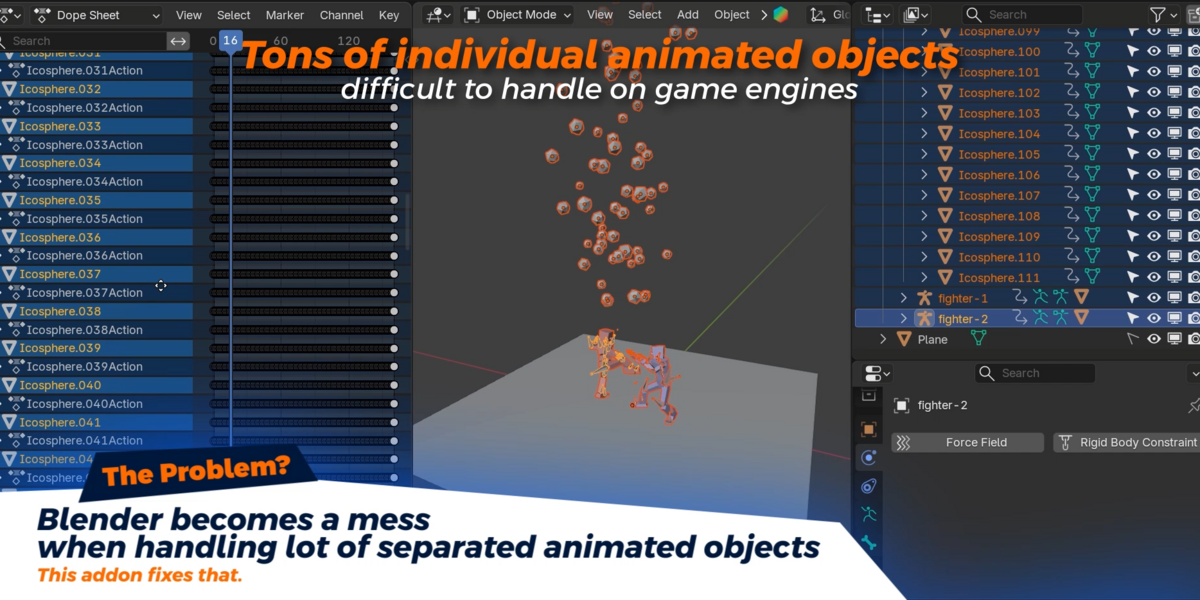
If Non-Destructive Backup is on (default), your originals are duplicated and the copies are used for the merge. The originals are moved to a hidden collection called RigidAnim_Backups, which is excluded from viewport and render visibility. You can unhide it at any time to retrieve your original objects, unchanged.
$27
 Included
Includes 12 months of
- Support from Leandro Marquez
- Product updates
Extend this product’s Support Period +12 months: 25% of product price
Have questions before purchasing?
Login to message
| Published | 2 months ago |
| Blender Version | 3.6 - 5.2 |
| Extension Type | N/A |
| License | GPL |