Rigimap
 Picto Filmo
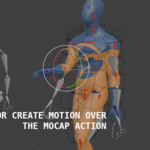
First Actions:
|
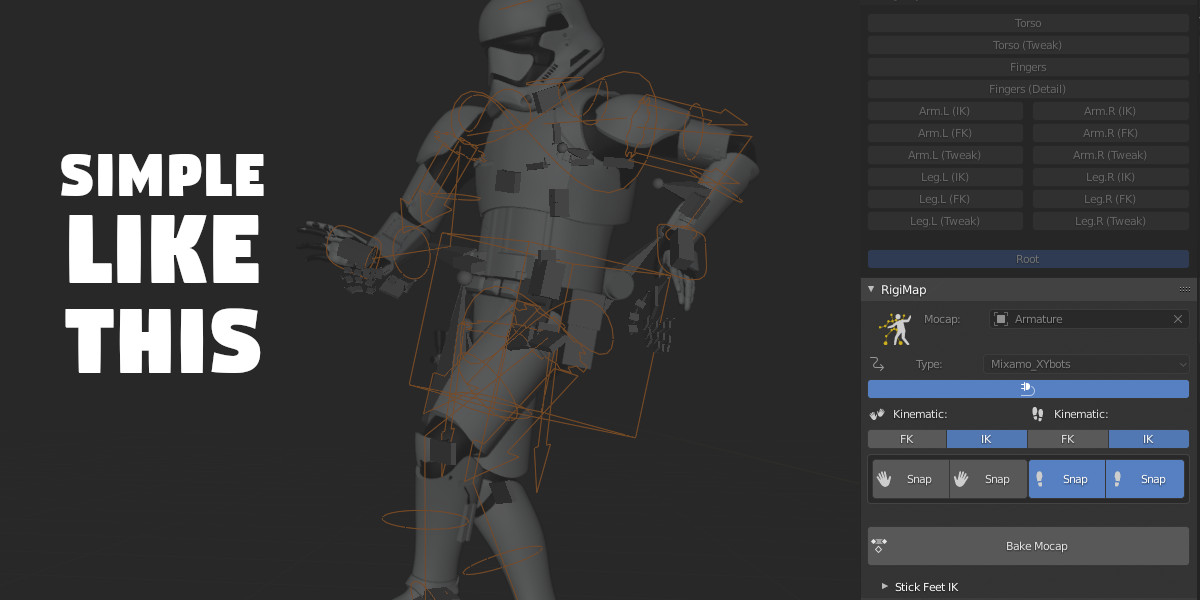
Select Mocap Armature object and his type |
|
|
Connect mapping button of the mocap to the rigify rig Disconnect Mocap / Mapping Active or not |
|
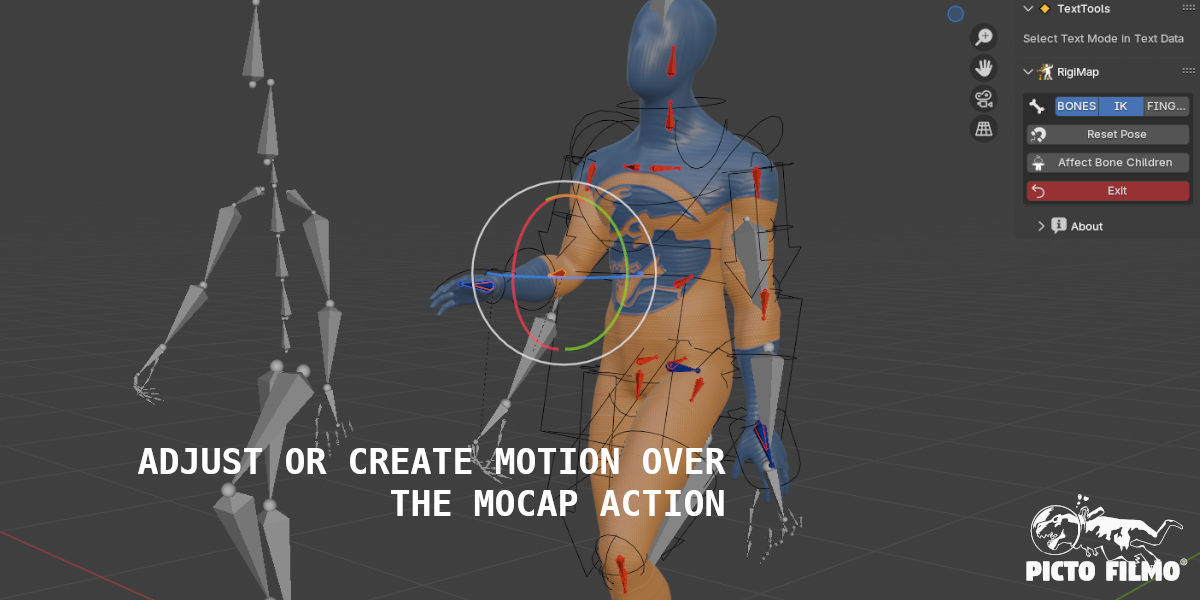
RigiMap editing (edit RigiMap rig that creates bridge between Mocap and the rigify rig) |
|
Kinematik Mode for Hands and Feet (IK/FK and snap to the mocap rig pos or not) |
|
Bake Mocap motion to an action of the rigify rig |


Edit RigiMap:
|
Visibility Bones by Category |
|
Reset transform of selected bones |
|
Select Bone children to affect transform to |
|
Exit RigiMap Editing |


Rigify active action editing:
(after baking)
|
Set kinematic mode to hands and feet |
|
Apply Hands presets Pose and add keyframe |
|
Stick location or rotation of selected foot by filtering of delta location by a threshold (not supported in RigiMap 2 ) |


Complete RigiMap tutorial:
Reduce Foot Shake tool tutorial:
Rigify Rig tutorial:
Actor Core motions tutorial:
$19
Have questions about this product?
Login to message
| Sales | 800+ |
| Rating | 14 ratings |
| Published | about 5 years ago |
| Blender Version | 3.6 - 5.1 |
| License | GPL |
Discover more products like this
market moveone mocap mocaponline character mixamo rigify perception neuron armature neuron mocap rigify radical rokoko 3d rigs mapping mocap deepmotion 3d animation quick plask Shadow xsens QuickMagic Human retarget magic mocopi Mocap Market core rig move one actor retargetting perception motion capture