Rigimap
 Picto Filmo
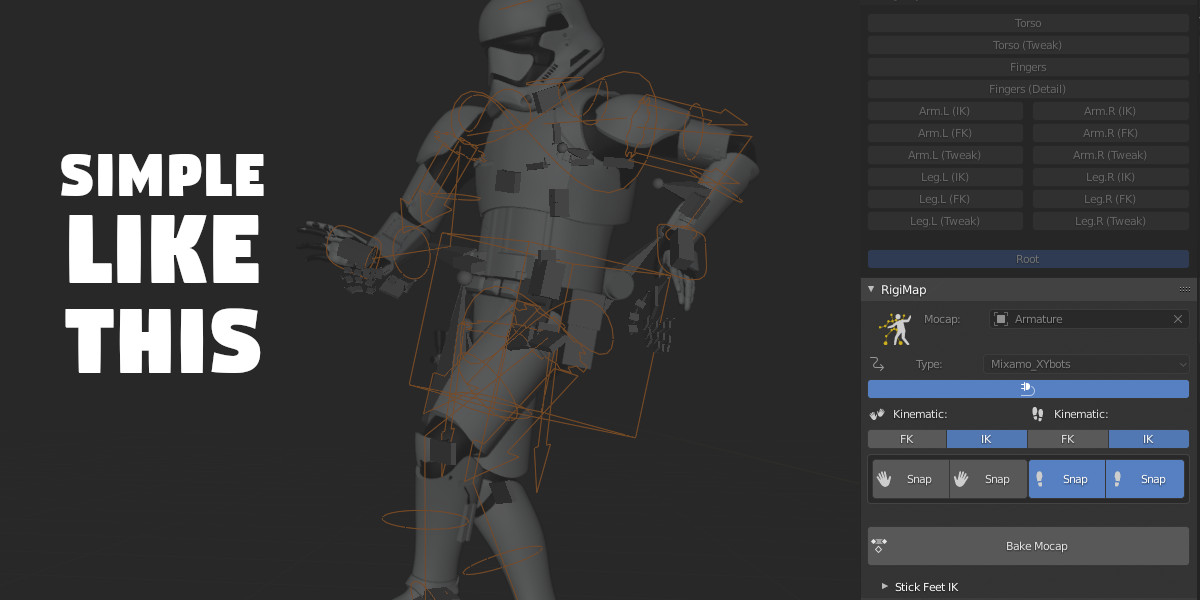
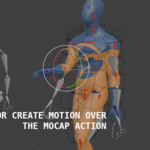
 First, for rigify rig mapping to work, it is imperative to keep the default names of this set of bones:
Body:
['torso', 'hips', 'chest', 'shoulder.L', 'shoulder.R', 'neck', 'head', 'upper_arm_fk.L', 'forearm_fk.L', 'hand_fk.L', 'upper_arm_fk.R', 'forearm_fk.R', 'hand_fk.R', 'thigh_fk.L', 'shin_fk.L', 'foot_fk.L', 'thigh_fk.R', 'shin_fk.R', 'foot_fk.R', 'toe.L', 'toe.R']
Fingers:
['thumb.01.R', 'thumb.02.R', 'thumb.03.R', 'f_index.01.R', 'f_index.02.R', 'f_index.03.R', 'f_middle.01.R', 'f_middle.02.R', 'f_middle.03.R', 'f_ring.01.R', 'f_ring.02.R', 'f_ring.03.R', 'f_pinky.01.R', 'f_pinky.02.R', 'f_pinky.03.R', 'thumb.01.L', 'thumb.02.L', 'thumb.03.L', 'f_index.01.L', 'f_index.02.L', 'f_index.03.L', 'f_middle.01.L', 'f_middle.02.L', 'f_middle.03.L', 'f_ring.01.L', 'f_ring.02.L', 'f_ring.03.L', 'f_pinky.01.L', 'f_pinky.02.L', 'f_pinky.03.L']
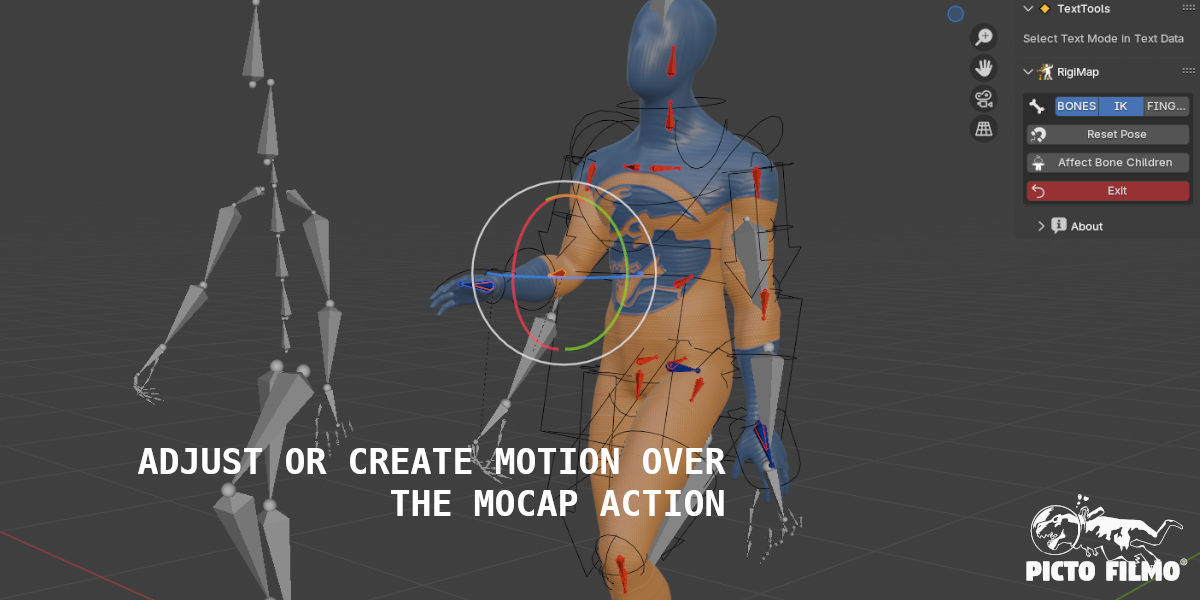
 Secondly, some bones may have a different orientation to the Rigify defaults, this can be corrected with RigiMap editing. You can then add transformation keyframes to these corrected bones and save this 'corrective action' and assign it to the RigiMap rig for all future Mocaps mappings.
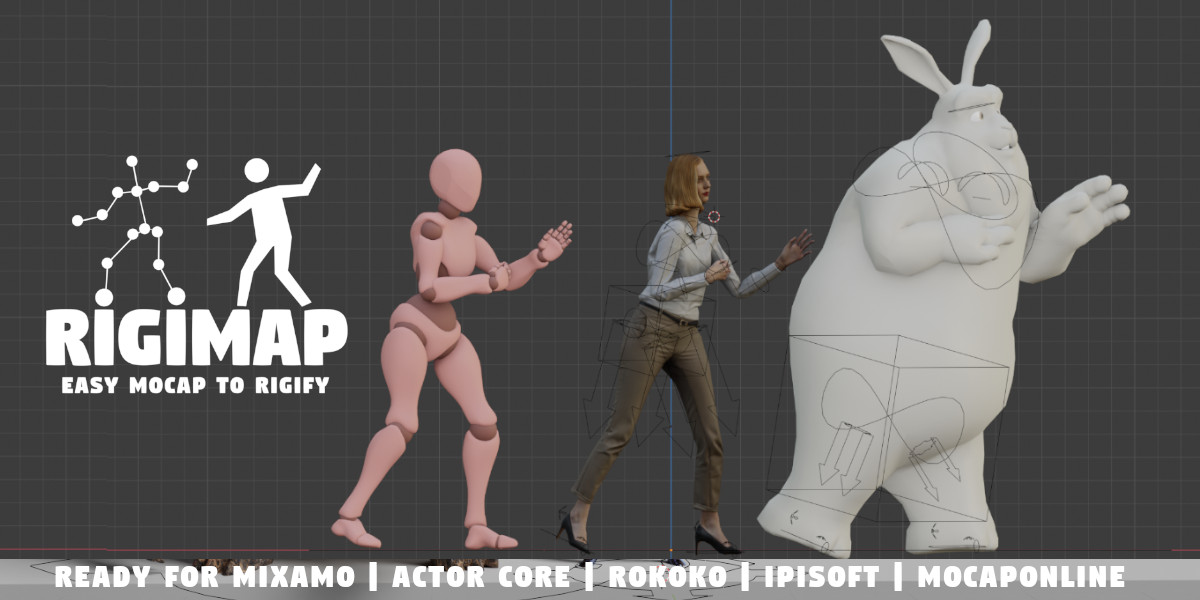
RigiMap is compatible with:
- Mixamo fbx downloaded
- Rokoko bvh export
- iPisoft bvh export
- MoCapOnline fbx downloaded
- Actor Core fbx downloaded
- Perception Neuron fbx format
- Plask.ai fbx format
- Xsens fbx format
- DeepMotion fbx format
- Radical fbx format
- Shadow fbx format
- Mocopi by Sony bvh format
- QuickMagic fbx/UE4 format
-
MetaRig ( Internal Blender Rigify Meta Rig )
Perception Neuron Software export:
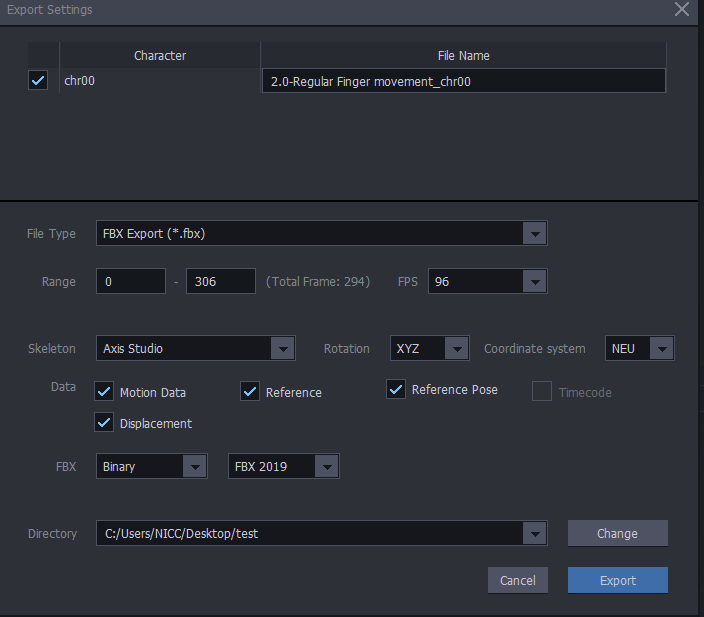
You have to select the Mannequin Character on Plask.ai website to export your Mocap:


Legacy Rokoko Software export:
The compatible bvh file is exported from Rokoko Studio Legacy, with Rokoko Newton preset:

Beta Rokoko Software : fbx export with "Rokoko Newton" Skeleton selected

Import motion capture files always with default options. (no automatic orientation !)
RigiMap code uses a python module to work. Sometimes it isn't activated automatically , so you need to close and re-open blender after the addon activated.
Install RigiMap addon without unpack the zip archive file.
For Mixamo Mocap, you have to choose the YBot Character in the Characters page:

then select your mocap and download by clicking on the "DOWNLOAD" button:

You cam select with or without skin, it doesn't matter:

Have questions about this product?
Login to message
| Sales | 800+ |
| Rating | 14 ratings |
| Published | about 5 years ago |
| Blender Version | 3.6 - 5.1 |
| License | GPL |
Discover more products like this
retargetting neuron rigify motion capture Human radical character mocap mixamo mocaponline moveone plask QuickMagic perception neuron magic mocap rigify retarget mapping mocap Mocap Market quick deepmotion market xsens 3d animation core armature Shadow rokoko mocopi rig 3d rigs actor perception move one