 MendWorks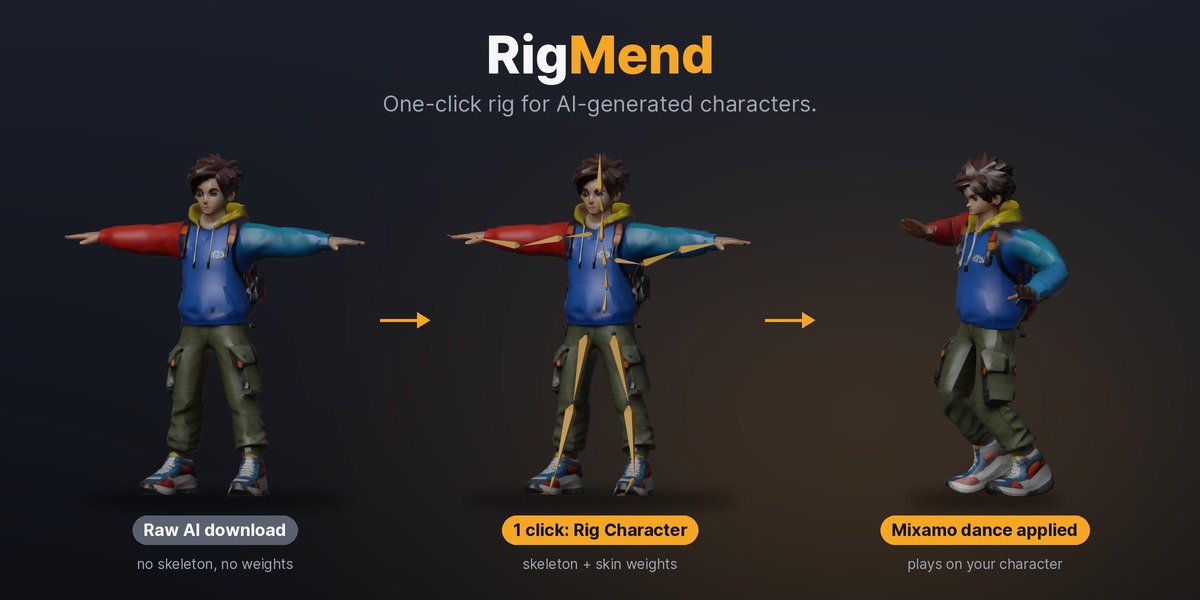
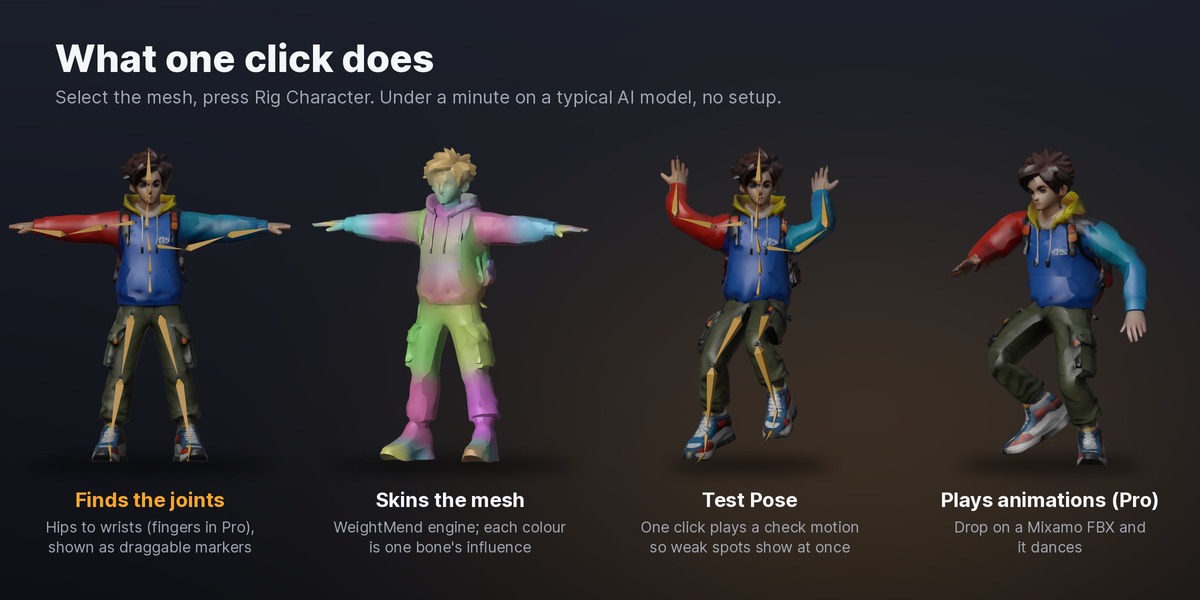
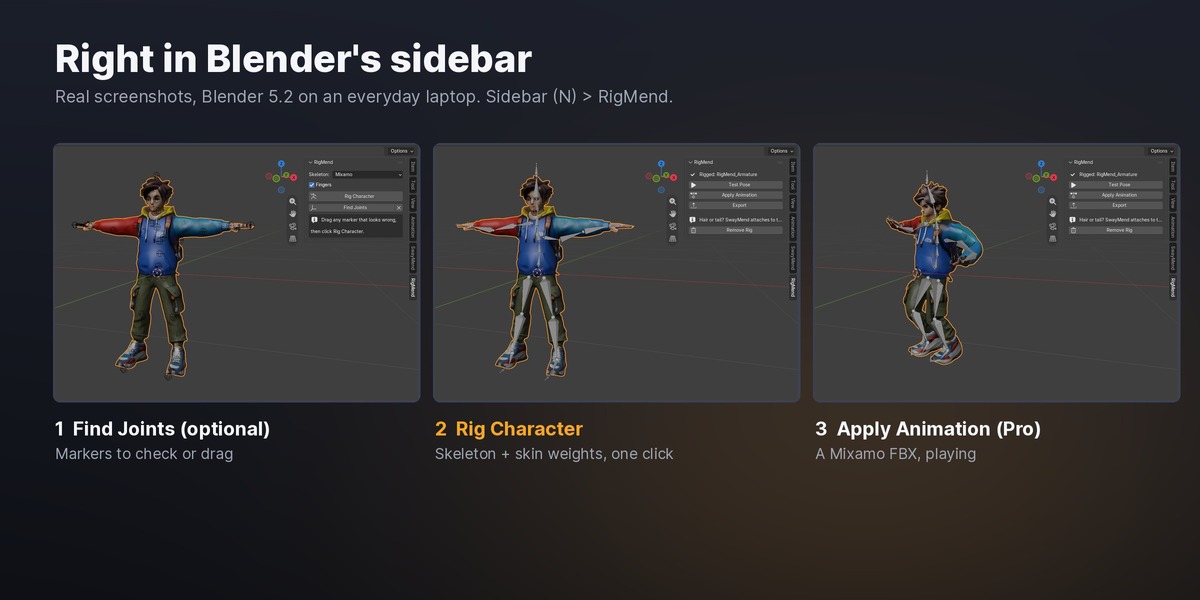
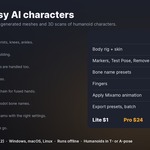
Humanoid characters in T-pose or A-pose: AI-generated (Meshy, Tripo, TRELLIS and others), 3D scans and hand-made models. Clothes, backpacks and jackets are fine. Animals and creatures are not supported yet.
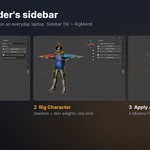
Delete the old armature first (and its modifiers), then click Rig Character. RigMend always builds a fresh skeleton from the mesh.
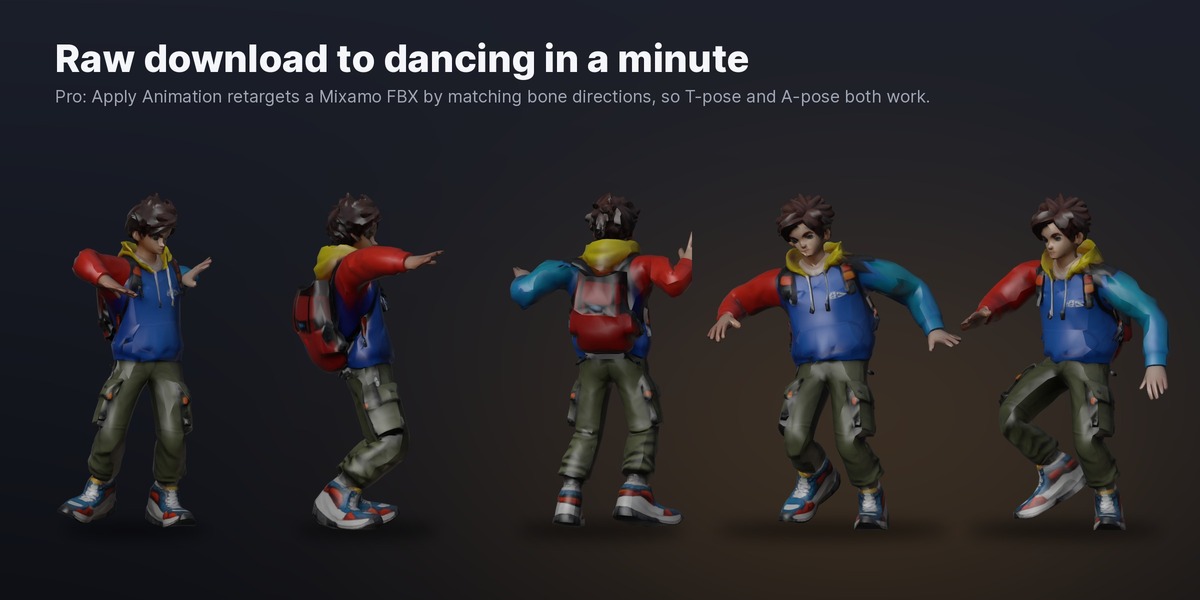
No. RigMend rigs and skins on its own. Mixamo is only where Pro's Apply Animation gets its free animations, and the bone names match Mixamo's so they play with no remapping.
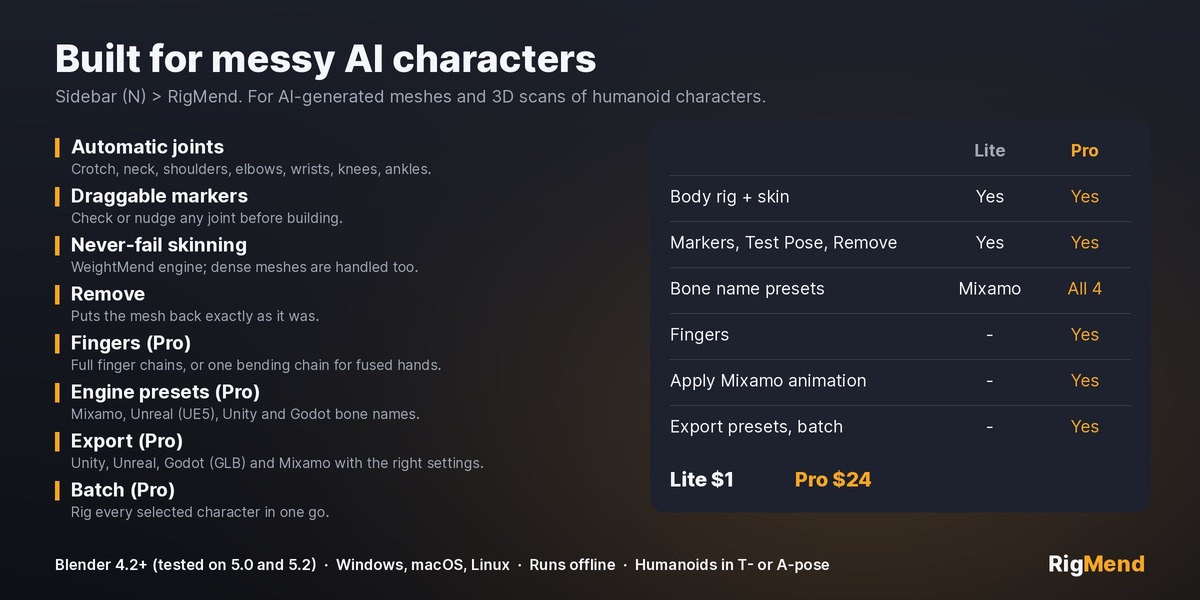
Yes, in Pro. Pick the Unreal (UE5 Mannequin), Unity Humanoid or Godot Humanoid skeleton before rigging, then use Export with the matching preset.
Pro rigs fingers when they are separate on the mesh. Many AI models have fused 'mitten' hands; those get one bending chain per hand instead of five fingers.
Lite ($1) gives you the full body rig, skin weights, markers, Test Pose and Remove with Mixamo bone names, so you can try it on your own model. Pro adds fingers, Apply Animation, the other engine presets, export and batch rigging.
Have questions about this product?
Login to message
| Blender Extension Compatible | Yes |
| Published | about 13 hours ago |
| Blender Version | 4.2 - 5.2 |
| Extension Type | Add-on |
| Render Engine Used | Cycles, Eevee |
| License | GPL |
Discover more products like this
game assets tripo ai 3d meshy retarget character rigging skin weights mixamo auto-rig