 MendWorks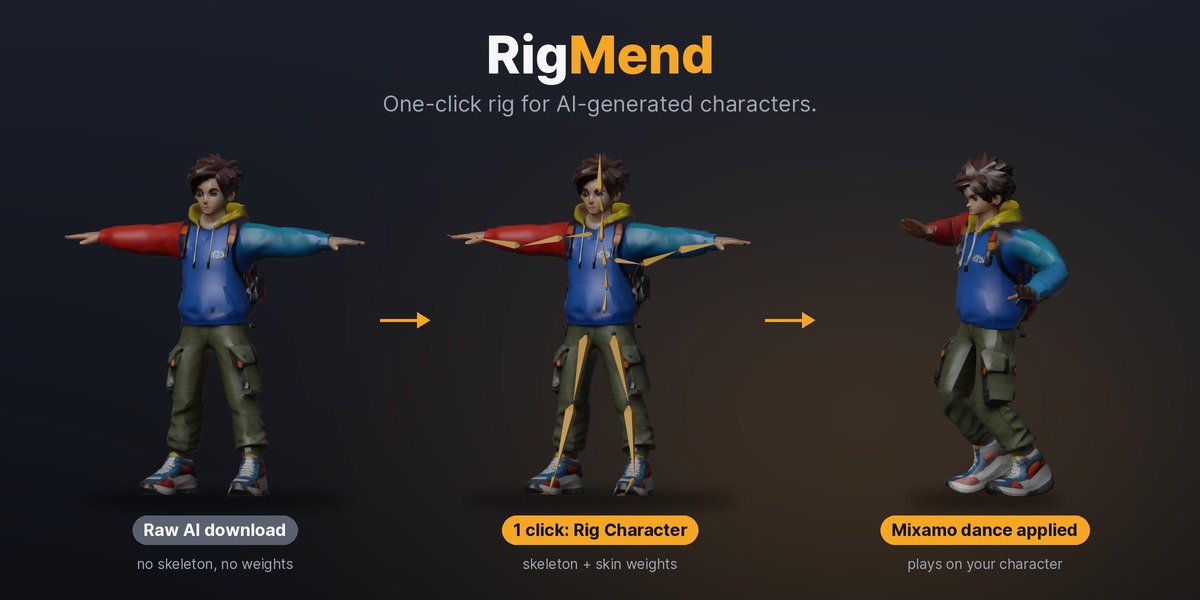


No rig in. Dancing out.
AI generators (Meshy, Tripo, TRELLIS…) and 3D scans give you a character as one bare mesh: no skeleton, no skin weights. Rigging it by hand means placing twenty-odd bones and then fighting Blender's "Bone Heat Weighting: failed to find solution" on messy AI topology. Uploading to an online auto-rigger means leaving Blender and coming back with an FBX.
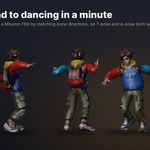
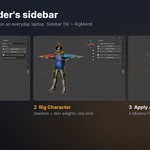
RigMend does it inside Blender. Select the mesh, click Rig Character. It finds the joints, builds a skeleton with Mixamo bone names and skins it. Then click Test Pose to check it, or (Pro) drop on a Mixamo animation and watch your character dance. A $1 Lite version lets you try it on your own model first.
How it works
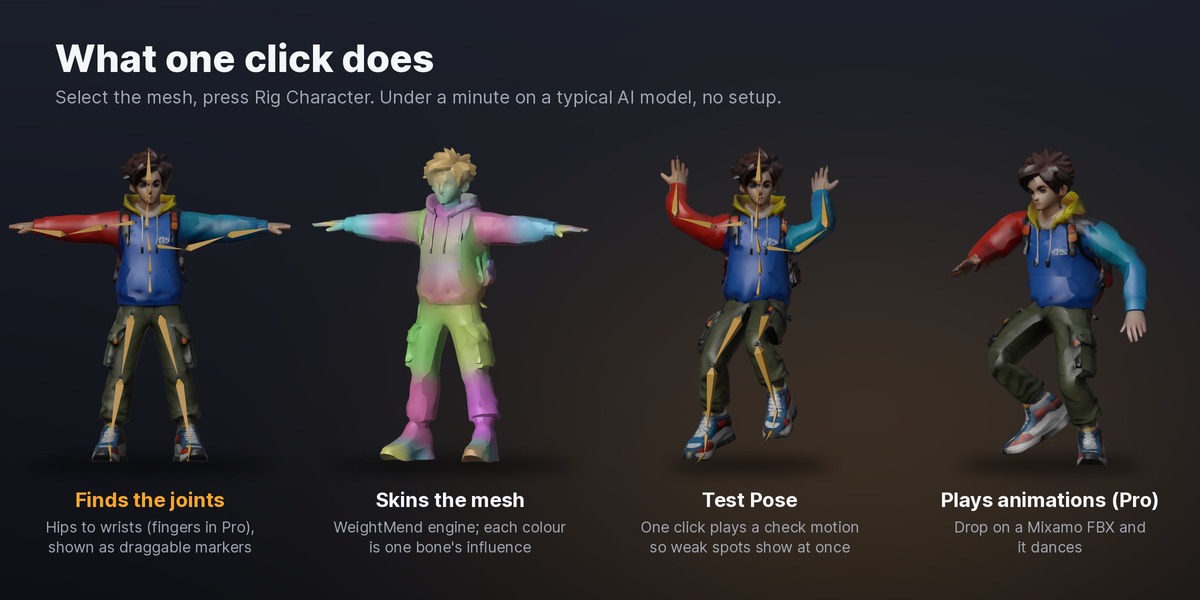
- Finds the joints. It turns the mesh into a solid, finds the crotch, neck, shoulders and limbs from its shape, and places hips, spine, neck, head, shoulders, elbows, wrists, knees, ankles and toes. Hoodies, backpacks and jackets don't throw it off.
- Lets you check first. Find Joints shows every joint as a marker you can drag before you build, if you want to.
- Builds the skeleton. Mixamo bone names (Lite), or Unreal (UE5 Mannequin), Unity Humanoid or Godot Humanoid names (Pro).
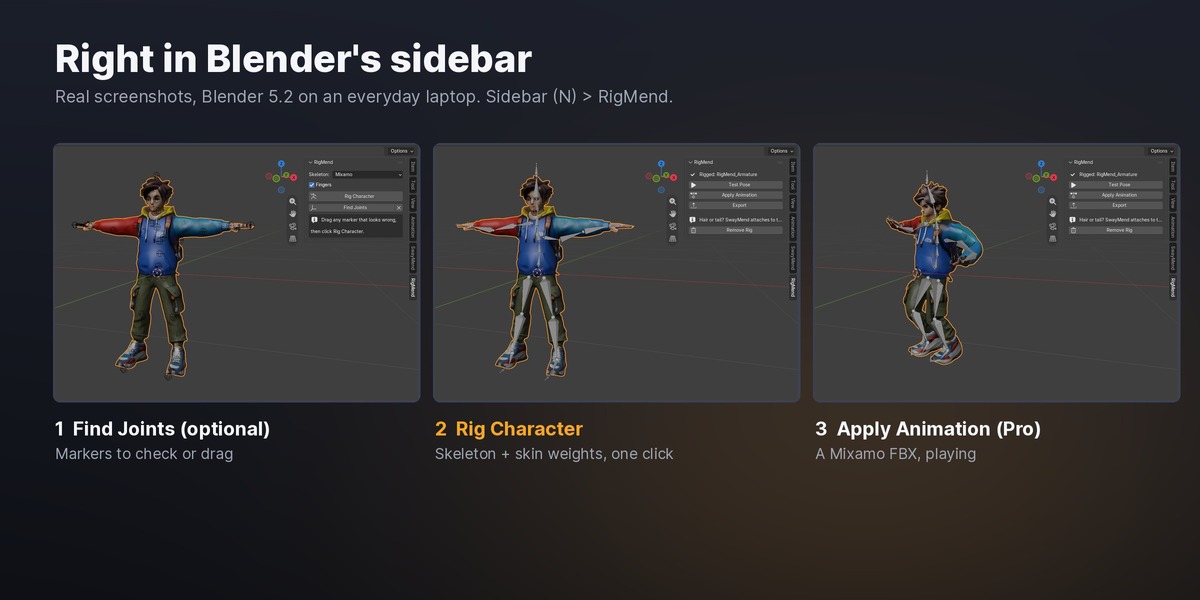
- Skins it. RigMend uses the WeightMend engine: every vertex gets weights, nothing cracks, and loose pieces (buttons, straps, hair cards) move with the part they sit on.
Measured, not guessed
- Joint placement. On three of Mixamo's own characters, with their rigs removed and rebuilt by RigMend, the joints land within 1.2% to 1.6% of the character's height of where Mixamo's rig puts them, on average.
- Fast. The demo adventurer (6k vertices) rigs in about 1 second on a desktop CPU; a 16k-vertex character takes about 25 seconds on an everyday laptop. Meshes over 250k vertices are handled.
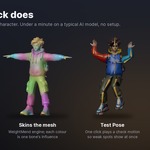
- Animation. The Mixamo "Samba Dancing" clip (547 frames) is retargeted onto a RigMend rig in about 6 seconds on a desktop CPU.
Features
- Rig Character: one click, joints to skin.
- Find Joints + markers: see and nudge every joint before building.
- Test Pose: one click plays a short check motion (arms up, knees bend, head turn) so weak spots show at once.
- Remove: deletes the rig and puts the mesh back exactly as it was.
- Fingers (Pro): a full finger rig when the fingers are separate; one bending chain for fused "mitten" hands, which most AI models have.
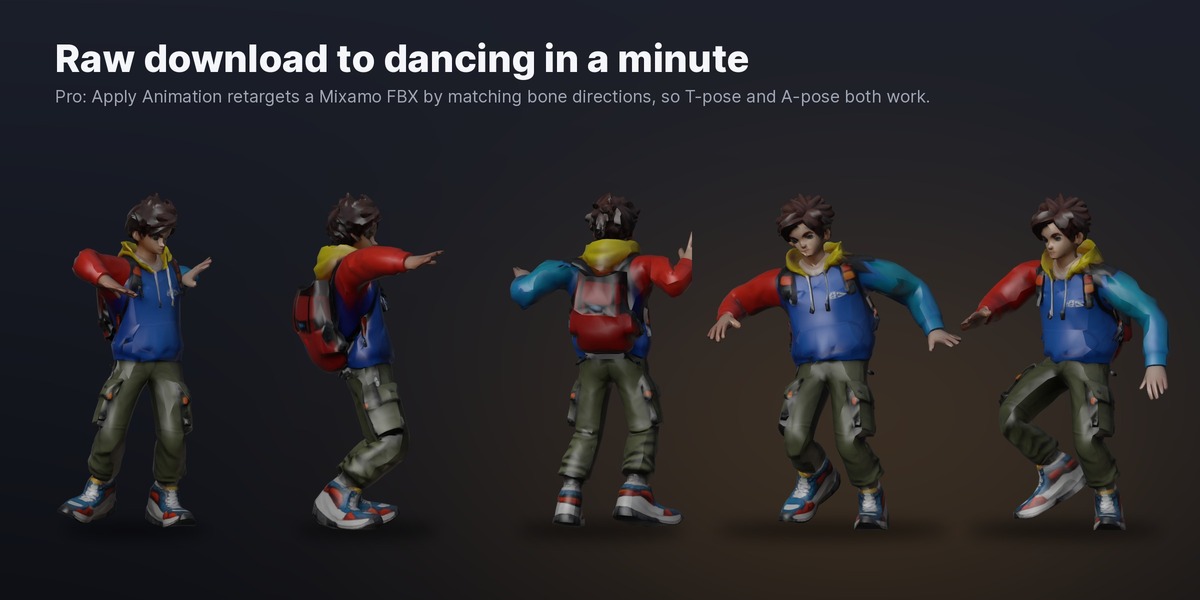
- Apply Animation (Pro): pick a Mixamo FBX (download it "Without Skin") and it plays on your character. Bone directions are matched, so an A-pose character plays a T-pose animation correctly.
- Export presets (Pro): Unity, Unreal, Godot (GLB) and Mixamo upload, each with the right settings.
- Rig Each Selected (Pro): rig several single-mesh characters in one go.
Lite vs Pro
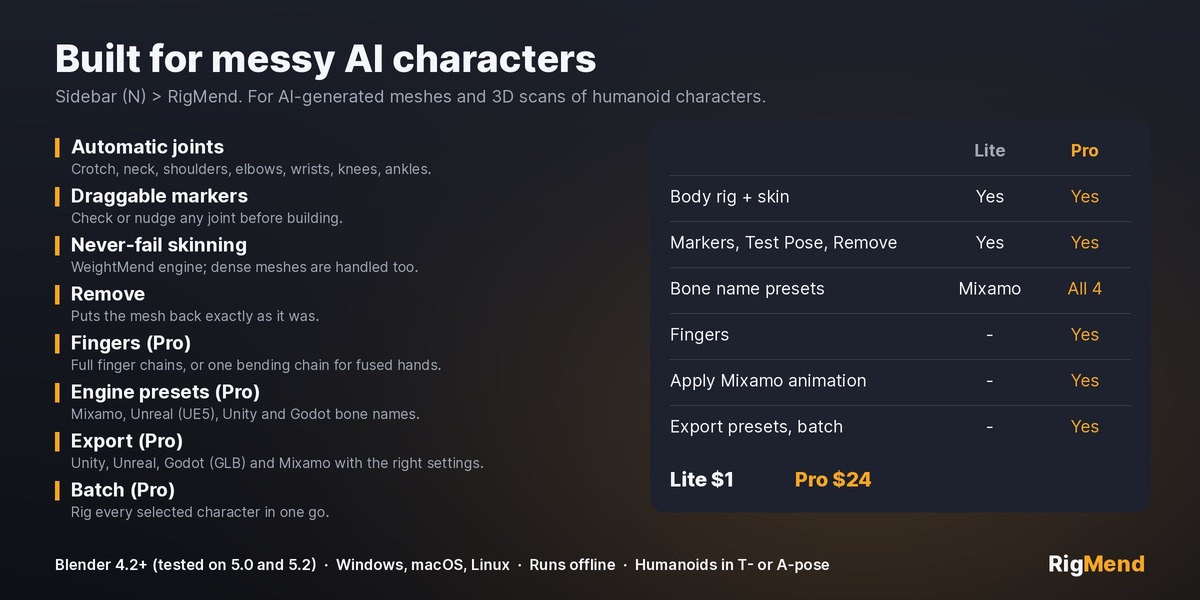
- Lite ($1): one-click body rig and skin, Mixamo bone names, joint markers, Test Pose, Remove.
- Pro ($24): everything in Lite, plus fingers, Apply Animation, Unreal/Unity/Godot bone names, export presets and batch rigging.
Honest limits
- Humanoids only, in T-pose or A-pose. Animals and creatures aren't supported yet.
- Arms hanging straight down and pressed against a bulky body (armour, big coats) can pick up some torso weight. Move the shoulder markers or raise the arms before rigging.
- AI models with fused fingers get one bending chain per hand, not five fingers.
- No facial rig.
Pairs with
- QuadMend: clean up and remesh the AI model first (remeshing breaks any rig that came with it, so RigMend is the natural next step).
- SwayMend: add swinging hair, tails and capes on top of the RigMend skeleton.
Requirements
- Blender 4.2 or newer (tested on 5.0 and 5.2.2)
- Windows, macOS and Linux. Pure Python, nothing to compile.
- Runs fully offline. No account, no GPU.
- Install either Lite or Pro, not both at once.
Got a character it doesn't rig well? Message me through Superhive. Problem models are how RigMend gets better.
From MendWorks, the maker of QuadMend, SeamMend, WeightMend and SwayMend. Demo character: image made with Meshy (CC BY 4.0), turned into 3D with Microsoft TRELLIS (MIT).