 Shahzaib A.
ROAMER / POV EXPLORER / 1.0.0
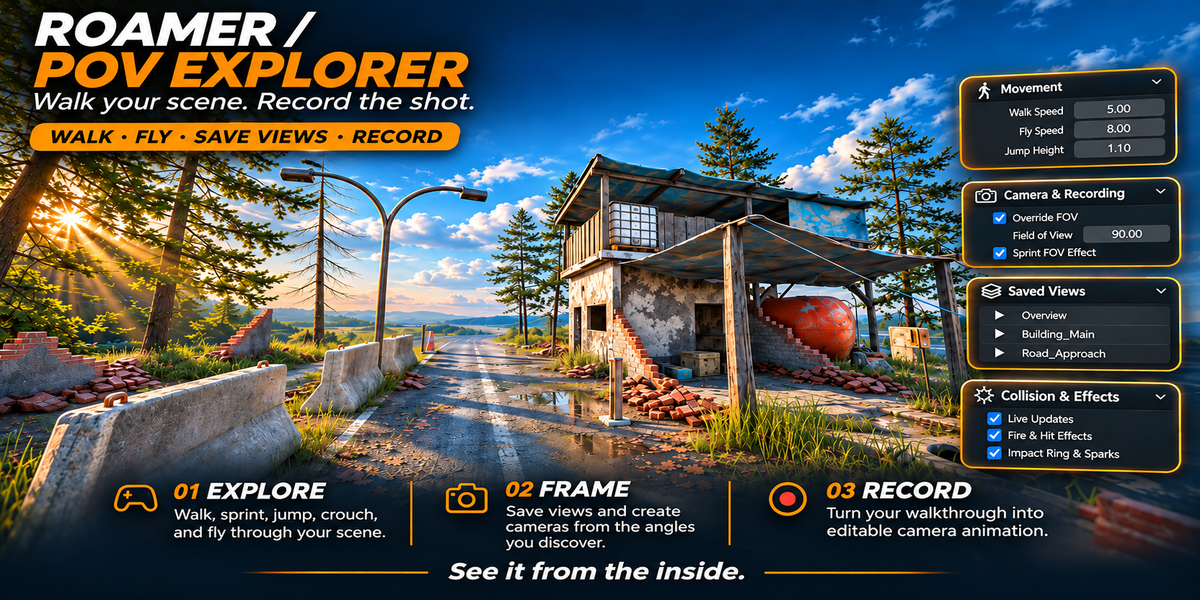
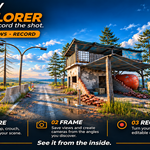
Walk your scene.
Record the shot.
Experience your Blender environments from the inside. Move at eye level, find a composition, and turn your walkthrough into editable camera animation.
WALK · FLY · SAVE VIEWS · RECORD
How does that corridor feel at human scale? What is around the next corner? Where is the best angle for your reveal? Roamer lets you explore those decisions directly in the viewport.
From a finished scene to a moving camera.
01 EXPLORE
Get a feel for the space.
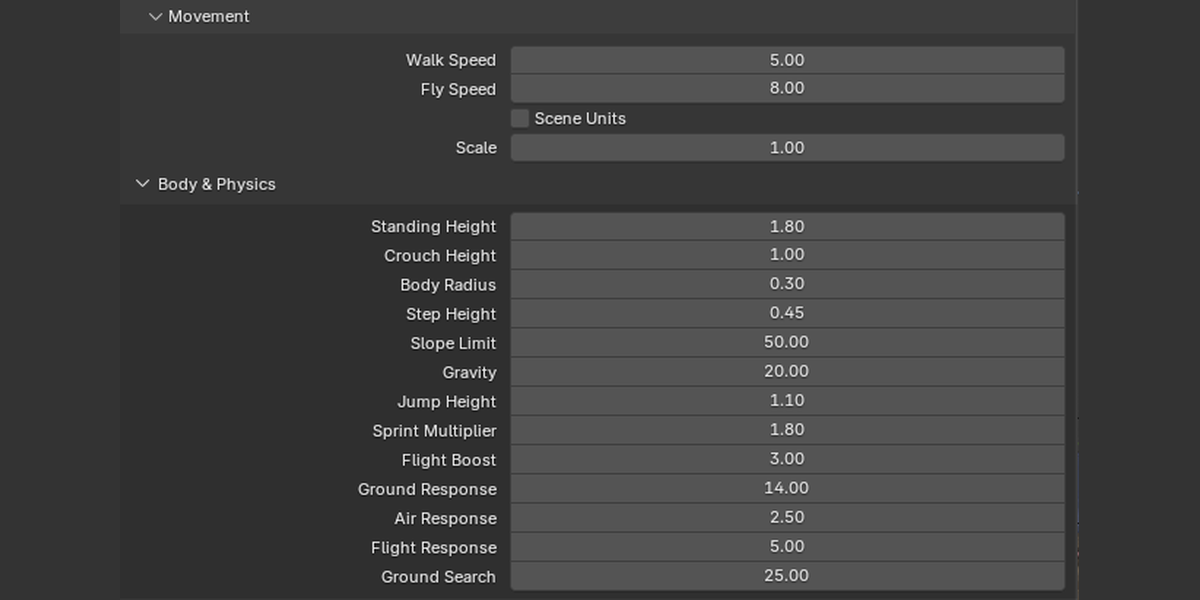
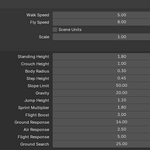
Walk, sprint, jump, and crouch with scene collision. Tune body dimensions, step height, and slope limits, then switch to flight for a wider view or noclip to reposition freely.
02 FRAME
Keep the angles you discover.
Save named viewpoints inside your Blender file and return to them when you need another look. Create a camera from your current view, or recover to your session start or last safe standing position.
03 RECORD
Perform the move. Keep the keyframes.
Record your route into a new camera with position, rotation, and lens keyframes. Adjust sample rate, smoothing, and key reduction, then refine the resulting animation with Blender’s animation tools.
A comfortable starting point.
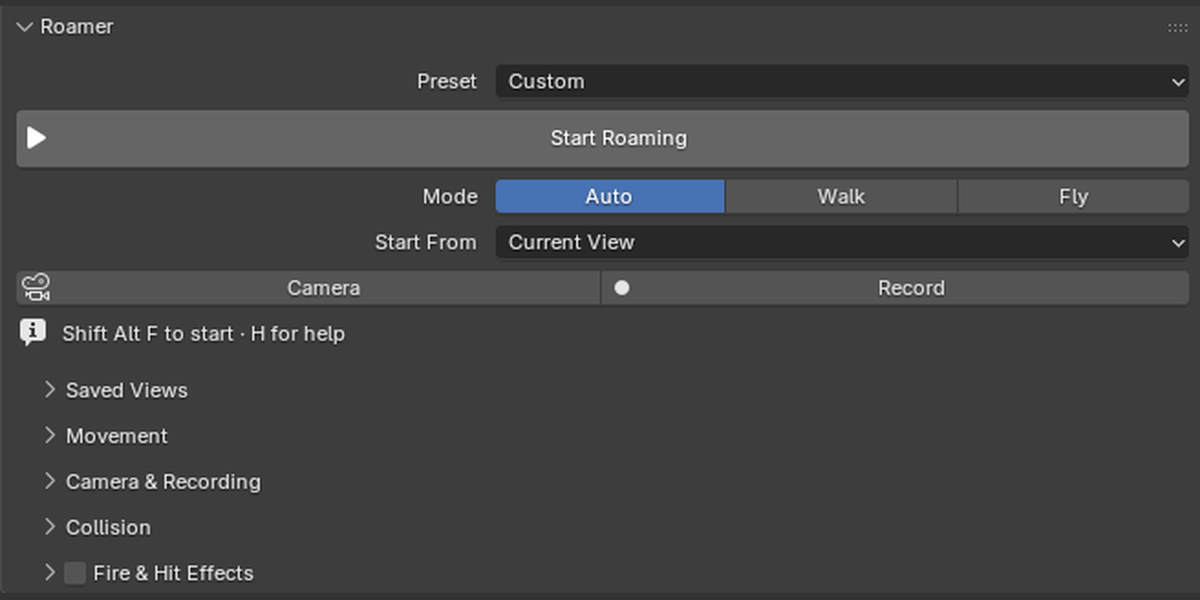
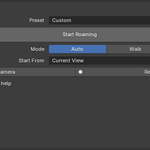
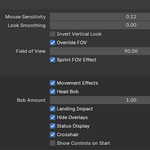
Choose Architecture, Human Scale, Cinematic Flight, or Miniature and make it your own. The main panel keeps starting, camera creation, and recording close at hand. Detailed controls stay tucked into expandable sections.
- Remappable movement and action keys, with optional toggle sprint and crouch.
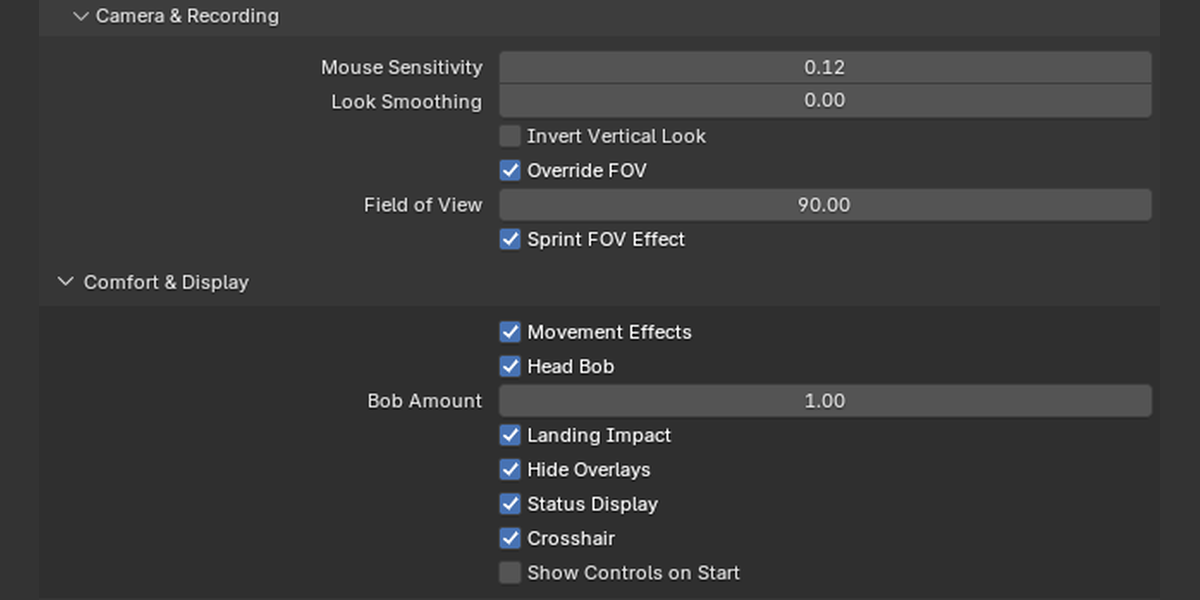
- Adjustable mouse smoothing, head bob, landing impact, and sprint field of view.
- Scene-unit scaling and player dimensions for different-sized environments.
- Pause when you need a break; viewport overlays and panels return when you exit.
Collision tools for your scene.
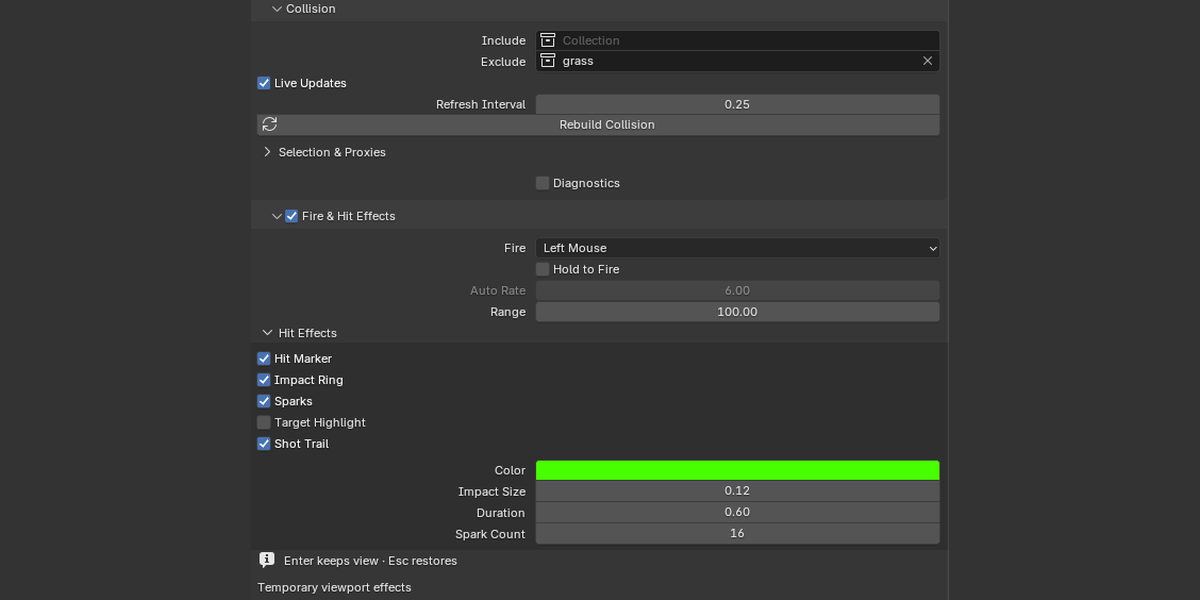
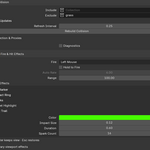
Use evaluated geometry, including modifiers and mesh-like instances. Choose collision collections, exclude objects, or build simple box proxies. Cached geometry, optional live updates, and collision diagnostics help you tune the experience.
OPTIONAL FIRE & HIT EFFECTS
Add a little interaction.
Fire at the crosshair with configurable sparks, impact rings, hit markers, target highlights, and shot trails. Set color, size, duration, range, and the rate of held automatic fire.
Viewport preview effects: hit effects are temporary and do not appear in renders or recorded camera animation.
Your first walkthrough in three steps.
- Choose your view. Open the Roamer sidebar and pick a preset.
- Start exploring. Use WASD and the mouse to find your route.
- Capture the move. Press K to record and K again to save your take.
Before you start
Compatibility: designed for Blender 4.4 or later. Verified on Blender 5.0.1 on Windows; other versions and operating systems have not been verified.
Input: keyboard and mouse. Install as a legacy Python add-on. No separate runtime or paid dependency is required.
Included: Roamer 1.0.0 and a written usage guide. Demo scenes and external asset libraries are not included.
See it from the inside.
Bring Roamer into your next environment, find the views worth keeping, and turn your exploration into a camera move you can edit.