Roamer - Walk Your Scene
 Shahzaib A.
How do I save or cancel a take?
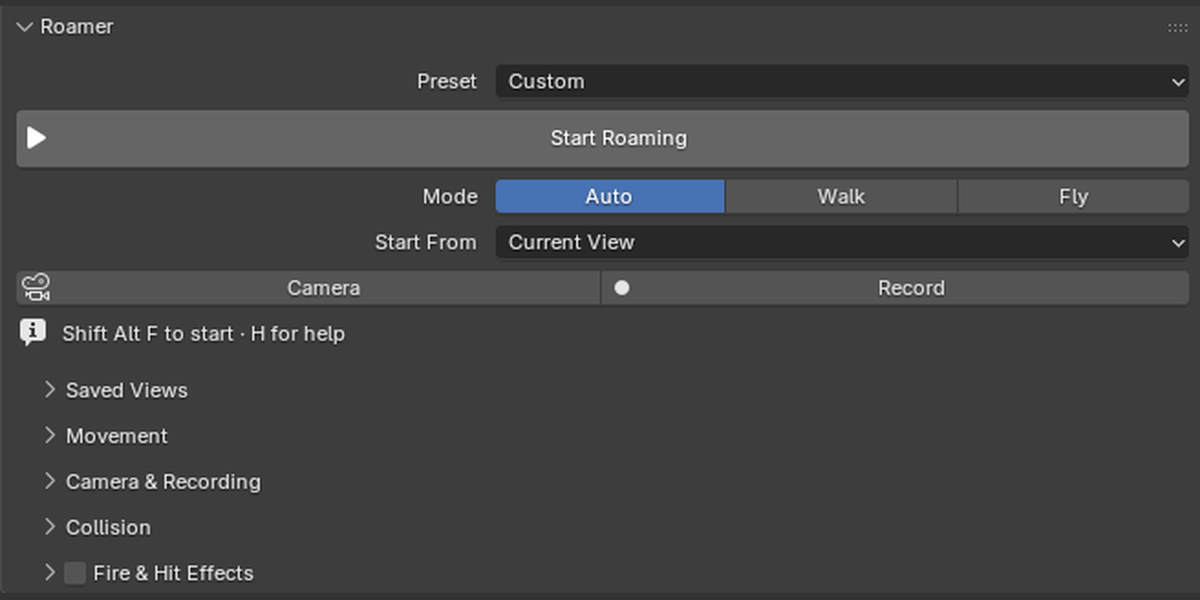
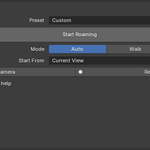
Press K to finish and save the active take while continuing to roam. Enter saves the take and ends the session. Esc restores the starting view and discards only the active take; previously saved takes remain.
Does recording overwrite my existing camera animation?
Each completed take creates a new camera and makes it the scene’s active camera. Existing cameras and their animation are retained. Recording starts at the timeline frame that was current when you began the take.
Can I use it in a detailed architectural or environment scene?
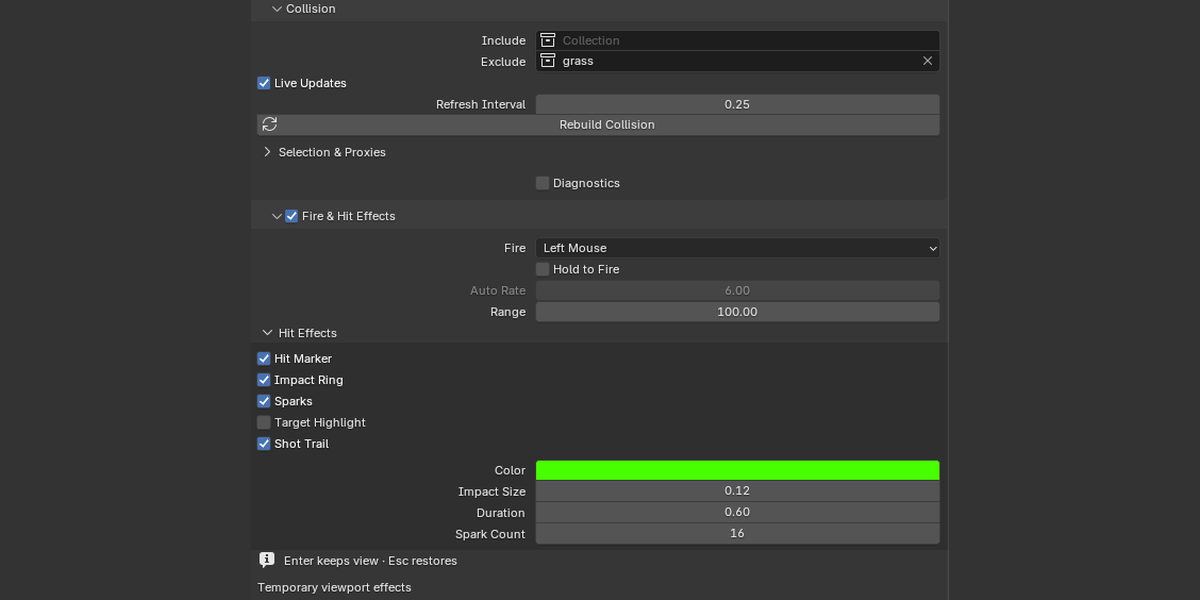
Yes. You can limit walking collision to a chosen collection, exclude unnecessary objects, or create box proxies. Performance depends on scene complexity and hardware. Simple collision meshes are a useful choice for detailed environments.
Does it work with modifiers and instances?
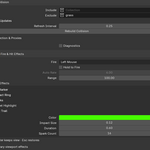
Collision uses evaluated polygon geometry, including supported modifiers and mesh-like instances. Include and Exclude collections and per-object exclusions let you choose what blocks the player. Rebuild after changes or enable Live Updates.
How is it different from basic viewport navigation?
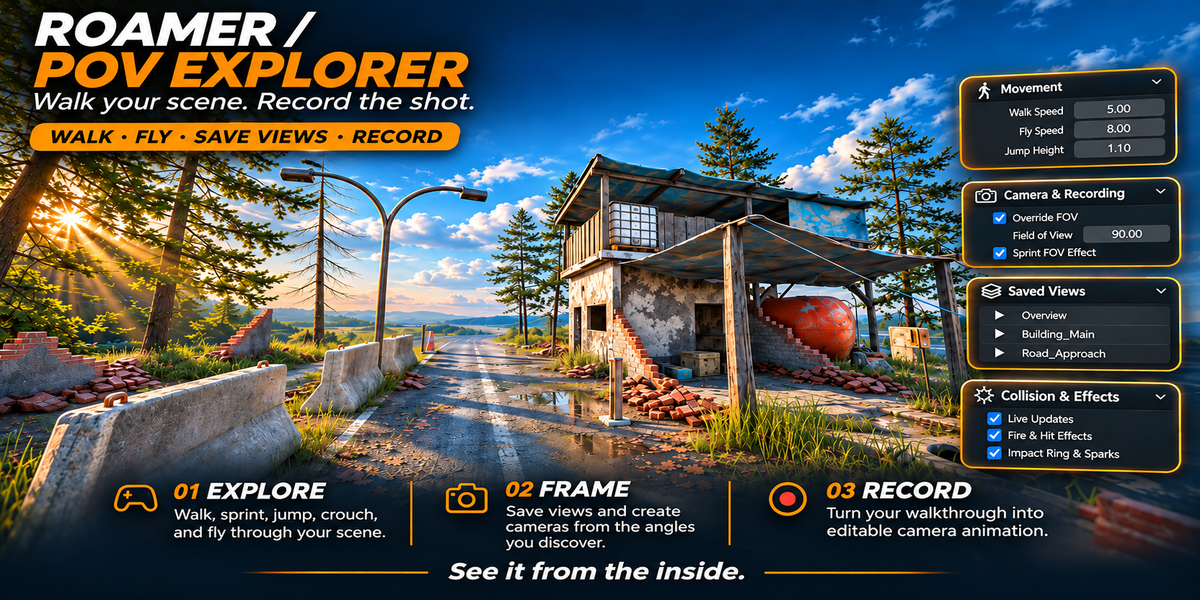
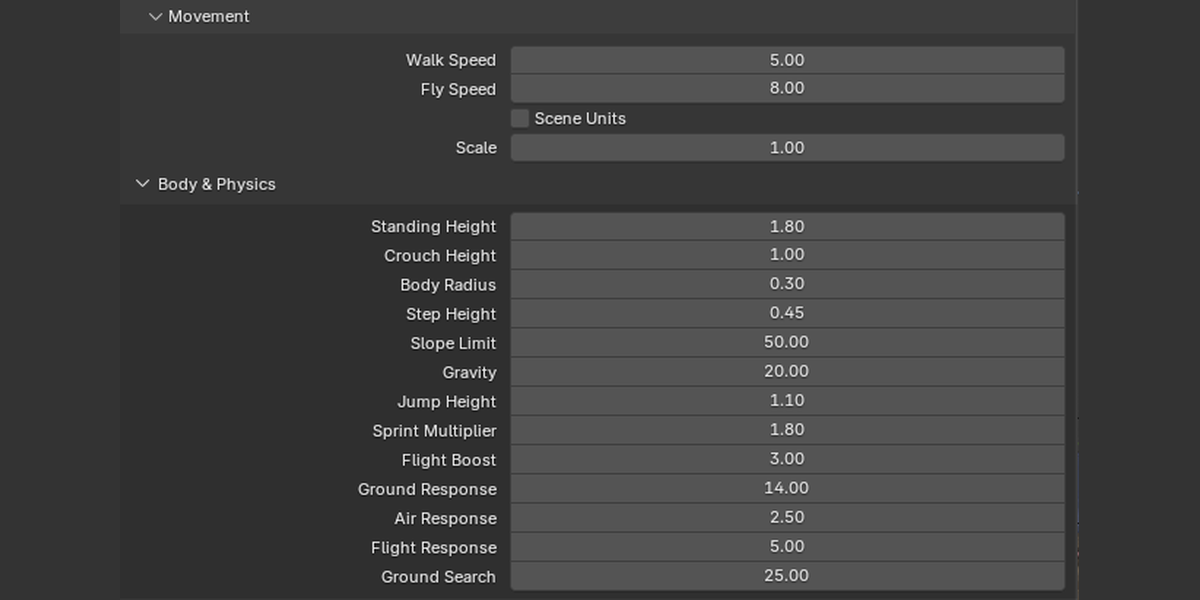
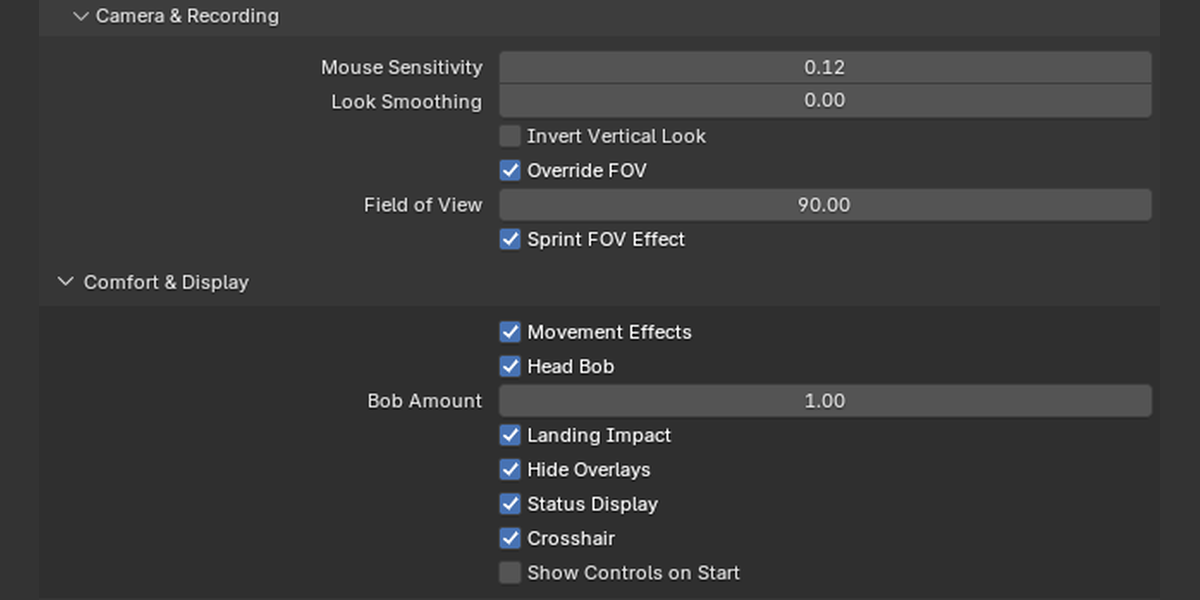
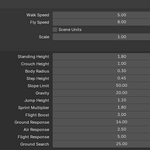
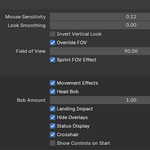
Roamer brings configurable body collision, steps, slopes, crouching, movement presets, named viewpoints, recovery, and camera recording together in one sidebar. Its recording produces editable position, rotation, and lens keyframes in a new camera.
What does Roamer do?
Roamer adds first-person walking and flying to the Blender viewport, with scene collision, saved viewpoints, camera creation, and walkthrough recording. It helps you explore environments, judge scale, find compositions, and capture camera movement.
Have questions about this product?
Login to message
| Blender Extension Compatible | Yes |
| Published | about 16 hours ago |
| Blender Version | 4.4 - 5.2 |
| Extension Type | Add-on |
| Render Engine Used | Blender-Internal, Blender-Game-Engine, Cycles, Eevee |
| License | GPL |
Discover more products like this
camera recording Level Design flythrough camera animation viewport navigation environment art scene exploration architectural visualization ArchViz walkthrough First person collision