Robo Arms: Procedural Robot Arms
 sharoleslam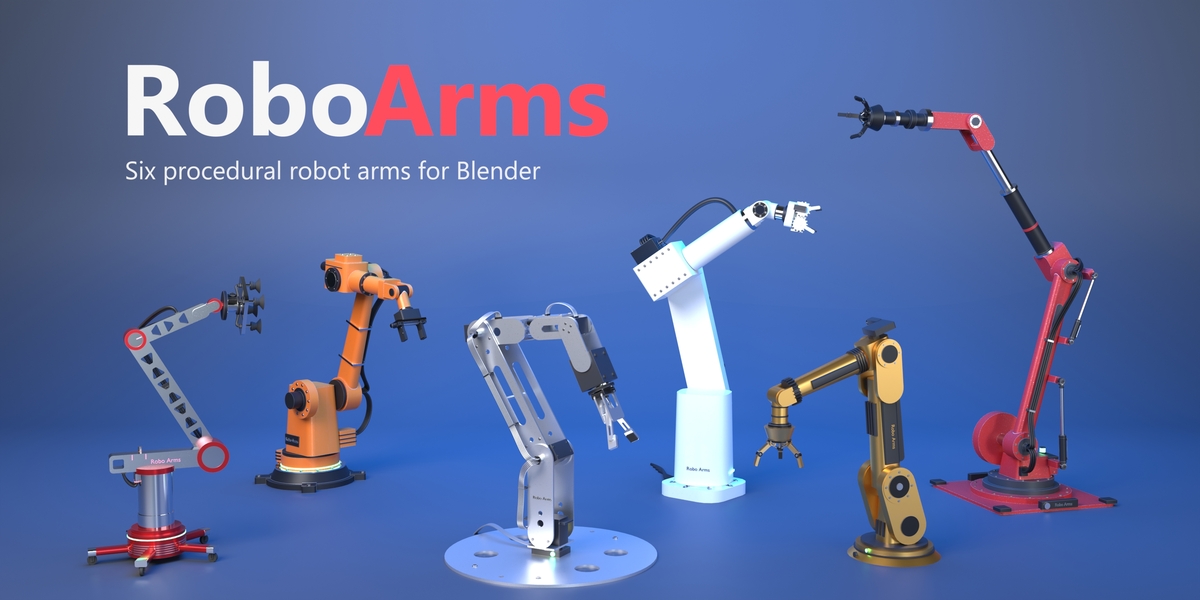
Install
Drag robo_arms-1.0.0.zip onto the Blender window, or Edit > Preferences > Get Extensions > Install from Disk. Requires Blender 5.0 or newer. The panel is in the 3D Viewport sidebar (N) > Robo Arms.
Add an arm
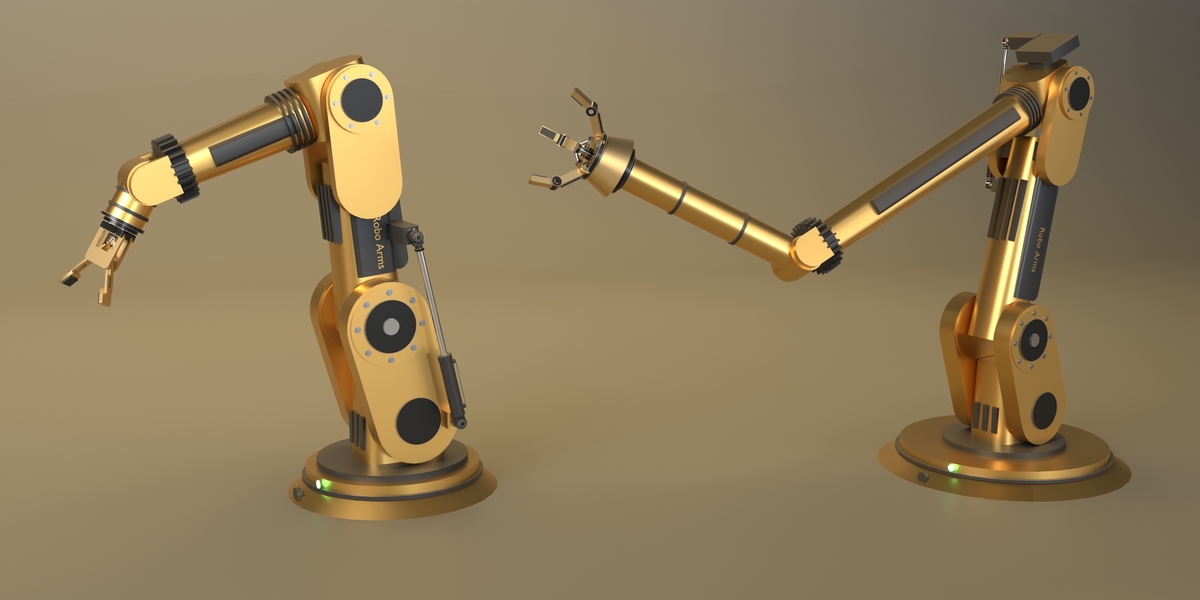
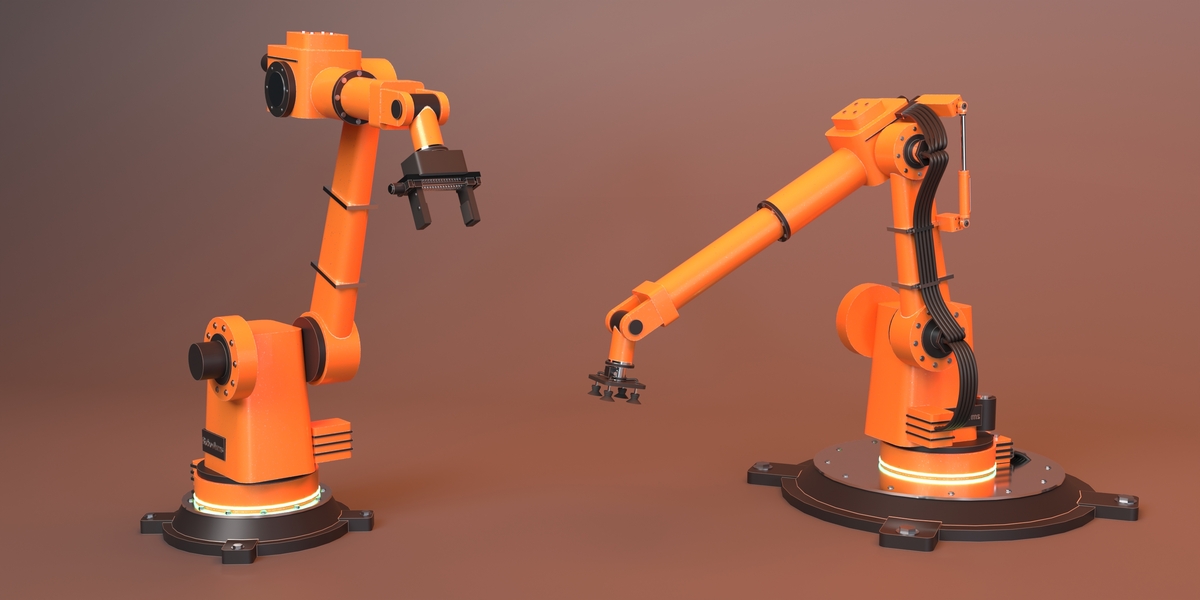
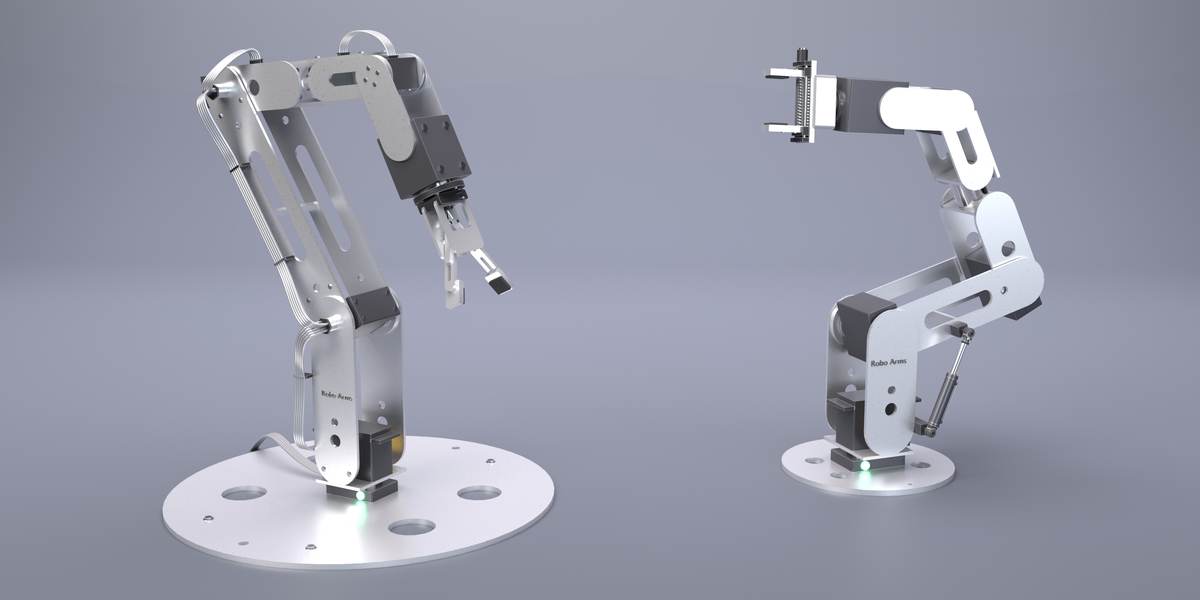
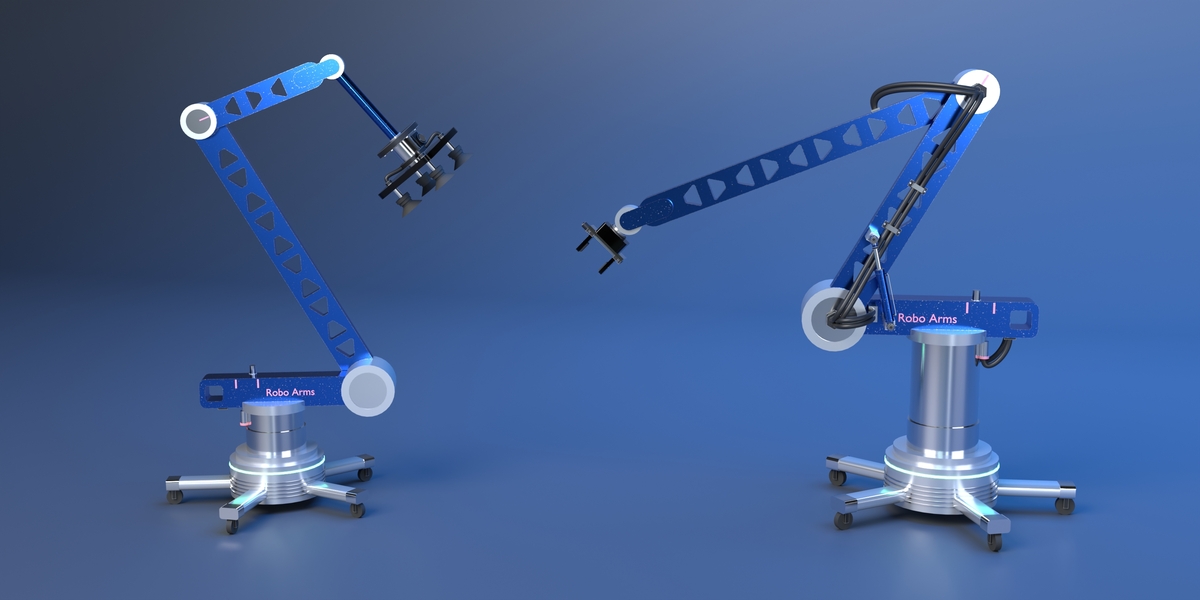
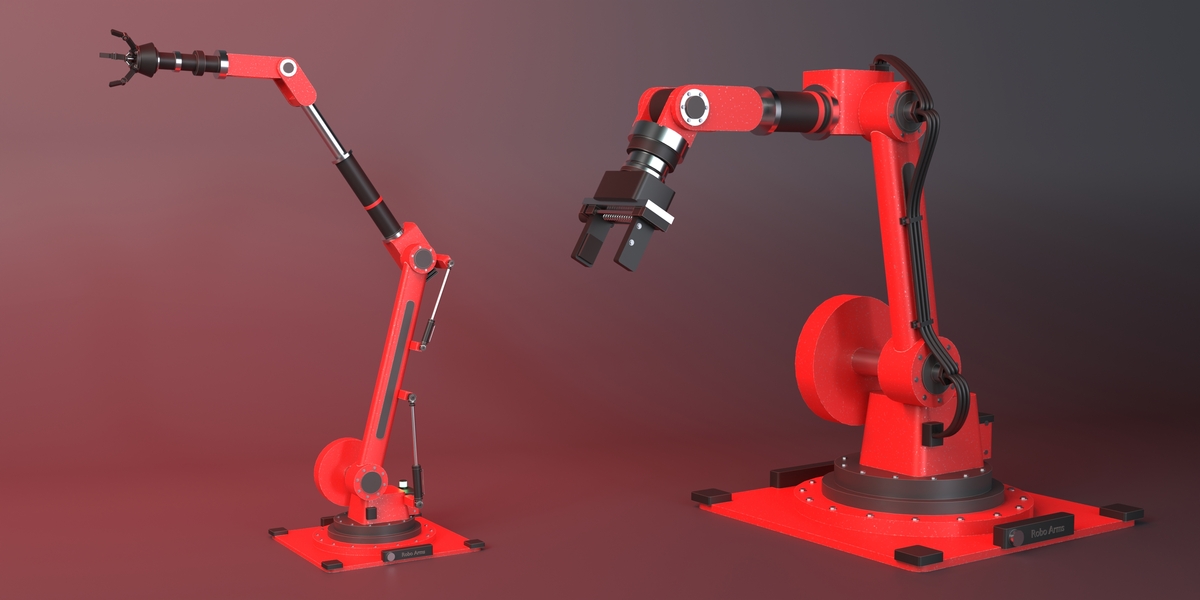
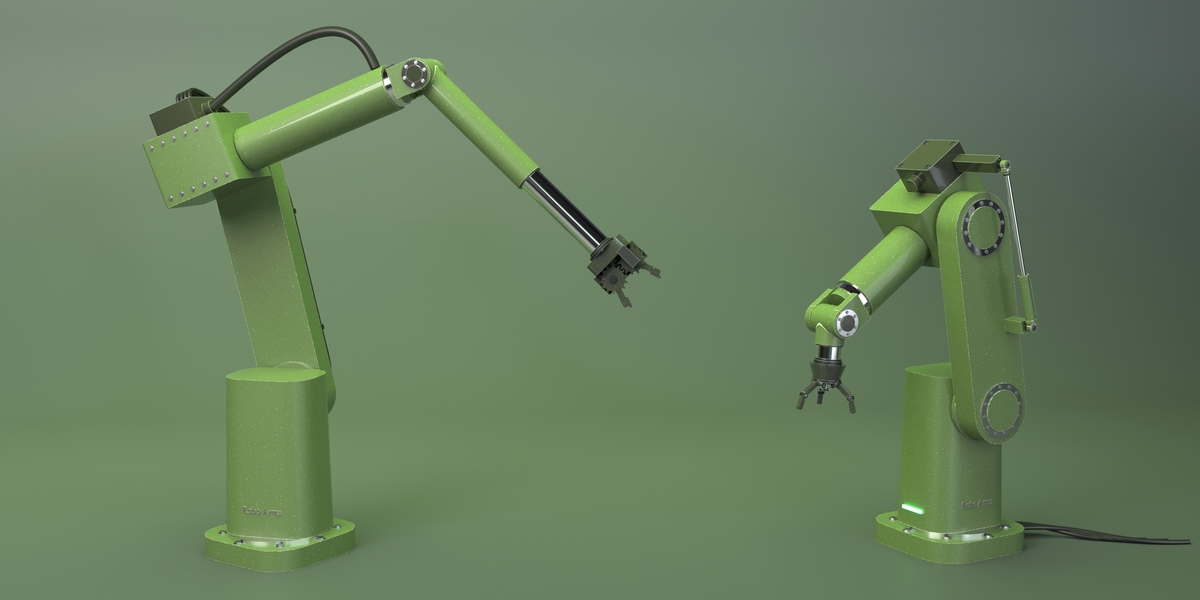
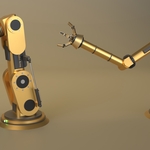
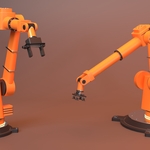
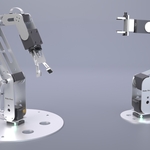
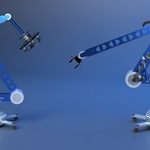
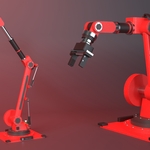
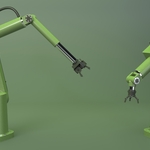
Pick a model in the gallery (Industrial, Veteran Hydraulic, Bracket Kit, Aurum, Boom Rover, RX Cobot) and press Add. Each arm is one object with a Geometry Nodes modifier, plus an IK Target empty and a TCP empty. Pick the tool in the Tool menu: Two-Finger Gripper, Three-Jaw Claw, Linkage Claw, Geared Gripper or Vacuum Suction.
Animate
- IK (default): move and rotate the IK Target; the tool tip follows and points along the empty's X axis. Select IK Target and Target to Tool Tip (the snap button) are in the Motion panel.
- FK: set the six joint sliders. The FK / IK buttons switch without the arm jumping; IK Blend mixes the two.
- Key Pose keys the joints, IK Blend, Grip and the target. Rest Pose returns to the model's pose.
- Grip opens (0) and closes (1) the tool.
Grab and Release
Put the tool on an object, select it and press GRAB: the fingers close to its width over Frames (the number right of RELEASE) and it follows the tool. RELEASE opens the tool and leaves the object where it is. Any number of cycles, all keyed. With nothing selected, GRAB takes the object picked in Target. Object > Animation > Remove Robot Arm Grabs detaches objects again.
Status lights
Green when idle, amber while holding an object (keyed by GRAB / RELEASE), red when the tool can't reach the IK Target (out of reach or held at a joint limit).
Adjust
- Dimensions & Extension: base height, upper arm, forearm, wrist length, thickness, base size and tool scale. All can be keyframed.
- Dampers, Cables & Details: cables (strands, thickness, slack), bolts, status lights, shoulder and elbow hydraulic dampers, and the Label text shown on the arm.
- Joint Limits: per-joint minimum and maximum; each model's defaults stop before parts run into each other.
- Smoothing & Export: resolution, smooth angle, Bake to Parts and Rebuild Node Groups.
Materials
Each arm gets its own ten materials (Paint Primary and Secondary, Metal Dark and Bright, Rubber & Plastic, Cable Sheath, Screws & Bolts, Accent, Light Glow, Tool Body), listed in the Materials panel and in the object's material slots. Pick a colour Preset or Randomize Look, or edit a material in the Shader Editor: Color, Metallic, Roughness, Wear, Wear Color, Edge Color, Edge Wear, Dirt, Coat and Texture Scale are inputs on each.
Export
Bake to Parts turns the arm into named, parented mesh objects (base, turret, upper arm, elbow, forearm, wrist, flange, tool, and the cables and dampers) in the current pose, ready for FBX, glTF or USD export.
Delete
Deleting an arm also deletes its IK Target and TCP empties.
Have questions about this product?
Login to message
| Blender Extension Compatible | Yes |
| Dev Fund Contributor | |
| Published | about 2 hours ago |
| Blender Version | 5.0 - 5.2 |
| Extension Type | Add-on |
| Render Engine Used | Cycles, Eevee |
| License | GPL |

Discover more products like this
gripper robot arm Inverse Kinematics Industrial robot Robot rigging mechanical geometry nodes robotic arm hydraulics procedural animation