Robo Arms: Procedural Robot Arms
 sharoleslam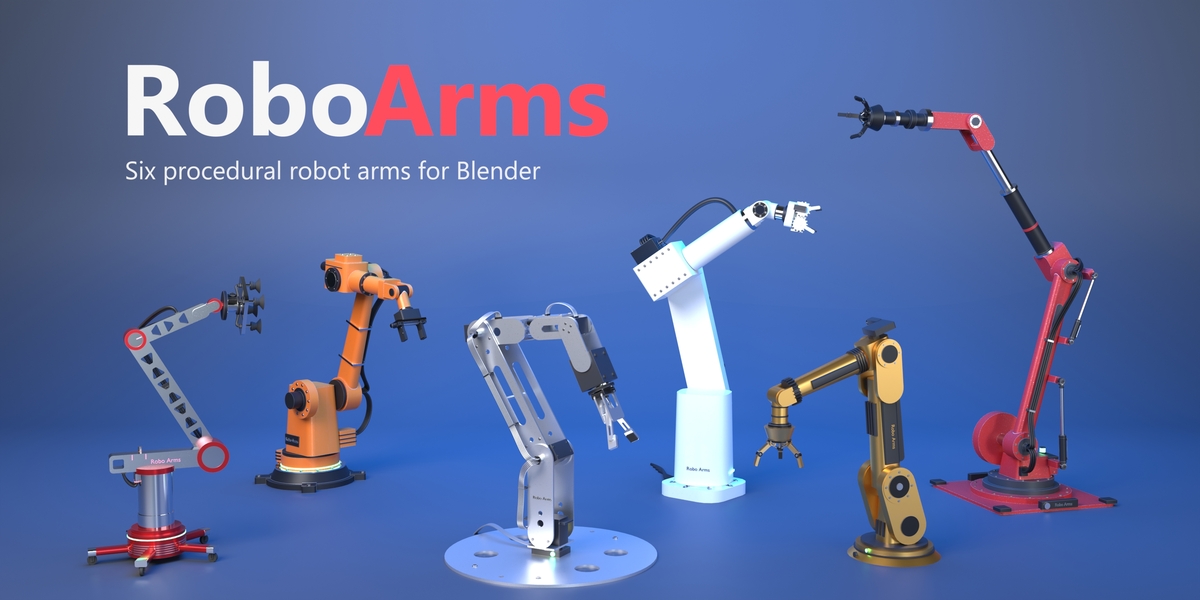
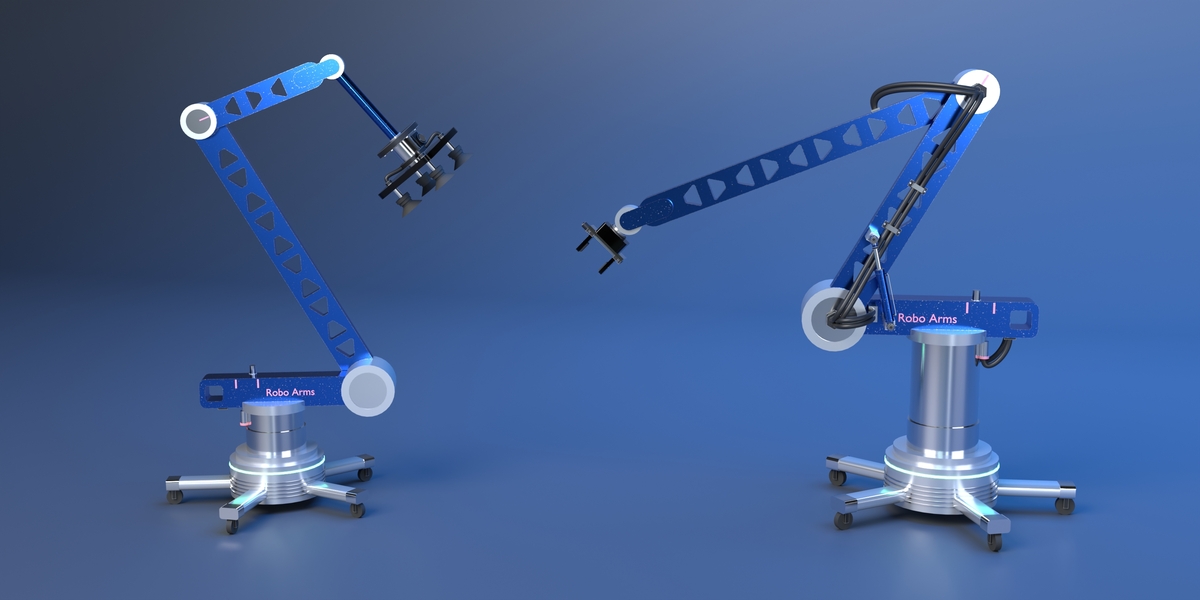
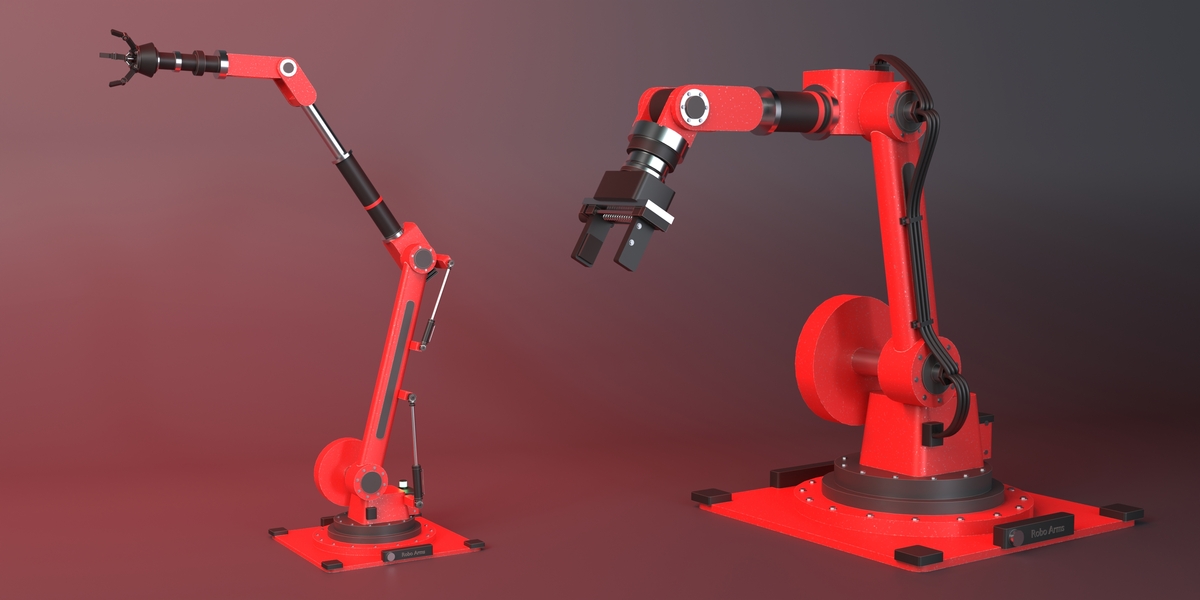
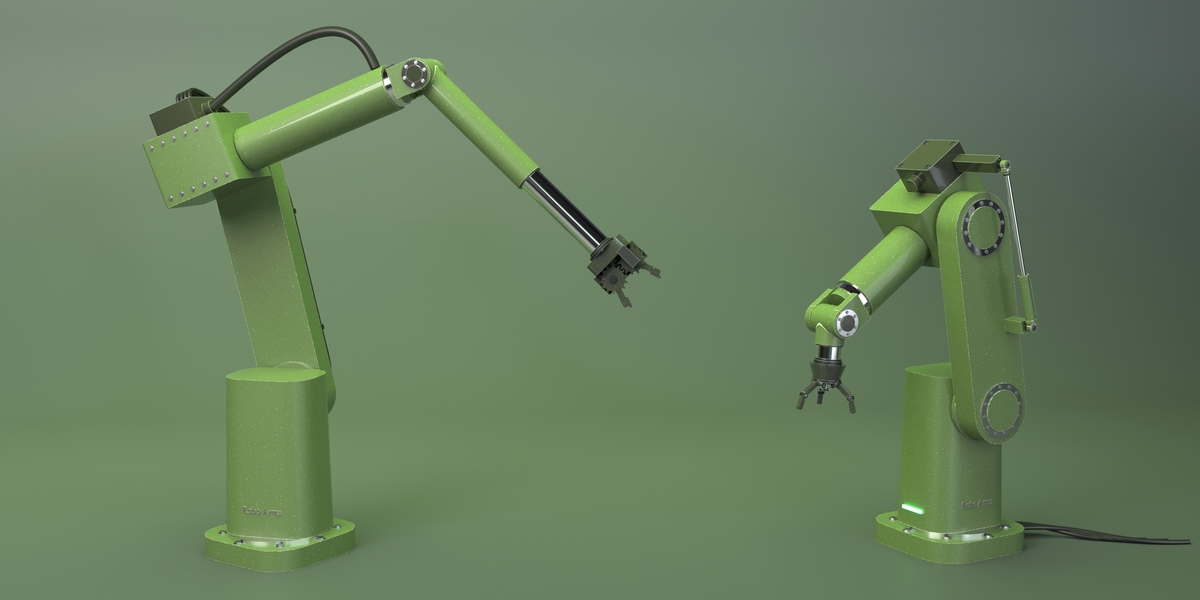


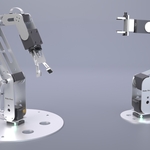

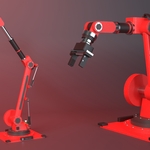
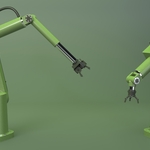
Blender 5.0 or newer, tested up to 5.2. It installs as an extension: drag the zip onto Blender.
Yes. Each arm is one object with a Geometry Nodes modifier and regular materials, so it renders in both, including the worn edges. Nothing runs as a script at render time, so it also works with Python auto-run off and on render farms.
Yes, any object. Put the tool on it, select it and press GRAB; RELEASE sets it down. Every grab and release is keyed, and Object > Animation > Remove Robot Arm Grabs detaches objects again.
Bake to Parts (Smoothing & Export panel) turns the arm into named, parented mesh objects in the current pose, ready for FBX, glTF or USD export. The procedural arm stays editable in Blender.
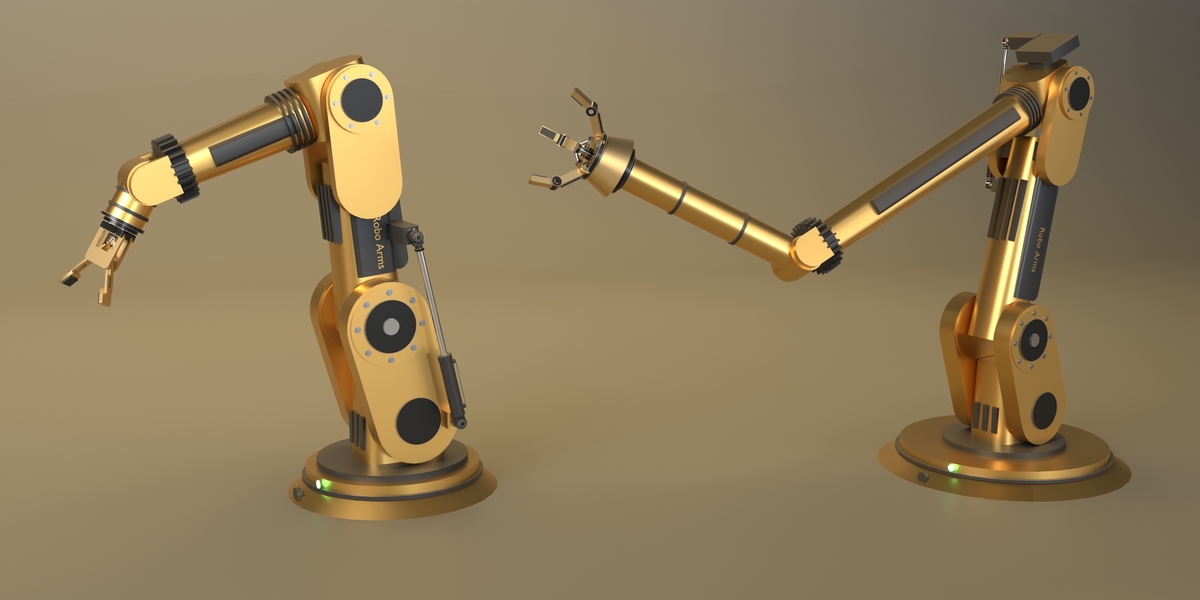
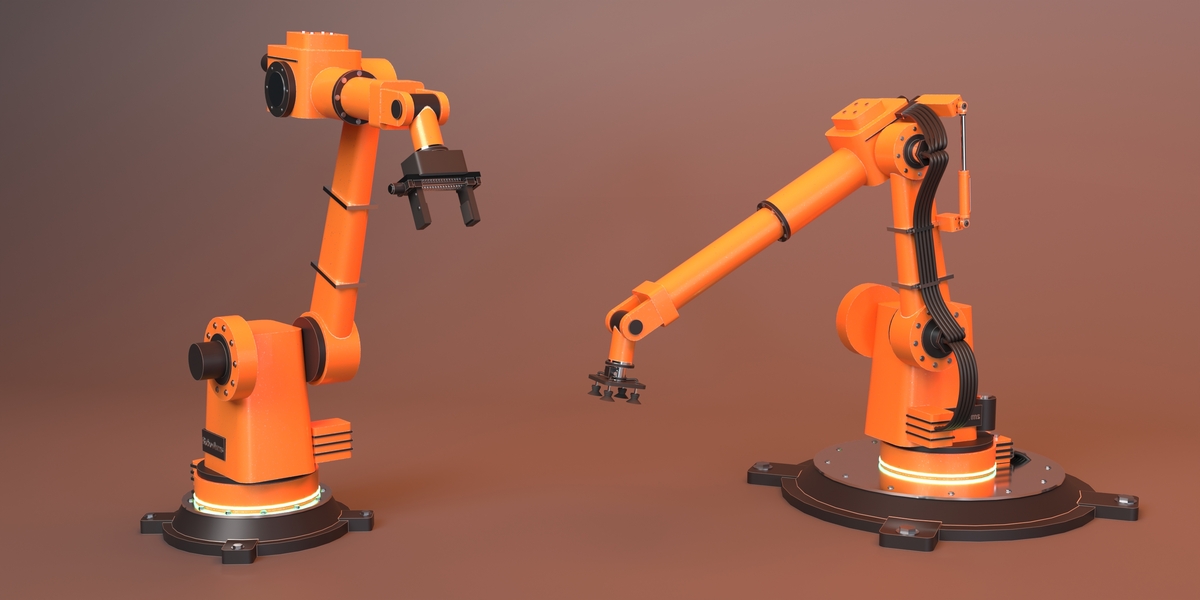
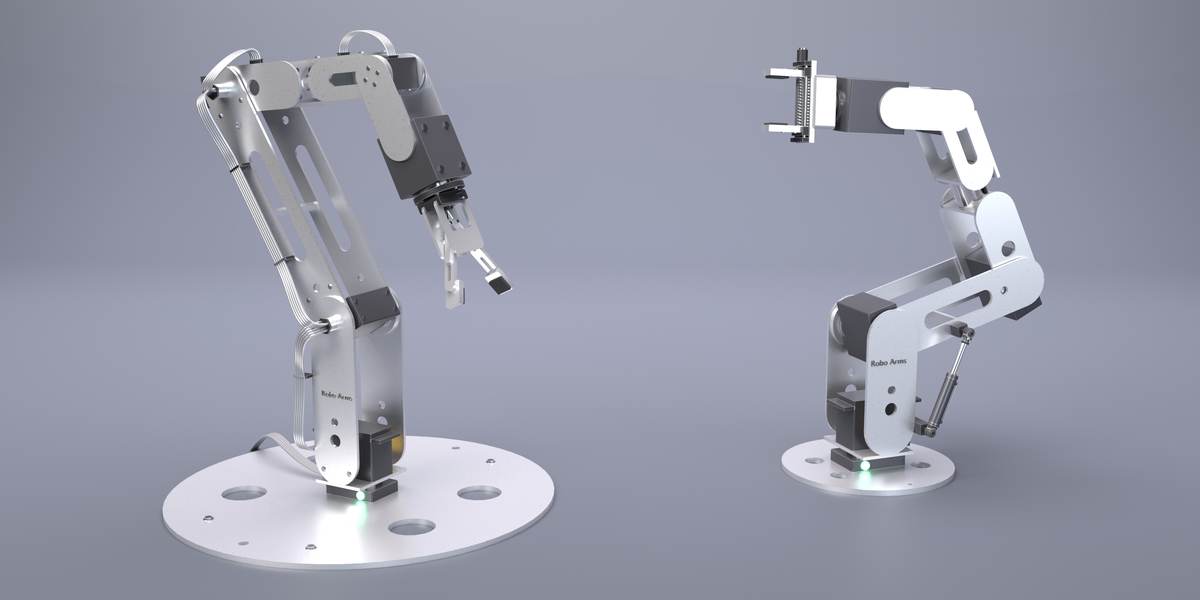
Yes. Each arm has ten materials of its own, listed in the Materials panel and in its material slots. Use a colour preset or Randomize Look, or edit them in the Shader Editor; parts carry UV maps, so image textures work too.
Have questions about this product?
Login to message
| Blender Extension Compatible | Yes |
| Dev Fund Contributor | |
| Published | about 2 hours ago |
| Blender Version | 5.0 - 5.2 |
| Extension Type | Add-on |
| Render Engine Used | Cycles, Eevee |
| License | GPL |

Discover more products like this
Inverse Kinematics Robot animation rigging geometry nodes hydraulics Industrial robot procedural robotic arm mechanical robot arm gripper