 NORELL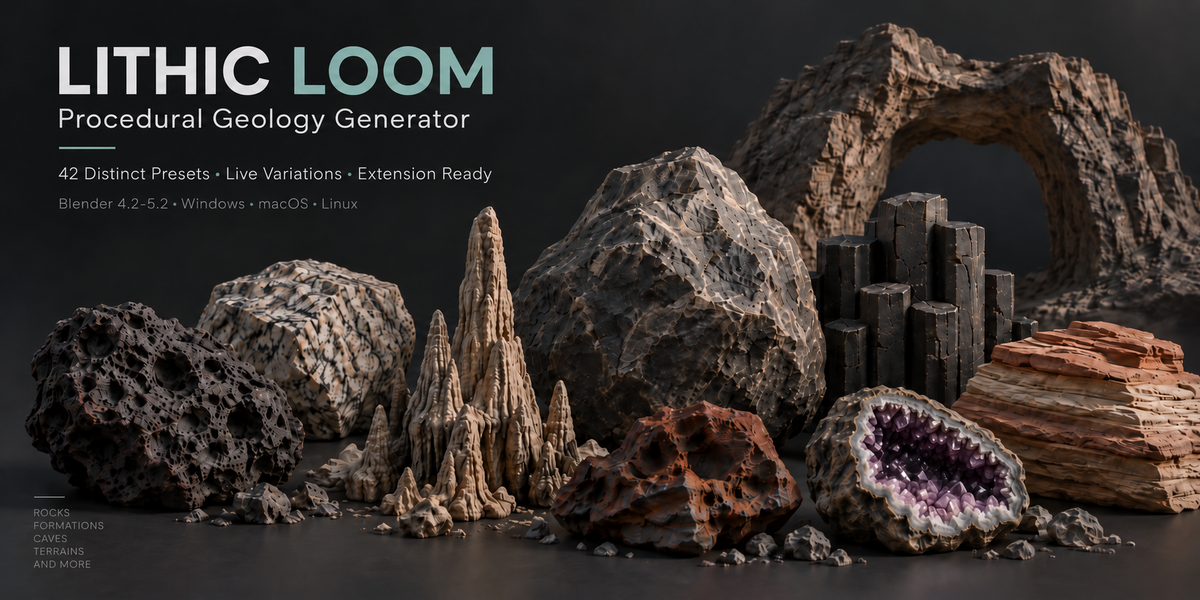
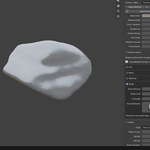
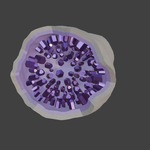
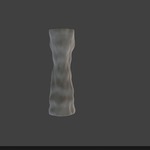
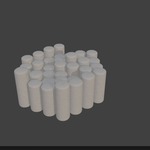
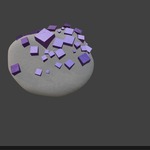
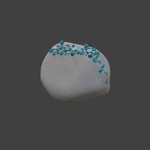
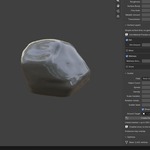
Create procedural rocks, stones, crystals and geological formations directly in Blender.
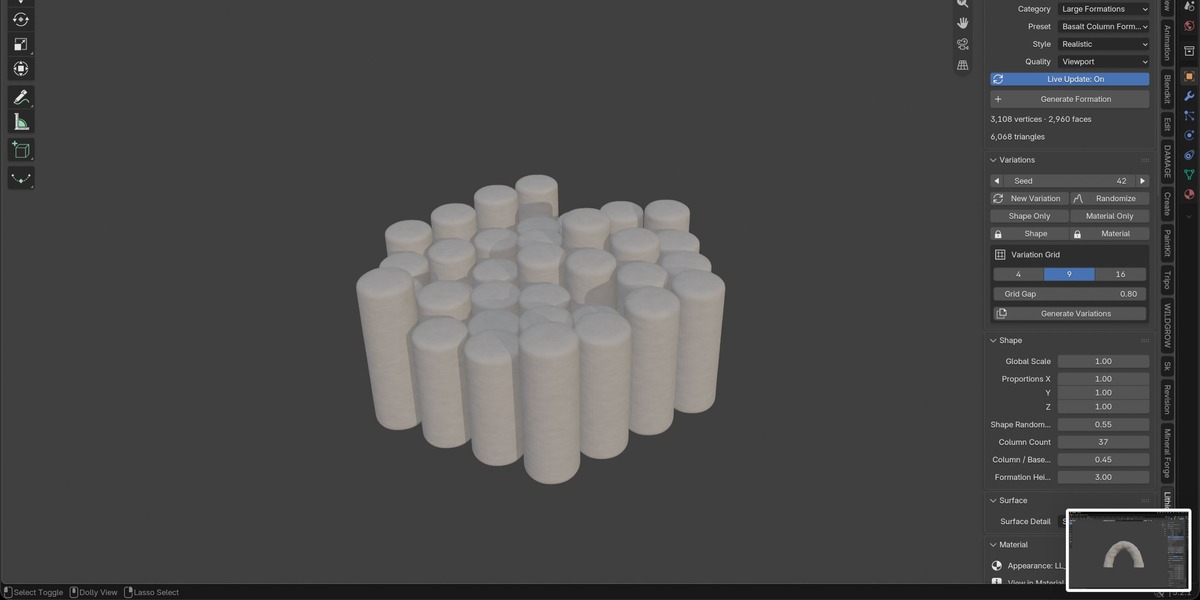
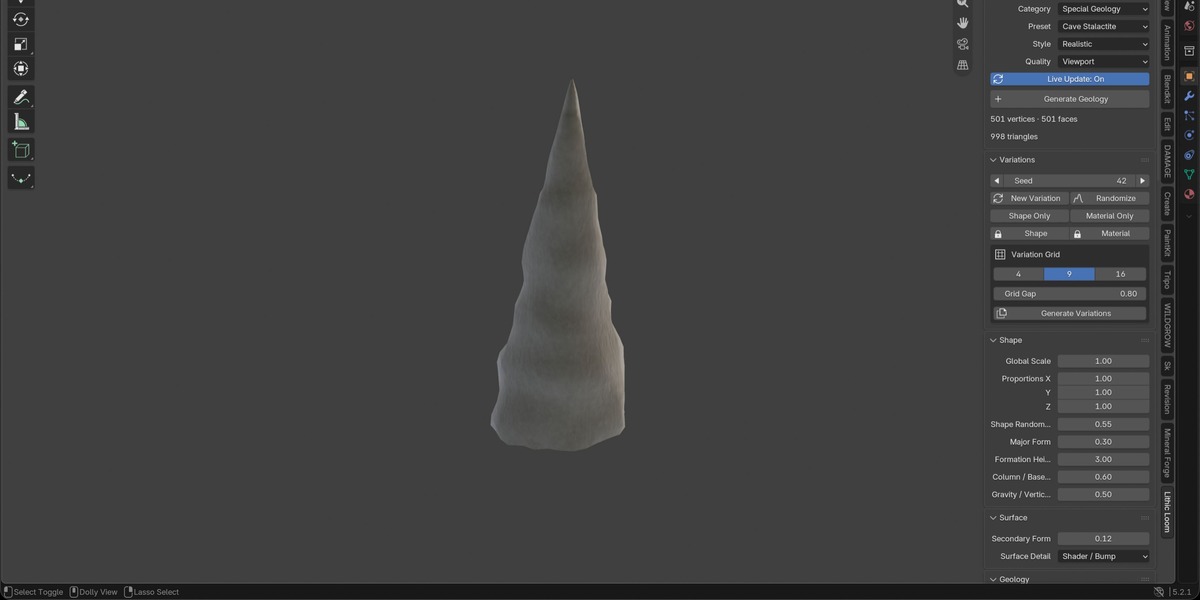
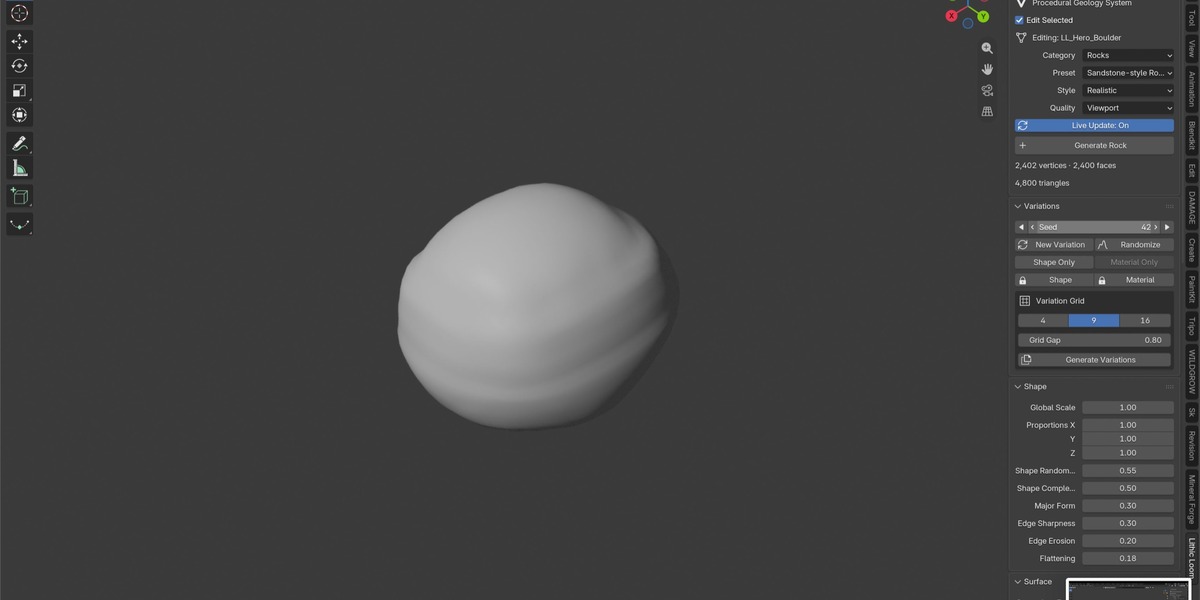
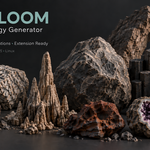
Rock, Stone & Crystal Generator — LITHIC LOOM brings 42 editable presets into one toolkit for rocks, boulders, natural arches, basalt columns, canyons, mountain ridges, rocky slopes, cave chambers, minerals and geodes.
Choose a preset, explore seed-based variations and shape the result to fit your scene.
Key Features
42 Procedural Presets — Generate individual stones, larger geological formations, crystals and cave structures.
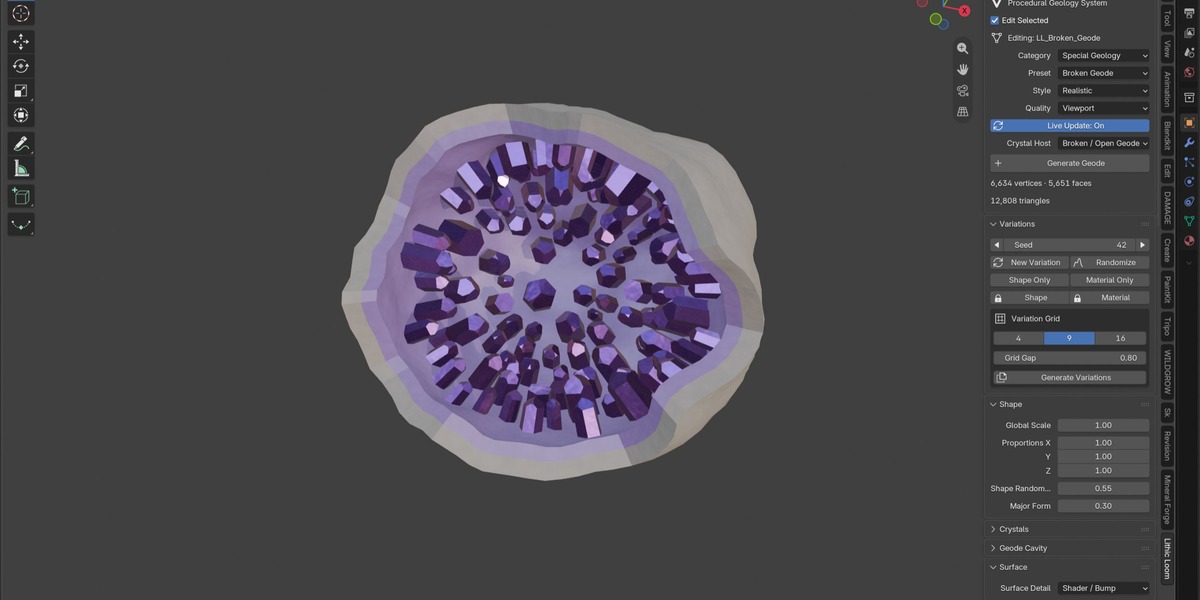
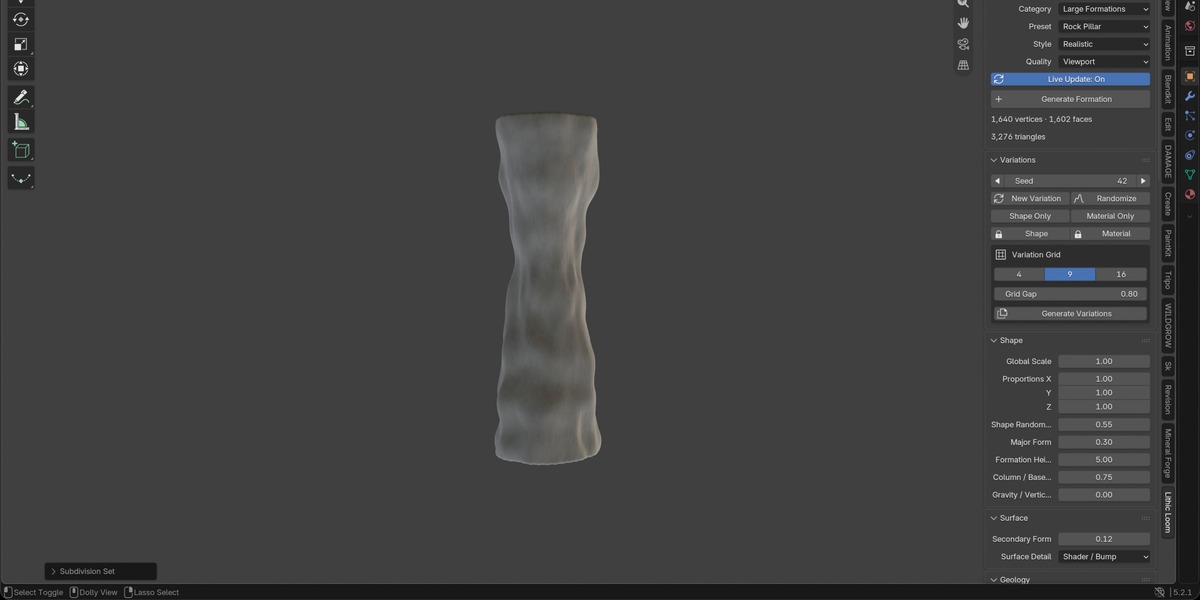
Live Editing & Variations — Adjust proportions, surface detail and geological features with optional automatic updates.
Three Visual Styles — Choose Realistic, Stylized or Low Poly, with five geometry quality levels from Draft to Final.
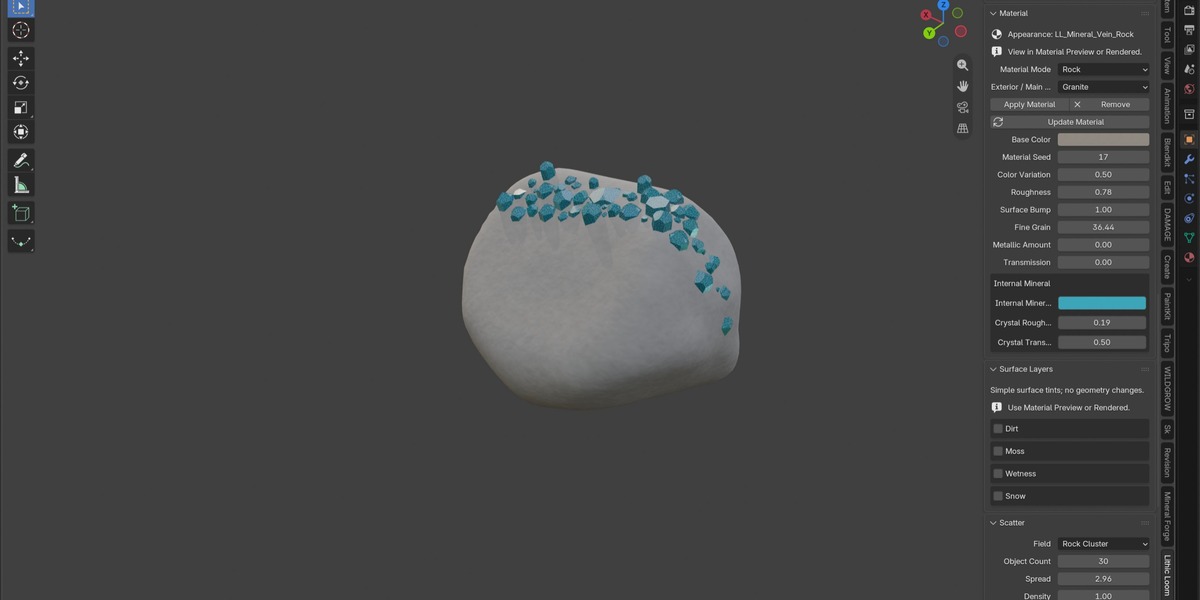
Crystals & Geodes — Customize crystal growth, rock hosts, mineral shells and geode cavities.
Context-Aware Controls — Work with parameters relevant to the selected generator.
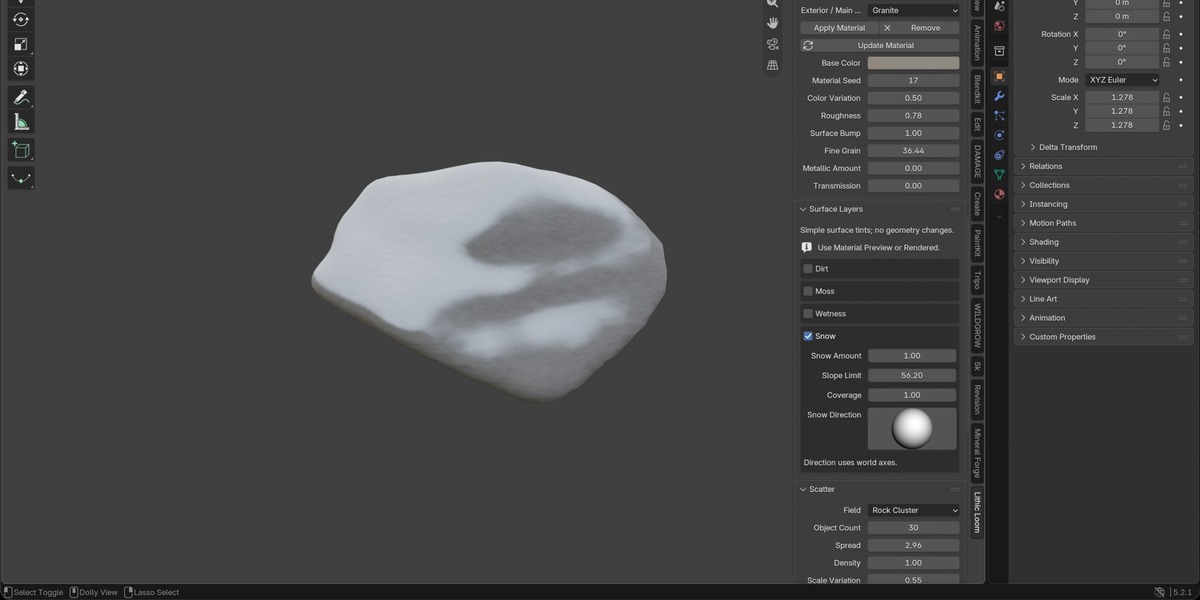
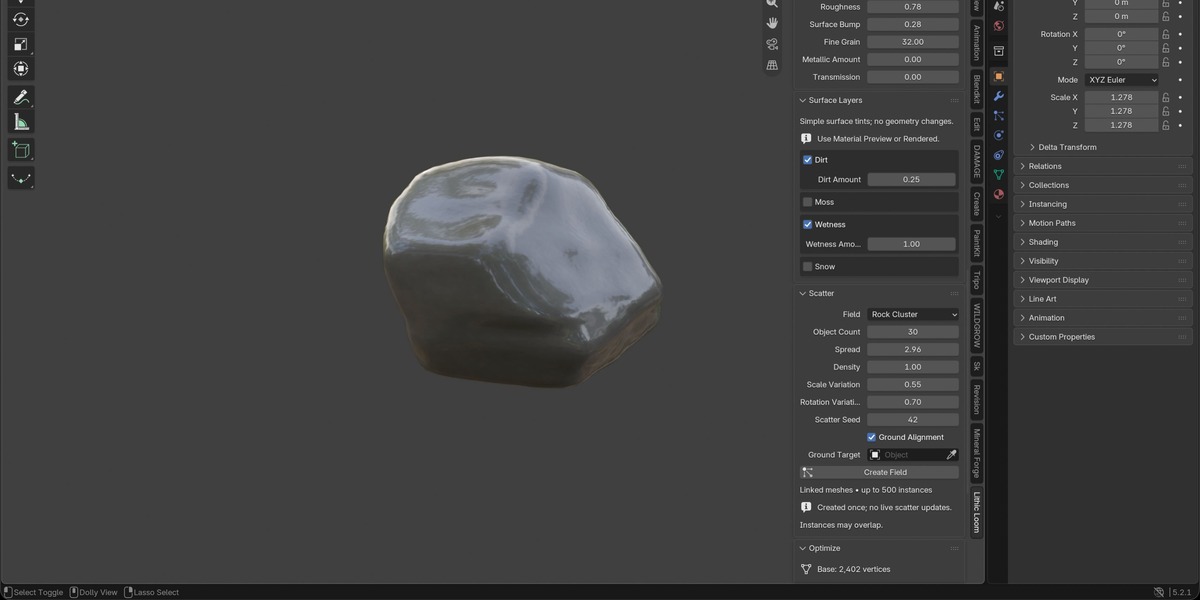
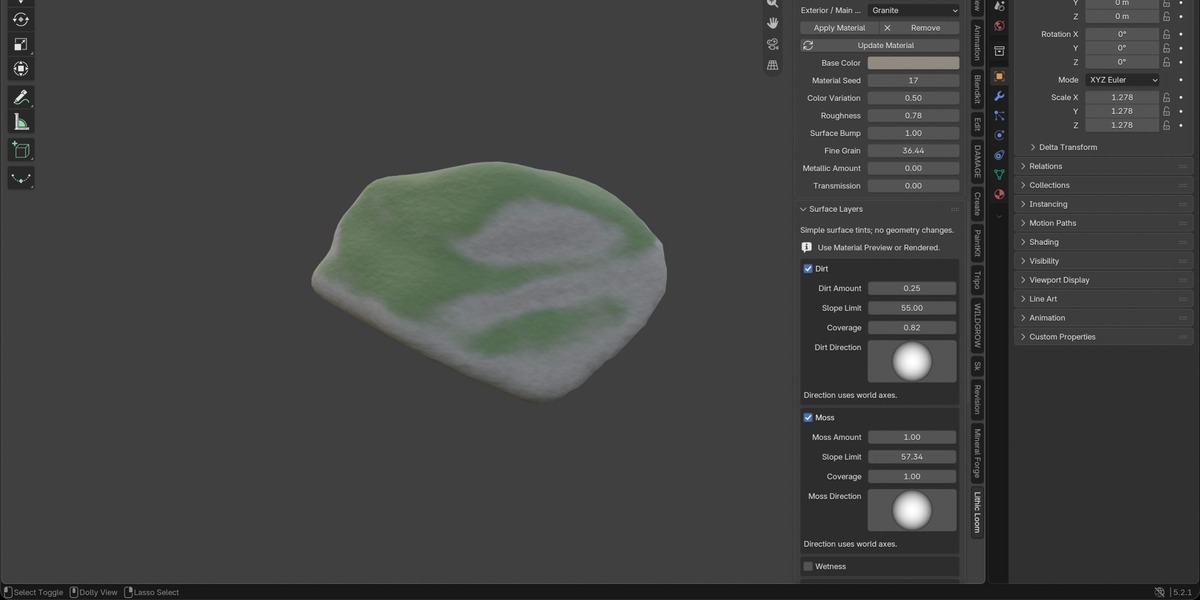
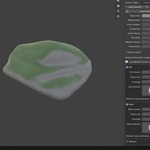
Optional Materials & Surface Layers — Apply your own shaders or use simple included materials with Snow, Moss, Dirt and Wetness. Each layer offers Amount, Slope Limit, Coverage and Direction controls.
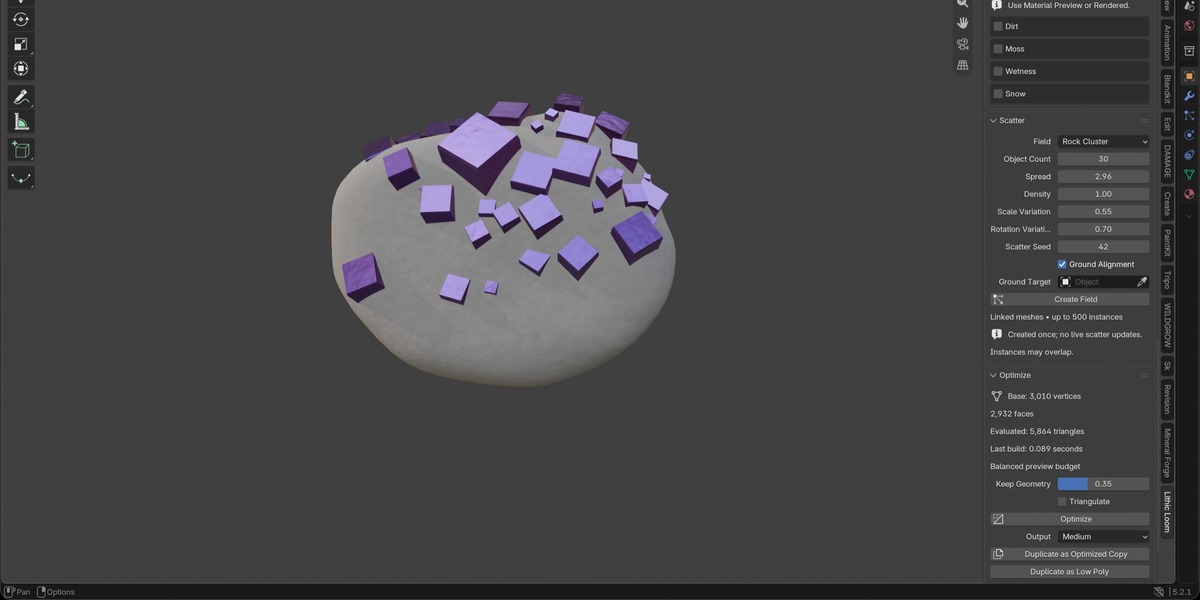
Scatter & Variation Tools — Create variation grids and scatter fields for rocks, pebbles, crystals and debris. Scatter is generated once; instances may overlap.
Optimization Tools — Create lighter copies while preserving editable originals, or finalize assets for further mesh editing.
Your Geometry, Your Materials
Newly generated assets start without an assigned material, giving you control over their final appearance.
Optional surface layers are material effects, not additional geometry. They require a Lithic Loom material and Material Preview or Rendered mode.
From a single stone to a crystal cluster or geological formation, build variations and refine your assets directly inside Blender.
Supported Blender versions: 4.2–5.2.
Platforms: Windows, macOS and Linux. See Documentation for tested configurations and feature limitations.
Generate. Reshape. Iterate.