 Blood Pixel
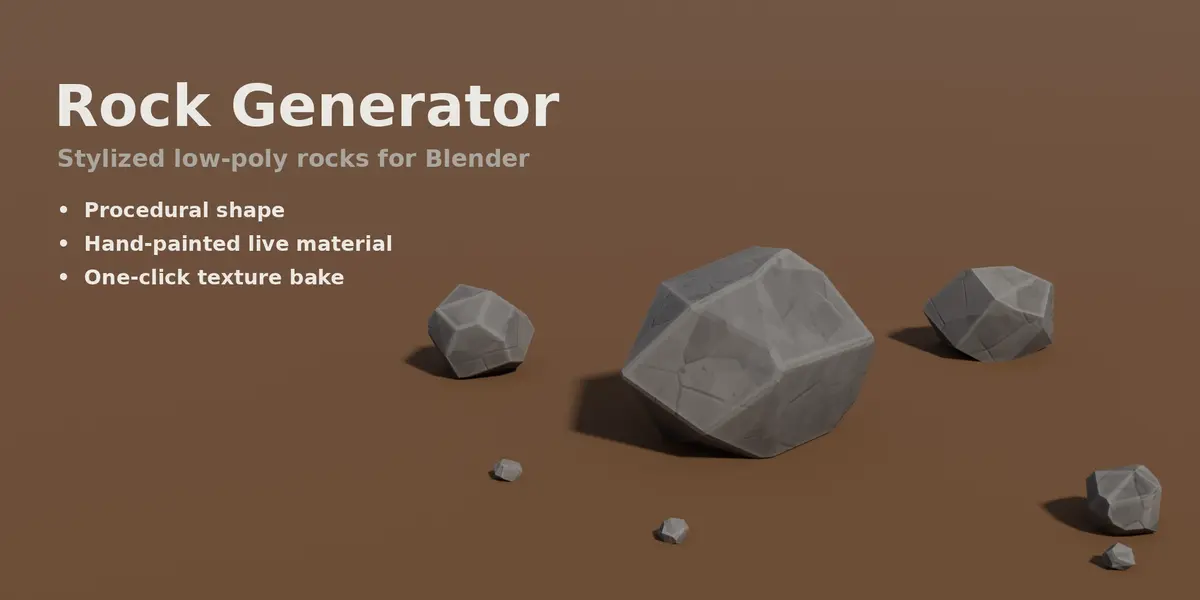
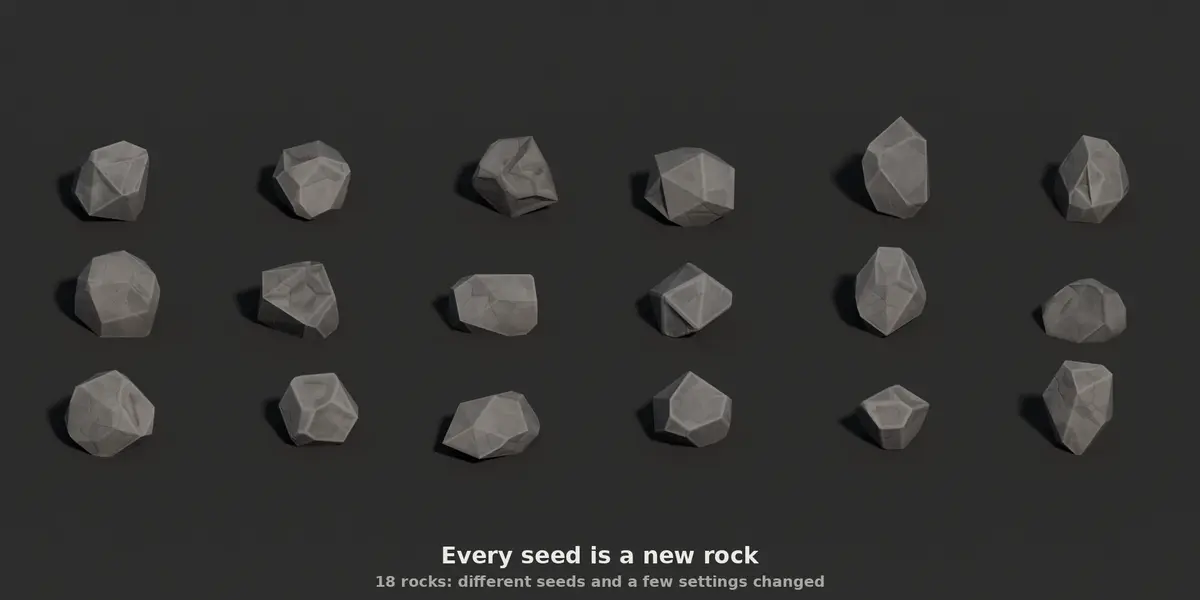
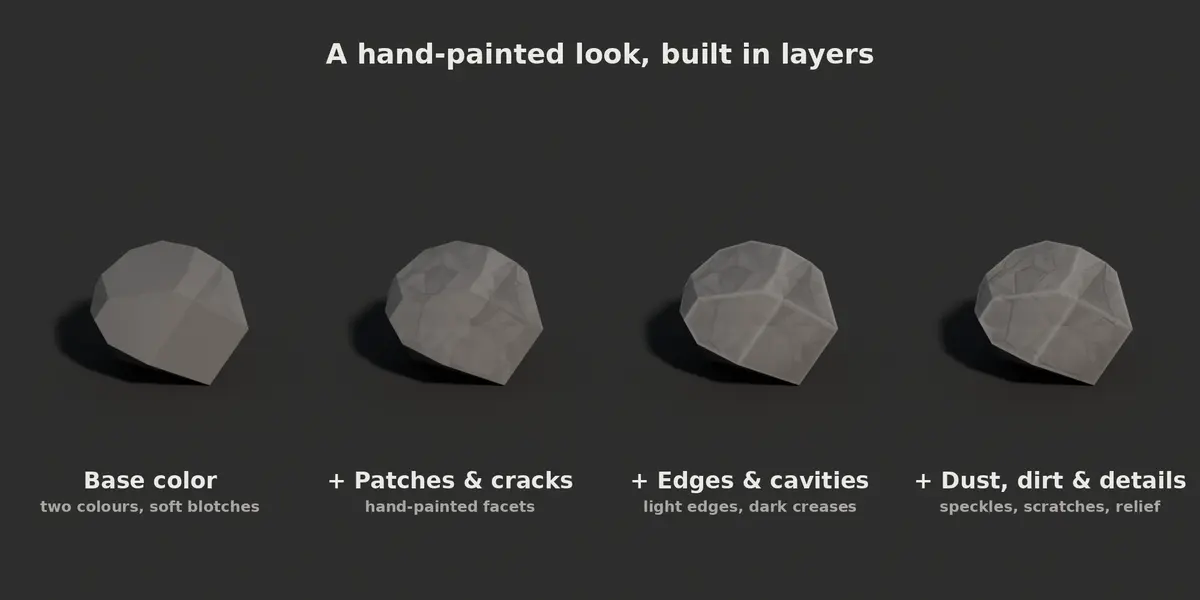
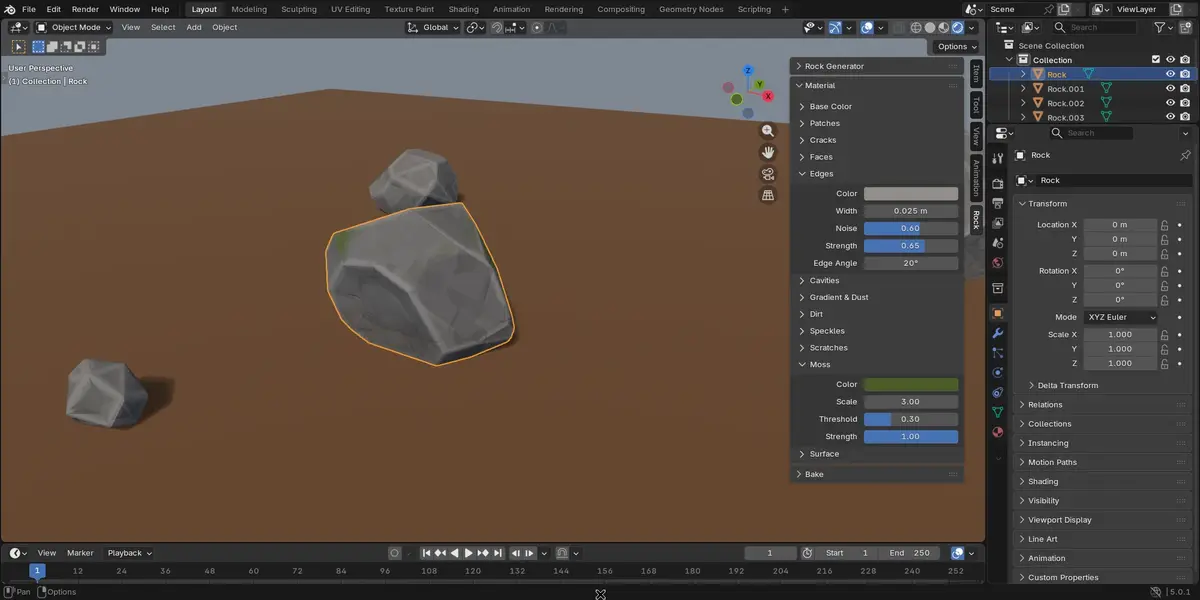
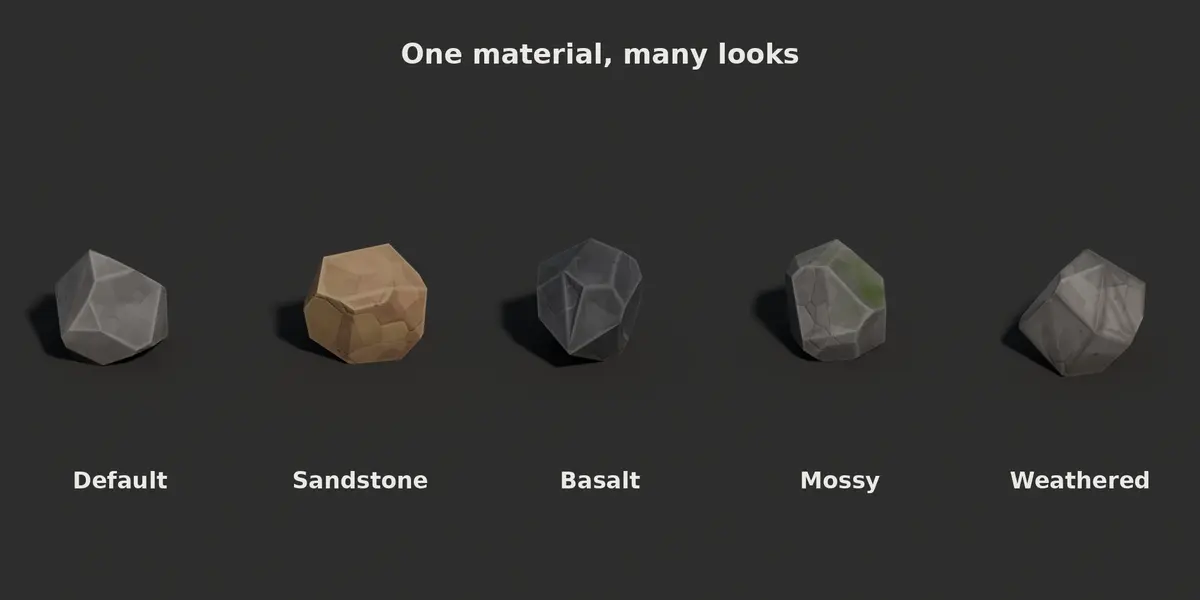
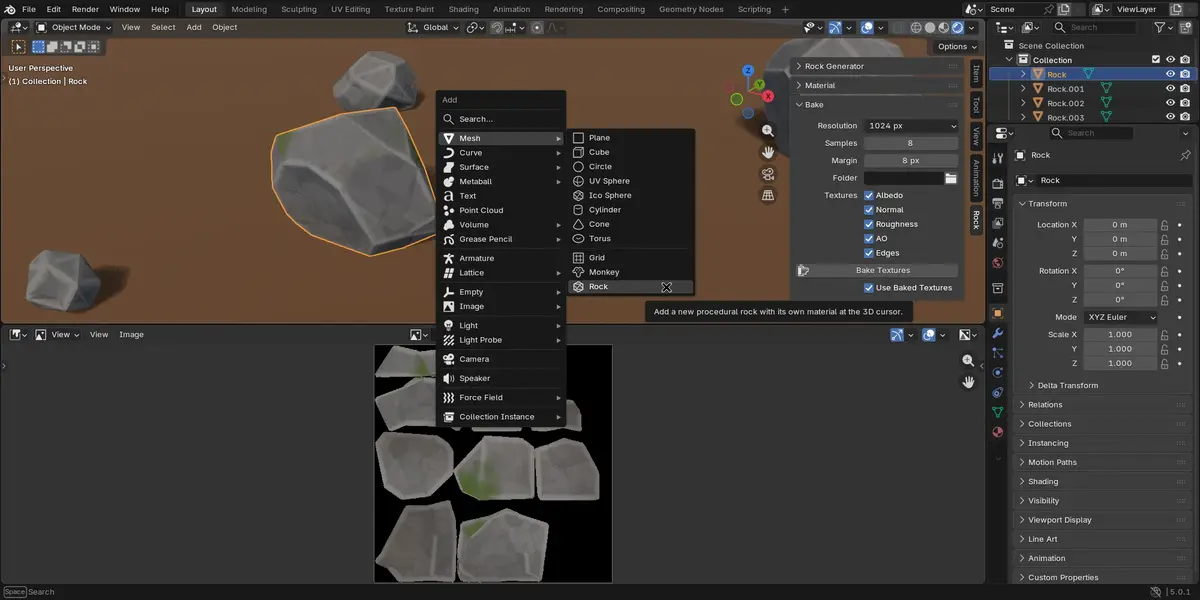
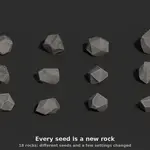
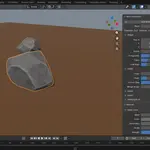
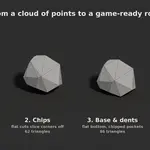
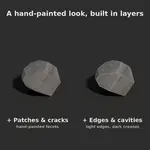
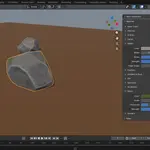
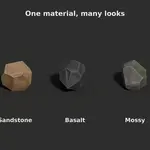
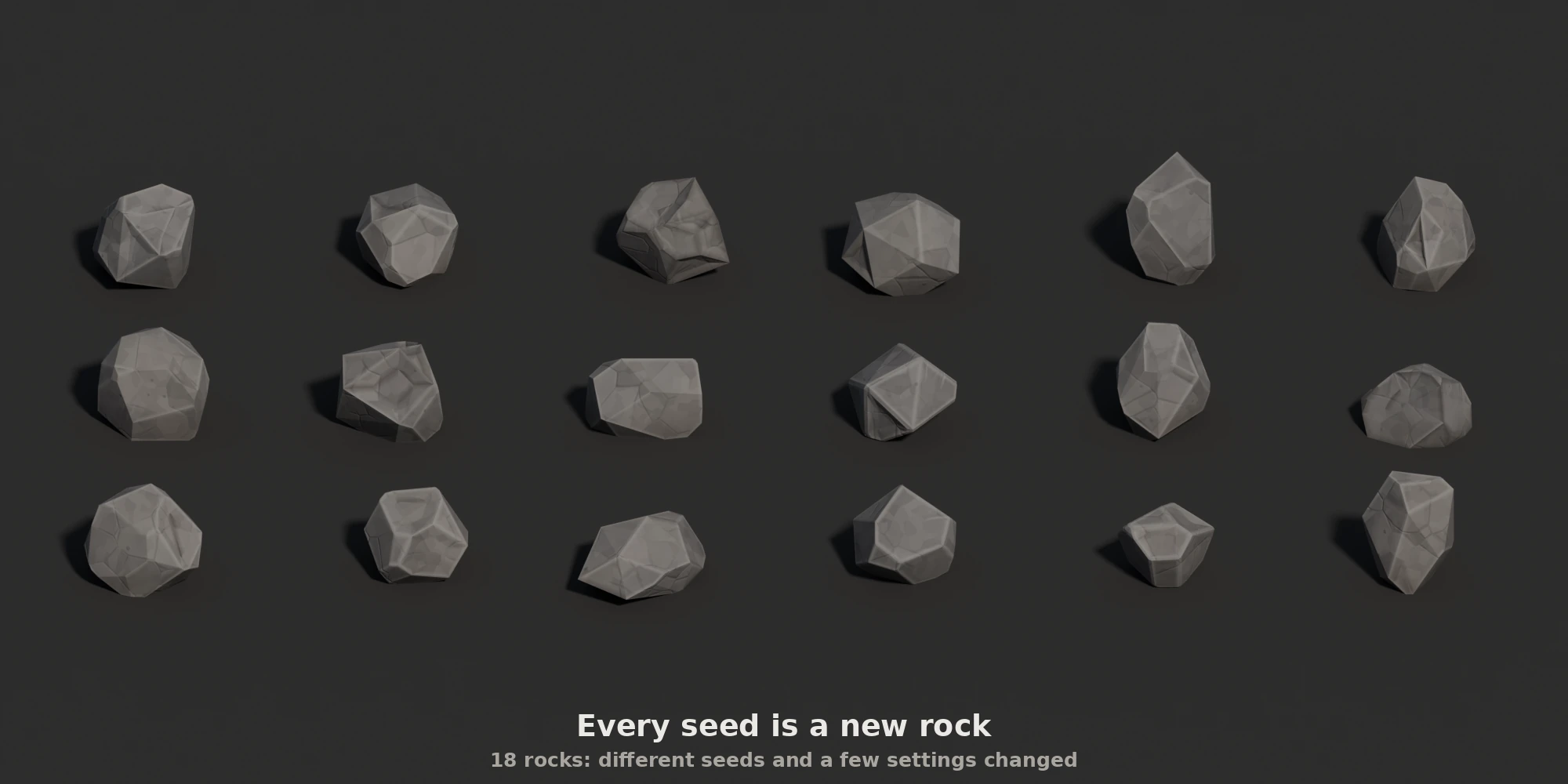
Rock Generator creates stylized low-poly rocks in one click: a faceted shape, a hand-painted material and baked textures, ready for your game or scene. Everything is procedural and driven by a seed, so you can make as many unique rocks as you need and rebuild any of them exactly.
1. Shape
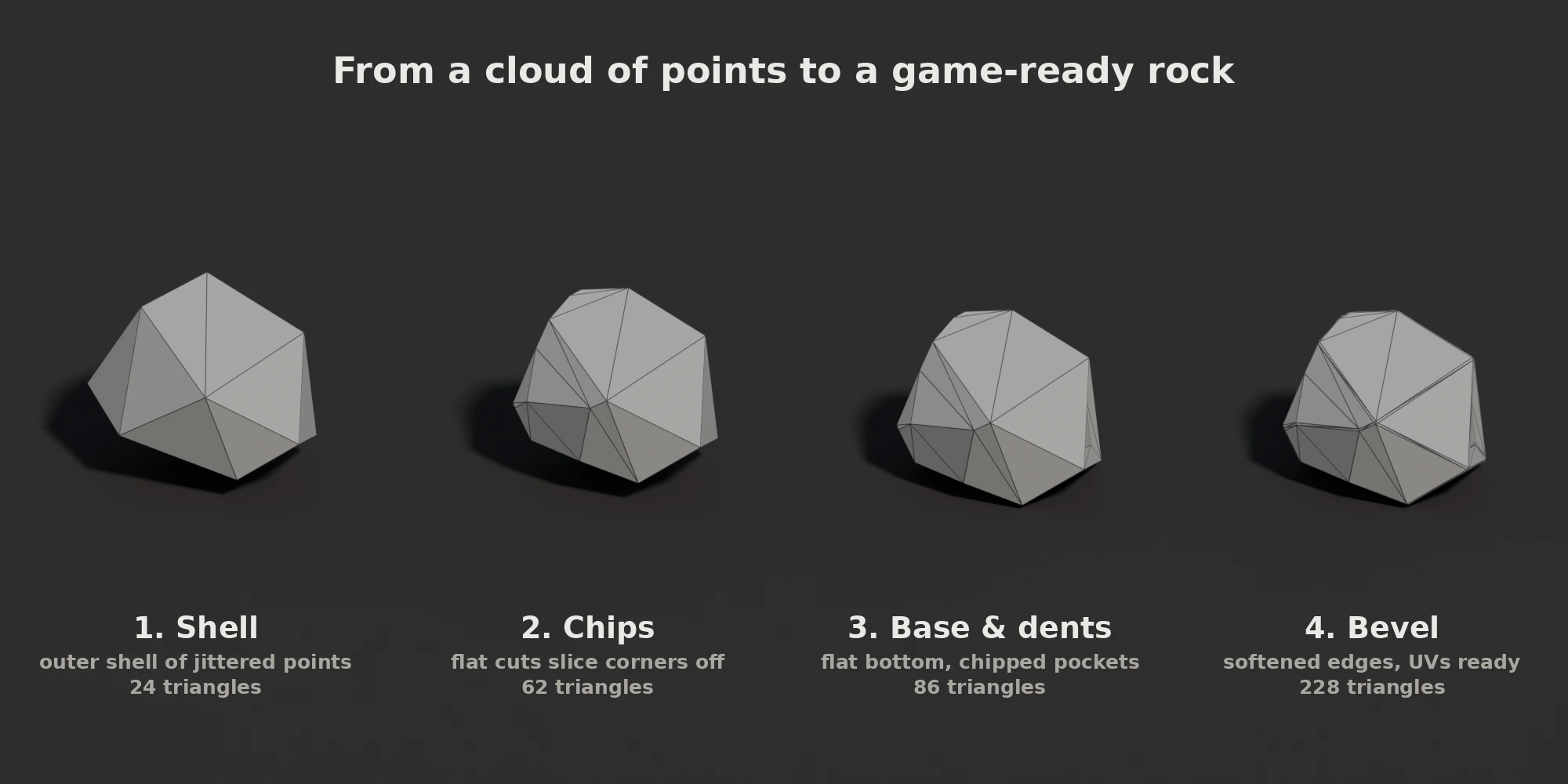
- Big flat faces and chipped corners, the classic stylized rock look.
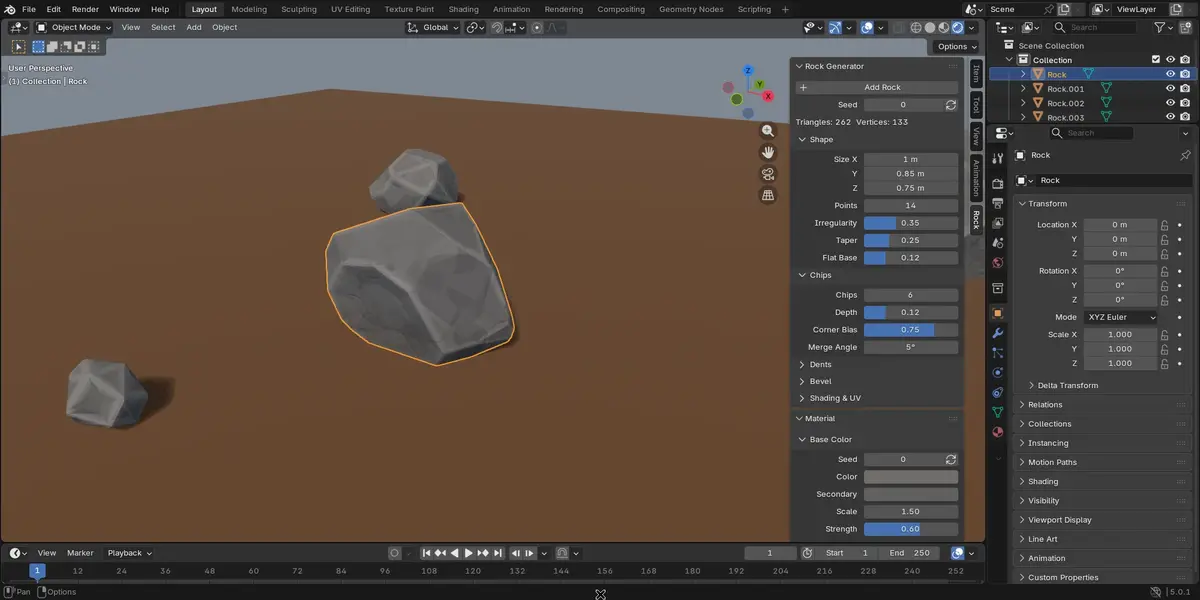
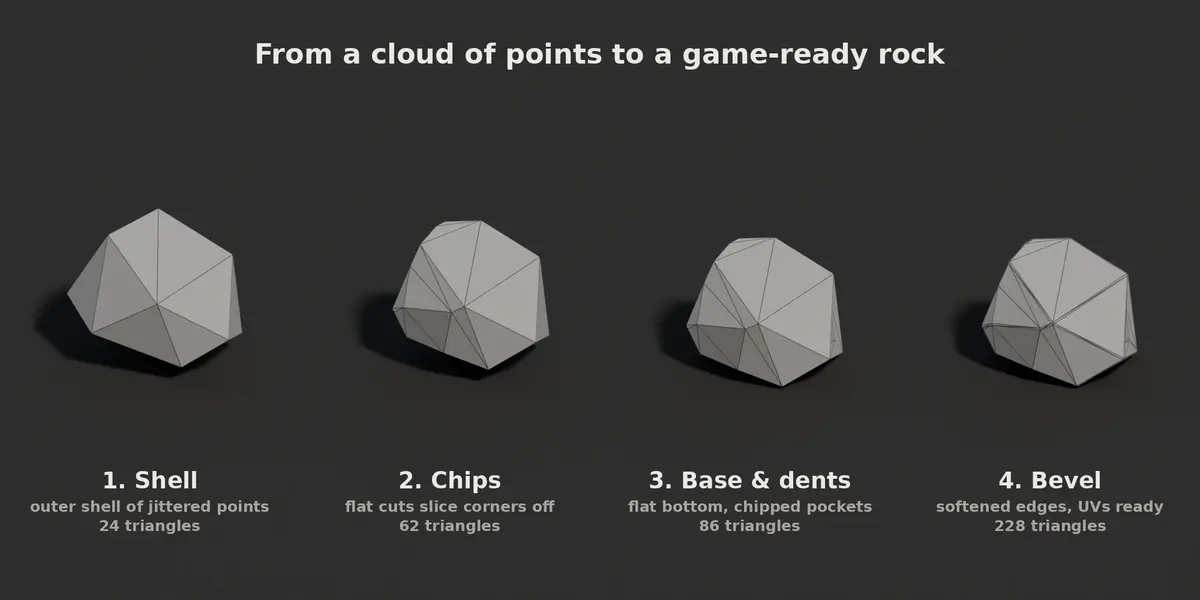
- Control size, irregularity, taper, number of chips, flat base, dents and bevel.
- Every change rebuilds the rock instantly, right in the viewport.
- Light on polygons: about 190 to 310 triangles with the default settings, 70 to 130 without the bevel.
2. Material
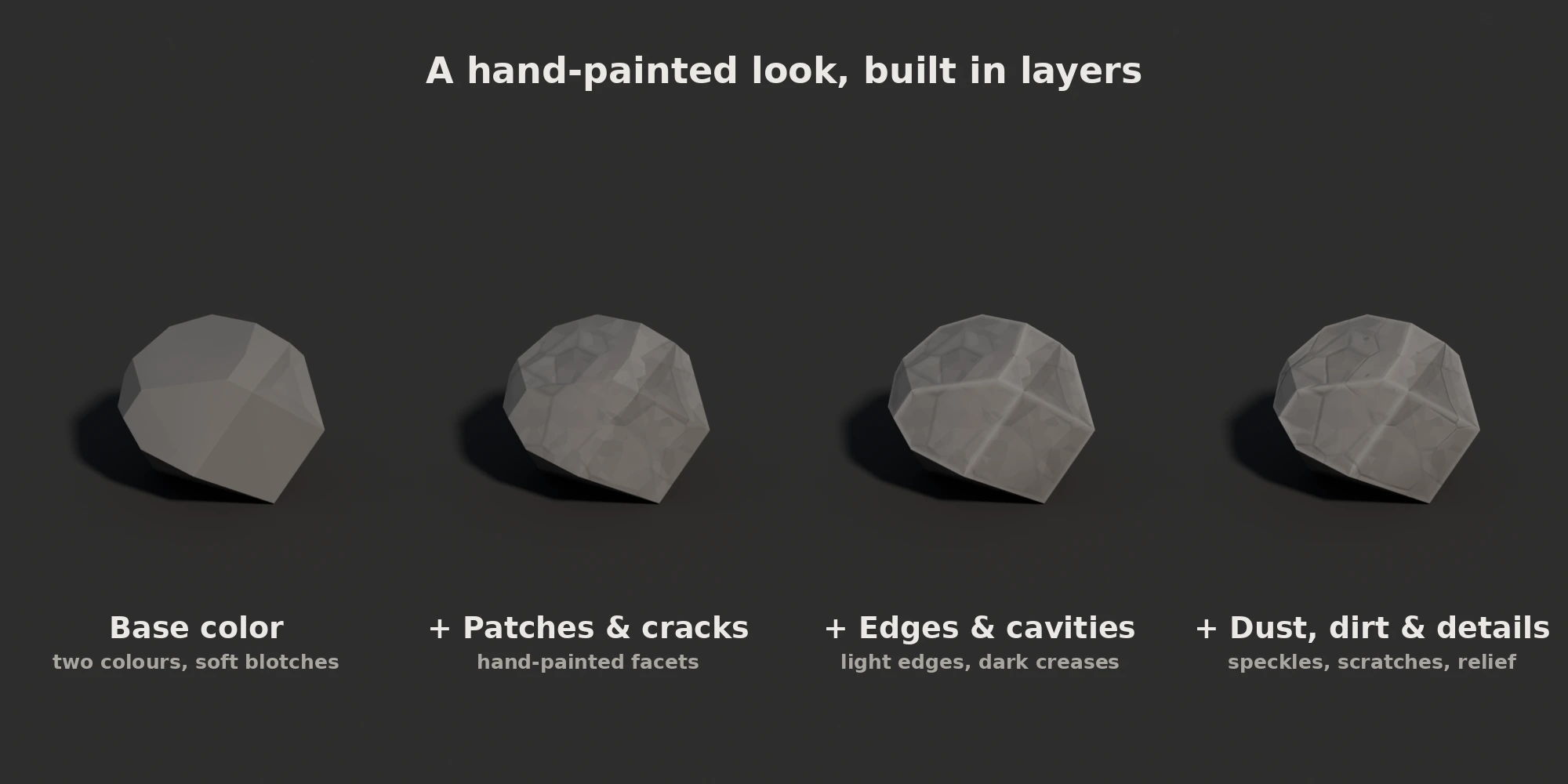
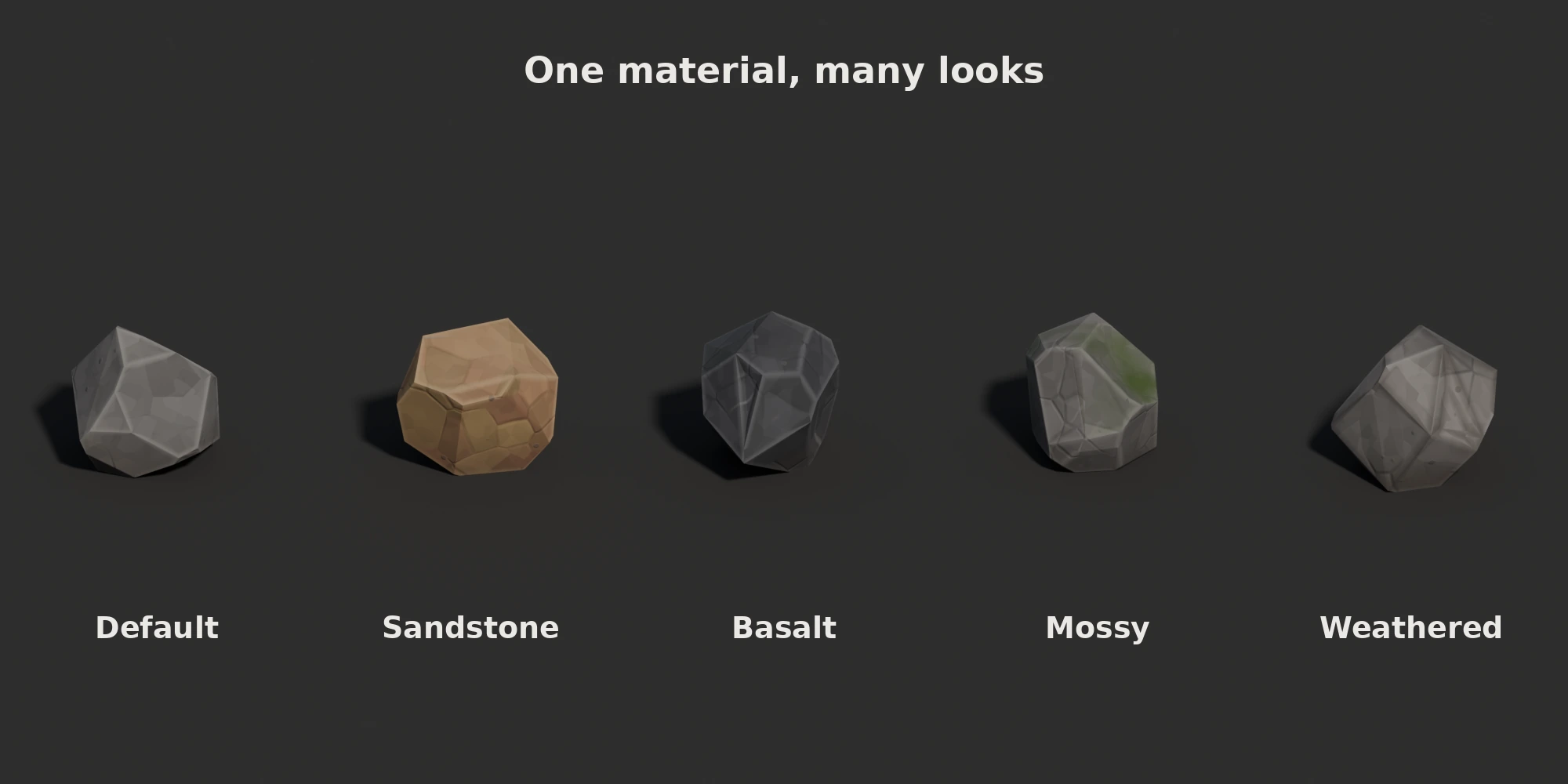
- A live node material with 11 layers: base colours, painted patches, cracks, face shades, light edges, dark cavities, dust, dirt, speckles, scratches and moss.
- Edge highlights follow the real edges of the mesh and look the same in EEVEE and Cycles.
- Every layer has its own colours and strength; set a strength to zero to turn the layer off.
3. Bake
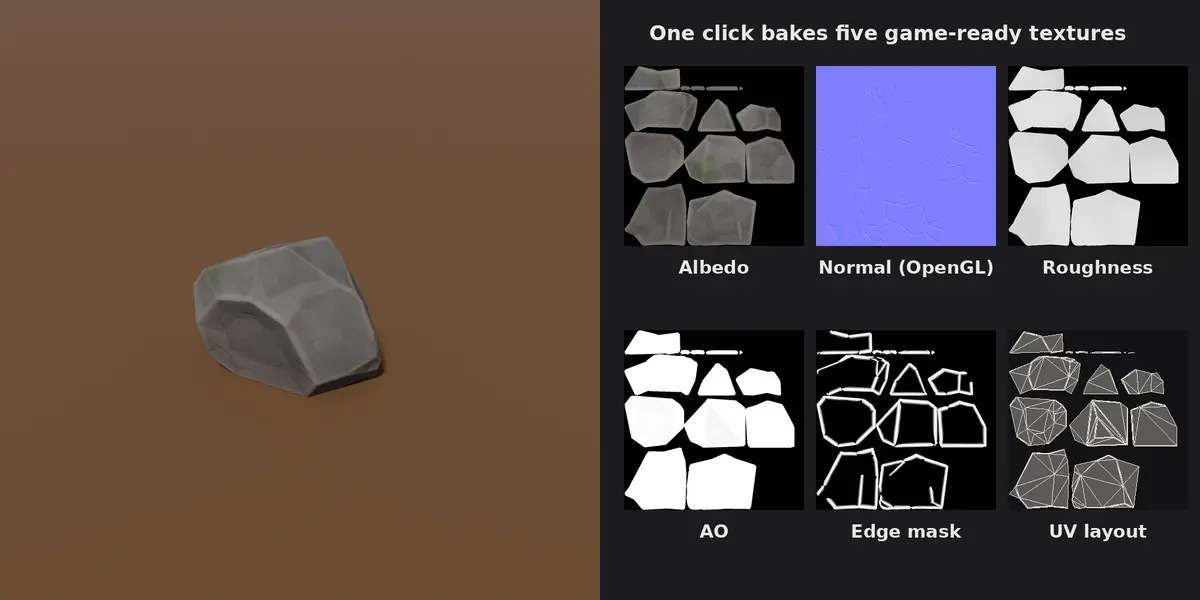
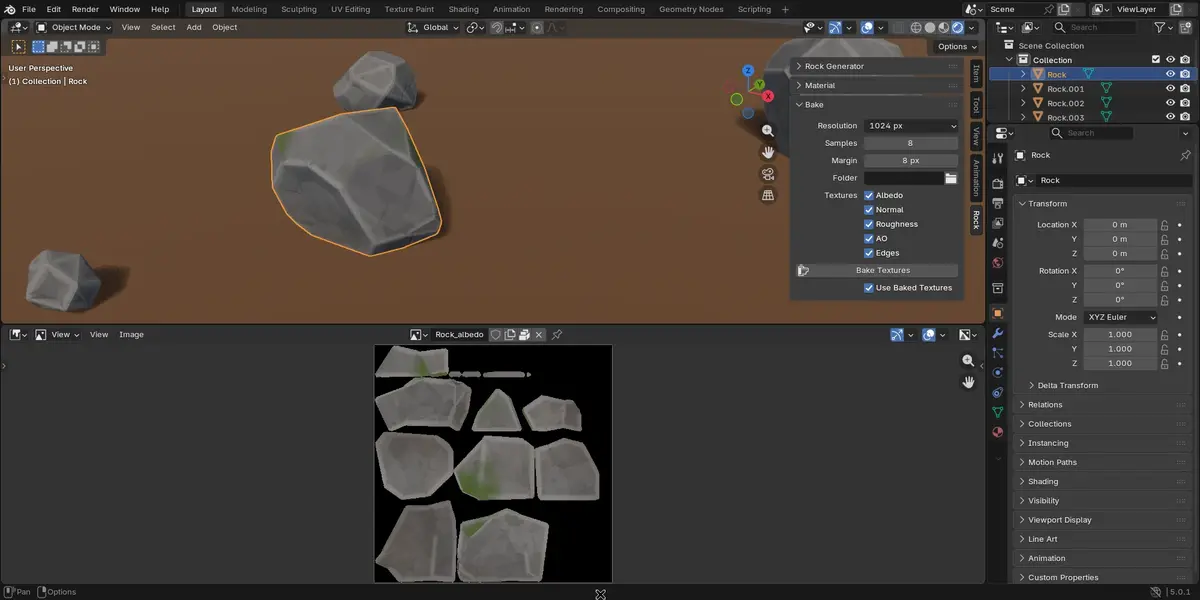
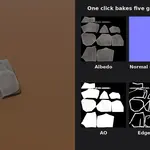
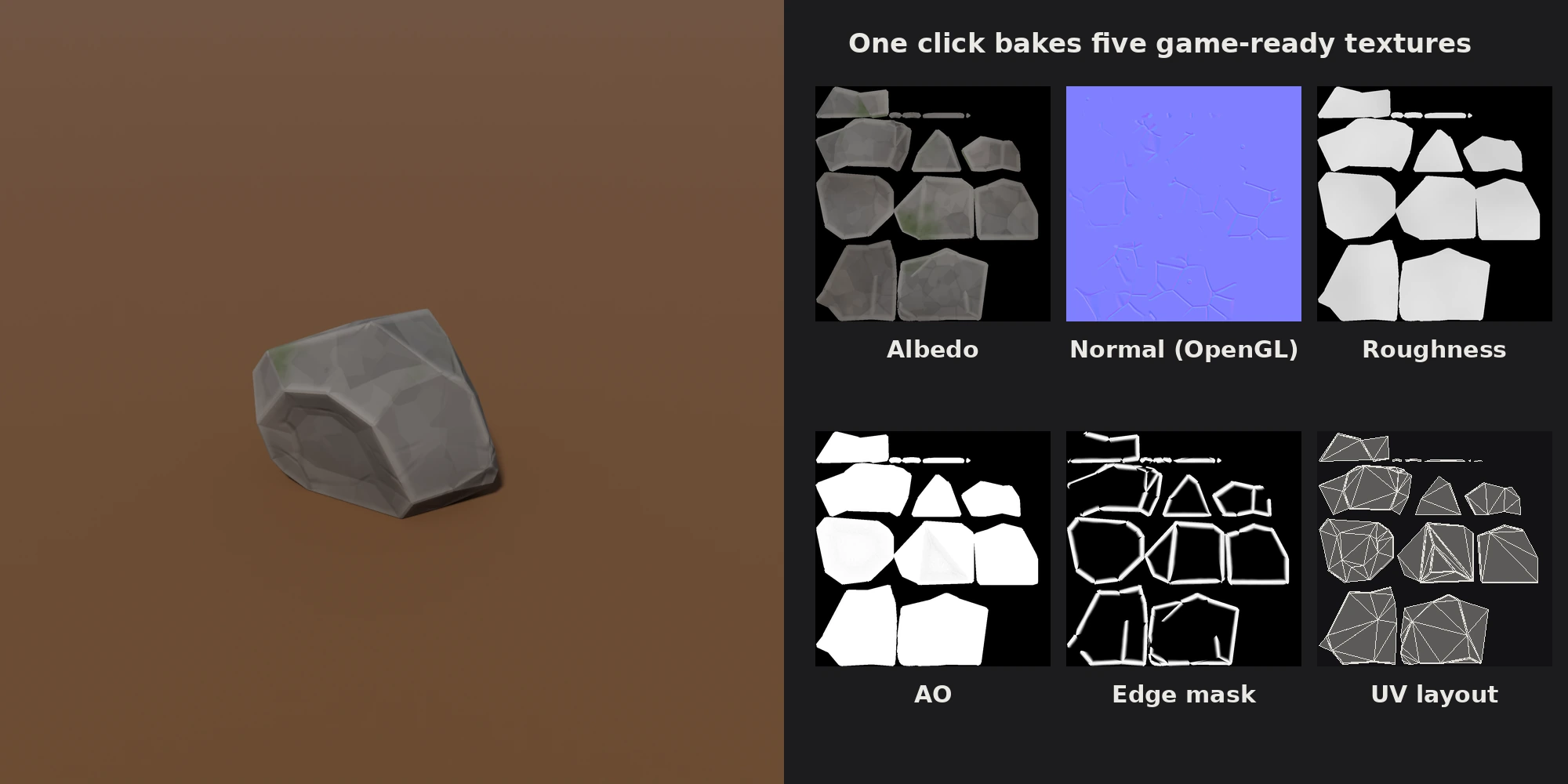
- One button bakes albedo, normal, roughness, ambient occlusion and an edge mask, from 256 to 4096 px.
- Normal maps use the OpenGL convention (green up).
- Textures are saved as PNG in a folder of your choice or packed into the blend file.
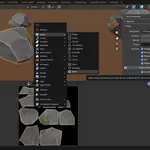
- A baked material is created for you; switch between baked and live with a checkbox.
Ready for game engines
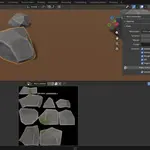
- Automatic UV map with no overlaps and even texel density.
- Triangulated mesh with its origin at the centre of its flat base.
- Same seed and settings, same rock: share a seed and get the exact same asset back.
Requirements
- Blender 4.5 or newer.
- Baking uses Cycles. On a CPU a 1024 px bake takes about one to three minutes; a GPU is much faster.