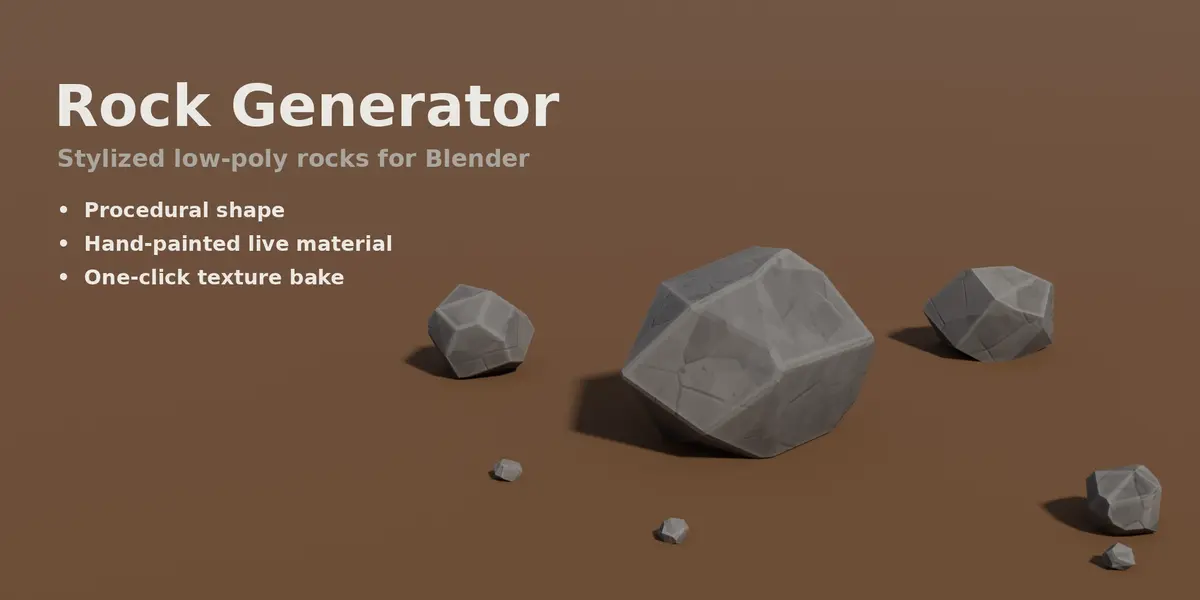
Rock Generator
 Blood Pixel
Installation
- Download rock_generator-1.0.0.zip.
- In Blender open Edit > Preferences > Get Extensions.
- Open the drop-down menu in the top-right corner, choose Install from Disk... and select the zip.
- Make sure Rock Generator is enabled.
Quick start
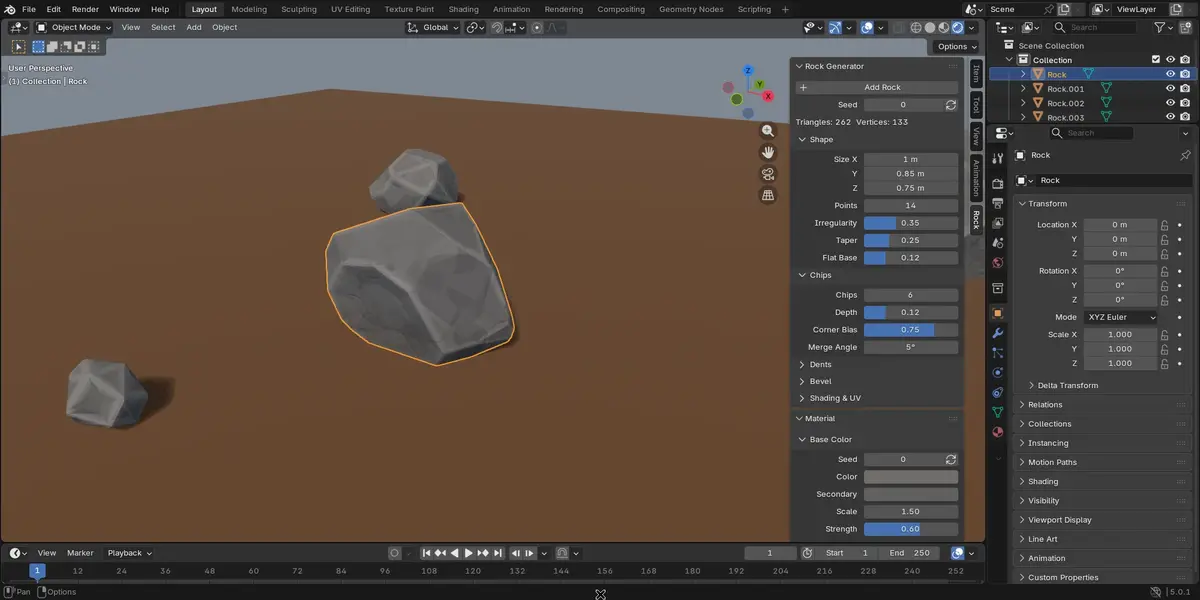
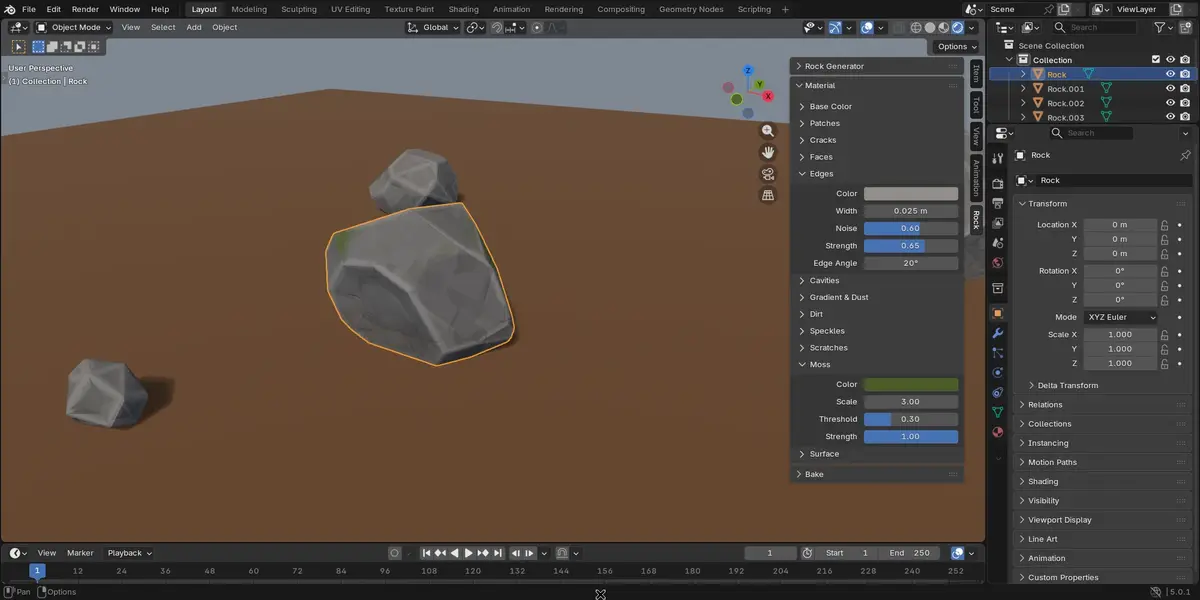
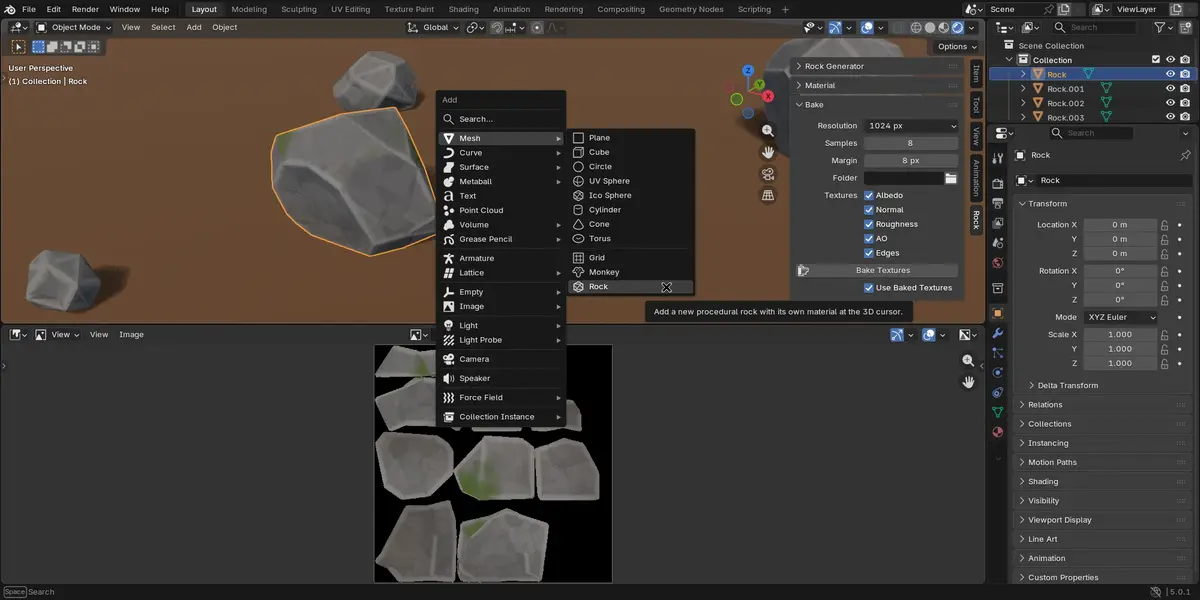
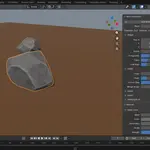
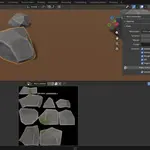
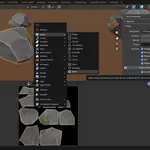
- In the 3D Viewport choose Add > Mesh > Rock, or press N and click Add Rock in the Rock tab.
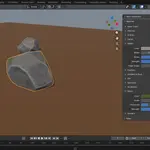
- Change the settings in the Rock tab: the rock and its material update immediately.
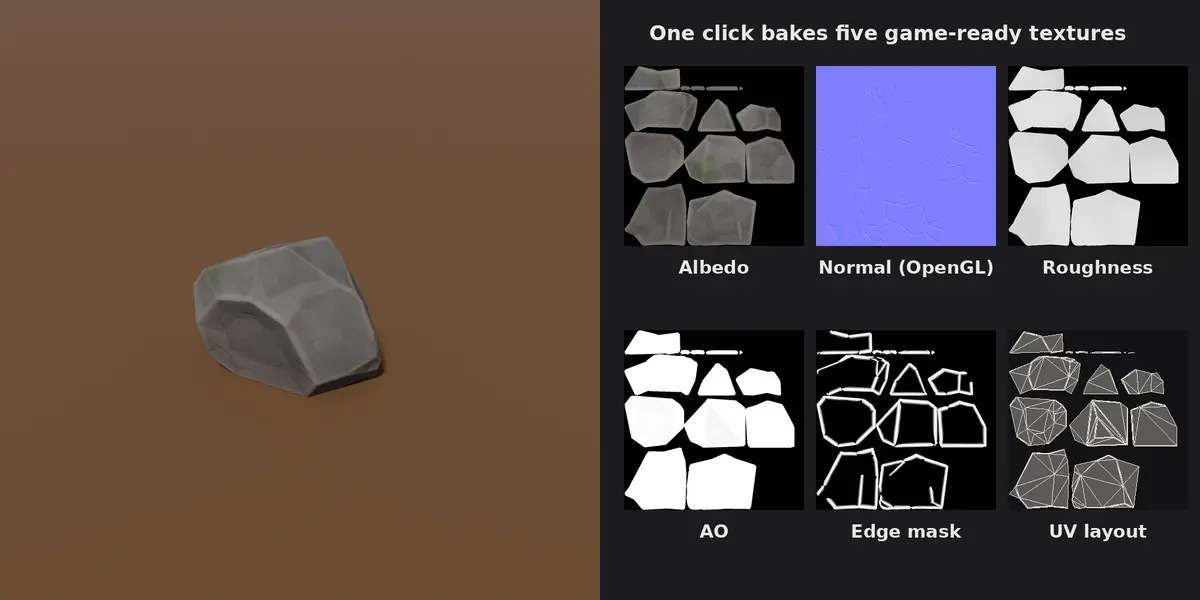
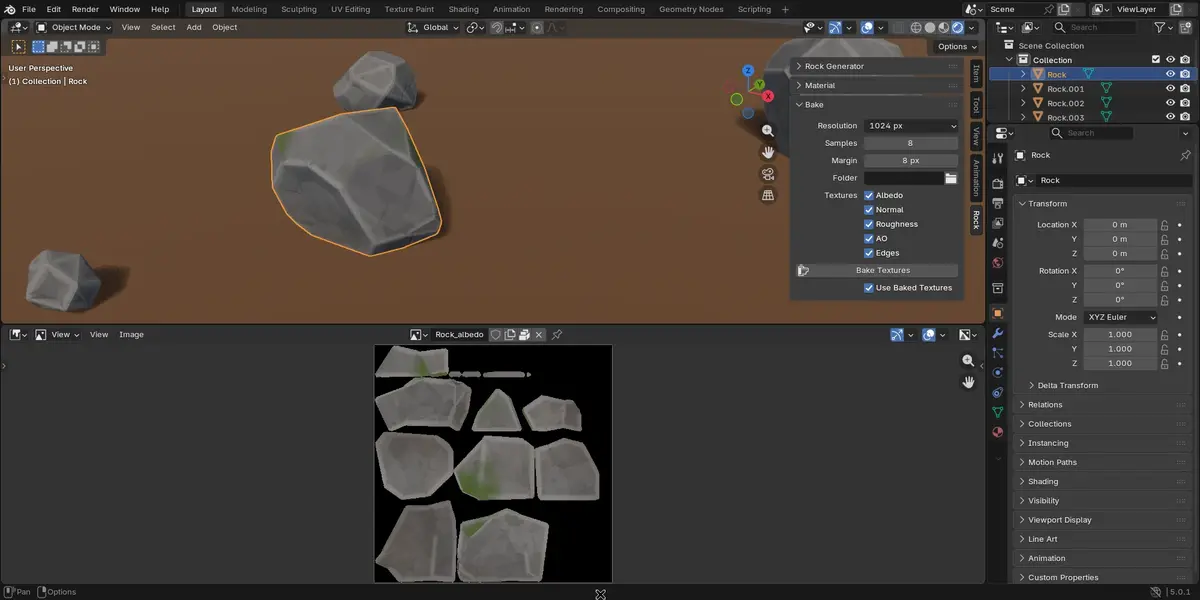
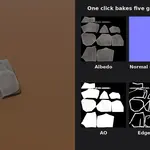
- Open the Bake panel and click Bake Textures to get image textures.
Tip: the material only shows in Material Preview or Rendered viewport shading, not in Solid mode.
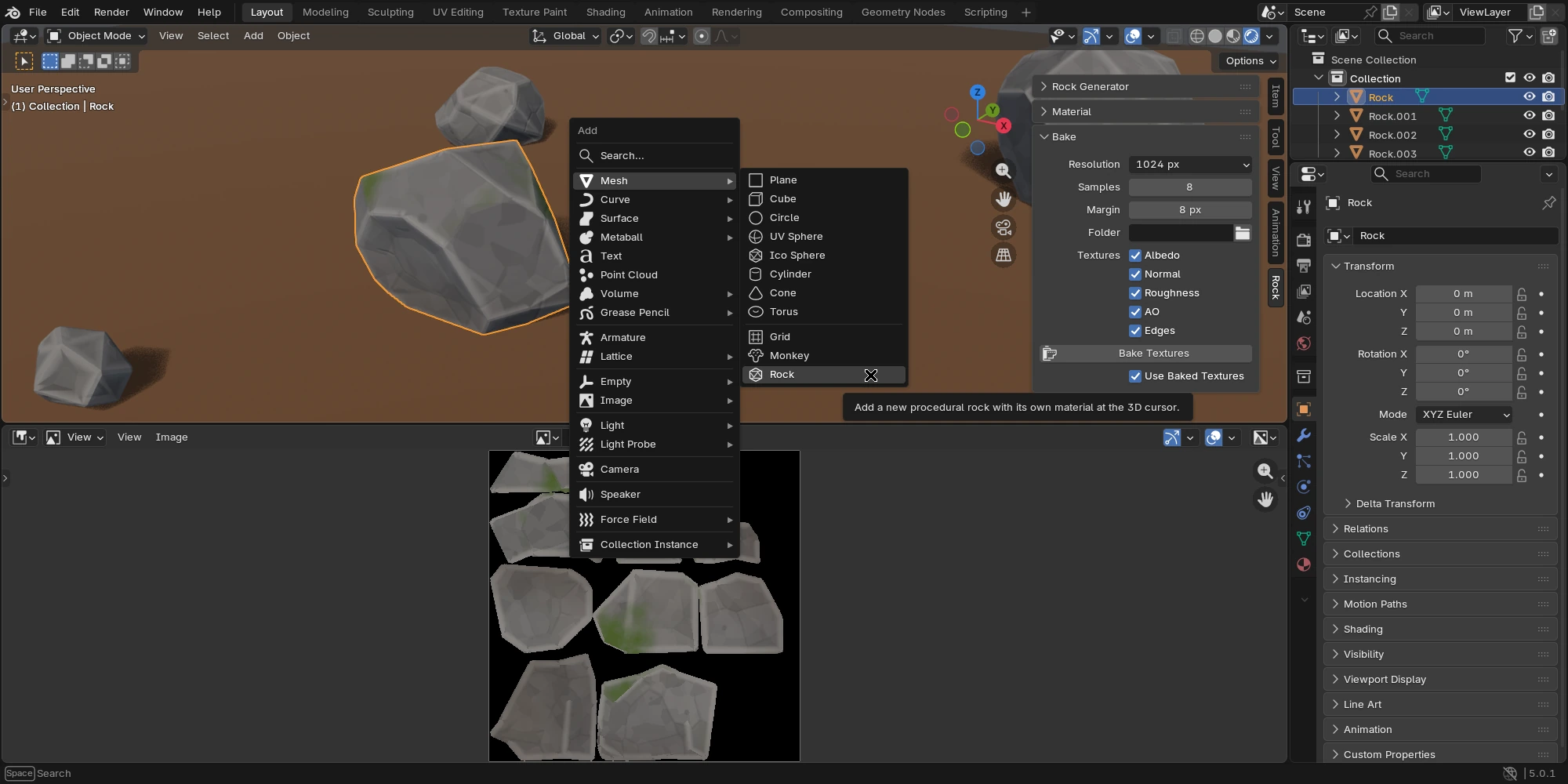
Rock panel: shape
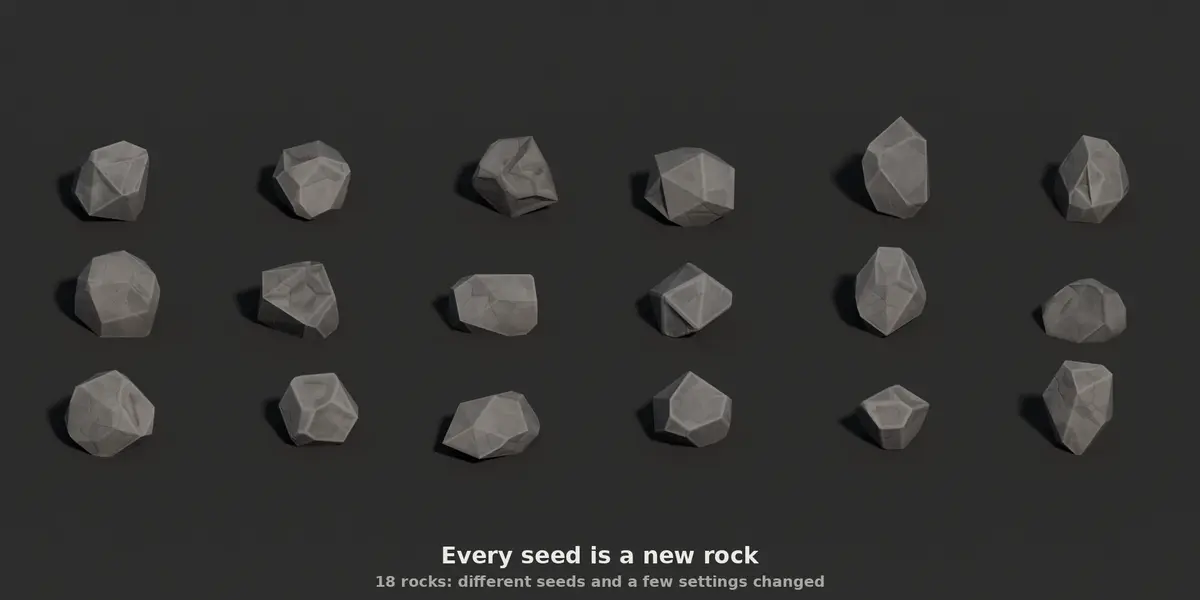
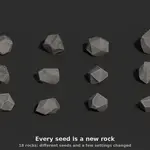
Each new rock gets a random seed. Click the arrows next to Seed for a new one; the same seed and settings always give the same rock.
| Section | Settings | Effect |
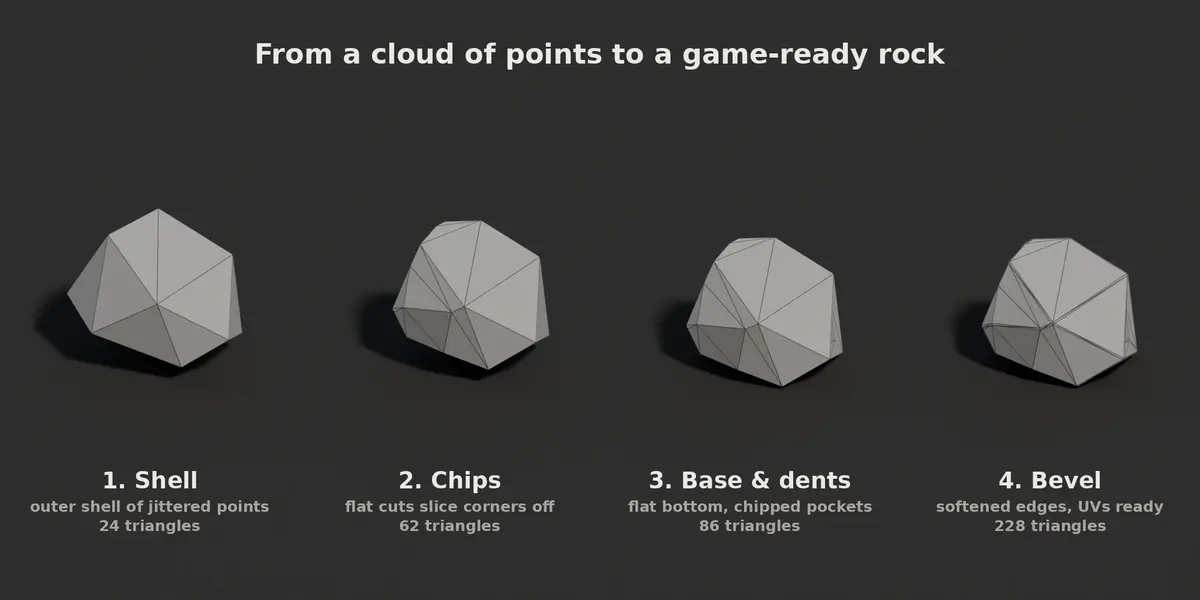
| Shape | Size, Points, Irregularity, Taper, Flat Base | Overall size, number of faces, how lumpy the rock is, how wide its base is and how much of the bottom is cut flat. |
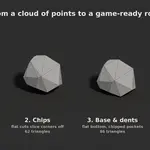
| Chips | Chips, Depth, Corner Bias, Merge Angle | Flat cuts that slice corners and sides off; Merge Angle joins nearly flat neighbours into one large face. |
| Dents | Dents, Depth | Shallow pockets carved into a few faces, like flakes broken off the rock. |
| Bevel | Width, Segments, Angle | Softens sharp edges; zero width turns it off. |
| Shading & UV | Triangulate, Smooth Shading, Sharp Angle, UV Margin | Triangles for game engines, flat or smooth shading, and the gap between UV islands. |
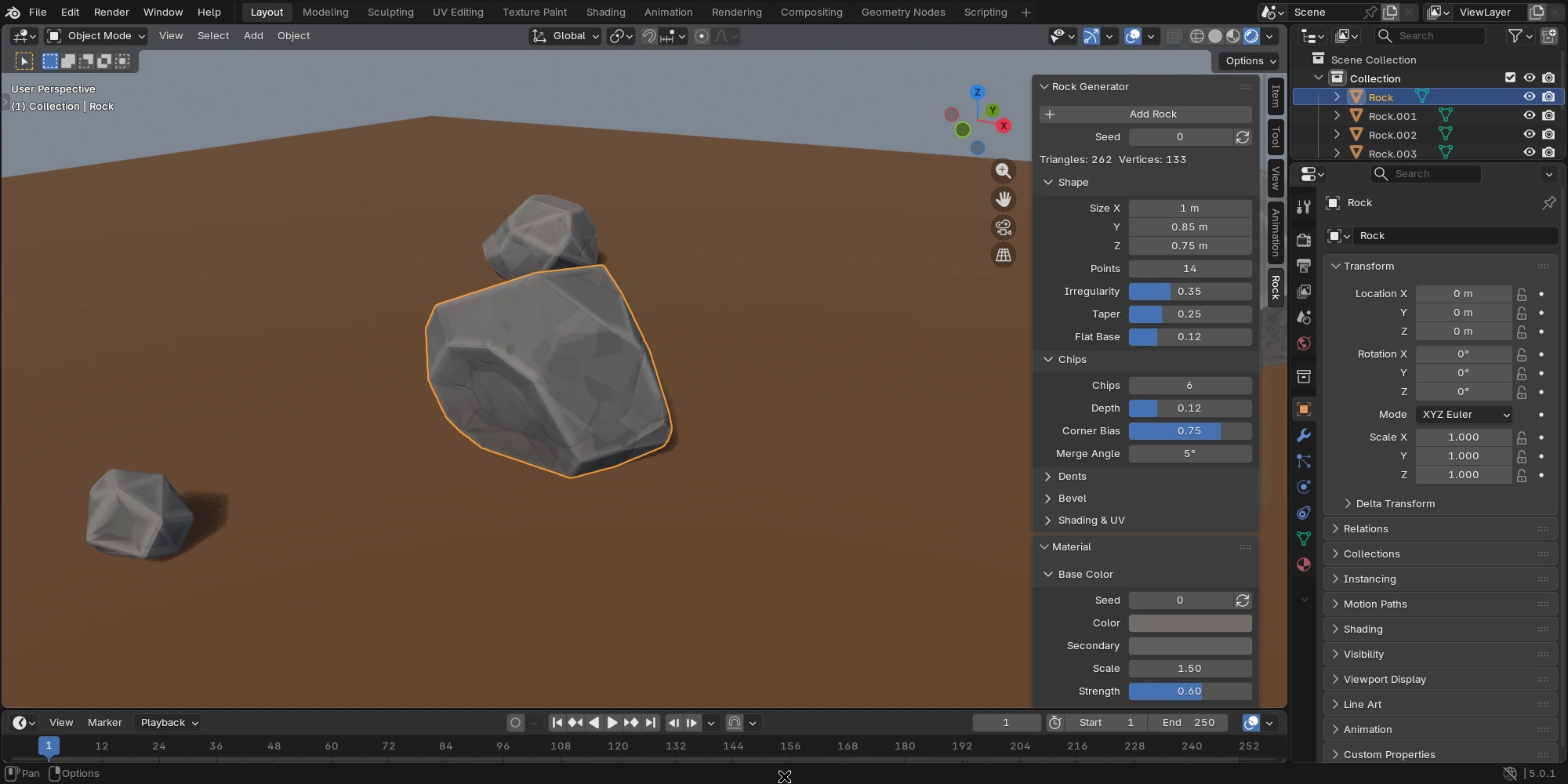
Changing a setting rebuilds the whole mesh, so manual edits made in Edit Mode are lost. Leave Edit Mode before changing settings.
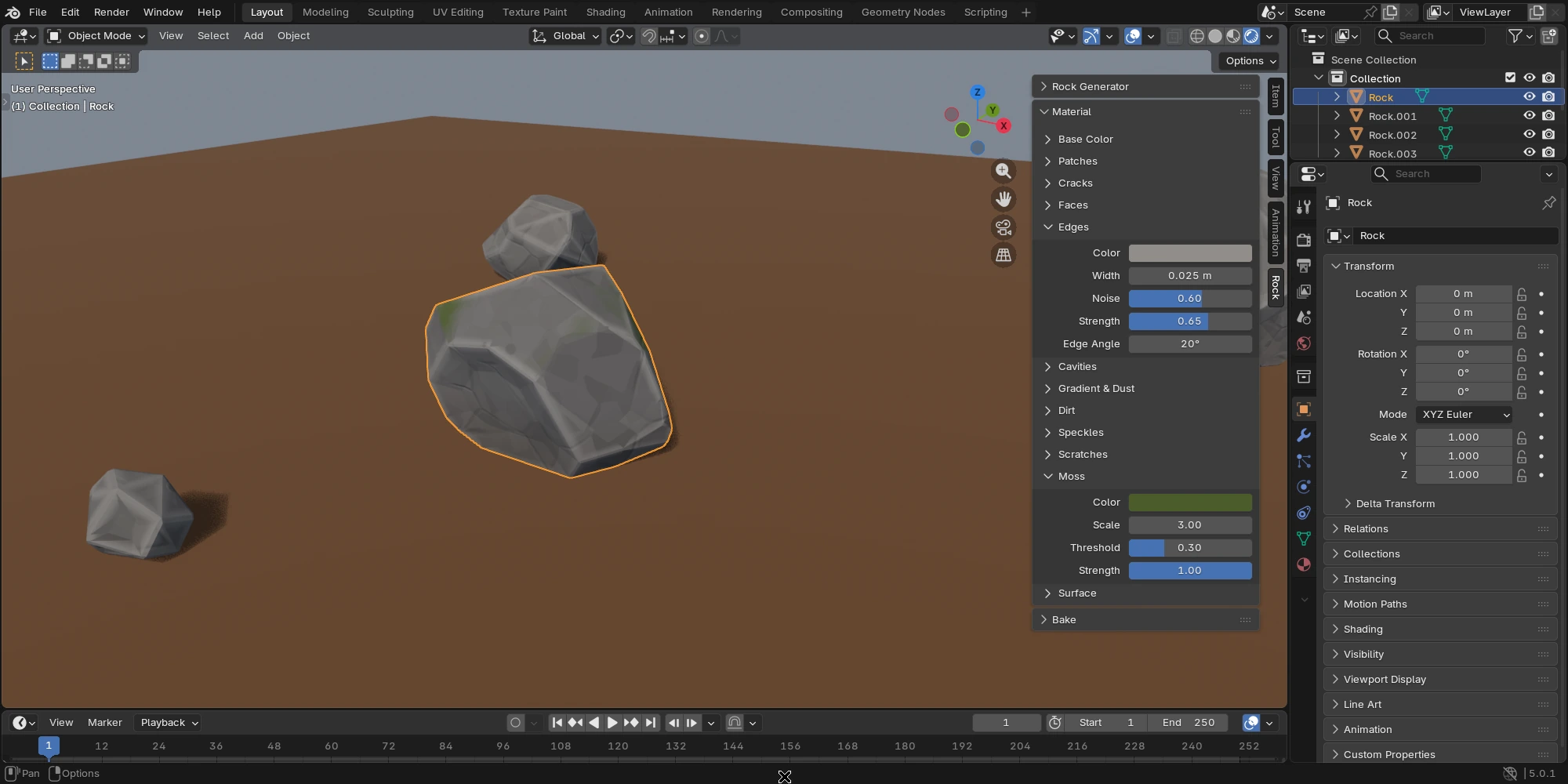
Material panel
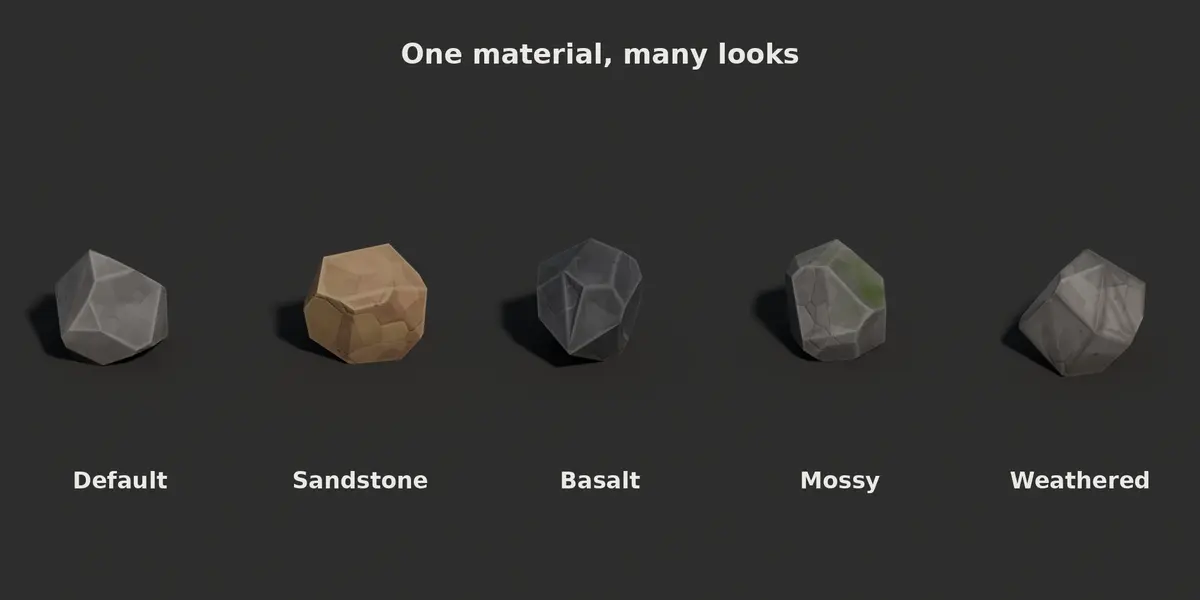
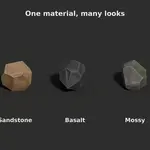
The settings belong to the material: rocks that share a material share its look. A layer with strength zero is off.
| Section | Effect |
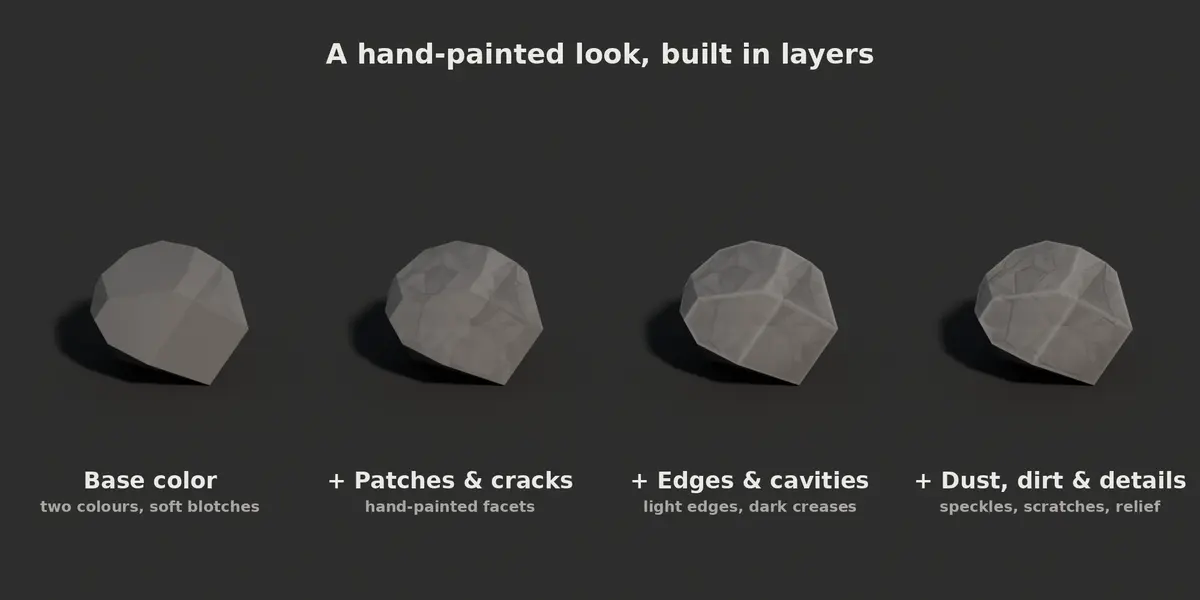
| Base Color | Material seed, main and secondary colour mixed in large blotches. |
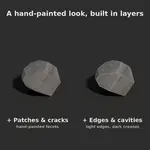
| Patches | Flat painted patches in two sizes, each with its own brightness and hue. |
| Cracks | Thin dark lines along the borders of some patches. |
| Faces | A slightly different shade for each face of the mesh. |
| Edges | Light highlight along convex edges. Edge Angle decides which edges count as sharp. |
| Cavities | Darkening along concave edges and by ambient occlusion. |
| Gradient & Dust | Darker bottom; dust on faces that point up. |
| Dirt | Dirt in low and occluded areas. |
| Speckles | Small dark spots with a little relief. |
| Scratches | Thin light scratches in some areas. |
| Moss | Moss on faces that point up (off by default). |
| Surface | Roughness, its variation and the bump strength. |
Bake panel
| Setting | Effect |
| Resolution | Size of the textures, from 256 to 4096 px. |
| Samples | More samples give smoother ambient occlusion but bake slower. |
| Margin | Pixels painted past the UV islands, to hide seams. |
| Folder | Where the PNG files are saved; leave empty to pack them into the blend file. |
| Textures | Which textures to bake. |
| Use Baked Textures | Switch the rock between the baked and the live material. |
| Texture | Content | Colour space |
| _albedo | Base colour with every layer applied | sRGB |
| _normal | Tangent-space normal map, OpenGL (green up) | Non-Color |
| _roughness | Roughness | Non-Color |
| _ao | Ambient occlusion of the rock alone | Non-Color |
| _edges | Black and white mask of the convex edges | Non-Color |
Baking creates a material named Baked that uses the albedo, roughness and normal textures. The AO and edge textures are included for export and further work; the albedo already contains them.
Using the textures in a game engine
- Godot, Unity: use the normal map as it is (OpenGL convention).
- Unreal Engine: enable Flip Green Channel on the normal map texture.
- Export the rock with the baked material shown (Use Baked Textures on), for example as glTF or FBX.
Troubleshooting
- The rock is plain grey: switch the viewport to Material Preview or Rendered.
- Changing settings does nothing: leave Edit Mode; rocks only rebuild in Object Mode.
- Material edits do not show: turn off Use Baked Textures in the Bake panel.
- The bake is slow: lower the resolution or the samples, or set Cycles to use your GPU in Preferences > System.
- The Material panel only shows "Create Rock Material": the rock lost its rock material; click the button to create a new one.
Have questions about this product?
Login to message
| Blender Extension Compatible | Yes |
| Published | 11 days ago |
| Blender Version | 4.5 - 5.2 |
| Extension Type | Add-on |
| Render Engine Used | Cycles, Eevee |
| License | GPL |
Discover more products like this
Rock Generator boulder environment stylized stone hand painted game assets low poly texture-baking procedural rocks