 Brian Young
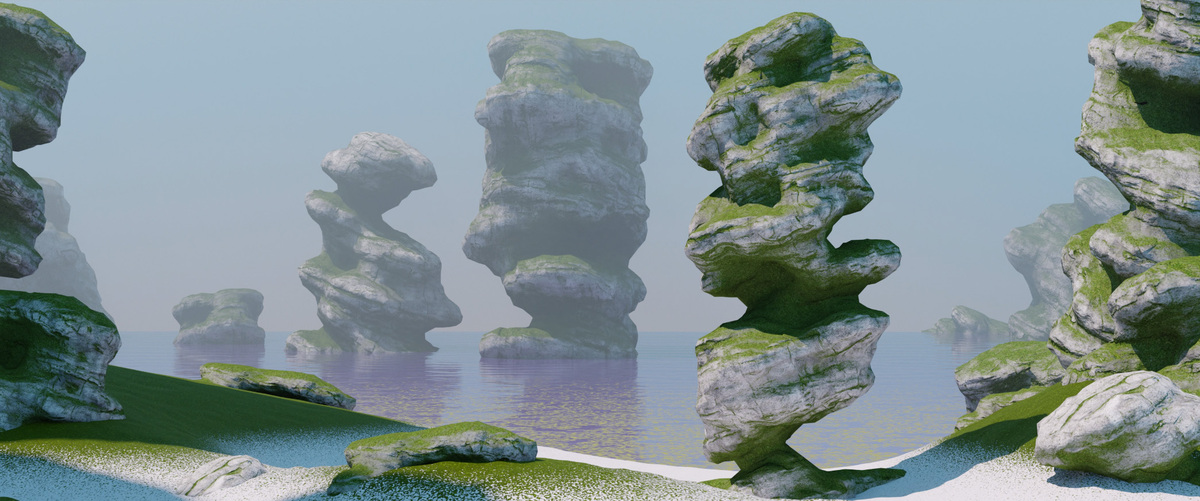
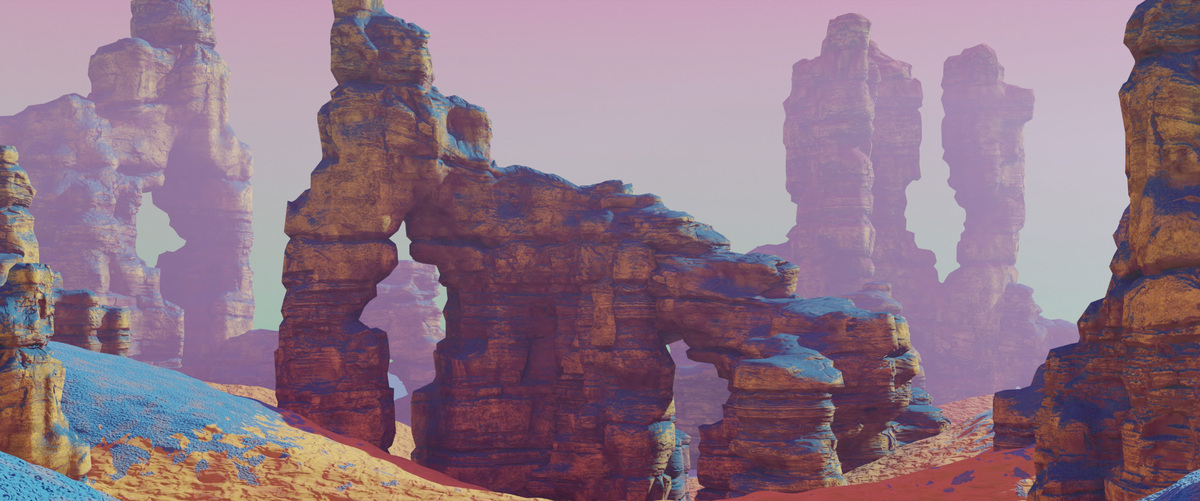
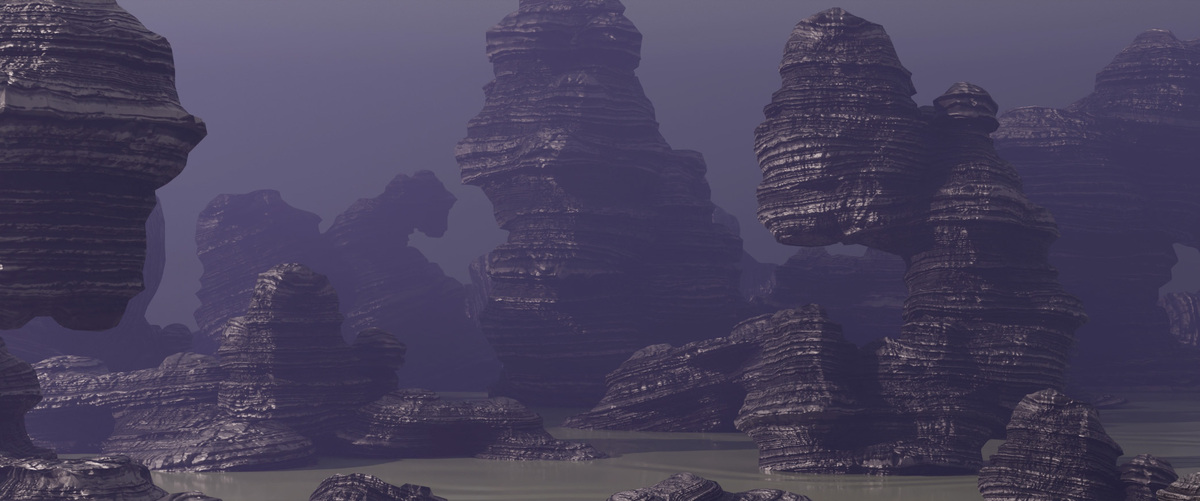
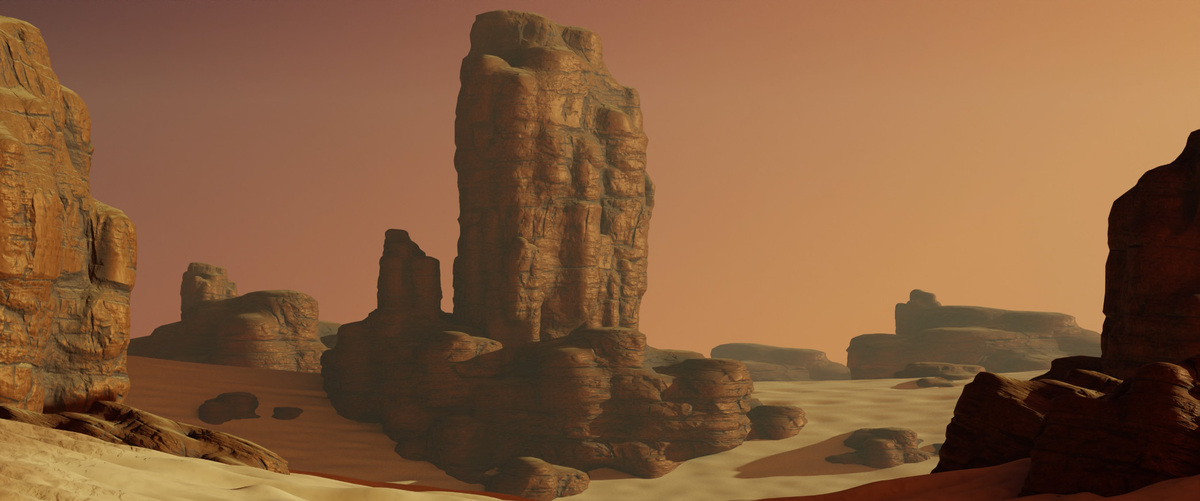
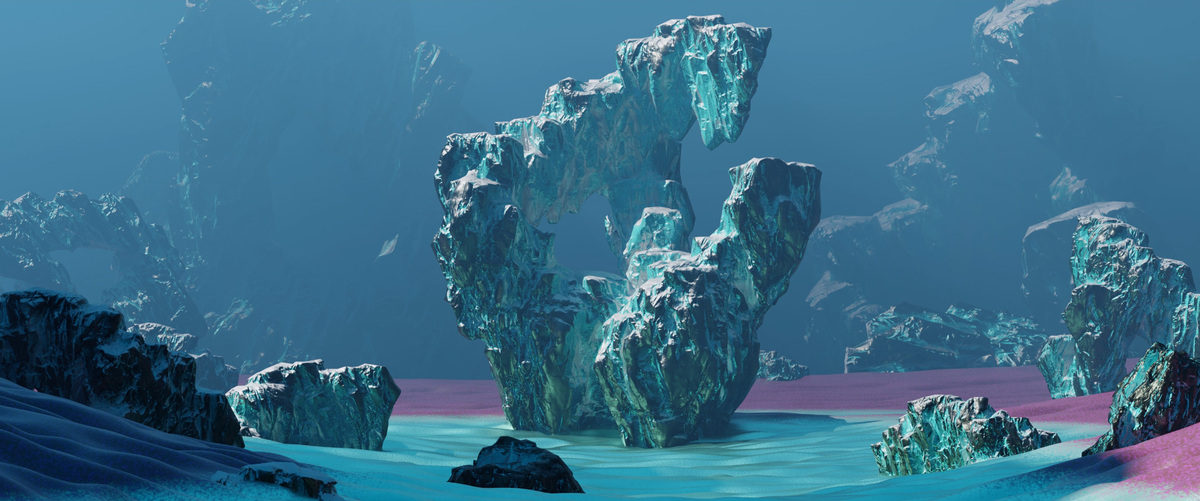
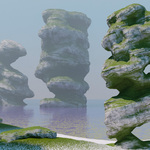
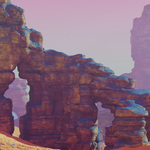
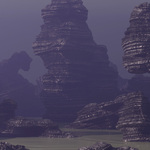
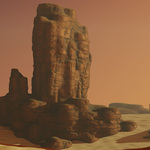
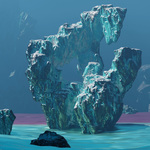
RockForm is the definitive add-on for designing a wide variety of rock formations and structures. It provides a robust procedural workflow for the creation of high and low-poly assets for VFX and games.
Also available with a discount on Gumroad (link) View the full documentation and changelog (link)
: : Why RockForm? : :
Any time I've wanted a rock formation such an arch, pillar, cliff face, etc. I would manually sculpt it with rock brushes. The results were good but there was often a lot of trial and error to get consistency. My search for an existing streamlined solution came up short as most methods involved shader-based displacement which is too limiting in a few ways but primarily because you can't derive a low-poly mesh from it. Apart from the shader solutions I found, the few geometry displacement methods I discovered simply didn't have the flexibility or appropriate settings required to produce a diverse range of formations.
At that point, I decided design my own procedural tool and along the way decided to invest the time and streamline the functionality into an add-on for others to use.
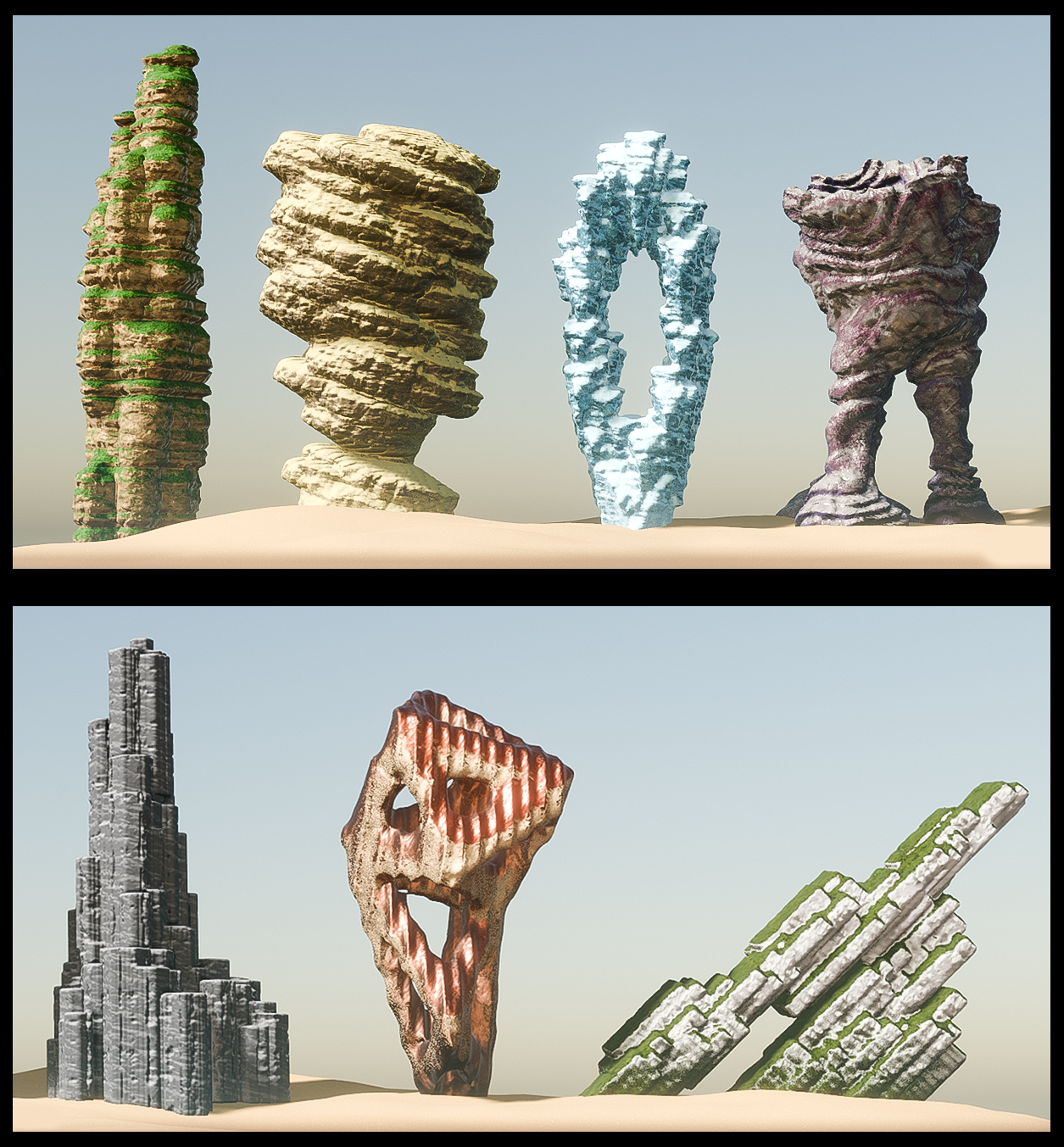
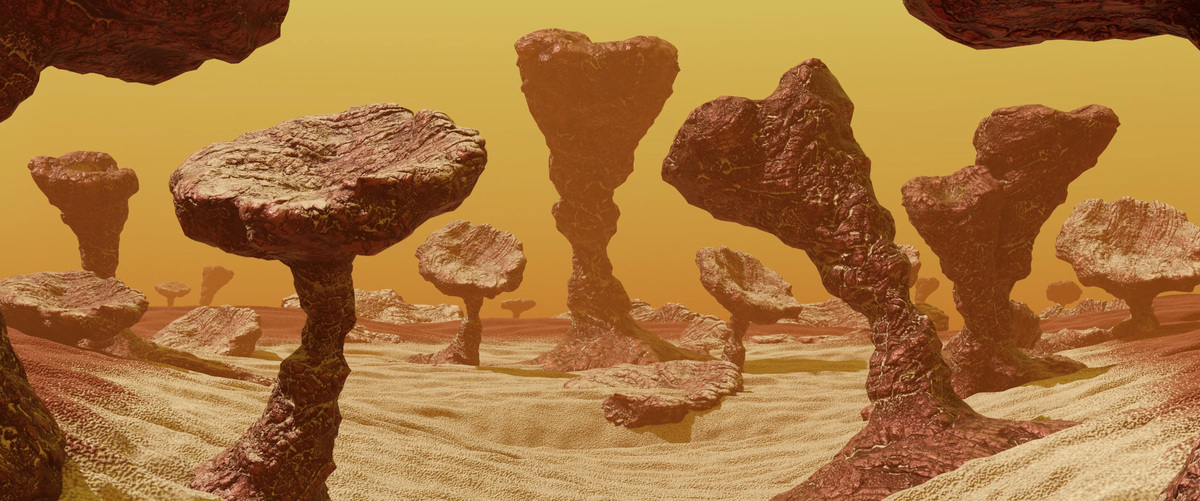
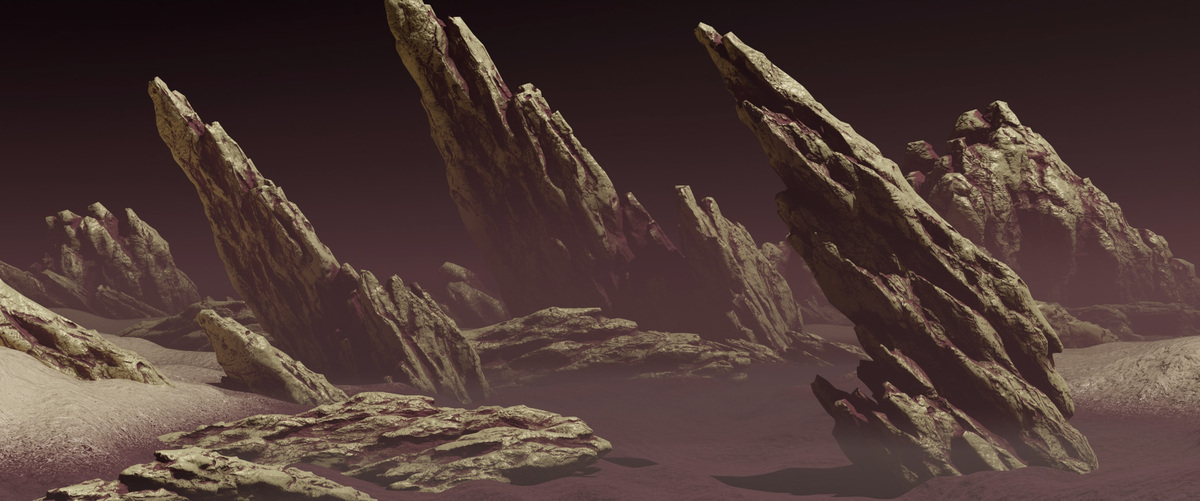
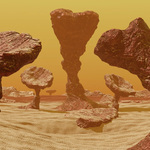
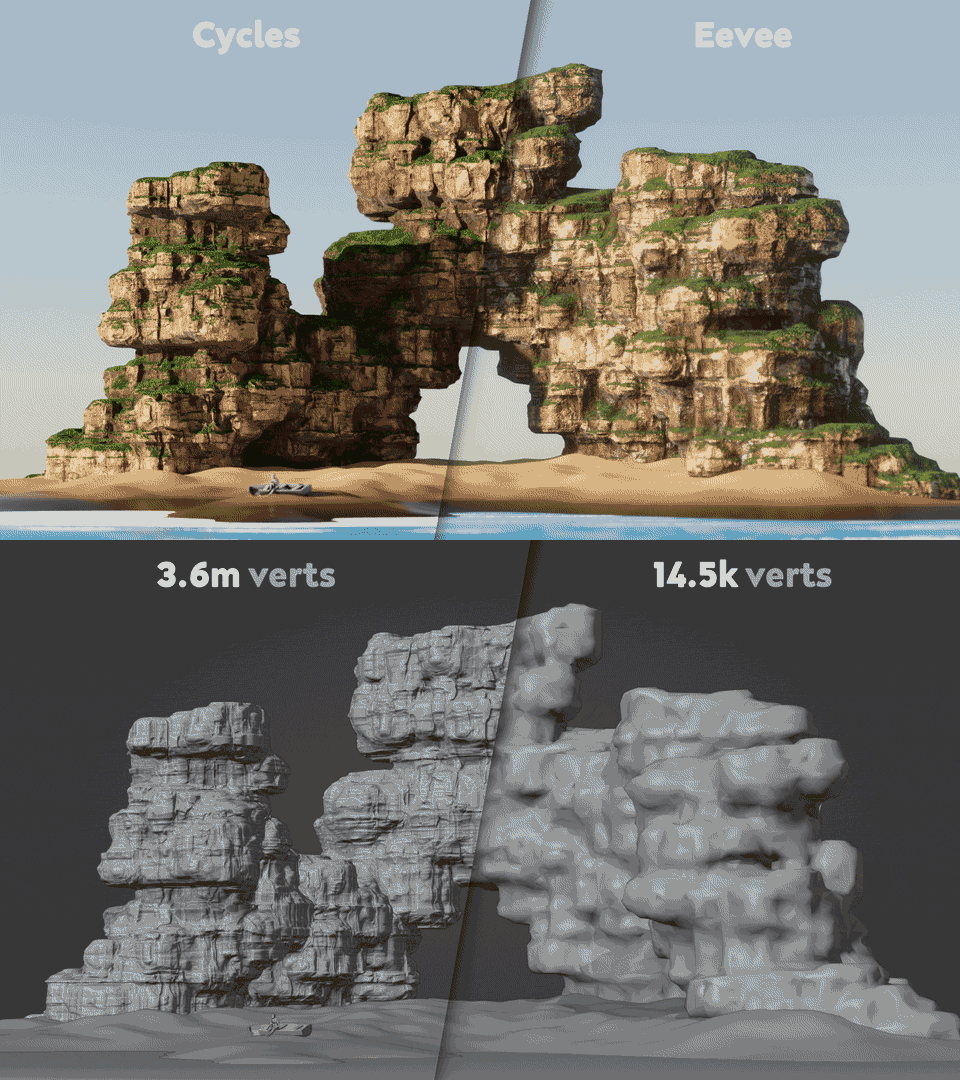
Above: formation samples. Below: results from baking down to a low-poly version.
: : Key Features : :
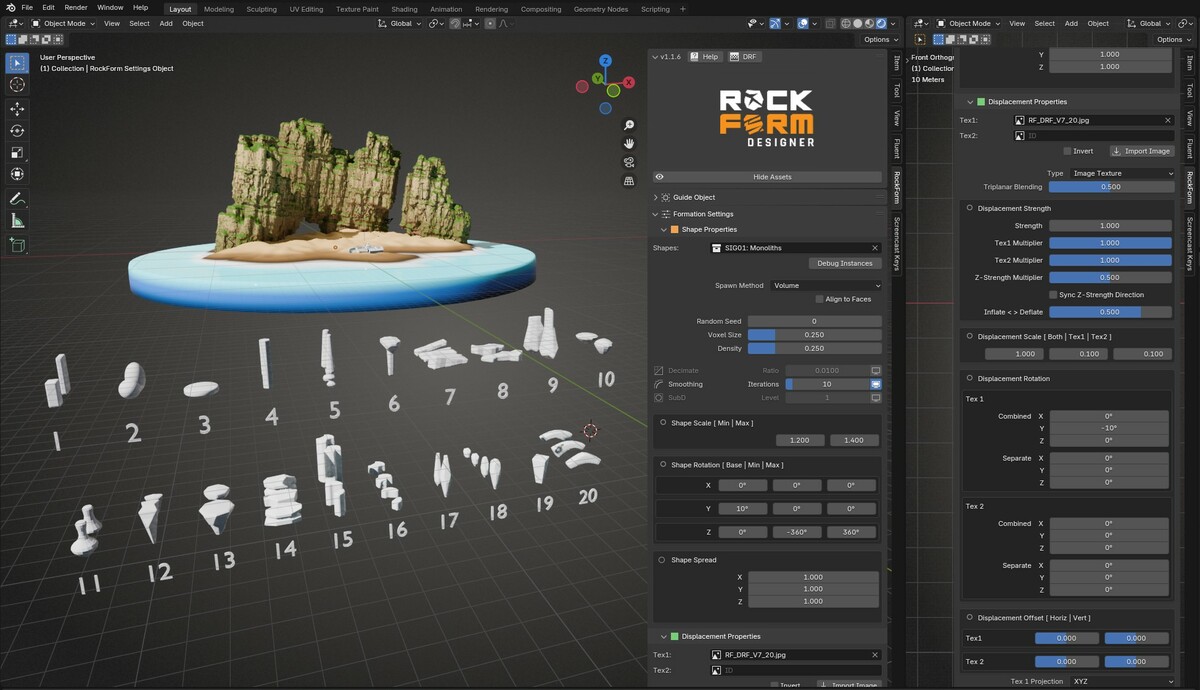
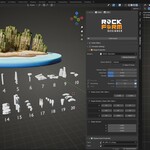
- Utilizes a dedicated organized side panel with robust options for creative control.
- Includes extensive documentation that breaks down all the settings and offers tips on how to achieve good results.
- Driven by geonodes so all visual changes are made at the mesh level. This makes it easy to apply modifiers and ultimately create an accurate low-poly model.
- Includes 20 designed base-mesh groups to quickly yield dramatically different unique formations - or design and add your own.
- Includes 11 high-quality height map textures (can use your own too), and provides versatile displacement options as well as a custom tri-planar projection setup for proper full coverage and seam blending.
- Includes a powerful master material with multiple coverage options based off the object's physical properties such as axis, displacement, and ambient occlusion as well as custom tri-planar projection for seamless results.
- Capable of producing hyper-realistic or stylized results.
- Includes auto seam generation and unwrapping
: : Workflow : :
[1] Create any object to use as a guide for the general shape.
[2] Select a shape group from 20 unique groups to define the 'character' of the formation (or design your own).
[3] Adjust displacement for finer details using 11 provided height map texture options (or import your own).
[4] Adjust the master material with multiple coverage options and influences.
[5] Optional: When done, select 'Create Low-Poly Version' to reduce the geometry as desired for a bake-ready mesh*
*Note: A custom baking-solution is NOT included. You will need to cut seams yourself and do a manual/smart unwrap for best results, and set up shaders for baking.
Note 2: I highly recommend grabbing a baking add-on such as BakeWrangler or BakeMaster (no affiliation to either) to ease the process.
Limitations:
- More realistic results require very high mesh density. Users may experience severe slowdowns depending on the attempted level of fidelity and your pc hardware.
- The resulting geometry often has minor imperfections that may require some manual cleanup or retopology, however most times this is optional and can be overlooked depending on your specific application.
- Knowledge of baking is required for those looking to capture high-fidelity details in lower poly meshes. No custom tools are provided for this process.
- The included materials are present for easy visualization but no specific shader properties/tools have been added as part of this add-on.
- Vegetation models and instancing is not currently supported.
- There are currently no erosion effects or weathering simulations.
