 Tsykhra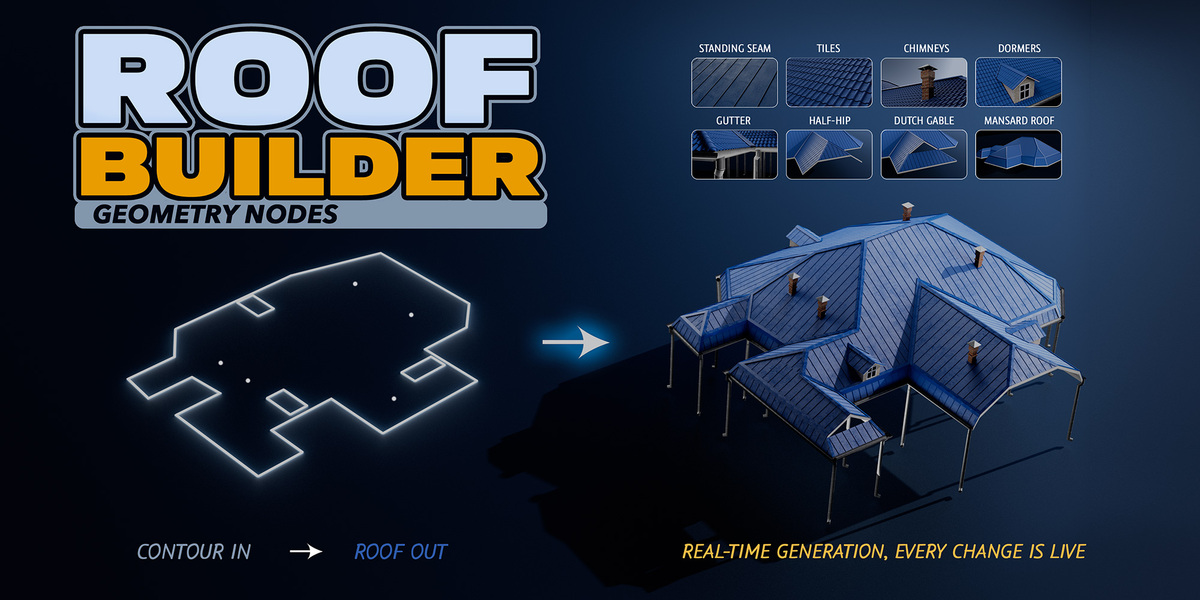
Roof Builder — Procedural Hip Roofs for Blender
Create a hip roof from a building outline using Blender Geometry Nodes. Roof Builder helps you spend less time modeling roofs by hand, with three editions ranging from a procedural roof generator to a complete system with roofing, architectural details, materials, and presets.
Choose Your Edition
Core
The foundation for your own procedural roof workflows.
Procedural hip roof generation from a building outline
Geometry Nodes workflow
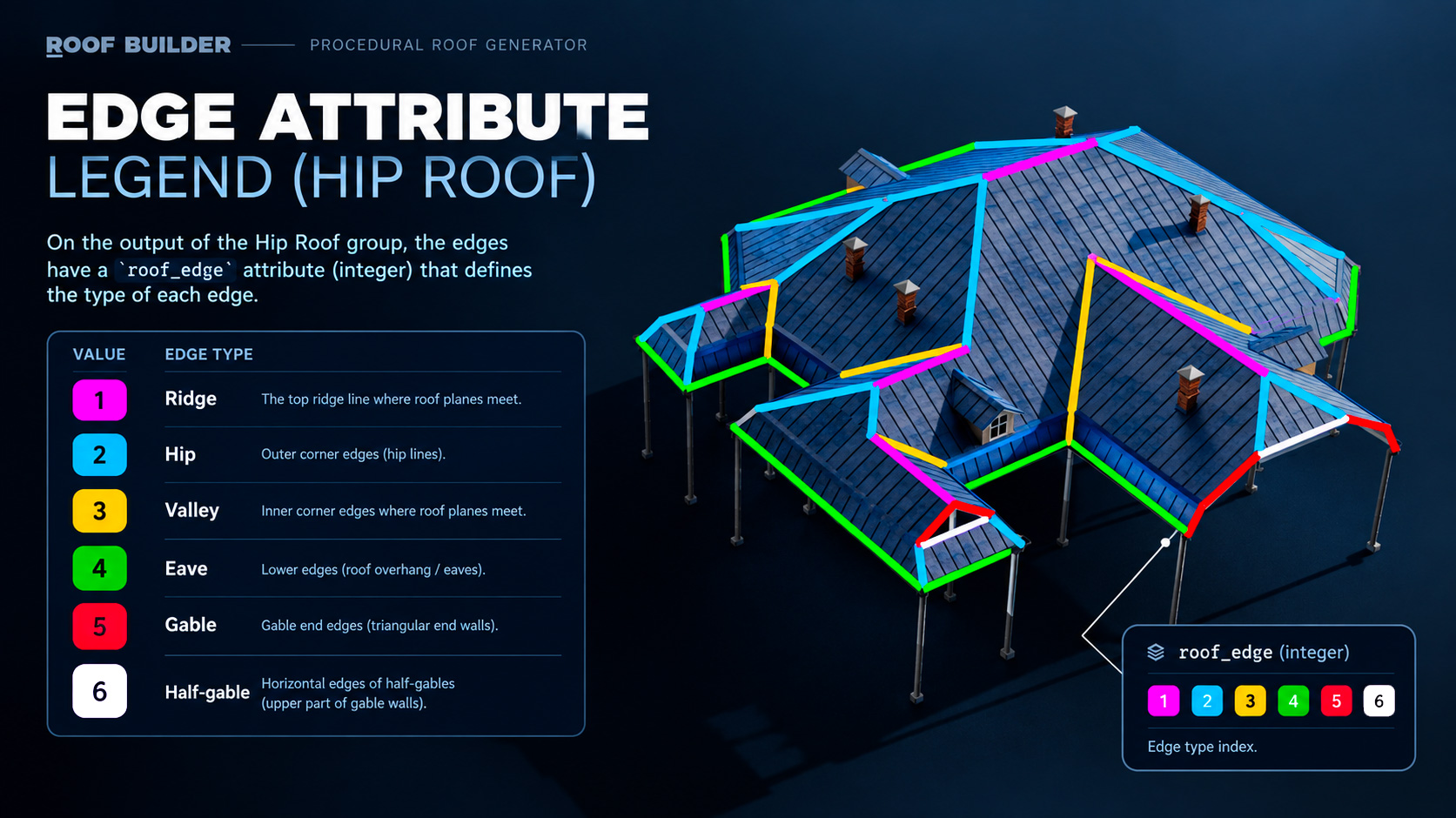
Automatic roof edge classification via the roof_edge attribute
Procedural geometry for further customization
Advanced
Everything in Core, plus roofing and architectural details.
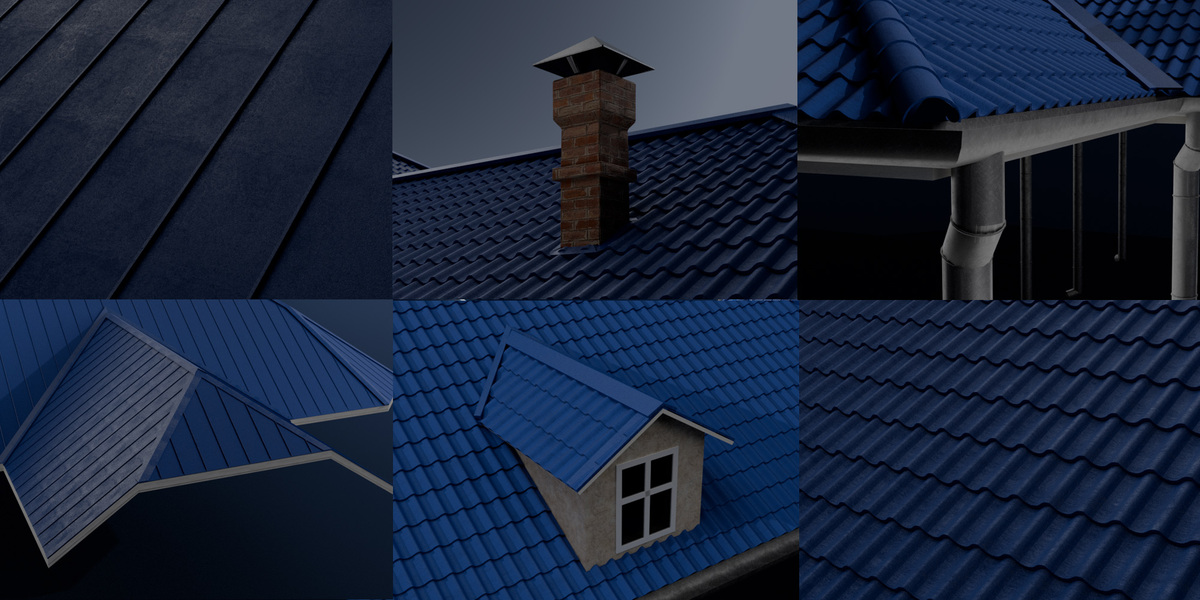
Standing seam and tiled roofing
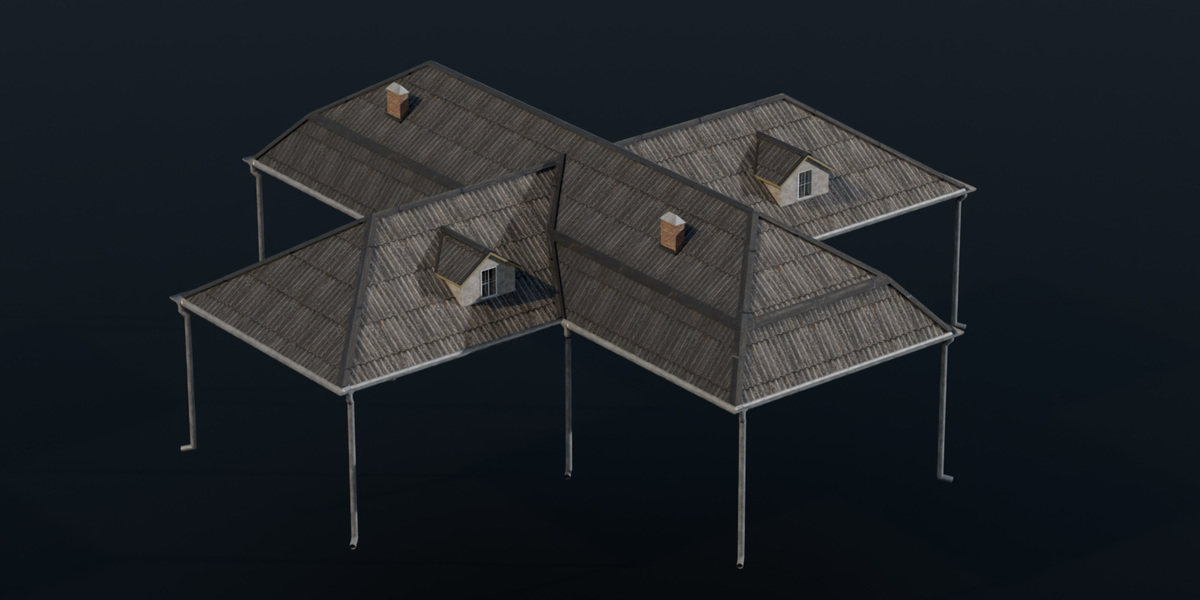
Gutters and downpipes
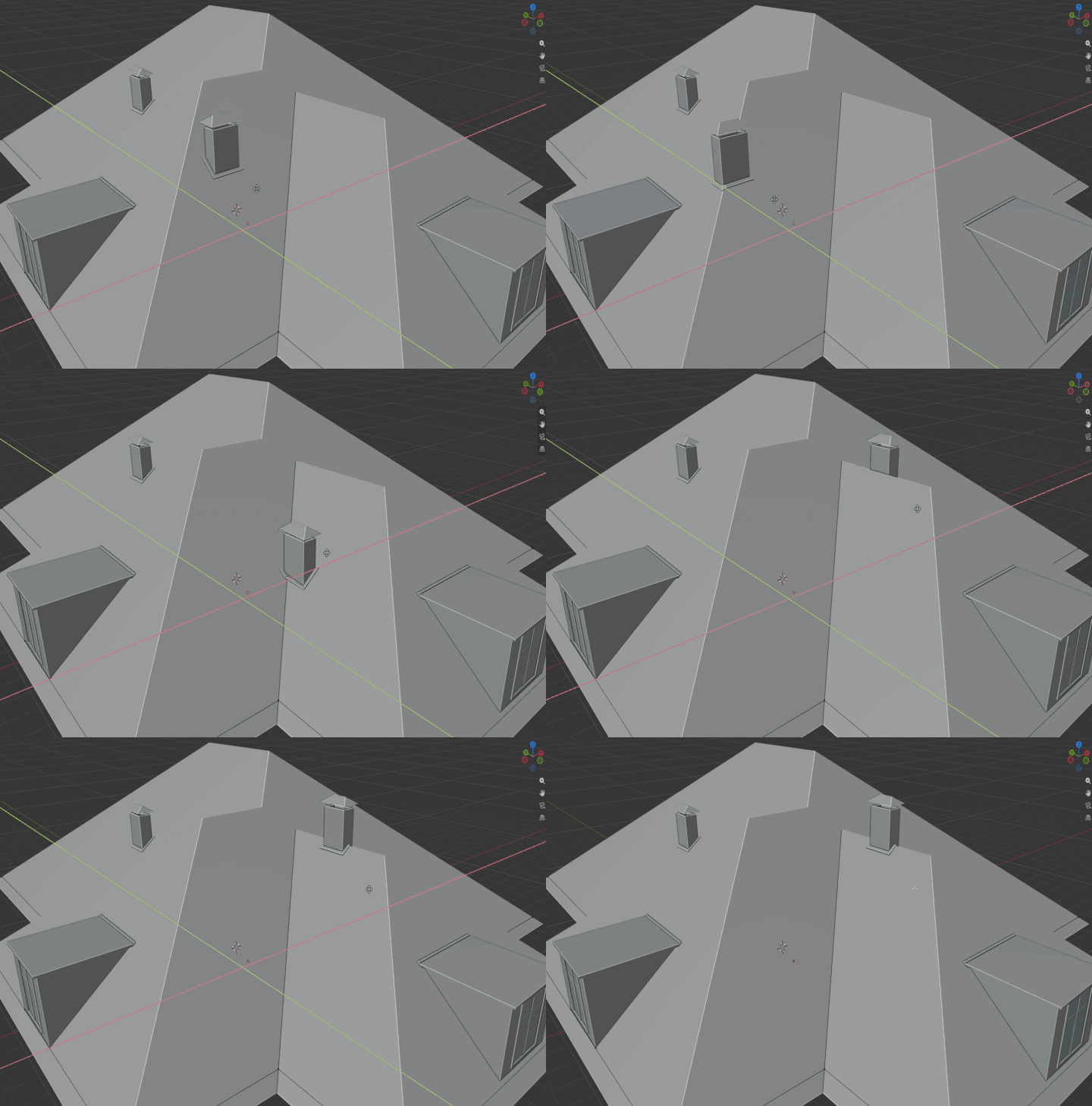
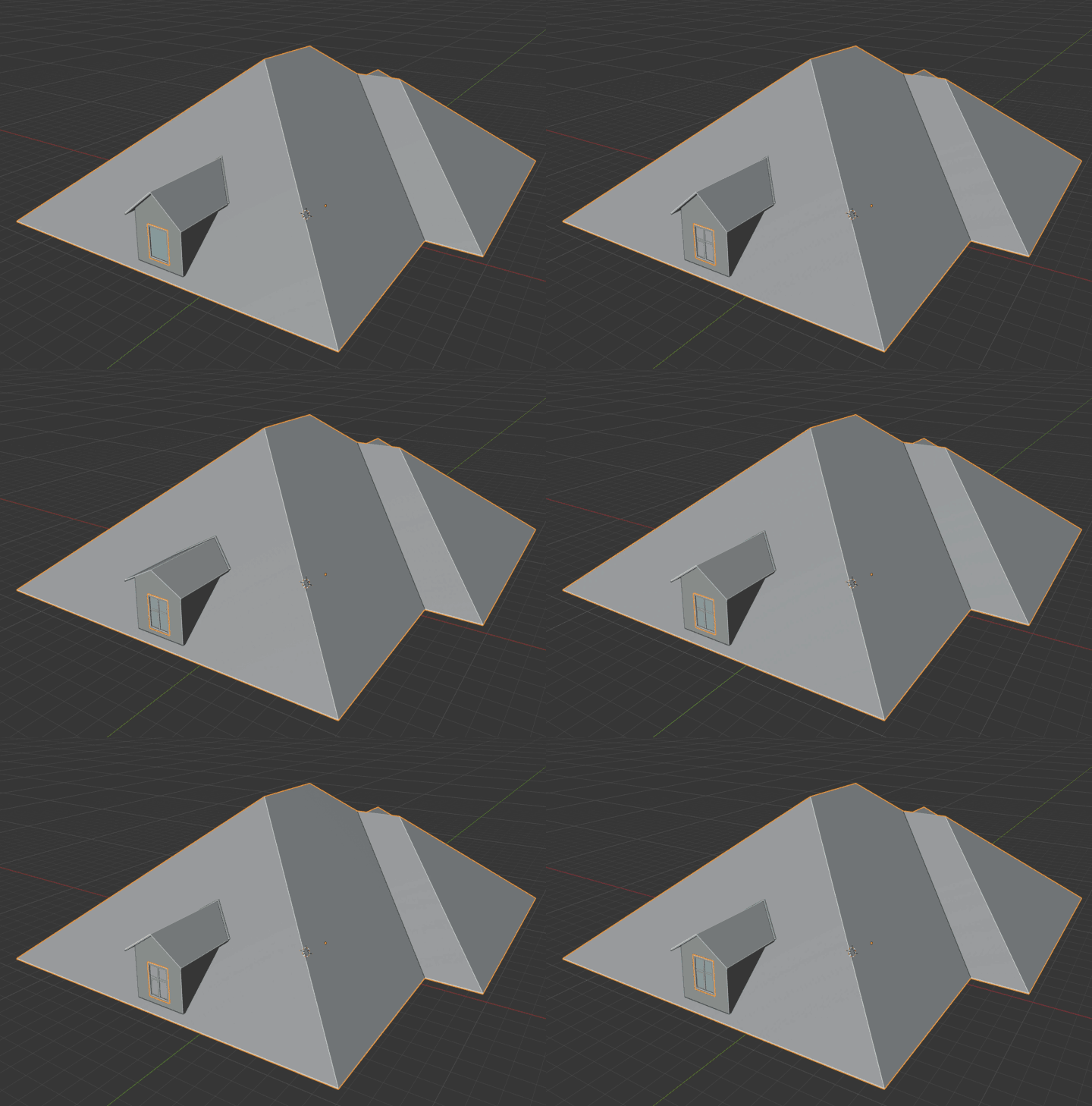
Dormers and chimneys
Extended controls and customization options
Full
Everything in Advanced, plus materials, presets, and Wall Mode.
Material library
Example textured roof presets
Wall Mode
-
The complete Roof Builder toolset
Draw the footprint. Get the roof.
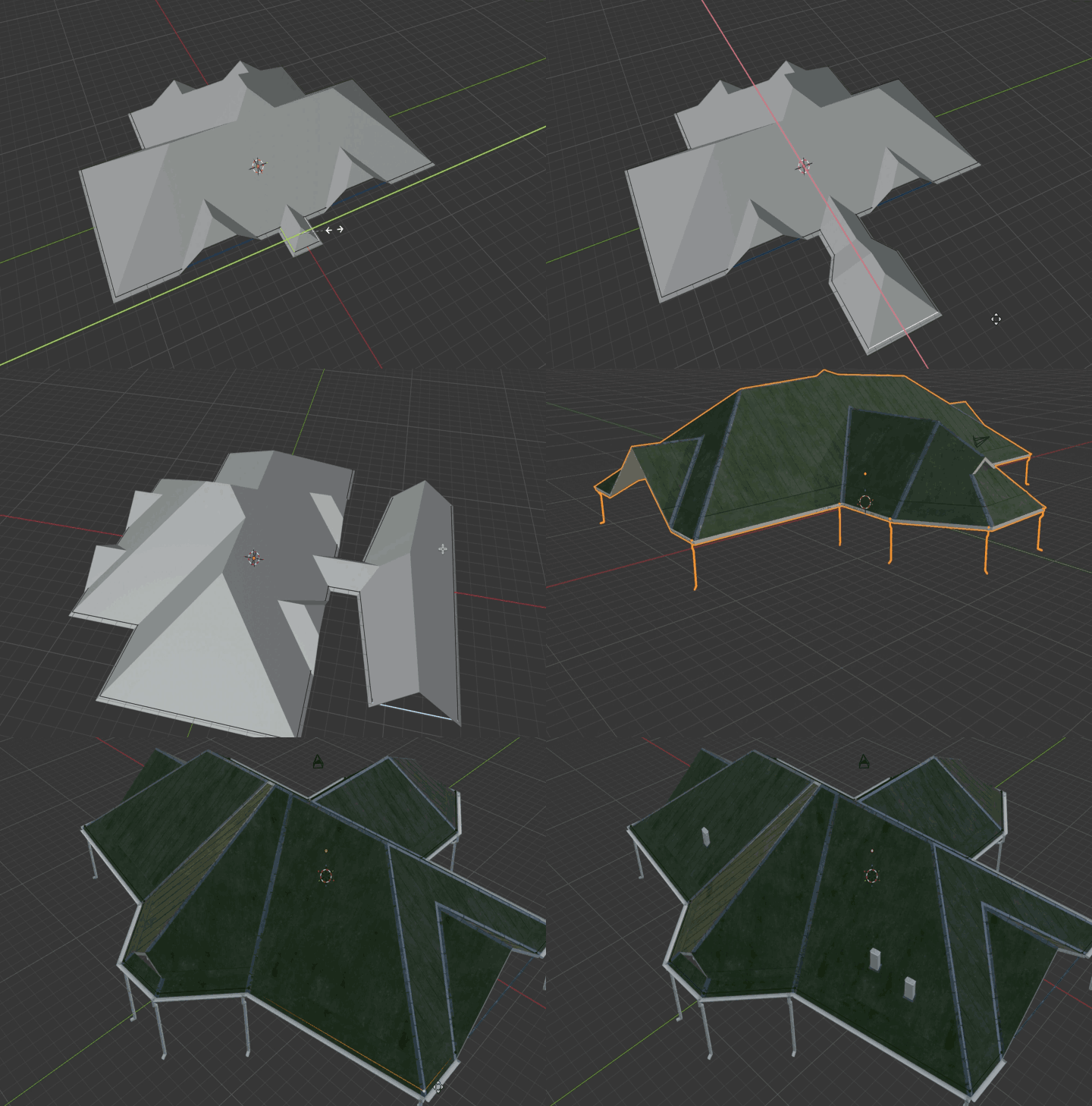
Roof Builder turns a simple outline into a complete, ready-to-render roof. No modelling, no cleanup, no fiddling with intersections. Change the shape of the building and the roof rebuilds itself instantly — slopes, ridges, valleys and every detail on top.
Any shape, solved for you
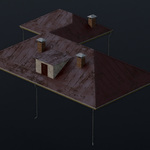
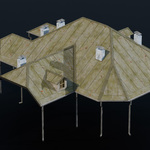
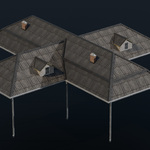
L, T, H, cross-shaped, octagonal, courtyard layouts — Roof Builder figures out where every slope, ridge and valley goes, even on complex plans that are painful to model by hand.
Gables, half-hips and mansards in one click
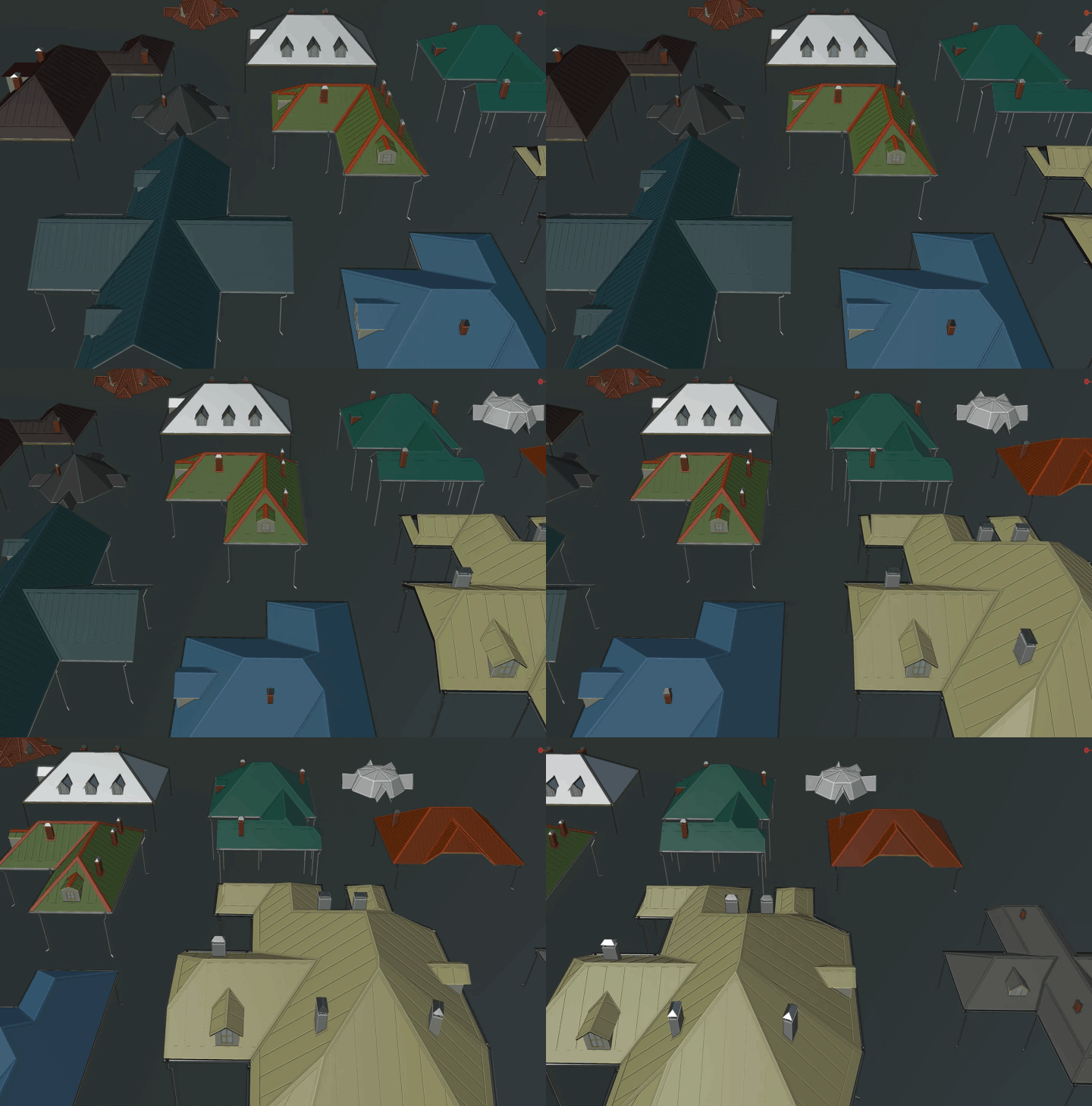
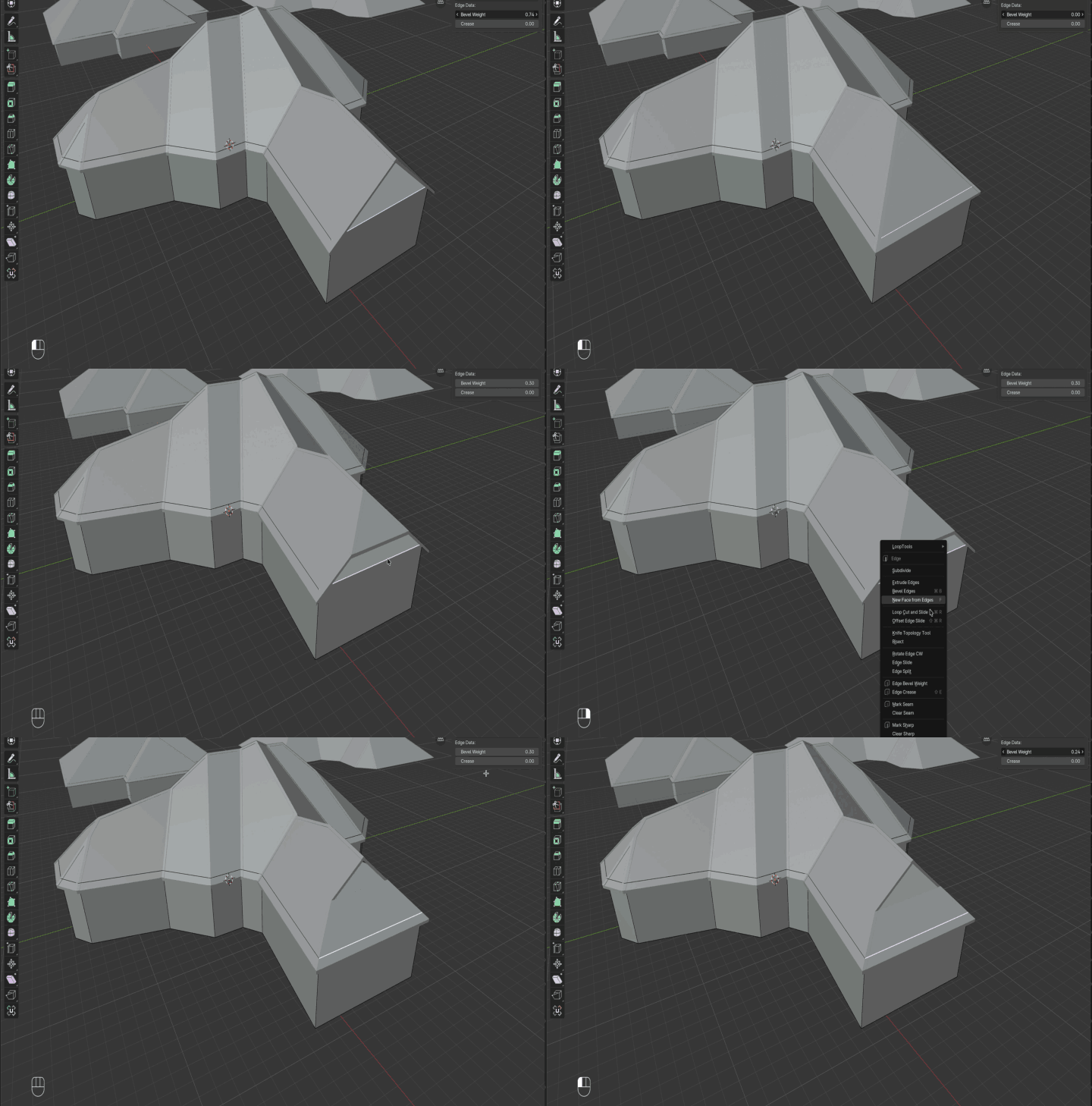
Mark an edge and the hip turns into a gable. Mark it halfway and you get a half-hip. Switch on the mansard break for that classic Parisian look — on the whole perimeter or only where you want it.
Tiles and metal that look real
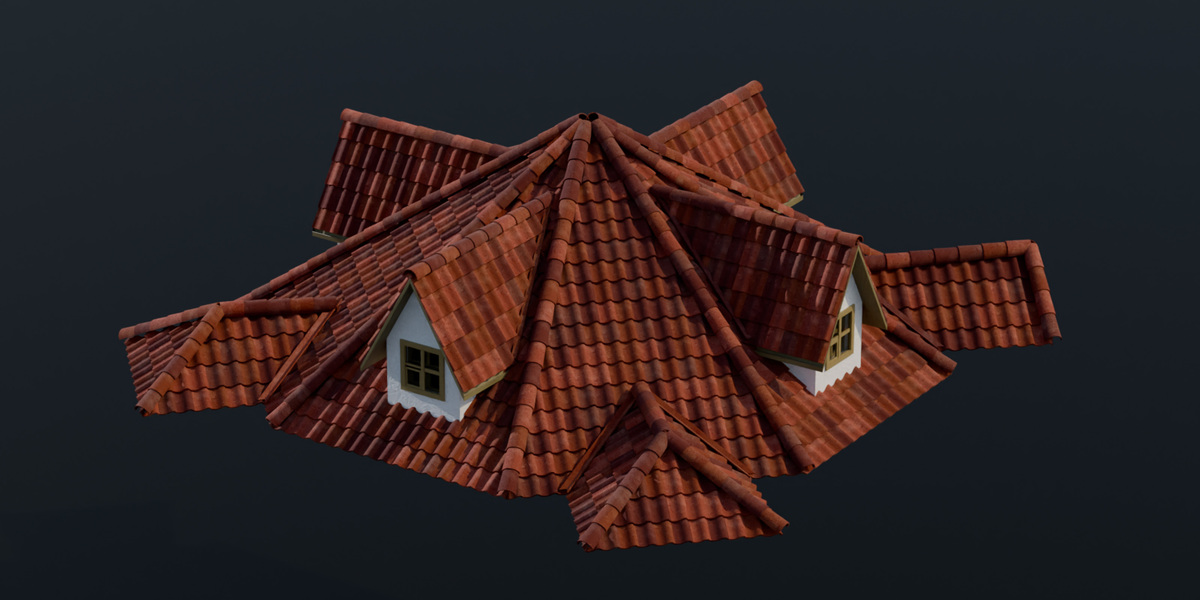
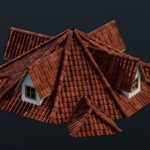
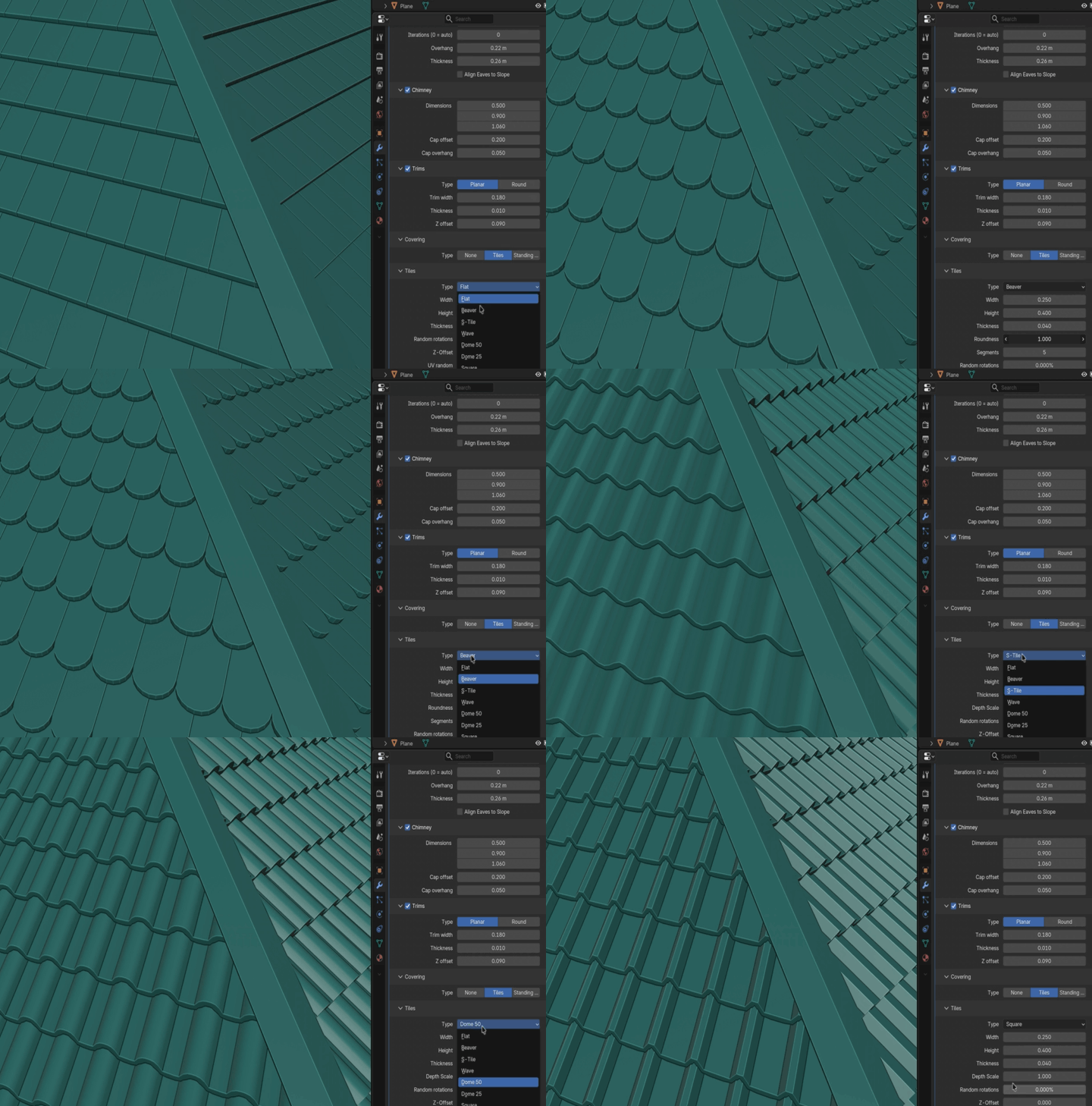
Choose between seven tile profiles — from flat and beaver tail to S-tiles, waves and domes — or a standing-seam metal roof. Every tile is real geometry, with optional random tilt for a hand-laid, lived-in feel.
All the details that make a roof believable
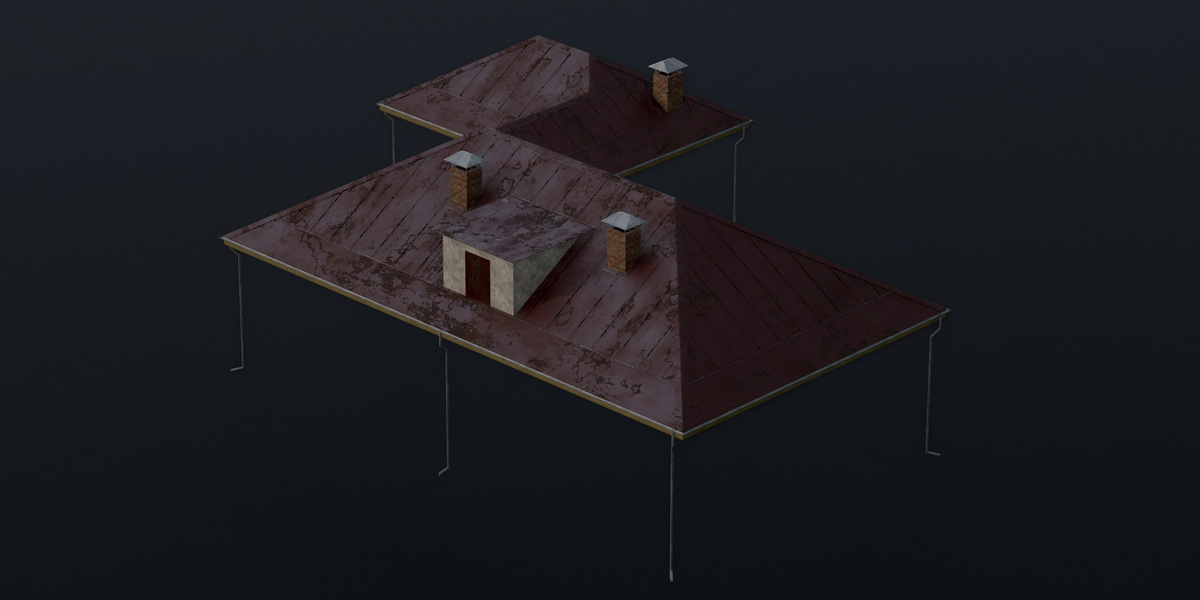
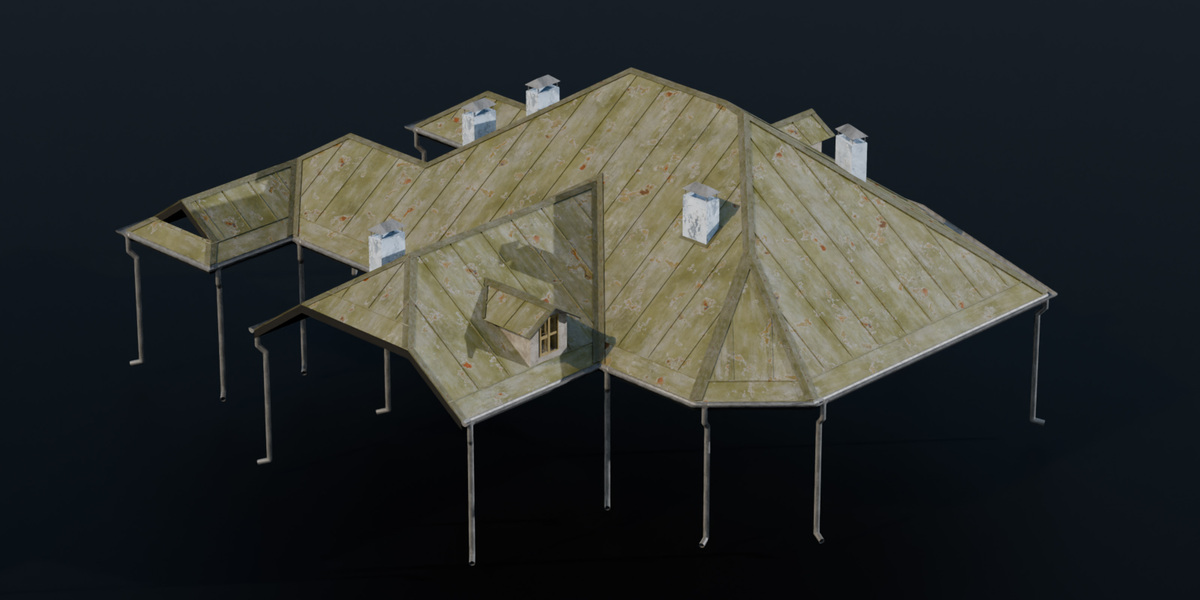
Ridge and hip caps, valley flashing, gutters with downpipes placed at the corners automatically, chimneys with caps, and dormers with windows or doors. Each one is a single switch.
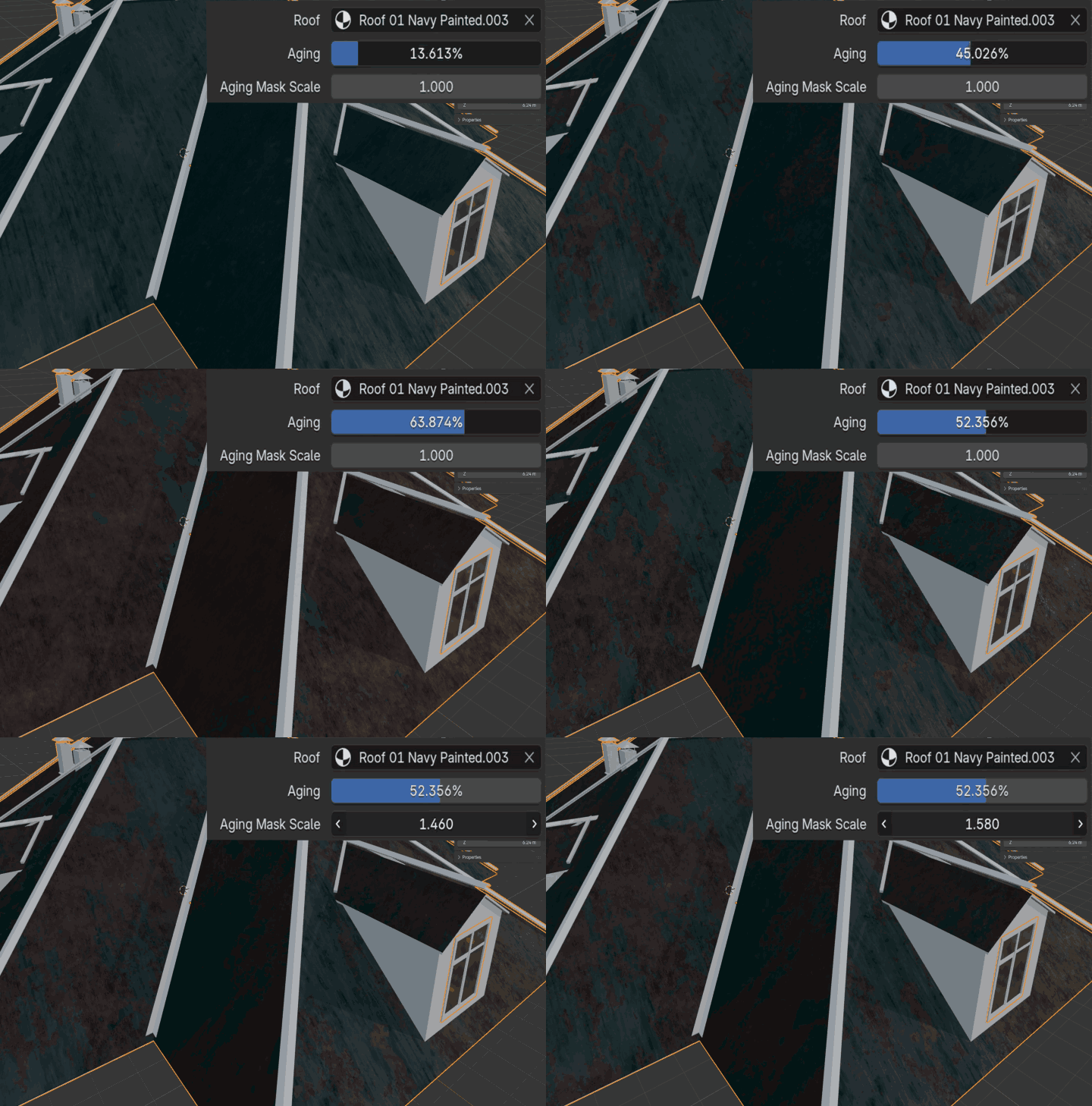
A material library ready to go (Full)
Painted metal, rusty sheets, asbestos, painted planks, ceramic and concrete tiles, wooden soffits — all matched in sets so roofs and trims fit together. Dial in weathering to add dirt, rust and fading in seconds.
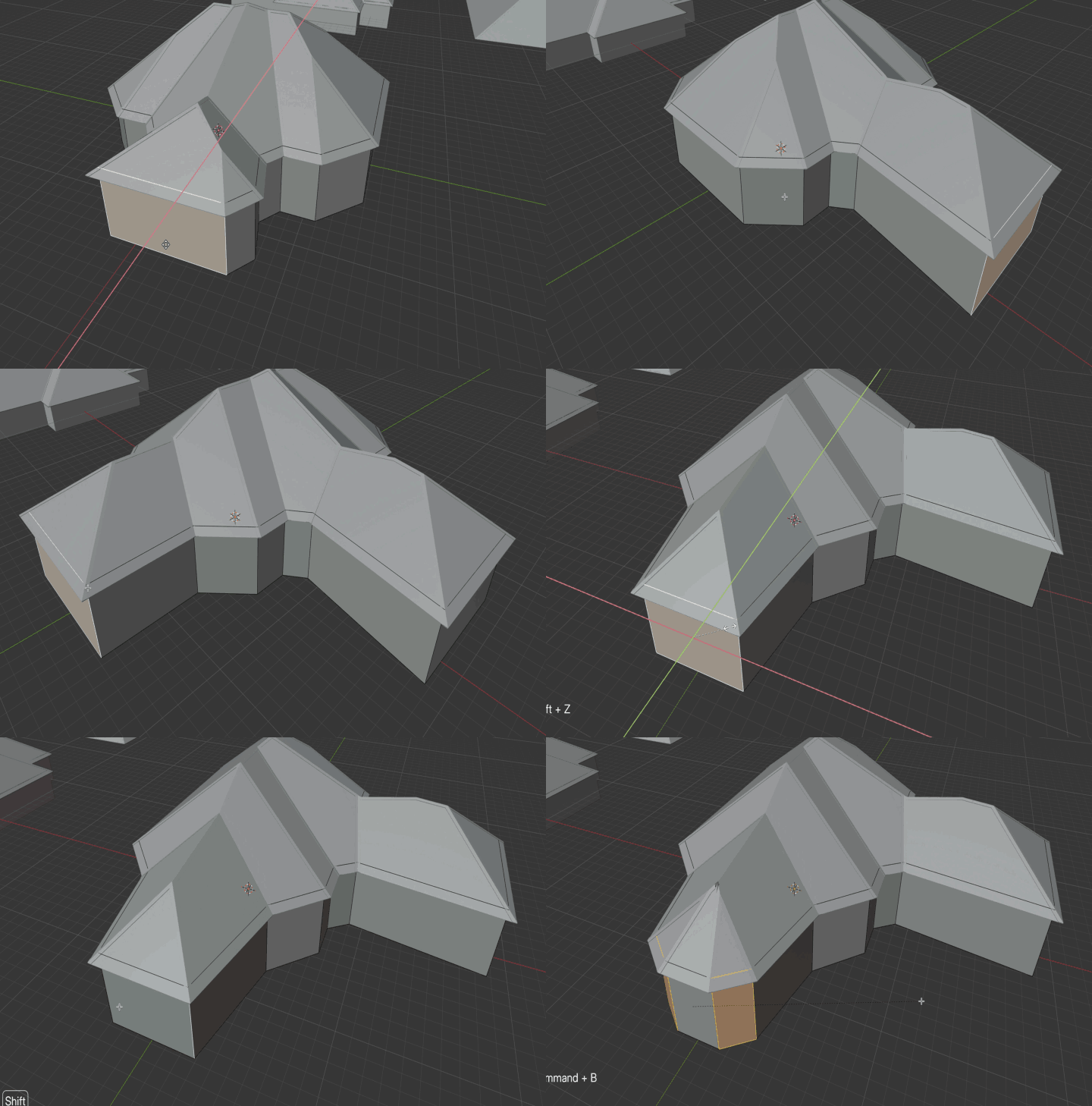
Start from walls (Full)
Already have the building? Wall mode puts the roof straight on top of your wall block, so the house and the roof stay in sync.
See the structure at a glance (Full)
Contour view shows the roof as a clean, color-coded diagram — gables, mansards, dormers and chimneys each in their own color. Perfect for checking a plan before you render.
Built for your own pipeline (Core)
Need just the roof shape? Core gives you the clean roof engine, and every edge comes labelled — ridge, hip, valley, eave, gable — so you can build your own details on top in Geometry Nodes.
Three editions
| Feature | Core | Advanced | Full |
|---|---|---|---|
| Roof engine: hips, gables, half-hips, mansards | ✓ | ✓ | ✓ |
| Labelled roof edges for your own node setups | ✓ | — | — |
| Chimneys, trims, tiles, standing seam, gutters, dormers | — | ✓ | ✓ |
| Your own materials | — | ✓ | ✓ |
| Example roofs | — | ✓ | ✓ |
| Wall mode | — | — | ✓ |
| Contour view | — | — | ✓ |
| Textured material library with weathering | — | — | ✓ |
Easy to start
No add-on to install. Roof Builder is an asset library: add the folder once, drag the roof onto any outline, and you're done. A full video tutorial and written documentation are included.
