Roof Builder
 Tsykhra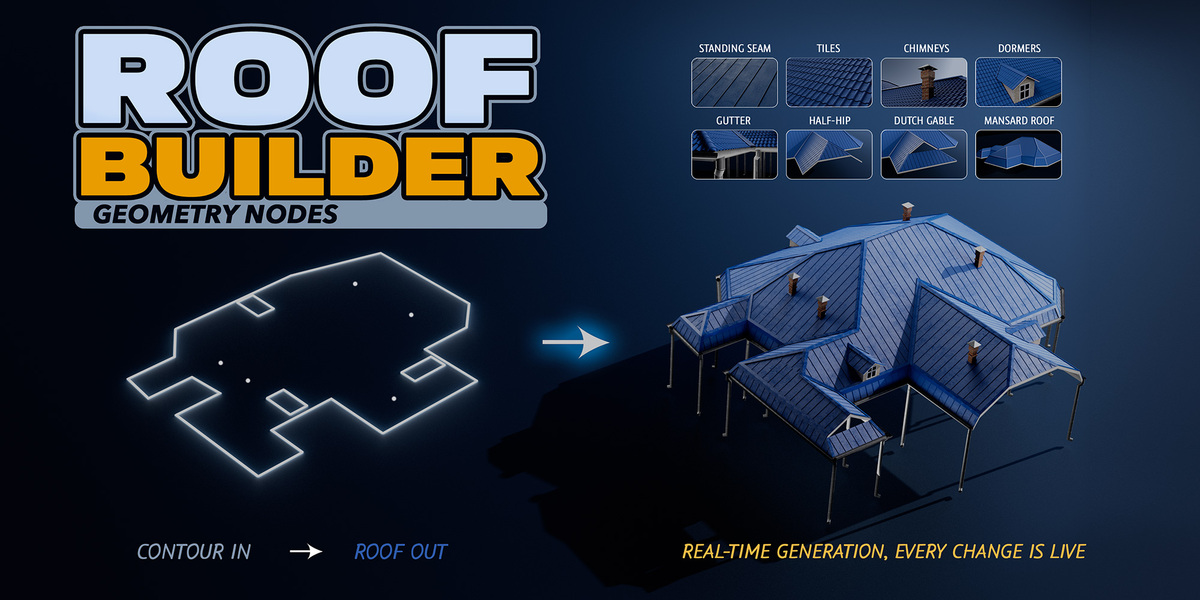
Can I use Roof Builder in commercial projects?
Yes
Which edition do I need?
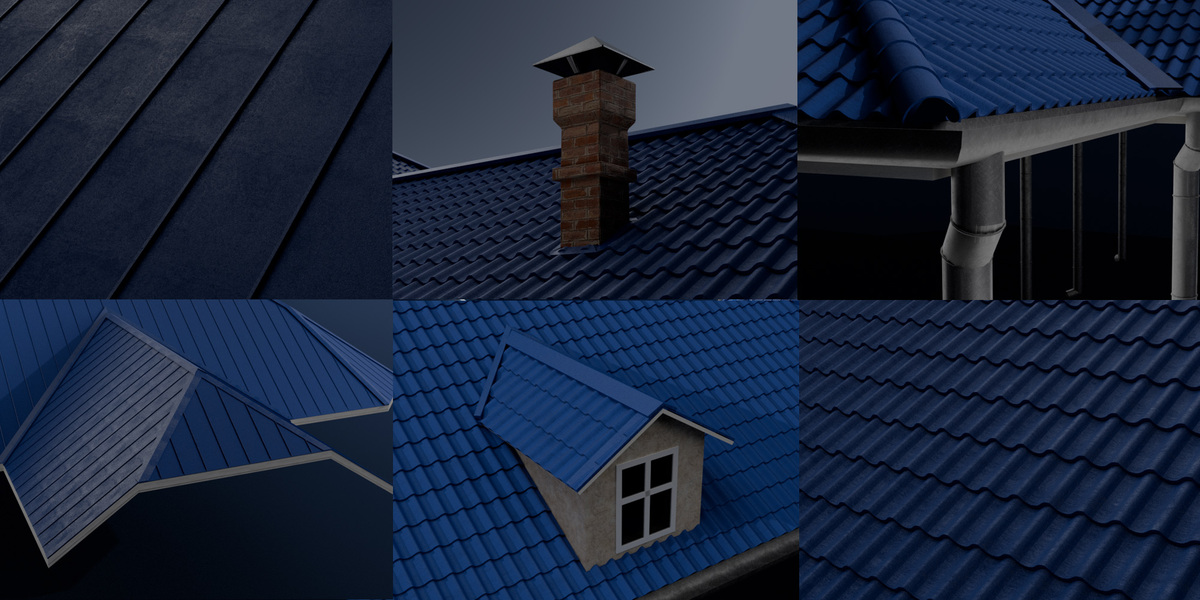
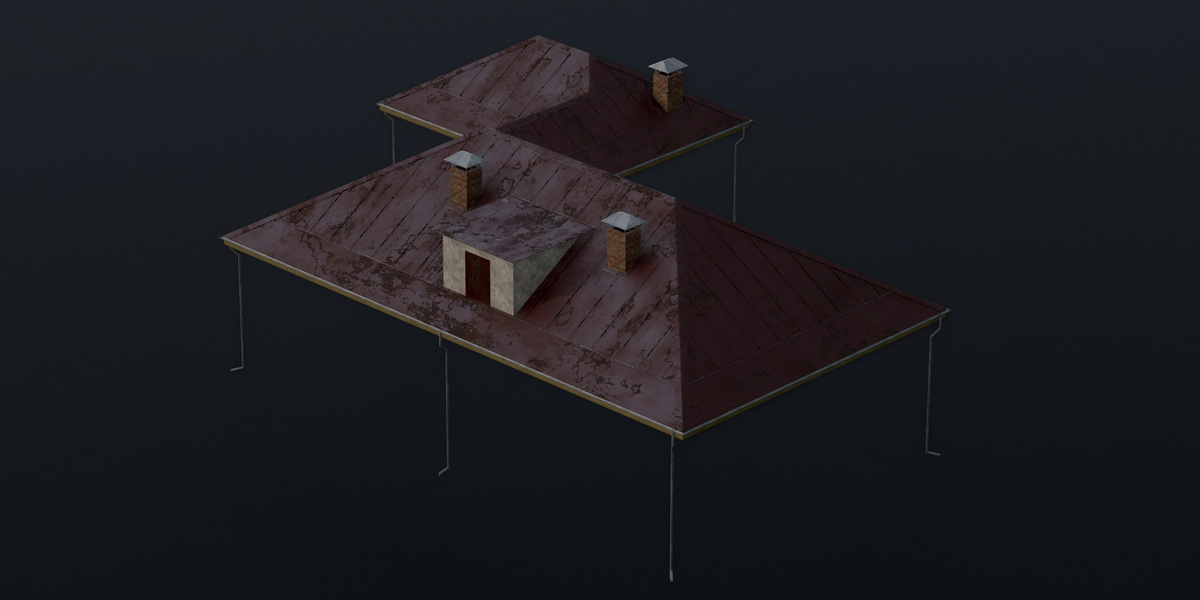
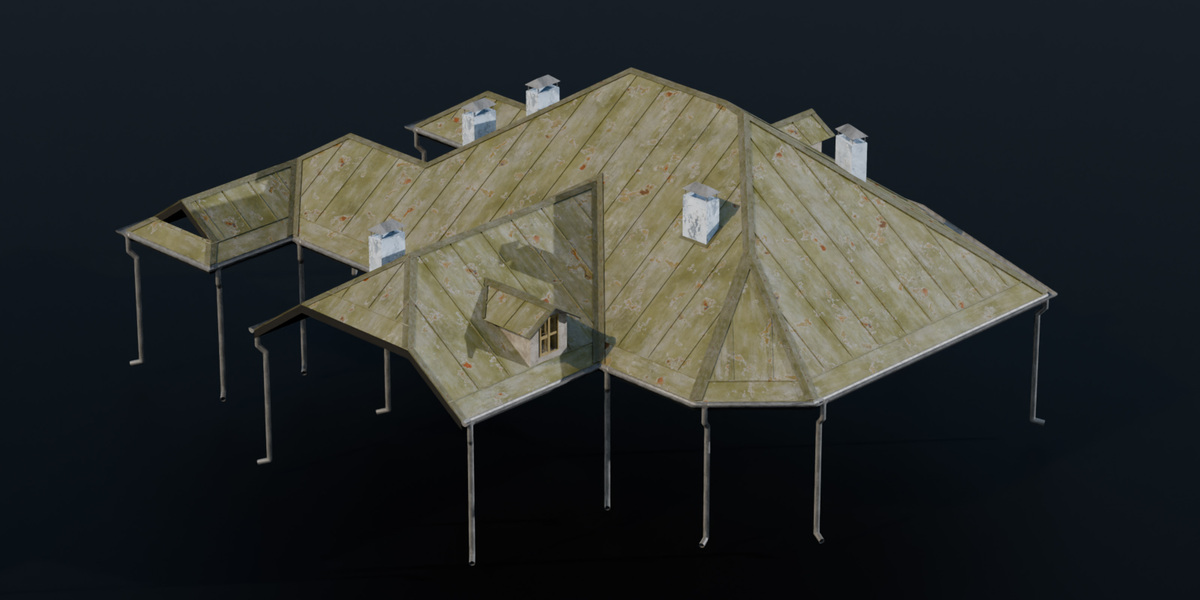
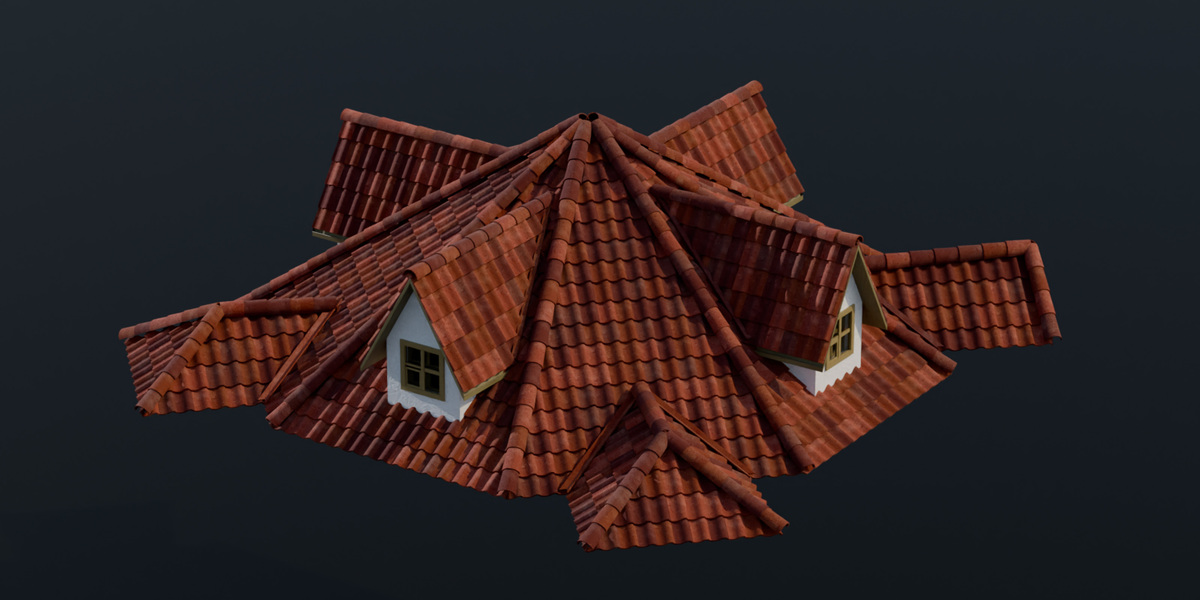
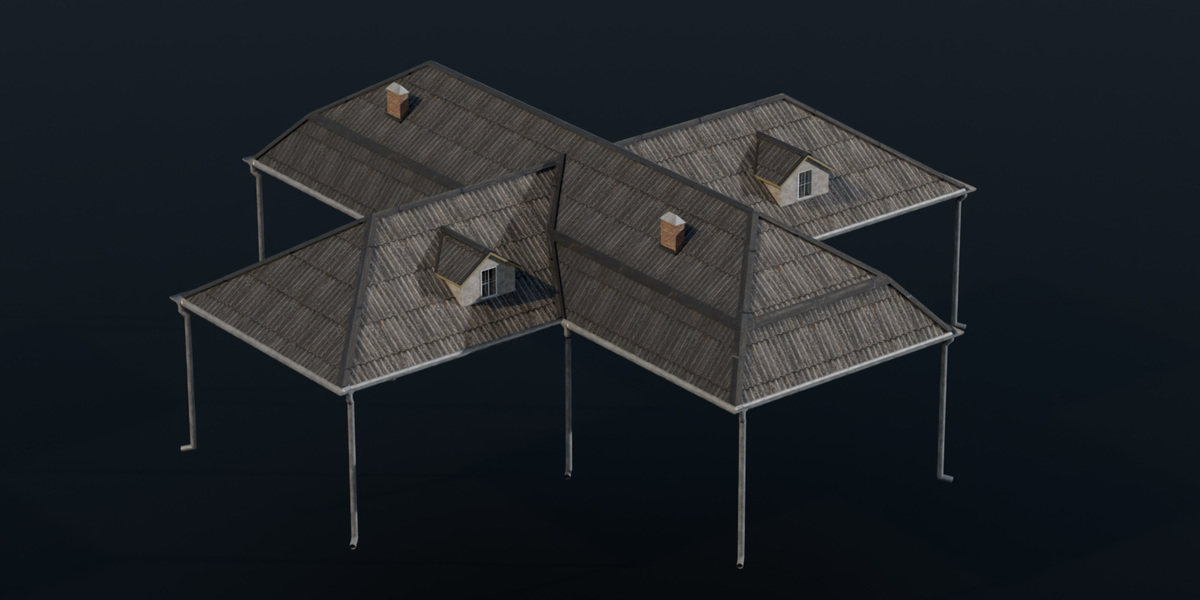
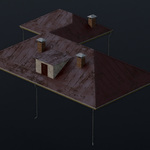
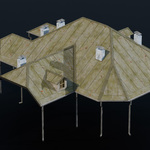
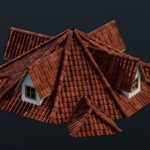
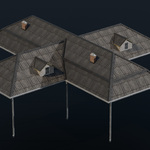
Core builds the roof itself: hip, gable, half-hip and mansard roofs from an outline. Advanced adds chimneys, trims, tiles, standing seam, gutters and dormers, plus a Materials panel for your own materials. Full adds Wall mode, Contour view, the textured material library and Aging.
Which Blender version is required?
Blender 5.2 or newer
Is this an add-on?
No. Roof Builder is an asset library. Add its folder in Edit → Preferences → File Paths → Asset Libraries and drag Roof Builder from the Asset Browser onto a mesh.
Can I use my own materials?
In Advanced and Full, yes: assign them in the Materials panel of the modifier. The roof generates UVs automatically; use UV Scale and UV Rotate 90 deg to adjust them. Core has no material slots.
The roof is not closed or parts are missing on a complex outline.
Raise Iterations from 0 (auto) to a fixed value, for example 500.
The roof is broken or has spikes in one spot.
In Edit Mode, nudge the outline vertex next to the broken area slightly.
A gable is not created
Check that the edge's Bevel Weight is exactly 1. Values between 0 and 1 give a half-hip
How do I add a chimney or a dormer?
Chimney: add a loose vertex inside the outline. Dormer: add a closed loop of edges inside the outline and assign its vertices to a vertex group named dormer. Both require Advanced or Full.
-
$10
-
$35
-
$50
Have questions about this product?
Login to message
| Published | 3 days ago |
| Blender Version | 5.2 |
| Render Engine Used | Cycles, Eevee |
| Misc Data | Uvs-Unwrapped, Textured |
| License | Royalty Free |

Discover more products like this
roof RoofTiles procedural roof-tiles procedural roof Roof Generator Roof_Generator Roofing Blender Roof Generator RoofGenerator