 3D Tudor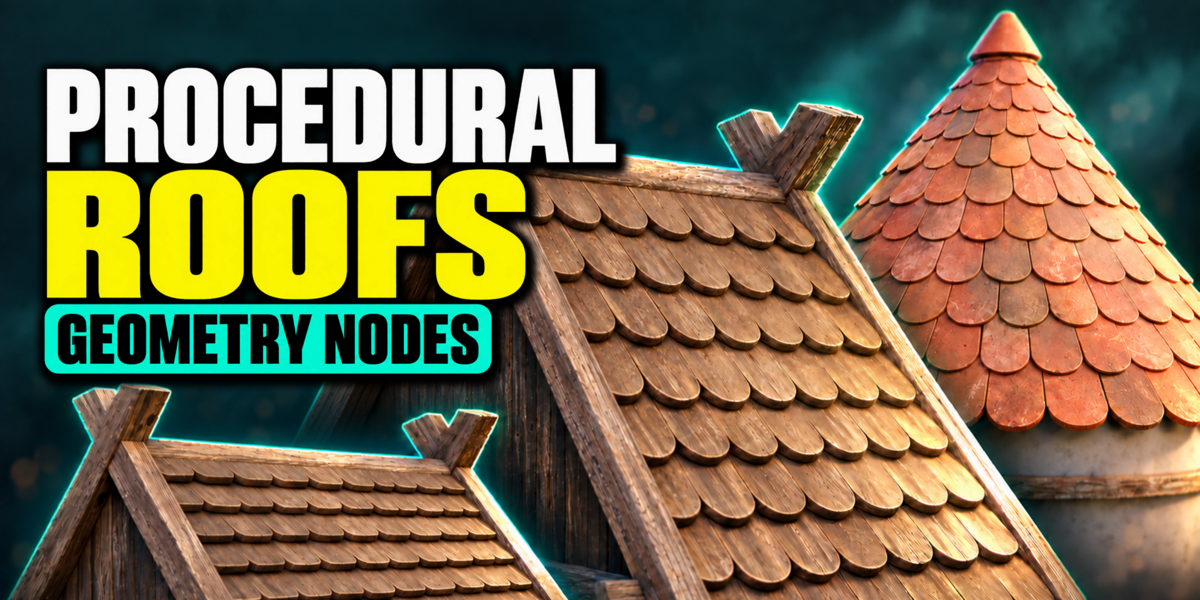

3D TUDOR · GEOMETRY NODES
Your tile design. Your roof pattern.
Custom tile objects and collections · Flat and pitched roofs · Domes and spires
One tile source, an editable roof
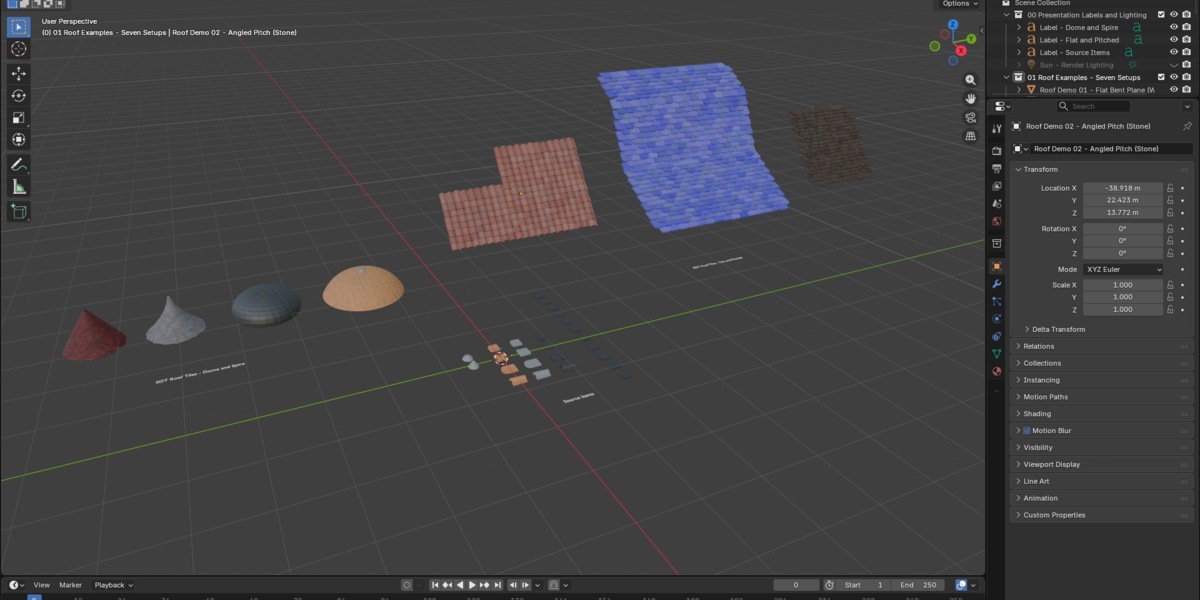
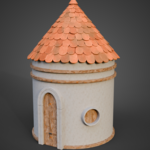
A roof reads through repetition: the shape of each tile, the spacing between rows and the way the pattern changes near an edge. 3D Tudor Roof Tiles Generator gives those decisions their own controls. Start with a supplied source or a tile mesh you create, then arrange it across a pitched surface, dome or spire.
Bring the tile design your architecture needs
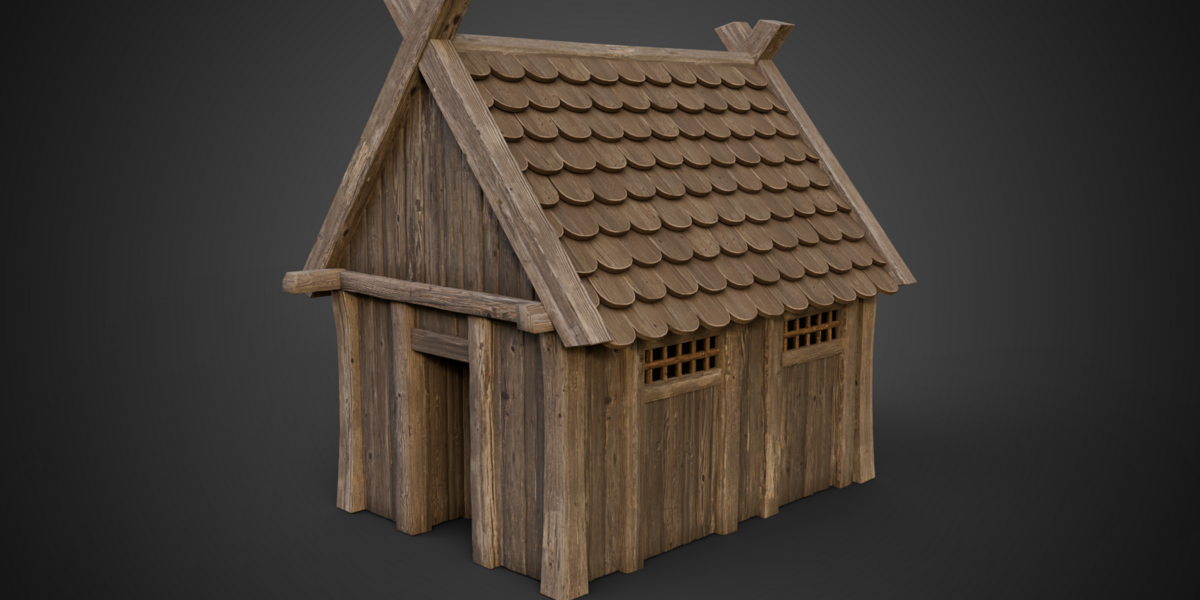
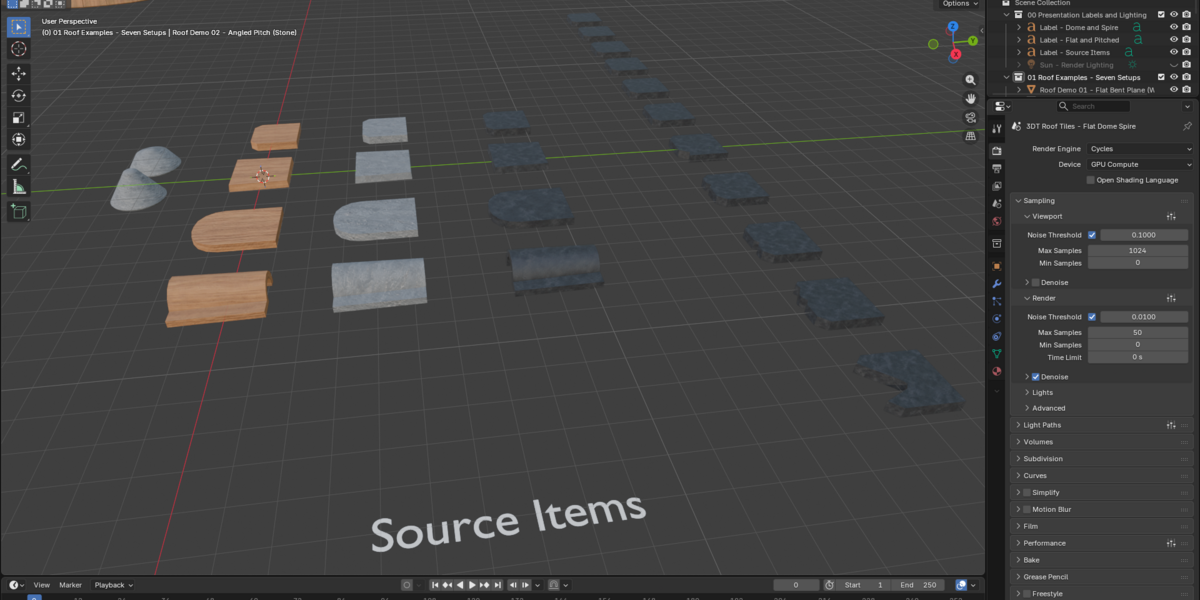
Both generators accept a single tile object or a collection of tile meshes. Collection selection has its own seed, so you can mix prepared shapes and revisit the arrangement. The included Wood, Stone and Ceramic examples are starting points for exploring the workflow; custom sources open it to other architectural styles.
Flat and pitched: work from the rows to the edges
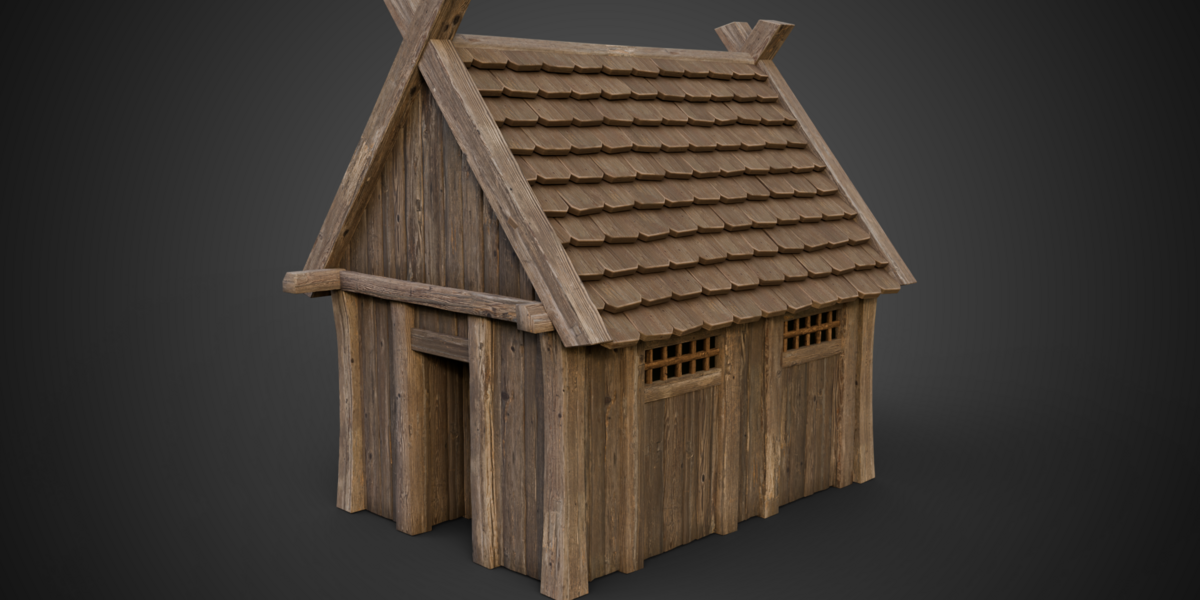
Adjust tile amount, row overlap and row offset before refining clearance, seating and rotation. Bottom, side and top overhang controls help define the roof outline. Keep the pattern regular, or introduce size, rotation and position variation when a less uniform treatment suits the building.
Dome and spire: refine the silhouette and crown
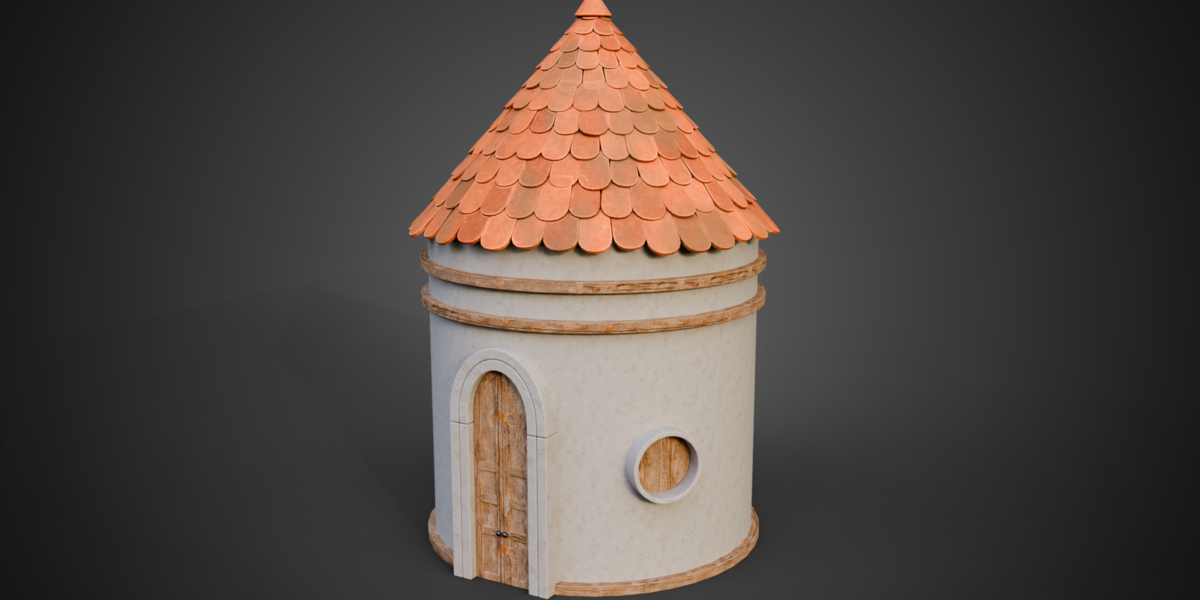
Radius, height and midpoint width establish a dome. Switch Spire on for a straight-sided conical roof. Top Tile Size changes the upper layout, and Dome Crown Fit tapers tiles near the dome crown. A separate cap object completes the top with radius and offset settings.
Surface controls that follow the tile pattern
The supplied compatible shaders expose tint, contrast, per-tile hue, saturation and brightness variation, roughness, normal strength, edge wear, AO colour, moss and UV adjustments. Custom replacement materials need their own setup. Edge wear is intended for Cycles.
Open, compare, adapt
Two native Blender files separate seven prepared roof setups from three building compositions. The Setups file includes twelve clean tile meshes across three materials and four shapes, plus an eleven-object Ceramic Damage Mix. Wood, Stone and Ceramic use packed 1024 × 1024 base-colour, normal and roughness maps.
Demonstrations and getting started
The download includes a written guide and six silent local videos: three building turntables, plus complete demonstrations of the flat/pitched workflow, dome/spire workflow and material controls. Start from a supplied setup and keep its source objects and collections available while experimenting.
Custom tile preparation
For Flat and Pitched, local X is width, local Y points uphill and local Z is thickness. Match collection members’ local origins, orientations and approximate sizes. Use the included sources as references, then inspect overlap and intersections after changing tiles. Custom meshes may need preparation; the buildings shown are example meshes, not a procedural building generator.
Compatibility
Checked in Blender 5.1.2 with Cycles. The customer files contain packed images and localized library helpers. No add-on installation is required. Earlier Blender versions and other render engines have not been verified.
Watch the controls in action
Flat and pitched roof controls — complete silent demonstration.Dome and spire roof controls — complete silent demonstration.Roof material controls — complete silent demonstration.Join the 3D Tudor Community
For support, inspiration, updates, giveaways, feedback threads and community builds, join the 3D Tudor spaces below.