Roof Tiles Generator — Custom Tiles, Pitched Roofs, Domes & Spires
 3D Tudor
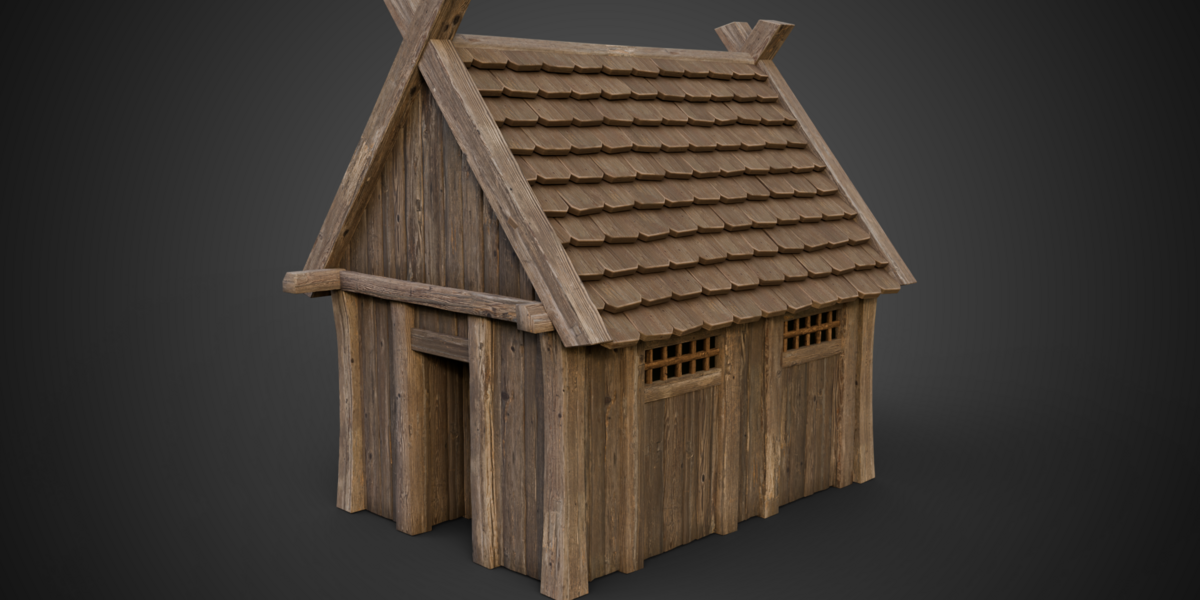
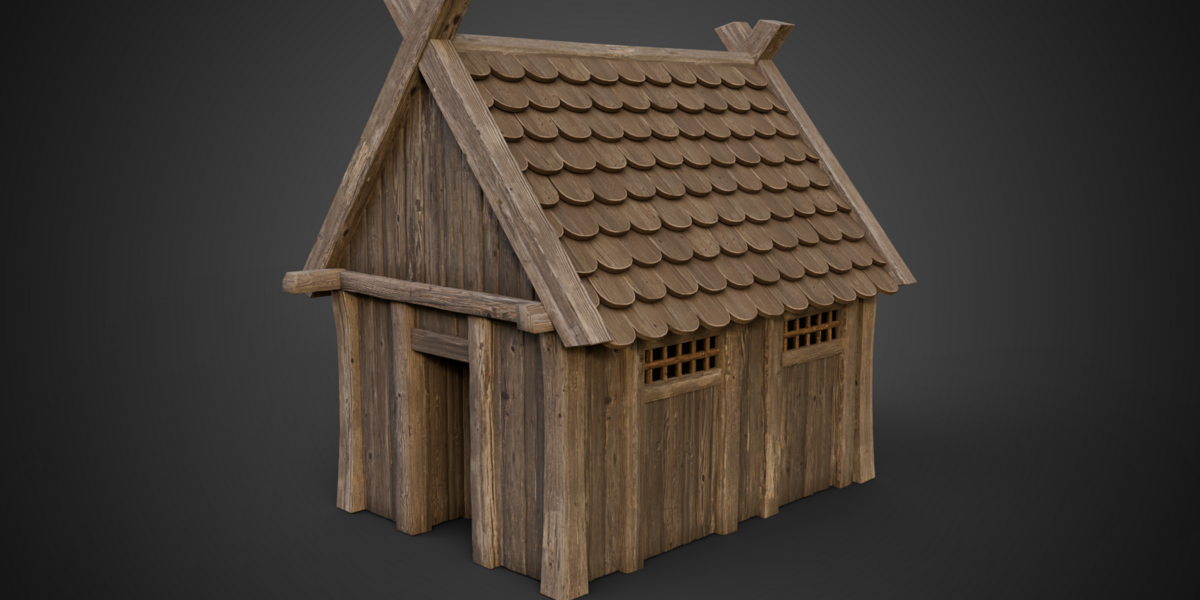
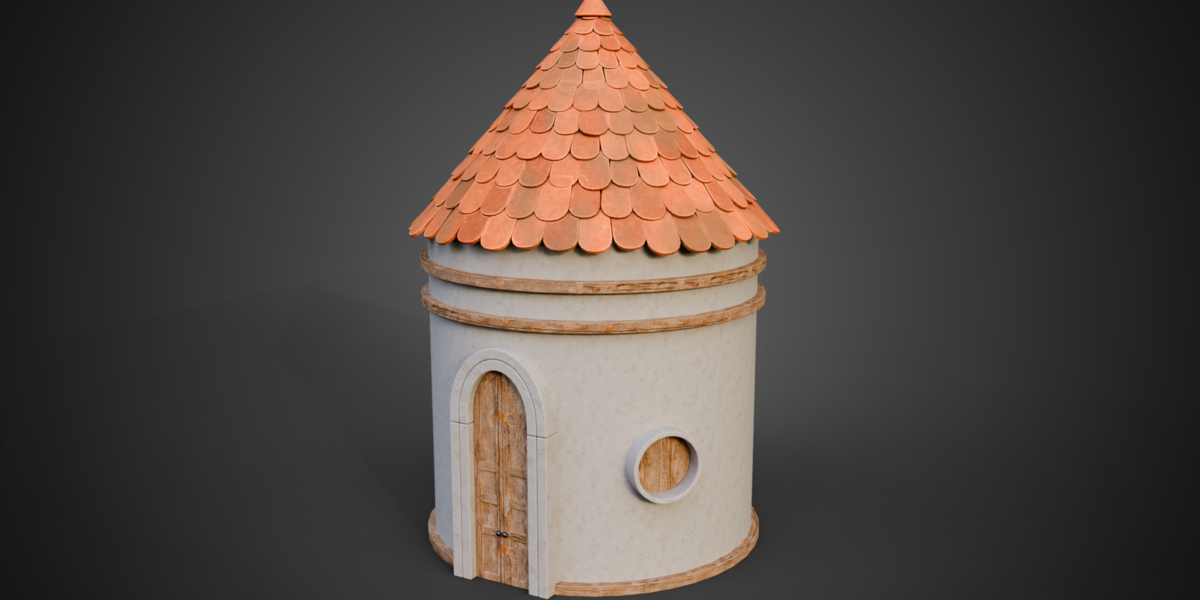
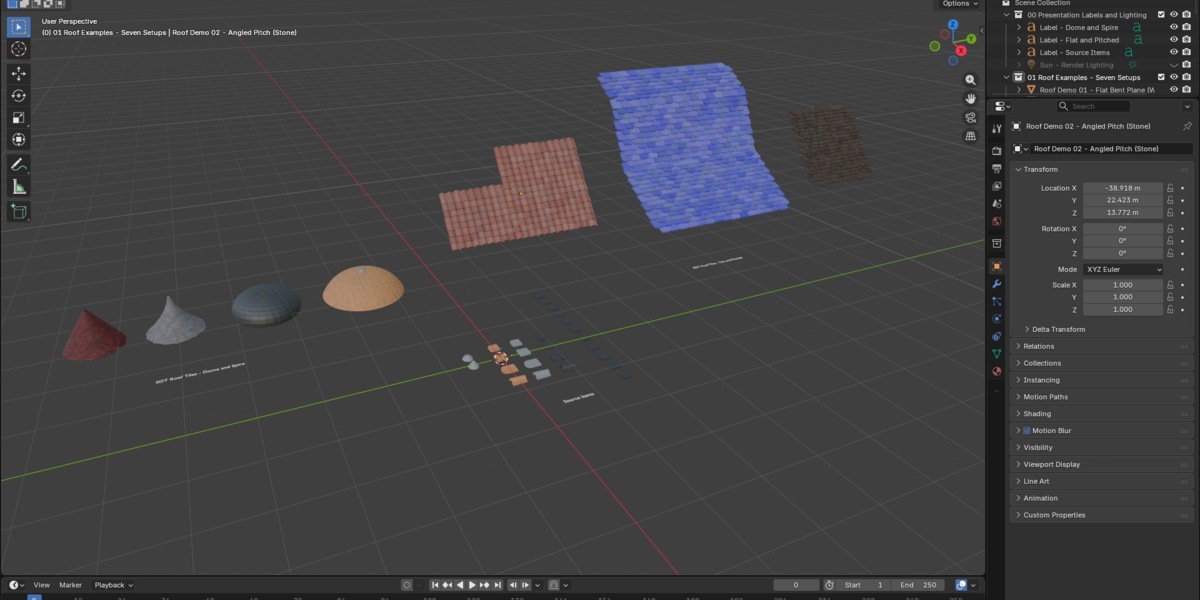

Getting started with Roof Tiles Generator
- Extract Blender Files and Guide and open START HERE.html.
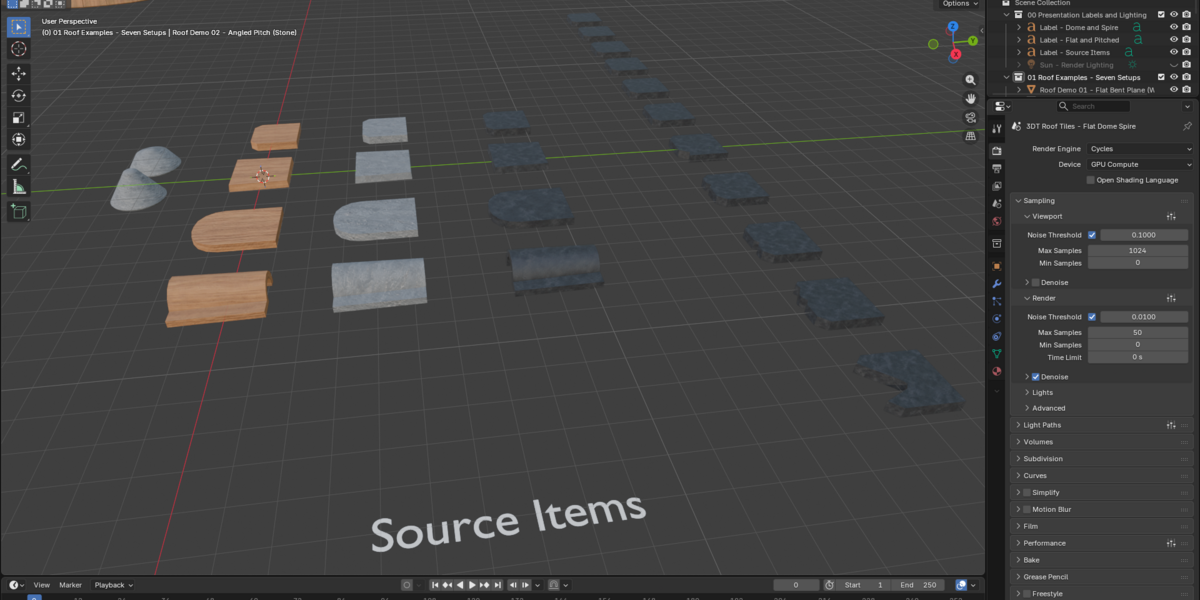
- Open the Setups .blend in Blender 5.1.2. Compare the seven prepared roofs before changing their source tiles.
- Choose a Tile Object or Tile Collection in the modifier. For Flat and Pitched, local X is width, Y runs uphill and Z is thickness. Match collection origins, orientation and approximate size.
- Refine tile amount, overlap and row offset, then seating and overhang. Check intersections after replacing sources.
- Use Dome and Spire for curved or conical roofs. Refine the crown and separate cap after establishing the main silhouette.
- Extract Silent Demonstrations for all six MP4s. These include three building turntables and full layout/material demonstrations.
Compatibility and materials
Checked in Blender 5.1.2 with Cycles. No add-on installation is required. Textures are packed and library helpers localized. Custom replacement materials need their own setup; edge wear is intended for Cycles. Earlier versions and other render engines have not been verified.
The supplied buildings are example meshes. The generators arrange roof tiles; they do not create complete buildings.
-
$24.99
For personal, non-commercial projects by the purchaser. Includes both Blender files, the guide and all six silent demonstrations.
-
$49.99
For commercial and client projects by the purchaser. Includes the same complete Blender files, guide and six silent demonstrations.
Have questions about this product?
Login to message
| Dev Fund Contributor | |
| Published | 10 days ago |
| Blender Version | 5.1 |
| Render Engine Used | Cycles |
| License | Royalty Free |
Discover more products like this
environment art shingles procedural roof-tiles custom tiles geometry nodes spire Roof Generator architecture pitched roof dome Roofing