 Skava
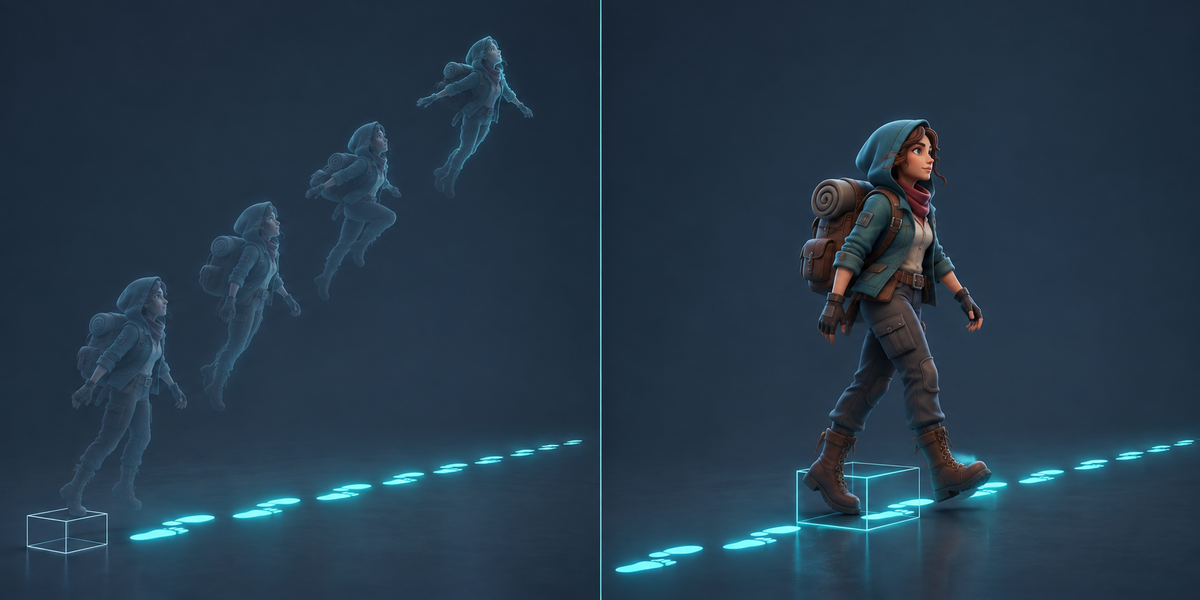
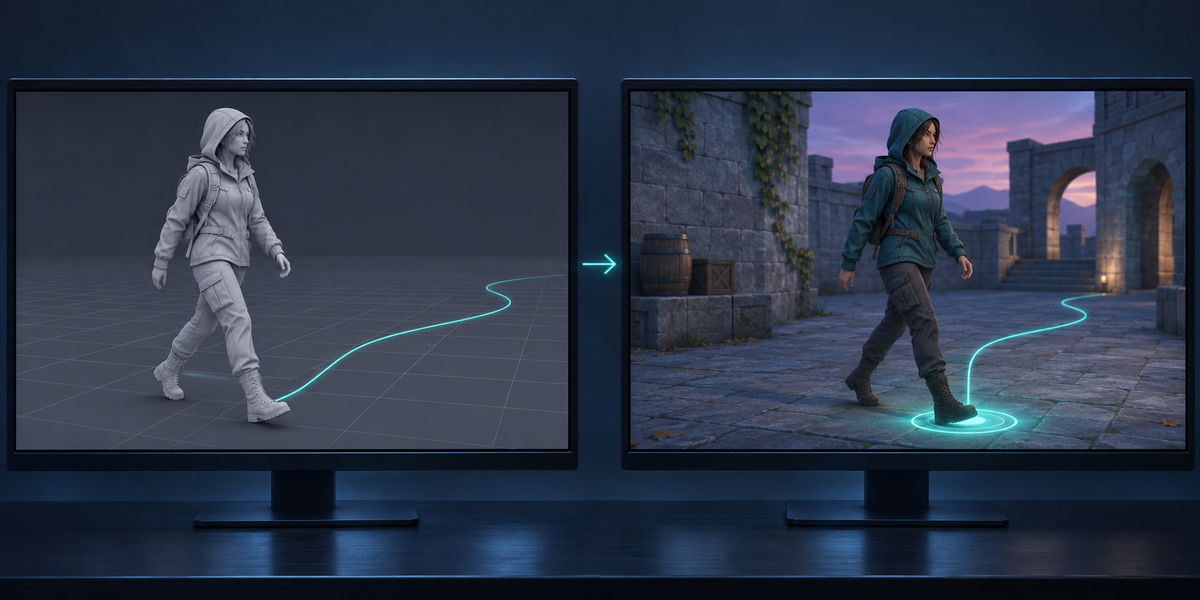
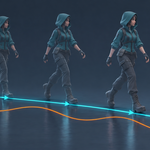
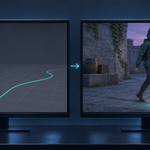
Export a walk, a dodge or a turn from Blender, switch on Apply Root Motion in Unity, and the character ends up somewhere else: tens or hundreds of metres away, floating up, sinking, or walking out of its own GameObject. The usual fixes (Apply Transform, Bake Axis Conversion, Bake Into Pose) do not bring it back. RootForge gives every clip a proper root, exports it with settings that hold, sets Unity up, and then measures in Unity, clip by clip, how far the body lands from where it was in Blender.
What you get
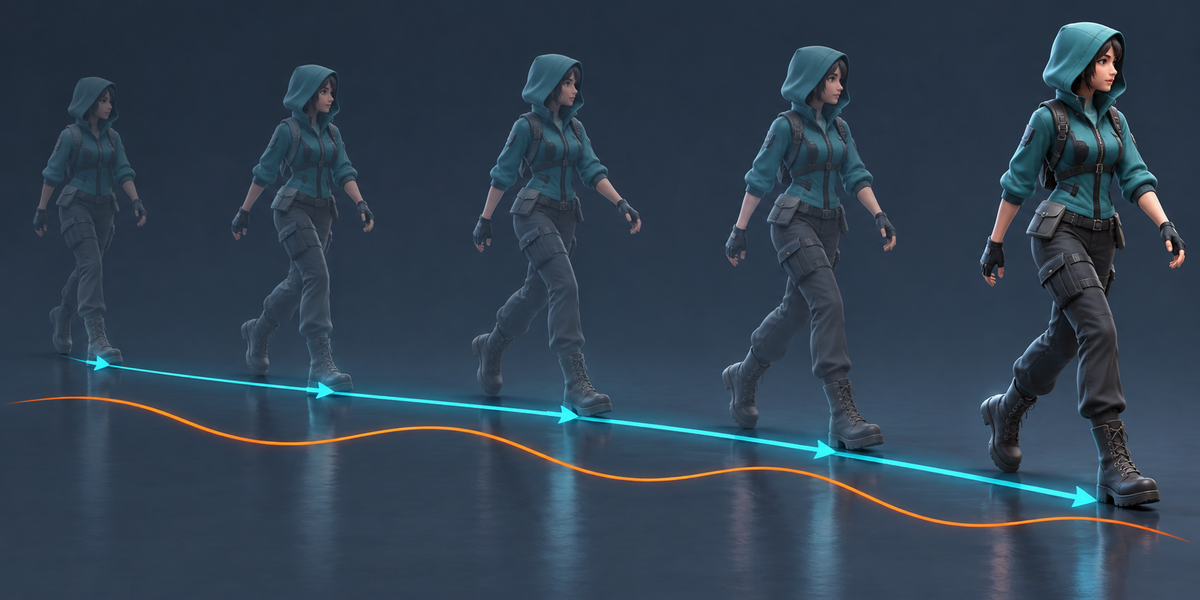
- A root for every clip: taken from the armature object's own motion (Unreal and other FBX imports keep it there), from the rig's root bone if it already moves, or from the hips: their track on the floor and their heading, smoothed, with the first and last frame pinned under the body. Clips that only sway on the spot stay in place; cycles are found and set to loop.
- Your file stays as it is: the root is baked into a temporary copy of the rig, and the panel shows how far the bake moved the body on any frame (a few thousandths of a millimetre on our characters).
- An FBX that holds: Blender's own axes with Unity's Bake Axis Conversion, the model's root at scale 1, every action as a take under its own name. Rigs inside a rotated or scaled parent (glTF imports, Unreal FBX at 0.01) come out upright and at the right size.
- Unity set up for you: Humanoid, or Generic with the root bone as Root node and a small component that keeps the root bone at rest after Unity has moved the object. The object stays on the floor; in-place clips do not drift. A prefab with Apply Root Motion on is saved next to the model.
- Proof in the engine: Check plays every clip with root motion and reports, in cm, how far the body is from Blender's path, the hips' height, how far the GameObject is from the body, which way the body walks, and for cycles where five loops in a row end up. If Unity's own animation compression is the reason a clip is off, Check measures it once more without it and says so, with the number.
Measured
- Blender's default FBX export of a mocap walk, played in Unity as Humanoid with root motion: the character ends up 23 to 447 m from where it walked in Blender (eleven CMU clips). Apply Transform: still 1.3 to 6.3 m. With RootForge: 0.5 to 1.6 cm.
- Six characters (a UE5 mannequin with Unreal clips, CMU motion capture with a skinned mesh, glTF characters, a robot, a fox) and 26 clips, Blender 4.2.9 and 5.2.2, Unity 6: every clip within 5% of the hips' height as Generic, and every human as Humanoid; 15 mocap clips with turns up to 410° within 1.3 cm.
- Cycles: five loops in a row end 0.0 to 2.4 cm from where five clips put them.
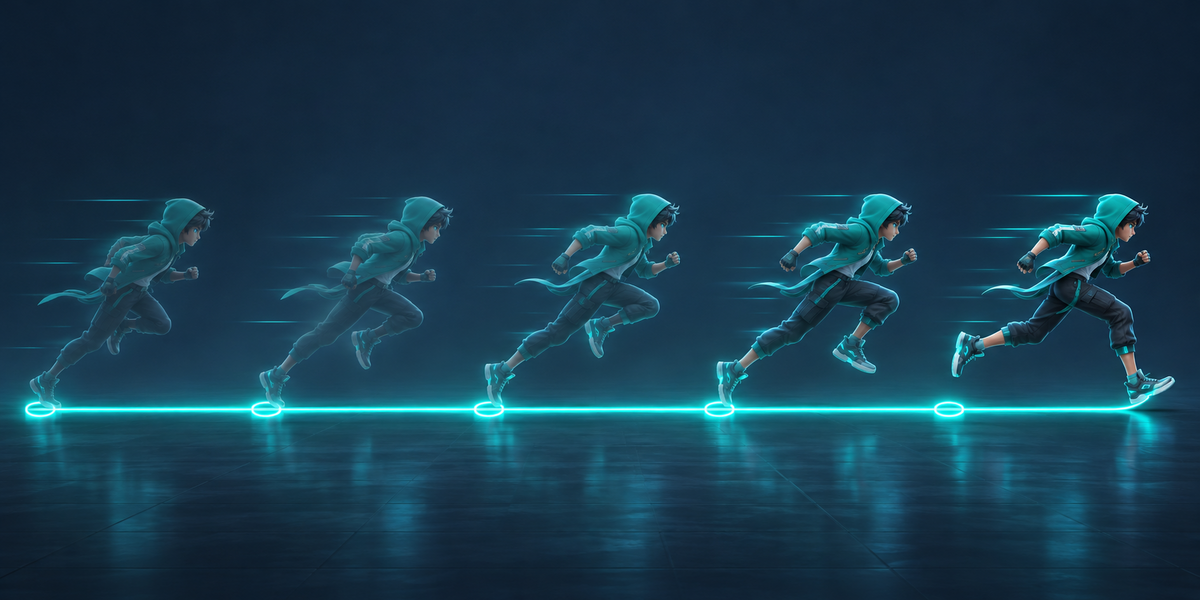
- A 10 m run is 4.4 cm off with Unity's default animation compression and 0.0 cm without it; Check tells the two apart.
Blender 4.2 to 5.2, tested in Unity 6. Works with rigs that have no mesh (mocap). No AI, no cloud, no account.