RootForge — Root Motion From Blender That Lands in Unity Where It Did in Blender: Root Bone, Export Settings That Hold, Loops, Measured
 Skava
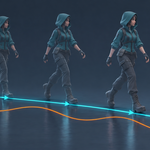
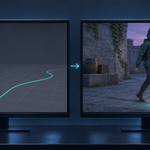
Why does my character fly away or sink in Unity?
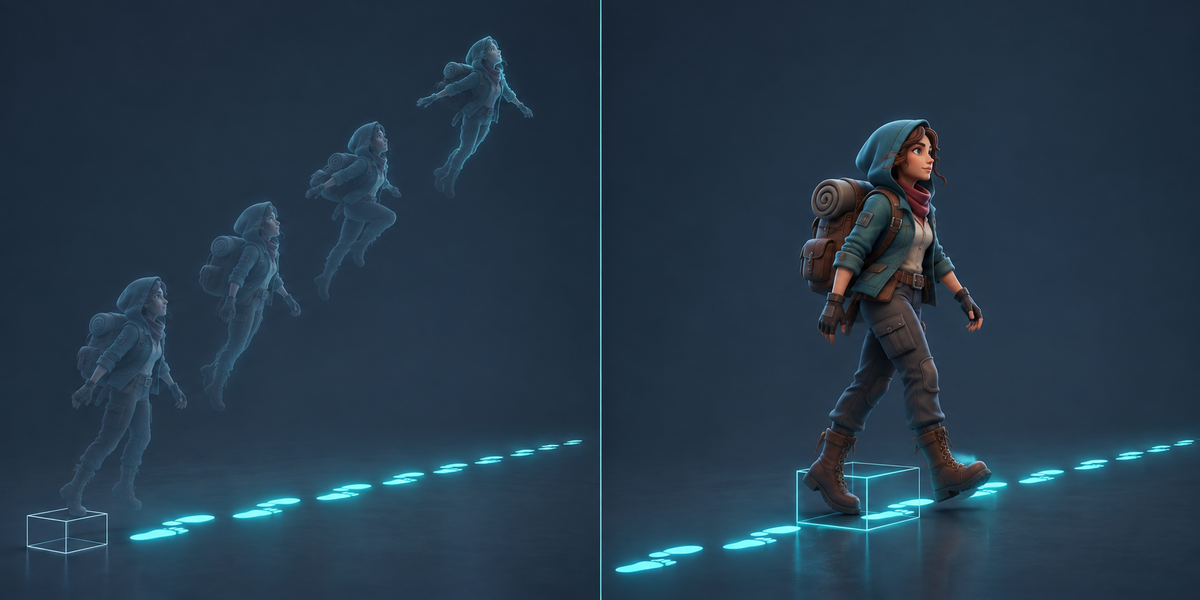
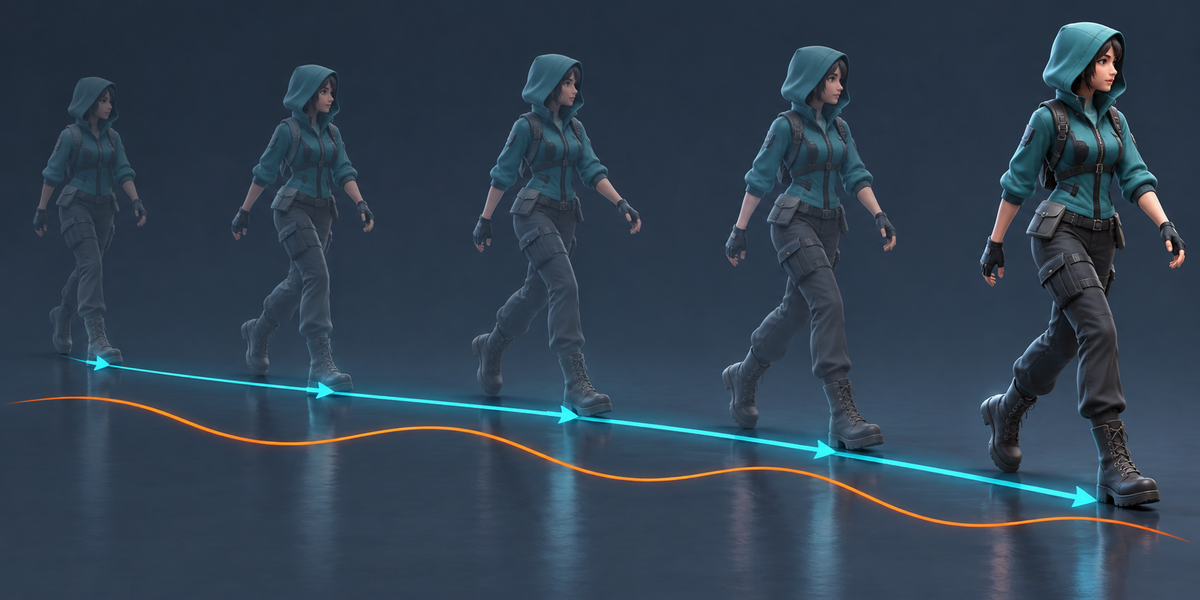
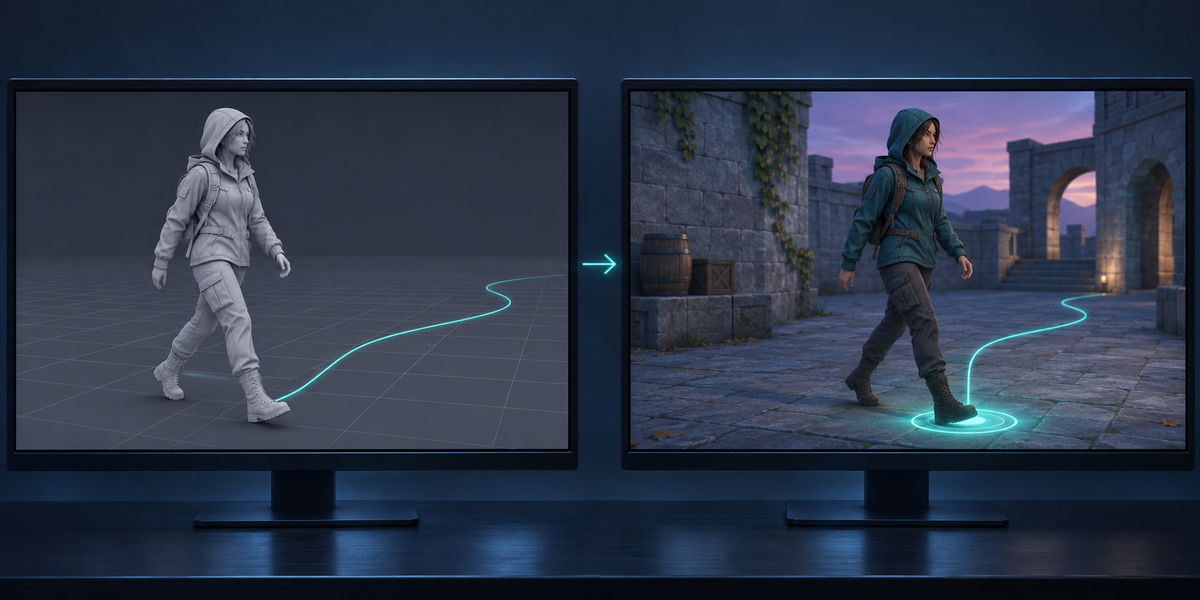
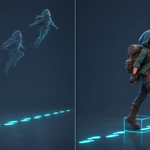
Blender writes the armature into the FBX turned 270° and scaled by 100. Unity applies root motion in that turned frame, so a step forward becomes a step up, a hundred times too long. On eleven mocap walks it put the character 23 to 447 m away; RootForge brings it to 0.5–1.6 cm.
Do I need a root bone in my rig?
No. RootForge builds it in a temporary copy at export; your rig and your file stay as they are. If your rig has a root bone that already moves, or the motion is on the armature object (Unreal imports), that motion is used.
Humanoid or Generic?
Humanoid for people (retargeting, IK). Generic for anything else; RootForge adds a small component that keeps the root bone at rest after Unity has moved the object. Both are measured by Check.
Does it work with clips from Unreal?
Yes. Unreal FBX imports keep the root motion on the armature object at scale 0.01; RootForge moves it into a root bone and keeps the size. Tested with the UE5 mannequin and Unreal clips in Unity 6.
What about loops?
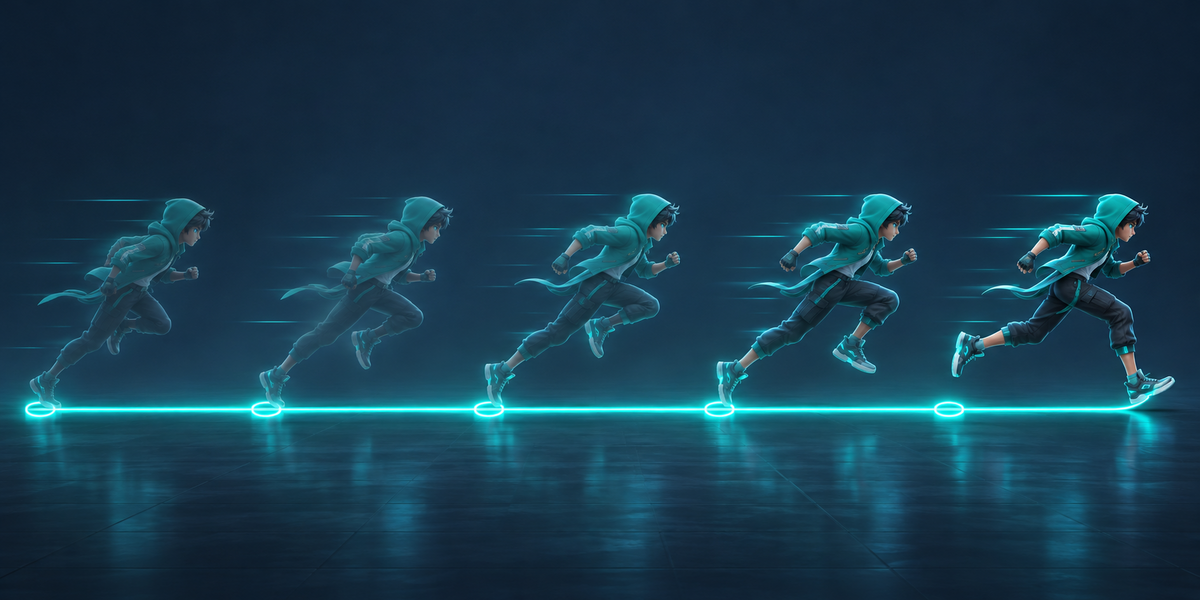
Clips whose last pose is their first are set to loop. Check plays five loops in a row: on our cycles they ended 0.0–2.4 cm from where five clips put them.
Which Unity versions?
Tested in Unity 6. The scripts use only the model importer and the Animator, no render pipeline: URP, HDRP and Built-in are the same.
Does it change my character or my clips in Unity?
In Blender, nothing. In Unity, Setup changes the import settings of the model RootForge exported (axes, rig type, root flags, loop for cycles) and keeps your clip cuts; it saves a new prefab.
Does it need AI, a cloud or an account?
No. Everything runs locally, in Blender and in Unity.
Have questions about this product?
Login to message
| Published | 7 days ago |
| Blender Version | 4.2 - 5.2 |
| Extension Type | N/A |
| License | GPL |
Discover more products like this
root motion humanoid fbx Game Engine locomotion root bone game-dev character unity animation mocap Export