 3D Tudor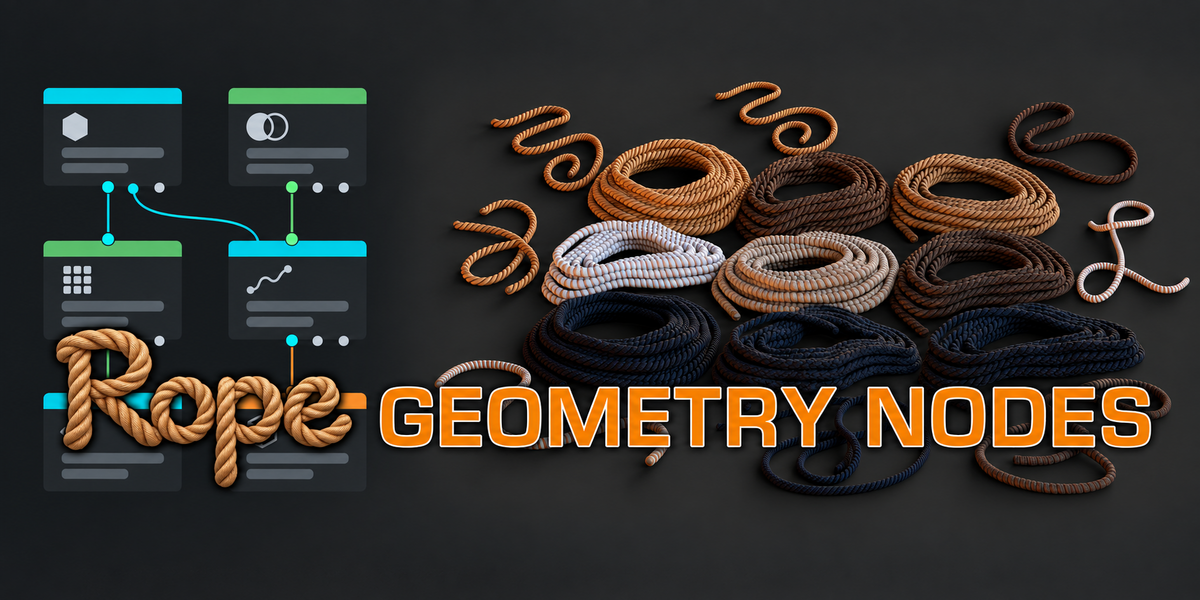
3D TUDOR / GEOMETRY NODES
Shape the coil.
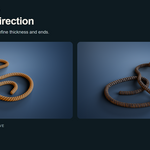
Direct the path.
Rope Geometry Nodes is a Blender rope generator for coiled forms and editable curve ropes. Shape the silhouette, place the tails and refine the surface from one prepared file.
|
2 rope generators |
9 material variations |
18 prepared examples |
Watch the Rope Geometry Nodes overview
Explore 3D Tudor’s Rope Geometry Nodes for Blender in the video below.
Watch the coil controls in action
See the Rope Coil modifier and how its controls change the rope arrangement.
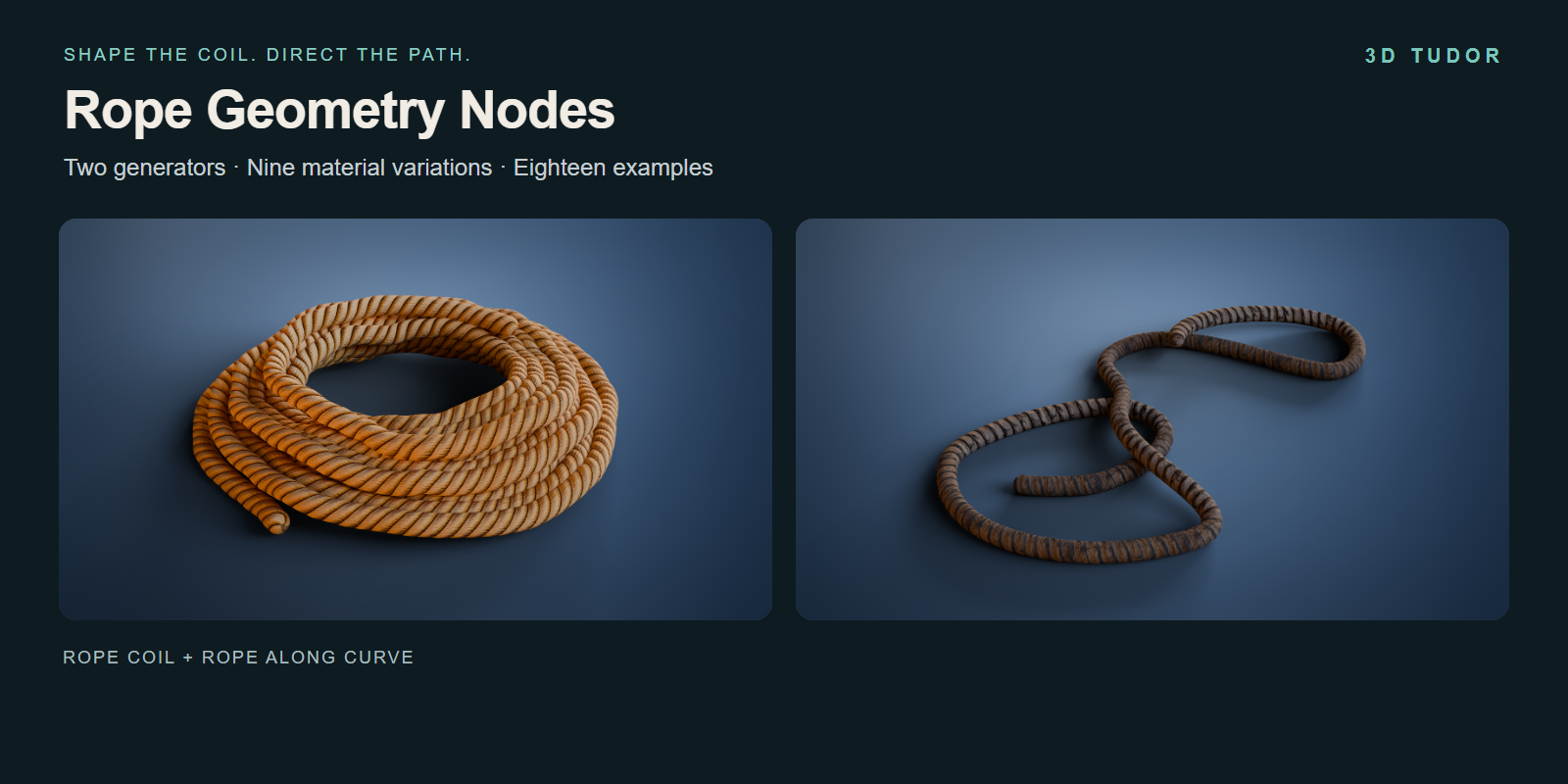
Rope that belongs in the composition
A rope prop earns its place through shape: the space inside a coil, the way a loose end points towards a crate, or the path of a loop across a workshop floor. Those decisions become more noticeable as the camera moves closer.
This pack separates them into three useful passes: form, path and surface. Build the stacked coil with one generator, guide a free rope with the other, then adjust its material and texture alignment. You can work from the included examples without designing a new node graph for each arrangement.
Build the stack, then place the ends
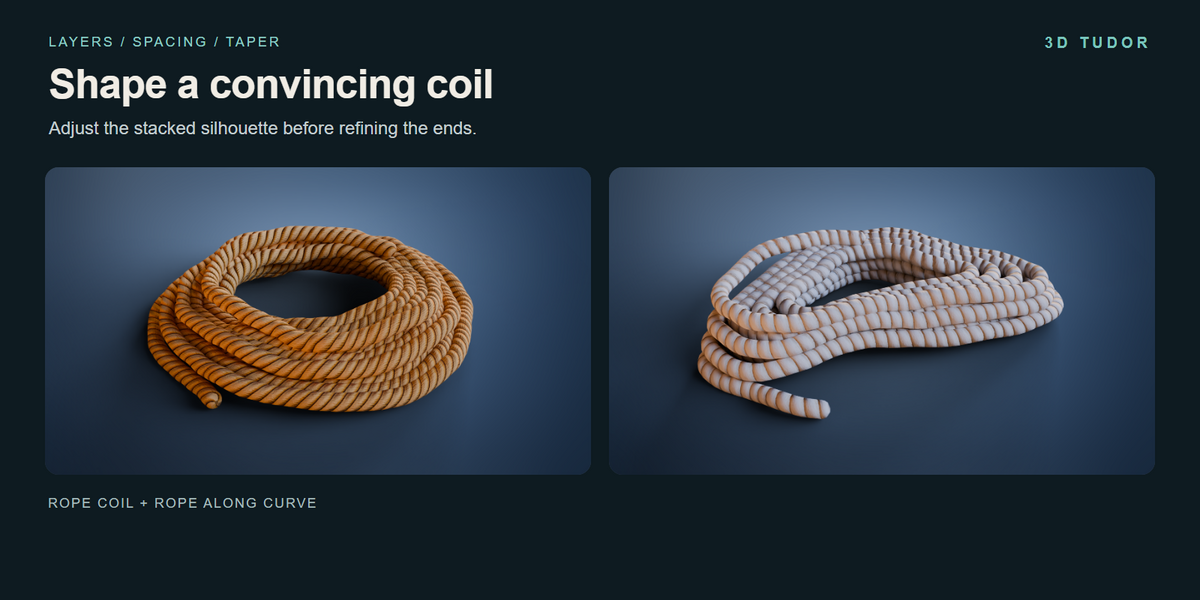
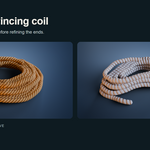
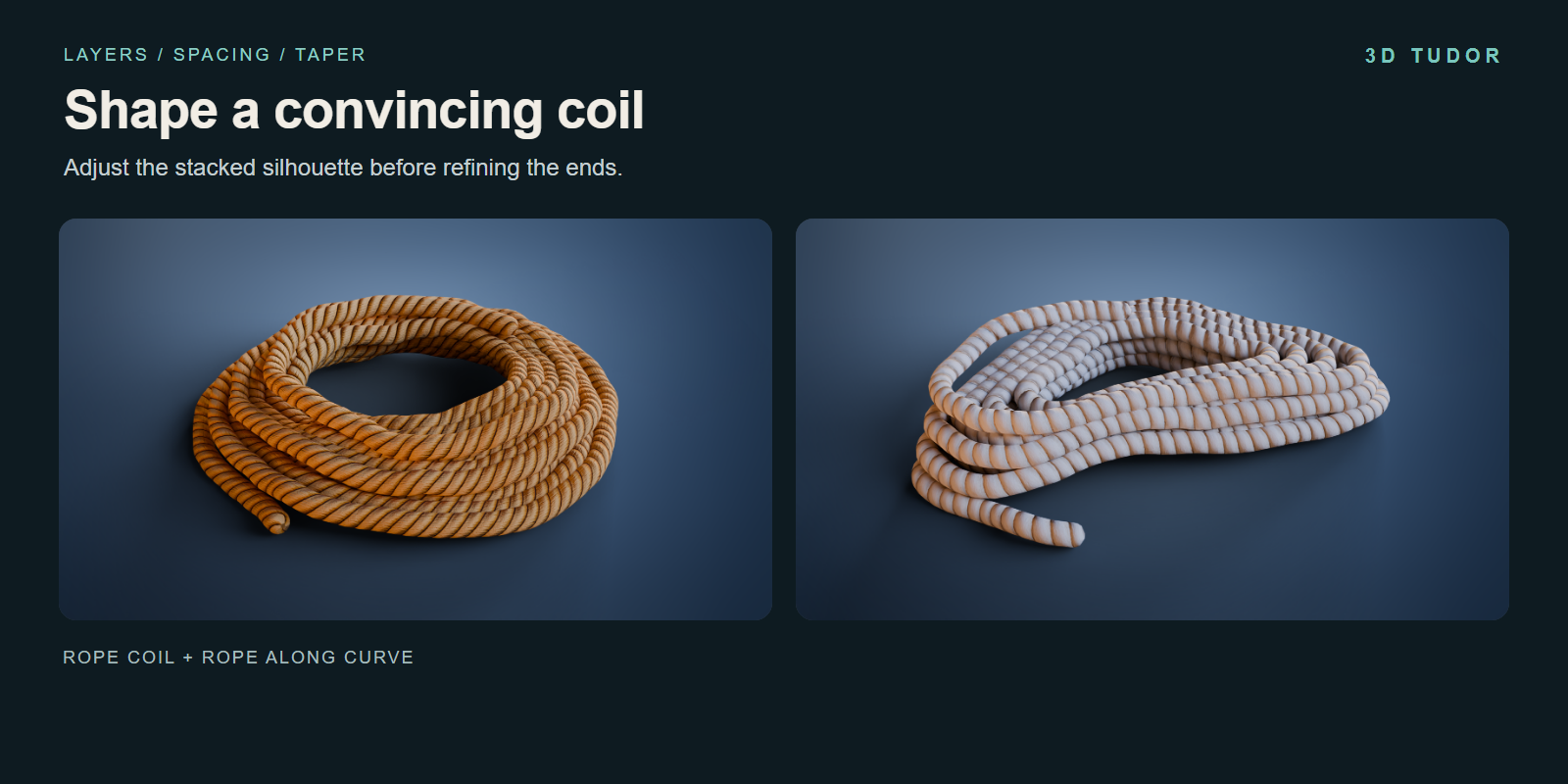
Rope Coil exposes layers, thickness and spacing for the main form. Taper and top inset adjust the stacked silhouette; variation, seed and organic controls give you further ways to break up a uniform outline.
Upper and lower tails have separate visibility, length, angle and tuck controls. Keep one close to the coil while letting the other reach towards a nearby prop. The ends become part of the composition rather than a detail you must accept unchanged.
Choose what happens inside the coil
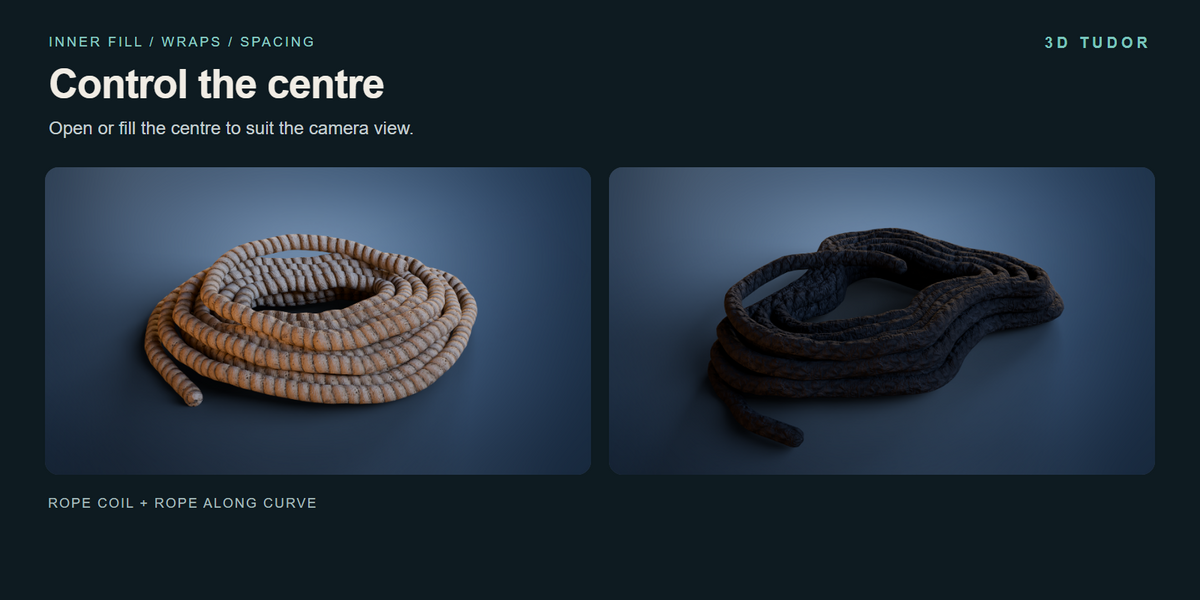
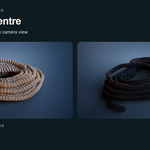
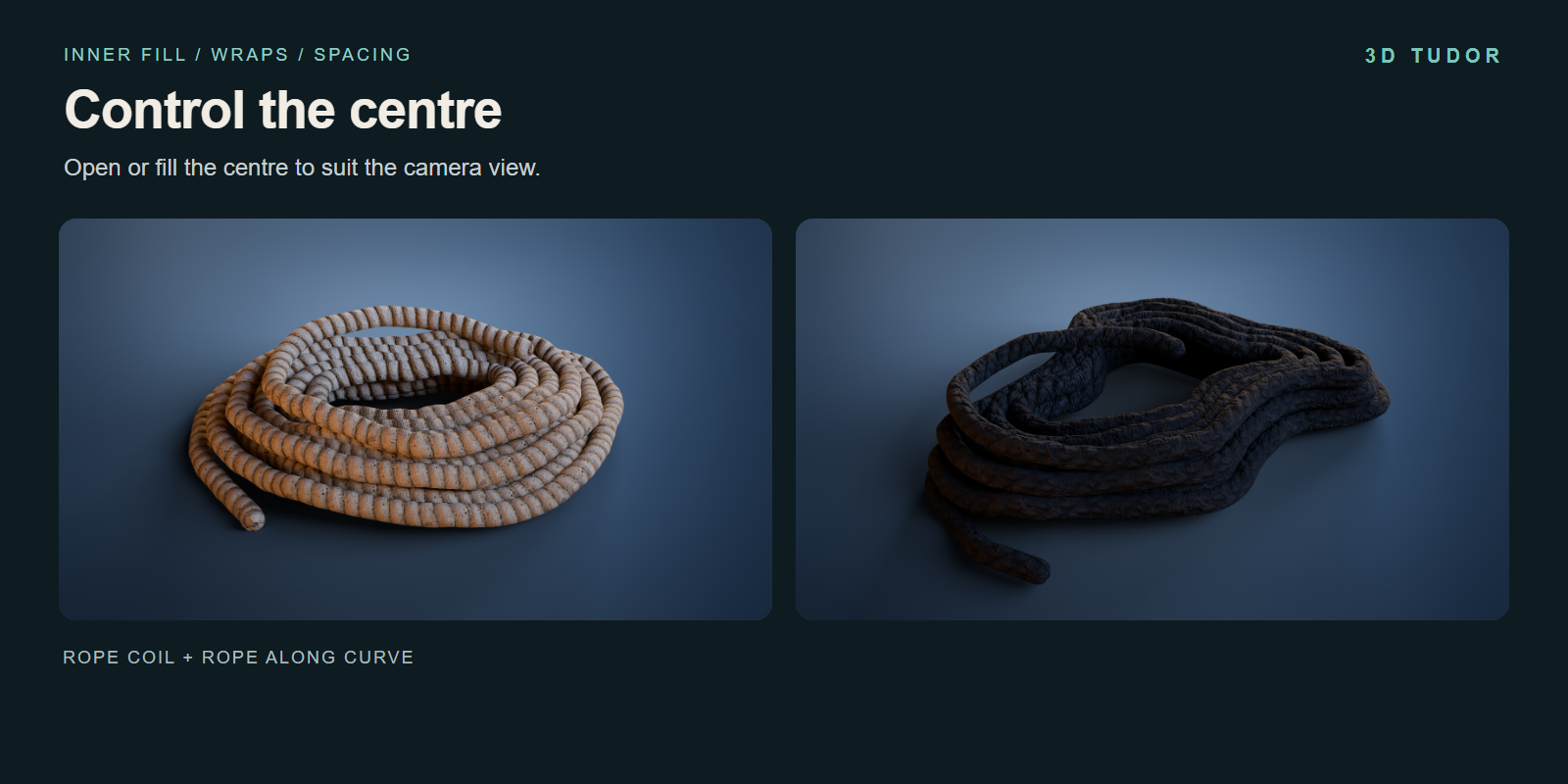
An open centre and a filled centre read differently from above. Inner Fill, Inner Wraps and Inner Spacing let you decide how much ground shows through the opening and how densely the inner rope is arranged. Judge that choice from the camera before refining smaller details.
Follow an editable curve
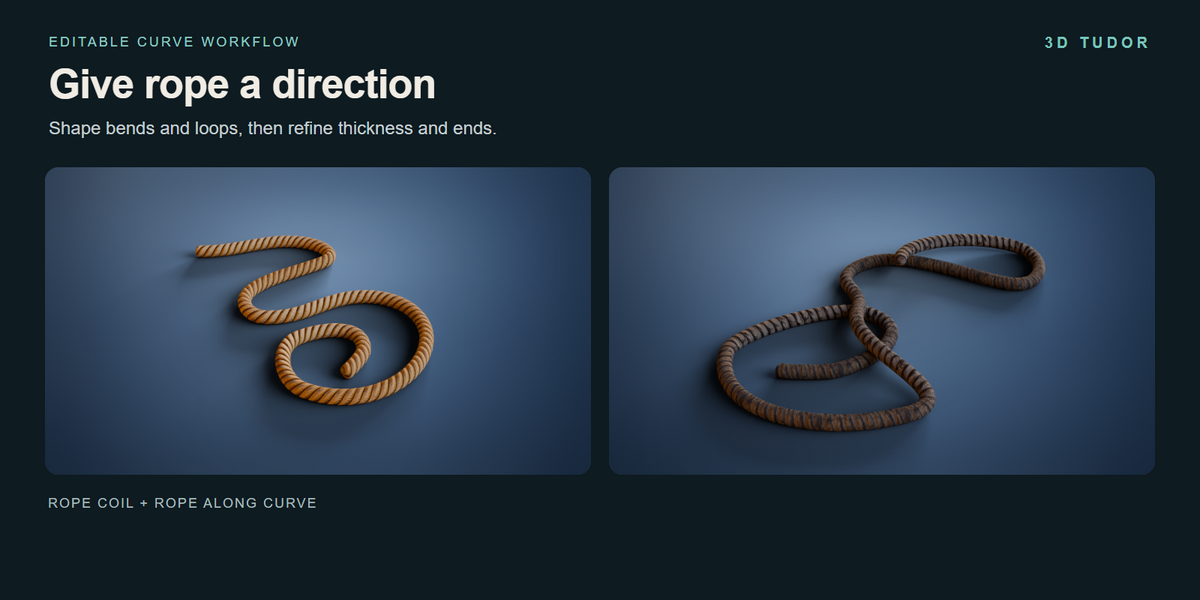
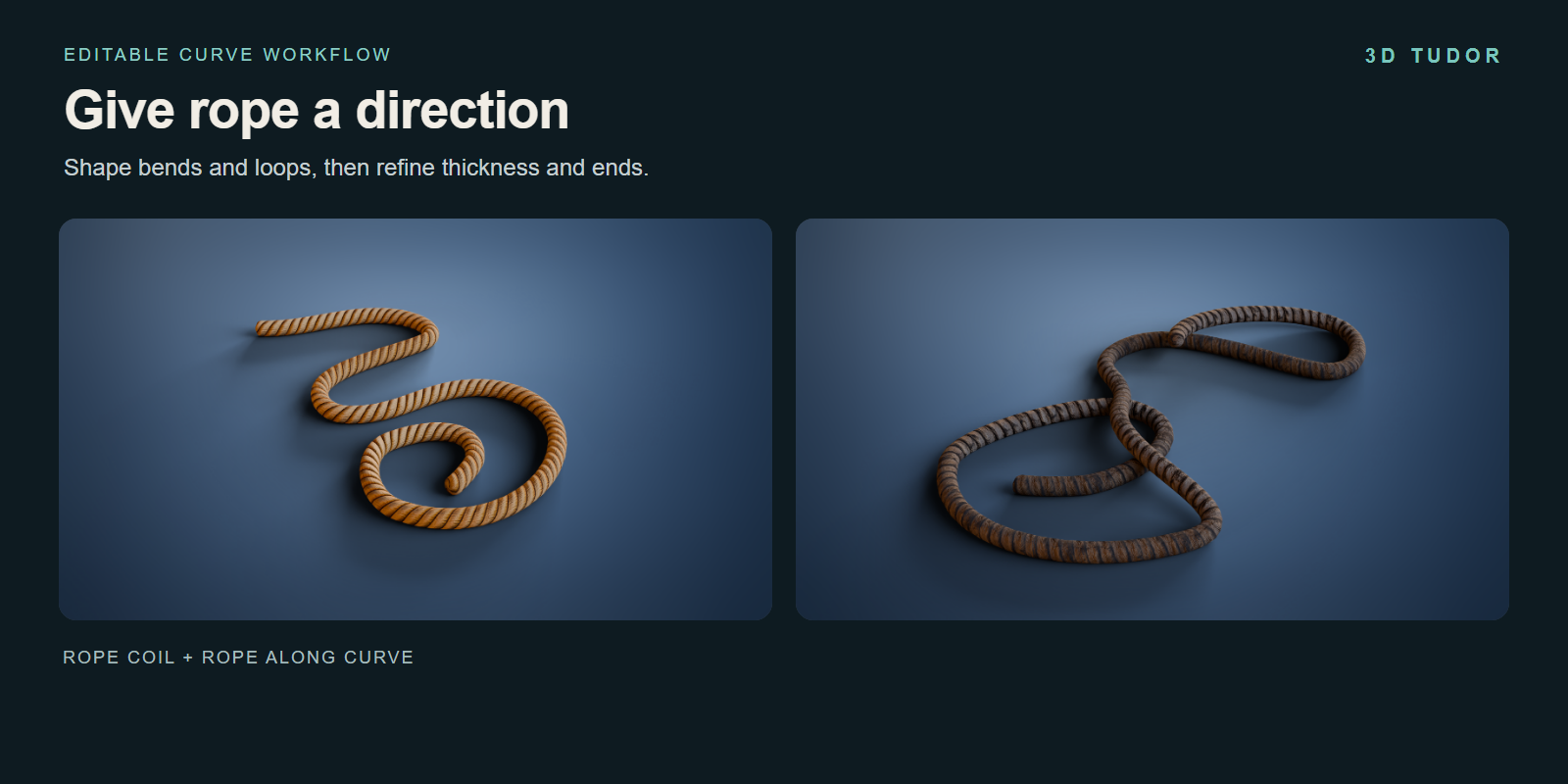
Rope Along Curve is the second workflow. Edit the curve to direct the route, then refine thickness, end bevel and resolution in the modifier. It is a useful starting point for winding paths and loose loops when a stacked coil would not suit the scene.
The included curve drawing recording demonstrates that workflow. Curves remain an artistic arrangement: this tool does not calculate gravity, collisions or automatic knots.
Explore the curve controls
The Rope Along Curve recording shows the existing curve-rope controls in Blender.
Draw a rope path
A short screen recording demonstrates freehand curve drawing with Rope Along Curve.
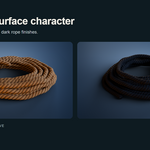
Give each rope the right surface character
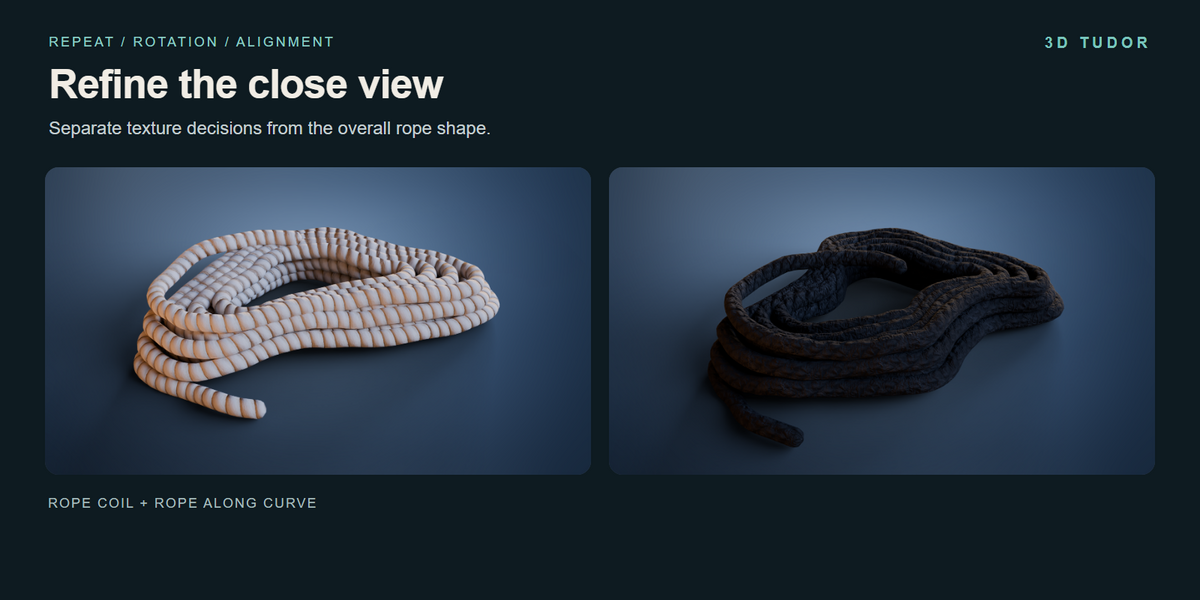
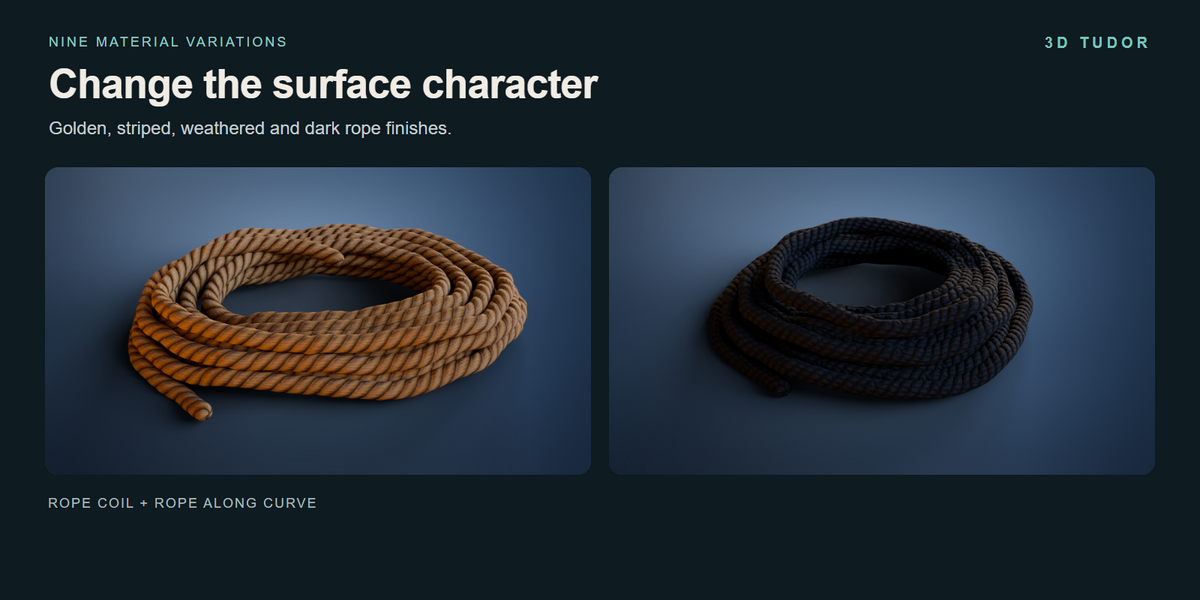
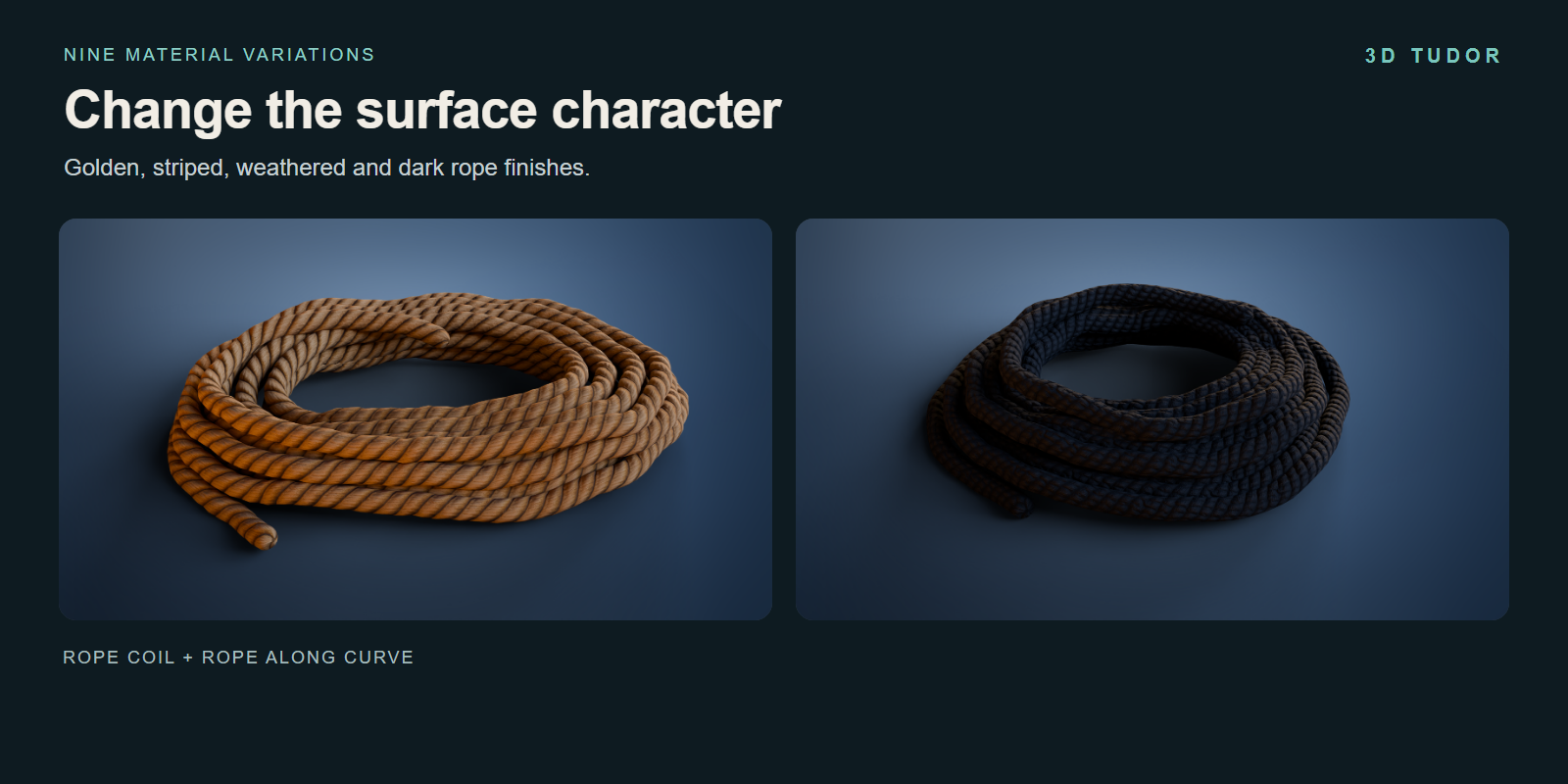
Nine material variations cover golden, tan, striped, weathered and dark finishes across the prepared examples. Choose the look that fits the surrounding props, then refine Texture Repeat, Texture Rotation, seam position and texture offsets.
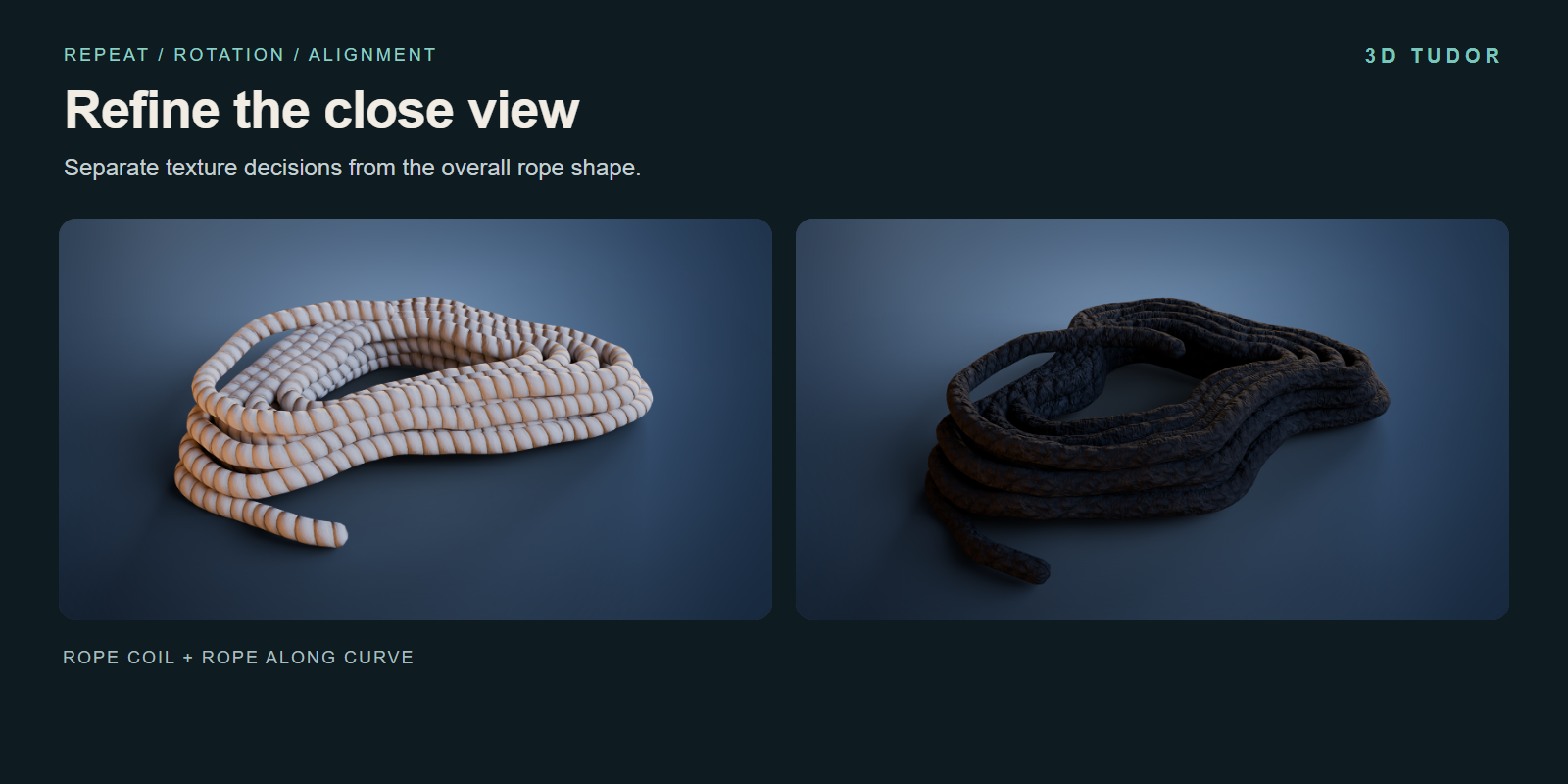
Both generators expose material and alignment controls, including settings for the rope ends. Keep geometry resolution and texture repetition as separate decisions: a smoother outline does not change the scale of the surface pattern.
One complete starting point
The download includes the Blender file with two generators, eighteen examples and nine material variations. Image textures are packed into the file. Rope Coil has 32 parameter inputs; Rope Along Curve has 13, with some controls shared between them.
A getting-started guide and the existing coil, curve and curve-drawing recordings accompany the setup. The recordings show the controls; this is a procedural tool package rather than a narrated training course.
Made for the details around a scene
Use coils beside stored supplies, arrange loose rope on a dock, or build workshop and warehouse props where the silhouette needs to suit a specific view. Start with a prepared example, make a duplicate, and establish its overall form before moving on to the surface.
The editable setup is especially useful when you want to compare a tighter coil, a different tail direction or another material while keeping the rest of the scene in place.
Blender file and compatibility
The supplied file was opened and its controls inspected in Blender 5.1.2. The saved scene uses Cycles. Other versions and render engines have not been separately tested.
This is a .blend Geometry Nodes setup; no add-on installation is required. Included image sizes are 512 × 2048 and 1024 × 512. See Documentation for the starting workflow and FAQ for common setup questions.
Start with the form. Finish with the details.
Choose a coil or curve example, fit it to your composition and refine the tails, inner wraps and texture alignment from the modifier.
Happy modelling,
Neil — 3D Tudor